

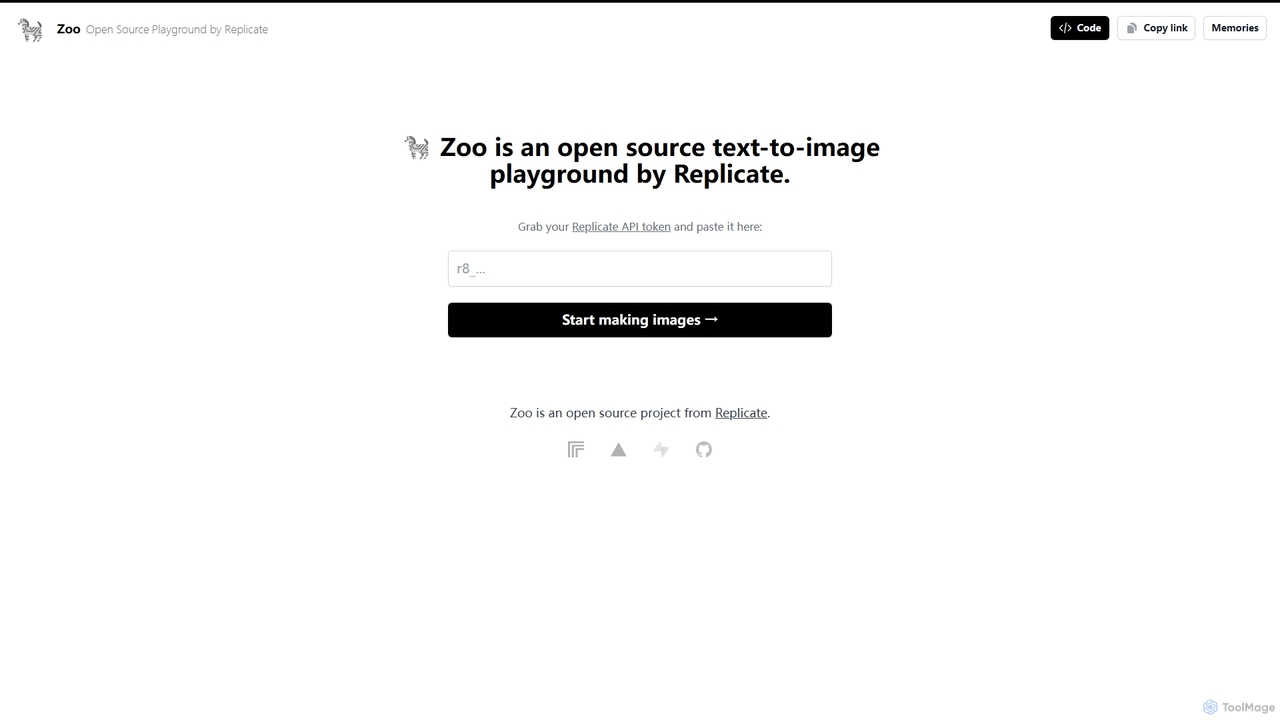
Zoo Overview
Zoo is an innovative open-source project from Replicate, designed as a user-friendly playground for text-to-image generation. It serves as a streamlined graphical interface for the powerful and diverse collection of AI models hosted on the Replicate platform. This tool empowers users, from seasoned developers to creative artists, to bring their textual ideas to life as vivid images. By simply providing a Replicate API token, users unlock the ability to experiment, create, and innovate without the need for complex coding or local hardware setups.
How to use Zoo
Using Zoo is a straightforward process designed for efficiency and ease of use:
- Get Your API Token: First, you need a Replicate account. Log in to your account and retrieve your unique API token from the dashboard.
- Authorize Zoo: Navigate to the Zoo website (Zoo.replicate.dev) and find the designated input field. Paste your Replicate API token here to connect the playground to your account.
- Craft Your Prompt: In the main interface, enter a descriptive text prompt detailing the image you want to create. Be as specific or as imaginative as you like. For better results, you can also include a negative prompt to specify what you want to avoid in the image.
- Adjust Parameters (Optional): Zoo offers options to fine-tune the generation process. You can often select from different AI models, adjust image dimensions, control the number of inference steps, and modify the guidance scale to influence how closely the AI adheres to your prompt.
- Generate and View: Click the 'Start making images' button to initiate the process. The AI model will process your request, and the generated image will appear on the screen shortly.
- Access Your History: All your creations are automatically saved in the 'Memories' section, allowing you to easily review, compare, and download your past generations.
Core Features of Zoo
- Direct Replicate API Integration: Seamlessly connects to your Replicate account, allowing you to use your existing credits and access a wide array of models.
- Open-Source Platform: As an open-source project, Zoo offers complete transparency. Developers can inspect the code, contribute to its development, or even self-host and customize their own version.
- User-Friendly Interface: Designed as a 'playground,' the UI is clean, intuitive, and focused on the creative process, removing technical barriers for non-developers.
- Access to Multiple Models: Leverages Replicate's extensive library, giving users the ability to experiment with various state-of-the-art text-to-image models like Stable Diffusion, SDXL, and others.
- 'Memories' Gallery: A built-in history feature that stores all generated images, creating a personal gallery of your AI-powered creations for easy access and reference.
- No Installation Required: Being a web-based tool, Zoo runs entirely in your browser, requiring no downloads, installations, or powerful local hardware.
Use Cases for Zoo
Zoo is a versatile tool suitable for a wide range of professionals and hobbyists:
- Developers: An excellent tool for testing and debugging Replicate API calls. It serves as a reference implementation for building custom front-ends for Replicate models.
- Graphic Designers and Artists: A powerful brainstorming and concept art tool. Generate rapid prototypes for logos, characters, environments, and other visual assets.
- Content Creators and Marketers: Quickly create unique, royalty-free images for blog posts, social media campaigns, presentations, and advertisements.
- AI Enthusiasts and Hobbyists: An accessible entry point to explore the capabilities of modern AI image generation without a steep learning curve.
Advantages of Zoo
The primary advantage of Zoo is its simplicity combined with the power of the Replicate ecosystem. It democratizes access to cutting-edge AI models, allowing anyone to experiment freely. Its open-source nature fosters a community of trust and collaboration. Furthermore, it acts as a perfect educational resource for those learning to interact with machine learning APIs, providing a clear, functional example of how to integrate Replicate into a web application.
Pricing and Plans
Zoo itself is a completely free, open-source tool. There are no subscription fees or charges for using the web interface. However, the image generation process consumes resources on the Replicate platform, which operates on a pay-as-you-go pricing model. Users are billed by Replicate for the compute time (measured in seconds) used by the AI models to generate images. This means you only pay for what you create, making it a cost-effective solution for both occasional and heavy users. For detailed pricing information, please refer to the official Replicate website.
Traffic
Latest traffic
Status
Monthly traffic trend
- 2025-9: 1.4K
- 2026-1: 0
- 2026-2: 147
- 2026-3: 251
- 2026-4: 0
- 2026-5: 1.6K
Geography
Top 5 countries / regions
- 🇷🇺Russia83.1%
- 🇯🇵Japan16.9%
Zoo Alternatives
Flux 1
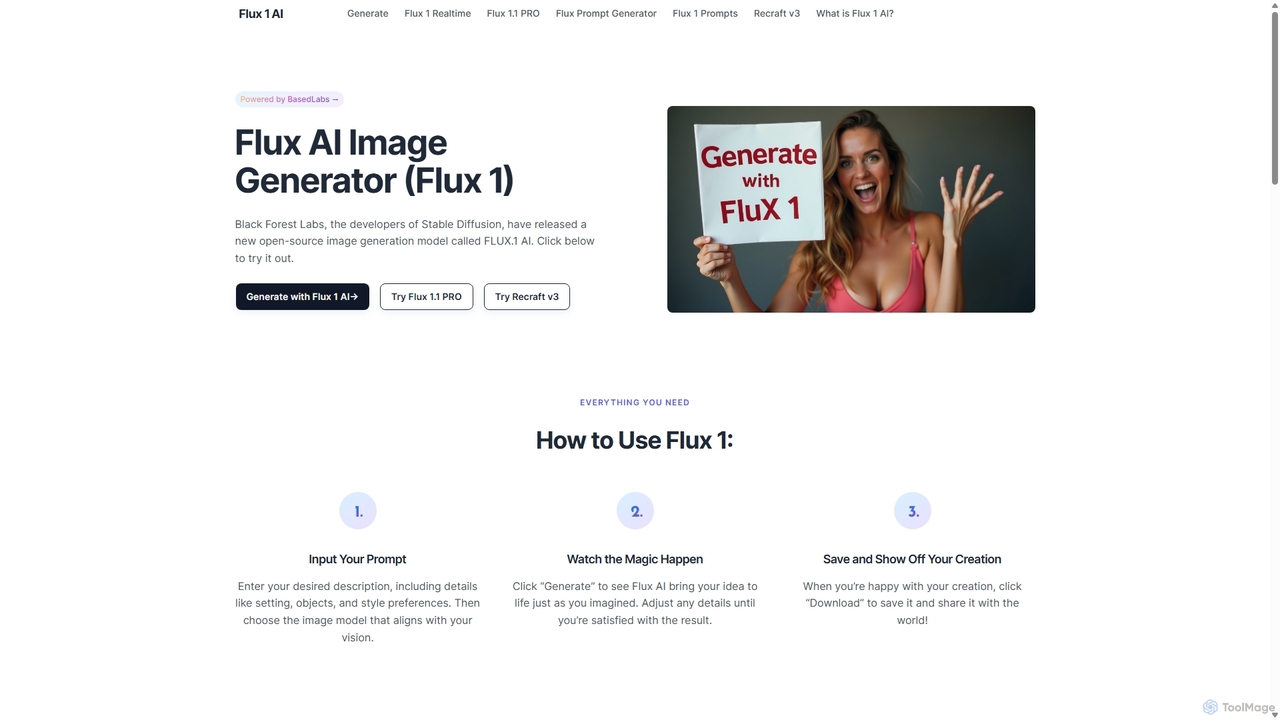
Flux 1 AI is a state-of-the-art, open-source image generation model from Black Forest Labs, the creators of Stable Diffusion. It excels at rapidly transforming text prompts into high-quality, photorealistic images with exceptional prompt adherence. Available in three versions (Schnell, Dev, Pro), it caters to various needs, from fast generation and developer-focused features to top-tier quality via API.
Generative Art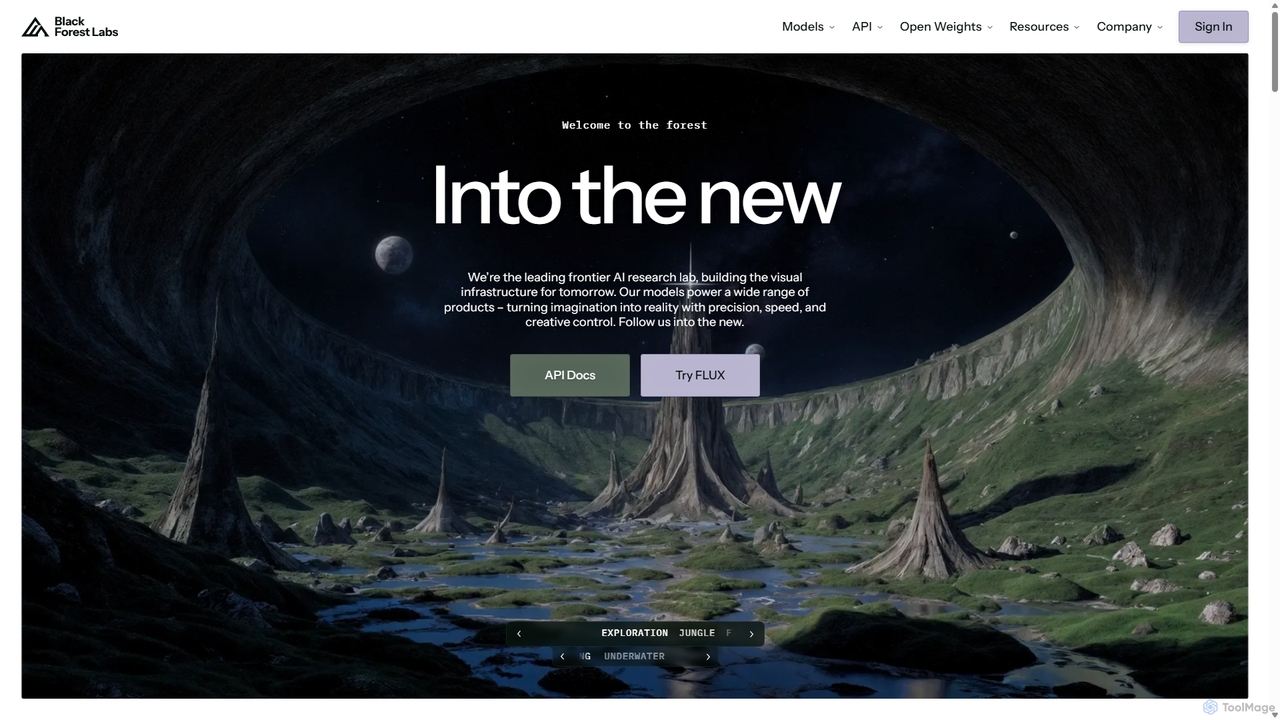
Blackforestlabs
Black Forest Labs is a frontier AI research lab developing advanced visual infrastructure. Their flagship FLUX models offer state-of-the-art, high-speed image generation and editing. They provide access via a user-friendly Playground, a powerful API for developers, and open-weight models for custom deployment, turning imagination into reality with unparalleled precision and creative control.
Api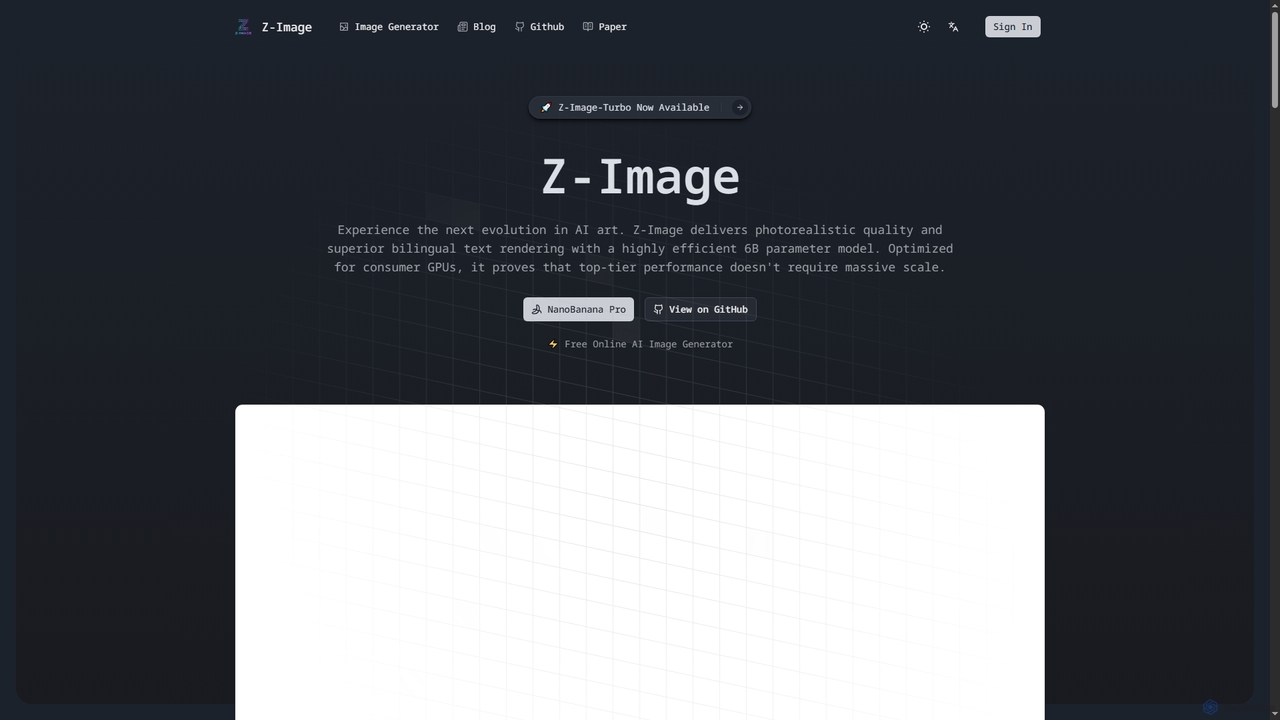
Zimage
Zimage is a free, open-source AI image generator that delivers photorealistic quality on standard consumer hardware. Its efficient 6B parameter model excels at rendering accurate bilingual text (English and Chinese). With its unique S3-DiT architecture, it offers superior prompt adherence and high-speed generation, making advanced AI art accessible to everyone.
Ai Models
FastFLUX
FastFLUX is a high-speed AI image generation platform powered by the cutting-edge FLUX models. It offers incredibly fast and cost-effective text-to-image creation, making it ideal for developers, marketers, and creators. Users can generate thousands of images for just a few dollars, with flexible customization options and API access for seamless integration.
Art Generation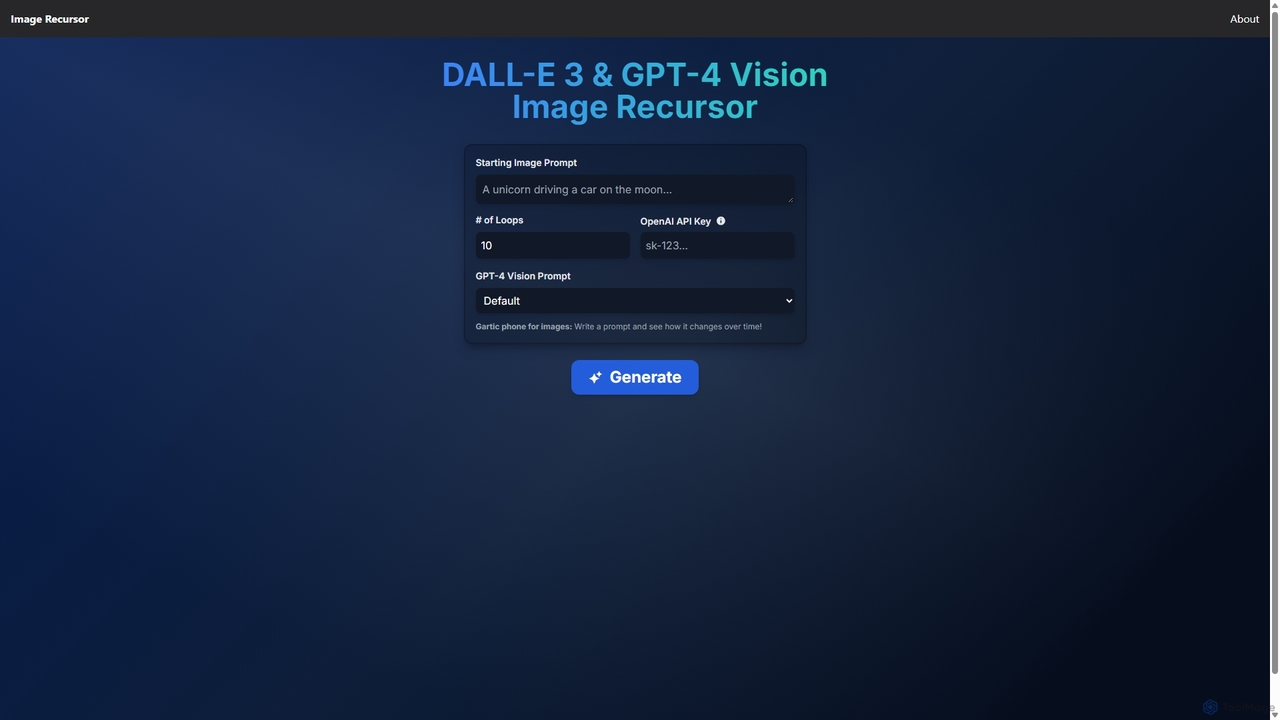
Image Recursor
An experimental AI tool that creates a visual 'Gartic Phone' experience. It uses DALL-E 3 and GPT-4 Vision in a recursive loop to iteratively generate and reinterpret images, showing how a visual concept evolves through AI's 'eyes'.
Creative ToolsZoo Categories
Zoo Jobs
Zoo Embed Widget
Copy this embed code to place the badge on your blog, article, or product site and send readers directly to this ToolMage detail page.

Related AI tools
Zimage
Zimage is a free, open-source AI image generator that delivers photorealistic quality on standard consumer hardware. Its efficient 6B parameter model excels at rendering accurate bilingual text (English and Chinese). With its unique S3-DiT architecture, it offers superior prompt adherence and high-speed generation, making advanced AI art accessible to everyone.
Ai Models
Jyek
Jyek is an AI agent platform that understands objectives, creates execution plans, uses tools, and delivers verifiable results for complex, multi-step tasks.
AutomationFlux 1
Flux 1 AI is a state-of-the-art, open-source image generation model from Black Forest Labs, the creators of Stable Diffusion. It excels at rapidly transforming text prompts into high-quality, photorealistic images with exceptional prompt adherence. Available in three versions (Schnell, Dev, Pro), it caters to various needs, from fast generation and developer-focused features to top-tier quality via API.
Generative Art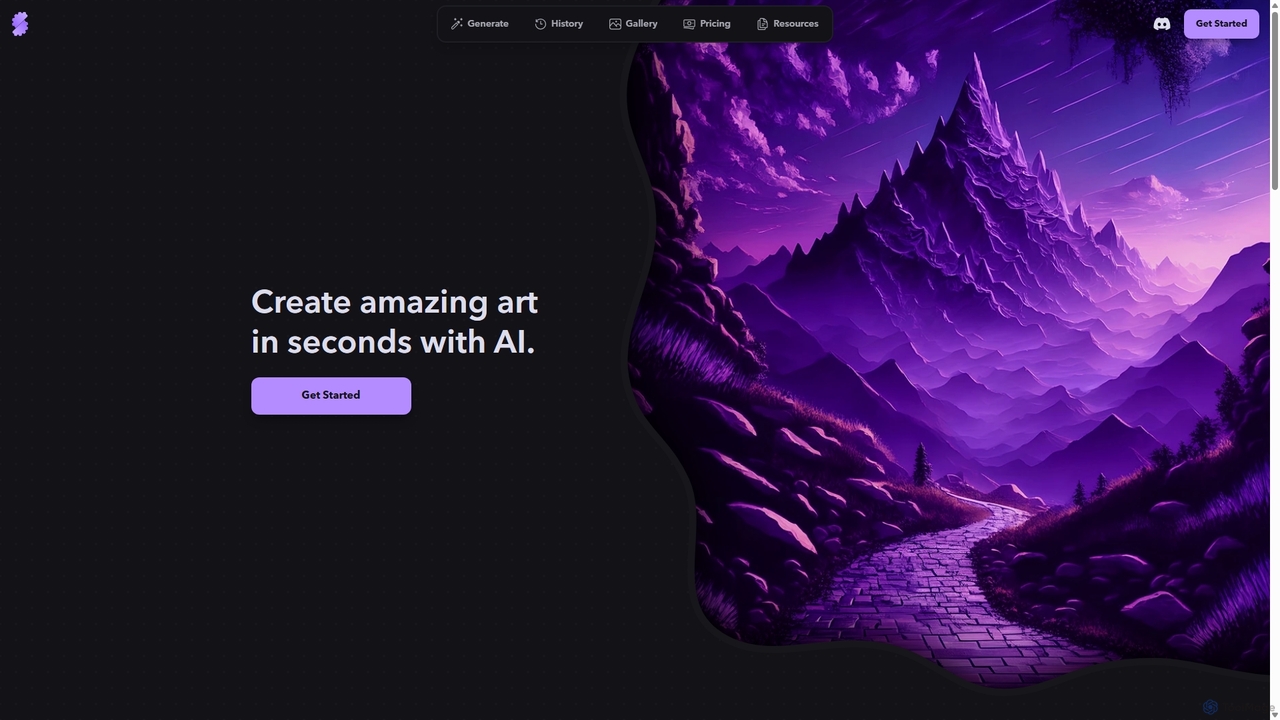
Stablecog
Stablecog is a powerful and user-friendly AI image generator that allows you to create stunning art from text or images in seconds. It supports multiple advanced AI models like Stable Diffusion 3 and SDXL, offering a versatile and creative platform for artists, designers, and content creators. With a generous free plan and flexible paid options, it's accessible to everyone.
Generative Art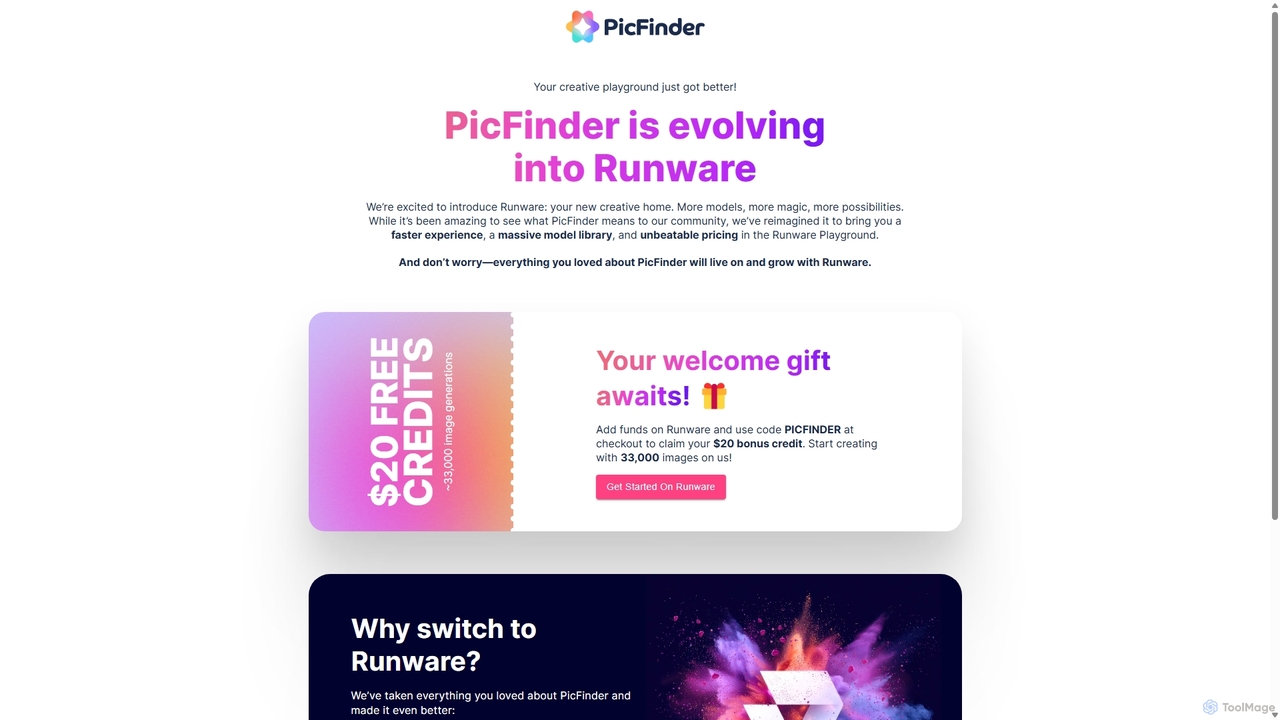
PicFinder
PicFinder has evolved into Runware, a powerful AI image generation platform. It offers a massive library of over 300,000 models, enabling users to create stunning visuals from text prompts. With features like batch generation, customizable controls, and an incredibly low cost, Runware serves as a comprehensive creative playground for artists, designers, and content creators, building upon the legacy of PicFinder.
Generative Art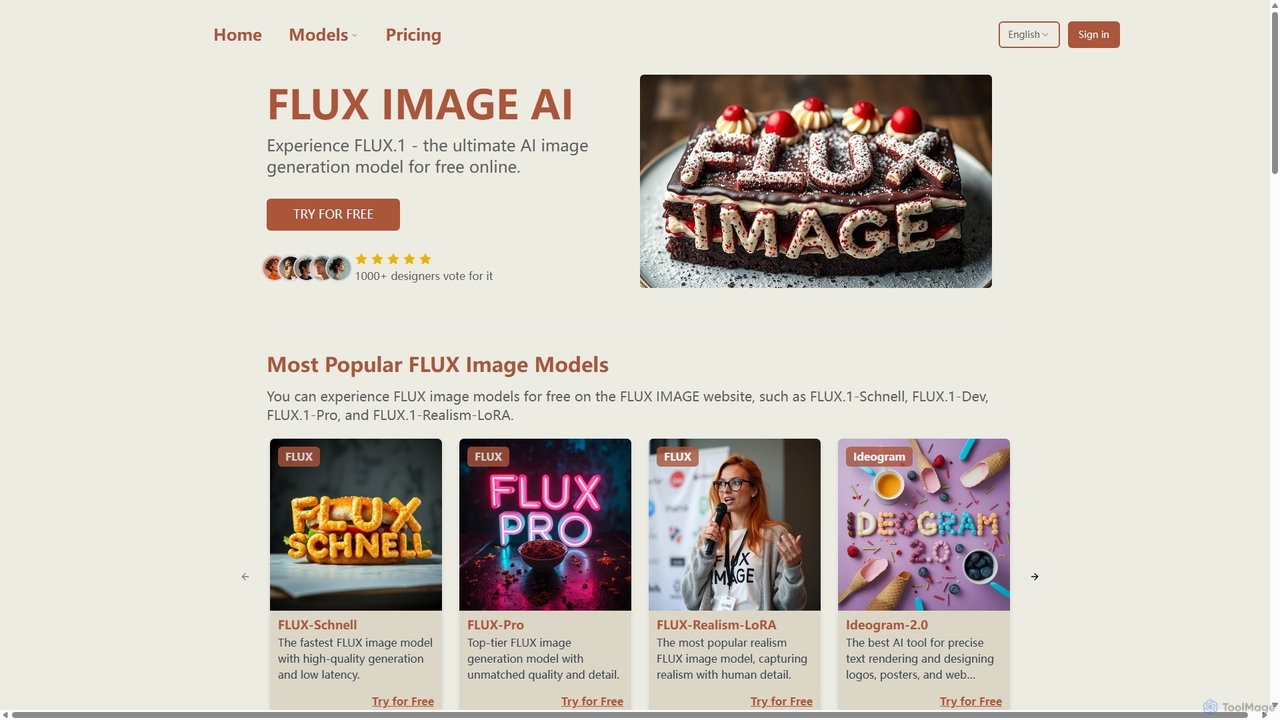
Fluximage
Fluximage is an online platform providing access to the advanced FLUX.1 suite of AI image generation models. Developed by the creators of Stable Diffusion, it offers exceptional speed, quality, and prompt adherence for creating diverse visuals from text, ranging from photorealistic portraits to artistic designs.
Generative Art
DreamStudio
DreamStudio is the official web interface for Stability AI's Stable Diffusion models. It's a powerful AI image generation tool that allows users to create high-quality, unique images from text descriptions. It offers advanced controls, various models, and editing features like inpainting and outpainting, catering to artists, designers, and creators of all levels.
Generative Art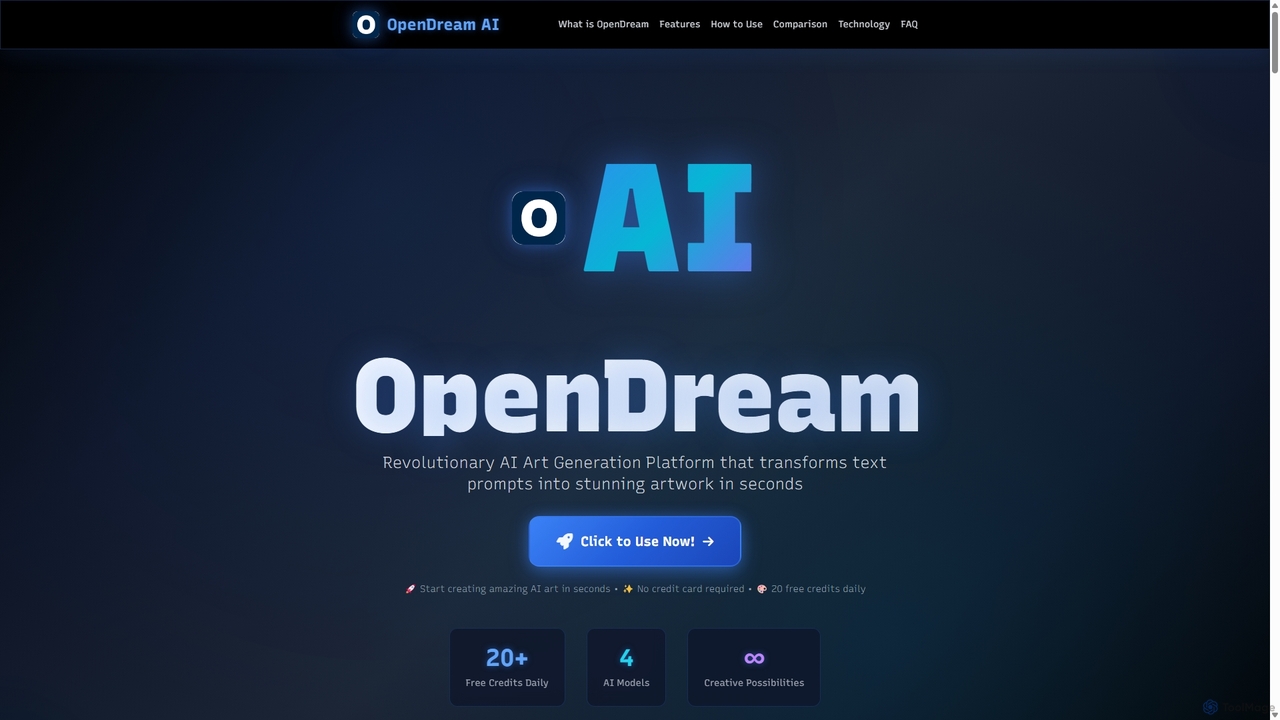
OpenDream
OpenDream is a user-friendly AI art generation platform that transforms text prompts into stunning images in seconds. It offers multiple AI models, including Stable Diffusion, for diverse styles like photorealism and anime. With a generous free tier providing 20 daily credits and full commercial rights on all creations, it's accessible to everyone from hobbyists to professional designers.
Graphics
Adobe Firefly
Adobe Firefly is a family of creative generative AI models from Adobe. It enables users to generate high-quality images, text effects, and color palettes from simple text prompts. Designed to be commercially safe, it's integrated into Adobe's Creative Cloud apps like Photoshop and Illustrator, and also available as a standalone web application, empowering creators with new ways to ideate, create, and communicate.
Generative Art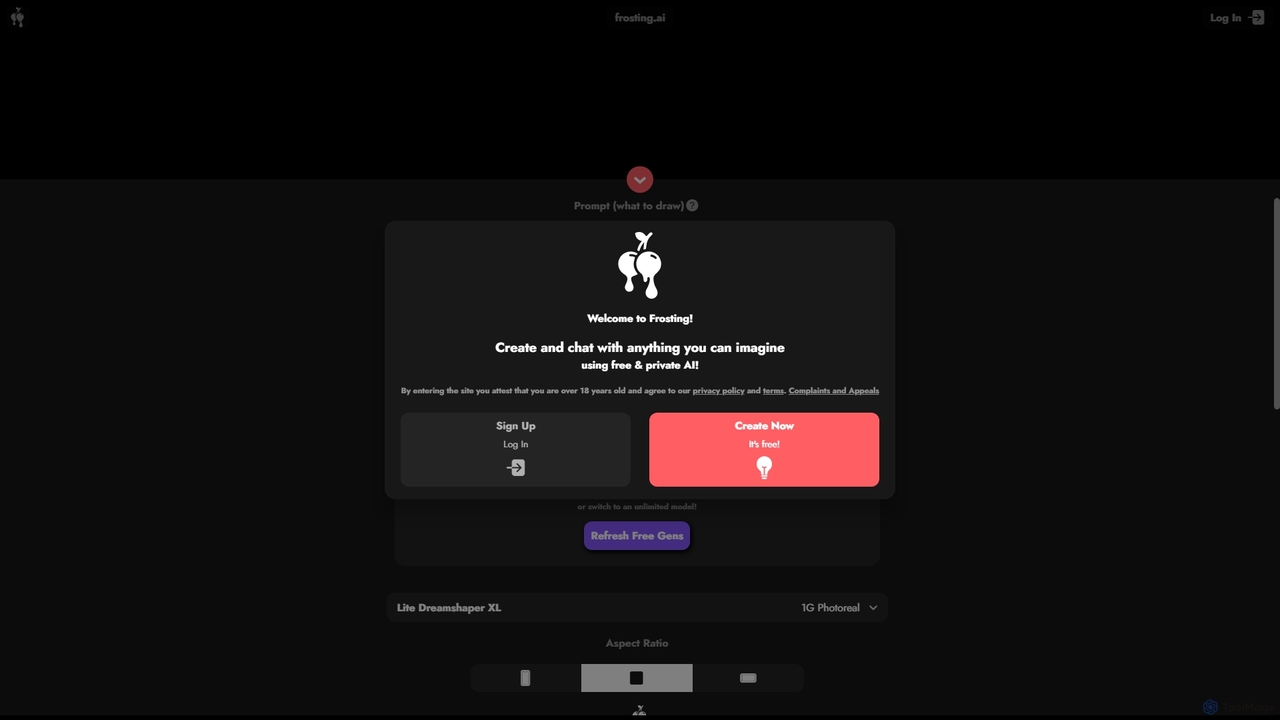
Frosting.ai
Frosting.ai is a versatile AI creation suite that combines advanced text-to-image and text-to-video generation with private AI chatbot capabilities. It offers a user-friendly interface for beginners and powerful, detailed controls like ControlNet and LoRAs for professionals, all within a freemium model.
Chatbots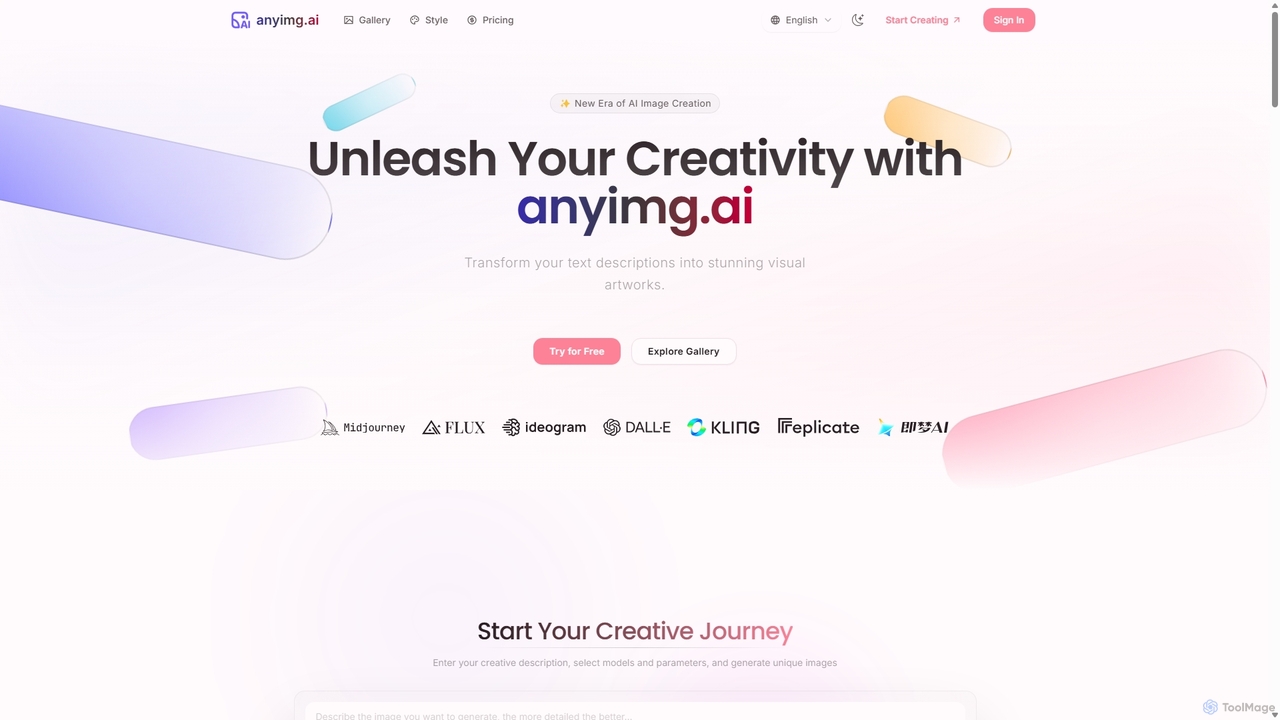
Anyimg
Anyimg is a powerful AI image generation platform that transforms text descriptions into stunning visual artworks. It supports over 12 advanced AI models like Midjourney, DALL-E 3, and Stable Diffusion XL, offering a wide range of art styles, high-resolution outputs up to 4K, and commercial usage rights for professional projects.
Generative Art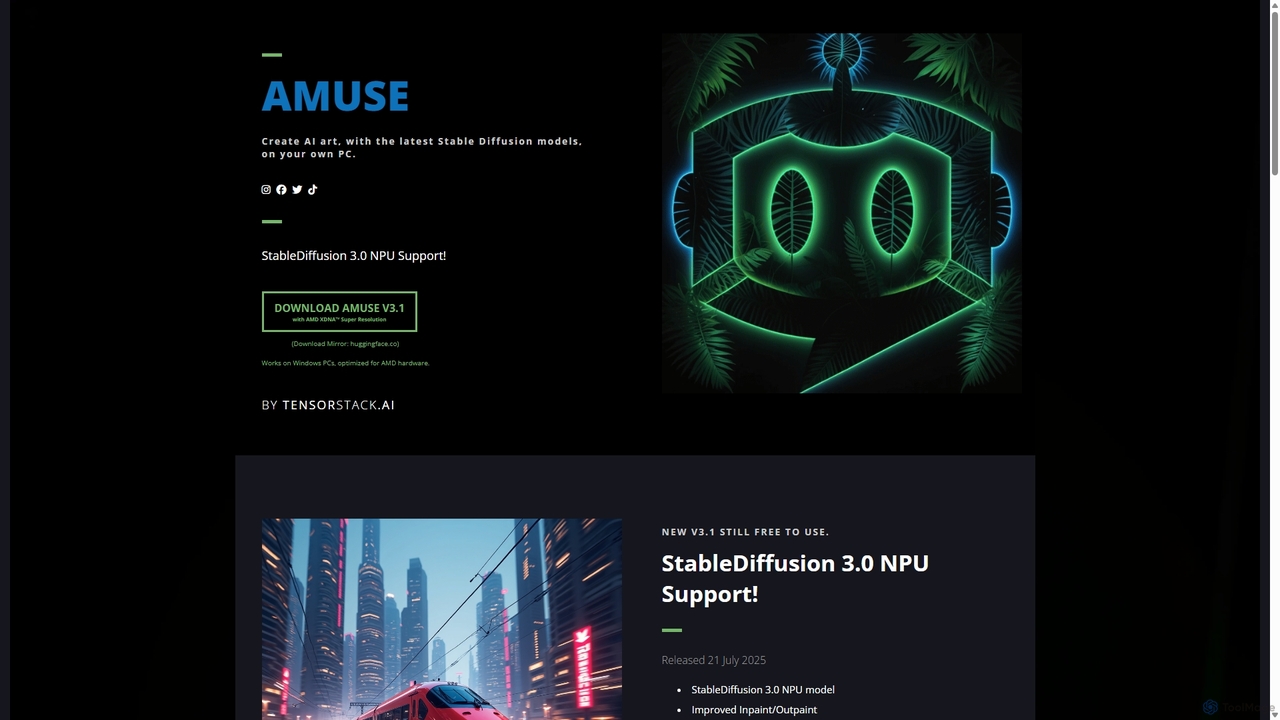
Amuse
Amuse is a free, powerful AI image and video generation tool for Windows PCs that runs locally on your hardware. It features Stable Diffusion 3.0, an easy mode for beginners, an expert mode for advanced users, and is highly optimized for AMD hardware with NPU support. Create stunning art, apply custom AI filters, and experiment with video generation without any cost or login requirements.
Generative ArtBlackforestlabs
Black Forest Labs is a frontier AI research lab developing advanced visual infrastructure. Their flagship FLUX models offer state-of-the-art, high-speed image generation and editing. They provide access via a user-friendly Playground, a powerful API for developers, and open-weight models for custom deployment, turning imagination into reality with unparalleled precision and creative control.
Api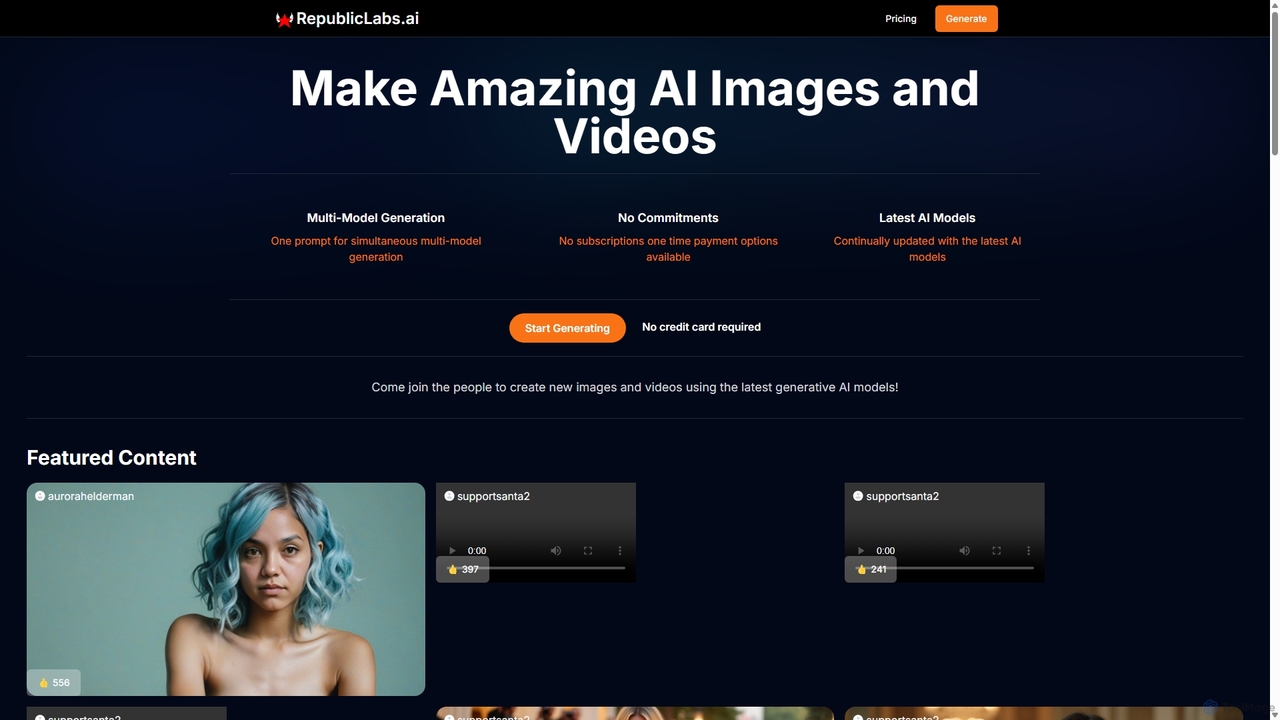
RepublicLabs.ai
A powerful generative AI platform for creating stunning images and videos. It features a unique multi-model generation system, allowing users to get diverse results from the latest AI models like Luma Dream Machine and Flux with a single prompt. Offers flexible pay-as-you-go pricing with no commitments.
Art Generation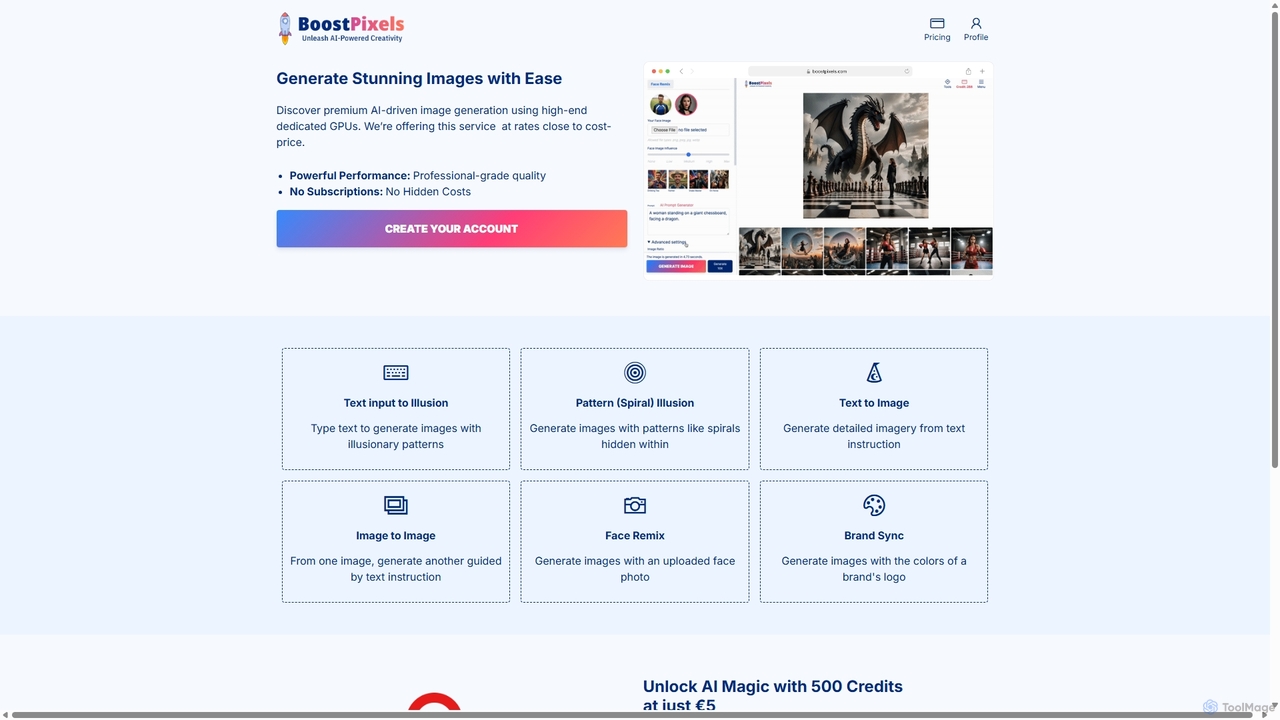
BoostPixels
BoostPixels is a powerful AI image generation platform offering high-quality, creative visuals at near cost-price. Powered by high-end GPUs and fine-tuned Stable Diffusion models, it specializes in unique features like optical illusions, face remixes, and brand-consistent imagery. With a simple pay-as-you-go credit system and no subscriptions, it makes professional-grade AI art accessible to everyone.
Generative Art
Zoo Comments (0)
Sign in to comment.
Sign inNo comments yet.