


Adobe Firefly Overview
Adobe Firefly is Adobe's premier generative AI initiative, offering a suite of tools designed to augment and accelerate creative workflows. It is a family of creative generative AI models that empowers users to transform ideas into stunning visual content using simple text prompts. Unlike many other AI image generators, Firefly is uniquely designed to be commercially safe, as it is trained on Adobe Stock's library of licensed, high-resolution images, openly licensed content, and public domain content where copyright has expired. This significantly reduces the risk of copyright infringement for commercial projects.
Firefly is not just a standalone tool; its true power lies in its deep integration within the Adobe Creative Cloud ecosystem. Features like Generative Fill and Generative Expand in Photoshop, Text to Vector Graphic in Illustrator, and Text Effects in Adobe Express bring AI capabilities directly into the applications that millions of professionals use every day. This seamless integration allows for a fluid and efficient creative process, where AI becomes a collaborative partner rather than a separate step.
How to use Adobe Firefly
Using Adobe Firefly can be done in two primary ways: through the standalone web application or within Creative Cloud apps.
1. Standalone Web App:
- Visit the Adobe Firefly website.
- Select one of the available features, such as Text to Image, Generative Fill, or Text Effects.
- For Text to Image, enter a detailed descriptive prompt in the input box. You can specify the subject, action, style, lighting, and composition.
- Use the right-hand panel to refine your results. You can choose the aspect ratio, content type (Photo or Art), apply various styles, and adjust camera settings.
- Click 'Generate' to see multiple variations. You can then download your favorite image or further edit it.
2. Within Creative Cloud Apps (e.g., Photoshop):
- Open an image in Photoshop.
- Use a selection tool (like the Lasso Tool) to select an area you want to modify.
- A contextual task bar will appear. Click on 'Generative Fill'.
- Type a text prompt describing what you want to add or change in the selected area, or leave it blank to remove an object seamlessly.
- Photoshop will generate several options on a new, non-destructive layer, allowing you to choose the best fit for your image.
Core Features of Adobe Firefly
- Text-to-Image: Create high-quality, detailed images from text descriptions in a wide range of styles.
- Generative Fill: Seamlessly add, remove, or replace objects and elements within any image using simple text prompts, directly in Photoshop.
- Text Effects: Apply unique styles and textures to text and shapes using a prompt, perfect for creating eye-catching headlines and logos.
- Generative Recolor: Instantly change the color palette of vector graphics in Illustrator by describing the desired mood or theme (e.g., "calm pastels," "neon cyberpunk").
- Generative Expand: Intelligently extend the canvas of an image in any direction in Photoshop, with the new space filled with content that naturally blends with the original picture.
- Content Credentials: Automatically attaches metadata to generated assets, providing transparency and proving that AI was used in the creation process.
Use Cases for Adobe Firefly
Firefly is versatile and serves a broad spectrum of creative and professional needs:
- Marketing and Advertising: Quickly generate unique visuals for social media campaigns, ad banners, and website heroes without the need for a photoshoot.
- Graphic Design: Brainstorm concepts, create mood boards, generate custom assets, and rapidly iterate on design ideas.
- Photography: Effortlessly remove unwanted objects, change backgrounds, or even restore and extend old photographs with realistic detail.
- Content Creation: Produce custom thumbnails for videos, featured images for blog posts, and illustrations for presentations in minutes.
- Product Design & E-commerce: Create realistic product mockups and lifestyle scenes to showcase products in various settings.
Advantages of Adobe Firefly
The primary advantage of Firefly is its commitment to ethical and commercially safe AI. By training exclusively on licensed and public domain content, it provides peace of mind for commercial use. Its deep integration into the Adobe Creative Cloud suite creates an unparalleled workflow efficiency for professionals already using Adobe products. Furthermore, the quality of the output is consistently high, and the Content Credentials feature promotes transparency and trust in the digital content ecosystem.
Pricing and Plans
Adobe Firefly operates on a freemium model based on "Generative Credits."
- Free Plan: Users typically receive a monthly allocation of 25 Generative Credits to use Firefly features. This is ideal for trying out the tools.
- Creative Cloud Plans: Subscribers to Adobe Creative Cloud (including plans like Photography, Single App, or All Apps) receive a larger monthly allocation of credits (e.g., 500 or 1000) with faster processing speeds.
- Premium Plan: A dedicated Firefly Premium plan is available for users who need more credits.
- Credit Packs: Once monthly credits are used, users can purchase additional Generative Credit packs. Standard-resolution generations do not consume credits after the monthly allowance is exhausted, but are processed at a slower speed.
Traffic
Latest traffic
Status
Monthly traffic trend
- 2025-9: 10.3M
- 2026-1: 15.5M
- 2026-2: 16.1M
- 2026-3: 18.4M
- 2026-4: 21.0M
- 2026-5: 21.6M
Geography
Top 5 countries / regions
- 🇺🇸United States39.2%
- 🇮🇳India25.6%
- 🇯🇵Japan14.4%
- 🇧🇷Brazil12.6%
- 🇩🇪Germany8.1%
Traffic sources
| Source type | Percentage |
|---|---|
Direct | 63.4% |
Referral | 34.4% |
Email | 2.3% |
Top keywords
| Keyword | Cost per click |
|---|---|
| adobe firefly | $1.46 |
| ai image generator | $0.83 |
| ai video generator | $0.61 |
| firefly | $1.19 |
| nano banana | $0.65 |
Adobe Firefly Videos on YouTube

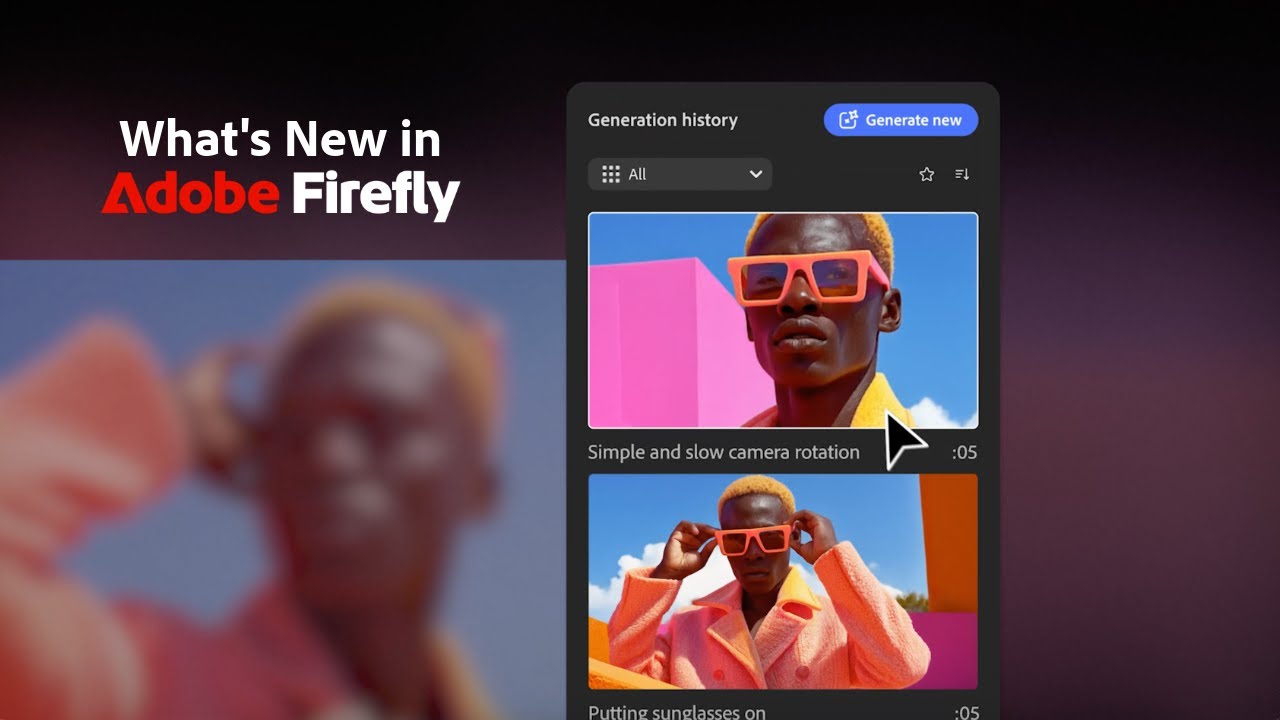
Adobe Firefly




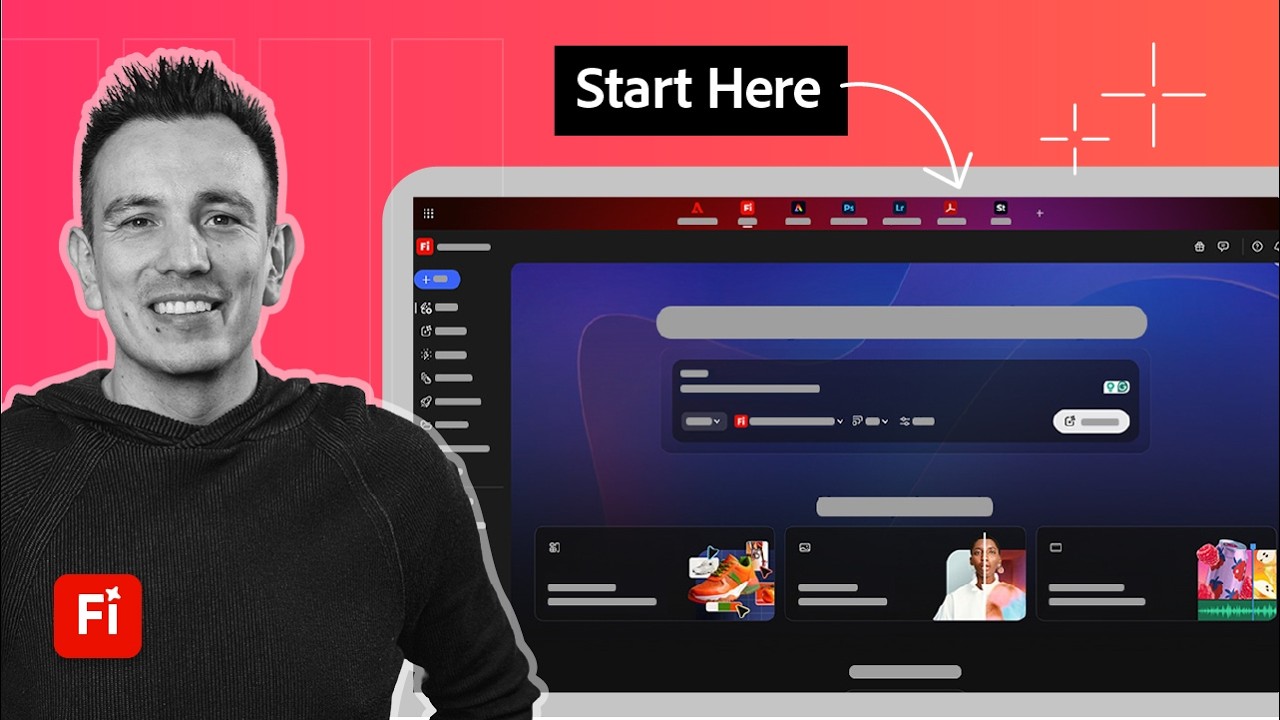
Adobe Firefly
Adobe Firefly Alternatives
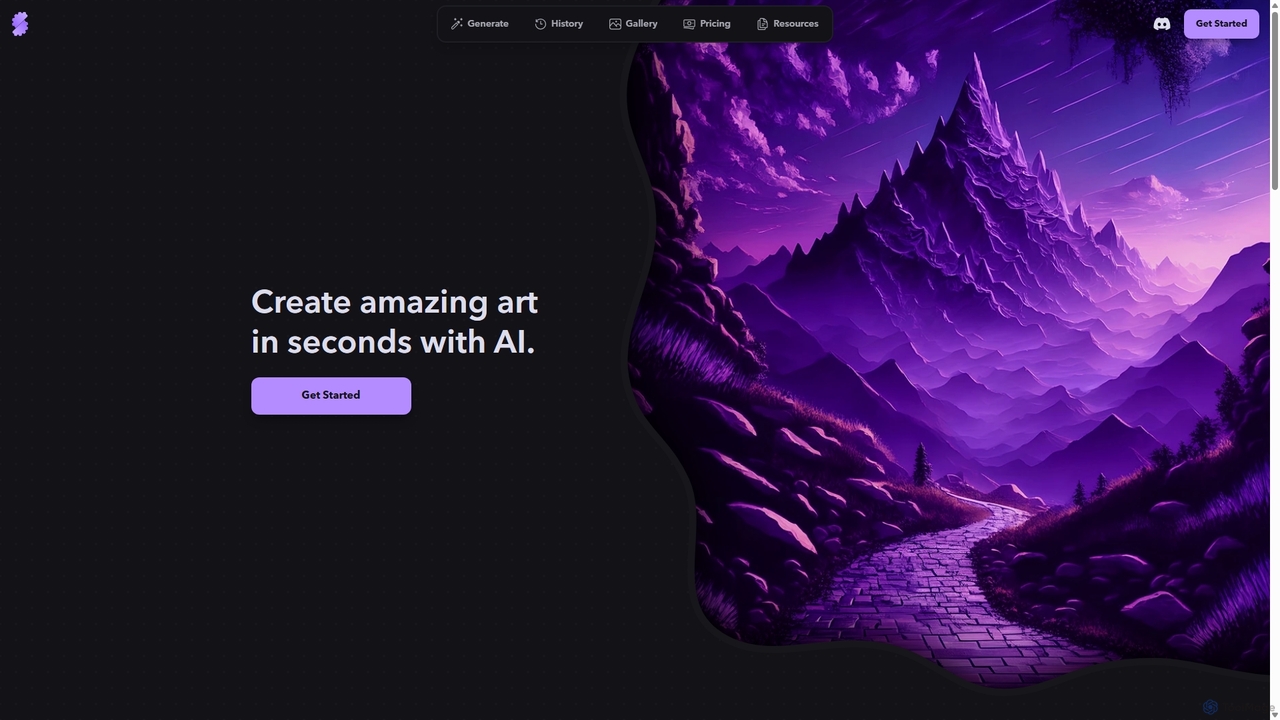
Stablecog
Stablecog is a powerful and user-friendly AI image generator that allows you to create stunning art from text or images in seconds. It supports multiple advanced AI models like Stable Diffusion 3 and SDXL, offering a versatile and creative platform for artists, designers, and content creators. With a generous free plan and flexible paid options, it's accessible to everyone.
Generative Art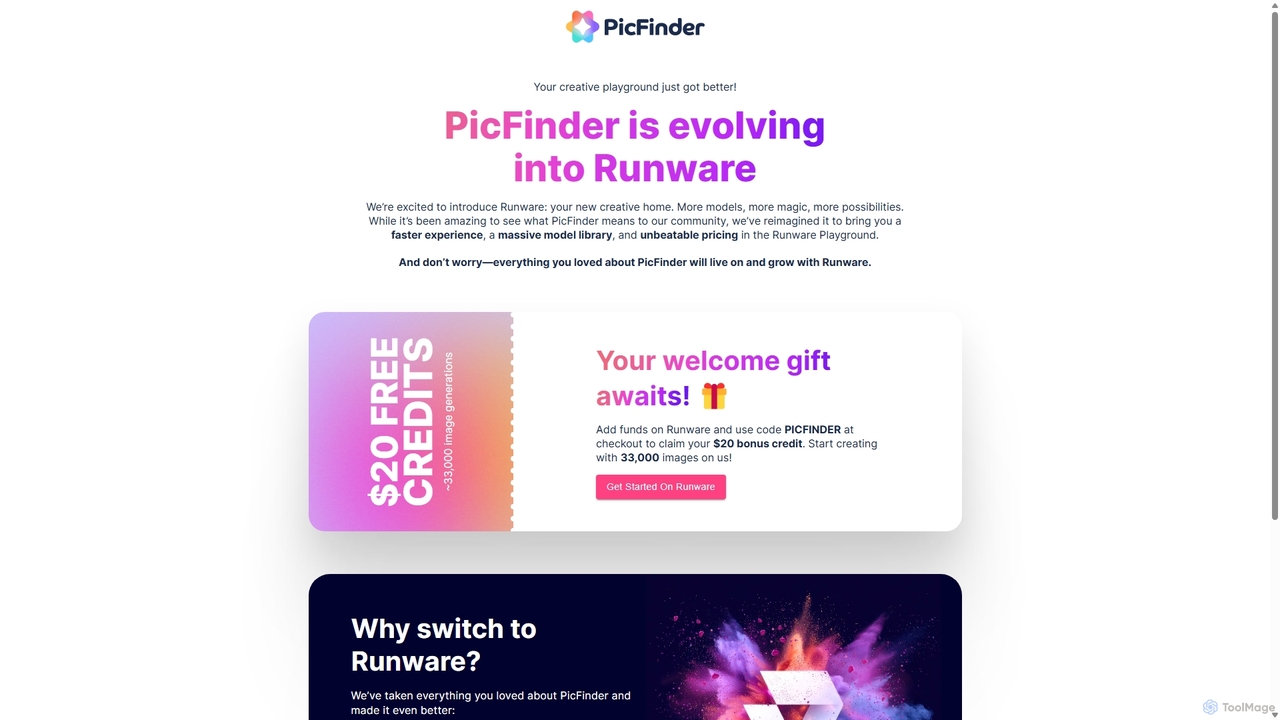
PicFinder
PicFinder has evolved into Runware, a powerful AI image generation platform. It offers a massive library of over 300,000 models, enabling users to create stunning visuals from text prompts. With features like batch generation, customizable controls, and an incredibly low cost, Runware serves as a comprehensive creative playground for artists, designers, and content creators, building upon the legacy of PicFinder.
Generative Art
DreamUp
DreamUp is a powerful AI art generator that transforms your text descriptions into stunning, high-quality images and artwork. Leveraging advanced generative models, it allows creators, marketers, and designers to produce unique visuals, concept art, and marketing materials in seconds.
Generative Art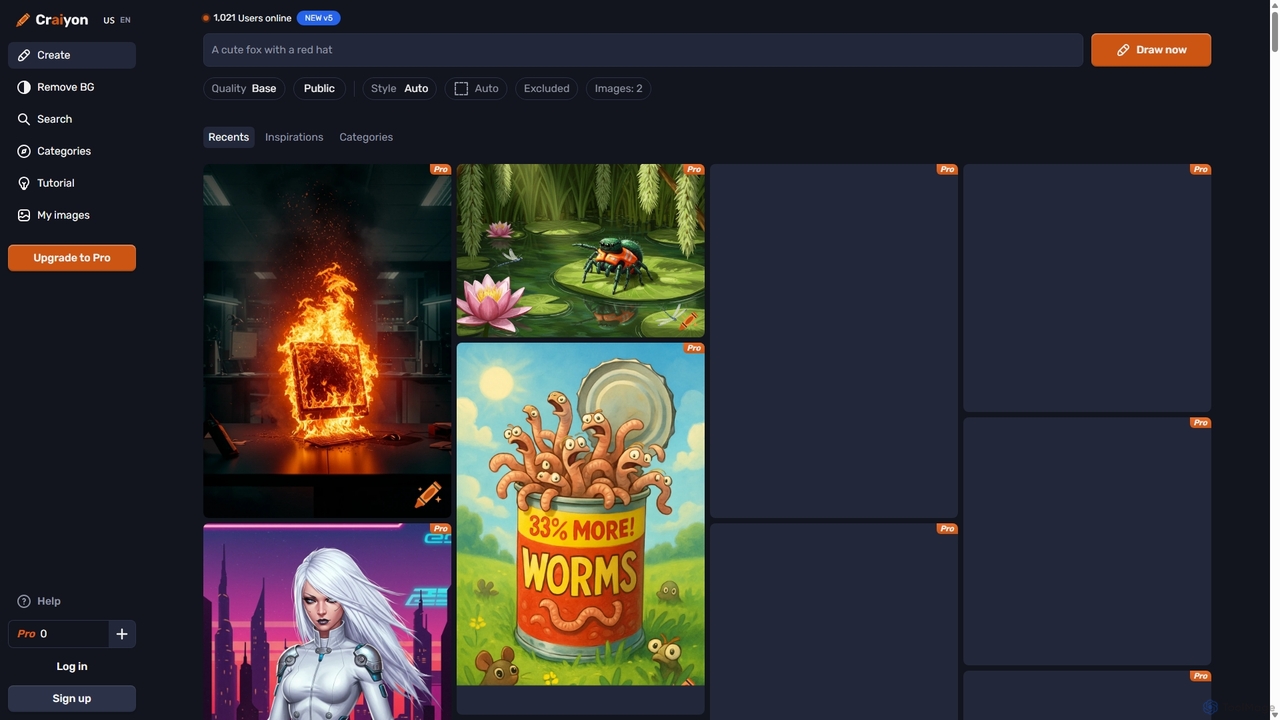
Craiyon
Craiyon is a free and powerful AI art generator that transforms text descriptions into unique images. Formerly known as DALL·E mini, it allows users to create anything from photorealistic images to abstract art simply by typing a prompt. It offers both free and paid plans to cater to everyone from beginners to professionals.
Generative Art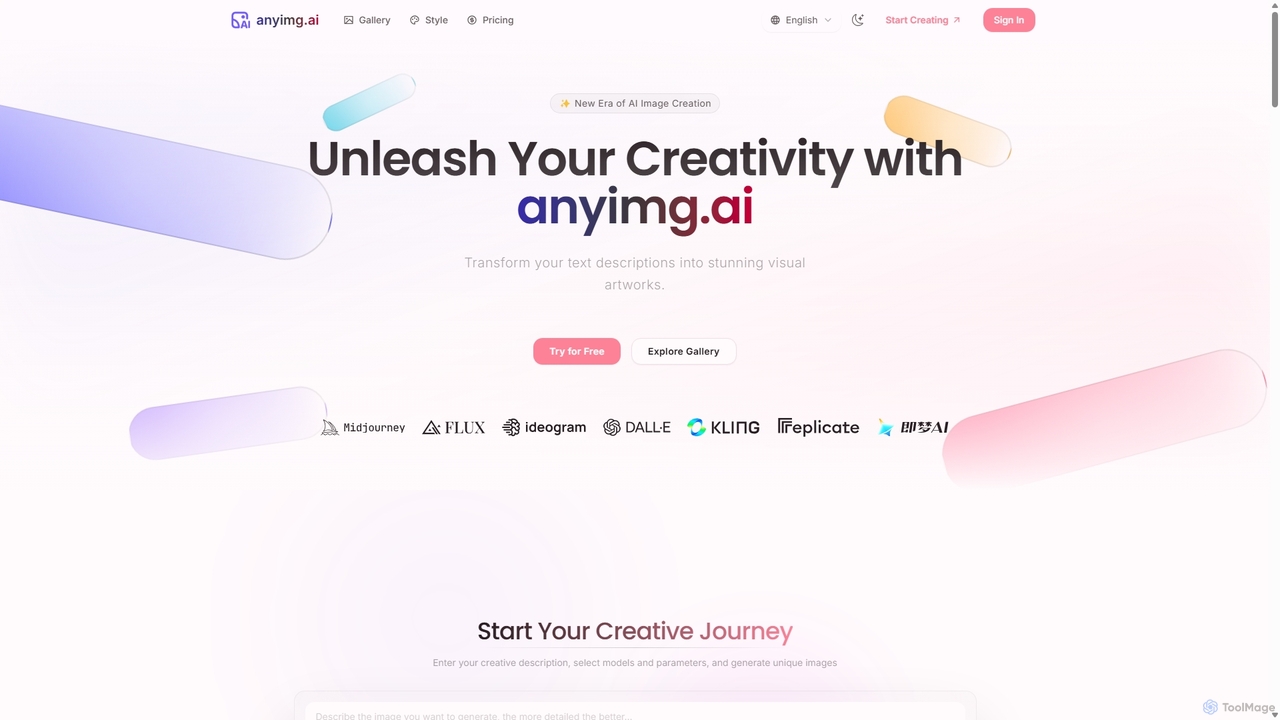
Anyimg
Anyimg is a powerful AI image generation platform that transforms text descriptions into stunning visual artworks. It supports over 12 advanced AI models like Midjourney, DALL-E 3, and Stable Diffusion XL, offering a wide range of art styles, high-resolution outputs up to 4K, and commercial usage rights for professional projects.
Generative ArtAdobe Firefly Categories
Adobe Firefly Jobs
Adobe Firefly Embed Widget
Copy this embed code to place the badge on your blog, article, or product site and send readers directly to this ToolMage detail page.

Related AI tools
Anyimg
Anyimg is a powerful AI image generation platform that transforms text descriptions into stunning visual artworks. It supports over 12 advanced AI models like Midjourney, DALL-E 3, and Stable Diffusion XL, offering a wide range of art styles, high-resolution outputs up to 4K, and commercial usage rights for professional projects.
Generative Art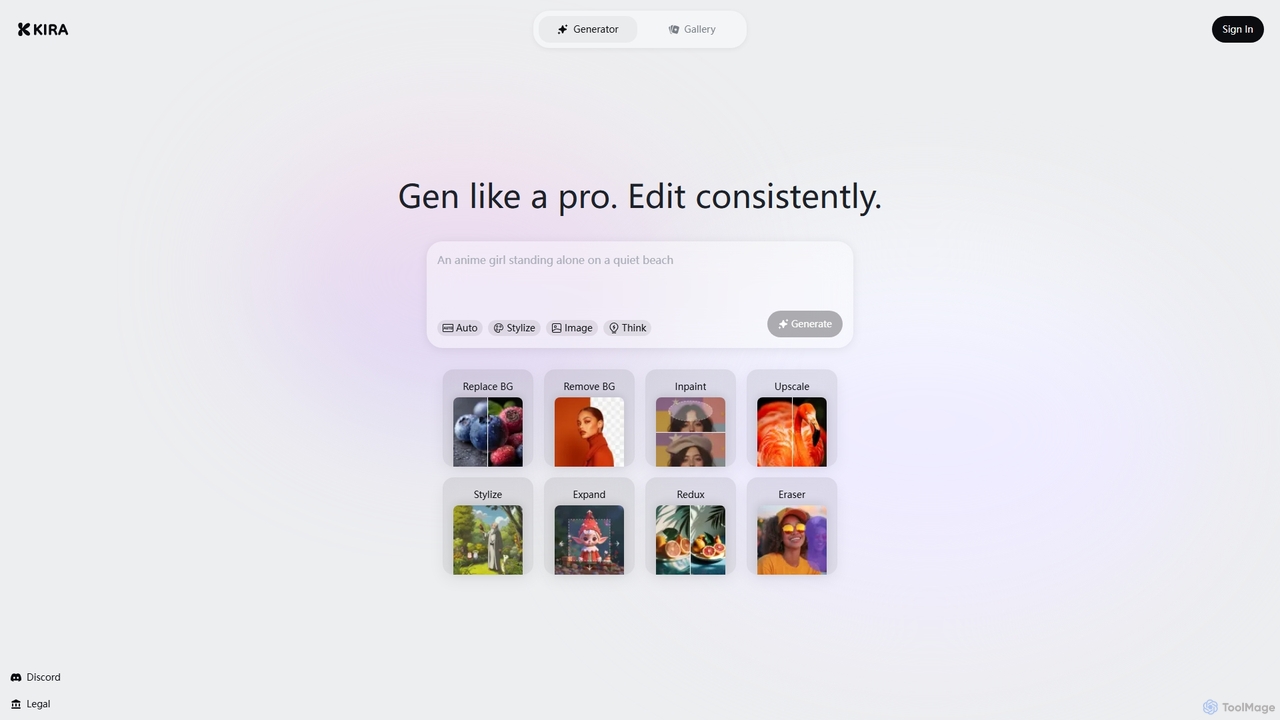
Kira
Kira is a powerful AI-powered platform for professional-grade image generation and editing. It combines a versatile text-to-image generator with a comprehensive suite of editing tools, including background removal, inpainting, upscaling, and stylization. Its key feature is the ability to maintain consistent styles and characters across multiple edits and generations, making it ideal for branding, marketing, and creative projects that require a cohesive visual identity.
Graphic Design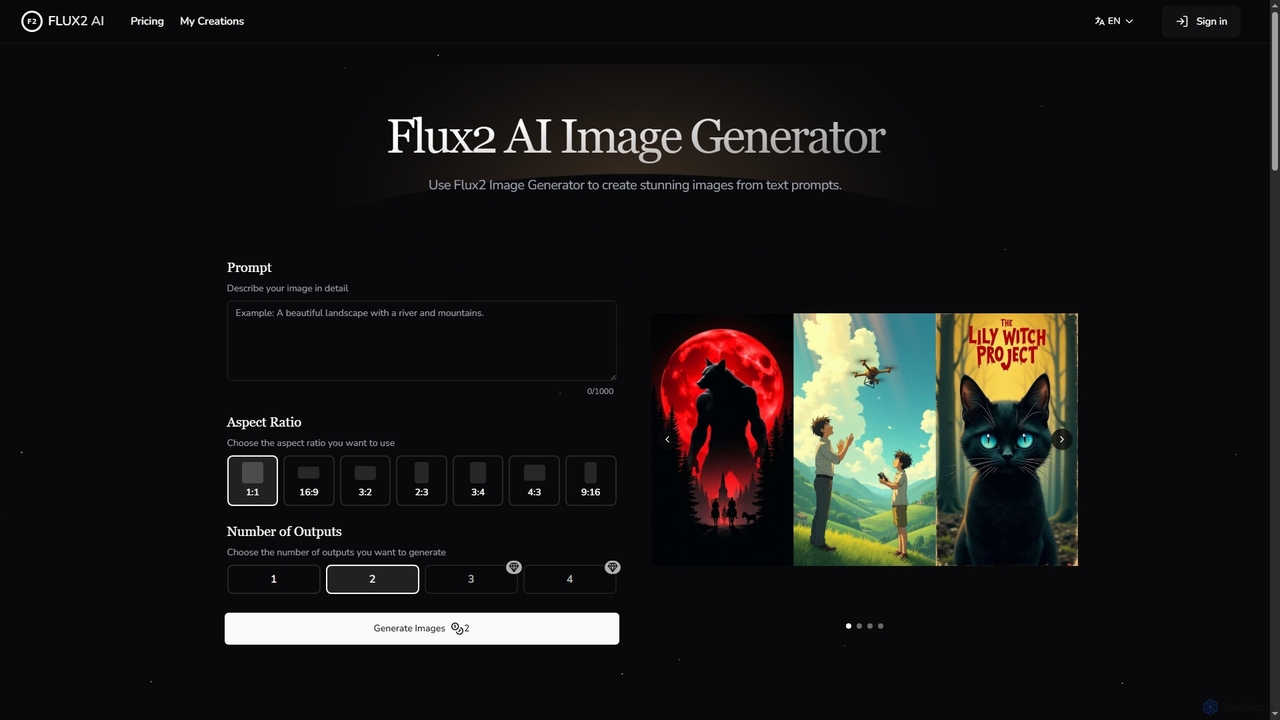
Flux2 AI
Flux2 AI is an advanced image generator powered by Black Forest Labs' Flux2 Ultra, Pro, and Dev models. It transforms text into high-quality visuals, offering versatile style generation, up to 4-megapixel renders, and commercial-ready output for various creative and marketing needs.
Digital Art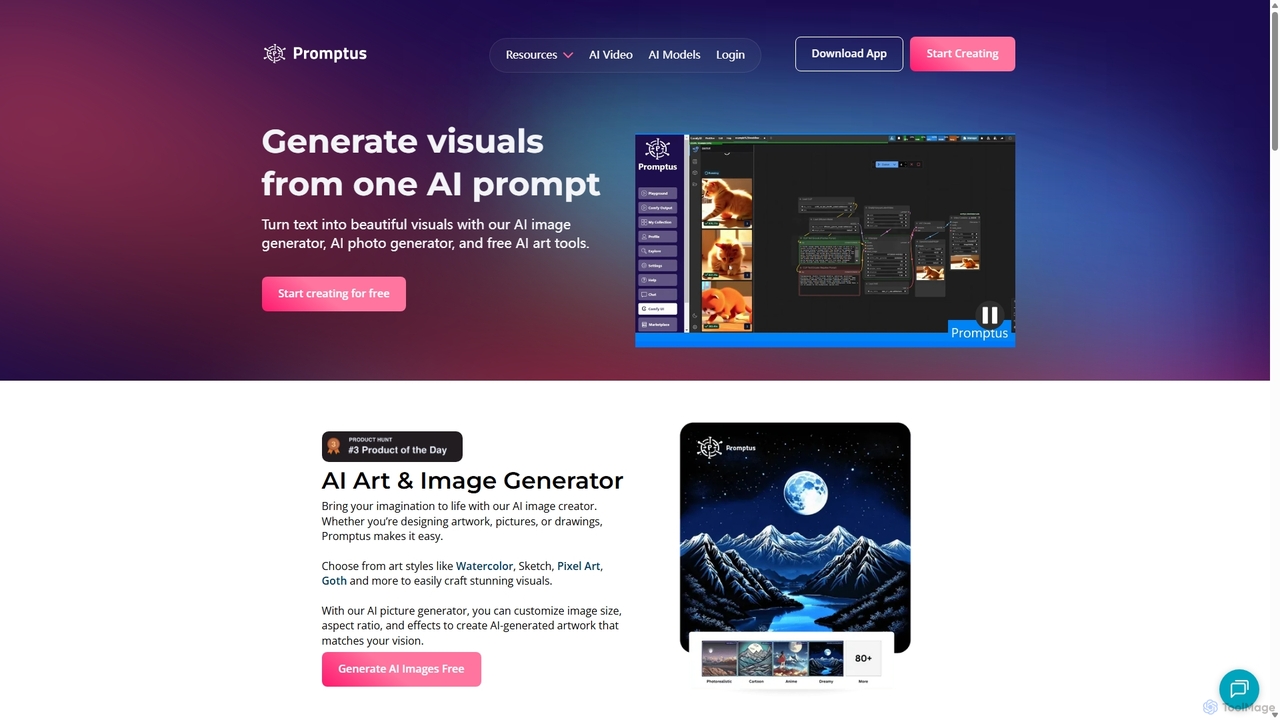
Promptus
Promptus is a versatile AI creation suite for generating high-resolution images, videos, art, and logos from text or audio. It features advanced models like Stable Diffusion and Flux, a user-friendly interface, and a powerful ComfyUI workflow for advanced customization. Ideal for creators, designers, and marketers, Promptus simplifies the creative process with features like batch generation, prompt enhancement, and a decentralized GPU marketplace.
Logo GenerationDreamUp
DreamUp is a powerful AI art generator that transforms your text descriptions into stunning, high-quality images and artwork. Leveraging advanced generative models, it allows creators, marketers, and designers to produce unique visuals, concept art, and marketing materials in seconds.
Generative Art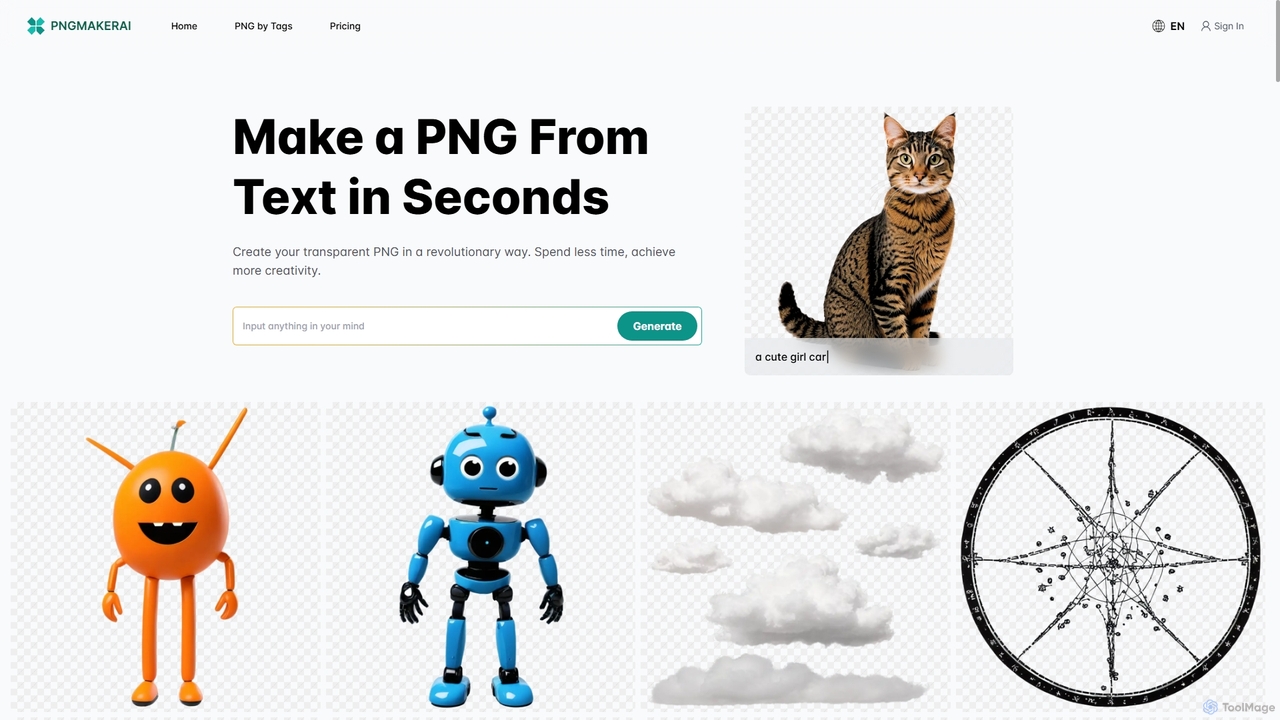
Pngmaker.ai
Pngmaker.ai is an AI-powered tool that generates high-quality, transparent PNG images from simple text descriptions in seconds. It's designed to streamline workflows for graphic designers, content creators, and marketers by eliminating the need for manual background removal. Users can instantly create logos, icons, marketing visuals, and more, unleashing their creativity without limits. A free plan is available to get started.
Graphics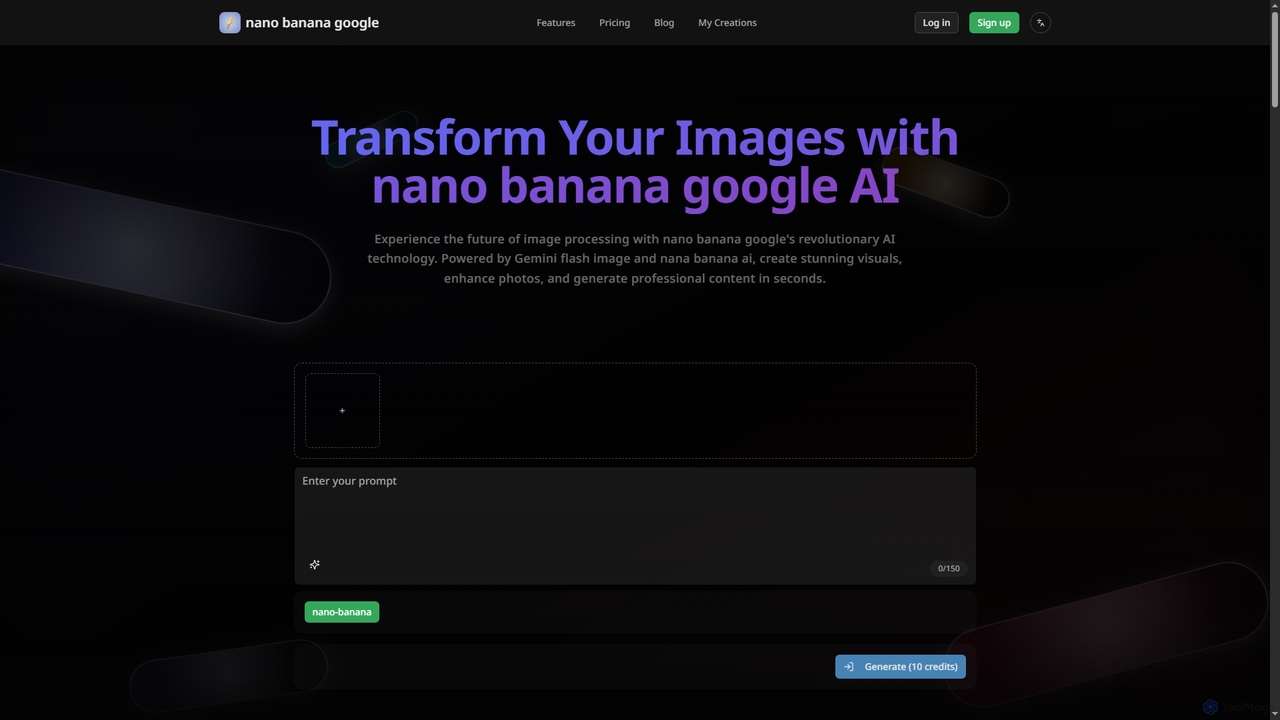
Nanobanana Google
Nanobanana Google is an advanced AI image processing platform powered by Gemini Flash Image and Nana Banana AI. It enables users to generate stunning visuals, enhance photos, apply artistic styles, and automate image tasks with unparalleled efficiency and quality.
Generation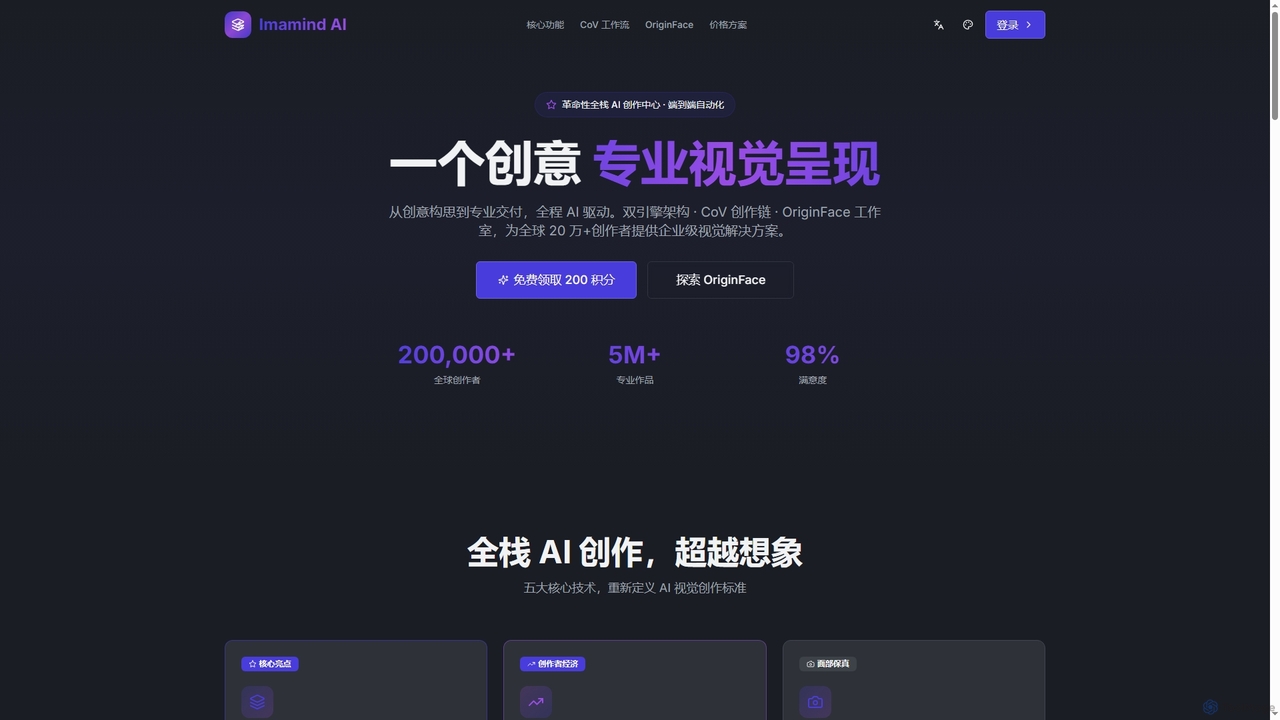
Imamind
Imamind is a revolutionary full-stack AI visual design platform that automates the entire creative process from concept to professional delivery. It offers dual-engine architecture, intelligent AI workflows, precise face fidelity for portraits, and advanced AI editing tools, empowering over 200,000 creators globally.
Product ImagingStablecog
Stablecog is a powerful and user-friendly AI image generator that allows you to create stunning art from text or images in seconds. It supports multiple advanced AI models like Stable Diffusion 3 and SDXL, offering a versatile and creative platform for artists, designers, and content creators. With a generous free plan and flexible paid options, it's accessible to everyone.
Generative Art
Jyek
Jyek is an AI agent platform that understands objectives, creates execution plans, uses tools, and delivers verifiable results for complex, multi-step tasks.
AutomationPicFinder
PicFinder has evolved into Runware, a powerful AI image generation platform. It offers a massive library of over 300,000 models, enabling users to create stunning visuals from text prompts. With features like batch generation, customizable controls, and an incredibly low cost, Runware serves as a comprehensive creative playground for artists, designers, and content creators, building upon the legacy of PicFinder.
Generative Art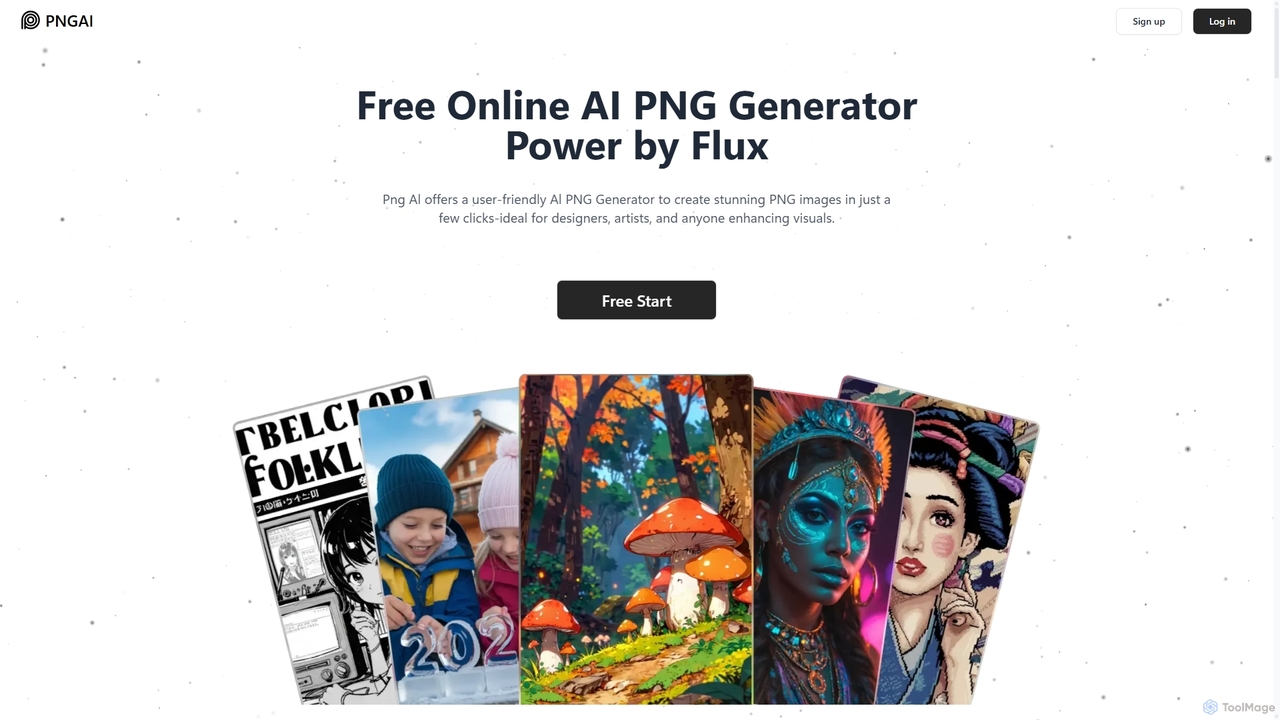
Png.ai
Png.ai is a user-friendly AI-powered PNG generator that creates high-quality images with transparent backgrounds from text descriptions. Ideal for designers, artists, and content creators, it offers features like text-to-PNG, image remixing, and prompt generation from images. Powered by the advanced Flux model, it provides a fast and efficient way to produce stunning illustrations, logos, icons, and concept art instantly, with both free and premium plans available.
Graphics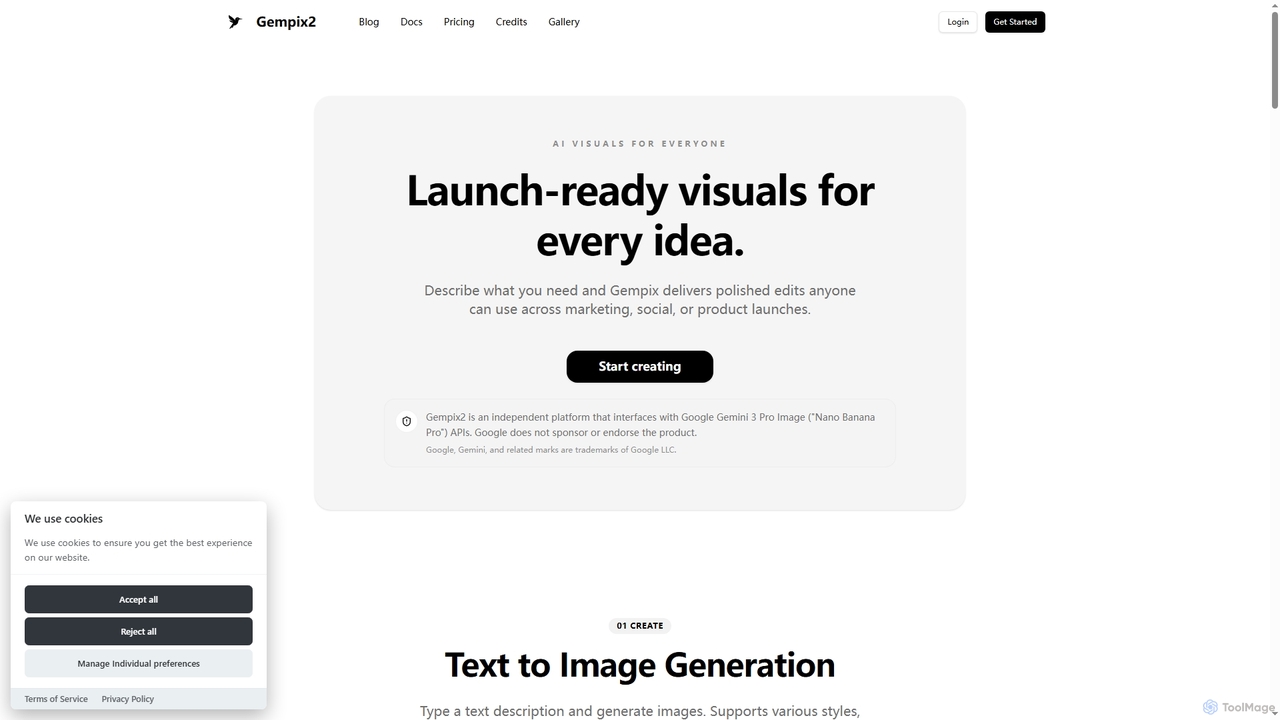
Gempix2
Gempix2 is an advanced AI image generation and editing platform powered by Google Gemini 3 Pro Image (Nano Banana Pro) APIs. It enables users to create stunning visuals from text, modify existing images, and generate style variations with precise control, multilingual text rendering, and factual grounding.
Creative Asset Generation
Aimajic
Aimajic is a powerful AI-driven image and art generator that transforms your text prompts into stunning, high-quality visuals. Designed for artists, marketers, and creators, it simplifies the creative process, allowing anyone to produce unique illustrations, photorealistic images, and abstract art in seconds.
Creative
DreamStudio
DreamStudio is the official web interface for Stability AI's Stable Diffusion models. It's a powerful AI image generation tool that allows users to create high-quality, unique images from text descriptions. It offers advanced controls, various models, and editing features like inpainting and outpainting, catering to artists, designers, and creators of all levels.
Generative Art
Adobe Firefly Comments (0)
Sign in to comment.
Sign inNo comments yet.