ToolMage
Sign in

Best 141 Graphic Design AI tools for Design

Popular Graphic Design AI tools in Design include Canva, Adobe Firefly, Photoroom, Picsart, Midjourney, Pixlr, MiriCanvas, Fotor, Wondershare, and Imagine, helping you work more efficiently.

AI Thumbnail
Paid

AI Thumbnail

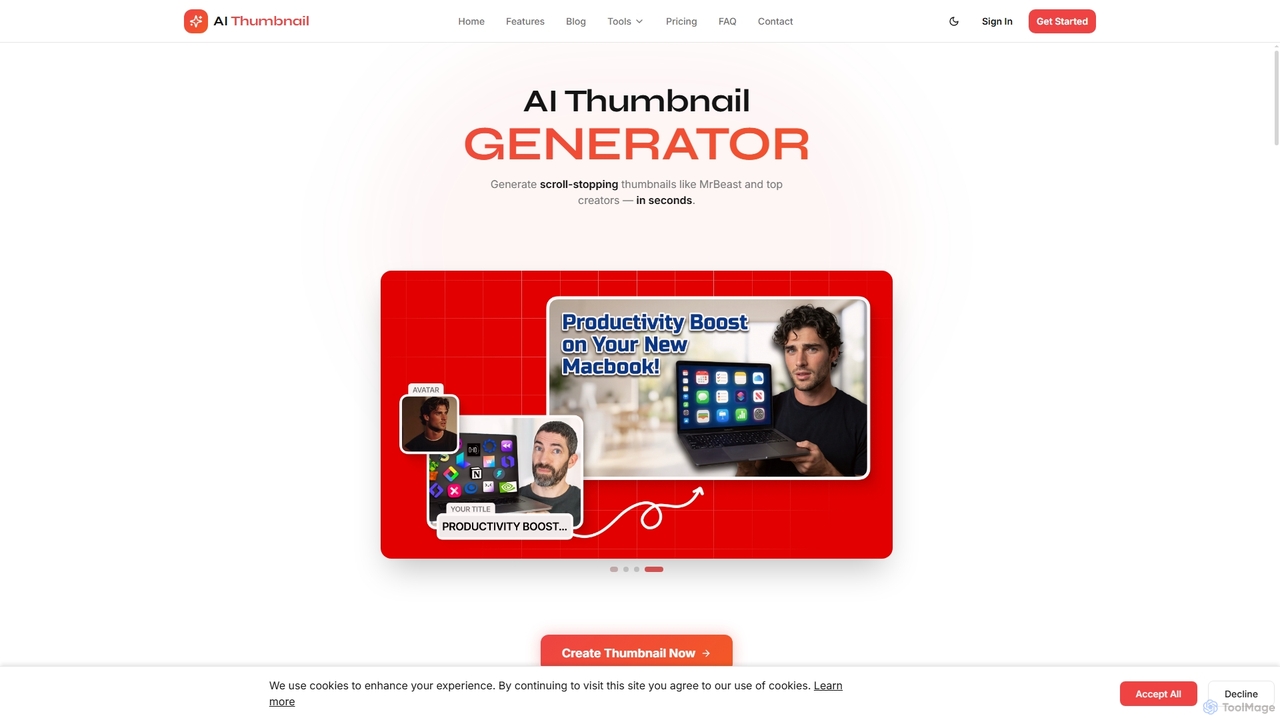
AI Thumbnail is an advanced AI-powered generator designed specifically for YouTube thumbnails. It helps creators generate scroll-stopping, high-CTR thumbnails in seconds, mimicking the styles of top viral videos. With features like brand color integration, face embedding, and YouTube-optimized outputs, it aims to significantly boost video click-through rates and streamline content creation workflows.

Graphic Design
Visits 5.5KFavorites 48Likes 43
Postplus
Free

Postplus

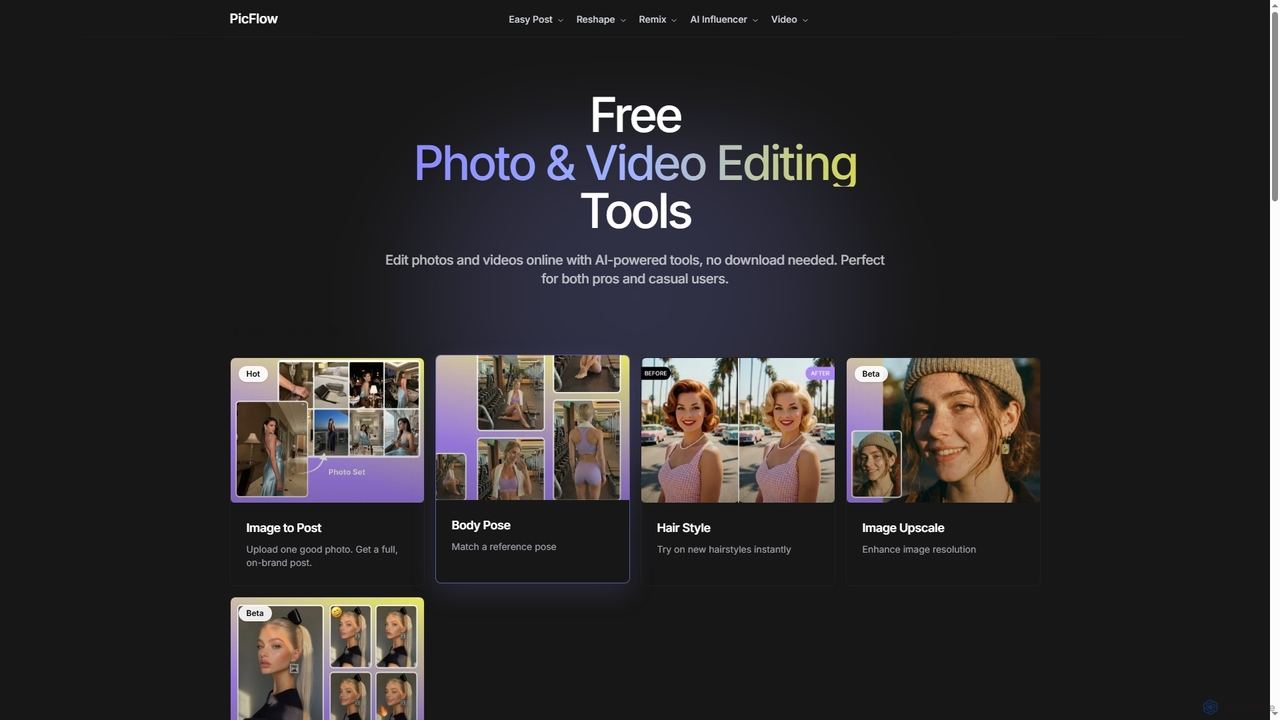
Postplus (also known as PicFlow) is a free, AI-powered online platform offering a comprehensive suite of photo and video editing tools. Designed for both professionals and casual users, it helps create stunning social media content without requiring any downloads. From virtual hairstyle try-ons and body reshaping to intelligent image-to-post generation and video templates, Postplus simplifies content creation with advanced AI capabilities.

Virtual Try On
Visits 5.9KFavorites 48Likes 53
ZImageTurbo
Paid

ZImageTurbo

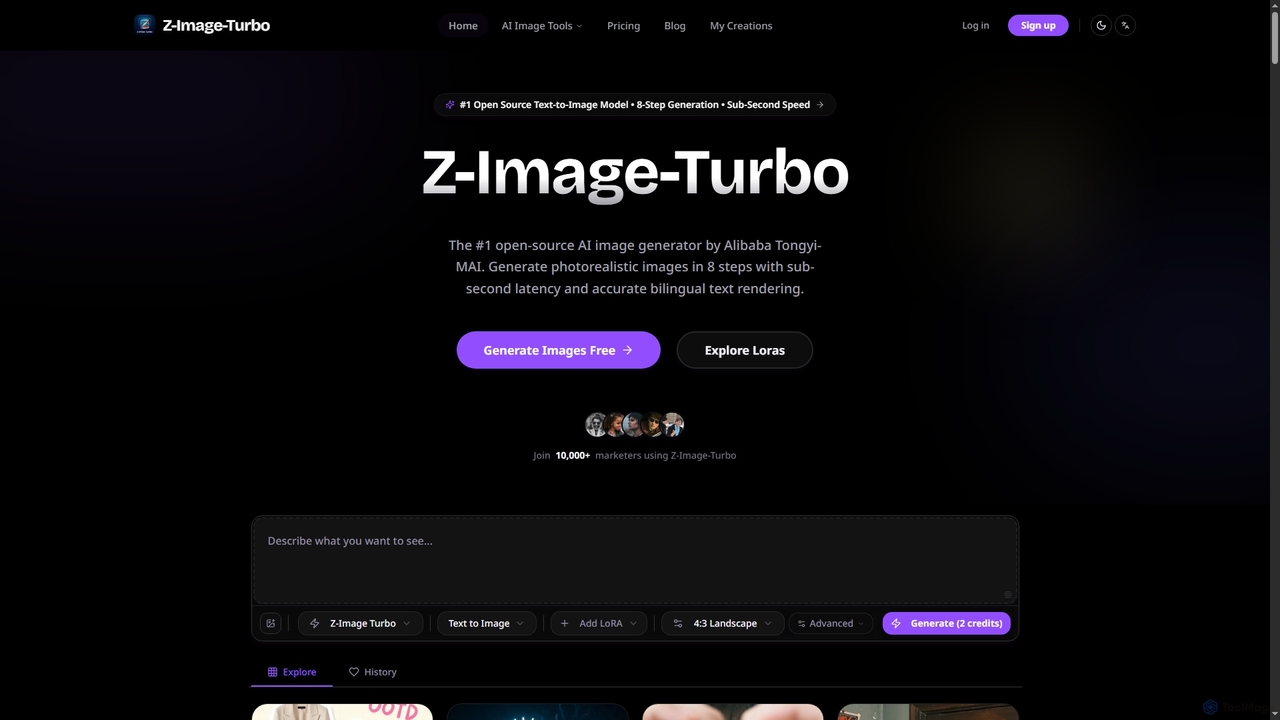
ZImageTurbo is the #1 open-source AI image generator by Alibaba Tongyi-MAI, offering sub-second photorealistic image creation in just 8 steps. It excels in accurate bilingual text rendering (English and Chinese), runs efficiently on consumer GPUs, and provides advanced features for content creators, marketers, and designers.

Visuals
Visits 57.6KFavorites 53Likes 54
FixArt
Freemium

FixArt

FixArt is a comprehensive AI-powered creative hub offering free, unrestricted tools for generating stunning videos and images. Transform static photos into dynamic animations, convert text into captivating videos, reimagine existing images, or create visuals from scratch—all without sign-up or content filters, delivering professional-grade results in 4K.

Digital Art
Visits 76.6KFavorites 29Likes 26
Grid Maker
Freemium

Grid Maker

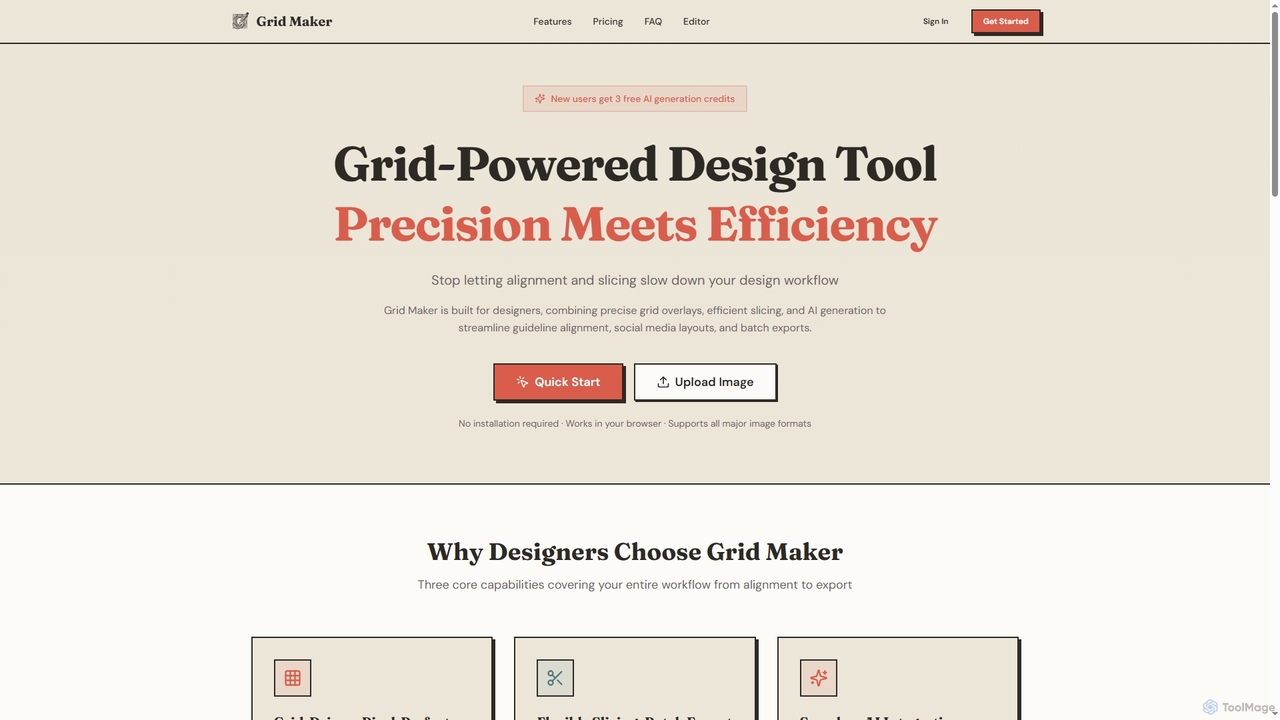
Grid Maker is an AI-powered design tool for creating pixel-perfect grid overlays, slicing images efficiently, and generating content with AI. It streamlines design workflows for social media layouts, poster alignment, and UI mockups, offering precise control and batch export capabilities directly in your browser.

Image Generation
Visits 6.3KFavorites 73Likes 83
Lumedream
Freemium

Lumedream

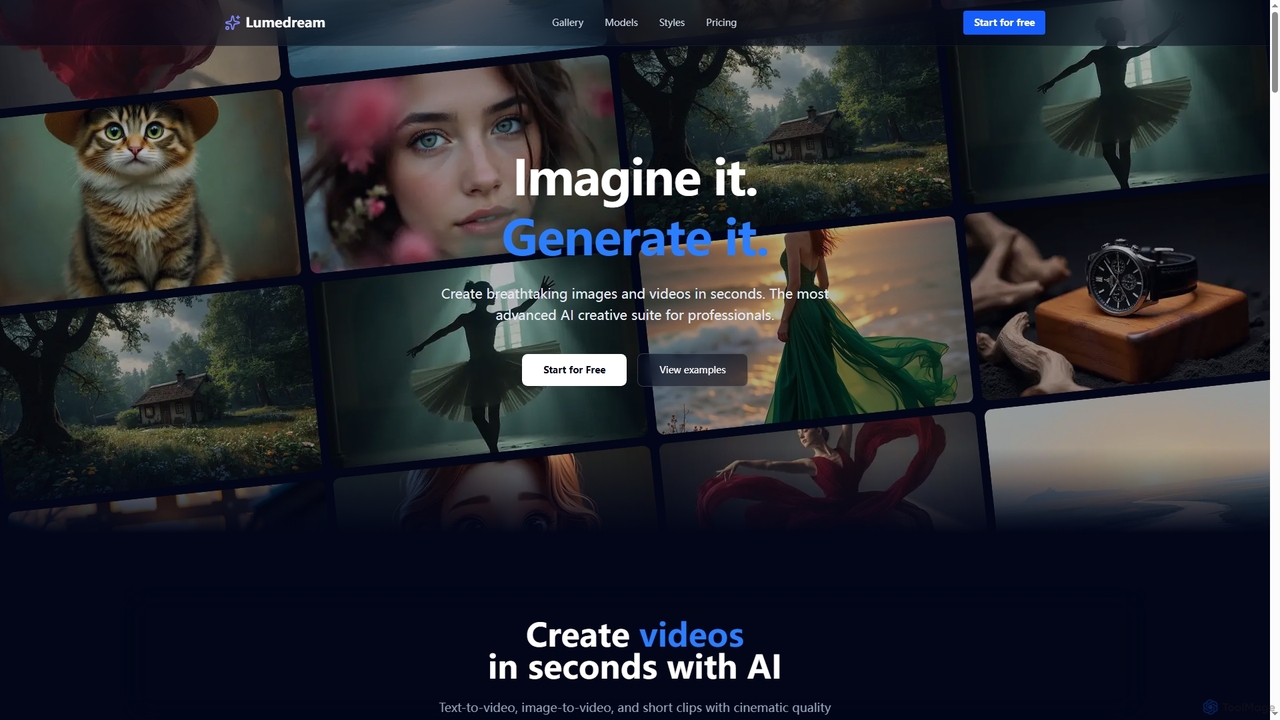
Lumedream is an advanced AI creative suite designed for professionals to generate stunning images and videos in seconds. It offers text-to-video, image-to-video, motion graphics, and an AI upscaler, powered by a wide array of modern AI models and hundreds of ready-to-use styles.

Image Generation
Visits 5.5KFavorites 83Likes 66
MindPic
Free

MindPic

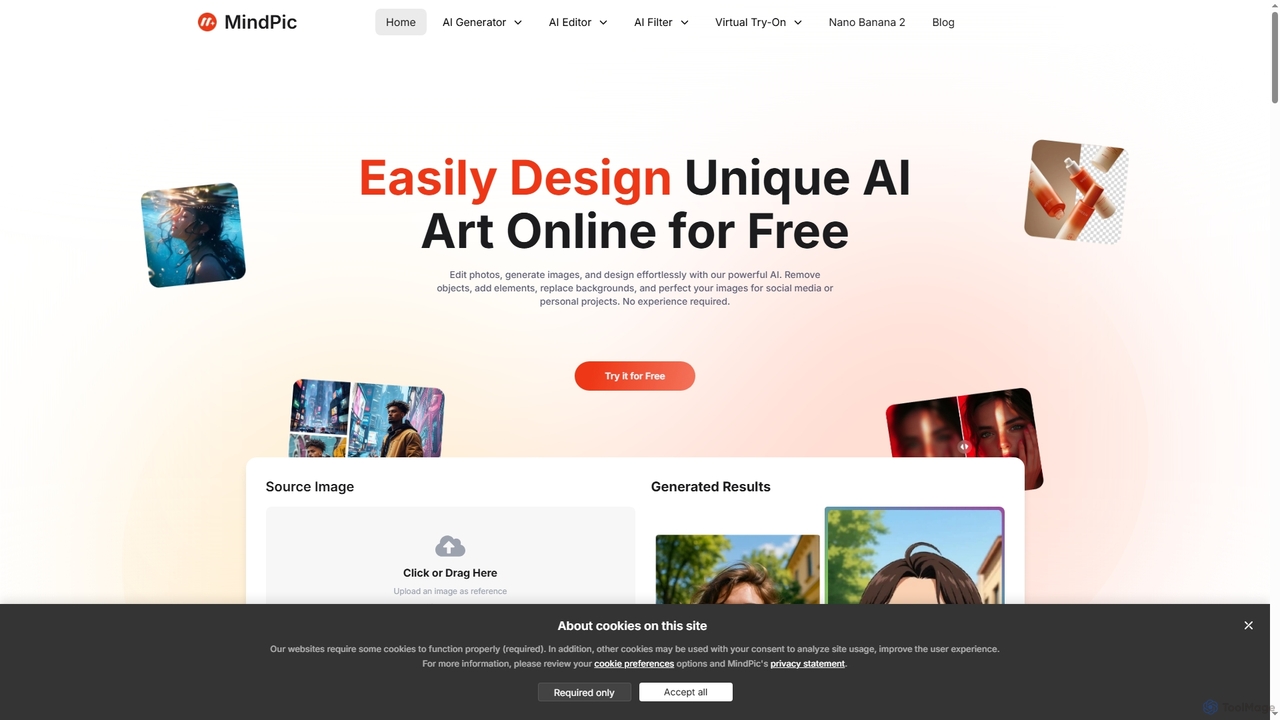
MindPic is a free online AI photo editor and design tool that empowers users to effortlessly enhance, transform, and generate images. It offers a suite of AI-powered features like object removal, background replacement, image upscaling, photo retouching, and art generation from text or reference images, all without requiring any login or prior editing experience.

Graphic Design
Visits 42.8KFavorites 112Likes 116
Erazor
Freemium

Erazor

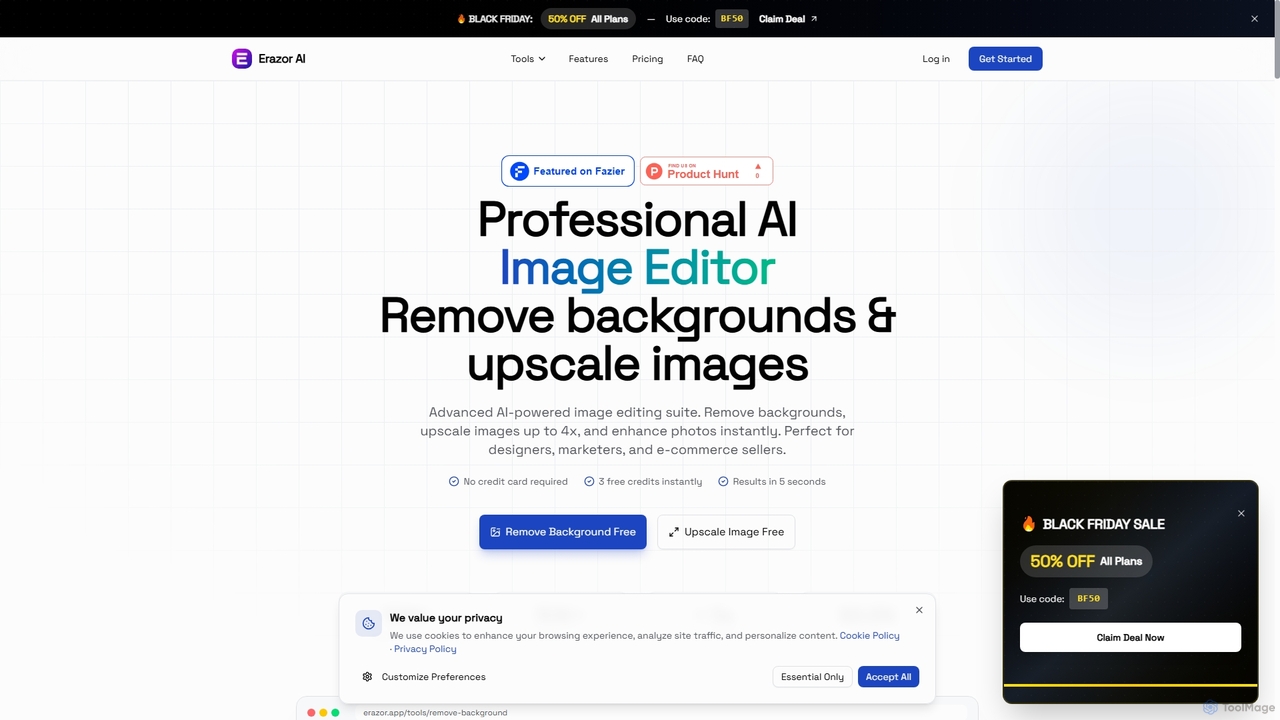
Erazor is a professional AI image editor that specializes in lightning-fast background removal and intelligent image upscaling. Designed for designers, marketers, and e-commerce sellers, it delivers high-quality results in seconds, enhancing productivity and visual content creation.

Graphic Design
Visits 5.5KFavorites 100Likes 74
FLUX
Paid

FLUX

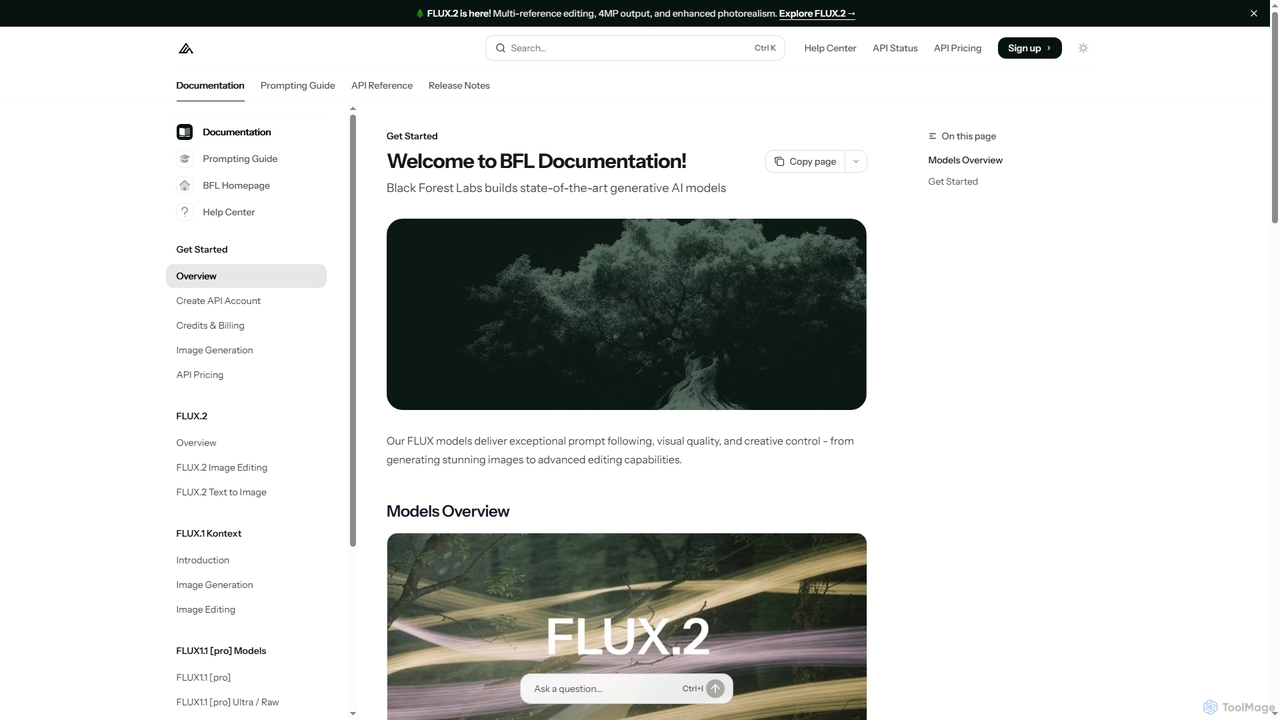
FLUX by Black Forest Labs offers advanced AI models for photorealistic image generation and multi-reference editing. It provides precise control over visual elements, supports high-resolution output, and integrates via API for production workflows.

Image Editing
Visits 41.8KFavorites 171Likes 159
DrawPost
Freemium

DrawPost

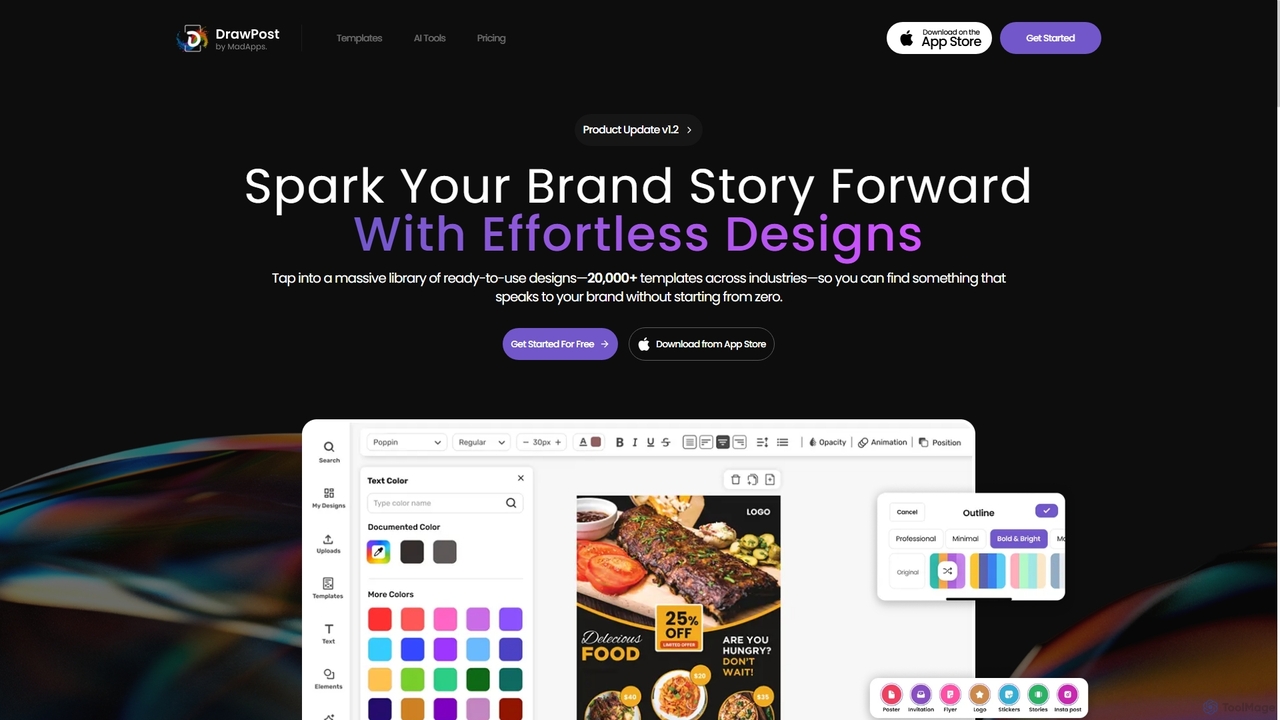
DrawPost is an AI-powered design tool that empowers creators to produce stunning visuals effortlessly. With access to over 20,000 templates and smart AI features like image generation, background removal, and instant text styling, it simplifies graphic design for social media, marketing, and personal projects. Available on web and mobile, DrawPost helps users craft professional designs quickly, without watermarks, and with options for team collaboration and brand consistency.

Social Media
Visits 5.6KFavorites 116Likes 124
Monkey AI

Monkey AI

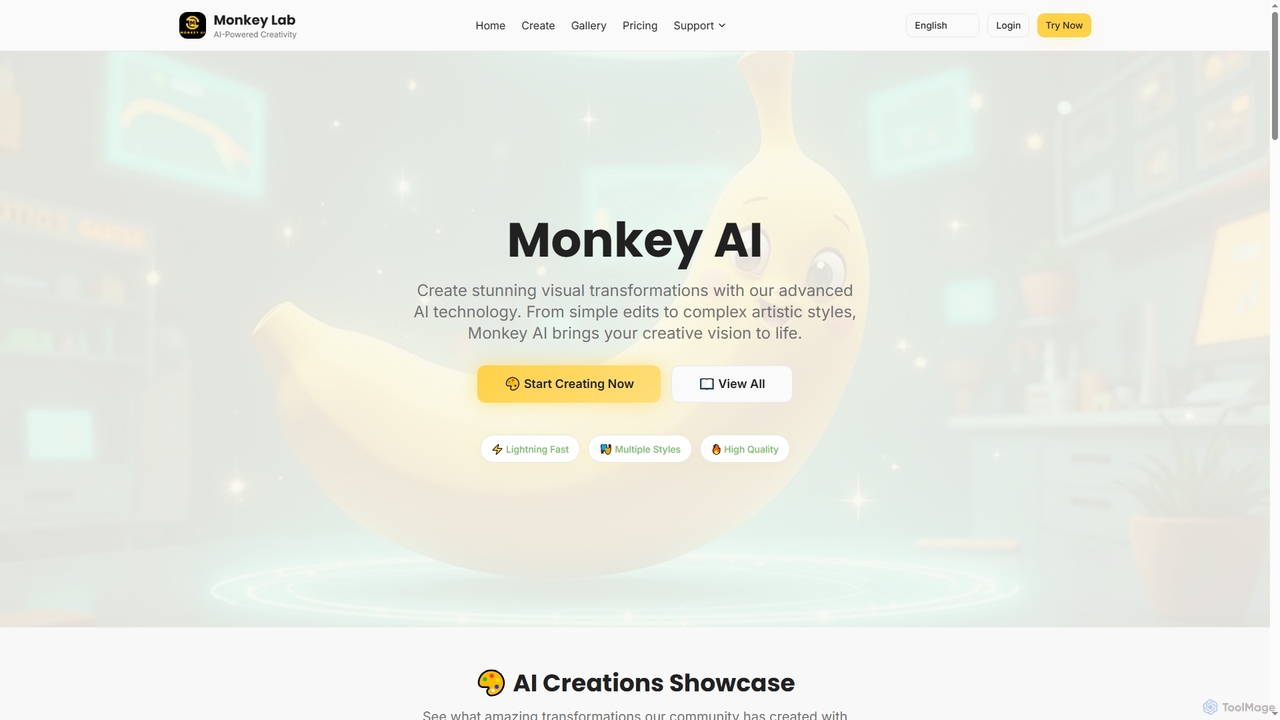
Monkey AI is an advanced online AI image generator that transforms visual concepts into stunning creations. It offers lightning-fast processing, multiple artistic styles, and high-quality outputs, enabling users to perform complex artistic transformations and simple edits with ease, bringing diverse creative visions to life.

Art Generation
Visits 17KFavorites 156Likes 161
Flux2 AI
Paid

Flux2 AI

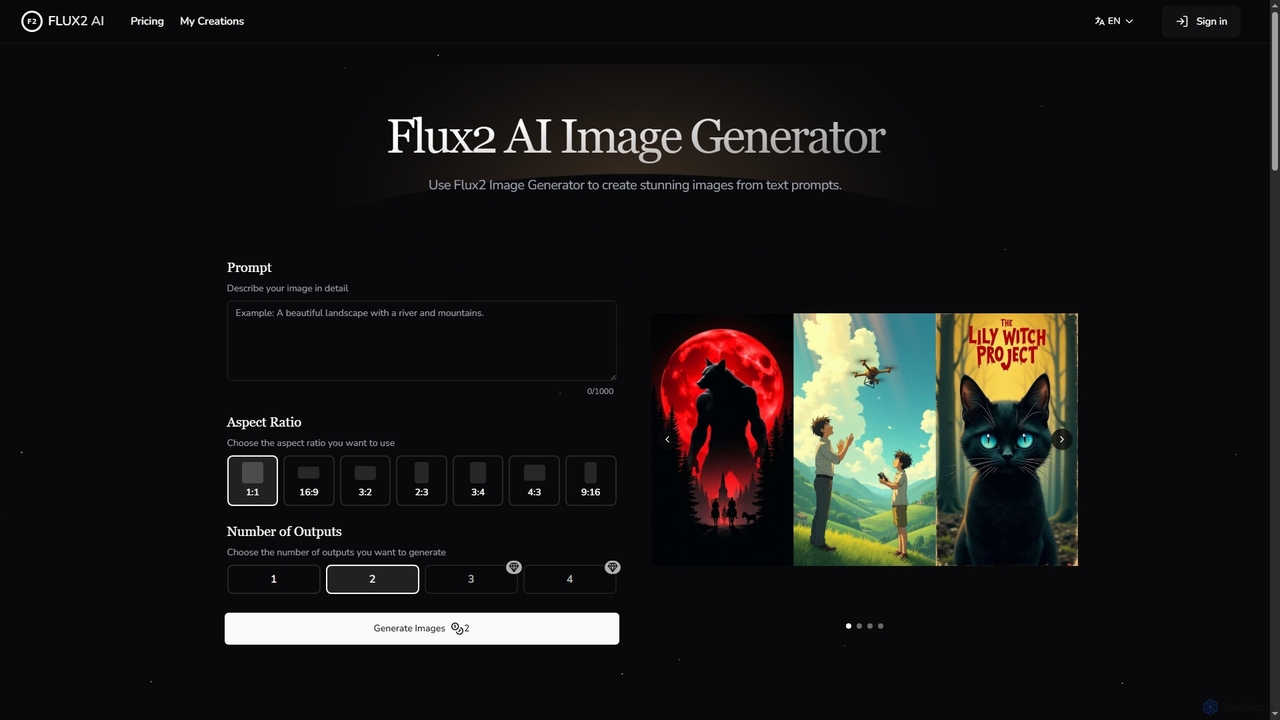
Flux2 AI is an advanced image generator powered by Black Forest Labs' Flux2 Ultra, Pro, and Dev models. It transforms text into high-quality visuals, offering versatile style generation, up to 4-megapixel renders, and commercial-ready output for various creative and marketing needs.

Digital Art
Visits 5.5KFavorites 97Likes 93
Rustic AI
Freemium

Rustic AI

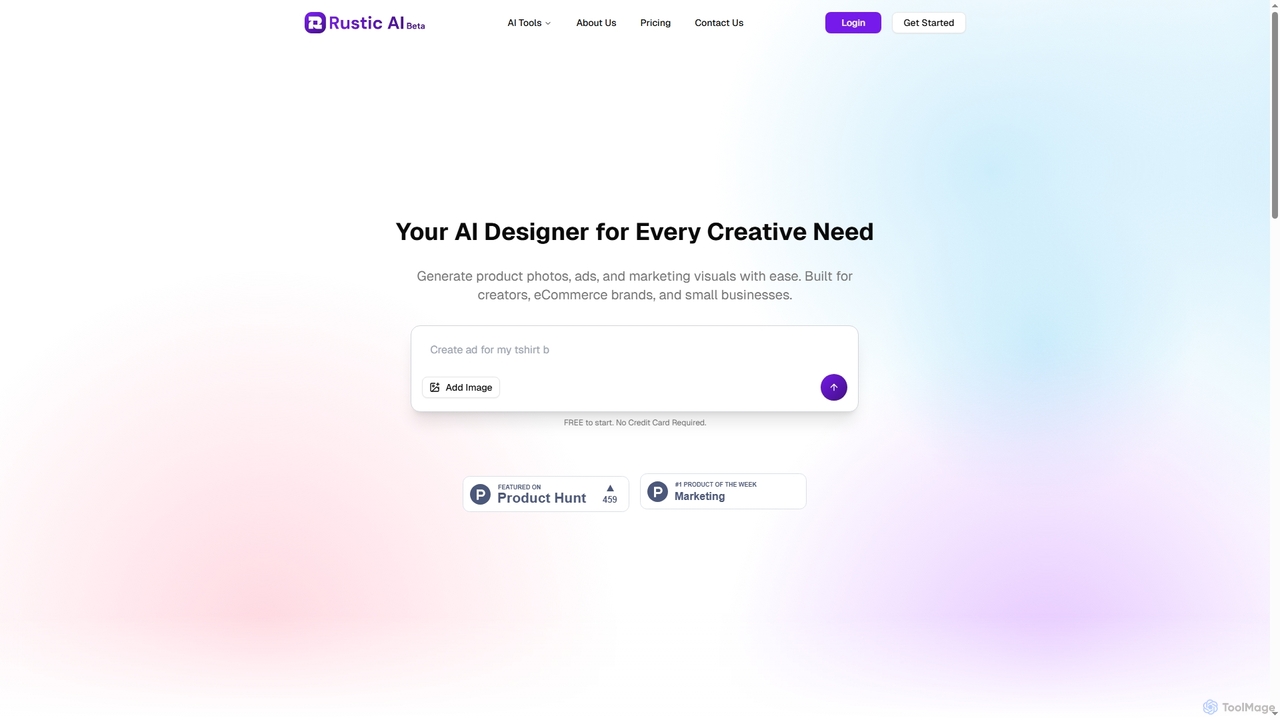
Rustic AI is an intuitive AI design editor built for creators, e-commerce brands, and small businesses. It simplifies the generation of high-quality product photos, ad creatives, and marketing visuals, transforming ideas into stunning imagery with ease. The platform offers a suite of AI-powered tools to streamline visual content creation.

Graphic Design
Visits 5.5KFavorites 121Likes 114
Picture to Line Drawing
Freemium

Picture to Line Drawing

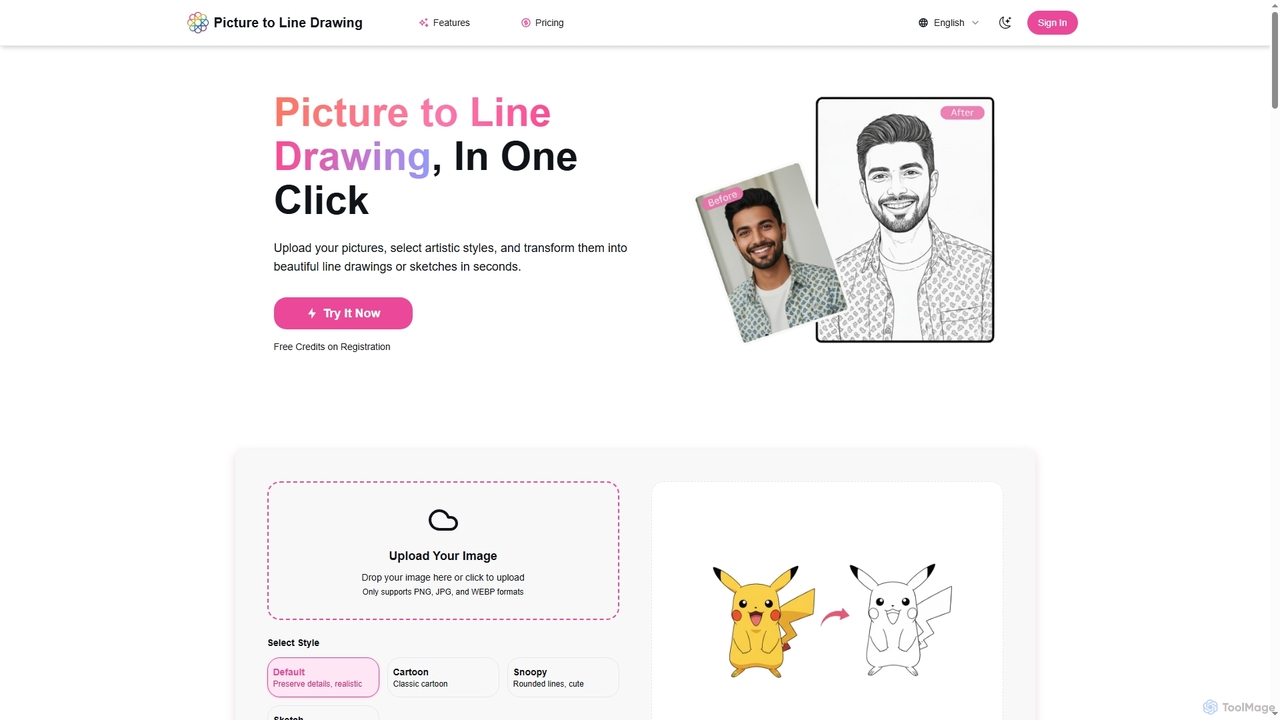
Picture to Line Drawing is an AI-powered online converter that transforms photos into beautiful line drawings or sketches in seconds. It offers multiple artistic styles like Default, Cartoon, Snoopy, and Sketch, making it easy for anyone to create unique artworks with a single click.

Generative Art
Visits 6.1KFavorites 106Likes 124
AI Image Edit
Freemium

AI Image Edit

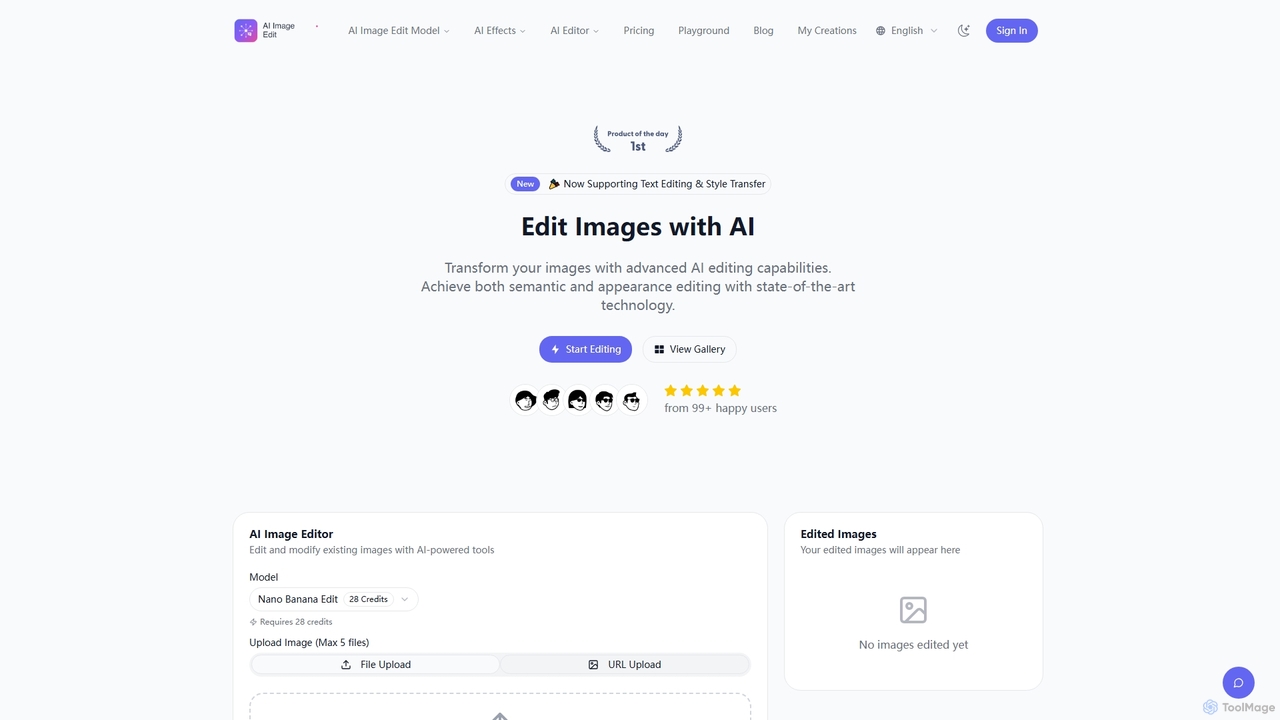
AI Image Edit is a professional AI-powered tool that transforms images with advanced editing capabilities. It offers precise semantic and appearance control, text editing, and style transfer, enabling users to modify content while preserving visual integrity and consistency.

Graphic Design
Visits 23.3KFavorites 116Likes 134
VisualGPT
Freemium

VisualGPT

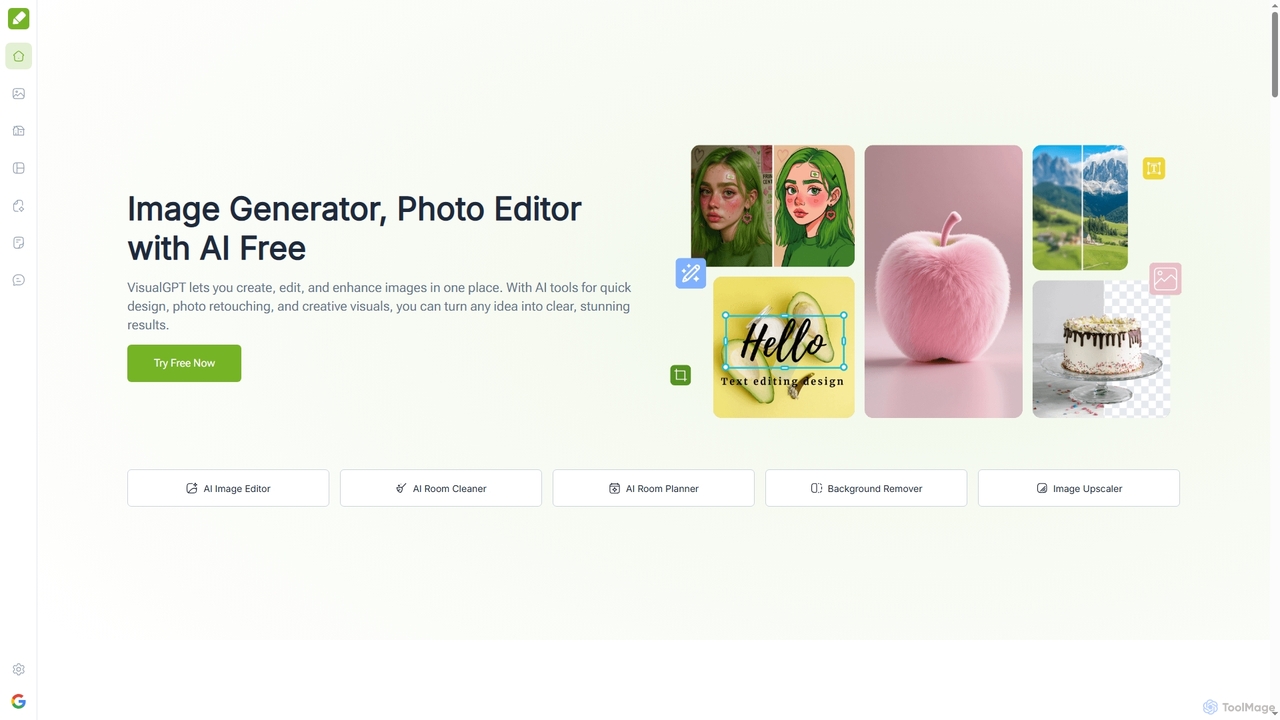
VisualGPT is an all-in-one online AI platform for generating, editing, and enhancing images. It offers tools like AI image editing, background removal, room planning, and visualization, powered by advanced models like Nano Banana and Stable Diffusion. Designed for ease of use, it helps users create stunning visuals quickly without complex software or design skills.

Graphic Design
Visits 1.5MFavorites 108Likes 129
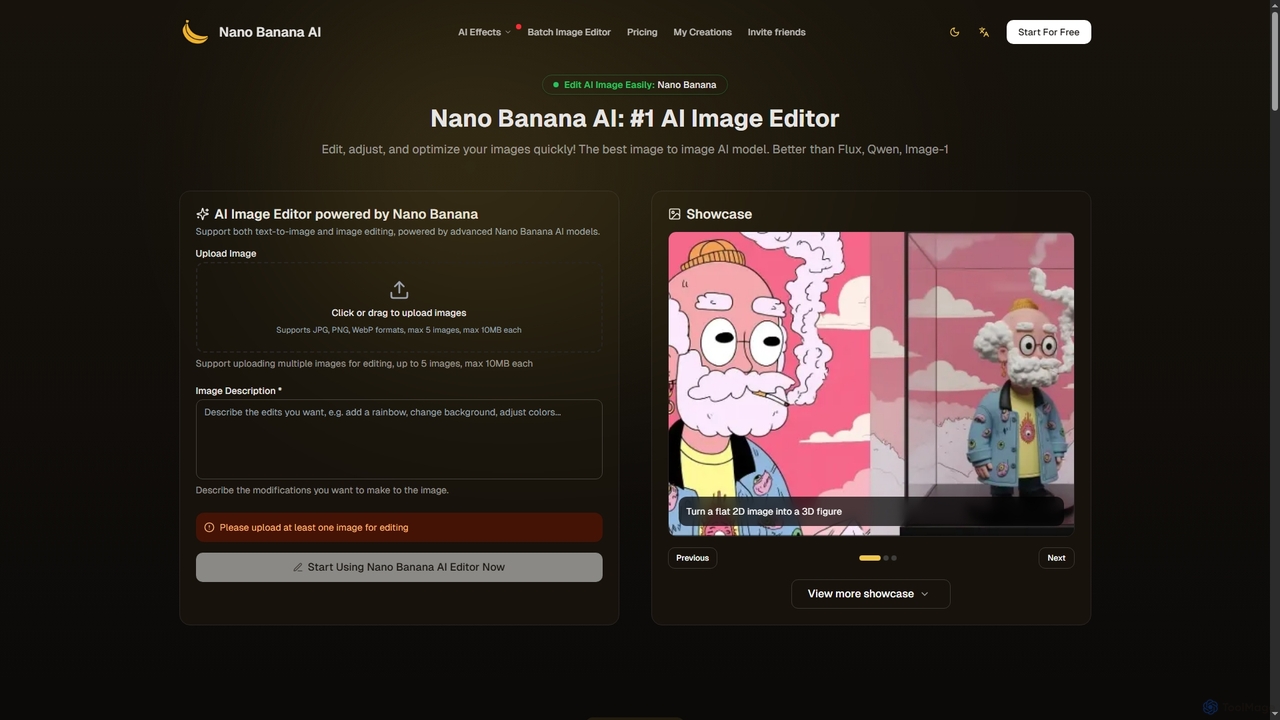
Nano Banana
Freemium

Nano Banana

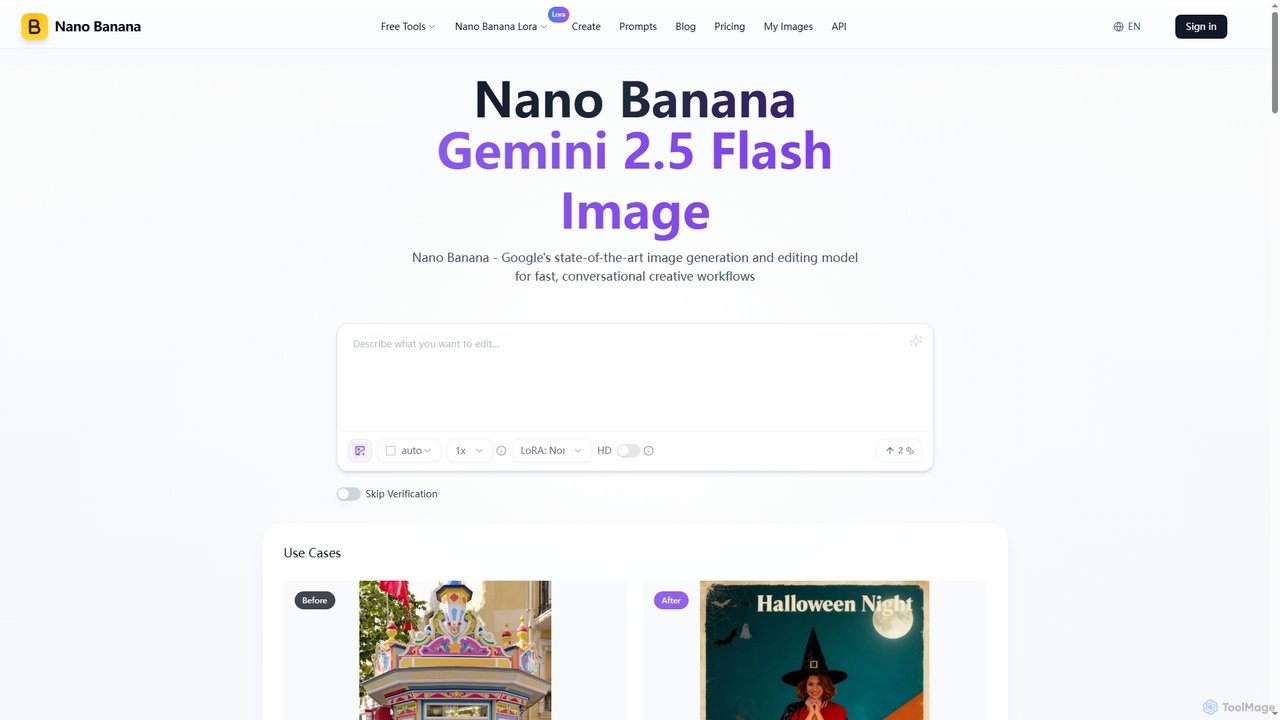
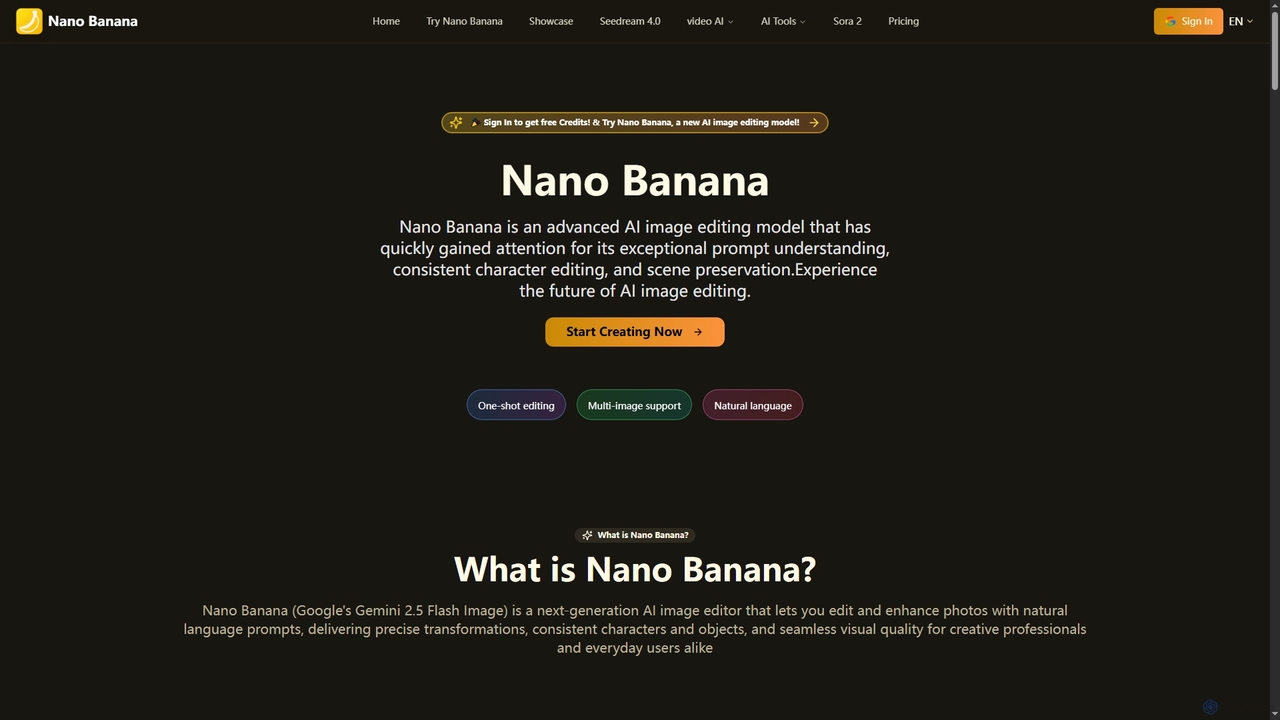
Nano Banana is an advanced AI image generation and editing tool powered by Google's Gemini 2.5 Flash Image model. It excels in fast, conversational creative workflows, offering unmatched character consistency, multi-image fusion, and deep world knowledge for precise visual transformations and asset creation.

Graphic Design
Visits 709KFavorites 127Likes 131
Novaimg
Freemium

Novaimg

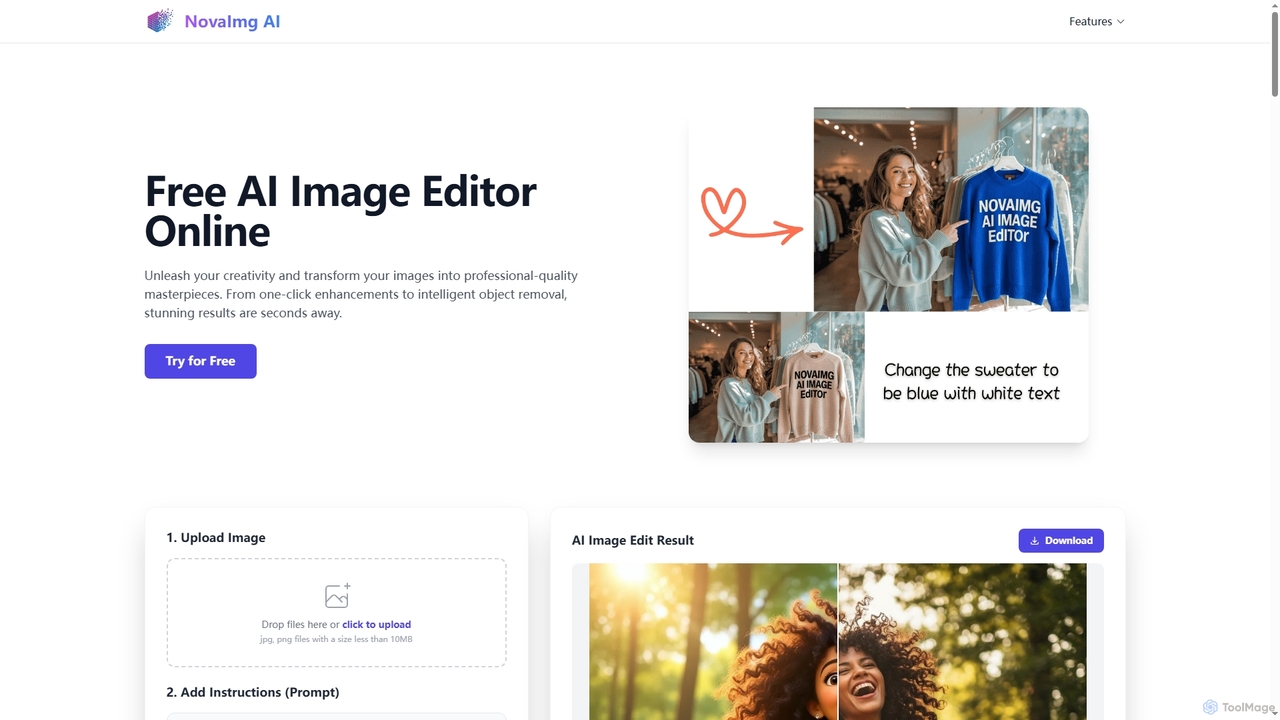
Novaimg is a versatile online AI tool suite for transforming and enhancing visual content. It offers a range of features including AI image editing with text prompts, 4K image upscaling, realistic face swapping for photos, videos, and GIFs, and an intelligent watermark remover. Designed for ease of use, Novaimg helps users create professional-quality images and videos for social media, e-commerce, and creative projects, often for free or with generous daily limits.

Graphic Design
Visits 27KFavorites 92Likes 86
Nana Banana
Freemium

Nana Banana

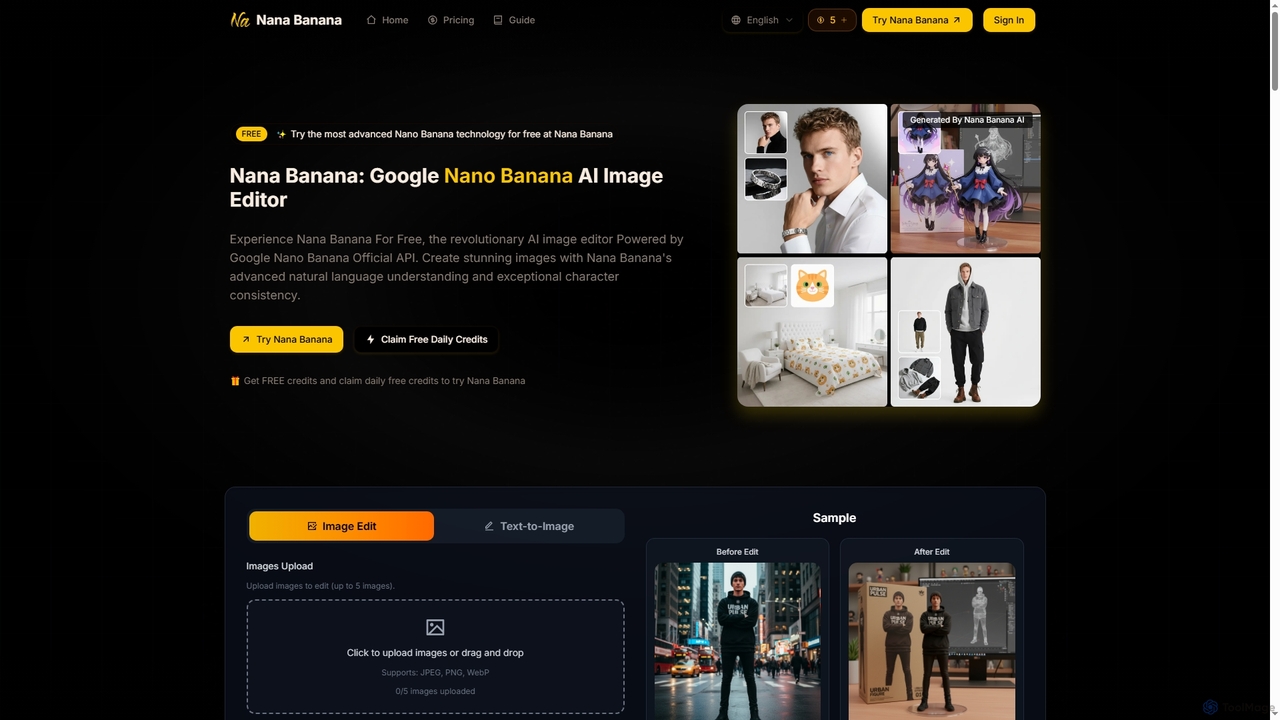
Nana Banana is an advanced AI image editor and generator powered by Google's cutting-edge Gemini 2.5 Flash Image model. It enables users to create stunning visuals from text prompts or by editing existing images with exceptional natural language understanding, character consistency, and one-shot editing capabilities, delivering professional-grade 4K+ output rapidly.

Graphic Design
Visits 7.3KFavorites 123Likes 118
Seedream 4.0 AI
Freemium

Seedream 4.0 AI

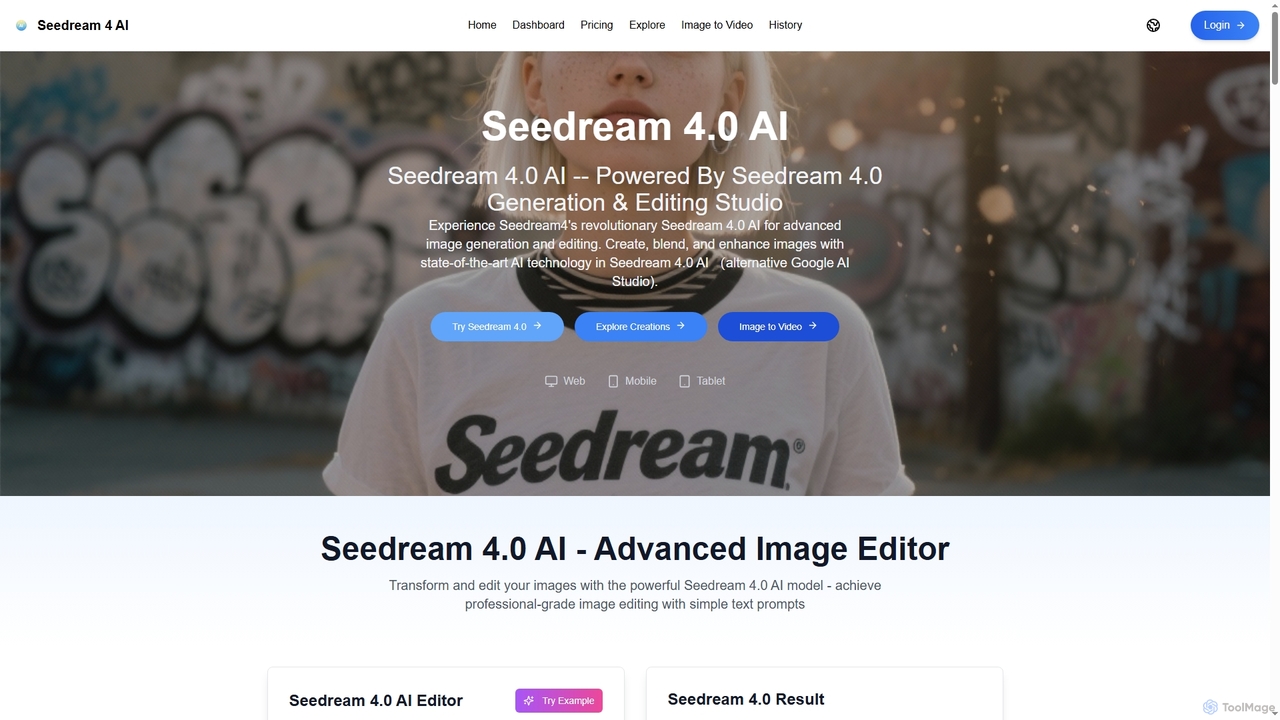
Seedream 4.0 AI is an advanced image generation and editing studio powered by state-of-the-art AI. It allows users to create, blend, enhance, and transform images from text prompts or existing uploads with exceptional clarity, perfect ID preservation, and rapid generation speeds, ideal for both hobbyists and professionals.

Graphic Design
Visits 5.5KFavorites 142Likes 157
Nano Banana
Freemium

Nano Banana

Nano Banana is an advanced AI image editing model that transforms photos with natural language prompts. It excels in precise transformations, maintaining consistent characters, and preserving scene integrity, making professional-grade image editing accessible to creators and everyday users alike.

Generative Art
Visits 1.5MFavorites 137Likes 161
Nanoimg
Paid

Nanoimg

Nanoimg is an advanced AI image editor powered by Google Gemini Nano Banana, enabling instruction-based photo editing. It supports multi-turn edits, multi-image inputs, and preserves likeness, making complex image transformations fast and easy through natural language prompts.

Graphic Design
Visits 5.5KFavorites 181Likes 172
Nano Banana
Freemium

Nano Banana

Nano Banana is an AI-powered image editor driven by natural language prompts, utilizing Gemini 2.5 Flash Image technology. It excels at precise, effortless edits while maintaining character consistency, scene layout, and lighting across various images.

3D Figure Generation
Visits 104.9KFavorites 142Likes 148
Nano Banana
Freemium

Nano Banana

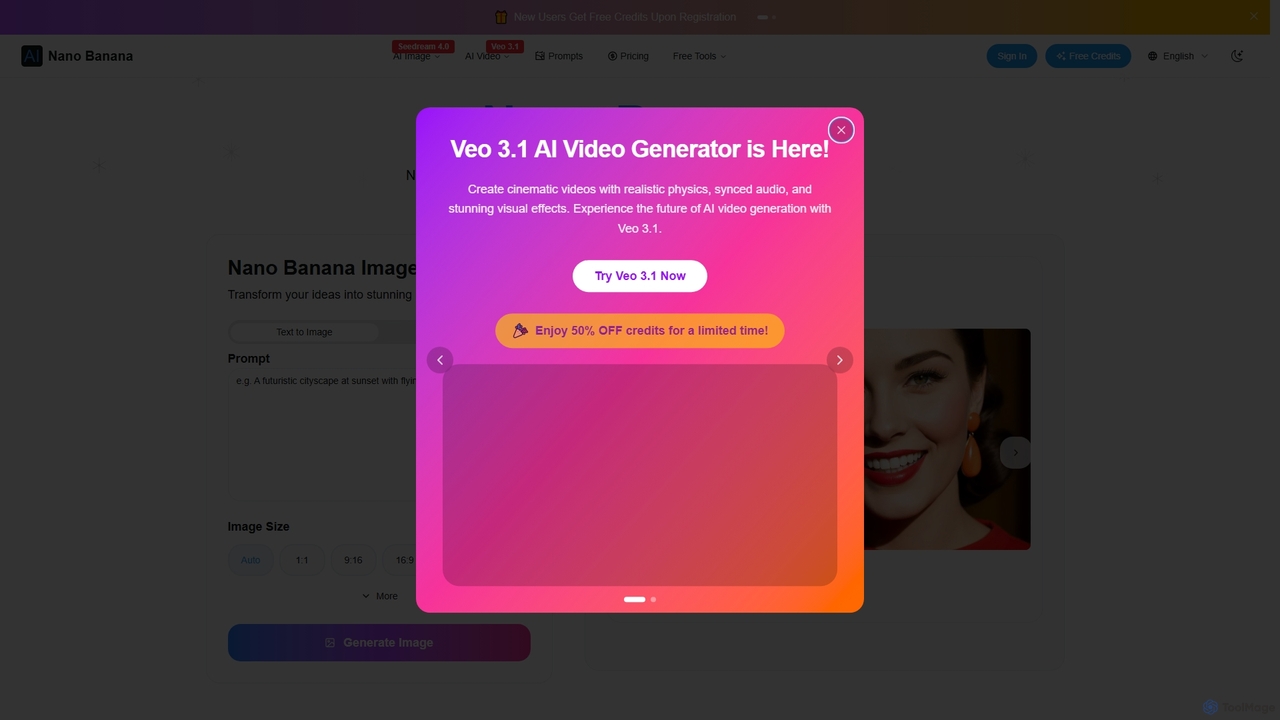
Nano Banana is an advanced AI image editor and generator that allows users to effortlessly transform photos and create stunning visuals. It supports text-to-image generation, comprehensive image editing, and even specialized features like AI action figure creation. With lightning-fast processing and professional-quality output, Nano Banana simplifies complex editing tasks for personal and commercial use.

Digital Art
Visits 386.1KFavorites 111Likes 113

About Graphic Design

AI Graphic Design tools are platforms that automate the creation of complete visual assets like logos, social media posts, and marketing banners. They combine generative AI for images and text with intelligent, pre-designed templates to streamline the design process. This allows users to produce professional-quality, branded graphics quickly, often without needing advanced design skills. These tools are particularly valuable for accelerating content creation and maintaining brand consistency across multiple channels.

Core Features

  • Template-based Generation: Automatically populates professionally designed layouts with user-provided or AI-generated content.
  • Brand Kit Automation: Instantly applies your brand's logos, color palettes, and fonts across all designs for consistent branding.
  • Multi-format Asset Creation: Generates a complete set of coordinated assets (e.g., posts, stories, banners) for a campaign from a single prompt.
  • AI Layout Suggestions: Intelligently recommends optimal placement, alignment, and sizing of elements for balanced compositions.
  • Integrated Content Creation: Generates both visual elements and accompanying text copy within a unified workflow.

Use Cases

These tools are widely used by marketing teams for creating campaign materials, small businesses for establishing a visual identity, and content creators for producing engaging social media graphics. They are ideal for tasks requiring rapid iteration and consistent branding, such as producing daily social content or A/B testing ad creatives.

How to Choose

When selecting an AI Graphic Design tool, consider the variety and quality of its template library. Evaluate the robustness of its brand kit features, its ability to generate assets in various dimensions, and its integration with stock media libraries. Also, assess the user interface's ease of use for non-designers and the available export formats (e.g., PNG, JPG, SVG).

Featured tool rankings

Graphic Design use cases

1

Generate Social Media Campaign Assets

A social media manager needs to launch a new product campaign across Instagram, Facebook, and Twitter. Instead of designing each graphic manually, they input the campaign slogan, product photos, and brand colors into an AI Graphic Design tool. The AI instantly generates a dozen variations of posts, stories, and cover images, all perfectly sized for each platform and aligned with the brand's visual identity. This reduces the design time from hours to minutes, enabling rapid deployment and A/B testing of different visual approaches.

2

Create a Complete Brand Kit for a Startup

A startup founder without a design budget needs a professional brand identity. They use an AI tool and answer a series of questions about their company's industry, values, and target audience. The AI then generates multiple logo concepts, suggests complementary color palettes, and pairs appropriate fonts. Once a direction is chosen, the tool compiles these elements into a comprehensive brand kit, which can be automatically applied to future designs like business cards, presentations, and web banners, ensuring consistency from day one.

3

Rapidly Prototype Advertising Creatives

A digital marketer needs to test multiple ad creatives for a Google Display Network campaign to find the best-performing version. They upload a single product image and provide several headline options. The AI Graphic Design tool then automatically generates over 20 different banner ad variations, experimenting with layouts, background colors, and call-to-action button styles. This allows the marketer to efficiently test a wide range of creative hypotheses and optimize ad spend based on real performance data.

4

Produce Cohesive Event Promotion Materials

An event coordinator is organizing a local workshop and needs promotional materials. They enter the event title, date, location, and a brief description into an AI design platform. The tool generates a cohesive set of assets, including a printable flyer, a digital poster for social media, an email header, and a ticket design. All materials share a consistent theme and branding, creating a professional and recognizable look for the event with minimal effort.

5

Repurpose Blog Content into Visuals

A content creator wants to increase the reach of their latest blog post. They paste the article's URL into an AI Graphic Design tool. The AI analyzes the text, extracts key quotes and data points, and suggests several visual formats, such as an infographic, a carousel post for Instagram, or a series of quote cards for Twitter. The creator can then quickly customize the generated visuals to match their brand style, effectively turning one piece of content into multiple engaging assets for different platforms.

6

Design E-commerce Promotional Graphics

An e-commerce store owner is running a weekend sale and needs to create eye-catching graphics for their website and social media. Using an AI tool integrated with their store, they select the products on sale. The tool automatically pulls the product images, prices, and discount percentages, placing them into dynamic, professionally designed sale templates. It can generate banners like "30% Off All T-Shirts" or "Flash Sale Ending Soon" in seconds, ready to be published.

Graphic Design FAQ

What are AI Graphic Design tools?

AI Graphic Design tools are software platforms that use artificial intelligence to automate and simplify the creation of composed visual assets. Unlike simple image editors, they focus on generating complete designs like social media posts, logos, and advertisements by combining text, images, and layout elements. They typically use smart templates and brand kits to ensure professional results and brand consistency, making them accessible even for users without formal design training.

How do AI Graphic Design tools differ from AI Image Generators?

The primary difference lies in their output and purpose. AI Image Generators create single, standalone images from text prompts (e.g., a photo of an astronaut). AI Graphic Design tools, however, are for composition. They take various elements—like generated images, text, logos, and shapes—and arrange them within a layout to create a finished piece of communication, such as a poster, an infographic, or a banner ad. Graphic design tools focus on layout, typography, and branding, while image generators focus solely on creating the visual content itself.

How to choose the right AI Graphic Design tool?

To choose the right tool, consider these factors:

  • Template Library: Look for a wide variety of high-quality, modern templates relevant to your needs.
  • Branding Features: Check if it offers a robust brand kit to easily apply your logo, colors, and fonts.
  • Ease of Use: The interface should be intuitive, especially for non-designers.
  • Asset Types: Ensure it can generate the specific formats and sizes you need (e.g., Instagram Stories, YouTube thumbnails, print flyers).
  • Integration: Consider if it integrates with stock photo libraries or other tools in your workflow.

Who can benefit from using AI Graphic Design tools?

A wide range of users can benefit from these tools. Marketers and social media managers can rapidly create content for campaigns. Small business owners and entrepreneurs can build a professional brand identity without hiring a designer. Content creators, bloggers, and educators can produce engaging visuals to accompany their content. Essentially, anyone who needs to create high-quality graphics consistently and quickly, but lacks the time or expertise for traditional design software, is an ideal user.

What are the key features of AI Graphic Design tools?

Key features typically include:

  • Automated Layouts: AI suggests and applies professional design layouts based on your content.
  • Brand Kit Management: A central place to store and automatically apply brand assets like logos, colors, and fonts.
  • One-Click Resizing: Instantly adapt a single design for multiple platforms and formats (e.g., from a Facebook post to an Instagram Story).
  • Integrated AI Content: The ability to generate images and text copy directly within the design editor.
  • Collaborative Workspaces: Features that allow teams to work on designs together in real-time.