

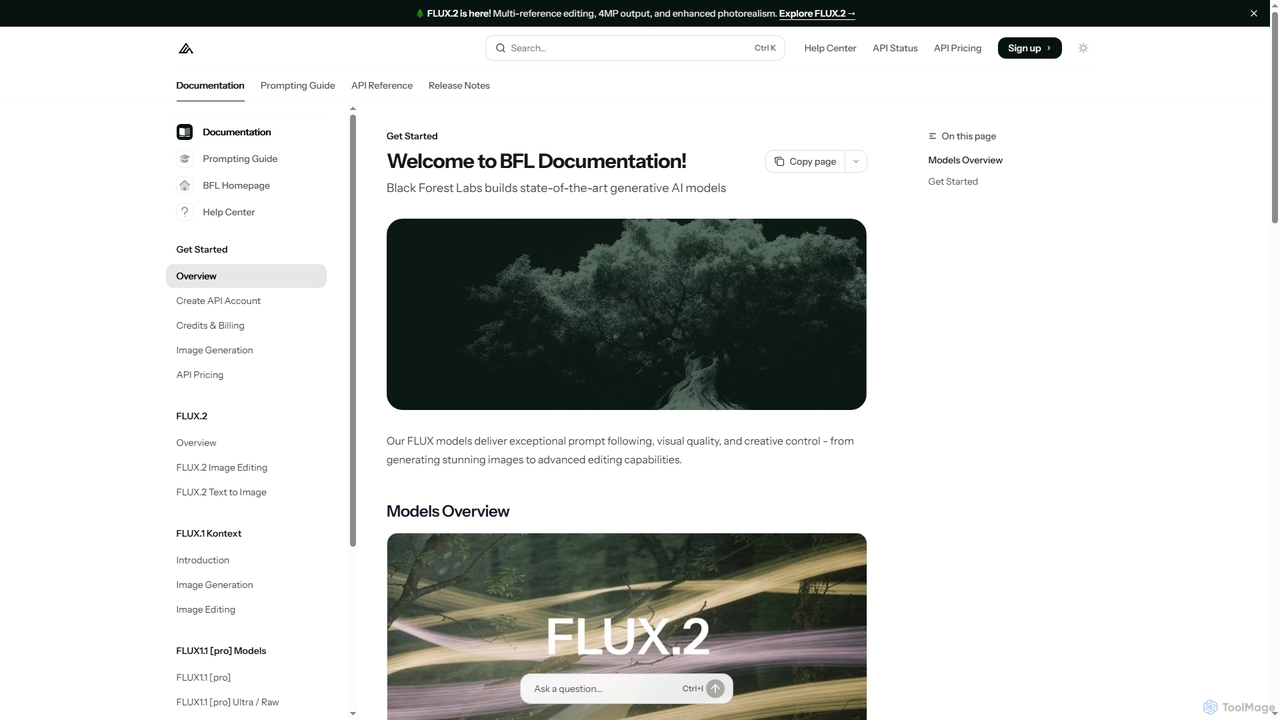
FLUX Overview
FLUX, developed by Black Forest Labs, represents a suite of cutting-edge AI models designed for exceptional image generation and advanced editing capabilities. These models, including FLUX.2 and FLUX.1 Kontext, empower users to create stunning photorealistic images with unparalleled control over details like colors, poses, and composition. From transforming text prompts into visuals to sophisticated multi-reference image editing, FLUX is built for creative professionals and developers seeking high-quality, consistent, and controllable AI-generated content.
How to use FLUX
Users can interact with FLUX models through several methods. For immediate testing and exploration, a web-based Playground is available, allowing instant experimentation with different models without any setup. For integrating FLUX into existing applications and production workflows, a robust REST API is provided, complete with detailed documentation and integration guides. Additionally, for developers requiring full control and local inference, FLUX offers downloadable [dev] weights for deployment on personal infrastructure, ensuring no API limits and transparent commercial licensing. Prompting techniques include structured JSON prompts for precise control over multiple elements, hex color codes for brand consistency, and specific camera/lens simulations for authentic photorealistic results. Multi-reference editing involves describing how each input image should be used to combine elements cohesively.
Core Features of FLUX
- Photorealistic Image Generation from Text Prompts
- Multi-Reference Image Editing (up to 10 input images in playground, 8 for [pro] API)
- High-Resolution Output (up to 4MP)
- Precise Control over Colors, Poses, and Composition
- Structured JSON Prompting for Granular Control
- Hex Color Matching for Brand Consistency
- Advanced Typography and Text Generation
- Character Consistency Across Multiple Images/Panels
- Style Transfer and Aesthetic Reference Guidance
- Inpainting and Outpainting (FLUX.1 Fill)
- Multi-Language Prompt Understanding
- Prompt Upsampling for Enhanced Detail
Use Cases for FLUX
FLUX is ideal for a wide range of applications requiring high-quality visual content. This includes creating diverse ad variants with consistent characters, generating realistic product mockups in various contexts, and producing complex fashion editorials where models maintain identity across different scenes. It's also suitable for interior design visualizations, creating consistent comic strips and sequential art, data visualization with clean infographics, and generating marketing materials with precise typography. Creative professionals, marketing teams, and developers can leverage FLUX for rapid prototyping, content creation, and automating visual asset production.
Advantages of FLUX
The FLUX models offer several key advantages, including exceptional prompt following, leading to highly accurate and desired visual outcomes. They deliver superior visual quality and creative control, enabling users to fine-tune every aspect of their generated images. The platform supports state-of-the-art speed, particularly with models like FLUX1.1 [pro]. Its multi-reference editing capabilities are powerful for complex composites, and the ability to prompt in native languages ensures more culturally authentic results. The option for local deployment provides full control and eliminates API limits for specific use cases.
Pricing and Plans
FLUX offers various models with different pricing structures:
- FLUX.2 [pro]: Text-to-image generation starts from $0.03 per image. Image editing starts from $0.045 per image. Best for production workflows with maximum quality.
- FLUX.2 [flex]: Text-to-image generation starts from $0.06 per image. Image editing starts from $0.12 per image. Offers higher latency but supports up to 10 multi-references.
- FLUX.2 [dev]: Free for non-commercial use.
- FLUX.1 Kontext [max]: Priced at $0.08 per image. A premium model offering industry-leading results, typography, prompt adherence, and consistency.
- FLUX.1 Kontext [dev]: Available with a non-commercial license; commercial use is possible through separate licensing.
FLUX FAQ
Traffic
Latest traffic
Status
Monthly traffic trend
- 2026-1: 67.8K
- 2026-2: 56.3K
- 2026-3: 49.2K
- 2026-4: 34.9K
- 2026-5: 36.3K
Geography
Top 5 countries / regions
- 🇺🇸United States39.3%
- 🇩🇪Germany21.4%
- 🇦🇹Austria14.0%
- 🇫🇷France12.9%
- 🇰🇷South Korea12.3%
Traffic sources
| Source type | Percentage |
|---|---|
Direct | 64.5% |
Referral | 35.5% |
Top keywords
| Keyword | Cost per click |
|---|---|
| can flux.2 klein be used with prompt upssampling locally | $0.00 |
| flux2dev prompt guide | $0.00 |
| flux 2 edit | $0.00 |
| image flux2 input image | $0.00 |
| remove objects using flux 1.d | $0.00 |
FLUX Alternatives
Nana Banana
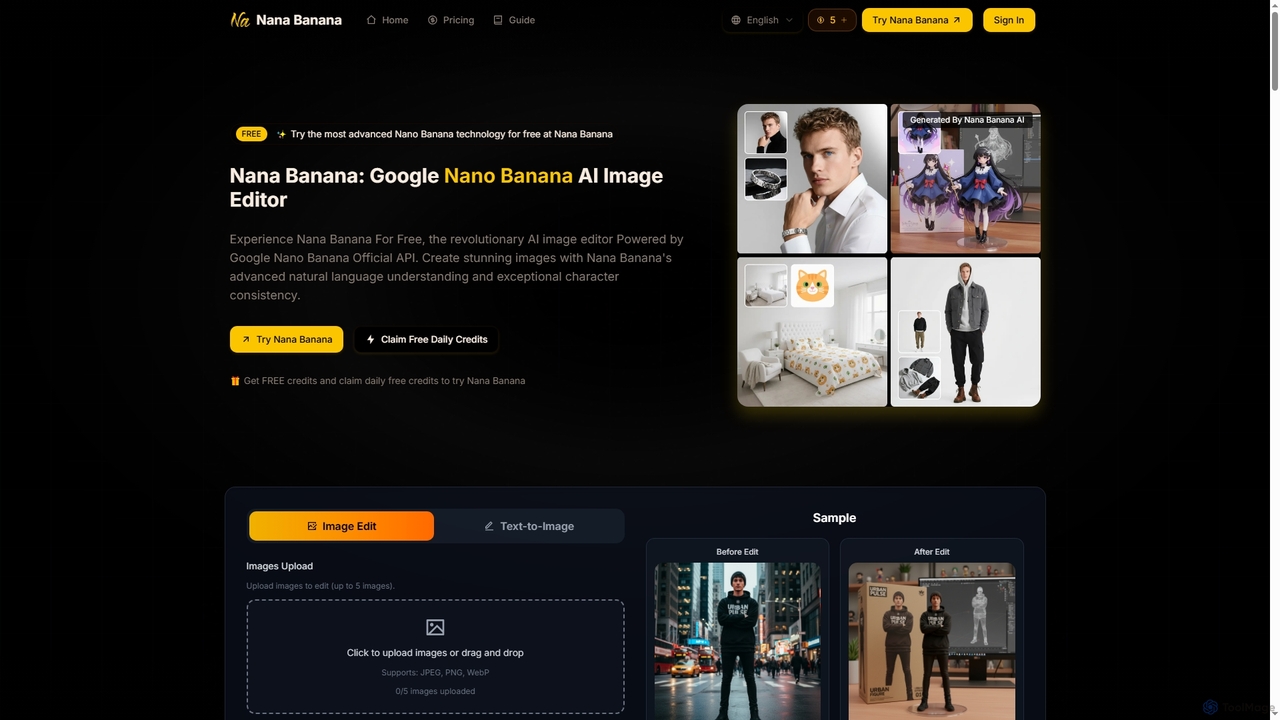
Nana Banana is an advanced AI image editor and generator powered by Google's cutting-edge Gemini 2.5 Flash Image model. It enables users to create stunning visuals from text prompts or by editing existing images with exceptional natural language understanding, character consistency, and one-shot editing capabilities, delivering professional-grade 4K+ output rapidly.
Graphic Design
Nano Banana
Nano Banana is an AI-powered image editor driven by natural language prompts, utilizing Gemini 2.5 Flash Image technology. It excels at precise, effortless edits while maintaining character consistency, scene layout, and lighting across various images.
3D Figure Generation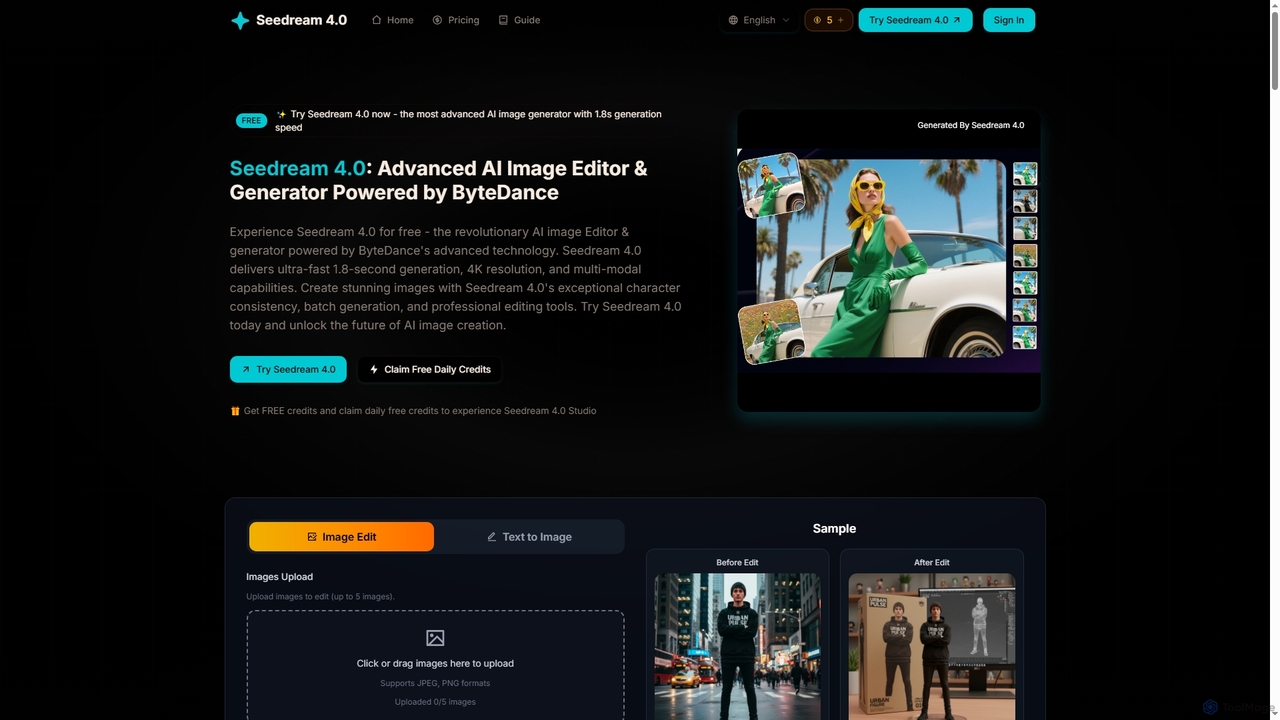
Seedream 4
Seedream 4 is an advanced AI image editor and generator powered by ByteDance's cutting-edge technology. It offers ultra-fast 1.8-second generation, 4K resolution, multi-modal capabilities, and exceptional character consistency for professional creative workflows.
Graphic Design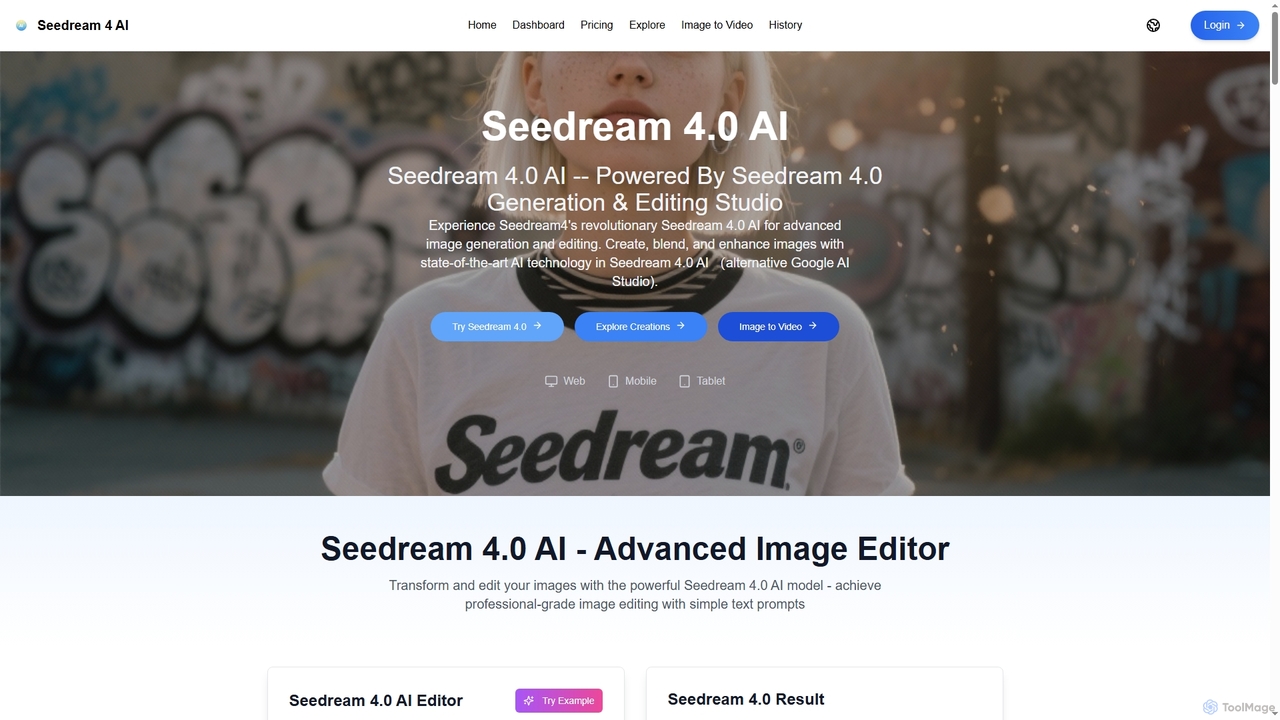
Seedream 4.0 AI
Seedream 4.0 AI is an advanced image generation and editing studio powered by state-of-the-art AI. It allows users to create, blend, enhance, and transform images from text prompts or existing uploads with exceptional clarity, perfect ID preservation, and rapid generation speeds, ideal for both hobbyists and professionals.
Graphic Design
Kira
Kira is a powerful AI-powered platform for professional-grade image generation and editing. It combines a versatile text-to-image generator with a comprehensive suite of editing tools, including background removal, inpainting, upscaling, and stylization. Its key feature is the ability to maintain consistent styles and characters across multiple edits and generations, making it ideal for branding, marketing, and creative projects that require a cohesive visual identity.
Graphic DesignFLUX Categories
FLUX Jobs
FLUX Embed Widget
Copy this embed code to place the badge on your blog, article, or product site and send readers directly to this ToolMage detail page.

Related AI tools
Nana Banana
Nana Banana is an advanced AI image editor and generator powered by Google's cutting-edge Gemini 2.5 Flash Image model. It enables users to create stunning visuals from text prompts or by editing existing images with exceptional natural language understanding, character consistency, and one-shot editing capabilities, delivering professional-grade 4K+ output rapidly.
Graphic Design
Jyek
Jyek is an AI agent platform that understands objectives, creates execution plans, uses tools, and delivers verifiable results for complex, multi-step tasks.
Automation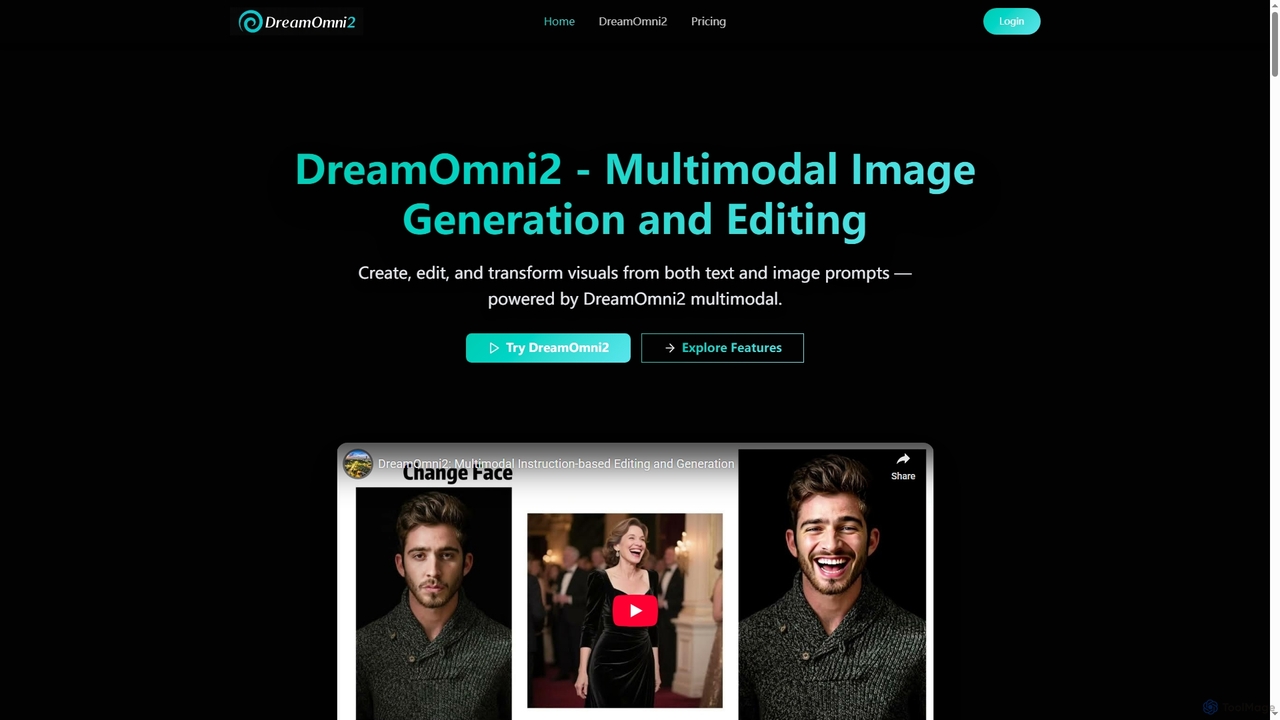
DreamOmni2
DreamOmni2 is a multimodal AI tool for advanced image generation and editing. It allows users to create and transform visuals using both text and image prompts, ensuring superior consistency and creative control for diverse applications from design to advertising.
Photo Manipulation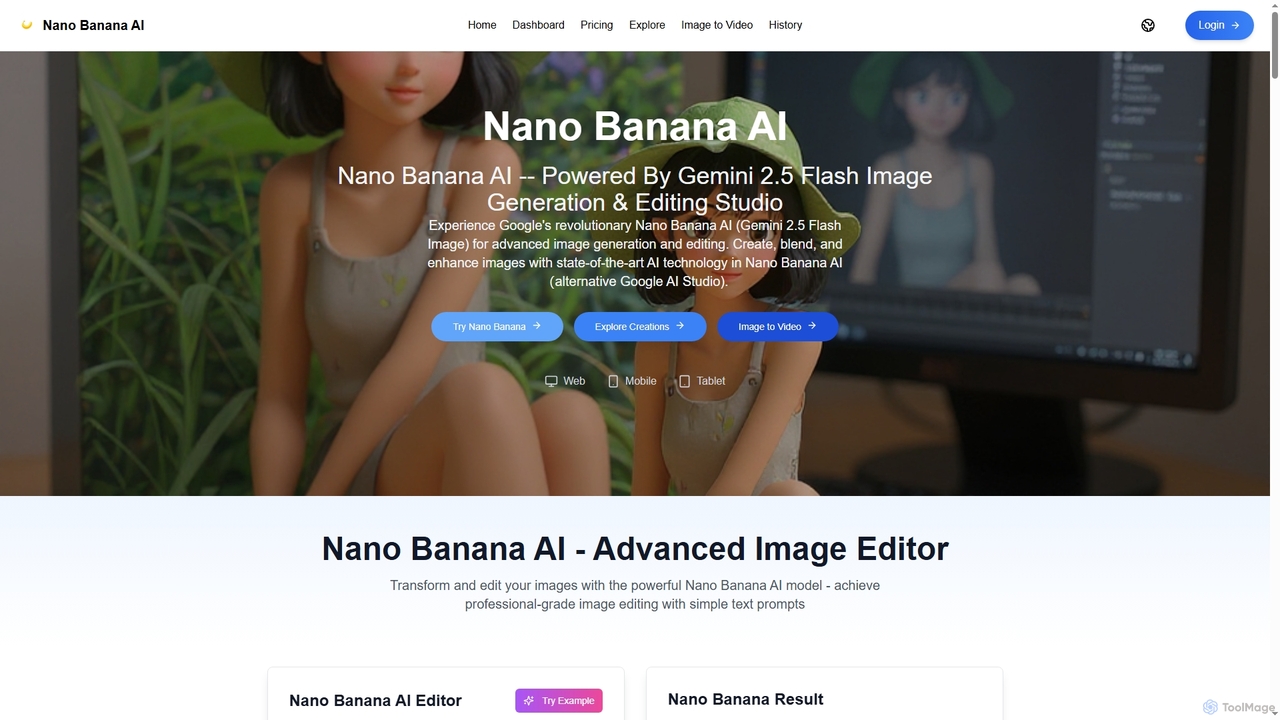
Nano Banana AI
Nano Banana AI is an advanced image generation and editing studio powered by Google's Gemini 2.5 Flash Image technology. It enables users to create, blend, and enhance images with simple text prompts, offering features like one-shot perfect generation, lightning-fast processing, consistent character editing, and face completion technology for professional-grade visual content.
Digital Art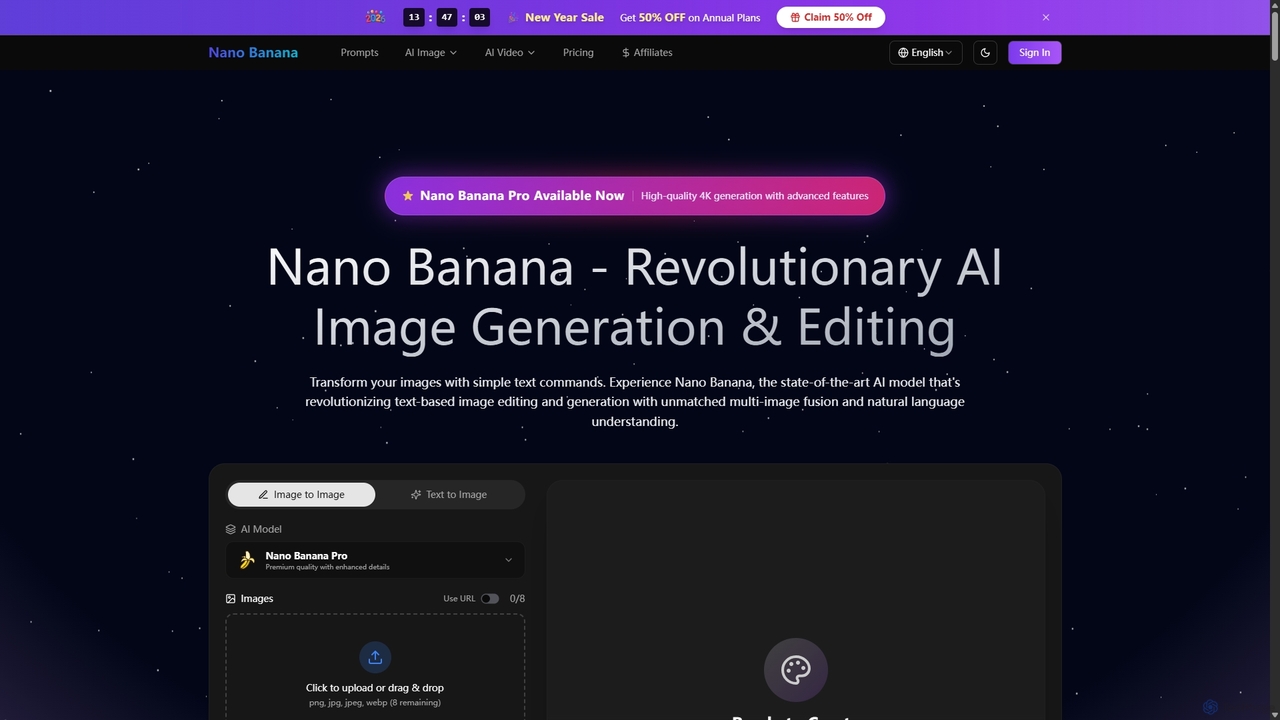
Nano Banana
Nano Banana is a state-of-the-art AI platform that revolutionizes image generation and editing using natural language. It offers unmatched multi-image fusion, exceptional character consistency, and rapid creation of high-quality visuals from simple text commands, catering to a wide range of creative and commercial needs.
EnhancementSeedream 4
Seedream 4 is an advanced AI image editor and generator powered by ByteDance's cutting-edge technology. It offers ultra-fast 1.8-second generation, 4K resolution, multi-modal capabilities, and exceptional character consistency for professional creative workflows.
Graphic DesignSeedream 4.0 AI
Seedream 4.0 AI is an advanced image generation and editing studio powered by state-of-the-art AI. It allows users to create, blend, enhance, and transform images from text prompts or existing uploads with exceptional clarity, perfect ID preservation, and rapid generation speeds, ideal for both hobbyists and professionals.
Graphic Design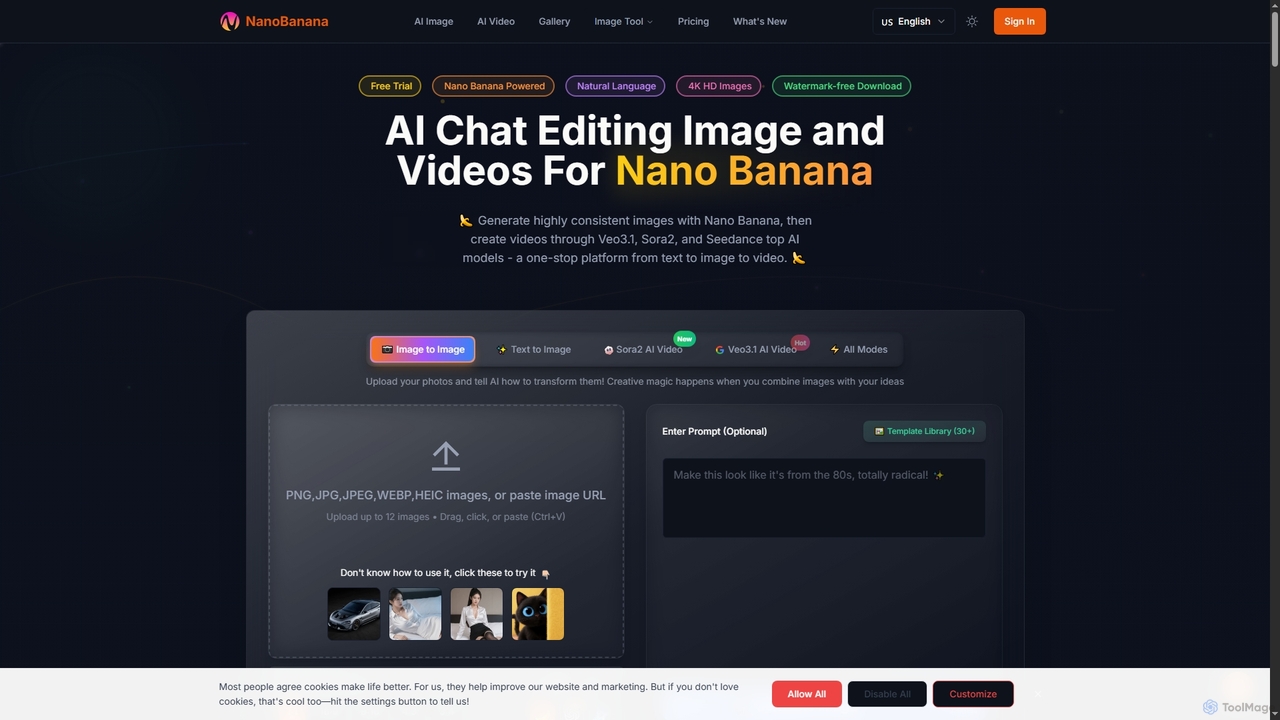
NanoBanana
NanoBanana is an advanced AI-powered platform for generating and editing images and videos using natural language. It offers lightning-fast creation, high-resolution outputs, and a wide array of creative modes, making professional-quality visual content accessible to everyone from beginners to seasoned creators.
Digital ArtNano Banana
Nano Banana is an AI-powered image editor driven by natural language prompts, utilizing Gemini 2.5 Flash Image technology. It excels at precise, effortless edits while maintaining character consistency, scene layout, and lighting across various images.
3D Figure GenerationKira
Kira is a powerful AI-powered platform for professional-grade image generation and editing. It combines a versatile text-to-image generator with a comprehensive suite of editing tools, including background removal, inpainting, upscaling, and stylization. Its key feature is the ability to maintain consistent styles and characters across multiple edits and generations, making it ideal for branding, marketing, and creative projects that require a cohesive visual identity.
Graphic Design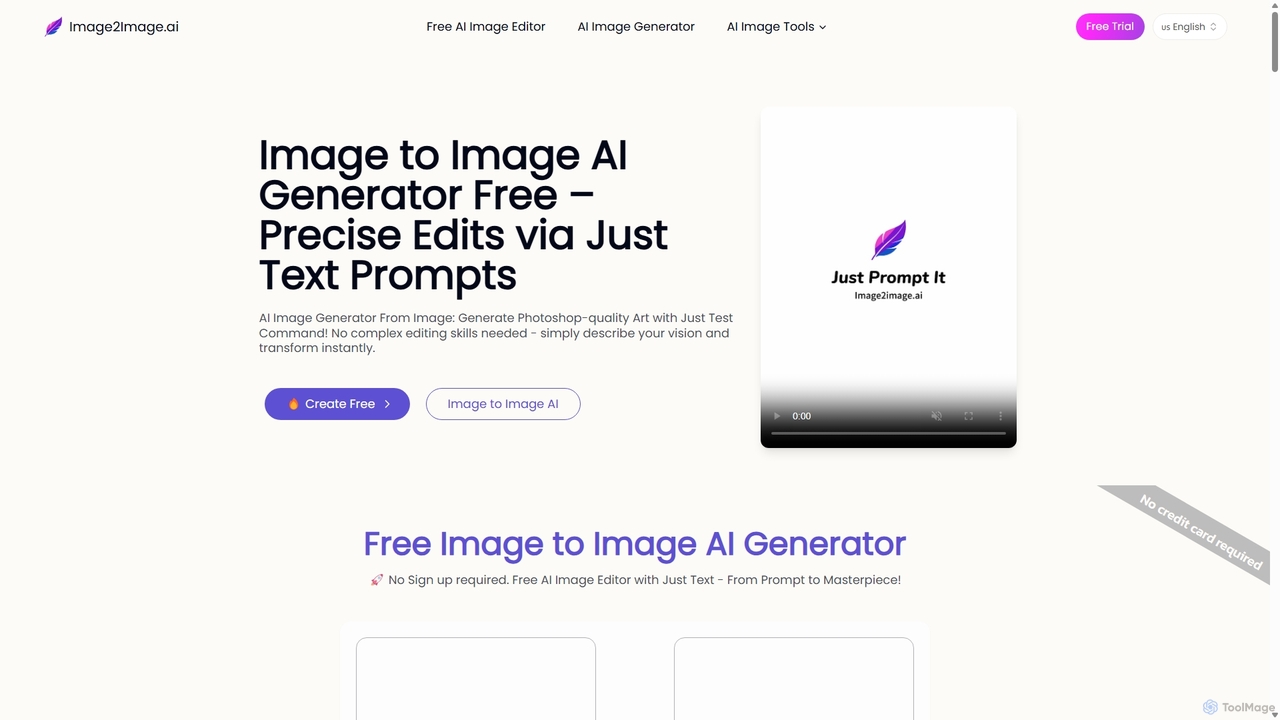
Image to Image AI
Image to Image AI is a powerful free tool that transforms your existing photos into stunning new creations using simple text prompts. It allows for precise edits, style transfers, object removal, and photo restoration while maintaining the consistency and composition of the original image, no professional skills required.
Ai Art Generator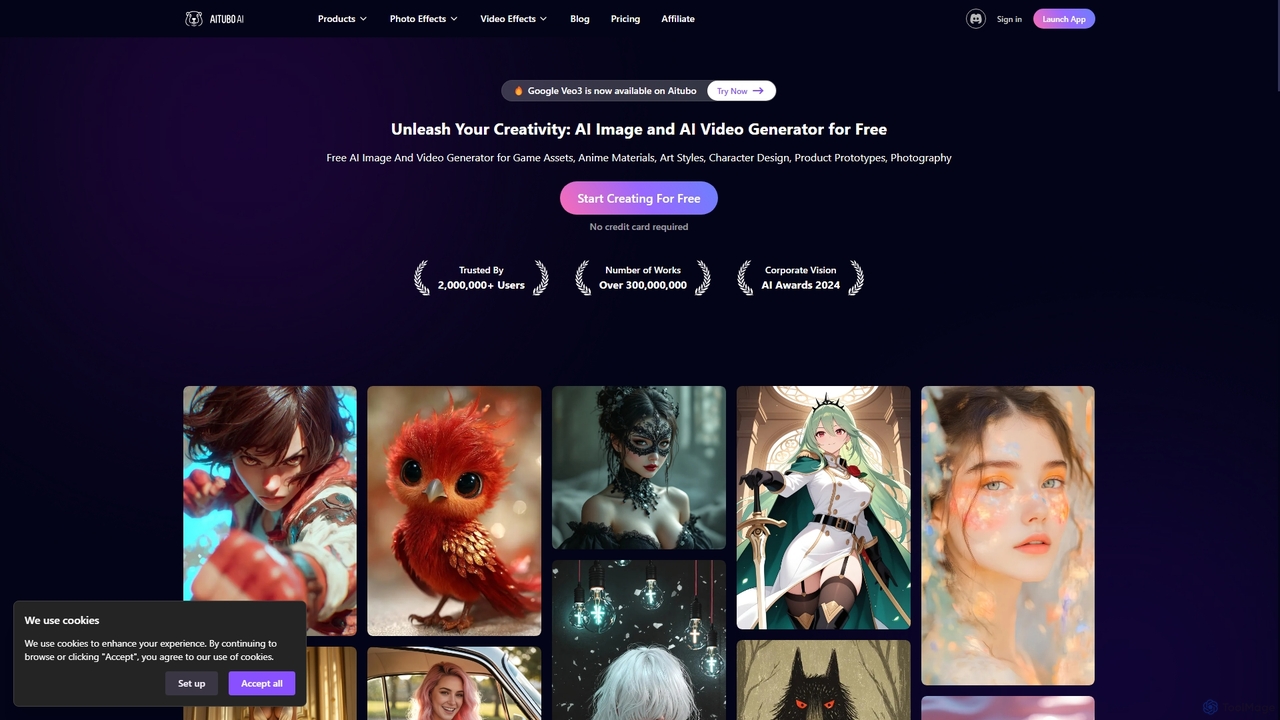
Aitubo
Aitubo is a comprehensive AI-powered creative suite for generating and editing images and videos. It offers a wide range of tools, including text-to-image with advanced models like Flux and SD3, text-to-video, an AI image editor, background remover, face swap, and an AI chat feature. Designed for creators, artists, and marketers, Aitubo provides both free and premium plans to unleash creativity for various projects, from game assets and anime art to product prototypes and marketing content.
Generative Art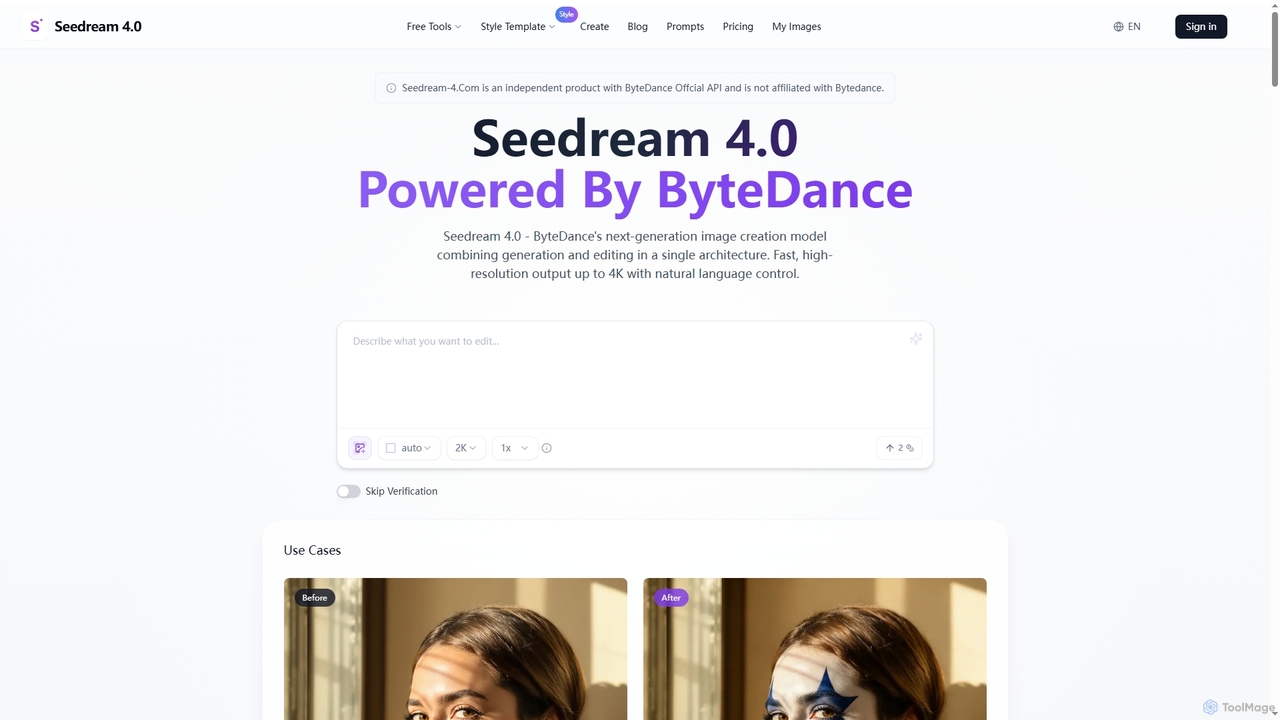
Seedream 4.0
Seedream 4.0 is ByteDance's advanced AI image creation and editing tool, unifying text-to-image generation and image modification in a single architecture. It delivers fast, high-resolution outputs up to 4K with natural language control, batch processing, and versatile style transfer, empowering creators with seamless visual content production.
Creative Asset Generation
DreamStudio
DreamStudio is the official web interface for Stability AI's Stable Diffusion models. It's a powerful AI image generation tool that allows users to create high-quality, unique images from text descriptions. It offers advanced controls, various models, and editing features like inpainting and outpainting, catering to artists, designers, and creators of all levels.
Generative Art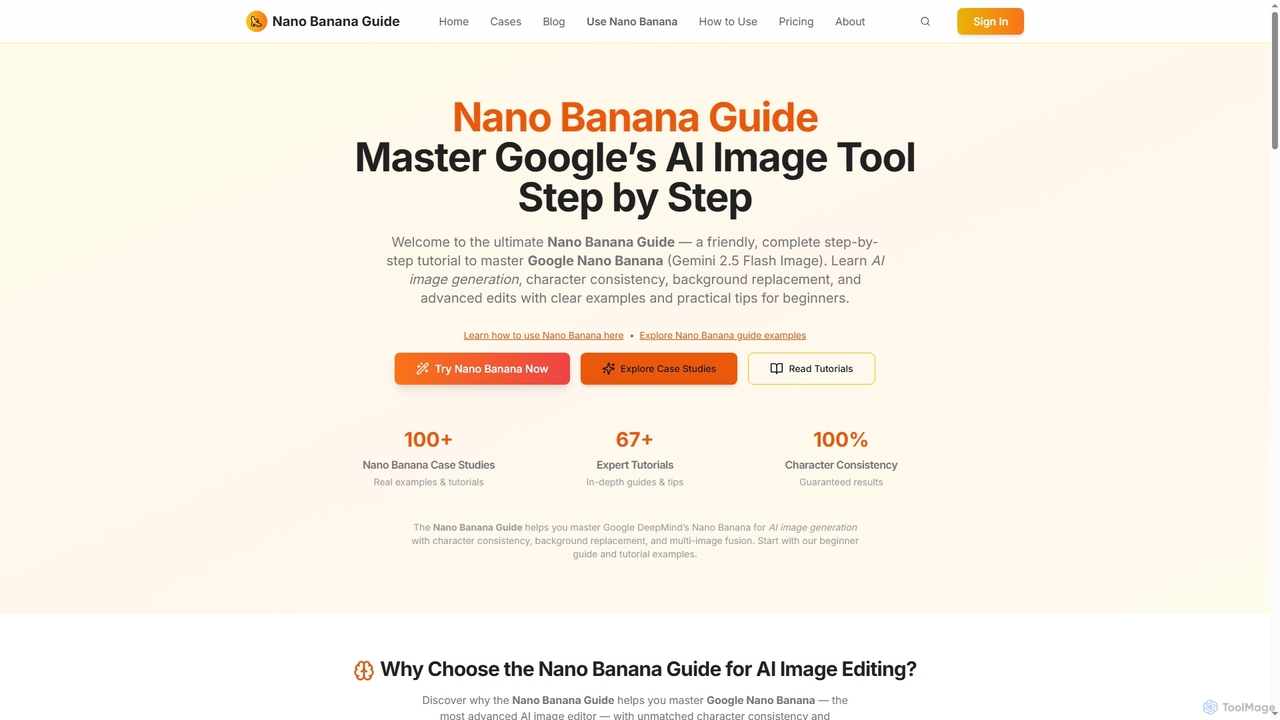
Nano Banana Guide
Nano Banana Guide is a comprehensive platform offering step-by-step tutorials and a credit-based service for mastering Google's AI image tool, Nano Banana (Gemini 2.5 Flash Image). It focuses on advanced techniques like achieving 100% character consistency, text-to-image editing, background replacement, and multi-image fusion. The platform provides extensive guides, case studies, and practical examples for beginners, developers, and creative professionals, helping users unlock the full potential of AI-powered image generation and manipulation.
Graphic Design
FLUX Comments (0)
Sign in to comment.
Sign inNo comments yet.