Creative Best in category 1 results Image Editing AI Tool

Popular AI tools in the Image Editing field of Creative include FLUX, etc., helping you quickly improve efficiency.

FLUX

FLUX

FLUX by Black Forest Labs offers advanced AI models for photorealistic image generation and multi-reference editing. It provides …

37.3K

About Image Editing

AI-powered image editing tools are a category of advanced software designed to enhance, modify, and transform digital images using artificial intelligence. Leveraging sophisticated computer vision and machine learning algorithms, these tools automate complex and repetitive editing tasks that traditionally require significant manual effort and expertise. They provide capabilities ranging from precise object removal and background manipulation to intelligent retouching and style transfer, significantly boosting efficiency and creative possibilities for designers, marketers, photographers, and content creators within the broader Creative domain.

Core Features

  • Intelligent Background Removal: Automatically detects and precisely removes or replaces image backgrounds with minimal user input.
  • Object Manipulation: Seamlessly removes unwanted objects, adds new elements, or repositions existing ones within an image.
  • Image Upscaling & Enhancement: Increases image resolution and detail without pixelation, improving overall clarity and quality.
  • Generative Fill & Expansion: Uses AI to intelligently fill selected areas or expand image canvases with contextually relevant content.
  • Automated Color Correction: Analyzes and adjusts color balance, exposure, and contrast for optimal visual appeal.

Use Cases

These tools are indispensable for professionals across various industries. E-commerce businesses utilize them for batch processing product photos, ensuring consistent backgrounds and optimal presentation. Marketing teams leverage AI for quickly generating diverse ad creatives and adapting visuals for different platforms. Professional photographers use them for rapid retouching, noise reduction, and enhancing image quality, while graphic designers accelerate their workflow by automating repetitive tasks and exploring creative variations.

How to Choose

When selecting an AI image editing tool, consider its core AI capabilities, such as the precision of generative fill or background removal, and the range of automated enhancements offered. Evaluate its ease of use and integration with your existing design or content creation workflow. Assess the output quality and resolution capabilities, especially for professional use. Finally, compare pricing models, including subscription costs and credit-based usage, to ensure it aligns with your budget and usage frequency.

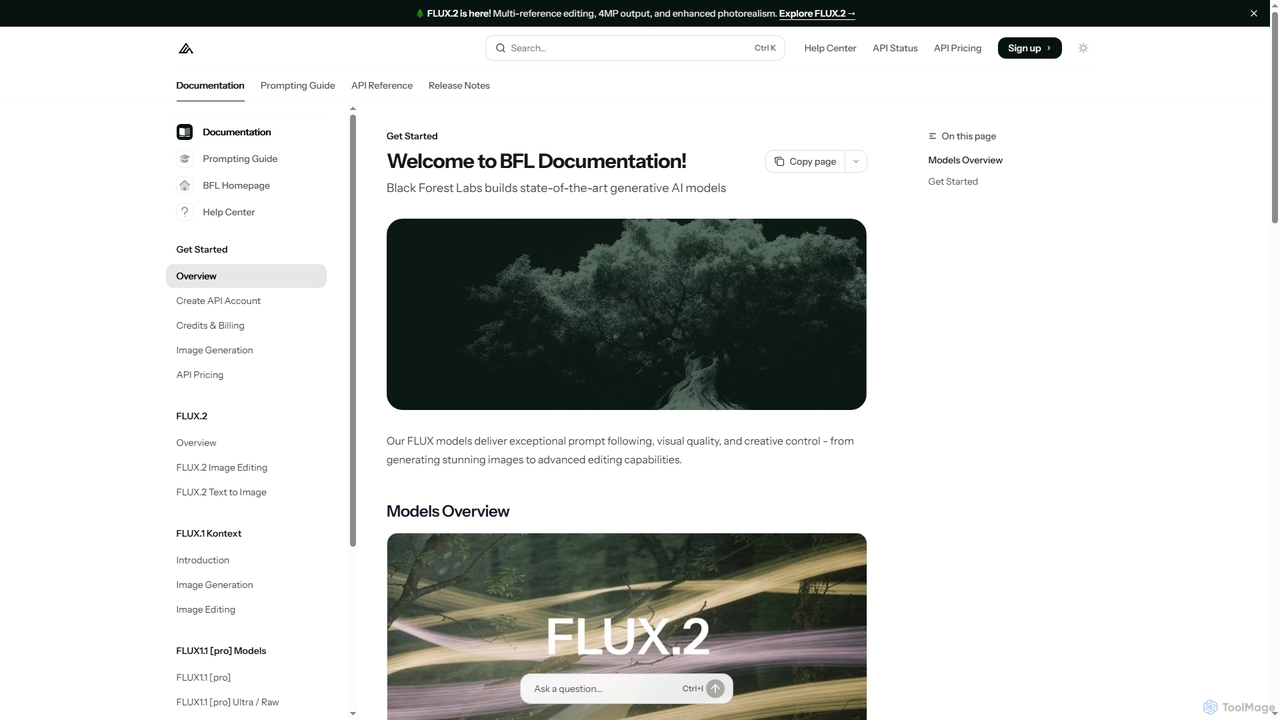
Image EditingUse Cases

1

E-commerce Product Photo Optimization

E-commerce managers need to process hundreds of product photos daily. AI image editing tools allow them to batch remove backgrounds, standardize lighting, and apply consistent branding elements across all images with a single click. This automates a tedious task, saving up to 80% of the time typically spent on manual photo preparation, ensuring a professional and uniform look for online stores.

2

Social Media Content Creation

Content creators frequently need to adapt images for various social media platforms, requiring different aspect ratios and visual styles. AI image editing tools enable them to quickly resize, crop, and apply filters or generative fills to fit specific platform requirements. This significantly speeds up content production, allowing creators to publish more engaging visuals consistently across channels without extensive manual adjustments.

3

Professional Photography Retouching

Professional photographers spend hours on post-processing, including skin retouching, object removal, and color grading. AI image editing tools can automate these tasks, such as intelligently smoothing skin while preserving texture, removing distracting elements from a scene, or applying complex color profiles. This allows photographers to deliver high-quality, polished images to clients much faster, focusing more on the creative aspects of their work.

4

Marketing Campaign Visuals

Marketing teams often need to create numerous visual variations for A/B testing or different ad placements. AI image editing tools with generative fill capabilities allow marketers to quickly modify existing images by adding or removing elements, changing backgrounds, or expanding canvases to fit various ad formats. This accelerates the iteration process, enabling more effective campaign optimization and a higher volume of creative assets.

5

Graphic Design Workflow Acceleration

Graphic designers often face tight deadlines and repetitive tasks like isolating elements or cleaning up images. AI image editing tools streamline these processes by offering automated selection, smart object removal, and intelligent upscaling of low-resolution assets. This frees up designers to focus on higher-level creative decisions and complex compositions, significantly boosting overall productivity and project turnaround times.

6

Real Estate Image Enhancement

Real estate agents need visually appealing property photos to attract buyers. AI image editing tools can automatically correct lighting, remove unwanted clutter (e.g., cars, trash cans), enhance sky details, and even perform virtual staging by adding furniture to empty rooms. This transforms ordinary photos into professional-grade visuals, significantly improving listing appeal and potentially reducing time on market.

Image EditingFrequently Asked Questions