
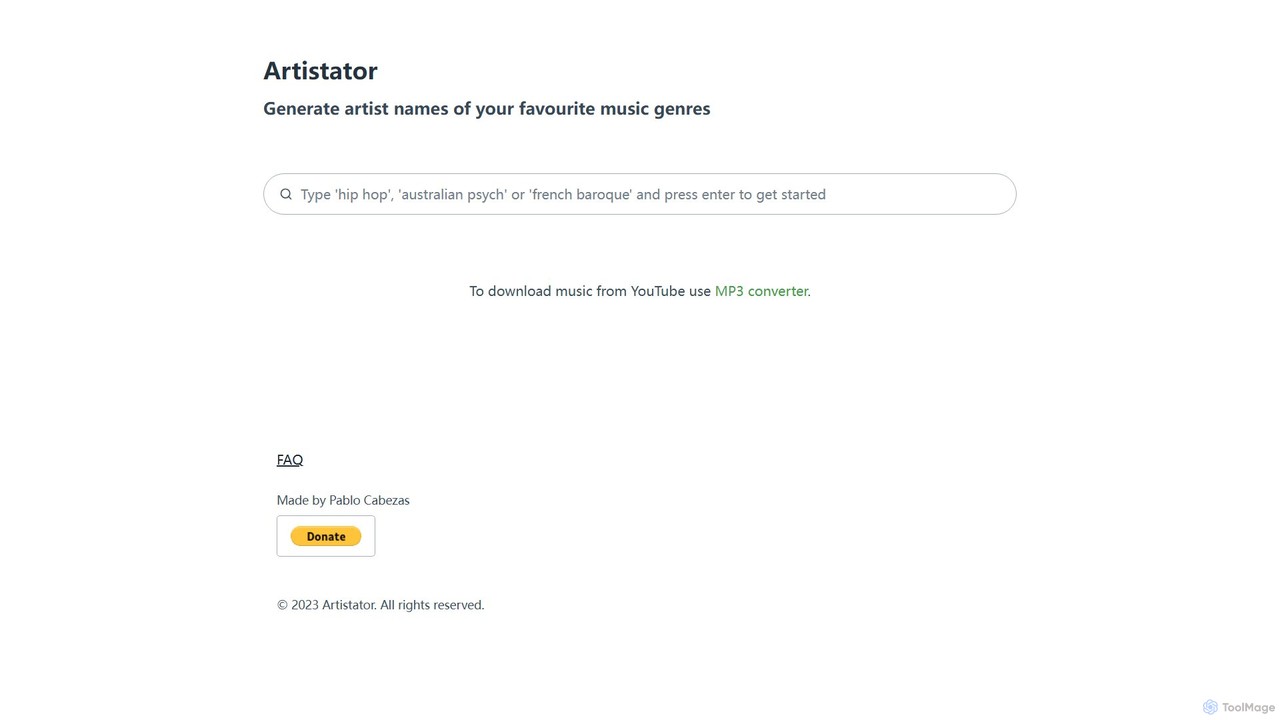
Artistator
Artistator is a free AI-powered tool that generates creative and original artist names based on your favorite music …
Artistator is a free AI-powered tool that generates creative and original artist names based on your favorite music genres. Ideal for musicians, bands, DJs, and producers looking for unique branding inspiration, it provides instant, genre-specific name suggestions to overcome creative blocks.
About Brainstorming
AI Brainstorming tools are a class of creative software that uses generative artificial intelligence to produce, organize, and expand upon ideas. These tools leverage large language models and semantic analysis to move beyond simple note-taking, acting as active partners in the creative process. They help users overcome mental blocks, explore diverse perspectives, and structure thoughts visually. The primary value lies in accelerating the initial ideation phase and uncovering novel connections that might otherwise be missed.
Core Features
- Generative Idea Suggestion: Actively proposes new ideas, concepts, and taglines based on a user's initial prompt or keyword.
- Concept Expansion & Elaboration: Takes a single idea and automatically develops it with sub-topics, related questions, or detailed explanations.
- Automated Mind Mapping: Instantly organizes generated and user-inputted ideas into visual formats like mind maps, concept webs, or flowcharts.
- Perspective Shifting: Re-frames a problem or topic from various viewpoints (e.g., customer, competitor, skeptic) to stimulate comprehensive thinking.
- Semantic Clustering: Intelligently groups related ideas based on meaning, not just keywords, to reveal underlying themes and patterns.
Use Cases
These tools are widely used by marketing teams for developing campaign concepts, product managers for ideating new features, and writers for overcoming writer's block. In corporate settings, they facilitate strategic planning sessions and innovation workshops by structuring group discussions and visualizing collective thoughts in real-time.
How to Choose
When selecting an AI Brainstorming tool, consider the quality and relevance of its idea generation. Evaluate its visualization capabilities—does it offer flexible formats like mind maps, lists, and canvases? Assess its collaboration features for team-based work and check for integrations with other productivity tools like project management software or document editors.
BrainstormingUse Cases
Marketing Campaign Ideation
A marketing manager preparing for a new product launch uses an AI brainstorming tool to generate creative concepts. By inputting the product's core features and target audience, the AI suggests multiple campaign themes, slogans, and content pillars for social media. It visualizes these ideas in a mind map, allowing the team to see connections between different concepts. This process reduces the time for initial ideation from days to a few hours and provides a wider range of creative directions to explore, ensuring a more comprehensive and innovative campaign strategy.
Product Feature Brainstorming
A product development team uses an AI brainstorming tool to ideate new features for their software. They input raw user feedback, competitor analysis data, and their current product roadmap. The AI processes this information and generates a categorized list of potential features, such as 'User Experience Enhancements,' 'Integration Opportunities,' and 'New Functionalities.' It also suggests how these features align with different user personas. This helps the team quickly identify high-impact ideas and prioritize their development backlog more effectively, ensuring that new features are data-driven and user-centric.
Overcoming Writer's Block for Content Creation
A novelist struggling with a plot point uses an AI brainstorming tool to break through a creative impasse. By providing a summary of the story so far and the characters involved, the AI generates several potential plot twists, character development arcs, and dialogue scenarios. The author can then explore these branching narratives, asking the AI to elaborate on specific suggestions. This doesn't write the book for them, but it acts as a creative sparring partner, offering fresh perspectives and possibilities that help reignite their own imagination and move the story forward.
Academic Research and Hypothesis Generation
A PhD student beginning their literature review uses an AI brainstorming tool to map out a research field. By inputting key academic papers and research questions, the AI identifies major theoretical frameworks, highlights gaps in a existing literature, and suggests potential hypotheses for investigation. It creates a concept map connecting different authors, theories, and empirical studies. This provides the student with a structured overview of the field, accelerates the process of identifying a unique research niche, and helps formulate a compelling and original thesis statement.
Strategic Business Planning Session
During a strategic planning workshop, a business consultant uses an AI brainstorming tool projected on a screen. As team members voice ideas for a SWOT analysis (Strengths, Weaknesses, Opportunities, Threats), the consultant inputs them into the tool. The AI instantly clusters related points and suggests additional items for each category based on the initial input. For example, after inputting 'strong brand recognition' as a strength, the AI might suggest 'leveraging brand for new market entry' as an opportunity. This facilitates a more dynamic and organized discussion, ensuring all ideas are captured and logically structured.
UX Design and User Journey Mapping
A UX designer is tasked with improving the onboarding flow for a mobile app. They use an AI brainstorming tool to map out the current user journey and identify potential pain points. By inputting the goal 'seamless first-time user experience,' the AI suggests alternative steps, micro-interactions, and communication points (like tooltips or welcome emails). It generates multiple journey variations, allowing the designer to compare different paths and ideate solutions for friction points. This approach helps visualize complex user flows and rapidly prototype alternative designs before committing to development resources.