
ToolMage
Sign in

Best 1 Design AI tools for Creative

Popular Design AI tools in Creative include Setapp, helping you work more efficiently.

Setapp
Paid

Setapp

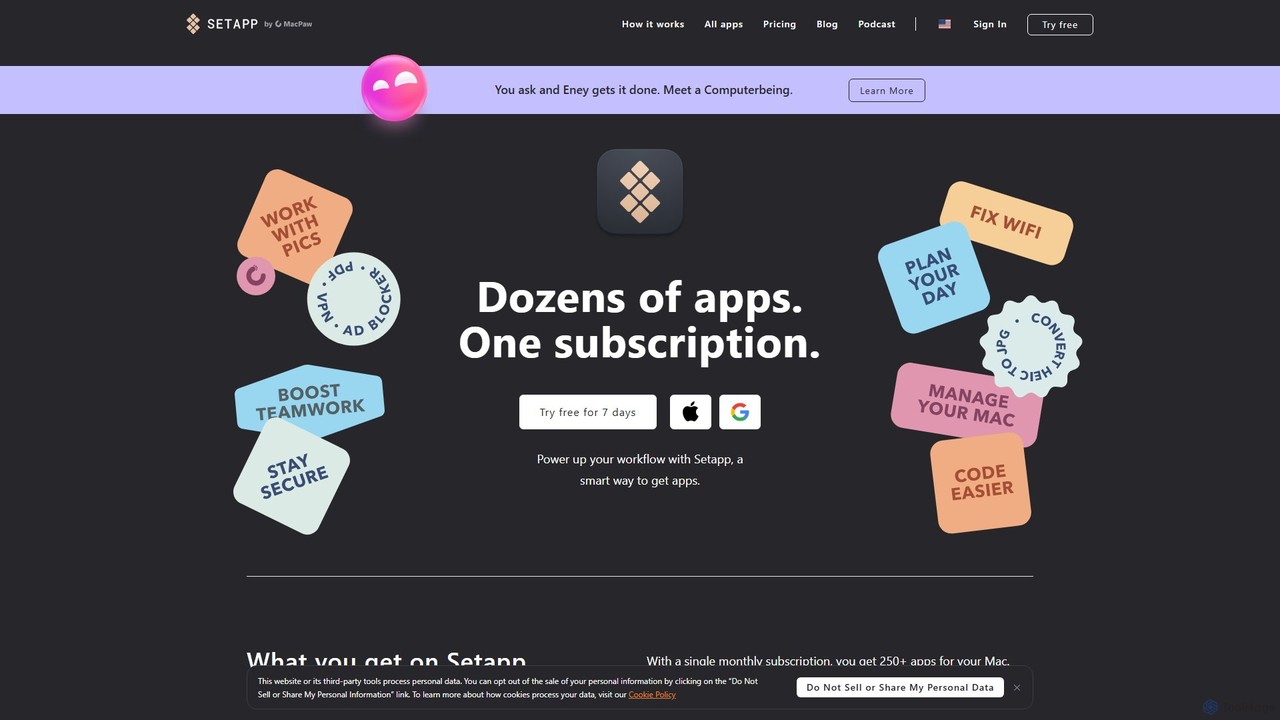
Setapp is a subscription service for macOS and iOS, offering unlimited access to a curated library of over 250+ high-quality applications for a single monthly fee. It acts as a unified toolkit for various tasks, from productivity and development to system maintenance and creative work, simplifying software acquisition and management.

Design
Visits 1.1MFavorites 156Likes 167

About Design

AI Design tools are a class of software that leverages artificial intelligence to automate and augment the creation of visual content. These tools utilize generative models and machine learning algorithms to produce everything from logos and brand identities to user interface mockups and presentation slides based on user inputs. They serve to dramatically accelerate the design workflow, empower non-designers to create professional-grade assets, and provide a source of creative inspiration. Unlike traditional manual design software, AI Design tools focus on generating complete design solutions or variations rapidly.

Core Features

  • Automated Brand Kit Generation: Creates cohesive logos, color palettes, and typography based on industry and brand keywords.
  • UI/UX Prototyping: Converts text descriptions or hand-drawn sketches into high-fidelity, interactive user interface designs.
  • Intelligent Template Customization: Suggests layout improvements, image replacements, and content adjustments for presentations and social media graphics.
  • Generative Icon & Illustration Creation: Produces unique vector icons, illustrations, and patterns from simple text prompts.
  • Data-Driven Design Analysis: Analyzes design mockups to predict user engagement and suggest usability improvements.

Use Cases

These tools are widely adopted by startups and small businesses for quickly establishing a brand identity without a large budget. Marketing teams use them to scale content creation for social media campaigns and advertisements. Product managers and UX designers leverage them for rapid prototyping and iterating on app and website layouts, significantly shortening development cycles.

How to Choose

When selecting an AI Design tool, first consider its primary function—whether you need a specialist for logos, UI/UX, or presentations, or a more general-purpose tool. Evaluate the level of customization and control it offers. Assess its integration capabilities with your existing workflow, such as Figma or Adobe Creative Suite. Finally, review the pricing model and usage rights for the generated assets, especially for commercial projects.

Design use cases

1

Rapid Brand Identity Creation for Startups

A founder of a new tech startup needs a professional brand identity but has a limited budget and timeline. Using an AI design tool, they input the company name, industry (e.g., 'SaaS,' 'Fintech'), and core values ('modern,' 'trustworthy'). The AI generates hundreds of logo variations, color palettes, and font pairings within minutes. The founder can then select a preferred option and fine-tune details, resulting in a complete brand kit—including logos for social media and favicons—in under an hour, a process that would traditionally take days or weeks with a design agency.

2

Automating Social Media Campaign Visuals

A social media manager for an e-commerce brand is tasked with creating daily content for Instagram, Facebook, and Twitter. Instead of manually designing each post, they use an AI design tool. They upload product images and input promotional text, such as '50% Off Flash Sale.' The tool automatically generates dozens of on-brand visual variations optimized for each platform's dimensions. This allows the manager to schedule a week's worth of high-quality, consistent visual content in the time it would normally take to create a single post.

3

High-Fidelity UI Mockup Generation

A UX designer needs to quickly visualize a new feature for a mobile banking app. They start by writing a simple text prompt like, 'Create a screen for a user to transfer money, with fields for recipient, amount, and a confirmation button.' The AI design tool instantly generates a clean, high-fidelity UI mockup. The designer can then ask for variations, such as 'make it in dark mode' or 'add a biometric authentication step,' allowing for rapid iteration and stakeholder feedback before any code is written.

4

Generating Professional Presentation Decks

A business consultant needs to prepare a compelling 20-slide presentation for a client meeting by the next day. They provide the AI tool with a structured outline in a text document, including key data points and talking points for each slide. The AI automatically designs a complete, visually consistent presentation deck, selecting appropriate layouts, icons, and stock images to match the content. This saves hours of manual formatting and design work in PowerPoint or Keynote, allowing the consultant to focus on refining the narrative.

5

Creating Custom Illustrations for Content

A content marketer is writing a blog post about 'The Future of Remote Work' and needs a unique hero image and several spot illustrations that aren't generic stock photos. They use an AI design tool with a prompt like, 'A minimalist line art illustration of a person working on a laptop in a cozy home office with a cat sleeping nearby.' The tool generates several original illustrations in the requested style. This enhances the article's visual appeal and originality without the cost of hiring an illustrator.

6

Designing and Testing Landing Page Variations

A digital marketer wants to A/B test different landing page designs for a new product launch. Using an AI website design tool, they input the product description, target audience, and key value propositions. The AI generates three distinct, fully-designed landing page layouts, complete with headlines, call-to-action buttons, and image placeholders. The marketer can then deploy these variations to test which design converts best, optimizing their campaign based on real user data without needing a developer.

Design FAQ

What are AI Design tools?

AI Design tools are applications that use artificial intelligence to automate or assist in the creation of visual designs. Unlike traditional software that requires manual manipulation, these tools can generate logos, websites, presentations, and other visual assets from text prompts or simple inputs. They primarily function to speed up the creative process, provide design variations, and make design accessible to non-professionals.

How do I choose the right AI Design tool?

To choose the right tool, consider these four factors:

  • Design Task: Identify your primary need. Are you creating logos, UI/UX mockups, social media posts, or presentations? Select a tool specialized for that task.
  • Skill Level: Some tools are very simple and template-based, ideal for beginners. Others offer more complex prompt engineering and customization for advanced users.
  • Integration: Check if the tool integrates with your existing workflow, such as exporting assets to Figma, Canva, or Adobe products.
  • Commercial Rights: Always review the tool's terms of service to understand the copyright and commercial usage rights for the designs you create.
What is the difference between AI Design tools and traditional software like Photoshop?

The key difference lies in the creation process. Traditional software like Adobe Photoshop or Illustrator provides a canvas for manual, pixel-perfect creation and editing, giving the user full control. AI Design tools focus on generation and automation; they create design options for you based on inputs and algorithms. Many designers use them as a starting point for inspiration or for rapid prototyping before refining the output in traditional software. They complement each other rather than compete directly.

Can non-designers effectively use AI Design tools?

Absolutely. A primary advantage of AI Design tools is their accessibility. They are specifically built to empower individuals without a formal design background—such as marketers, founders, and content creators—to produce high-quality, professional-looking visuals. By translating simple text descriptions or choices into complex designs, these tools handle the technical aspects of design like color theory, layout, and typography, lowering the barrier to entry significantly.

Do I own the copyright for images and logos created with AI?

Copyright ownership of AI-generated designs is a complex and evolving area. It largely depends on the specific tool's terms of service. Some platforms grant you full ownership and commercial rights, while others may have restrictions. It is crucial to read the licensing agreement of any tool you use for commercial projects to ensure you have the legal right to use the generated assets without infringing on copyright.