ToolMage
Sign in

Best 11 Digital Art AI tools for Creative Tools

Popular Digital Art AI tools in Creative Tools include Nano Banana, Luminar Neo, Gemini Photo, Nano Banana AI, Morphica, Starai, Seedream 4, Picnana, and Visioneria, helping you work more efficiently.

Morphica
Freemium

Morphica

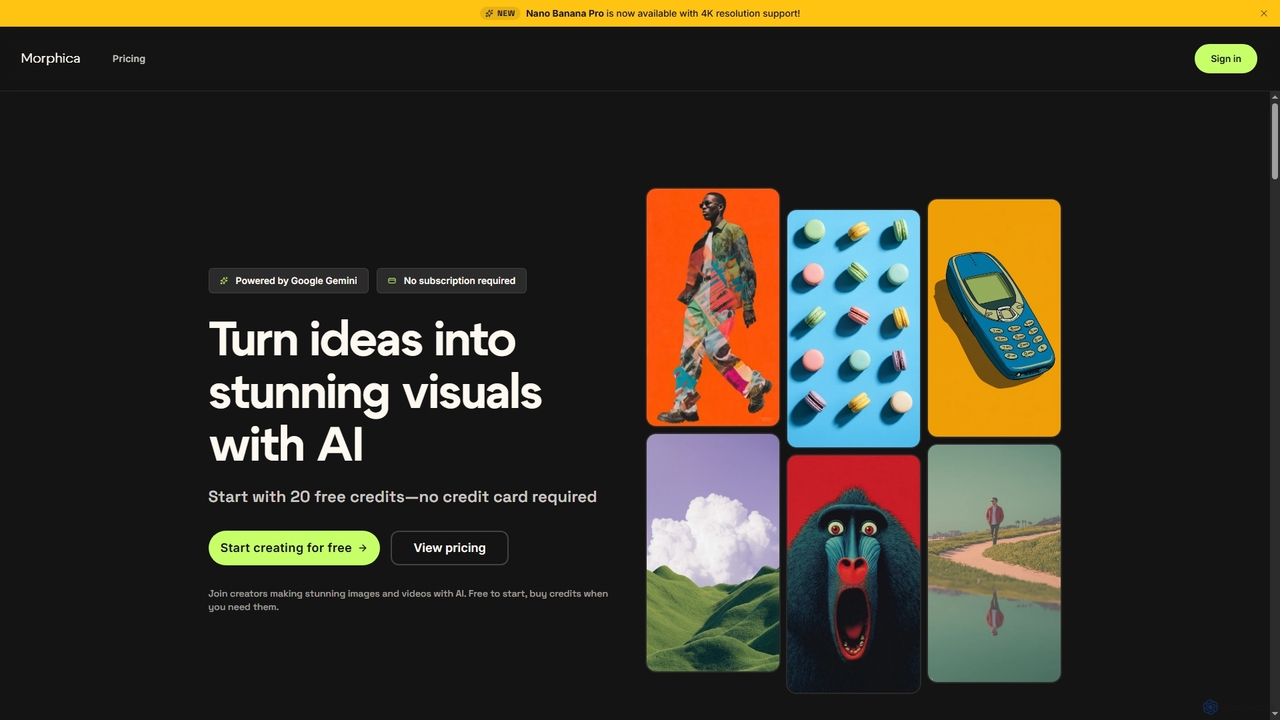
Morphica is an AI-powered platform that transforms ideas into stunning images and videos using advanced Google Gemini models. It offers features like 4x upscaling, precision editing, video generation, and a unique workflow canvas, all on a flexible pay-as-you-go credit system without subscriptions.

Digital Art
Visits 5KFavorites 80Likes 77
Gemini Photo
Paid

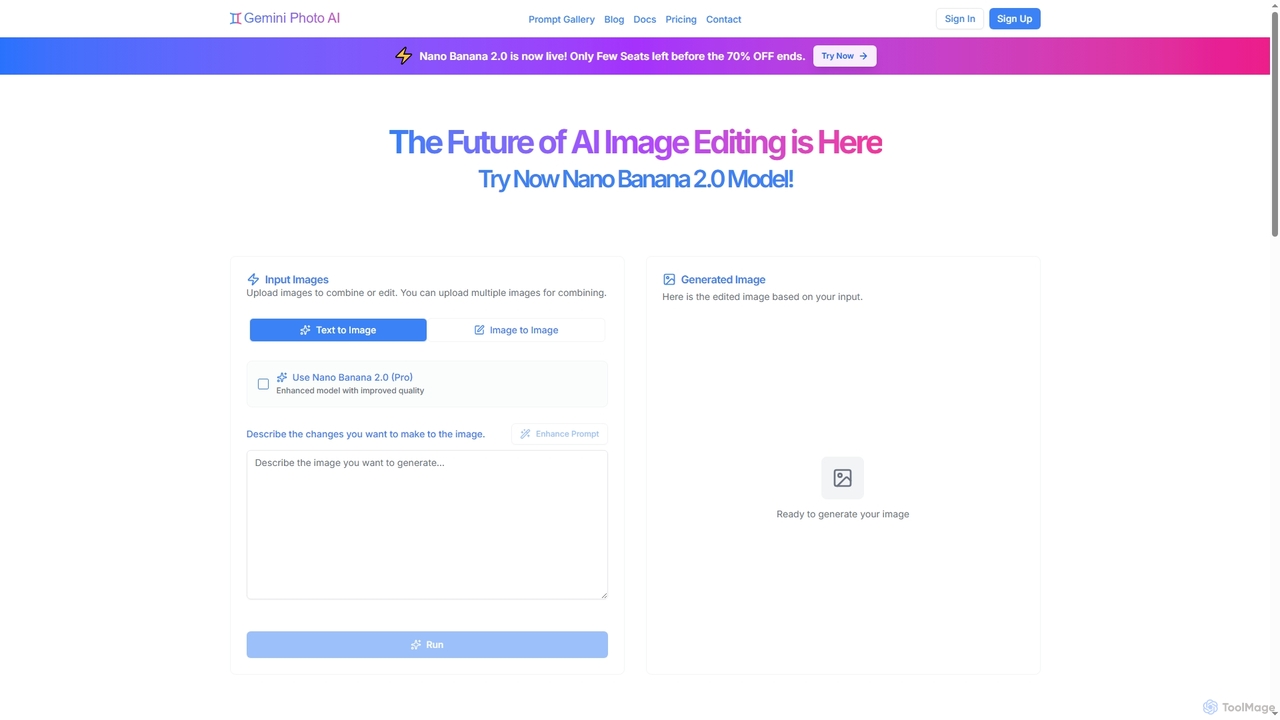
Gemini Photo

Gemini Photo is an advanced AI-powered image editing and generation tool that leverages the Nano Banana 2.0 model. It allows users to transform photos and create new images using natural language prompts, offering features like background removal, style transformations, and professional product photography, all designed for stunning and accurate visual results.

Digital Art
Visits 22.9KFavorites 94Likes 86
Visioneria
Freemium

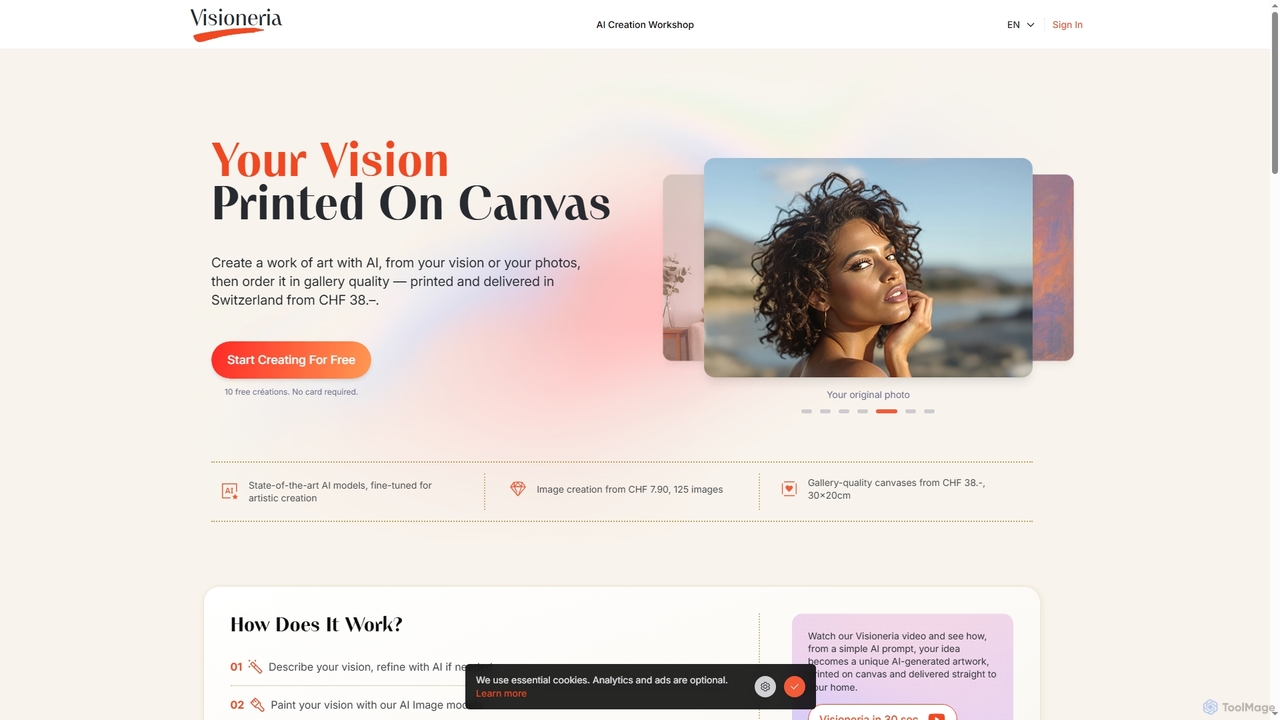
Visioneria

Visioneria is a Swiss AI art platform that allows users to transform their ideas or photos into unique AI-generated artworks and order them as premium, gallery-quality canvas prints. It offers advanced AI models, prompt refinement, various artistic styles, and high-resolution upscaling, making digital art tangible and ready to display.

Image Generation
Visits 4.1KFavorites 123Likes 108
Nano Banana
Paid

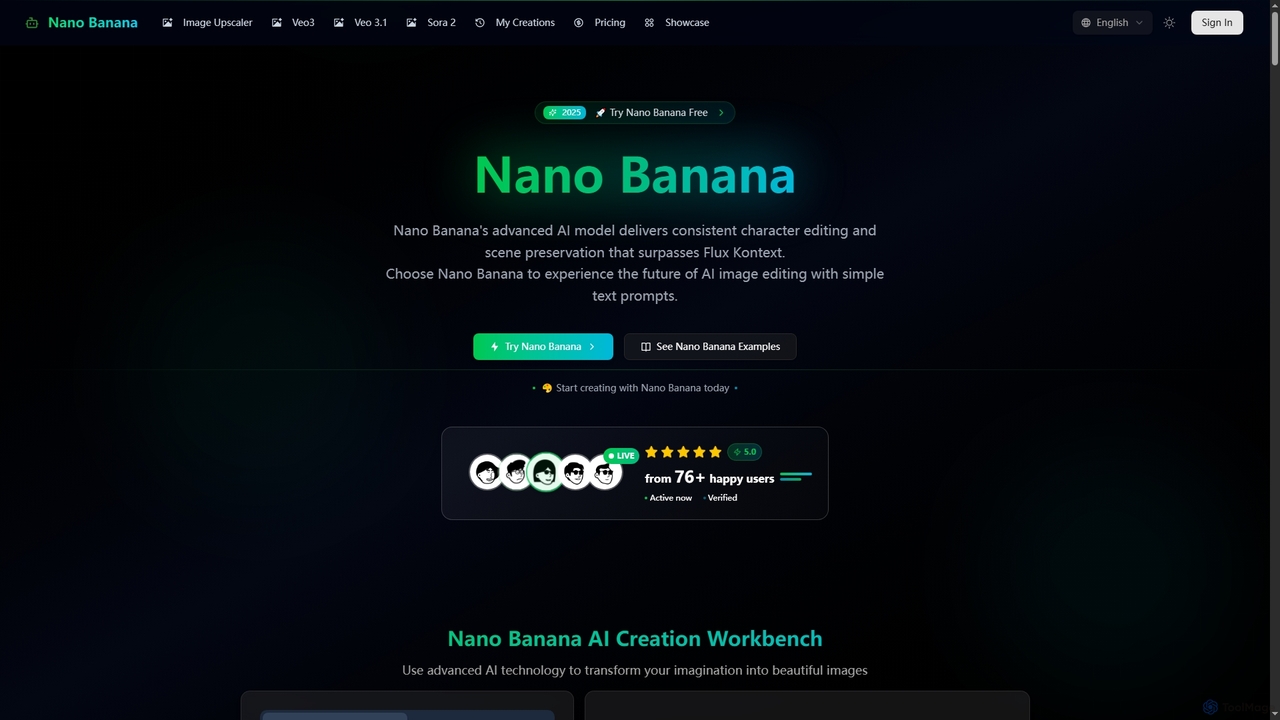
Nano Banana

Nano Banana is an advanced AI-powered platform for image generation and editing, offering consistent character editing, scene preservation, and in-context visual modifications. It also features a professional AI image upscaler and two cutting-edge AI video generators, Veo 3.1 and Sora 2, enabling users to create stunning visuals and cinematic videos from text or images with unparalleled speed and quality.

Digital Art
Visits 606.1KFavorites 149Likes 154
Seedream 4
Paid

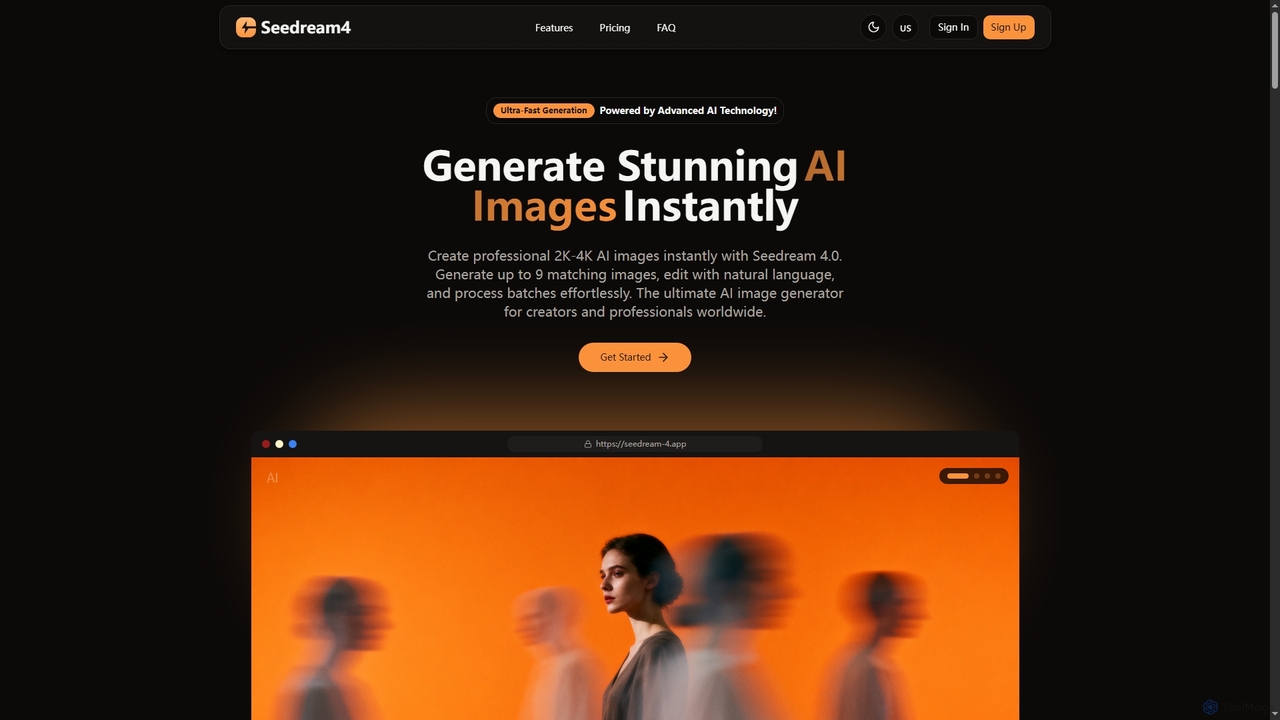
Seedream 4

Seedream 4 is a professional AI image generator and editor developed by ByteDance, capable of producing ultra-fast, highly realistic, and detailed images up to 4K resolution. It offers advanced features like text-to-image, image-to-image, creative upscaling, and multi-image generation, making it a powerful tool for digital artists and content creators.

Digital Art
Visits 4.2KFavorites 104Likes 113
Nano Banana
Freemium

Nano Banana

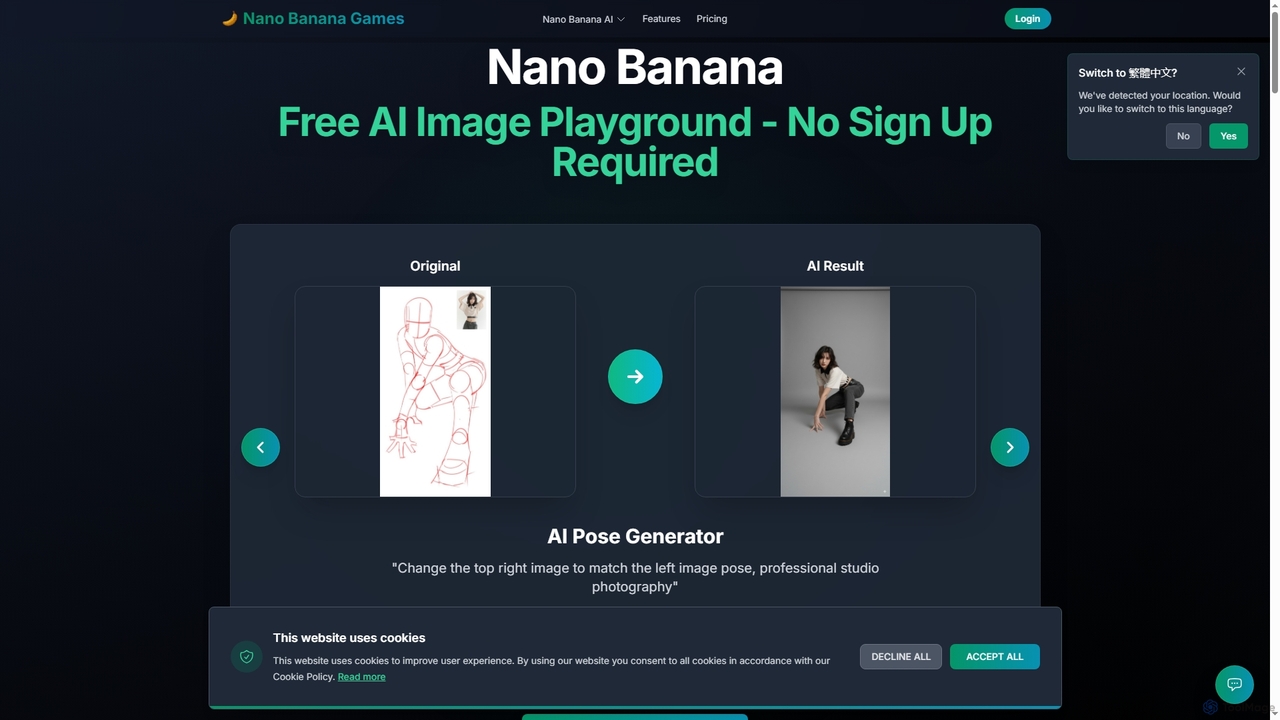
Nano Banana is a versatile AI image playground offering a suite of tools for creative image transformation. It enables users to generate dynamic poses, perform face swaps, enhance photos, replace backgrounds, and create custom AI figurines, 3D figurines, and miniature worlds from their images, often without requiring a sign-up.

Digital Art
Visits 6.2KFavorites 108Likes 123
Nano Banana AI
Freemium

Nano Banana AI

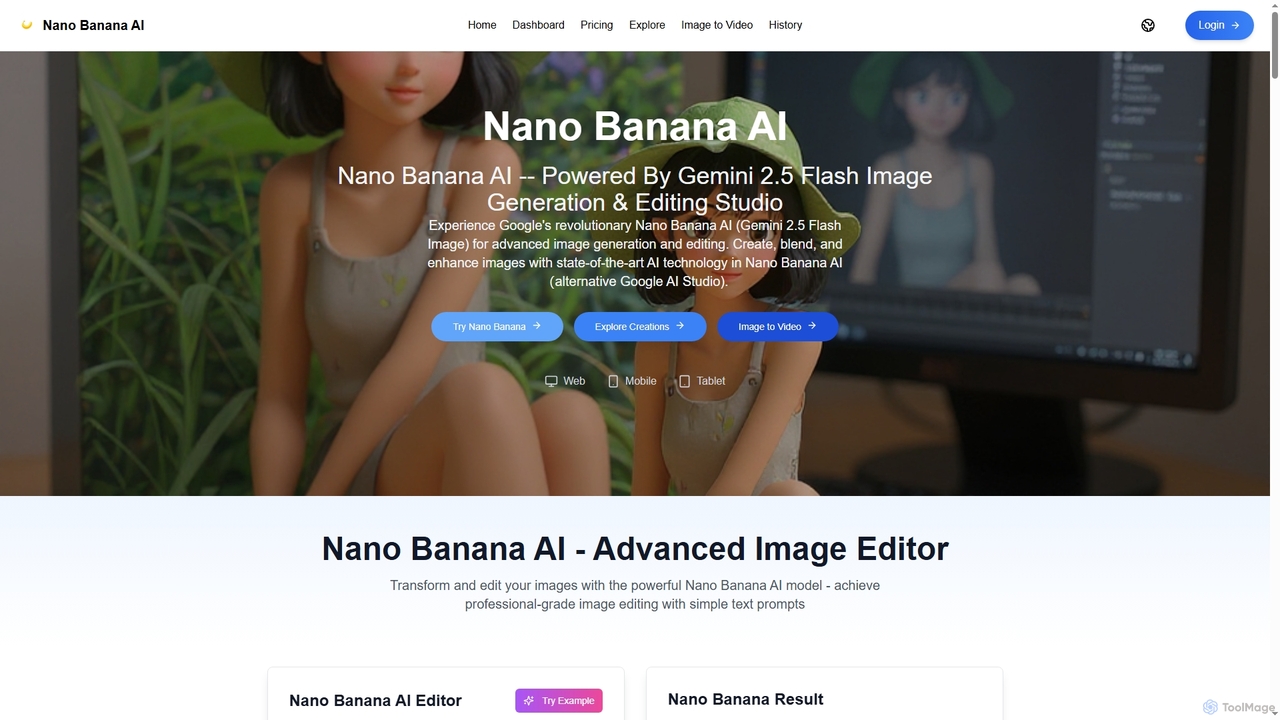
Nano Banana AI is an advanced image generation and editing studio powered by Google's Gemini 2.5 Flash Image technology. It enables users to create, blend, and enhance images with simple text prompts, offering features like one-shot perfect generation, lightning-fast processing, consistent character editing, and face completion technology for professional-grade visual content.

Digital Art
Visits 9.8KFavorites 123Likes 128
Starai
Freemium

Starai

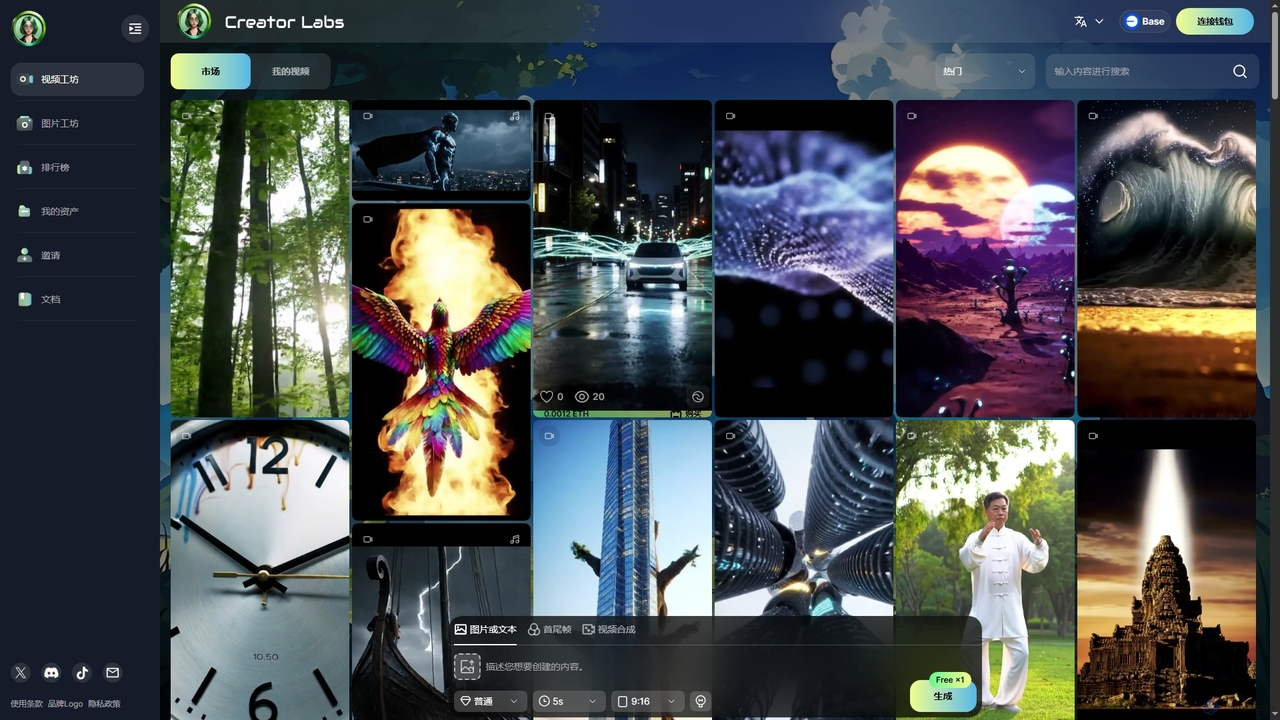
Starai is an innovative AI platform offering advanced tools for generating AI videos and images, alongside a decentralized marketplace for digital assets. Users can create unique visual content and engage in a vibrant Web3 ecosystem to buy, sell, and trade AI-generated art and videos.

Digital Art
Visits 4.2KFavorites 89Likes 100
Nano Banana
Freemium

Nano Banana

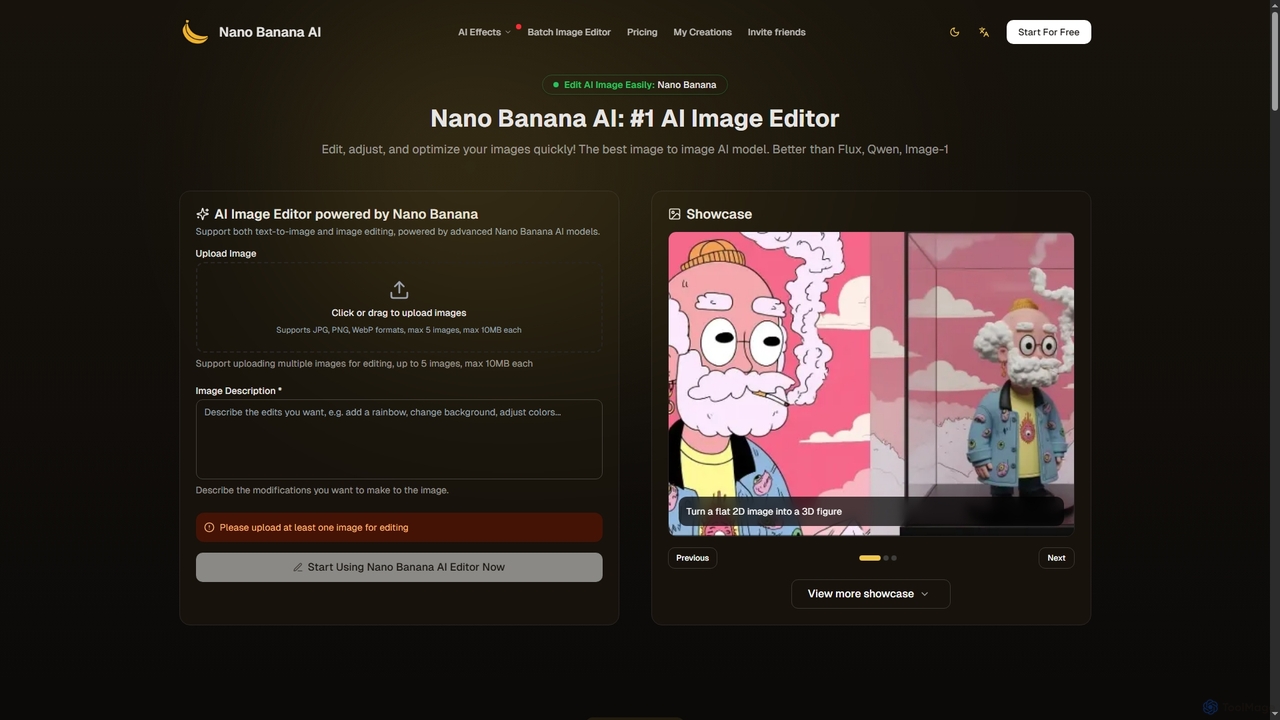
Nano Banana is an advanced AI image editor and generator that allows users to effortlessly transform photos and create stunning visuals. It supports text-to-image generation, comprehensive image editing, and even specialized features like AI action figure creation. With lightning-fast processing and professional-quality output, Nano Banana simplifies complex editing tasks for personal and commercial use.

Digital Art
Visits 384.8KFavorites 102Likes 105
Picnana
Freemium

Picnana

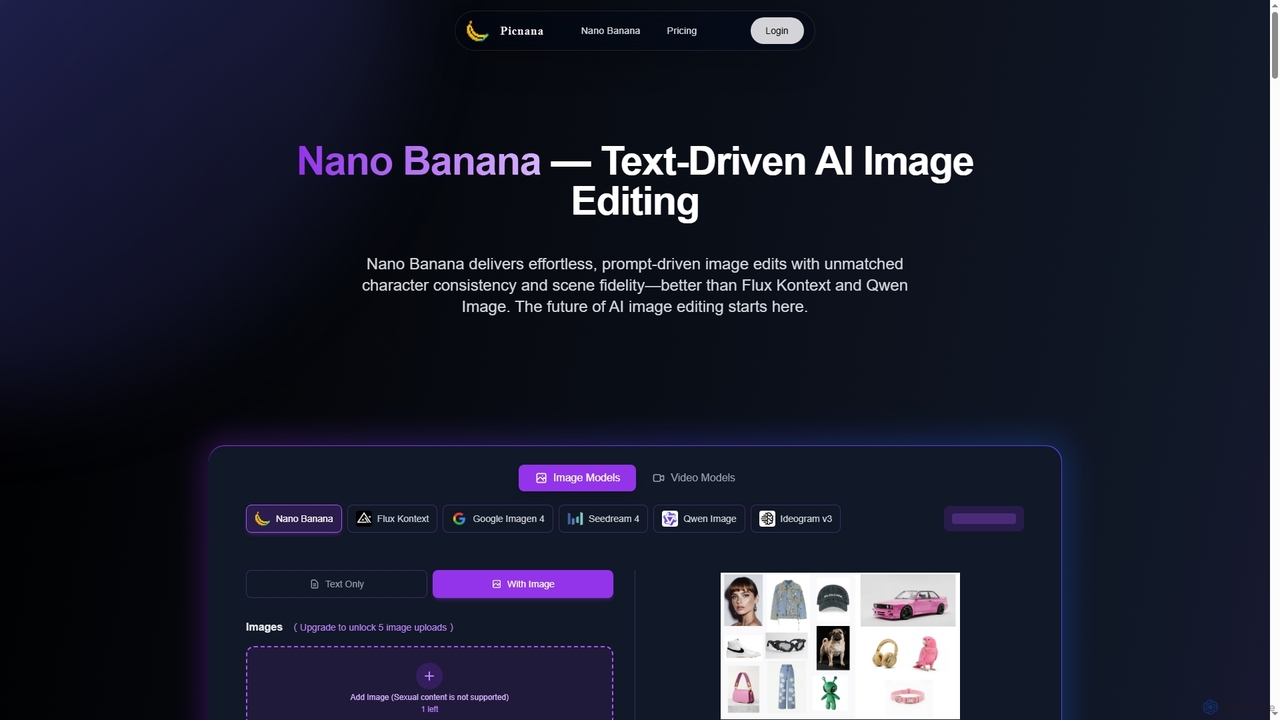
Picnana is an advanced AI image editing platform featuring Nano Banana, a next-gen AI model for text-driven image edits. It offers unmatched character consistency and scene fidelity, allowing users to transform concepts into high-quality visuals with ease. Ideal for creators, marketers, and designers seeking precise control over their visual content.

Digital Art
Visits 4.1KFavorites 138Likes 135
Luminar Neo
Paid

Luminar Neo

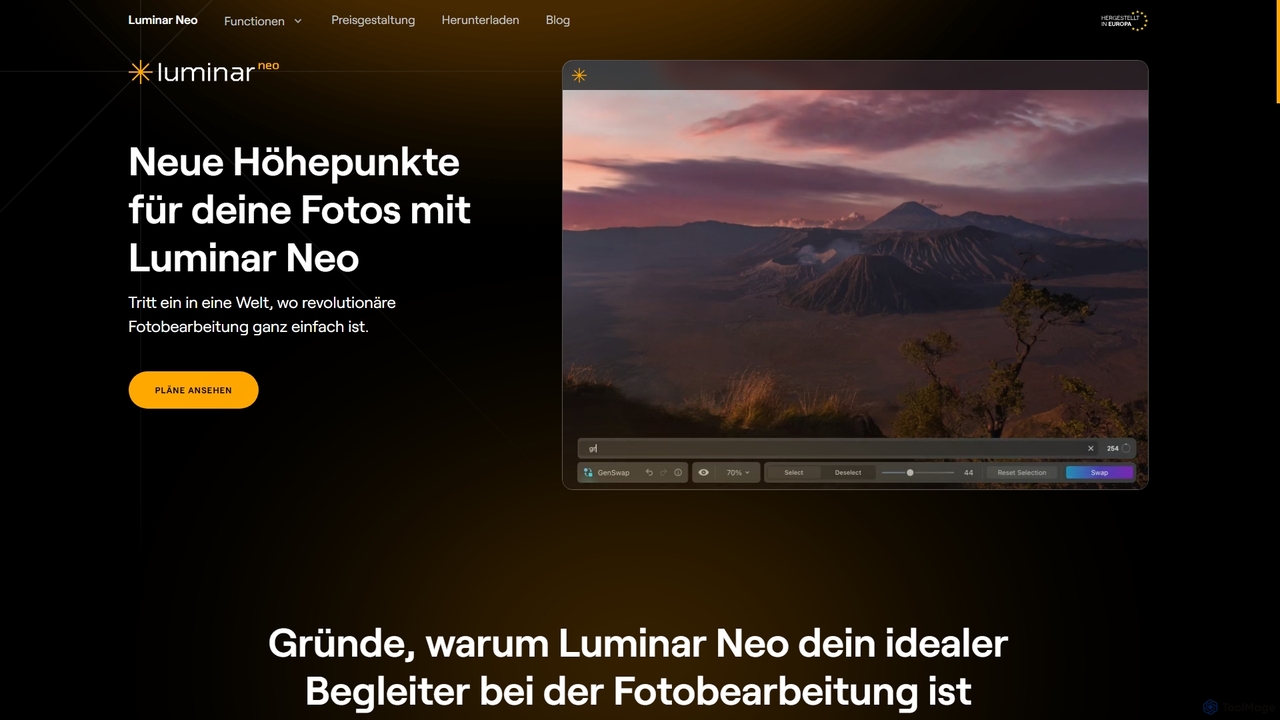
Luminar Neo is a revolutionary AI-powered photo editing software designed to simplify complex tasks and unleash creativity. It offers a comprehensive suite of advanced tools for image enhancement, RAW processing, and creative composition, making professional-grade results accessible to both beginners and experienced photographers on macOS and Windows.

Digital Art
Visits 32.3KFavorites 113Likes 118

About Digital Art

Digital Art tools leverage artificial intelligence to empower artists and creators in generating, enhancing, and transforming visual content. As a sub-category of Creative Tools, they utilize advanced algorithms, including generative adversarial networks (GANs) and diffusion models, to interpret prompts, apply styles, and automate complex artistic processes. These tools significantly accelerate creative workflows, allowing for rapid ideation, exploration of diverse aesthetics, and the production of high-quality artwork with unprecedented efficiency.

Core Features

  • AI Image Generation: Create original images from text descriptions, sketches, or reference photos.
  • Style Transfer: Apply the artistic style of one image to another, generating unique visual compositions.
  • Image Upscaling & Enhancement: Increase resolution and detail of existing artwork without loss of quality.
  • Inpainting & Outpainting: Seamlessly fill missing parts of an image or extend its boundaries with AI-generated content.
  • 3D Asset Creation & Texturing: Generate textures, materials, or even basic 3D models from simple inputs.

Applicable Scenarios

Digital artists, graphic designers, game developers, and marketing professionals frequently use these tools. They are ideal for generating concept art, creating unique illustrations for branding, designing virtual world assets, and producing diverse visual content for campaigns. These tools streamline the initial ideation phase and allow for quick iterations on visual themes.

How to Choose

When selecting a Digital Art tool, consider the desired output quality and artistic style range. Evaluate its ease of use and integration with your existing creative software. Look into the available features, such as specific generative models or editing capabilities, and assess the pricing model relative to your budget and usage frequency. Finally, check for community support and available tutorials.

Featured tool rankings

Digital Art use cases

1

Generating Concept Art for Game Development

Game artists and designers can input textual descriptions or rough sketches of characters, environments, or props. AI Digital Art tools then generate multiple variations of concept art, allowing for rapid iteration and visualization of ideas. This significantly reduces the time spent on initial design phases, enabling faster exploration of different aesthetic directions and accelerating the overall game development pipeline.

2

Creating Unique Illustrations for Marketing Campaigns

Marketing teams and graphic designers can use AI Digital Art tools to produce bespoke illustrations for advertisements, social media posts, and website banners. By providing specific themes, color palettes, and stylistic preferences, they can generate unique visuals that stand out, ensuring brand consistency while saving costs and time compared to commissioning traditional artwork.

3

Personalizing Avatars and Digital Identities

Individuals or social media influencers can leverage Digital Art tools to create highly personalized and stylized avatars or profile pictures. Users can upload a photo or describe their desired aesthetic, and the AI generates unique artistic renditions, offering a creative way to express their digital identity across various platforms without needing advanced artistic skills.

4

Designing Fashion Patterns and Textile Prints

Fashion designers and textile artists can utilize AI Digital Art tools to experiment with new patterns, textures, and prints for clothing and fabrics. By inputting design concepts or mood boards, the AI can generate endless variations, helping designers explore innovative aesthetics, visualize different fabric applications, and accelerate the design process from concept to production.

5

Enhancing Architectural Visualization Renders

Architects and visualization specialists can employ AI Digital Art tools to add intricate details, realistic textures, and environmental elements to their architectural renders. After creating basic 3D models, AI can generate realistic landscaping, interior decor, or atmospheric effects, significantly improving the visual appeal and realism of presentations for clients and stakeholders.

6

Illustrating Children's Books and Educational Materials

Authors and educators can use AI Digital Art tools to quickly generate consistent and engaging illustrations for children's books, educational materials, or storytelling projects. By maintaining a consistent style and character design across multiple prompts, they can produce a full set of visuals efficiently, making the creation of visually rich content more accessible and less time-consuming.

Digital Art FAQ

What are AI Digital Art tools?

AI Digital Art tools are software applications that use artificial intelligence, particularly machine learning models, to assist in the creation, manipulation, and enhancement of digital artwork. They can generate images from text prompts, transfer artistic styles, upscale resolutions, and automate various creative tasks, empowering users to produce visual content more efficiently and explore new artistic possibilities.

How do I choose the right AI Digital Art tool for my needs?

To choose the right tool, consider your primary use case (e.g., image generation, style transfer, 3D texturing) and the desired output quality. Evaluate the user interface for ease of use and its compatibility with your existing creative workflow. Check the range of available styles and models, the pricing structure, and the community support or learning resources. A free trial can often help determine suitability.

What are the main capabilities of AI Digital Art tools?

The main capabilities include generating original images from textual or visual prompts, applying artistic styles from one image to another, enhancing image resolution and detail, and intelligently filling or extending parts of an image (inpainting/outpainting). Some advanced tools also assist with 3D asset creation, animation frame generation, and creating unique patterns or textures.

How do AI Digital Art tools differ from traditional digital art software?

Traditional digital art software (like Photoshop or Procreate) provides manual tools for artists to draw, paint, and edit. AI Digital Art tools, conversely, leverage algorithms to generate or transform content based on user input or learned patterns, often automating complex processes. While traditional tools require direct artistic skill for every stroke, AI tools augment creativity by rapidly producing variations or entirely new elements, acting as a powerful creative assistant.

Who benefits most from using AI Digital Art tools?

A wide range of creators benefits, including professional digital artists seeking to accelerate concept design and iteration, graphic designers needing unique visuals for campaigns, game developers creating assets and textures, and marketers generating diverse content. Hobbyists and content creators also benefit by easily producing high-quality visuals without extensive traditional art skills, expanding their creative output.