

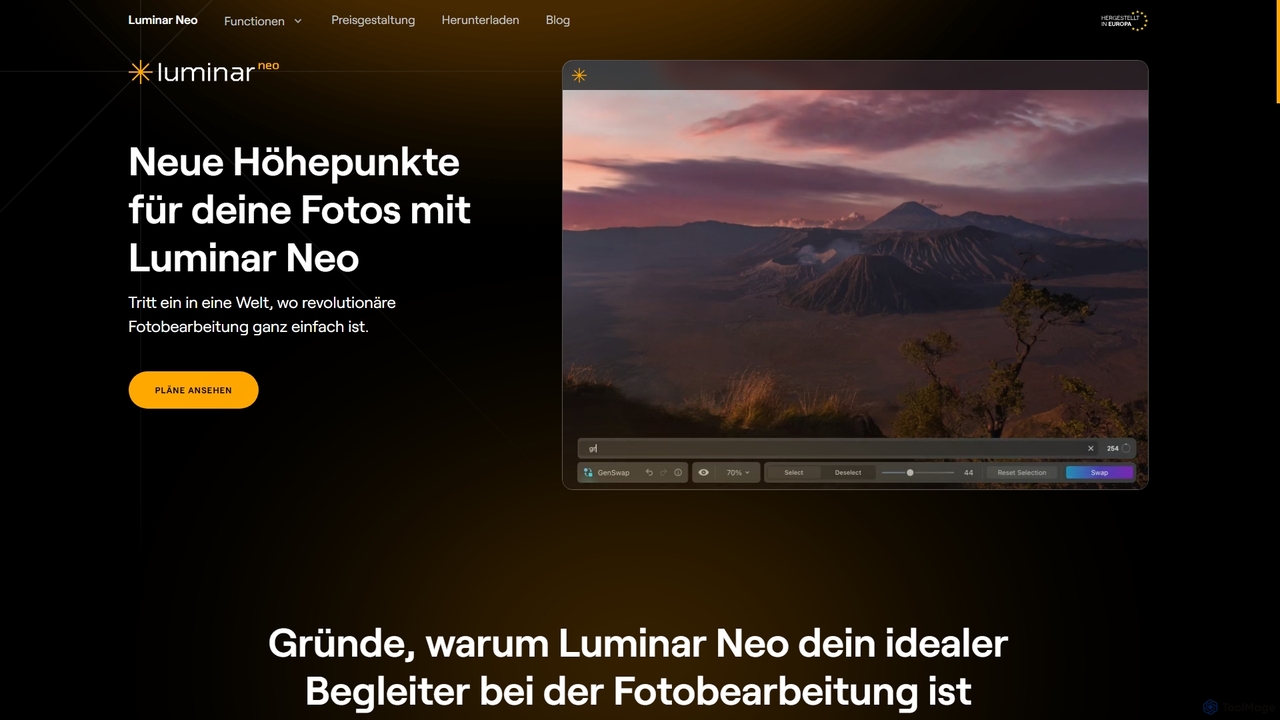
Luminar Neo Overview
Luminar Neo is an innovative photo editing program developed by Skylum, designed to bring new highlights to your photos with ease. It combines advanced editing capabilities with groundbreaking AI algorithms to automatically enhance image quality and enable unique creative techniques. Whether you're a beginner looking for intuitive improvements or a professional seeking precise control, Luminar Neo offers a powerful yet user-friendly experience.
How to use Luminar Neo
Luminar Neo can be used as a robust standalone application or seamlessly integrated as a plug-in for existing software like Adobe Photoshop, Adobe Lightroom Classic, and Photos for macOS. Users can import their photos, including RAW files, and apply a wide range of AI-powered enhancements, manual adjustments, and creative effects. The intuitive interface allows for easy navigation through tools like AI image enhancement, layer support, and generative AI features. Edits are non-destructive, ensuring original files remain intact. Users can apply one-click presets or fine-tune details for personalized results, then export or batch process multiple images efficiently.
Core Features of Luminar Neo
- AI Image Enhancement: Utilizes AI algorithms to automatically improve image quality with minimal effort.
- RAW Editing: Direct processing of RAW files for maximum quality and detail.
- Layer Support: Overlay multiple images, adjustments, or effects for complex compositions.
- Non-destructive Editing: Edits are applied without altering the original image file.
- Lens Correction: Automatic correction of distortions, chromatic aberrations, and vignetting.
- Clone Tools: Precisely remove unwanted elements or replicate parts of images.
- Dodge & Burn: Selectively lighten or darken areas to add depth and emphasis.
- Color Enhancement: Optimize colors for vibrant, lifelike tones or stylized looks.
- Crop & Resize: Adjust image composition and dimensions with precision tools.
- Batch Processing: Apply edits to multiple photos simultaneously for efficiency.
- Specific AI Tools: Includes SkyAI, EnhanceAI, Water EnhancerAI, FaceAI, SkinAI, Portrait with BokehAI, Supersharpen AI, Background Removal AI, StructureAI, Generative Erase, Generative Expand, Generative Replace, and more.
- One-Click Presets & LUTs: Over 120 presets, 50 overlays, 35 skies, and 40 LUTs for professional results.
Use Cases for Luminar Neo
Luminar Neo is ideal for a wide range of photographic and creative tasks. Photographers can use it to quickly enhance landscapes with SkyAI and Water EnhancerAI, perfect portraits with FaceAI, SkinAI, and Portrait with BokehAI, or restore old photos with AI-powered quality improvements. Graphic designers and content creators can leverage its layer support and generative AI features for complex compositions and object removal. Hobbyists will appreciate the one-click presets and intuitive interface for achieving professional-looking results without extensive training, while professionals can integrate it into their existing Adobe workflows for advanced, AI-driven enhancements.
Advantages of Luminar Neo
Luminar Neo stands out for its blend of powerful AI technology and user-friendly design. Its AI-driven tools significantly reduce editing time, allowing users to achieve stunning results with minimal effort. The non-destructive workflow ensures creative freedom and data integrity. The software's versatility as both a standalone application and a plug-in offers flexibility for various workflows. Users consistently praise its intuitive interface, making it accessible for all skill levels, and its responsive customer support. Additionally, the 30-day money-back guarantee provides a risk-free trial, and purchases contribute to supporting Ukraine.
Luminar Neo FAQ
Traffic
Latest traffic
Status
Monthly traffic trend
- 2026-1: 18.5K
- 2026-2: 24.0K
- 2026-3: 25.8K
- 2026-4: 24.4K
- 2026-5: 28.2K
Geography
Top 5 countries / regions
- 🇩🇪Germany81.0%
- 🇨🇭Switzerland8.3%
- 🇦🇹Austria6.2%
- 🇺🇸United States2.7%
- 🇳🇱Netherlands1.8%
Traffic sources
| Source type | Percentage |
|---|---|
Direct | 79.7% |
Referral | 20.3% |
Top keywords
| Keyword | Cost per click |
|---|---|
| doppelbelichtung als grafische technik | $0.00 |
| gesicht im bild transparent machen luminar neo | $0.00 |
| luminar | $1.45 |
| luminar neo | $1.29 |
| mit welcher ki kann man fotos kostenlos kolorieren | $0.00 |
Luminar Neo Alternatives
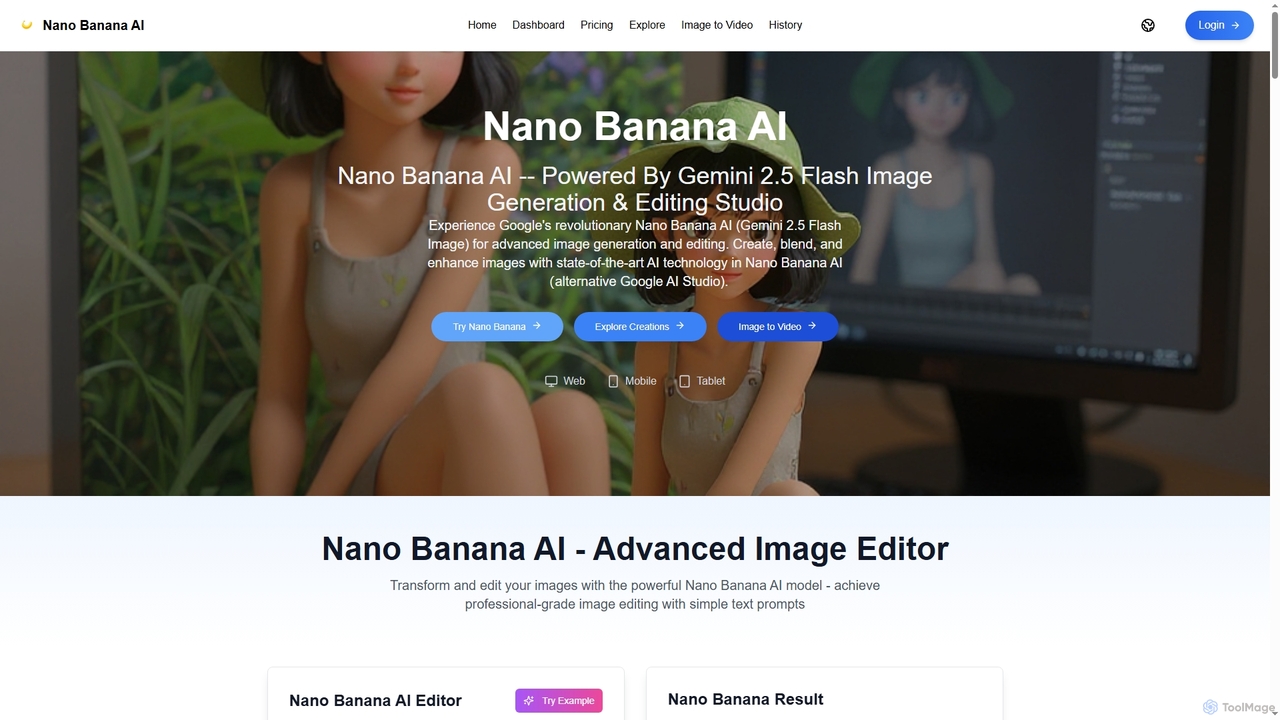
Nano Banana AI
Nano Banana AI is an advanced image generation and editing studio powered by Google's Gemini 2.5 Flash Image technology. It enables users to create, blend, and enhance images with simple text prompts, offering features like one-shot perfect generation, lightning-fast processing, consistent character editing, and face completion technology for professional-grade visual content.
Digital Art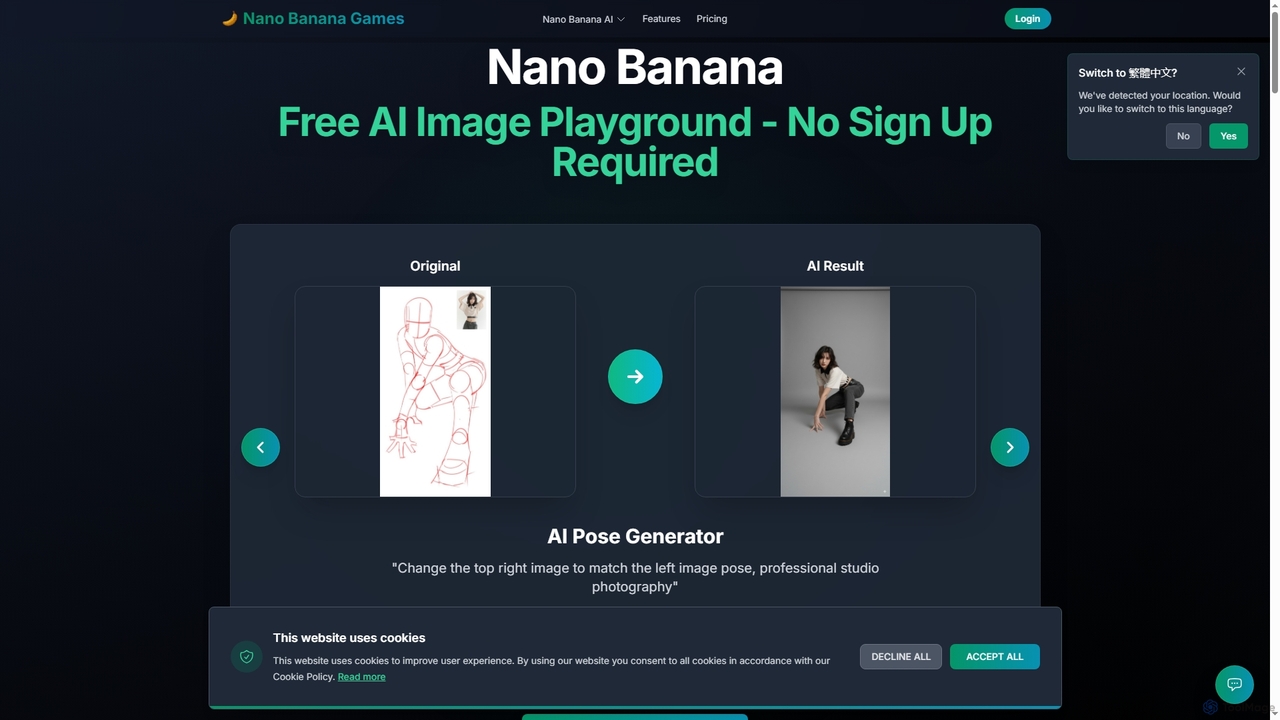
Nano Banana
Nano Banana is a versatile AI image playground offering a suite of tools for creative image transformation. It enables users to generate dynamic poses, perform face swaps, enhance photos, replace backgrounds, and create custom AI figurines, 3D figurines, and miniature worlds from their images, often without requiring a sign-up.
Digital Art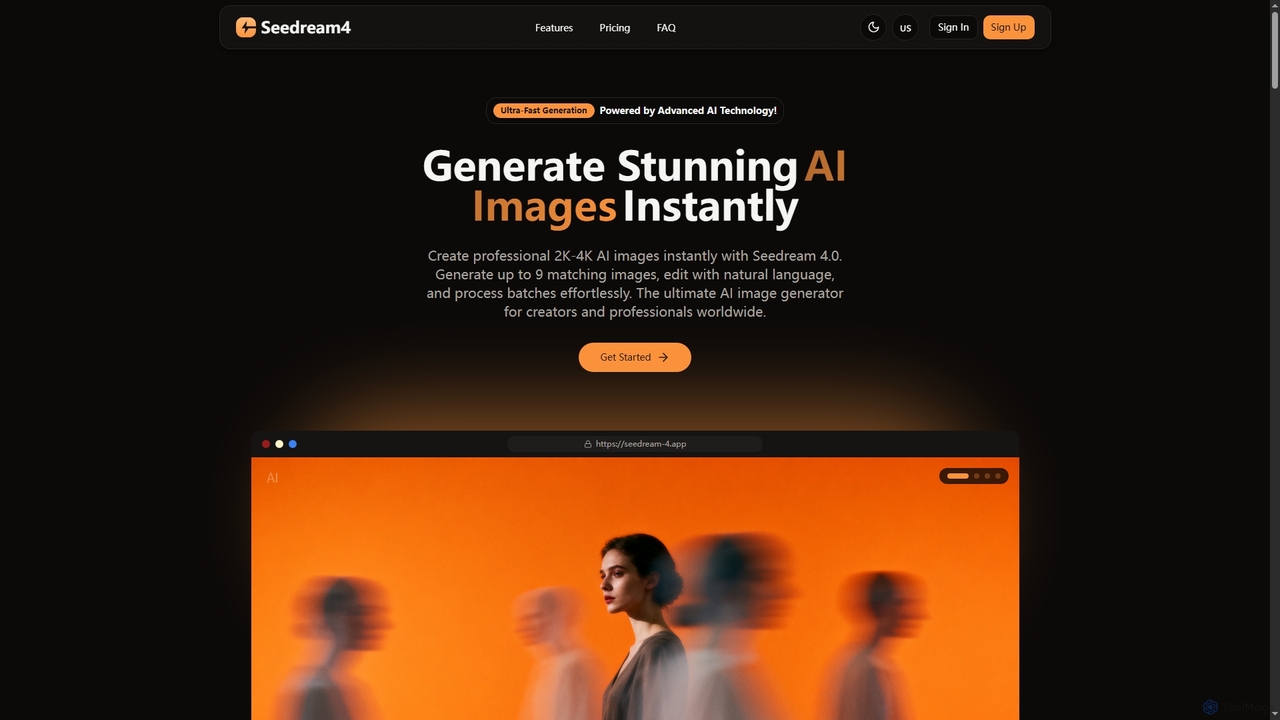
Seedream 4
Seedream 4 is a professional AI image generator and editor developed by ByteDance, capable of producing ultra-fast, highly realistic, and detailed images up to 4K resolution. It offers advanced features like text-to-image, image-to-image, creative upscaling, and multi-image generation, making it a powerful tool for digital artists and content creators.
Digital Art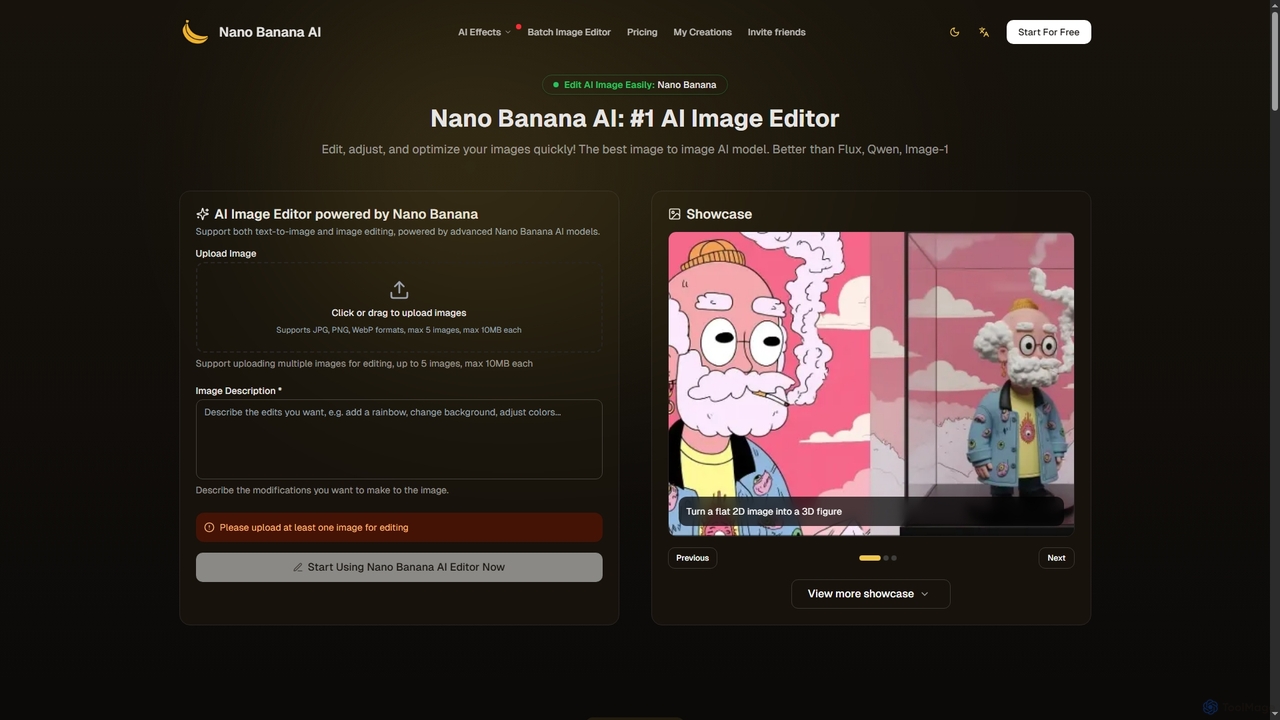
Nano Banana
Nano Banana is an advanced AI image editor and generator that allows users to effortlessly transform photos and create stunning visuals. It supports text-to-image generation, comprehensive image editing, and even specialized features like AI action figure creation. With lightning-fast processing and professional-quality output, Nano Banana simplifies complex editing tasks for personal and commercial use.
Digital Art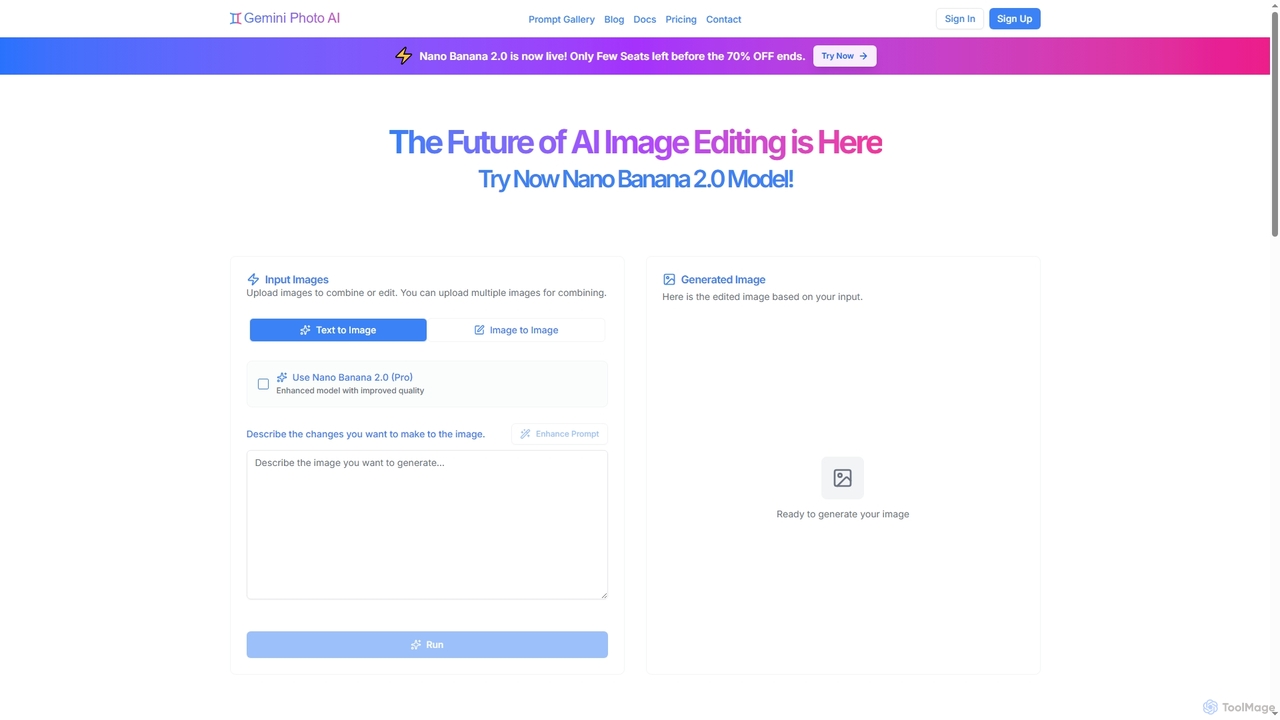
Gemini Photo
Gemini Photo is an advanced AI-powered image editing and generation tool that leverages the Nano Banana 2.0 model. It allows users to transform photos and create new images using natural language prompts, offering features like background removal, style transformations, and professional product photography, all designed for stunning and accurate visual results.
Digital ArtLuminar Neo Categories
Luminar Neo Jobs
Luminar Neo Embed Widget
Copy this embed code to place the badge on your blog, article, or product site and send readers directly to this ToolMage detail page.

Related AI tools
Nano Banana AI
Nano Banana AI is an advanced image generation and editing studio powered by Google's Gemini 2.5 Flash Image technology. It enables users to create, blend, and enhance images with simple text prompts, offering features like one-shot perfect generation, lightning-fast processing, consistent character editing, and face completion technology for professional-grade visual content.
Digital ArtNano Banana
Nano Banana is a versatile AI image playground offering a suite of tools for creative image transformation. It enables users to generate dynamic poses, perform face swaps, enhance photos, replace backgrounds, and create custom AI figurines, 3D figurines, and miniature worlds from their images, often without requiring a sign-up.
Digital Art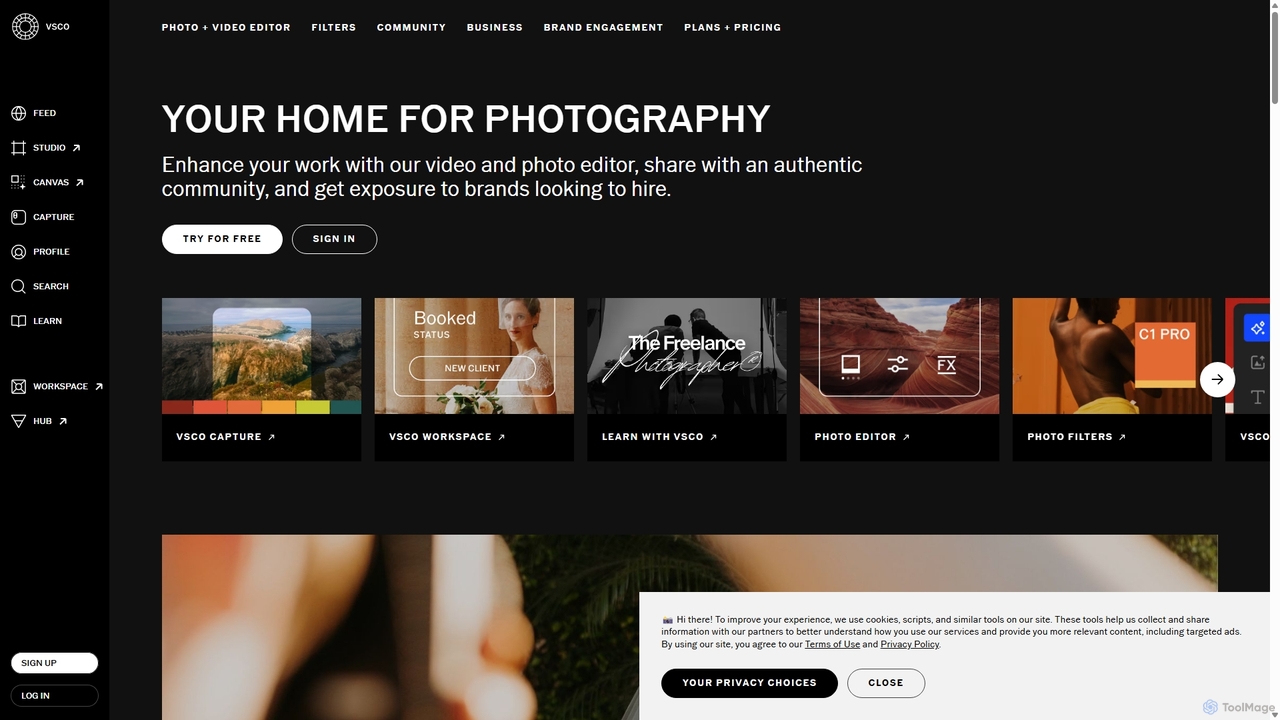
VSCO
VSCO is an all-in-one platform for photographers, offering a powerful photo and video editor with over 200 presets, AI-powered tools, and a vibrant creative community. It also provides professional tools like portfolio websites, studio management software, and opportunities to get hired, supporting creators at every stage of their journey.
3D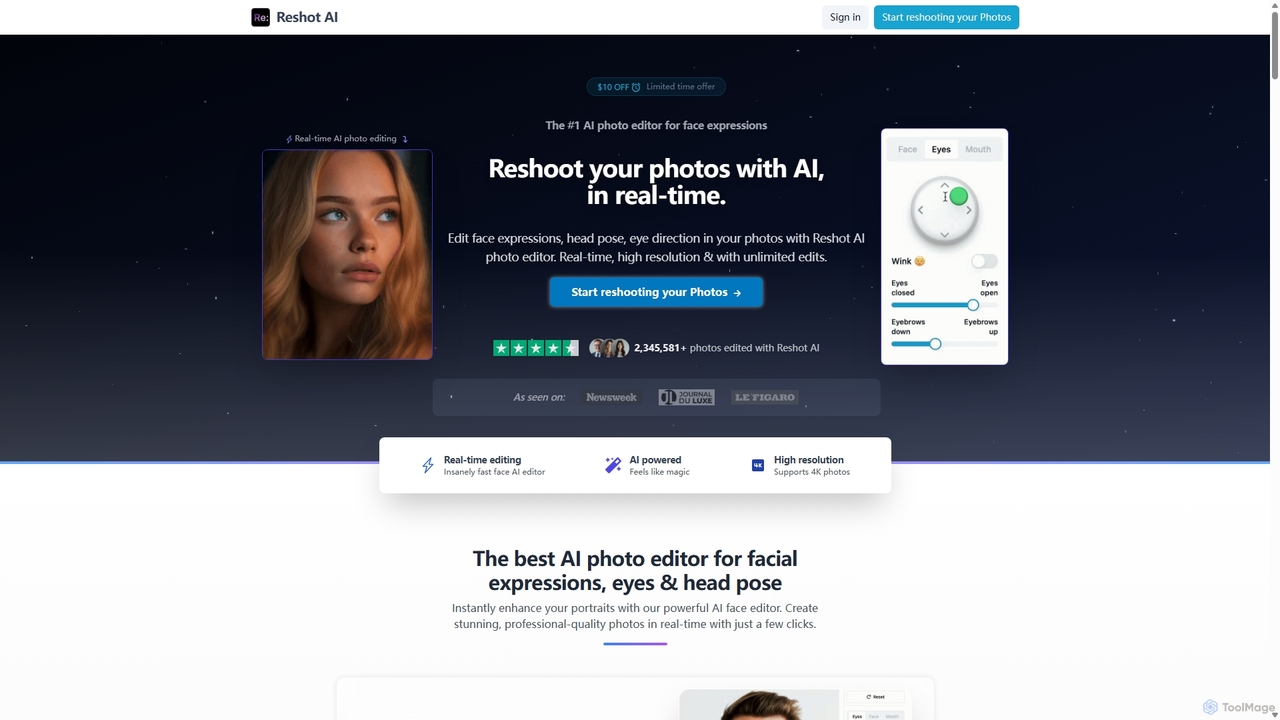
Reshot AI
Reshot AI is a real-time, AI-powered online photo editor specializing in manipulating facial expressions, head poses, and eye direction. It allows users to create professional-quality portraits and headshots with precise control over smiles, eyes, and head tilt, supporting up to 4K resolution.
3D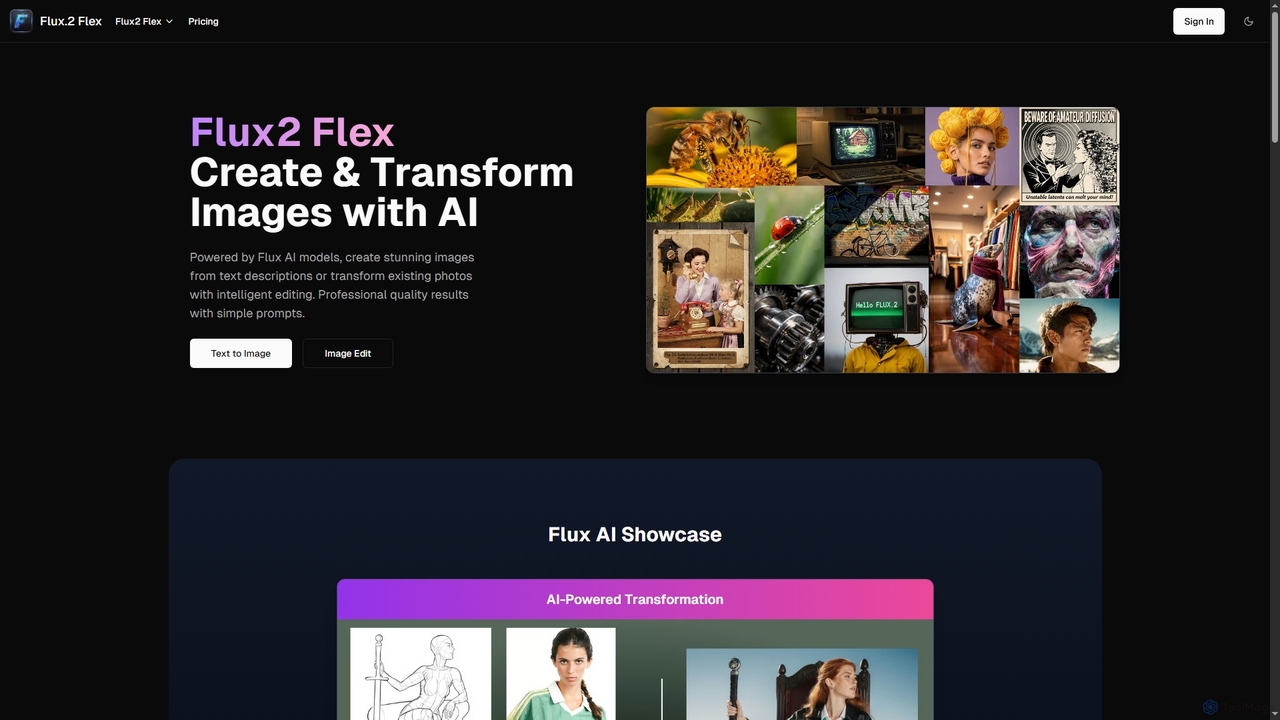
Flux2 Flex
Flux2 Flex is an AI-powered image generator and editor designed to create high-quality visuals from text prompts or transform existing photos. Leveraging advanced Flux AI models, it offers intuitive tools for text-to-image creation, image-to-image editing, style transfer, and object manipulation, catering to both professionals and beginners.
Generative Art
Jyek
Jyek is an AI agent platform that understands objectives, creates execution plans, uses tools, and delivers verifiable results for complex, multi-step tasks.
Automation
Imamind
Imamind is a revolutionary full-stack AI visual design platform that automates the entire creative process from concept to professional delivery. It offers dual-engine architecture, intelligent AI workflows, precise face fidelity for portraits, and advanced AI editing tools, empowering over 200,000 creators globally.
Product ImagingSeedream 4
Seedream 4 is a professional AI image generator and editor developed by ByteDance, capable of producing ultra-fast, highly realistic, and detailed images up to 4K resolution. It offers advanced features like text-to-image, image-to-image, creative upscaling, and multi-image generation, making it a powerful tool for digital artists and content creators.
Digital Art
Slazzer
Slazzer is an AI-powered visual editing platform that automatically removes image backgrounds in seconds. It offers a suite of tools including AI background generation, image enhancement, upscaling, and shadow creation. Designed for efficiency, it serves e-commerce, photographers, marketers, and developers with web-based tools, desktop apps, and API integration for bulk processing.
Api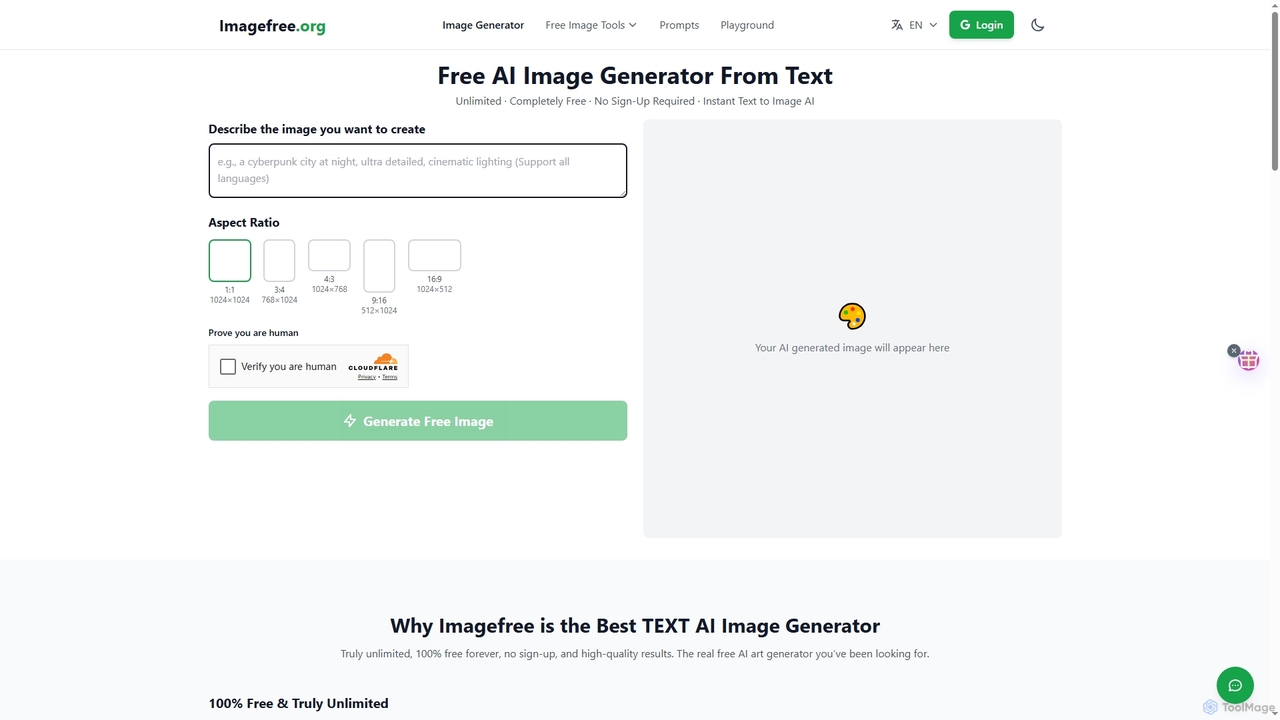
Imagefree
Imagefree is a completely free and unlimited AI tool for generating images from text, removing backgrounds, upscaling photos to 4K, and editing images online. It requires no sign-up or hidden costs, offering instant access to high-quality AI-powered creative tools for everyone.
Prompt Library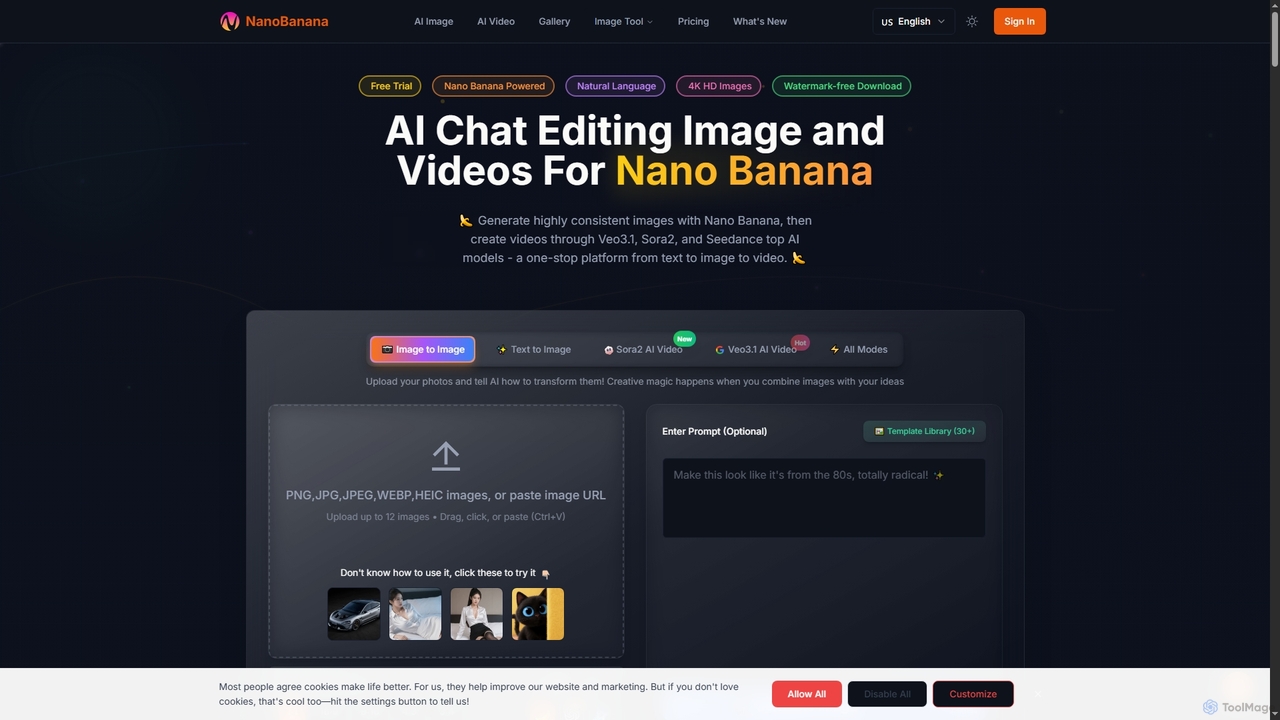
NanoBanana
NanoBanana is an advanced AI-powered platform for generating and editing images and videos using natural language. It offers lightning-fast creation, high-resolution outputs, and a wide array of creative modes, making professional-quality visual content accessible to everyone from beginners to seasoned creators.
Digital Art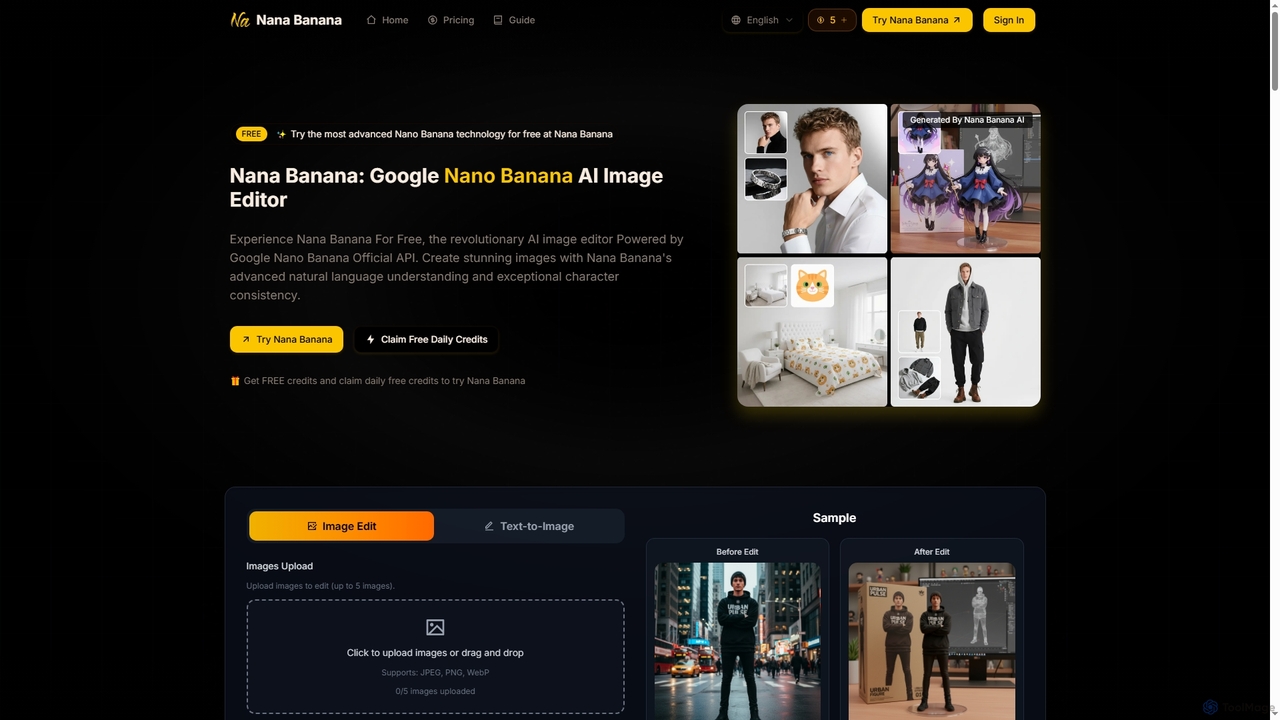
Nana Banana
Nana Banana is an advanced AI image editor and generator powered by Google's cutting-edge Gemini 2.5 Flash Image model. It enables users to create stunning visuals from text prompts or by editing existing images with exceptional natural language understanding, character consistency, and one-shot editing capabilities, delivering professional-grade 4K+ output rapidly.
Graphic Design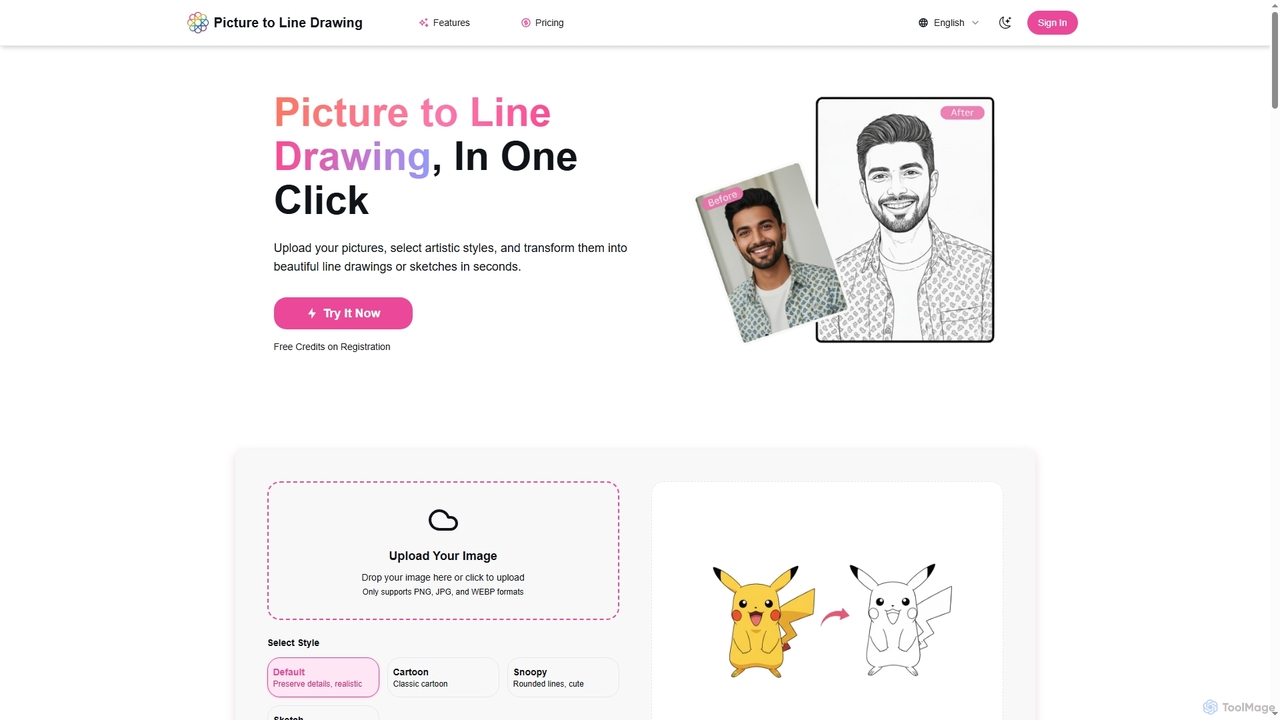
Picture to Line Drawing
Picture to Line Drawing is an AI-powered online converter that transforms photos into beautiful line drawings or sketches in seconds. It offers multiple artistic styles like Default, Cartoon, Snoopy, and Sketch, making it easy for anyone to create unique artworks with a single click.
Generative Art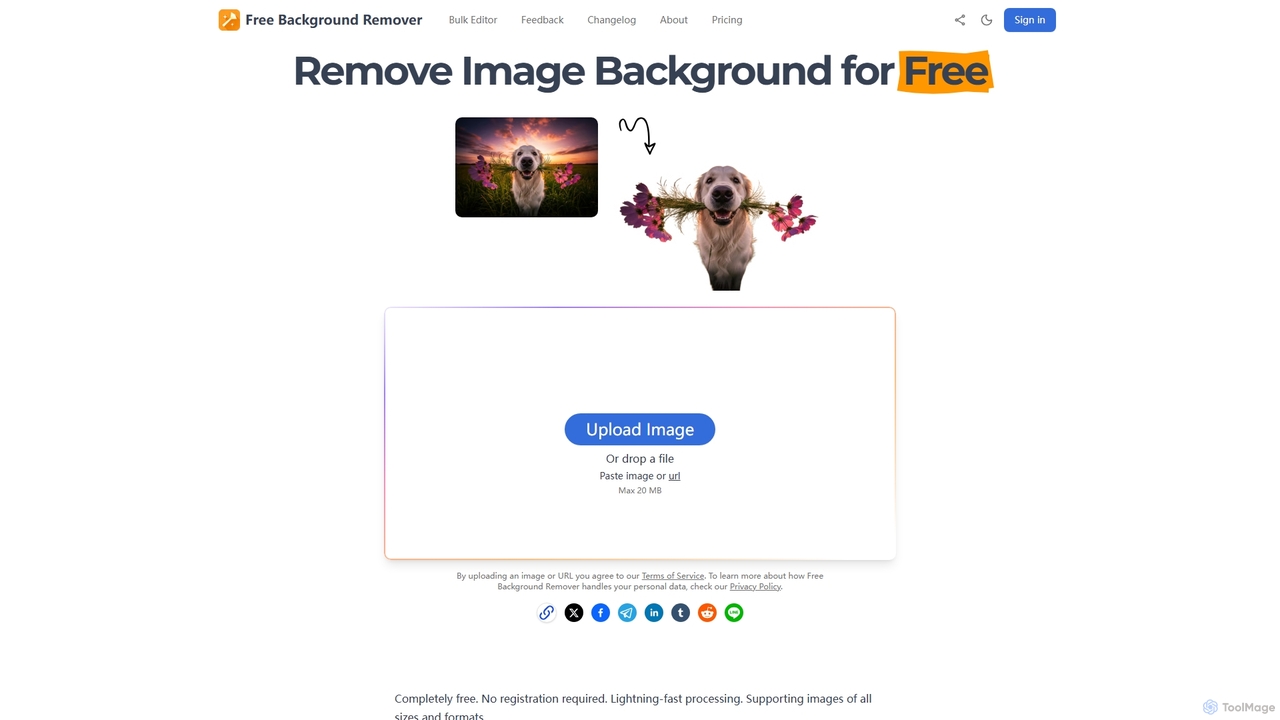
Free Background Remover
Free Background Remover is an AI-powered online tool designed to precisely remove backgrounds from images in seconds. It offers lightning-fast processing, supports various image formats, and allows users to add custom backgrounds, all without requiring registration or leaving watermarks. It's ideal for e-commerce, social media, graphic design, and personal photo editing needs.
Product Photography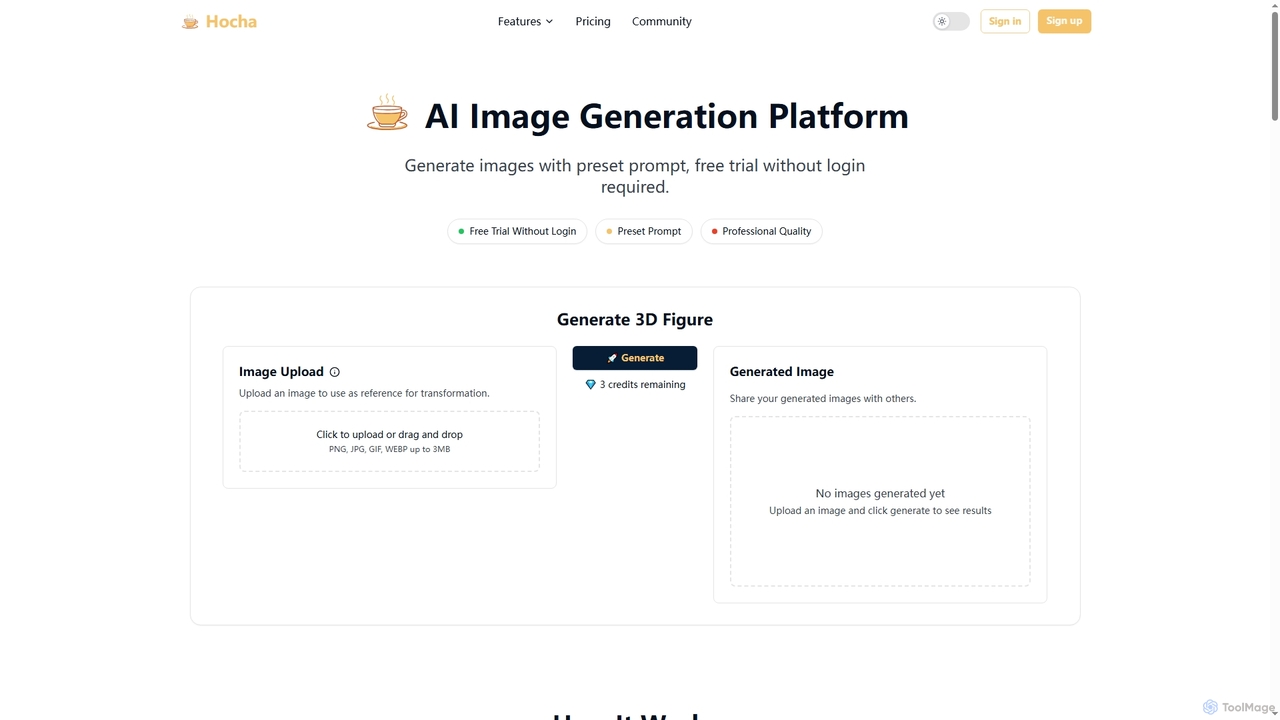
Hocha
Hocha is an AI-powered image generation and editing platform that allows users to transform images into stunning 3D figures, create professional headshots, generate diverse character illustrations, and enhance photos with advanced AI models. It offers a free trial without login, fast results, and commercial licensing options.
Creative Asset Generation
Luminar Neo Comments (0)
Sign in to comment.
Sign inNo comments yet.