ToolMage
Sign in

Best 23 Product Photography AI tools for E Commerce

Popular Product Photography AI tools in E Commerce include VisualGPT, Nano-Banana, iFoto, WearView, Mockuplabs, WeShop, Snappyit, dresma, Adject, and Mock It AI, helping you work more efficiently.

Adject
Freemium

Adject

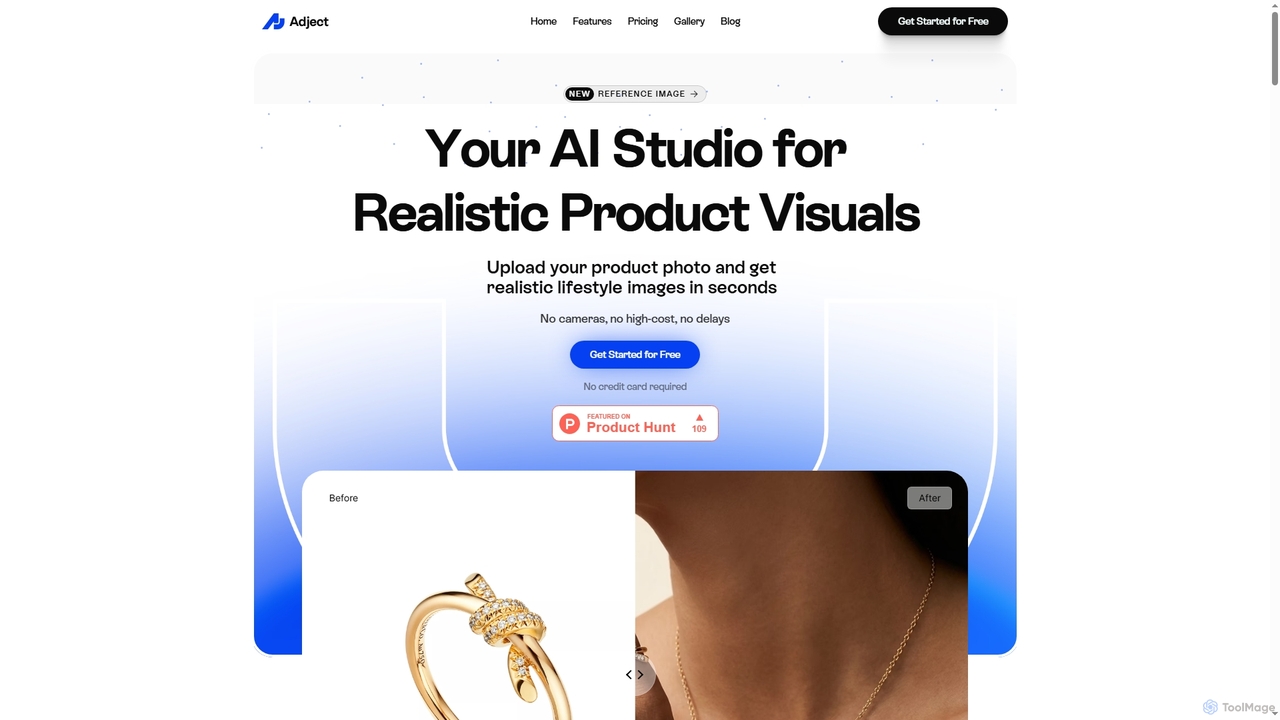
Adject is an AI-powered studio that transforms simple product photos into realistic lifestyle images and professional photoshoots in seconds. It's designed for e-commerce businesses, solopreneurs, and agencies to create stunning visuals without the high cost and delays of traditional photography.

Image Generation
Visits 27.5KFavorites 47Likes 42
Nanobananainpaint
Freemium

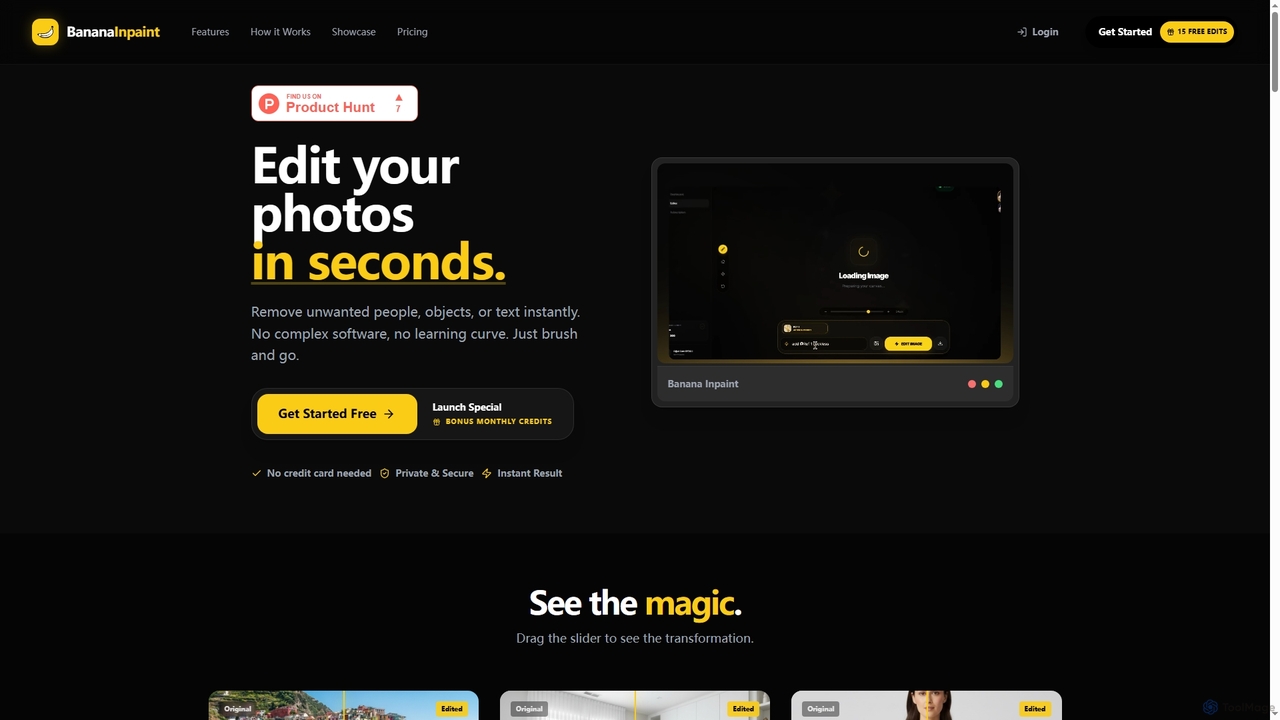
Nanobananainpaint

Nanobananainpaint is an AI-powered online photo editor that allows users to effortlessly remove unwanted objects, people, or text from images in seconds. With its intuitive brush-and-go interface, it simplifies complex photo editing tasks, making professional-quality image cleanups accessible to everyone without requiring any software installation or learning curve.

Image Generation
Visits 7.4KFavorites 44Likes 45
ModaStudio
Freemium

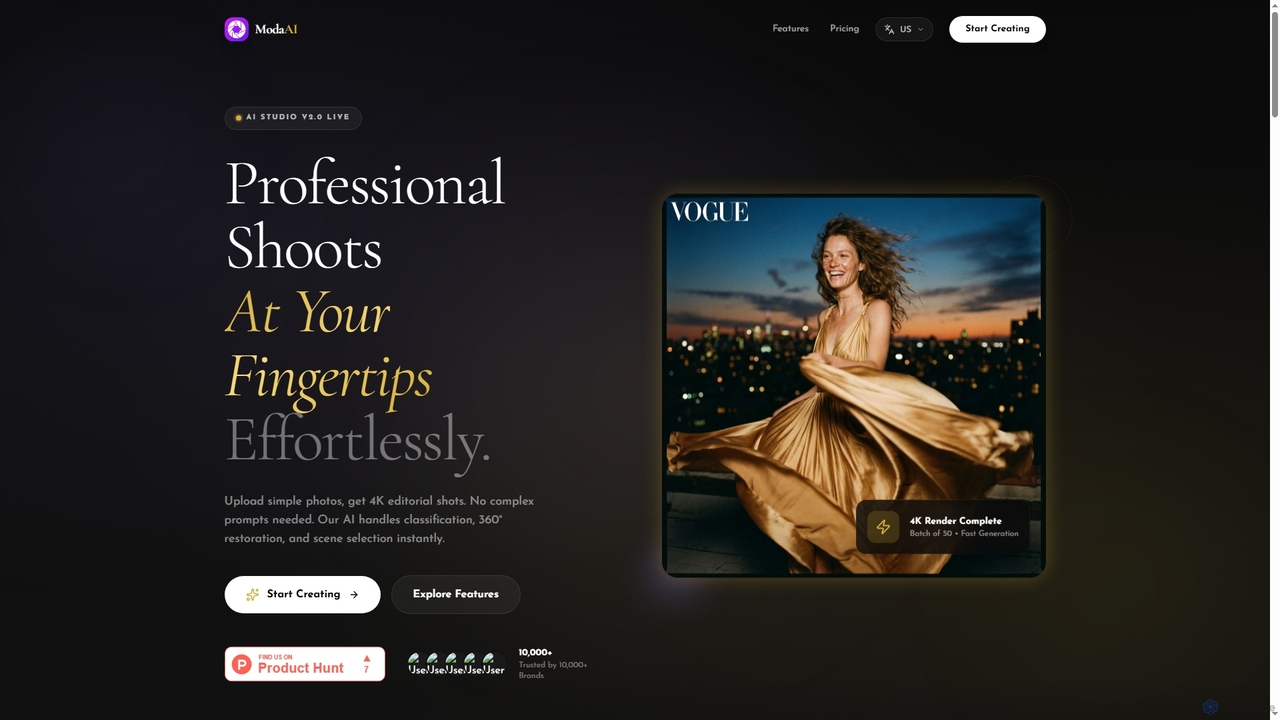
ModaStudio

ModaStudio is an AI-powered virtual fashion studio that transforms simple product photos into stunning 4K editorial shots effortlessly. Designed for e-commerce brands and creators, it offers zero-prompt AI, 360° garment restoration, and batch processing for consistent, high-quality visual content without complex photography setups.

Product Photography
Visits 6.3KFavorites 55Likes 55
Magiq
Freemium

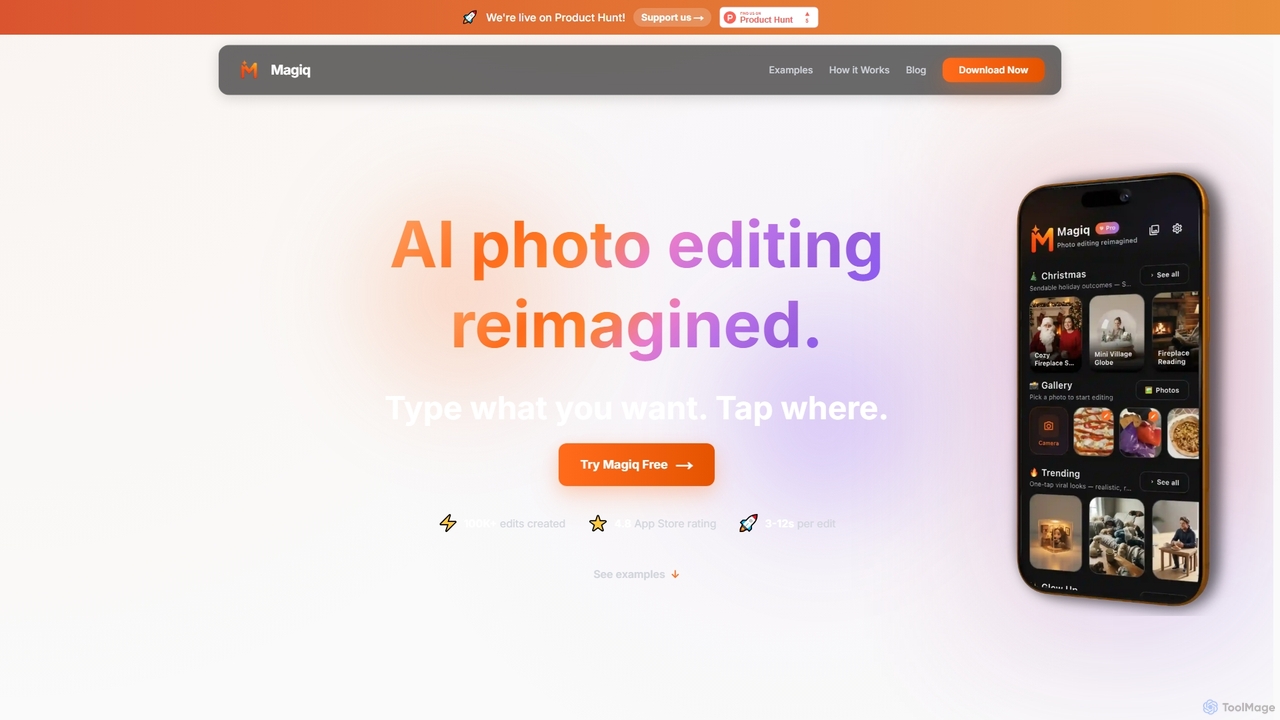
Magiq

Magiq is an AI-powered photo editor for iOS and Android that redefines image transformation. With simple text instructions, users can perform complex edits like background removal, outfit changes, smart lighting adjustments, and professional portrait creation. It delivers realistic, high-quality results in seconds, making advanced photo editing accessible to everyone.

Generative Art
Visits 10.3KFavorites 66Likes 60
FitSnapAI

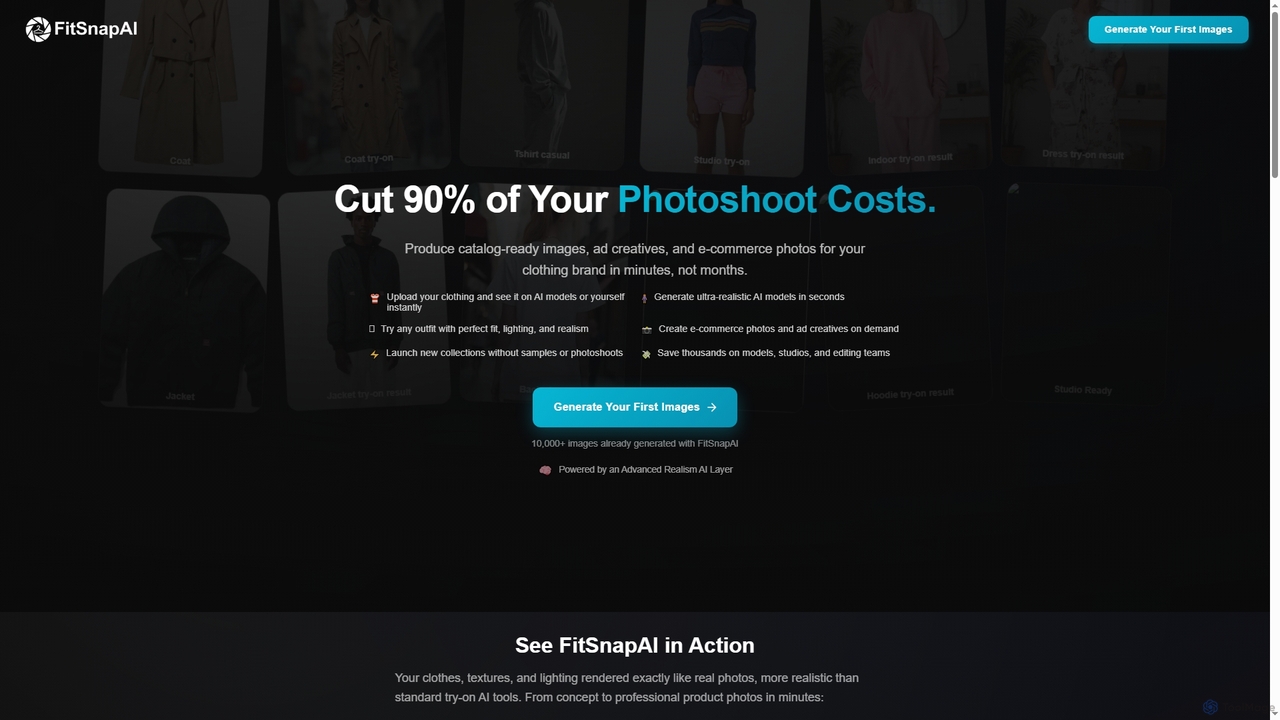
FitSnapAI

FitSnapAI is an advanced AI tool for fashion brands, enabling them to generate ultra-realistic e-commerce product photos and ad creatives in minutes. It allows users to upload clothing designs and visualize them on AI models or their own photos, significantly reducing photoshoot costs and time.

Product Photography
Visits 6.3KFavorites 66Likes 62
Admagine
Freemium

Admagine

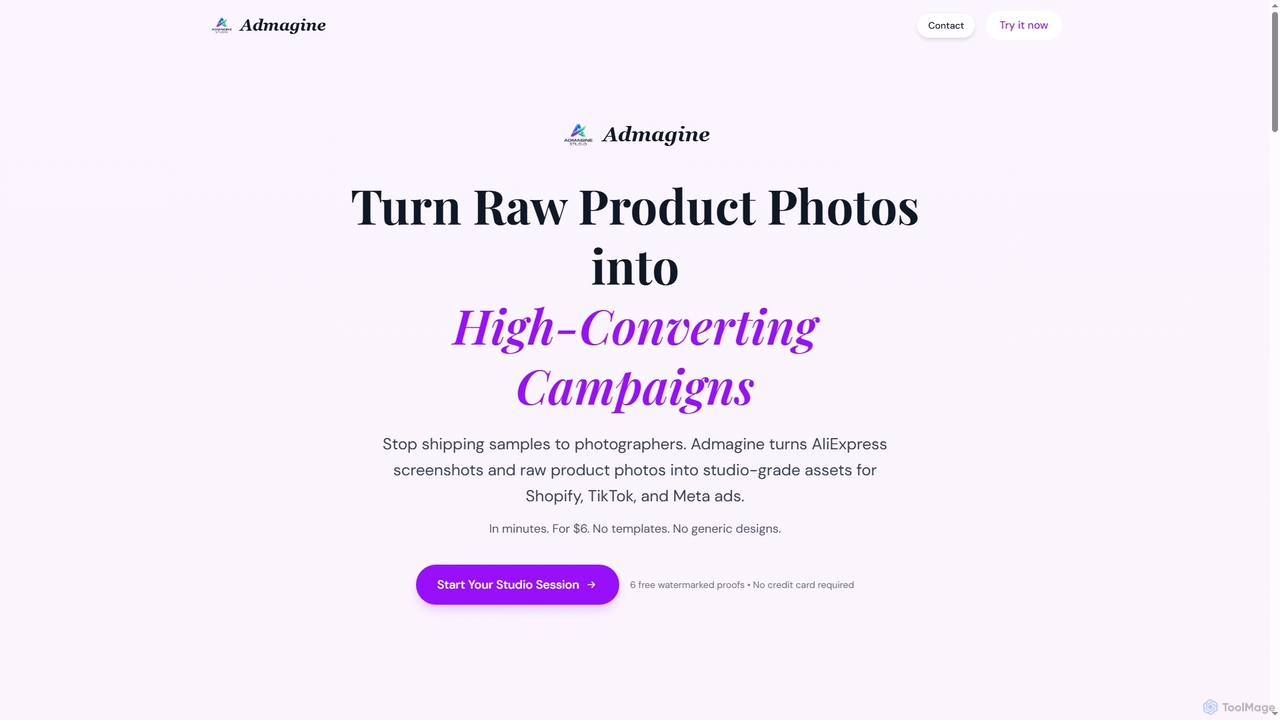
Admagine is an AI-powered tool that transforms raw product photos and supplier images into high-converting, studio-grade marketing assets for e-commerce platforms like Shopify, TikTok, and Meta ads. It generates custom, brand-consistent visuals in minutes, eliminating the need for traditional photography shoots and lengthy waiting times.

Dropshipping
Visits 6.4KFavorites 66Likes 78
Erazor
Freemium

Erazor

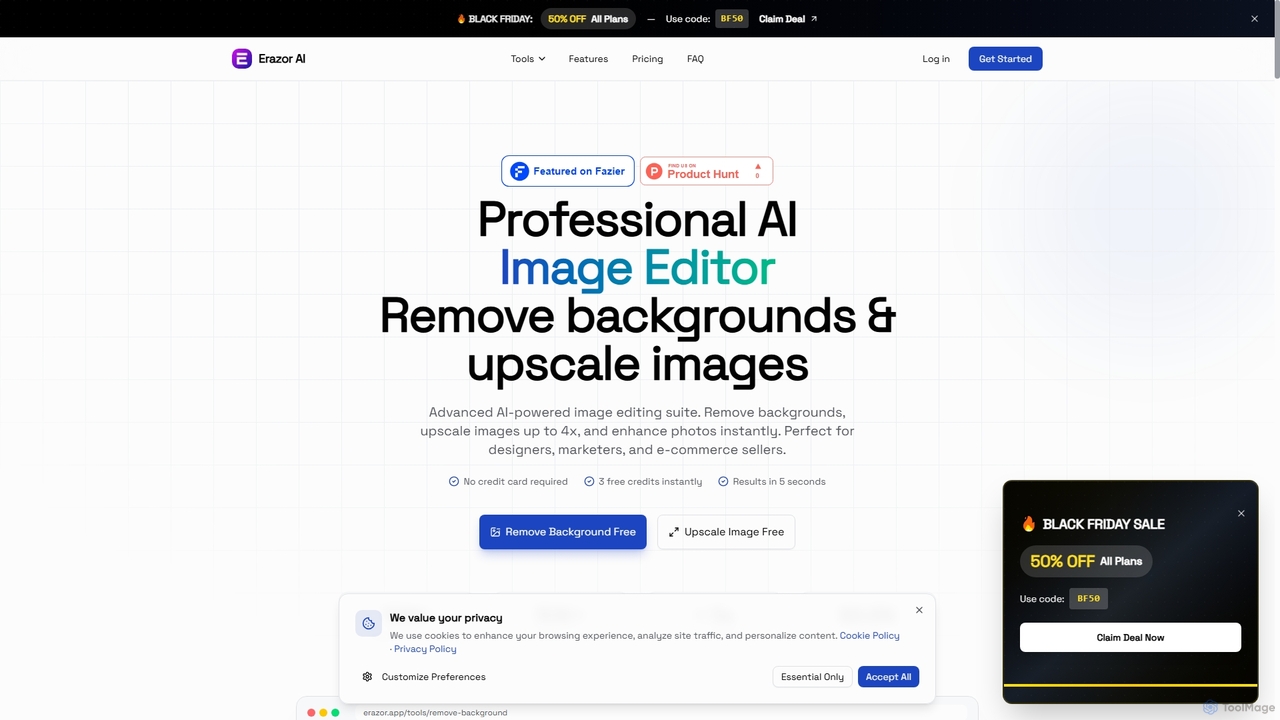
Erazor is a professional AI image editor that specializes in lightning-fast background removal and intelligent image upscaling. Designed for designers, marketers, and e-commerce sellers, it delivers high-quality results in seconds, enhancing productivity and visual content creation.

Graphic Design
Visits 6.4KFavorites 108Likes 82
RemovebgAPI
Freemium

RemovebgAPI

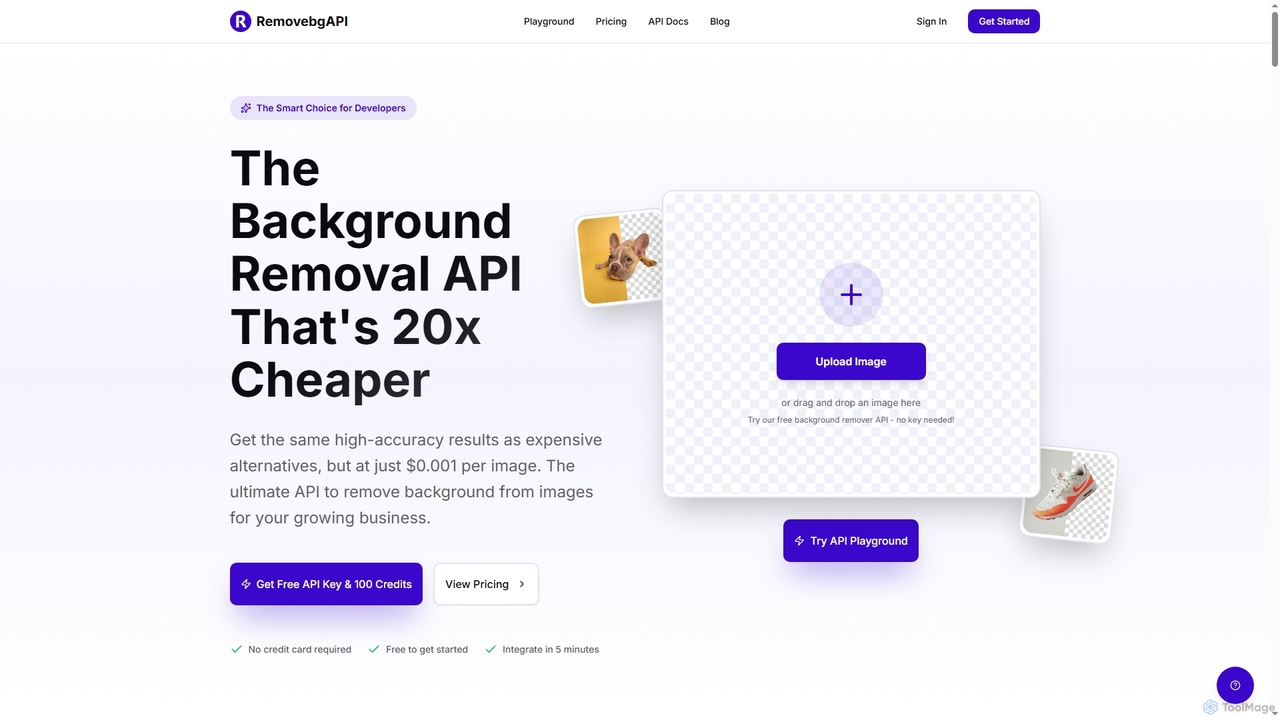
RemovebgAPI is a developer-friendly background removal API offering high-accuracy results at a significantly lower cost. It enables businesses to automate image background removal with AI-powered precision, lightning-fast processing, and seamless integration for various applications like e-commerce, real estate, and content creation.

Api
Visits 6.5KFavorites 137Likes 141
Rustic AI
Freemium

Rustic AI

Rustic AI is an intuitive AI design editor built for creators, e-commerce brands, and small businesses. It simplifies the generation of high-quality product photos, ad creatives, and marketing visuals, transforming ideas into stunning imagery with ease. The platform offers a suite of AI-powered tools to streamline visual content creation.

Graphic Design
Visits 6.4KFavorites 133Likes 124
Free Background Remover
Freemium

Free Background Remover

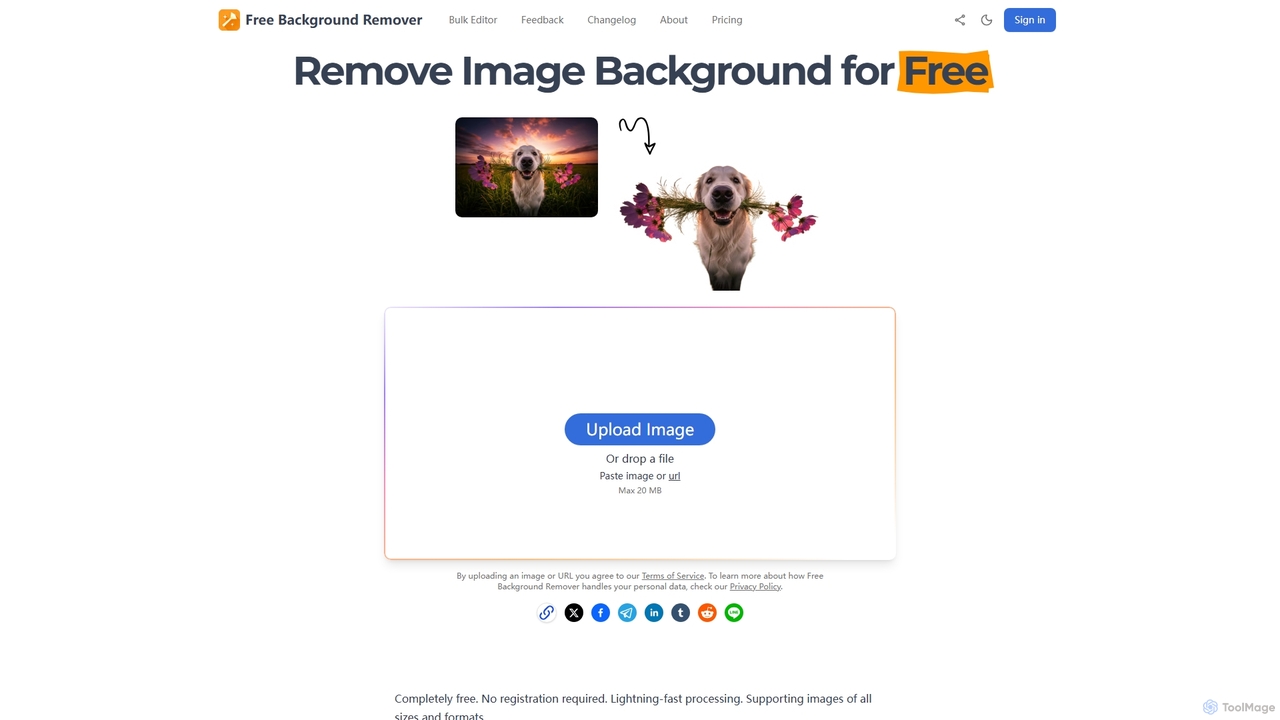
Free Background Remover is an AI-powered online tool designed to precisely remove backgrounds from images in seconds. It offers lightning-fast processing, supports various image formats, and allows users to add custom backgrounds, all without requiring registration or leaving watermarks. It's ideal for e-commerce, social media, graphic design, and personal photo editing needs.

Product Photography
Visits 6.5KFavorites 99Likes 105
VisualGPT
Freemium

VisualGPT

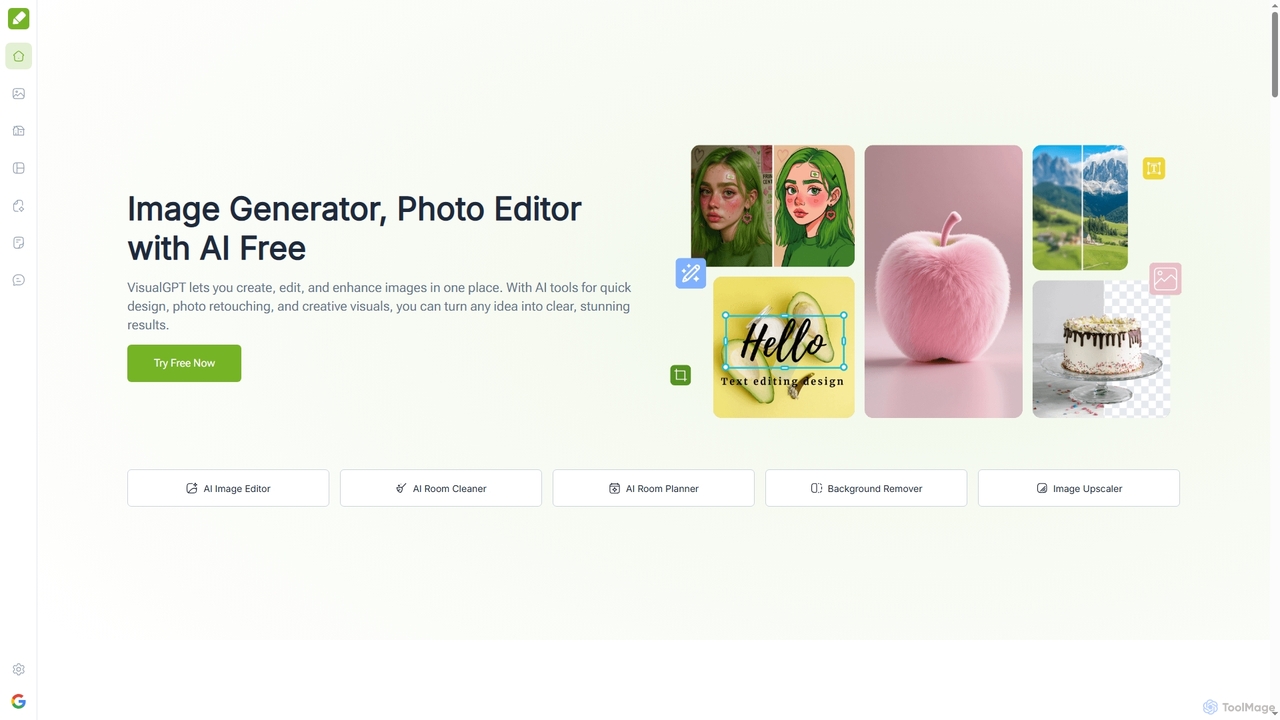
VisualGPT is an all-in-one online AI platform for generating, editing, and enhancing images. It offers tools like AI image editing, background removal, room planning, and visualization, powered by advanced models like Nano Banana and Stable Diffusion. Designed for ease of use, it helps users create stunning visuals quickly without complex software or design skills.

Graphic Design
Visits 1.5MFavorites 116Likes 139
Mockuplabs
Freemium

Mockuplabs

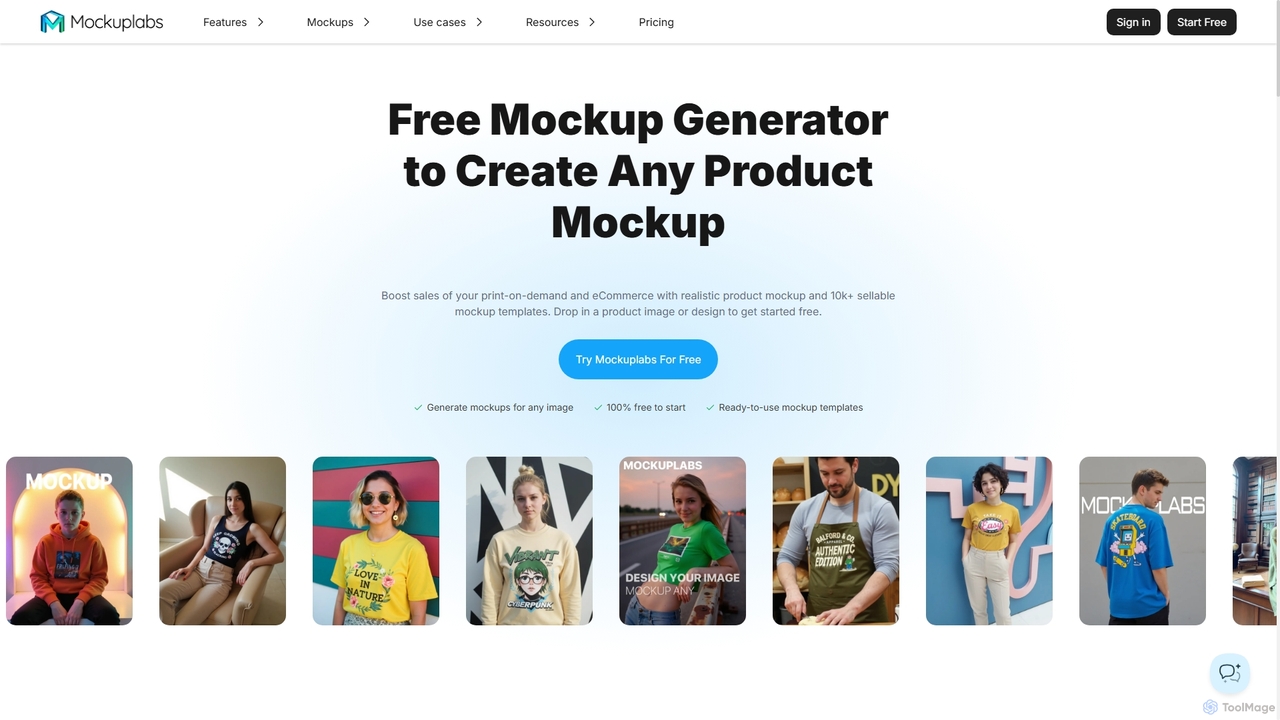
Mockuplabs is an AI-powered mockup generator designed to help e-commerce sellers, print-on-demand businesses, and designers create realistic product visuals quickly. It offers a suite of tools for generating, editing, and customizing mockups, including AI color changing, all-over print application, and image enhancement features.

Mockup Generation
Visits 60.3KFavorites 162Likes 164
Nano-Banana
Freemium

Nano-Banana

Nano-Banana is an advanced online AI image editor that empowers users to create and modify images with text prompts, offering features like generation, inpainting, style transfer, and outpainting. It ensures character consistency and scene coherence with fast, studio-quality results.

Photo Editor
Visits 281.6KFavorites 152Likes 157
WearView
Freemium

WearView

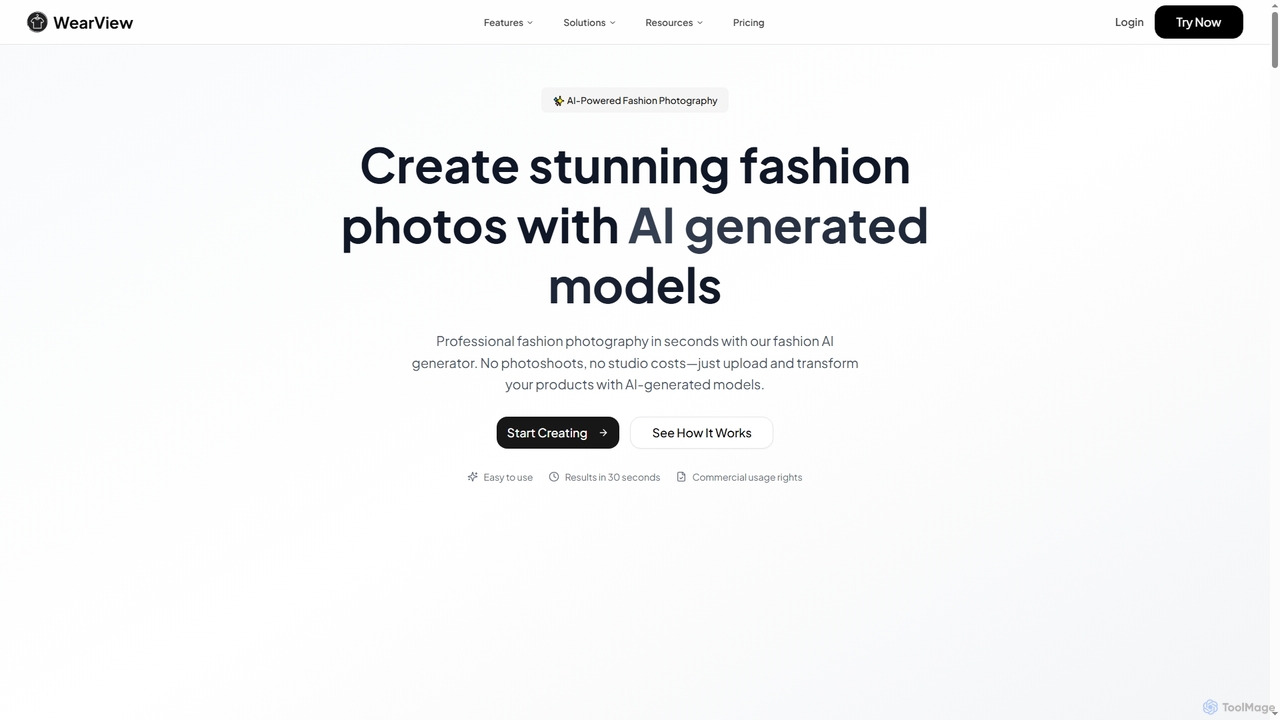
WearView is an AI-powered fashion technology platform that enables users to generate professional fashion photography with AI models in seconds. It eliminates the need for expensive photoshoots, offering virtual try-on, model creation, and product transformation features for e-commerce brands and content creators.

3D
Visits 82KFavorites 159Likes 171
Snappyit
Freemium

Snappyit

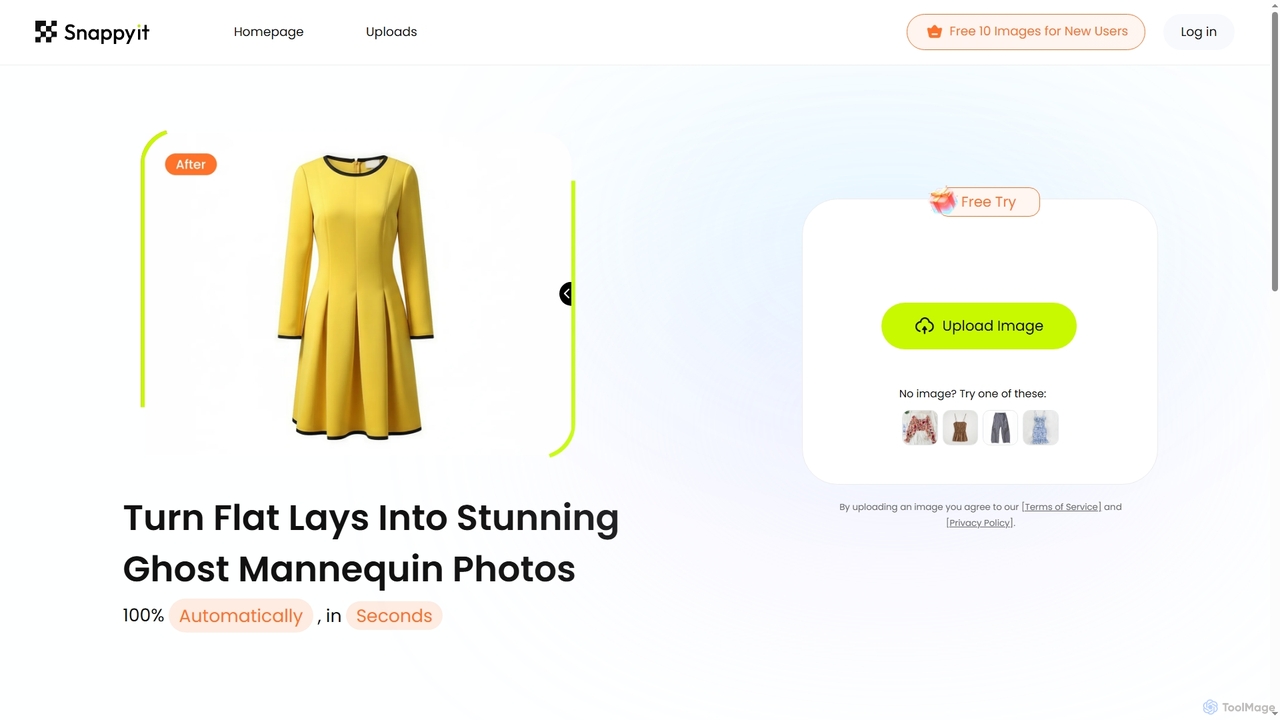
Snappyit is an AI-powered tool designed to automatically transform flat lay apparel photos into professional ghost mannequin images in seconds. It helps fashion businesses reduce marketing costs, drive efficient growth, and boost conversion rates by creating stunning product visuals effortlessly.

Product Photography
Visits 34.1KFavorites 156Likes 147
Mock It AI
Paid

Mock It AI

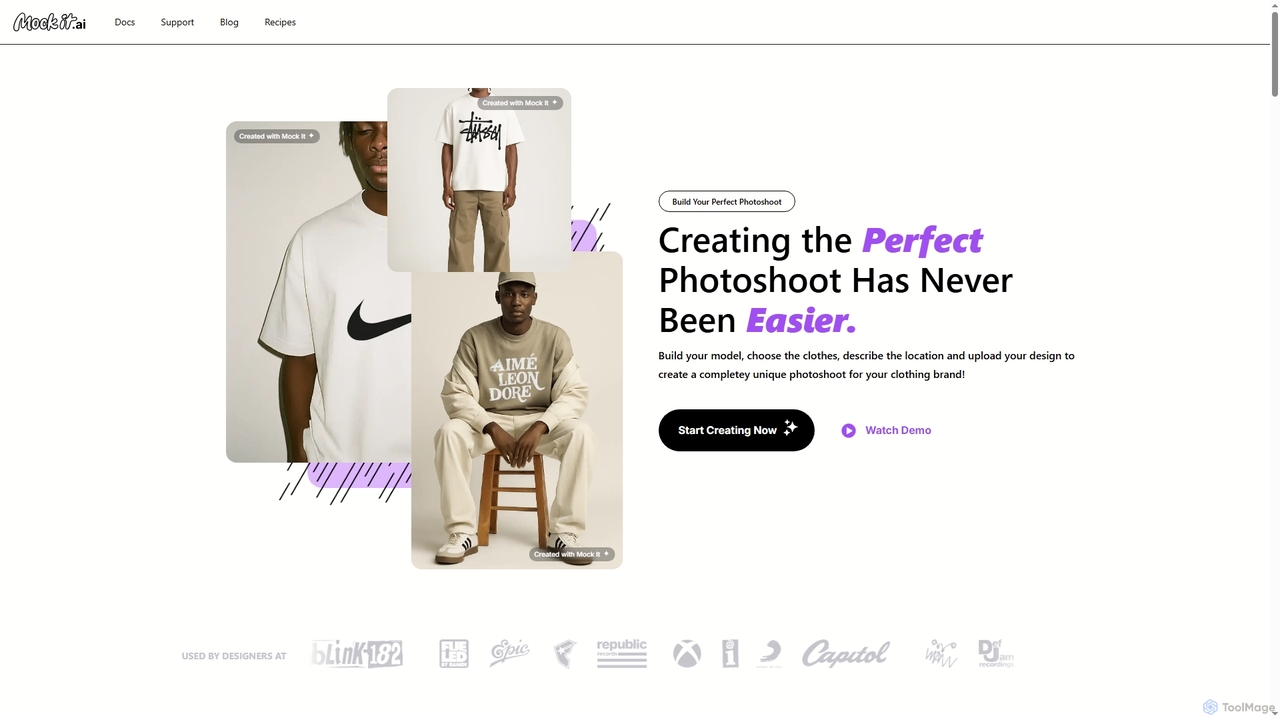
Mock It AI is an AI-powered photoshoot generator designed for clothing brands. It allows users to create unique, high-quality, and fully editable mockups in seconds by building custom models, choosing apparel, describing locations, and uploading their own designs.

Fashion
Visits 22.5KFavorites 177Likes 183
magicbackgroundremover
Freemium

magicbackgroundremover

magicbackgroundremover is an AI-powered tool that automatically removes backgrounds from any image in seconds. With just one click, get a high-precision cutout with a transparent background, perfect for e-commerce, marketing, and creative projects. It handles complex edges like hair and fur with ease, saving you time and effort compared to manual editing. Simply upload your image and let the AI do the magic.

Image Editing
Visits 6.3KFavorites 148Likes 130
getrupert
Freemium

getrupert

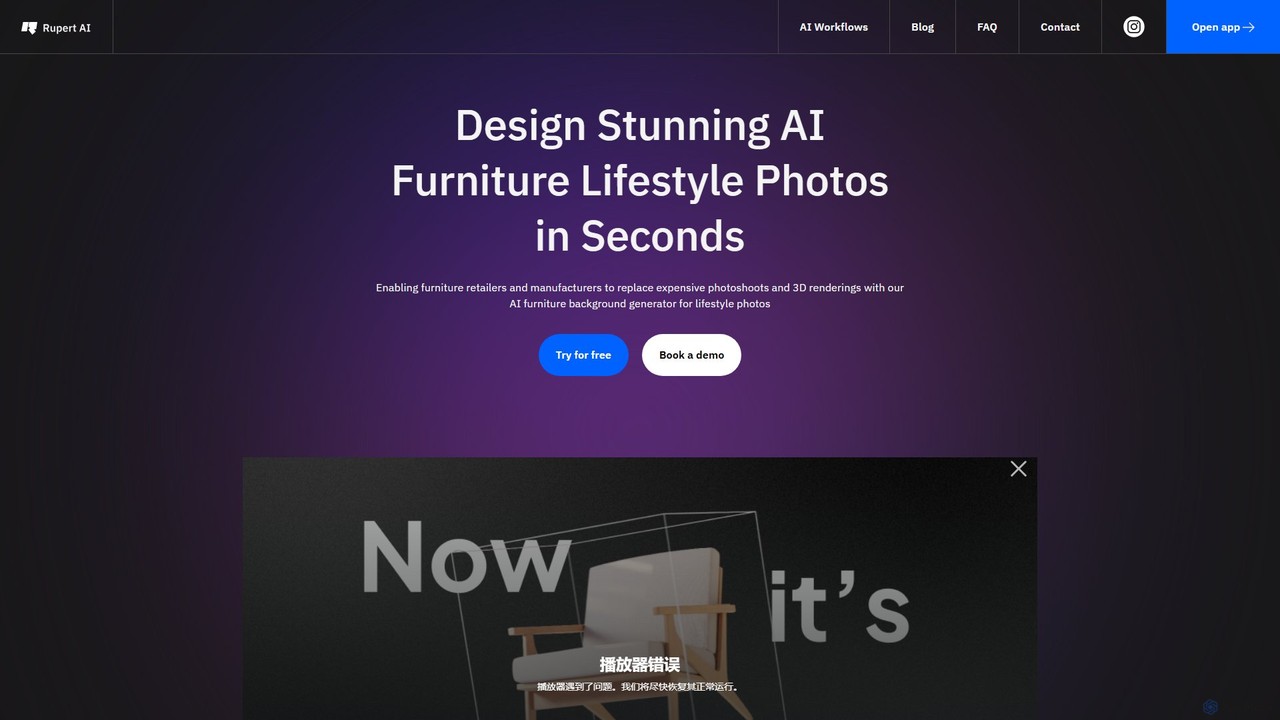
getrupert is an AI-powered platform for creating stunning product photography, lifestyle images, and fashion model photos in seconds. It helps e-commerce brands and marketers generate high-quality visuals, test ad creatives, and optimize campaigns without the need for physical photoshoots.

Product Photography
Visits 6.5KFavorites 131Likes 139
WeShop
Freemium

WeShop

WeShop is an AI-powered creative studio for e-commerce, enabling businesses to generate hyper-realistic product and model photoshoots in seconds. It replaces traditional photography by offering AI model generation, scene creation, video generation, and a full suite of image editing tools, drastically cutting costs and production time for brands.

Product Photography
Visits 42.6KFavorites 167Likes 169
iFoto
Freemium

iFoto

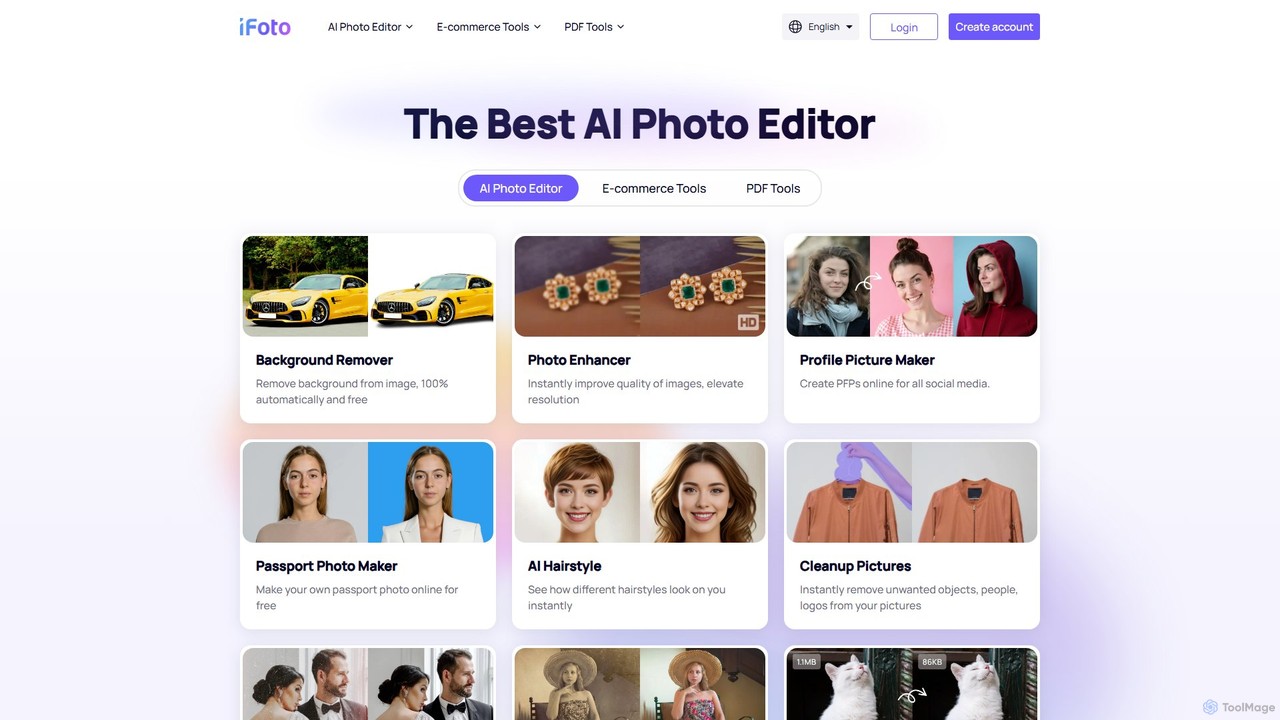
iFoto is an all-in-one AI-powered photo studio designed to revolutionize e-commerce visuals. It offers a comprehensive suite of tools for AI fashion models, product photography, background removal, photo enhancement, and even PDF management. It empowers businesses and creators to produce high-quality, professional images effortlessly, saving significant time and cost compared to traditional methods.

3D
Visits 210.6KFavorites 154Likes 148
dresma
Freemium

dresma

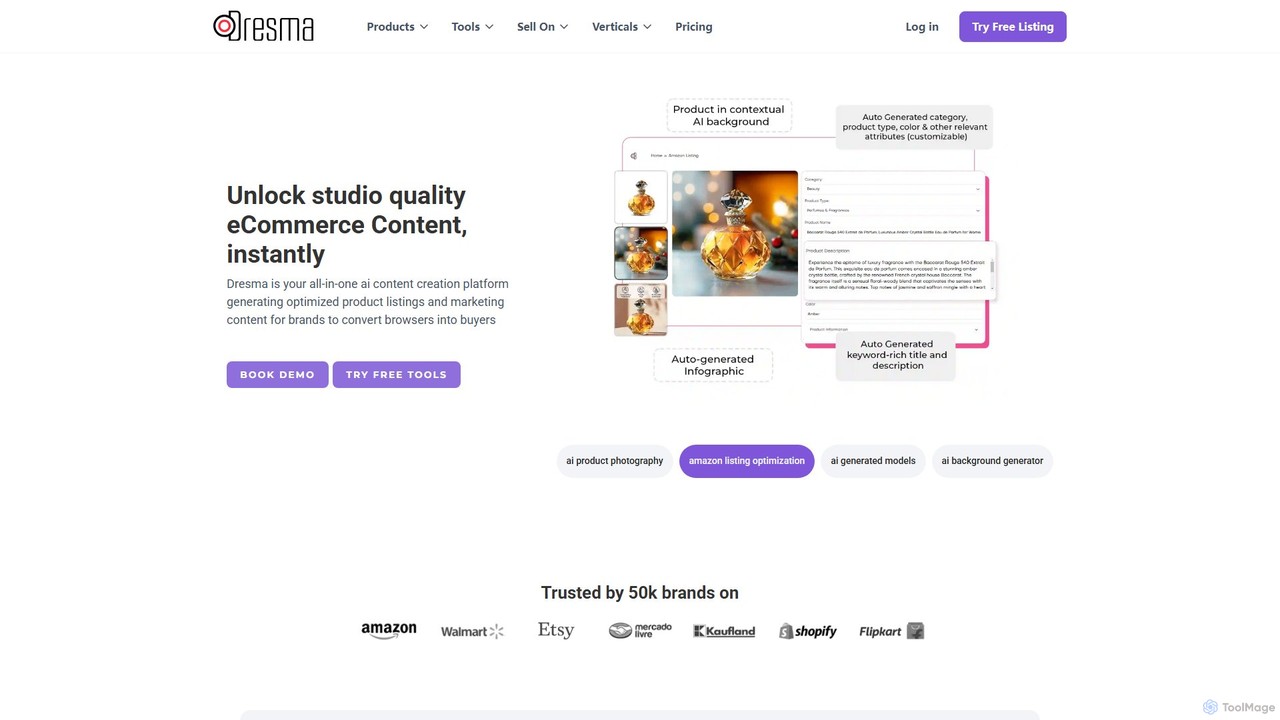
Dresma is an AI-powered platform for e-commerce sellers, specializing in creating professional product photography and optimized listings. It offers tools like AI background generation, background removal, image resizing, and listing content creation to enhance product visuals for platforms like Amazon, Shopify, and Walmart, aiming to boost sales and streamline content creation.

Product Photography
Visits 32.3KFavorites 162Likes 163
ImageSEOAI
Paid

ImageSEOAI

ImageSEOAI is an AI-powered tool designed to streamline image optimization. It automatically generates SEO-friendly alt text for images to improve accessibility and search engine rankings. Additionally, it features a powerful background removal tool, perfect for creating professional product photos and marketing visuals.

Api
Visits 6.7KFavorites 139Likes 138
Deep Agency

Deep Agency

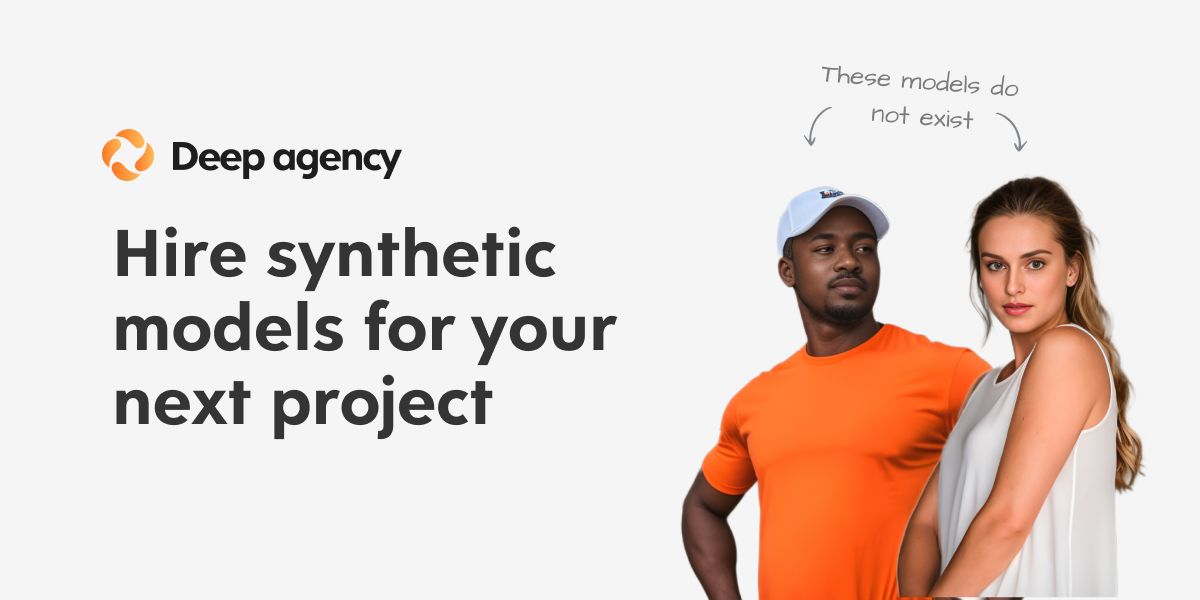
Deep Agency is an AI-powered virtual modeling agency and photo studio. It enables users to generate custom, high-quality synthetic models and professional photos for marketing, e-commerce, and advertising, eliminating the need for traditional photoshoots.

Product Photography
Visits 7.2KFavorites 153Likes 151

About Product Photography

AI Product Photography tools are a specialized category of software that uses generative AI to create professional, studio-quality product images without physical photoshoots. These tools leverage diffusion models and computer vision to place product images onto AI-generated backgrounds, adjust lighting, and create realistic scenes. For e-commerce businesses, this dramatically reduces the cost and time of traditional photography, enabling the creation of diverse, high-converting visual assets at scale. They offer advanced features like virtual staging, shadow generation, and consistent brand styling across entire product catalogs.

Core Features

  • AI Background Generation: Instantly create custom backgrounds from text prompts or pre-set templates.
  • Virtual Staging: Place products into realistic, AI-generated environments and lifestyle scenes.
  • Smart Shadows & Reflections: Automatically add realistic shadows and reflections that match the lighting of the new scene.
  • Style Consistency: Maintain a consistent visual identity across thousands of product images with a single click.
  • Image Upscaling: Enhance the resolution of product photos for high-quality use on websites and in print.

Use Cases

These tools are primarily used by e-commerce brands, marketing agencies, and independent online sellers. They are invaluable for creating main product listing images, social media content, and advertising creatives. For example, a furniture brand can showcase a single chair in hundreds of different room styles, or a cosmetics company can generate lifestyle shots for its products without hiring models.

How to Choose

When selecting an AI Product Photography tool, consider the quality and realism of the AI-generated scenes. Evaluate the ease of use and the level of control over elements like lighting and shadows. Check the variety of available templates and the ability to generate scenes from text prompts. Finally, consider the pricing model, whether it's based on credits per image or a monthly subscription, and how it aligns with your image production volume.

Featured tool rankings

Product Photography use cases

1

Generate Lifestyle Scenes for Furniture Products

An online furniture retailer needs to showcase a new sofa in various home settings like a modern living room or a minimalist loft. Instead of costly physical staging, the marketing team uploads a clean image of the sofa. Using an AI Product Photography tool, they generate dozens of realistic lifestyle images by describing the desired scene and style (e.g., 'sofa in a bright Scandinavian living room with a cat sleeping on it'). This process reduces image creation time from weeks to minutes and provides a wide array of visuals for social media, ad campaigns, and website galleries, increasing customer engagement.

2

Create Consistent E-commerce Catalog Images

An e-commerce store selling handmade pottery has hundreds of products, each photographed in slightly different lighting conditions. To create a professional and uniform online storefront, the owner uses an AI tool to process all images. They define a single background style, such as 'a light grey textured surface with soft morning light from the left'. The AI applies this style consistently to every product photo, automatically adjusting shadows and reflections for realism. This results in a cohesive, high-end catalog that improves brand perception and customer trust without reshooting any photos.

3

Generate Themed Visuals for Marketing Campaigns

A cosmetics brand is launching a new lipstick for the holiday season. The marketing team needs a variety of themed images for social media and email campaigns. They upload a high-resolution photo of the lipstick. Using an AI product photography tool, they generate dozens of variations with prompts like 'lipstick on a bed of snow with festive lights in the background' or 'lipstick next to a champagne glass on a dark, elegant table'. This allows for rapid A/B testing of different creative concepts and ensures a rich supply of on-brand, seasonal content without a complex photoshoot.

4

Visualize Products on Different Models

An online apparel store wants to show how a new t-shirt looks on various body types and ethnicities without hiring multiple models. They take one photo of the t-shirt on a mannequin. Using an AI tool with model generation features, they can place the t-shirt onto a diverse range of AI-generated human models. The store owner can specify model characteristics like gender, age, and ethnicity to better represent their target audience. This approach significantly lowers costs and logistical challenges while promoting inclusivity in their product listings.

5

Prototype Packaging Designs in Context

A food startup is developing packaging for a new snack bar. Before committing to a costly print run, the design team wants to see how the packaging looks in a real-world setting. They upload their flat 2D package design file to an AI tool. The tool renders the design onto a 3D model of the snack bar and places it in various scenes, such as 'on a supermarket shelf next to competitors' or 'in a person's hand on a hiking trail'. This allows for quick visualization and iteration, helping them make better design decisions and create more effective marketing mockups.

6

Generate High-Resolution Images for Print Media

A jewelry designer needs high-quality images for a magazine advertisement and a printed catalog. Standard web images are often too low-resolution. After creating the perfect scene for a necklace using an AI tool, the designer uses its built-in upscaling feature. The AI enhances the image resolution to 4K or higher, adding fine details and ensuring sharpness without introducing artifacts. This provides print-ready assets that meet the stringent quality requirements of offline media, saving the cost of a specialized high-resolution photoshoot.

Product Photography FAQ

What are AI Product Photography tools?

AI Product Photography tools are applications that use generative artificial intelligence to create realistic, high-quality images of products in various settings without a physical photoshoot. Instead of just editing a photo, they generate new elements like backgrounds, shadows, and entire scenes around an existing product picture. This technology is primarily used in e-commerce to reduce photography costs and quickly produce a wide variety of marketing visuals.

How do AI Product Photography tools differ from standard photo editors?

The key difference is creation versus modification. Standard photo editors (like Adobe Photoshop) are designed to enhance, correct, or manipulate an existing photograph. AI Product Photography tools, however, *generate* new, photorealistic content from scratch. For example:

  • A photo editor can remove a background, but an AI tool can create a completely new, custom background based on a text description.
  • A photo editor requires manual skill to add realistic shadows, while an AI tool can generate them automatically based on a virtual light source.
  • An AI tool can create entire lifestyle scenes that never existed, which is beyond the scope of most standard editors.
Who should use AI Product Photography tools?

These tools are ideal for anyone involved in creating visual content for e-commerce. Key users include:

  • E-commerce Store Owners: Small to medium-sized businesses that need high-quality product images on a budget.
  • Marketing Teams: For creating diverse ad creatives, social media posts, and campaign visuals quickly.
  • Product Designers: To visualize packaging or product concepts in realistic settings before production.
  • Freelancers and Agencies: To offer scalable and cost-effective product photography services to clients.

Essentially, if you need to showcase a physical product online in multiple contexts without the high cost and long turnaround of traditional photoshoots, these tools are a strong fit.

What kind of input image works best for these AI tools?

For optimal results, you should start with a high-quality, well-lit photo of your product on a plain, neutral background (white or grey is ideal). The key is to have a clean separation between the product and its background. Avoid busy backgrounds, poor lighting, or photos where parts of the product are obscured. The clearer and more isolated the product is in the source image, the more accurately the AI can understand its shape and apply it to new, generated scenes.

How can I ensure brand consistency with AI-generated images?

Many advanced AI Product Photography tools offer features specifically for maintaining brand consistency. Look for tools that allow you to:

  • Create and save style templates: Define a specific aesthetic (e.g., lighting, background style, color palette) and apply it to all your images with one click.
  • Use negative prompts: Specify elements or styles to exclude from the generated images to avoid off-brand results.
  • Reference images: Upload an image that represents your brand's style, and the AI will use it as a guide for new generations.

By using these features, you can guide the AI to produce visuals that consistently align with your brand's identity across your entire product catalog.