ToolMage
Sign in

Best 3 Image Generation AI tools for Ai Art

Popular Image Generation AI tools in Ai Art include Monet, Nanobananainpaint, and ImgtoPrompt, helping you work more efficiently.

Nanobananainpaint
Freemium

Nanobananainpaint

Nanobananainpaint is an AI-powered online photo editor that allows users to effortlessly remove unwanted objects, people, or text from images in seconds. With its intuitive brush-and-go interface, it simplifies complex photo editing tasks, making professional-quality image cleanups accessible to everyone without requiring any software installation or learning curve.

Image Generation
Visits 6.6KFavorites 36Likes 40
ImgtoPrompt
Freemium

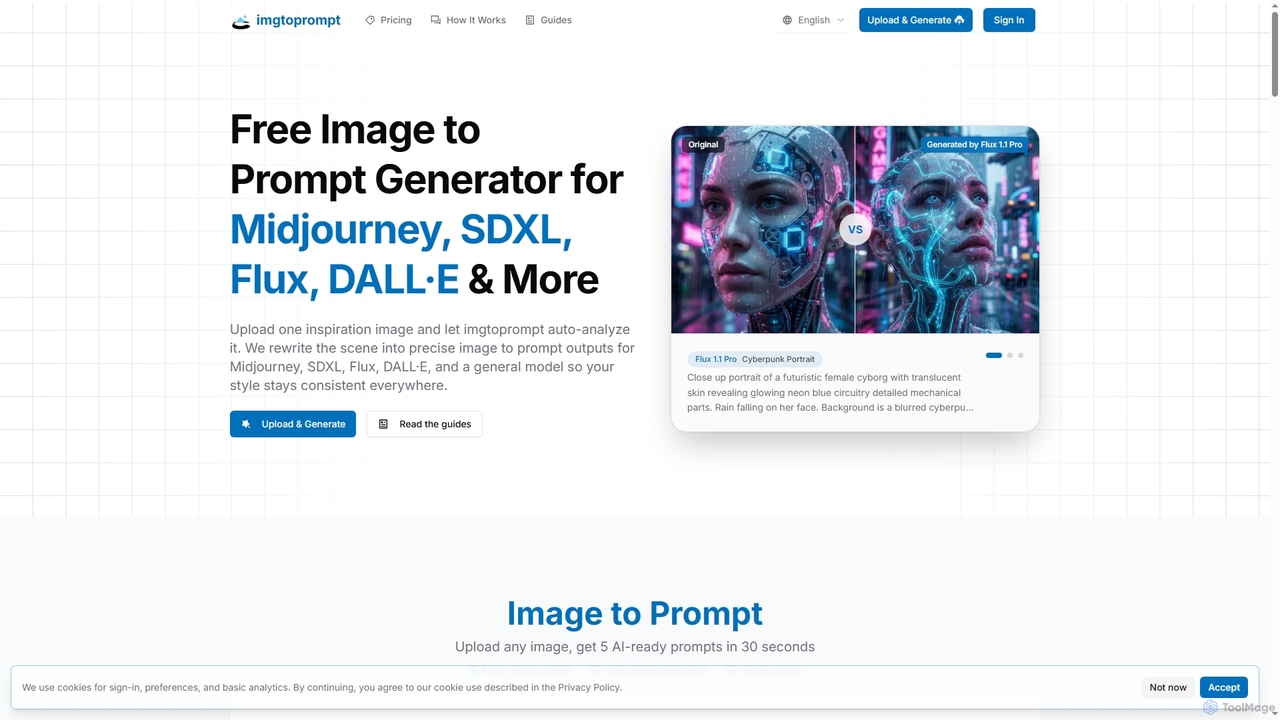
ImgtoPrompt

ImgtoPrompt is an AI-powered image-to-prompt generator that transforms inspiration images into precise, optimized prompts for leading AI art models like Midjourney, SDXL, Flux, and DALL·E. It streamlines the creative workflow by offering multi-model support and intelligent adaptation of prompt syntax.

Image Generation
Visits 6.4KFavorites 104Likes 116
Monet
Freemium

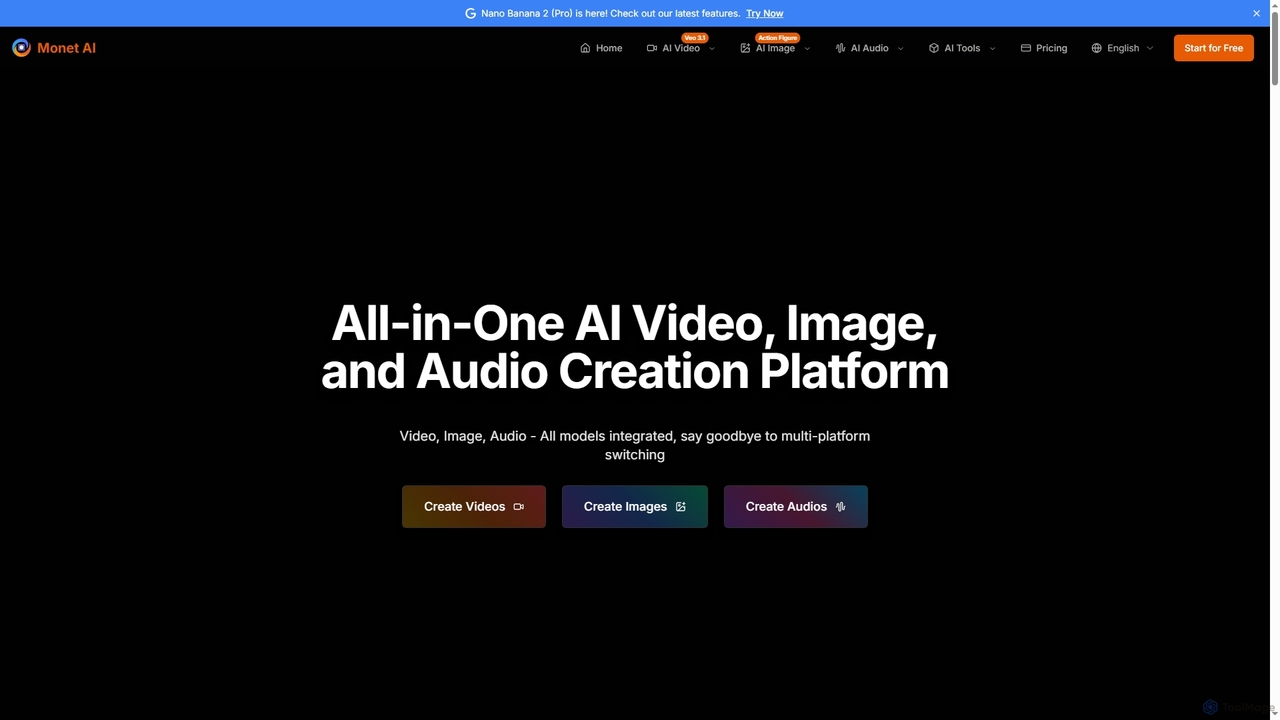
Monet

Monet is an all-in-one AI creation platform that integrates leading AI models for generating high-quality videos, images, and audio. It offers text-to-video, image-to-video, text-to-image, style transfer, and text-to-speech functionalities, streamlining creative workflows for diverse users.

Image Generation
Visits 195.2KFavorites 144Likes 128

About Image Generation

Image Generation tools are AI-powered platforms that create visual content from various inputs, primarily text prompts. Leveraging advanced deep learning models like diffusion networks, these tools transform descriptions into unique images, illustrations, and artworks. They empower creators, marketers, and designers to rapidly visualize ideas, produce diverse visual assets, and explore new artistic possibilities within the broader field of AI Art.

Core Features

  • Text-to-Image Synthesis: Generate images from descriptive text prompts, enabling rapid visualization of concepts.
  • Image-to-Image Transformation: Modify existing images based on new prompts, styles, or structural guidance.
  • Style Transfer: Apply artistic styles from one image to another, creating unique visual interpretations.
  • Inpainting & Outpainting: Intelligently fill missing parts of an image or extend its boundaries.
  • Upscaling & Enhancement: Improve the resolution and detail of generated images for higher quality output.

Use Cases

Image Generation tools are widely adopted across creative industries. Graphic designers use them to quickly prototype visual concepts for campaigns, while content creators generate unique social media graphics or blog post headers. Game developers leverage these tools for rapid asset creation, such as concept art for characters or environments, significantly accelerating the design process.

How to Choose

When selecting an Image Generation tool, consider the quality and consistency of its output, especially for specific styles or subjects. Evaluate the range of control options available, such as prompt engineering capabilities, style presets, and advanced editing features. Assess the pricing model, speed of generation, and integration options with existing workflows. Finally, check the community support and available resources for learning and troubleshooting.

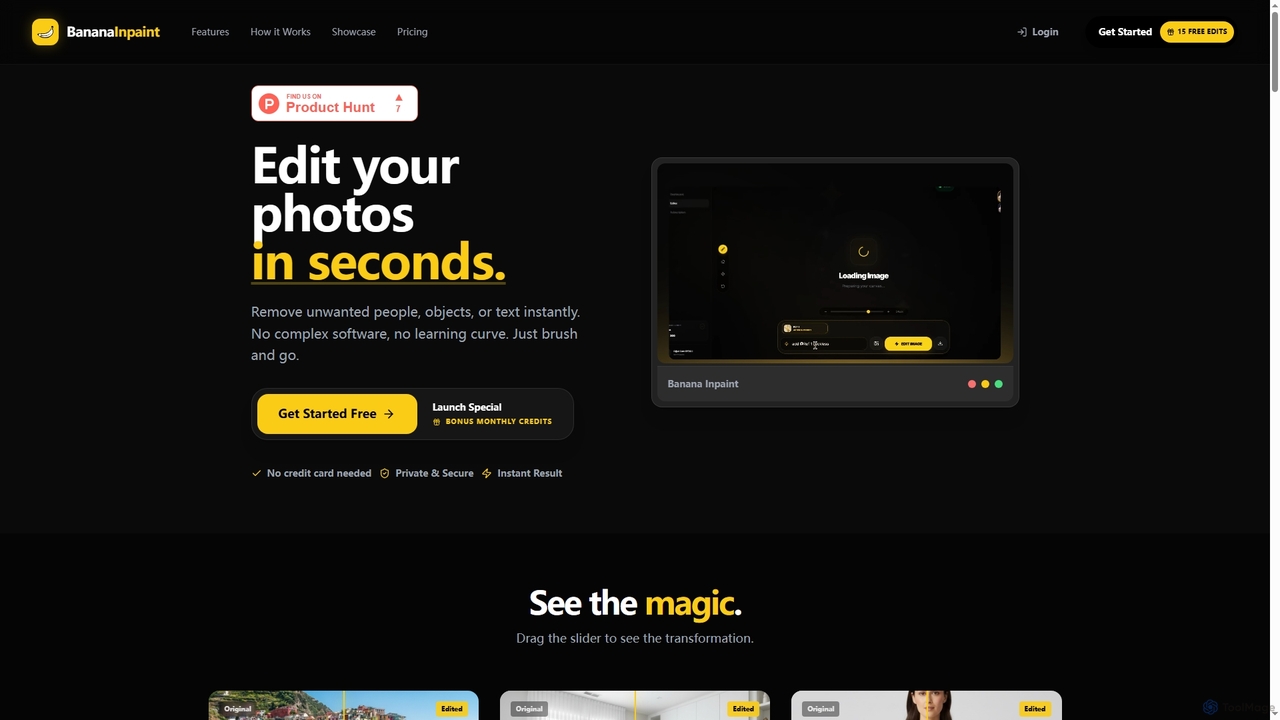
Image Generation use cases

1

Generate Diverse Visuals for Marketing Campaigns

Marketing teams can input campaign themes and product descriptions to rapidly create a wide array of unique images for advertisements, social media posts, and website banners. This allows for A/B testing different visual concepts and maintaining a fresh content pipeline without extensive photography or graphic design resources, significantly reducing time-to-market for visual assets.

2

Concept Art for Game & Film Development

Game and film artists utilize AI image generators to rapidly prototype diverse character designs, environment concepts, and prop ideas. By inputting textual descriptions or rough sketches, they can generate hundreds of unique visual variations in minutes, significantly accelerating the pre-production phase and creative iteration process.

3

Marketing & Advertising Visuals

Marketing teams leverage these tools to create eye-catching ad banners, social media graphics, and product mockups tailored to specific campaigns. They can generate unique, brand-aligned visuals without relying on stock photos or extensive photoshoots, ensuring fresh and engaging content that resonates with target audiences.

4

Rapidly Design Game Character and Environment Concepts

Game artists and designers use image generation tools to quickly visualize and iterate on concept art for characters, creatures, environments, and props. By inputting textual descriptions or rough sketches, they can generate multiple stylistic variations and explore different artistic directions in minutes, accelerating the pre-production phase and fostering creative exploration.

5

Create Unique and Engaging Social Media Content

Social media managers and content creators can generate bespoke images tailored to specific posts, trends, or audience segments. Instead of relying on stock photos, they can produce original graphics, memes, or illustrations that perfectly match their brand voice and message, enhancing engagement and standing out in crowded feeds.

6

Personalized Content for Bloggers & Influencers

Content creators, bloggers, and social media influencers use AI image generation to produce custom illustrations, unique profile pictures, or engaging visuals for their articles and posts. This allows them to maintain a distinct visual identity and create highly personalized content that stands out from generic stock imagery, enhancing audience engagement.

7

Visualize Product Concepts and Design Iterations

Product designers and engineers can use these tools to quickly generate visual prototypes of new products, packaging, or architectural designs. By describing features and aesthetics, they can obtain realistic renderings or stylized concepts, facilitating early-stage feedback, internal reviews, and faster iteration cycles before committing to physical mock-ups.

8

Fashion Design & Product Prototyping

Fashion designers can visualize new clothing lines, fabric patterns, or accessory designs by describing their concepts to an AI. The tools generate realistic prototypes, helping designers explore different styles, colors, and textures quickly, reducing the need for physical samples in early design stages and streamlining the creative workflow.

9

Architectural & Interior Design Visualization

Architects and interior designers employ AI image generators to create realistic renderings or conceptual designs for buildings, rooms, and landscapes. By providing basic layouts or descriptive prompts, they can quickly visualize different material palettes, lighting conditions, and design aesthetics, aiding client presentations and design iterations.

10

Produce Custom Illustrations for Editorial Content

Bloggers and journalists can create unique, contextually relevant images to accompany their articles, breaking away from generic stock photography. By inputting key themes or specific scenes from their text, they can generate custom illustrations that enhance readability, convey complex ideas visually, and make their content more engaging and memorable for readers.

11

Explore New Fashion Designs and Textile Patterns

Fashion designers can leverage image generation to experiment with new garment styles, fabric textures, and print patterns. By describing design elements, colors, and materials, they can visualize numerous variations, generate unique textile prints, and rapidly iterate on collections, streamlining the creative process from concept to virtual prototype.

12

Storyboarding & Comic Book Creation

Illustrators and comic artists use AI tools to generate visual sequences for storyboards, graphic novels, or comic strips. Inputting scene descriptions or character actions allows them to quickly produce multiple panel variations, helping to visualize narrative flow and character expressions, thereby speeding up the artistic production process.

Image Generation FAQ

What are AI Image Generation tools?

AI Image Generation tools are software applications that use artificial intelligence, primarily deep learning models like diffusion models, to create new images from various inputs. These inputs can range from text descriptions (text-to-image) to existing images (image-to-image), allowing users to generate unique visual content, illustrations, and art based on their prompts and parameters.

What is AI Image Generation?

AI Image Generation refers to the process of creating new images using artificial intelligence algorithms. These tools typically take text prompts, existing images, or other data as input and synthesize unique visual content, often leveraging deep learning models like diffusion models to produce realistic or stylized artwork.

How does AI Image Generation work?

Most modern AI image generators operate using deep learning models, primarily diffusion models. These models learn from vast datasets of images and text to understand the relationship between visual concepts and their descriptions. When given a prompt, the AI iteratively refines a noisy image until it matches the input description, effectively "generating" the image pixel by pixel.

How do I choose the best AI Image Generation tool for my needs?

To choose the best tool, consider the quality and style of images it produces, ensuring it aligns with your aesthetic requirements. Evaluate the level of control offered, such as advanced prompting, inpainting, or outpainting capabilities. Look into the available models and their specific strengths. Also, factor in pricing, generation speed, ease of use, and whether it offers API access for integration into your workflow.

What are the main functionalities of AI Image Generation tools?

The main functionalities include text-to-image synthesis, where text prompts are converted into visuals; image-to-image transformation, which modifies existing images; style transfer, applying artistic styles; and inpainting/outpainting for intelligent image editing. Many tools also offer upscaling for higher resolution outputs and features for generating variations of an existing image.

What's the difference between AI Image Generation and AI Image Editing?

AI Image Generation focuses on creating entirely new images from scratch based on prompts, while AI Image Editing involves modifying or enhancing existing images. Generators synthesize novel content, whereas editors apply AI to tasks like background removal, object manipulation, color correction, or upscaling on pre-existing visuals. Both fall under the broader category of AI Art tools, but serve distinct purposes.

What is the difference between AI Image Generation and AI Image Editing?

AI Image Generation focuses on creating entirely new images from scratch based on prompts or parameters, often exploring novel visual concepts. In contrast, AI Image Editing tools primarily enhance, modify, or manipulate existing images, performing tasks like background removal, object retouching, color correction, or applying filters. While some generation tools have editing features, their core purpose is creation, whereas editing tools focus on refinement.

What are the key factors to consider when choosing an AI Image Generator?

When selecting an AI image generator, consider the quality and consistency of its output, the range of customization and control features (e.g., prompt engineering, style options, pose control), generation speed, and cost. Also, evaluate its user interface, integration capabilities with other software, and the size and activity of its user community for support and resources.

Who benefits most from using AI Image Generation tools?

A wide range of professionals and enthusiasts benefit, including graphic designers for rapid prototyping, marketers for diverse campaign visuals, content creators for unique social media graphics and blog illustrations, game developers for concept art, and artists exploring new creative mediums. Anyone needing to quickly visualize ideas or produce unique visual assets at scale can find significant value.

Can AI-generated images be used commercially?

The commercial use of AI-generated images depends heavily on the specific tool's terms of service and the legal jurisdiction. Many platforms grant users commercial rights to images they generate, but it's crucial to review each tool's licensing agreement carefully. Additionally, copyright laws for AI-generated content are still evolving, so staying informed about legal developments is advisable.