StickrSnap
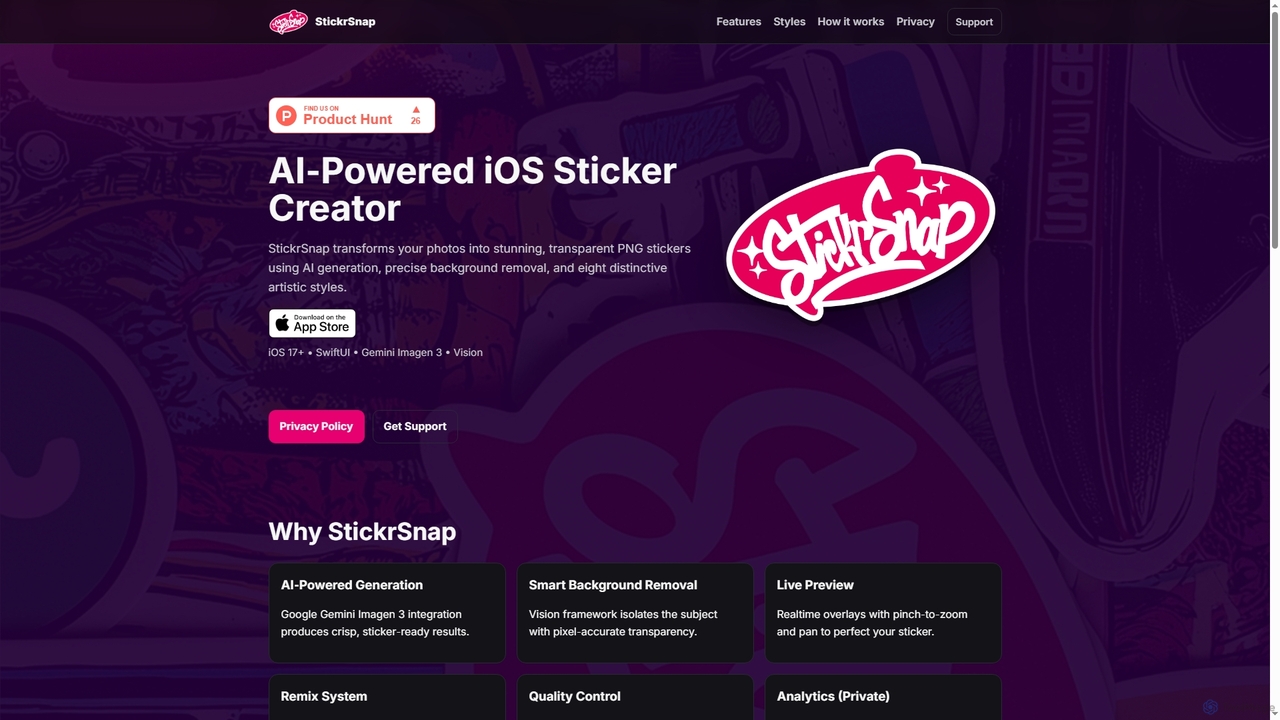
StickrSnap is an AI-powered iOS app that effortlessly transforms your photos into unique, transparent PNG stickers. Leveraging Google …
StickrSnap is an AI-powered iOS app that effortlessly transforms your photos into unique, transparent PNG stickers. Leveraging Google Gemini Imagen 3 and Apple's Vision framework, it offers precise background removal and eight distinct artistic styles, enabling users to create personalized digital stickers with ease and creativity.
About Photo Effects
AI Photo Effects tools are specialized applications that use artificial intelligence to apply a wide range of artistic and stylistic transformations to existing images. Leveraging techniques like neural style transfer and generative models, these tools can instantly convert a standard photograph into a painting, sketch, cartoon, or vintage-style image. They are designed for users who want to creatively alter their photos with minimal effort, providing unique visual styles for social media, marketing materials, or personal projects. Unlike general-purpose image editors, their primary focus is on aesthetic transformation rather than technical correction.
Core Features
- Artistic Style Transfer: Applies the visual style of famous artworks or artistic movements to your photos.
- Cartoon & Sketch Conversion: Transforms portraits and scenes into various cartoon, anime, or hand-drawn sketch styles.
- One-Click Effect Library: Provides a vast collection of pre-set effects such as vintage, glitch, neon, and cinematic looks for instant application.
- AI-Powered Enhancements: Intelligently analyzes image content to apply context-aware effects, such as selective color pops or dynamic lighting.
- Background Alteration: Replaces or stylizes the background of a photo to match a new aesthetic or create a composite image.
Use Cases
These tools are widely used by social media managers, content creators, digital marketers, and graphic designers to produce eye-catching visuals quickly. They are also popular among hobbyists and individuals looking to personalize their profile pictures, create unique digital art, or add a creative touch to personal photos without needing complex software skills.
How to Choose
When selecting an AI Photo Effects tool, consider the variety and quality of the available effects. Evaluate the processing speed and the maximum output resolution. Also, consider the user interface—whether you prefer simple one-click presets or tools that offer more granular control over the effect's intensity and application. Finally, check the pricing model, whether it's subscription-based, pay-per-use, or offers a free tier.
Photo EffectsUse Cases
Creating Cohesive Social Media Feeds
A social media influencer or brand manager needs to maintain a consistent aesthetic across their Instagram or Pinterest feed. Instead of manually editing each photo, they use an AI Photo Effects tool to apply a signature filter, such as 'Vintage Film' or 'Light & Airy', to their entire photo batch. This ensures all images share a similar color palette and mood, creating a professional and visually appealing feed that can attract more followers. The process reduces editing time from hours to minutes.
Generating Unique Profile Pictures and Avatars
A user wants a distinctive avatar for their gaming profile, social media accounts, or professional networking sites. They upload a standard headshot to an AI Photo Effects tool and apply a 'Cartoonize' or 'Anime Style' effect. The AI analyzes their facial features and transforms the photo into a high-quality cartoon version. This allows them to create a personalized and memorable digital identity without any artistic skill, helping them stand out in crowded online spaces.
Artistic Transformation for Digital Art
A digital artist or hobbyist wants to explore new creative styles without spending years learning painting techniques. They take a simple photograph of a landscape and use an AI tool to apply the style of a famous painter, like Van Gogh or Monet. The tool's neural style transfer algorithm re-imagines the photo in the chosen artistic style, creating a unique piece of digital art. This serves as a powerful source of inspiration or a finished piece for their portfolio, bridging the gap between photography and digital painting.
Enhancing Marketing and Advertising Visuals
A small business owner needs to create eye-catching visuals for a social media ad campaign on a tight budget. They take a standard product photo and use an AI effects tool to apply a 'Neon Glow' or 'Pop Art' effect. This instantly makes the product image more vibrant and attention-grabbing, increasing the ad's click-through rate. By using these tools, they can produce professional-looking, creative marketing assets in-house, saving money on hiring a graphic designer or photographer.
Creating Personalized Gifts and Decor
An individual wants to create a unique gift, like a canvas print or a custom mug, for a friend's birthday. They take a favorite photo of them and their friend and use an AI tool to transform it into a 'Watercolor Painting' or a 'Pencil Sketch'. The resulting artistic image is then sent to a printing service. This allows for the creation of highly personal and thoughtful gifts that look like they were commissioned from an artist, adding significant sentimental value without the high cost.
Quickly Visualizing Design Concepts
A graphic designer is brainstorming ideas for a new project's visual theme. Instead of creating multiple mockups from scratch, they use a stock photo and apply various AI effects like 'Cyberpunk', 'Gothic', or 'Minimalist Sketch'. In minutes, they can generate a dozen different visual directions to present to a client or team. This process accelerates the conceptualization phase, facilitates better communication of ideas, and helps in making faster decisions on the project's artistic direction.