Aimodified
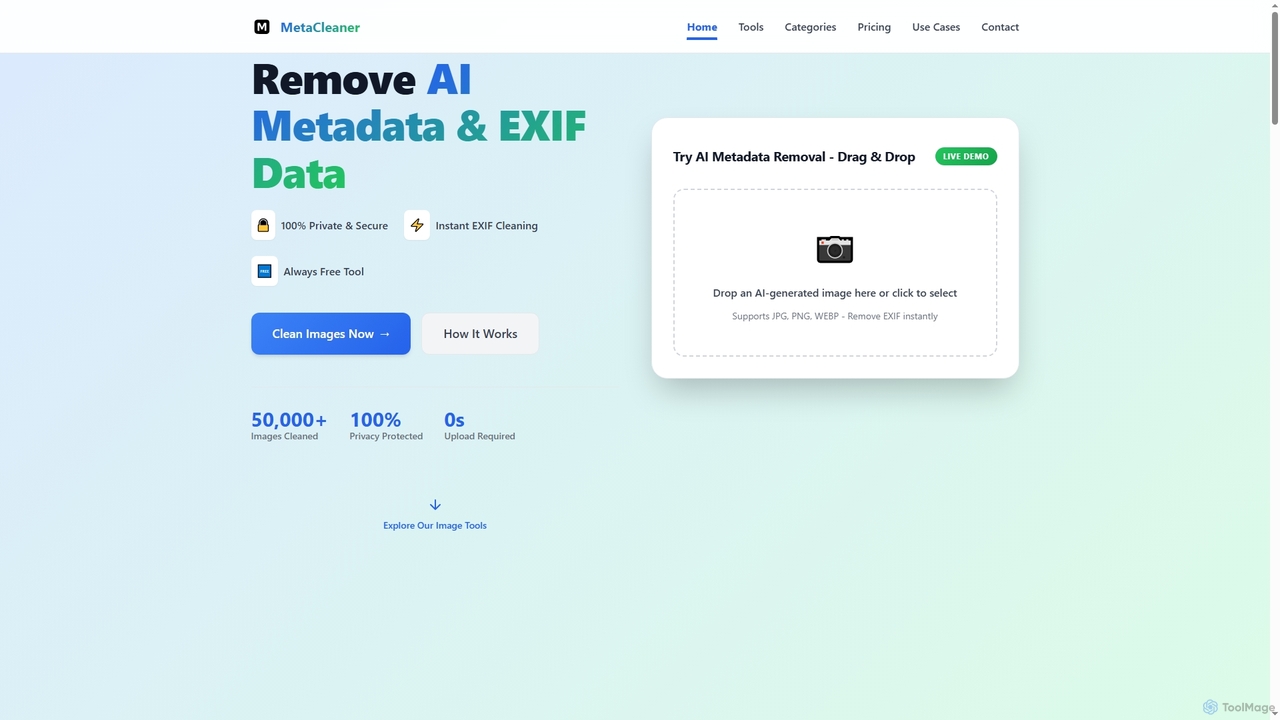
Aimodified is a free, browser-based tool designed to remove AI-generated metadata and EXIF data from images. It ensures …
Aimodified is a free, browser-based tool designed to remove AI-generated metadata and EXIF data from images. It ensures privacy and helps content creators bypass AI detection on social media platforms like Pinterest, offering instant cleaning for single or batch image processing.
About Post Processing
Post Processing tools are AI-powered applications designed to refine, enhance, and modify digital artworks, especially those generated by AI. These tools leverage advanced algorithms to improve image quality, apply stylistic adjustments, and correct imperfections after the initial creation phase. They are crucial for artists and creators looking to elevate their AI-generated images to a professional standard, ensuring visual fidelity and artistic consistency within the broader AI Art workflow.
Core Features
- Upscaling & Resolution Enhancement: Intelligently increases image resolution without significant loss of detail, making AI art suitable for larger prints or displays.
- Detail & Texture Refinement: Adds or sharpens intricate details and textures, overcoming common AI generation artifacts like blurriness or lack of fine elements.
- Color Correction & Grading: Adjusts color balance, saturation, and contrast to achieve desired moods or correct inconsistencies across multiple generated images.
- Noise Reduction & Artifact Removal: Cleans up unwanted visual noise, compression artifacts, or glitches often present in raw AI-generated outputs.
- Style Transfer & Blending: Refines existing styles or seamlessly blends elements from different artistic styles onto an AI-generated base image.
Applicable Scenarios
Post Processing tools are indispensable for digital artists, graphic designers, and content creators who work with AI-generated visuals. They are used to prepare AI art for commercial use, integrate it into larger projects, or simply achieve a higher level of polish. From refining character designs for games to preparing concept art for presentations, these tools bridge the gap between raw AI output and production-ready assets.
How to Choose
When selecting a Post Processing AI tool, consider its specific enhancement capabilities (e.g., upscaling quality, detail reconstruction), ease of use and interface, integration with existing creative workflows (e.g., Photoshop plugins), and pricing model. Evaluate the types of artifacts it can effectively address and its ability to maintain artistic intent while improving image quality.

Post ProcessingUse Cases
Upscaling AI-Generated Concept Art for Print
A game concept artist generates initial character designs using an AI art tool. The raw output is often low-resolution. Using a Post Processing tool, they can upscale these images to high resolution (e.g., 4K or 8K) while preserving or enhancing fine details, making them suitable for large-format printing or detailed review by art directors.
Refining AI-Generated Product Mockups
An e-commerce marketer uses AI to create product mockups for social media ads. The initial images might lack sharpness or have minor imperfections. A Post Processing tool can refine textures, correct lighting, and remove subtle AI artifacts, ensuring the product images look professional and appealing to potential customers.
Enhancing Details in AI-Generated Sci-Fi Landscapes
A digital artist creates vast sci-fi landscapes with AI, but some distant elements or intricate structures appear blurry. They employ a Post Processing tool to intelligently sharpen these areas, add fine atmospheric details, and enhance the overall depth and realism, transforming a good image into a stunning one.
Achieving Consistent Color Grading Across AI Art Series
A creator develops a series of AI-generated illustrations for a graphic novel. Each image might have slightly different color tones. A Post Processing tool allows them to apply consistent color grading, adjust white balance, and unify the visual style across all images, ensuring a cohesive aesthetic for the entire series.
Removing Noise and Artifacts from AI-Generated Portraits
An artist generates AI portraits, but notices subtle noise, pixelation, or unnatural textures in the skin or hair. A Post Processing tool can effectively reduce this noise, smooth out imperfections, and refine facial features, resulting in cleaner, more natural-looking portraits suitable for portfolios or client work.
Preparing AI Art for Animation Backgrounds
An animator uses AI to generate unique backgrounds for a short film. These backgrounds need to be high-resolution and free of visual glitches. Post Processing tools are used to upscale the backgrounds, remove any inconsistencies, and ensure they are perfectly clean and detailed enough to serve as static or subtly animated backdrops.