

Nanobananainpaint Overview
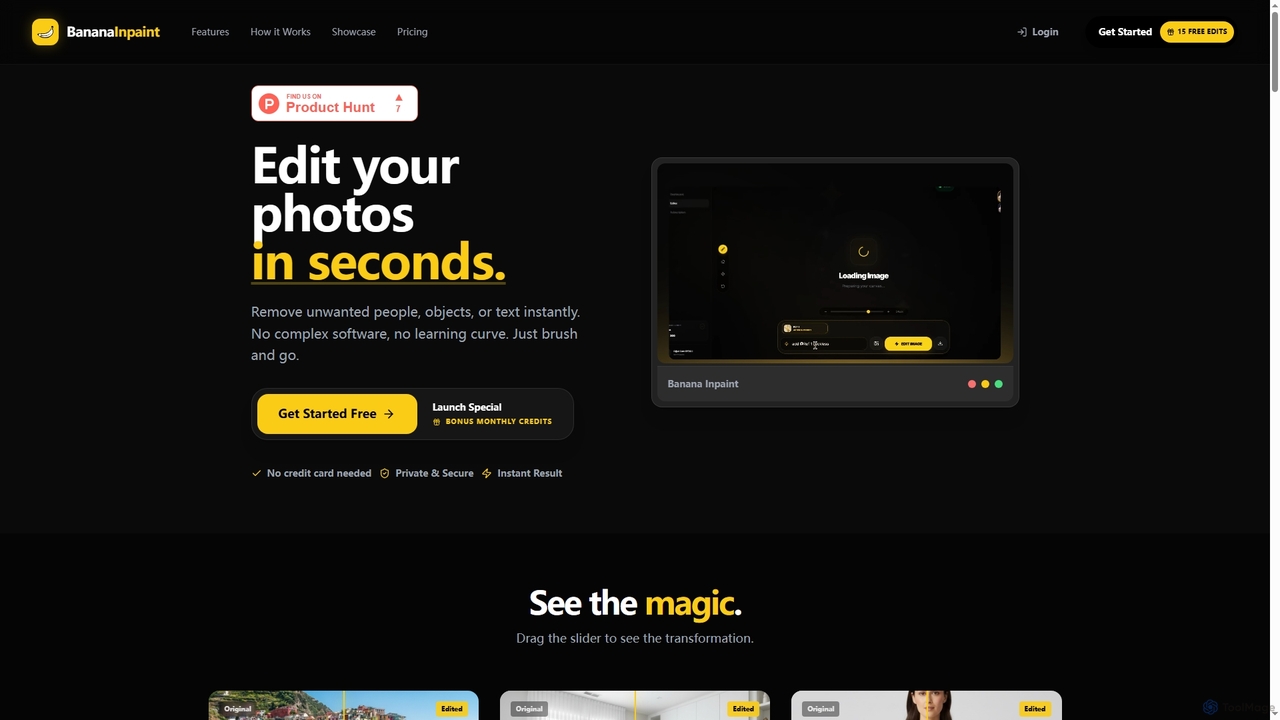
Nanobananainpaint is a cutting-edge online AI photo editor designed to transform your images with unparalleled ease and speed. It leverages advanced artificial intelligence to intelligently detect and remove distracting elements such as unwanted objects, people, or text from your photographs. Whether you need to declutter a background, fix product shots for e-commerce, or restore old family photos, Nanobananainpaint offers a powerful yet user-friendly solution. Its "brush and go" approach eliminates the need for complex software or extensive editing skills, providing instant, high-quality results for a wide range of creative and professional applications.
How to use Nanobananainpaint
Using Nanobananainpaint is a straightforward three-step process. First, upload your image directly into the editor by dragging and dropping it. Next, use the intuitive brush tool to highlight or mask the specific area or object you wish to change or remove. Finally, describe your desired vision using natural language (e.g., "Add this necklace...") or simply hit the "remove" button. The AI will then process your request, and you can export your instantly edited image. The interactive lab allows for more precise control with a neural interface.
Core Features of Nanobananainpaint
- AI-powered object, people, and text removal.
- Intelligent image inpainting and synthesis based on natural language descriptions.
- Ultra-fast processing time, averaging 0.4 seconds per edit.
- Supports high-resolution images up to 4K (4096x4096 pixels).
- No complex software installation or steep learning curve required.
- Secure and private image handling; uploads are not used for training without permission.
- Supports common image formats including JPG, PNG, HEIC, and WebP.
- Commercial usage rights included with paid plans.
- Ability to perform multiple edits on a single image, with each edit counting as one credit.
Use Cases for Nanobananainpaint
Nanobananainpaint is versatile and caters to a diverse range of users, from casual photographers to businesses and creative professionals:
- Personal & Lifestyle: Remove tourists from travel photos, clean up cluttered backgrounds, fix lens flares, retouch portraits by removing blemishes or stray hairs, and restore old, damaged photographs by fixing rips, tears, or stains.
- Business & E-Commerce: Transform amateur product shots into professional catalog images by removing mannequins, hangers, dust, scratches, or creating pure white backgrounds. Perfect for product cleanup, logo removal, and streamlining visuals for online sales.
- Creative & Pro: Enhance content for social media by removing distracting elements, text, or watermarks, cleaning up flat-lays, and extending backgrounds. Useful for automotive sales (license plate removal, oil spot cleanup), food photography (removing spills, crumbs), and document cleanup (removing stains, notes, punch holes).
- Real Estate: Declutter property visuals by removing cars, skip bins, personal items, or fixing burnt-out lightbulbs to make listings more appealing.
Advantages of Nanobananainpaint
Nanobananainpaint stands out due to its combination of speed, simplicity, and powerful AI capabilities. Users benefit from instant results with an average processing time of 0.4 seconds, eliminating long waits. Its intuitive "brush and go" interface means there's no learning curve, making advanced photo editing accessible to everyone regardless of their technical skill. The tool supports high-resolution images up to 4K, ensuring professional output quality. For businesses, it offers significant cost savings by reducing the need for expensive studio photography or manual retouching. Furthermore, all paid plans include commercial usage rights, and user images are handled with a strong emphasis on privacy and security.
Pricing and Plans
Nanobananainpaint offers flexible pricing options, including a free trial and various subscription plans, along with one-time credit packs:
- Free Trial: New users receive 5 free credits to try out the tool without requiring a credit card.
- Fast Plan: $9 per month, includes 100 credits plus a bonus of 50 credits (total 150 credits/month). Offers high-resolution export and commercial usage.
- Pro Plan (Most Popular): $29 per month, includes 500 credits plus a bonus of 250 credits (total 750 credits/month). Offers high-resolution export and commercial usage.
- Studio Plan: $79 per month, includes 1500 credits per month. Offers high-resolution export and commercial usage.
One-Time Credit Packs are also available for users who prefer not to subscribe:
- Small Pack: 40 credits for $7.
- Medium Pack: 150 credits for $19.
- Large Pack: 450 credits for $34.
Credits on monthly plans reset each billing cycle and do not roll over. Annual plans provide all credits upfront. One credit is used per generation (removing an object, replacing an area, or fixing a detail), while previewing before high-res download is free.
Nanobananainpaint FAQ
Traffic
Latest traffic
Status
Monthly traffic trend
- 2026-1: 0
- 2026-2: 839
- 2026-3: 654
- 2026-4: 438
- 2026-5: 949
Geography
Top 5 countries / regions
- 🇮🇩Indonesia70.7%
- 🇮🇱Israel29.3%
Top keywords
| Keyword | Cost per click |
|---|---|
| nano banana inpaint | $0.19 |
Nanobananainpaint Alternatives
Magiq
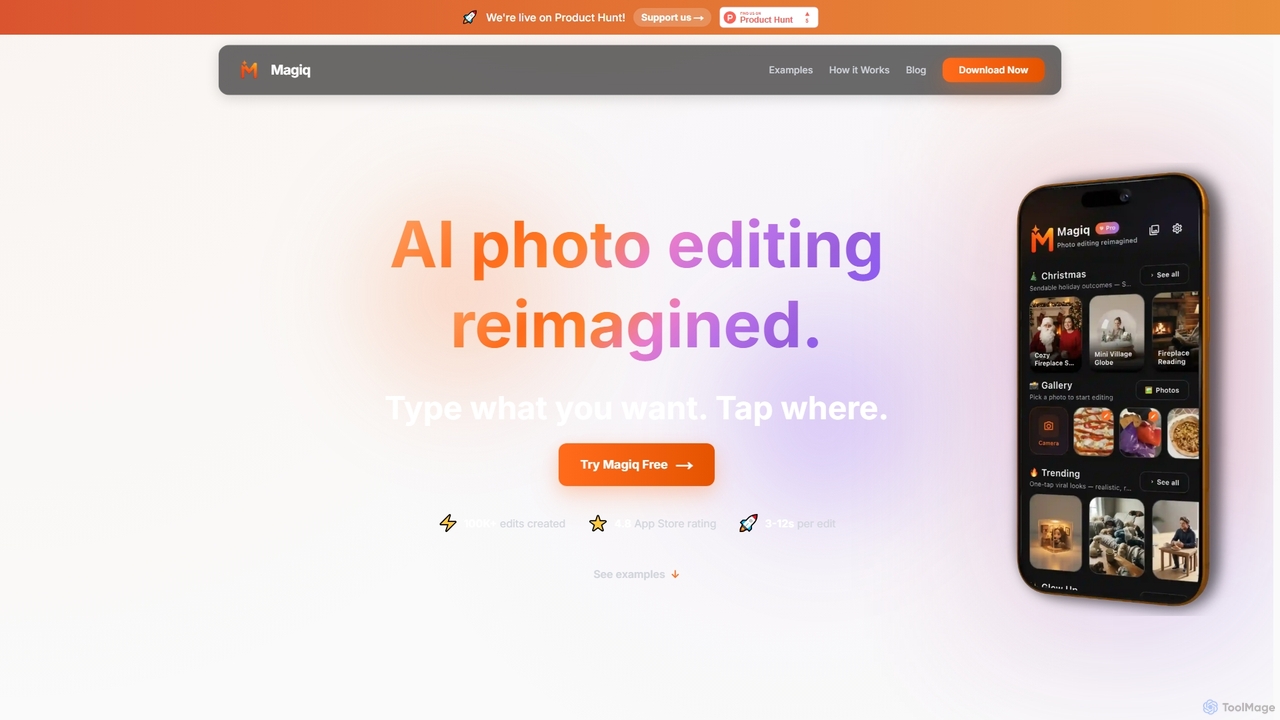
Magiq is an AI-powered photo editor for iOS and Android that redefines image transformation. With simple text instructions, users can perform complex edits like background removal, outfit changes, smart lighting adjustments, and professional portrait creation. It delivers realistic, high-quality results in seconds, making advanced photo editing accessible to everyone.
Generative Art
Remover
Remover is a free AI-powered tool by ZMO.AI that effortlessly removes unwanted objects, people, text, and backgrounds from photos. Ideal for e-commerce, real estate, and general photo cleanup, it provides unlimited edits and professional results in seconds without needing complex software like Photoshop.
3D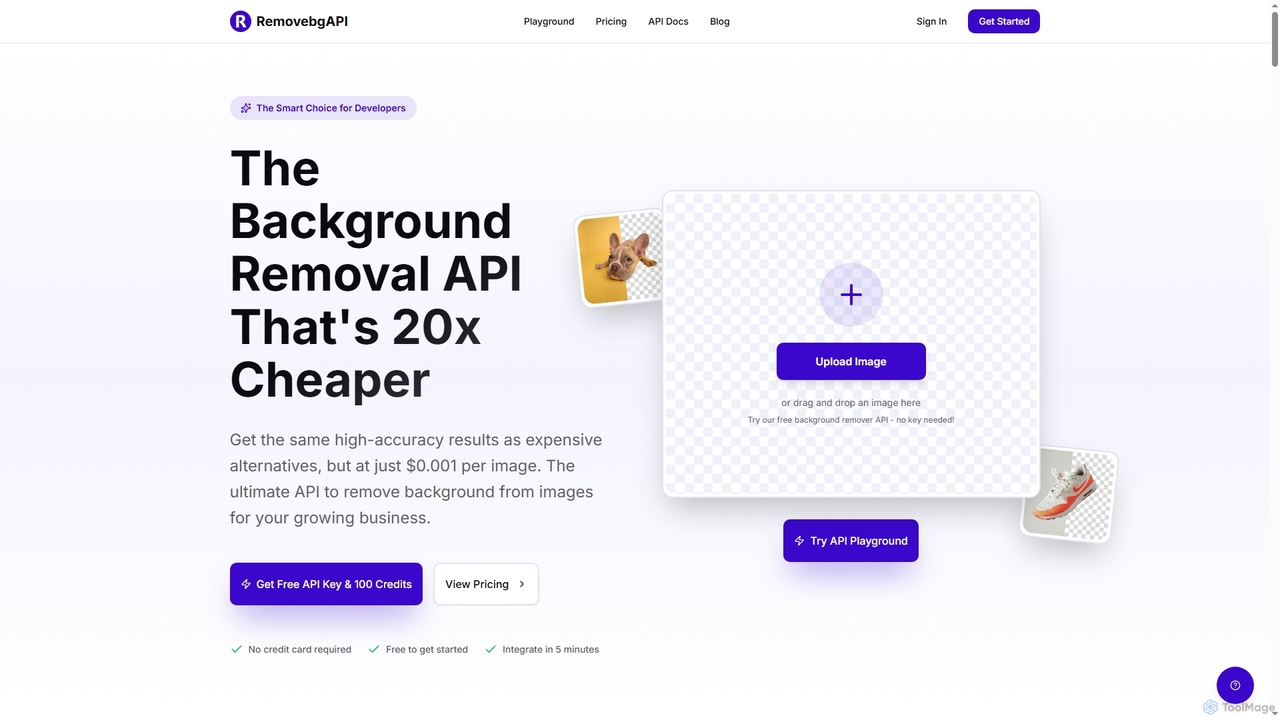
RemovebgAPI
RemovebgAPI is a developer-friendly background removal API offering high-accuracy results at a significantly lower cost. It enables businesses to automate image background removal with AI-powered precision, lightning-fast processing, and seamless integration for various applications like e-commerce, real estate, and content creation.
Api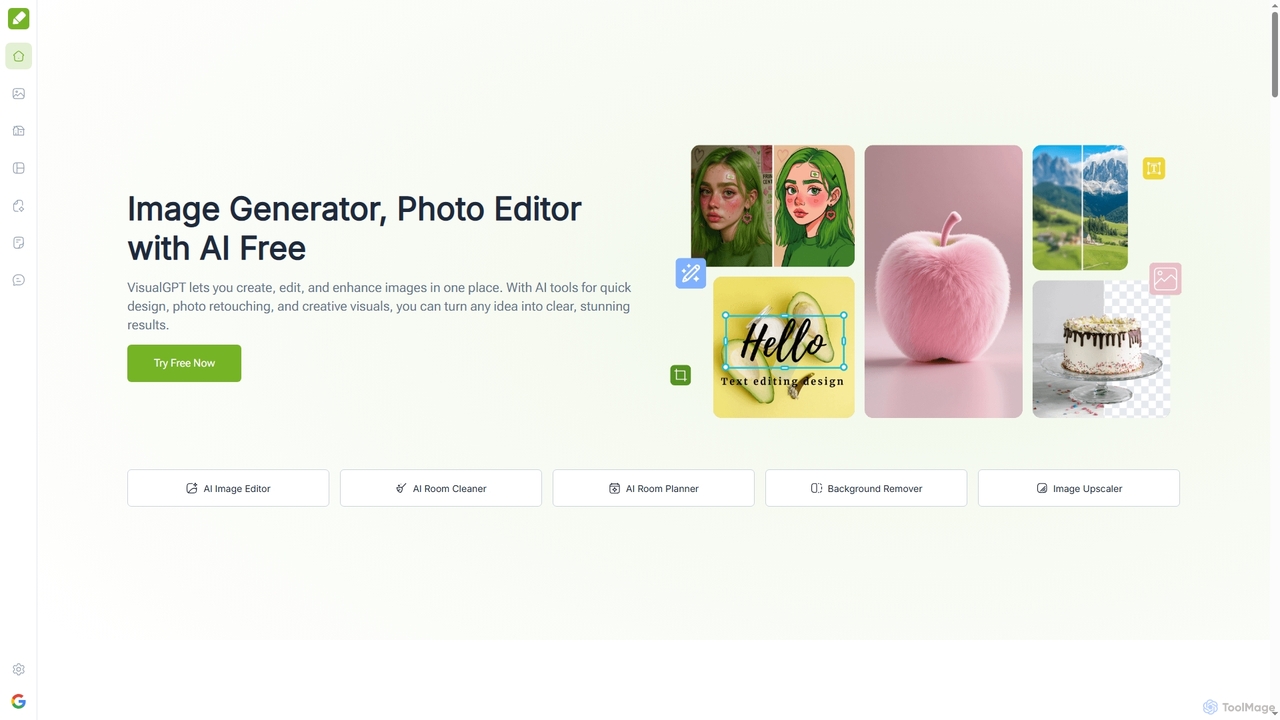
VisualGPT
VisualGPT is an all-in-one online AI platform for generating, editing, and enhancing images. It offers tools like AI image editing, background removal, room planning, and visualization, powered by advanced models like Nano Banana and Stable Diffusion. Designed for ease of use, it helps users create stunning visuals quickly without complex software or design skills.
Graphic Design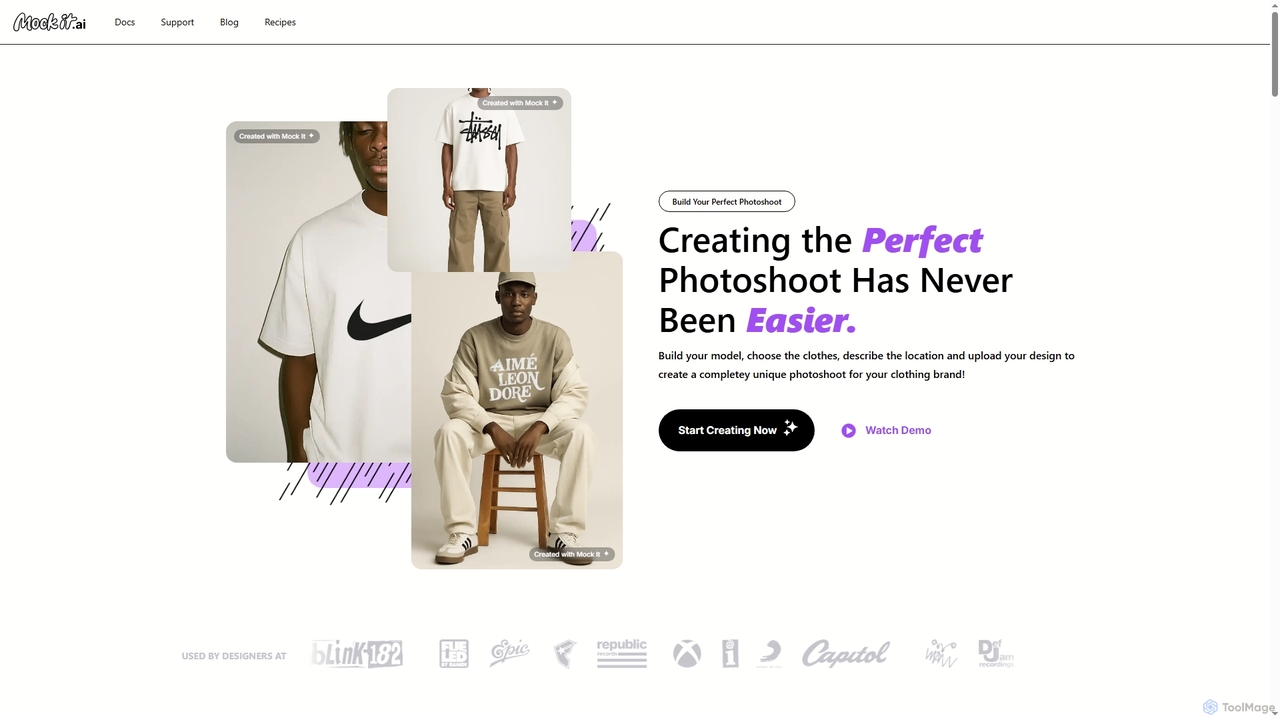
Mock It AI
Mock It AI is an AI-powered photoshoot generator designed for clothing brands. It allows users to create unique, high-quality, and fully editable mockups in seconds by building custom models, choosing apparel, describing locations, and uploading their own designs.
FashionNanobananainpaint Categories
Nanobananainpaint Jobs
Nanobananainpaint Embed Widget
Copy this embed code to place the badge on your blog, article, or product site and send readers directly to this ToolMage detail page.

Related AI tools
Remover
Remover is a free AI-powered tool by ZMO.AI that effortlessly removes unwanted objects, people, text, and backgrounds from photos. Ideal for e-commerce, real estate, and general photo cleanup, it provides unlimited edits and professional results in seconds without needing complex software like Photoshop.
3DMagiq
Magiq is an AI-powered photo editor for iOS and Android that redefines image transformation. With simple text instructions, users can perform complex edits like background removal, outfit changes, smart lighting adjustments, and professional portrait creation. It delivers realistic, high-quality results in seconds, making advanced photo editing accessible to everyone.
Generative Art
Relight AI
Relight AI is an AI-powered photo editing tool that effortlessly changes photo backgrounds and adjusts lighting using simple text prompts. Transform your images into studio-quality masterpieces for professional headshots, product photos, or creative portraits without needing complex software like Photoshop. It's fast, intuitive, and offers a free trial.
Background Remover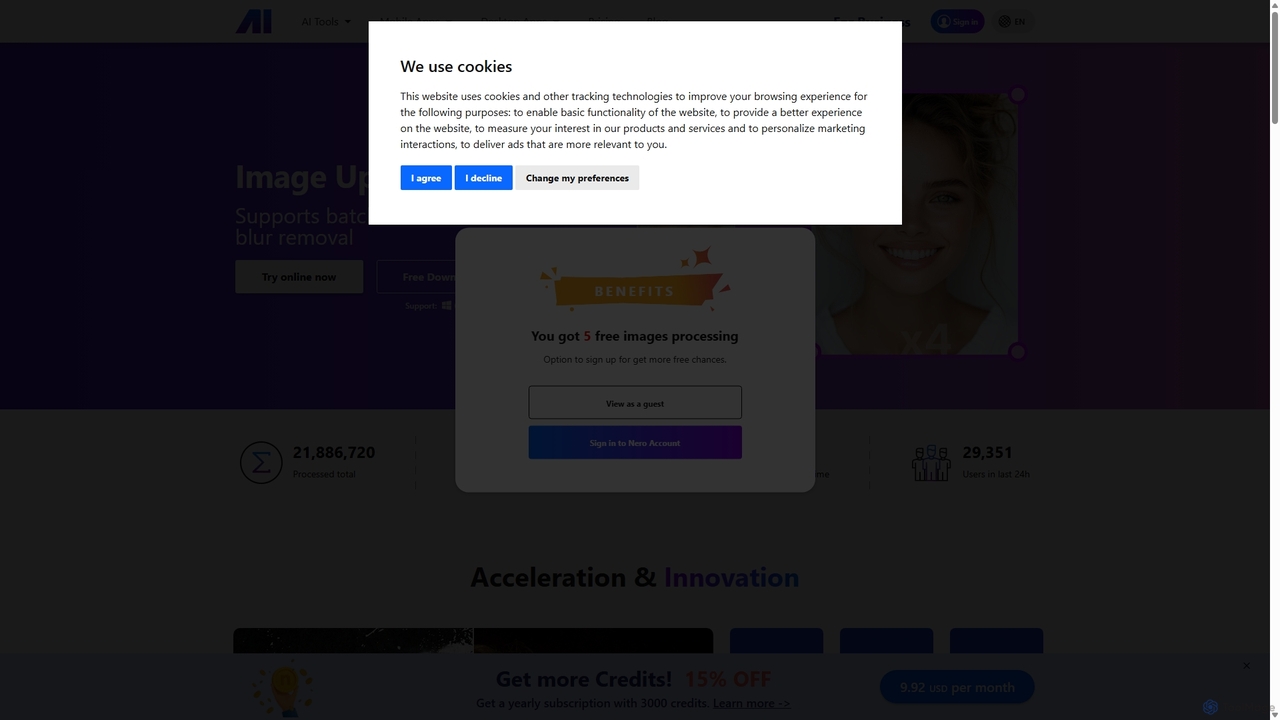
Nero AI
Nero AI is a comprehensive suite of AI-powered tools for image and video enhancement. It offers features like image and video upscaling, photo restoration, background and object removal, face animation, and creative stylization. Designed for creators, marketers, and designers, it provides easy-to-use solutions for both online and desktop platforms to elevate visual content quality.
Graphic Design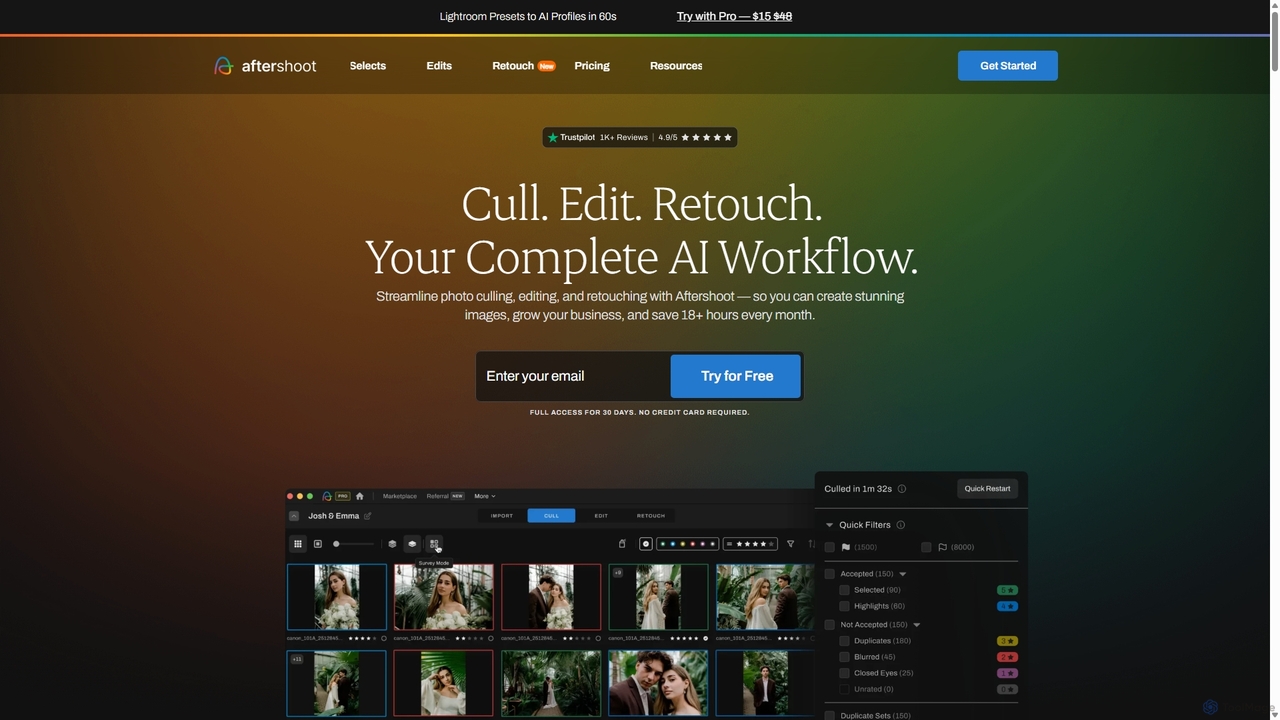
Aftershoot
Aftershoot is an all-in-one AI software for photographers, designed to automate and streamline the post-production workflow. It offers intelligent culling to select the best photos, personalized AI editing that learns your style, and advanced AI retouching for portraits. By handling tedious tasks, Aftershoot saves photographers over 18 hours per month, ensuring consistent results and allowing them to focus on creativity and business growth.
Photography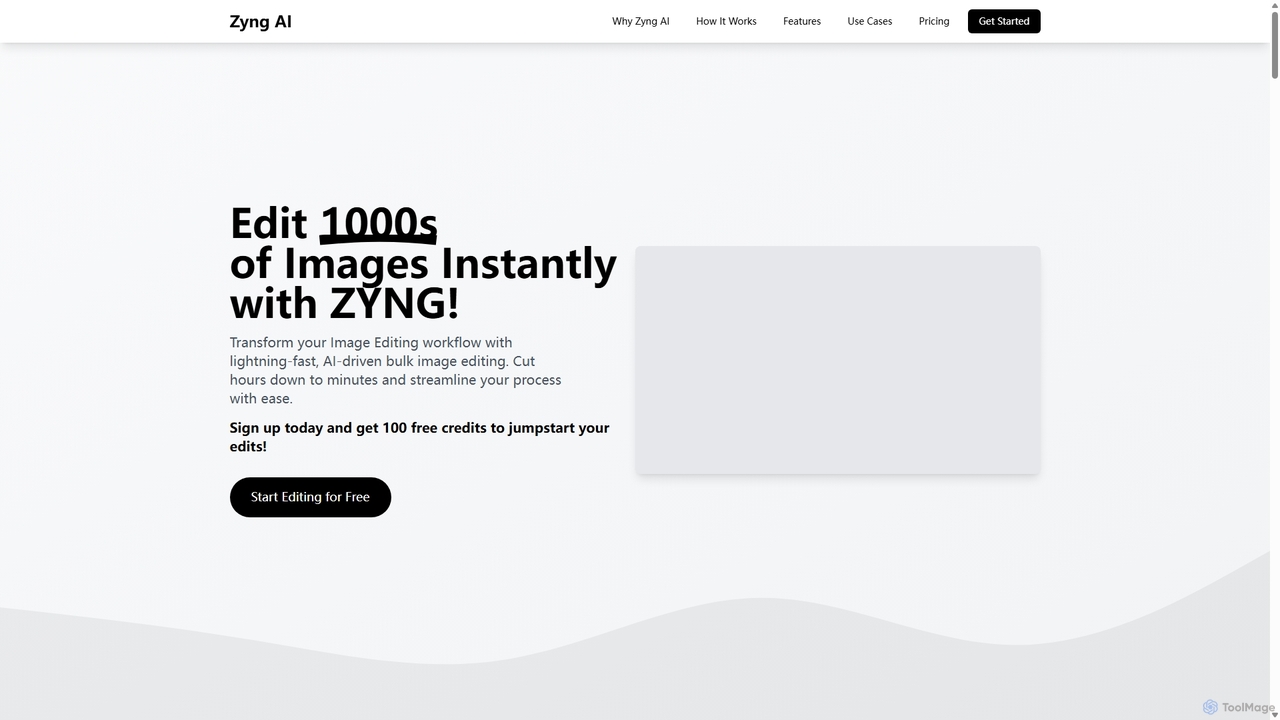
Zyng AI
Zyng AI is a powerful, AI-driven platform for bulk image editing, specifically catering to e-commerce businesses, photographers, and marketing teams. It automates tedious editing tasks, allowing users to process thousands of images in minutes. Key features include background removal, model swapping, smart cropping, face retouching, and AI-generated backgrounds. Zyng AI streamlines workflows, reduces costs, and helps create high-quality, consistent visuals for online stores and marketing campaigns, supporting resolutions up to 8K.
3D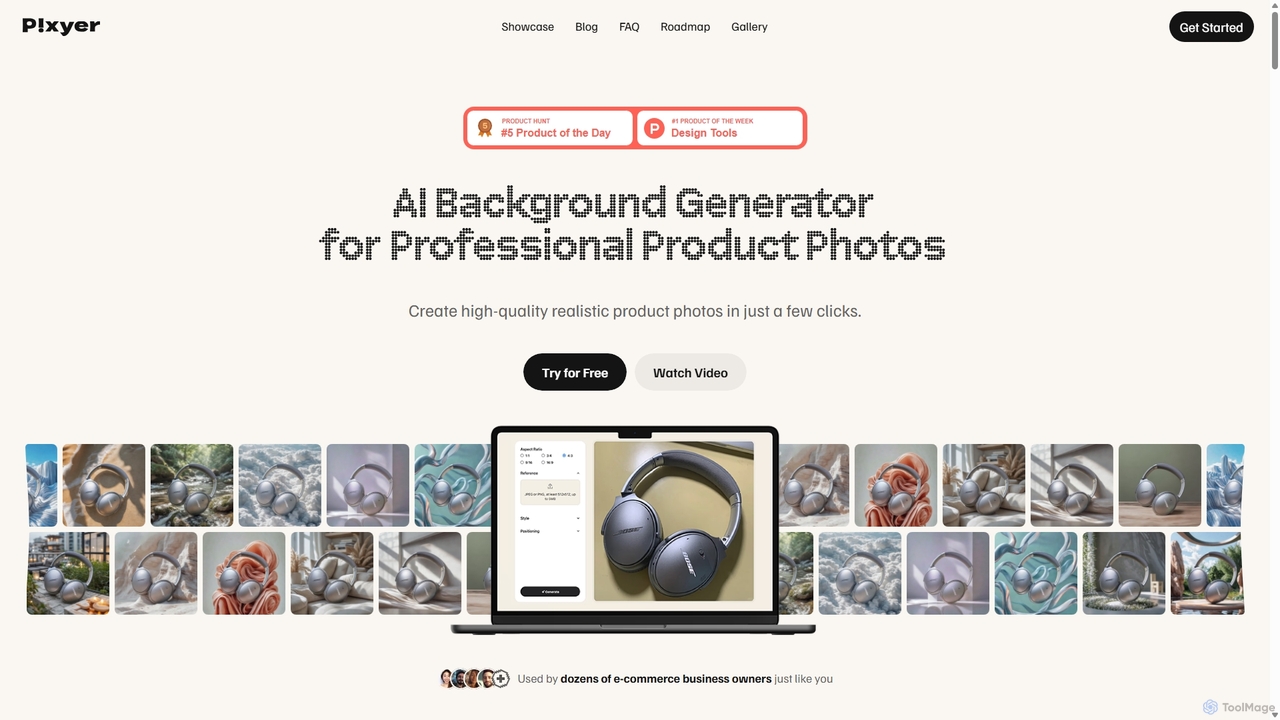
Pixyer
Pixyer is an AI-powered background generator designed for e-commerce, enabling users to create professional, studio-quality product photos in seconds. Simply upload an image, and the tool automatically removes the background and generates realistic, context-aware scenes with perfect lighting. It eliminates the need for expensive photoshoots, offering a fast, simple, and cost-effective solution for creating high-converting visuals for any platform.
3D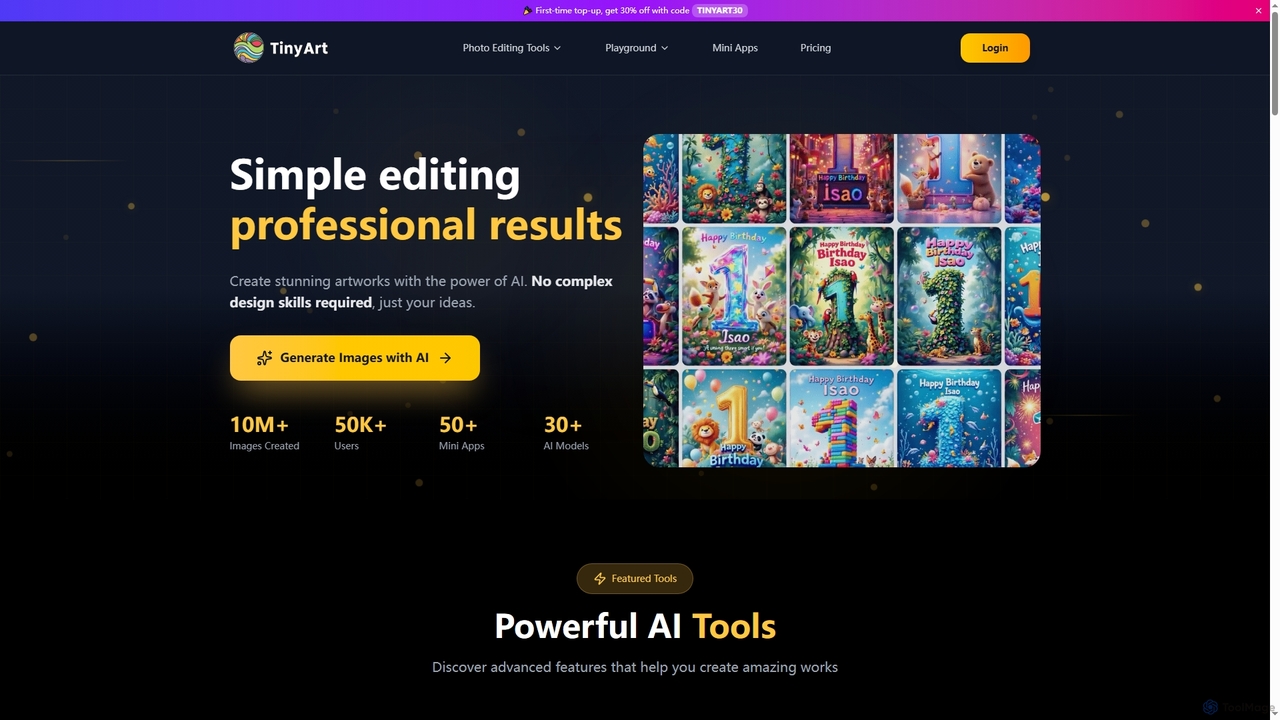
TinyArt
TinyArt is an AI-powered photo editing and image generation platform designed for professional results without complex design skills. It offers a suite of tools including background removal, image upscaling, watermark removal, object cleanup, and text-to-image generation, alongside specialized mini-apps for ID photos, face swaps, and photo restoration.
Creative Tools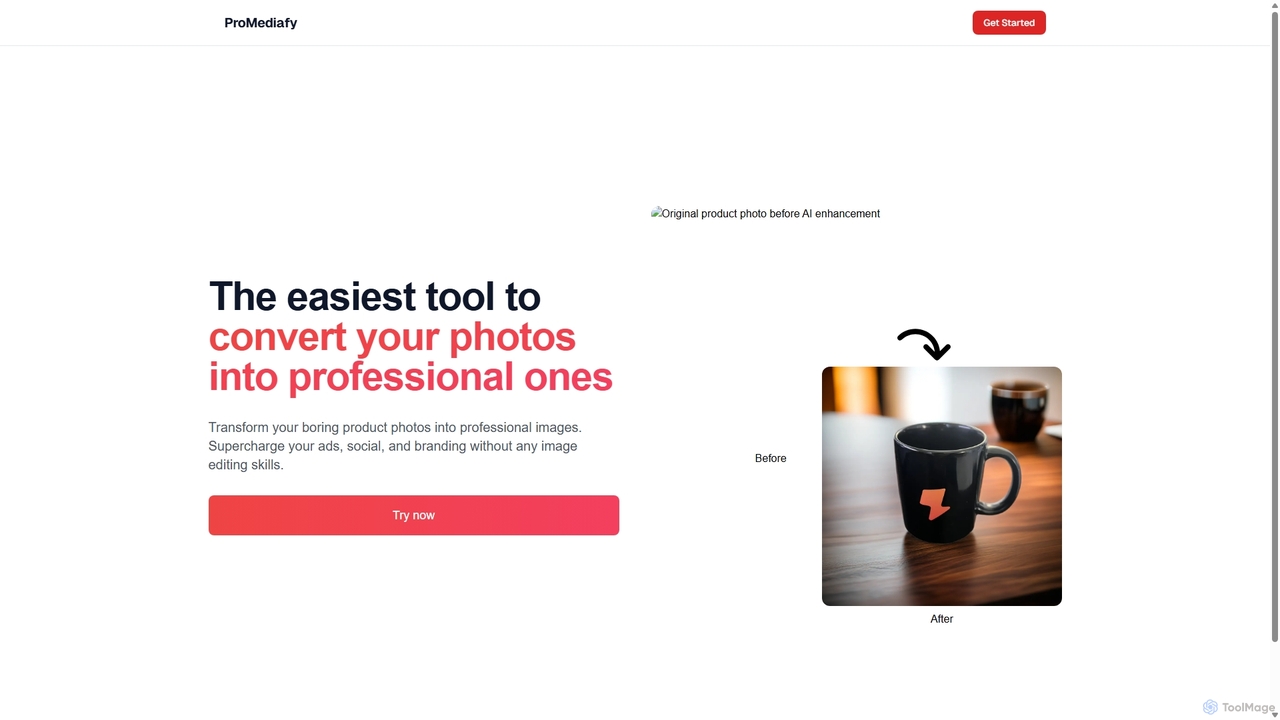
ProMediafy
ProMediafy is an AI-powered tool that effortlessly transforms standard product photos into professional, studio-quality images. It's designed for e-commerce, marketing, and branding, allowing users to generate stunning visuals without any photo editing skills. Simply upload an image, and let the AI create perfect backgrounds, lighting, and shadows to make your products stand out.
Background Generator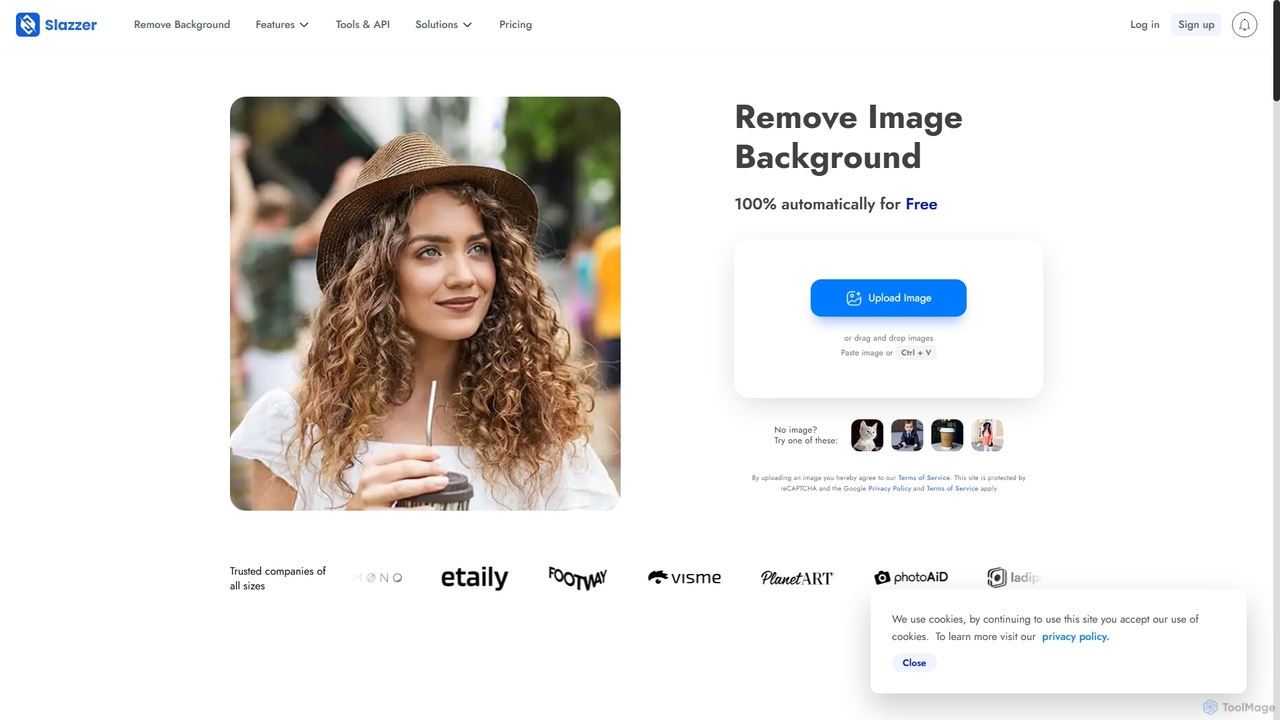
Slazzer
Slazzer is an AI-powered visual editing platform that automatically removes image backgrounds in seconds. It offers a suite of tools including AI background generation, image enhancement, upscaling, and shadow creation. Designed for efficiency, it serves e-commerce, photographers, marketers, and developers with web-based tools, desktop apps, and API integration for bulk processing.
Api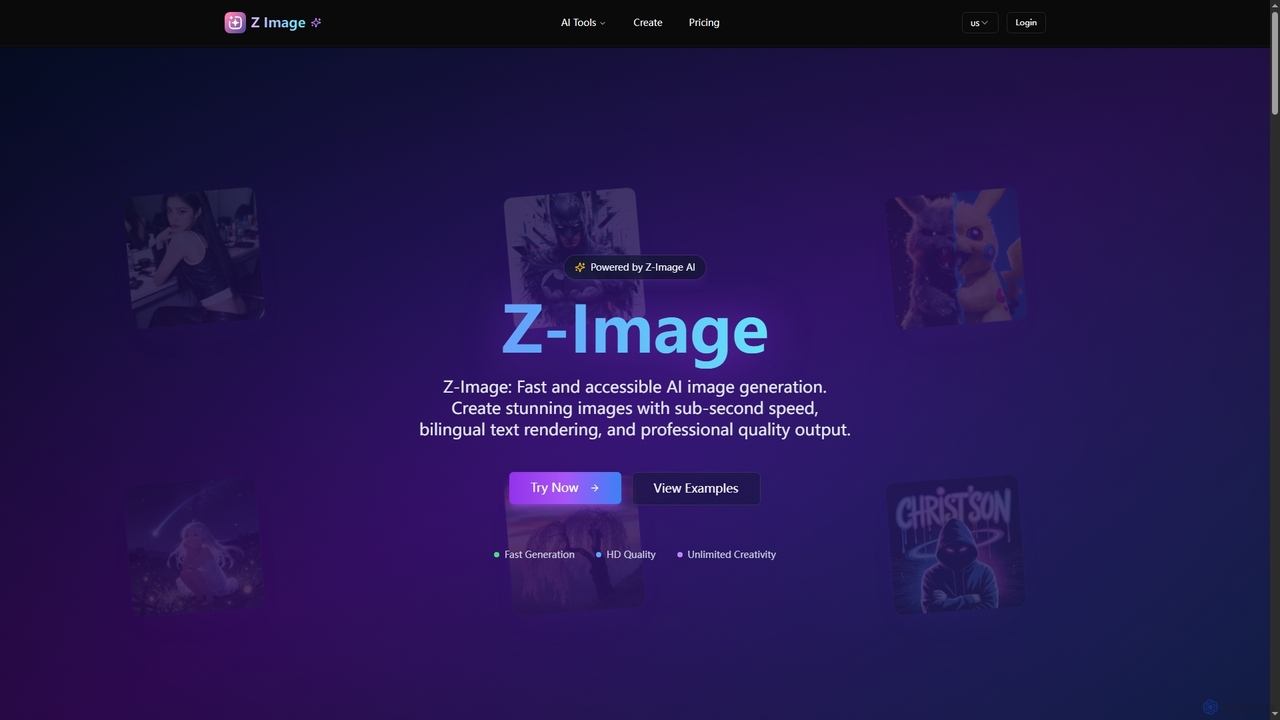
Z-Image
Z-Image is an efficient AI image generation platform offering lightning-fast creation of photorealistic images from text or existing visuals. It features sub-second processing, accurate bilingual text rendering (English & Chinese), and runs efficiently on consumer hardware.
Digital Art
Nanoimg
Nanoimg is an advanced AI image editor powered by Google Gemini Nano Banana, enabling instruction-based photo editing. It supports multi-turn edits, multi-image inputs, and preserves likeness, making complex image transformations fast and easy through natural language prompts.
Graphic Design
Pixelfox
Pixelfox is a comprehensive, free-to-use AI suite for creators and businesses. It combines a powerful online photo and video editor with over 300 AI writing tools. Effortlessly retouch photos, remove backgrounds, generate images from text, swap faces, and enhance quality. Simultaneously, create SEO-optimized articles, social media content, product descriptions, and much more, all within a single, no-download platform.
3DRemovebgAPI
RemovebgAPI is a developer-friendly background removal API offering high-accuracy results at a significantly lower cost. It enables businesses to automate image background removal with AI-powered precision, lightning-fast processing, and seamless integration for various applications like e-commerce, real estate, and content creation.
Api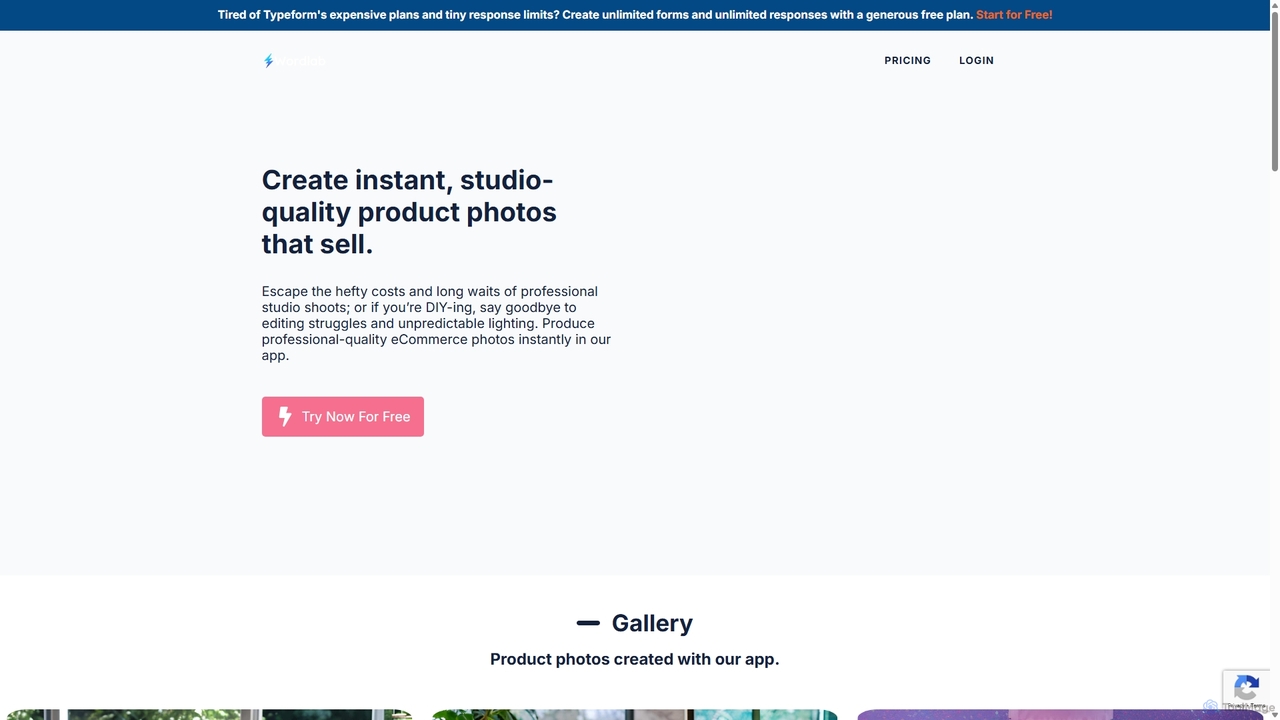
Wordlab
Wordlab is an AI-powered tool designed for eCommerce businesses to instantly create studio-quality product photos. It eliminates the need for expensive photoshoots by allowing users to change or remove backgrounds, generate new scenes from text prompts, and customize visuals effortlessly. This helps brands enhance their product listings, marketing campaigns, and social media presence with professional, eye-catching imagery at a fraction of the cost and time.
3D
Nanobananainpaint Comments (0)
Sign in to comment.
Sign inNo comments yet.