ToolMage
Sign in

Best 7 Background Remover AI tools for Image Editing

Popular Background Remover AI tools in Image Editing include dresma, Presti, Relight AI, Fengniao AI, Vinteo AI, DrawPost, and SolidGrids, helping you work more efficiently.

DrawPost
Freemium

DrawPost

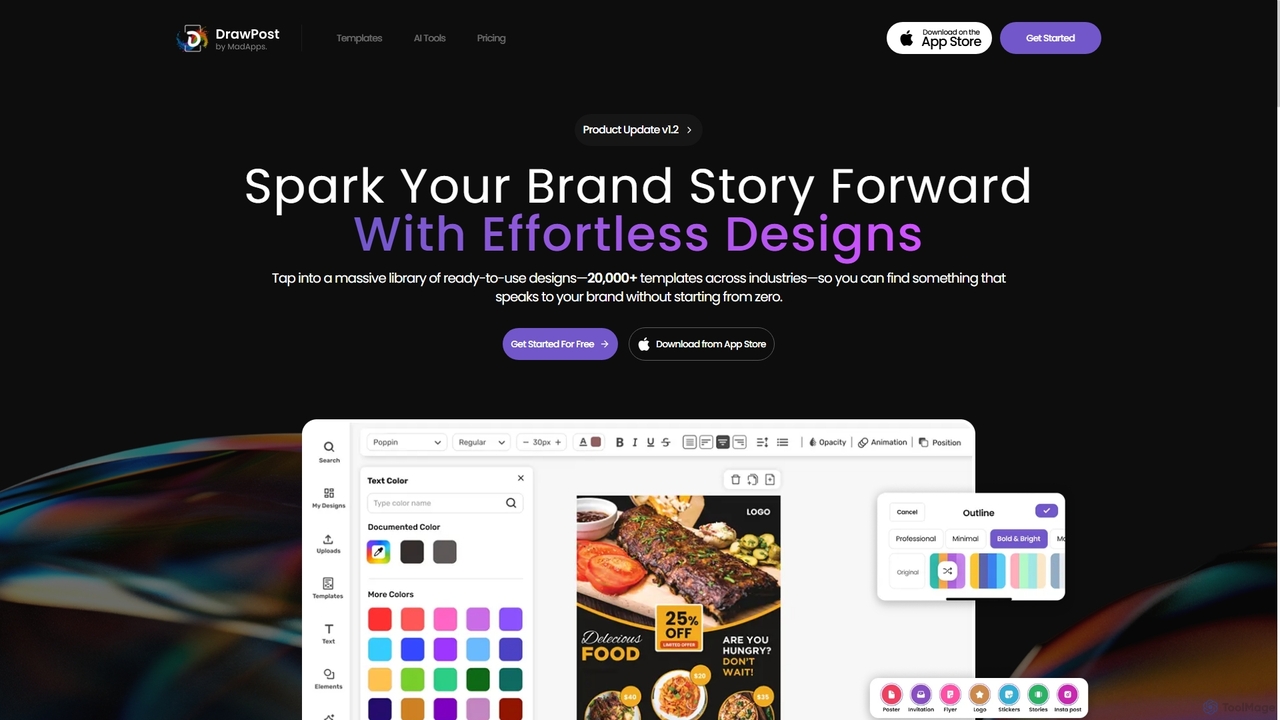
DrawPost is an AI-powered design tool that empowers creators to produce stunning visuals effortlessly. With access to over 20,000 templates and smart AI features like image generation, background removal, and instant text styling, it simplifies graphic design for social media, marketing, and personal projects. Available on web and mobile, DrawPost helps users craft professional designs quickly, without watermarks, and with options for team collaboration and brand consistency.

Social Media
Visits 4.5KFavorites 108Likes 118
Presti
Freemium

Presti

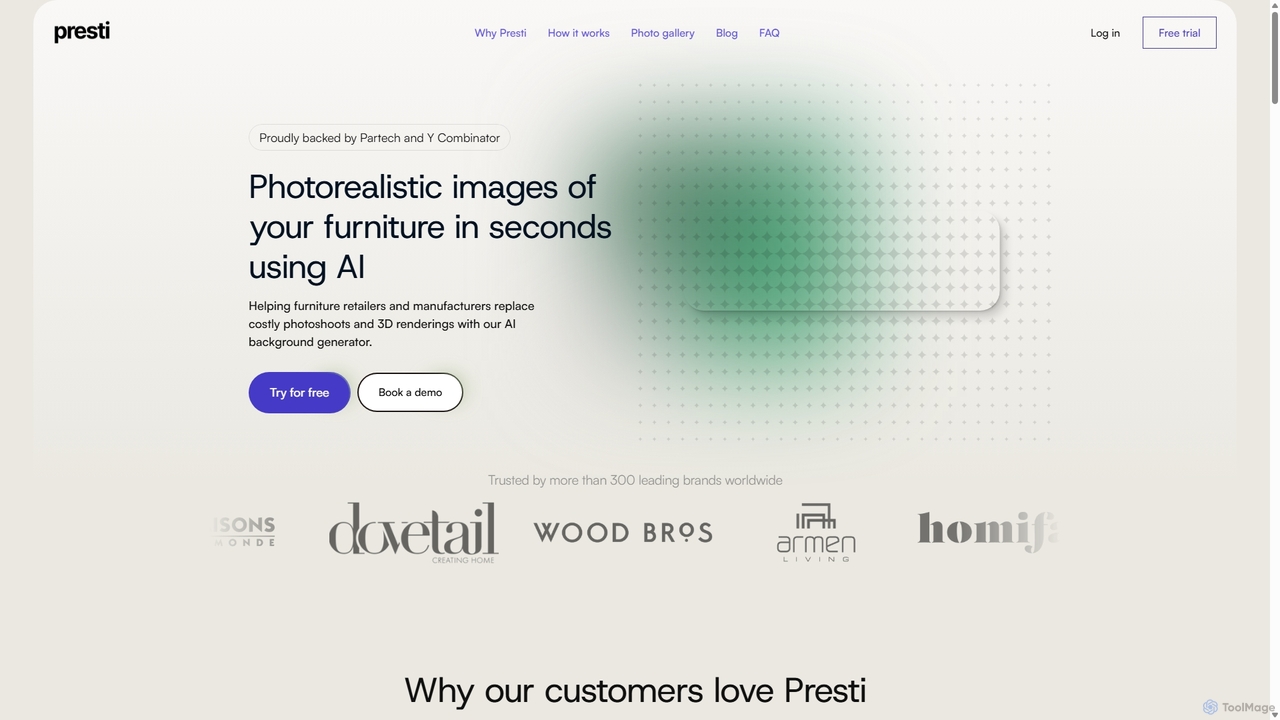
Presti is an AI-powered background generator designed for the furniture industry. It enables retailers and manufacturers to create photorealistic lifestyle images in seconds, replacing expensive photoshoots and 3D rendering. Users can change product colors, stage items in AI-generated scenes, and perform advanced edits to produce high-converting visuals effortlessly.

Product Visualization
Visits 21.5KFavorites 157Likes 151
Relight AI
Freemium

Relight AI

Relight AI is an AI-powered photo editing tool that effortlessly changes photo backgrounds and adjusts lighting using simple text prompts. Transform your images into studio-quality masterpieces for professional headshots, product photos, or creative portraits without needing complex software like Photoshop. It's fast, intuitive, and offers a free trial.

Background Remover
Visits 9.5KFavorites 113Likes 109
Fengniao AI
Freemium

Fengniao AI

Fengniao AI is an all-in-one AI-powered content creation platform for e-commerce. It enables users to instantly generate high-quality product photos, virtual model try-ons, marketing copy, and multilingual translations, helping businesses create best-selling product listings for the global market with zero barriers.

Product Descriptions
Visits 8.1KFavorites 106Likes 117
dresma
Freemium

dresma

Dresma is an AI-powered platform for e-commerce sellers, specializing in creating professional product photography and optimized listings. It offers tools like AI background generation, background removal, image resizing, and listing content creation to enhance product visuals for platforms like Amazon, Shopify, and Walmart, aiming to boost sales and streamline content creation.

Product Photography
Visits 30.2KFavorites 146Likes 138
SolidGrids
Paid

SolidGrids

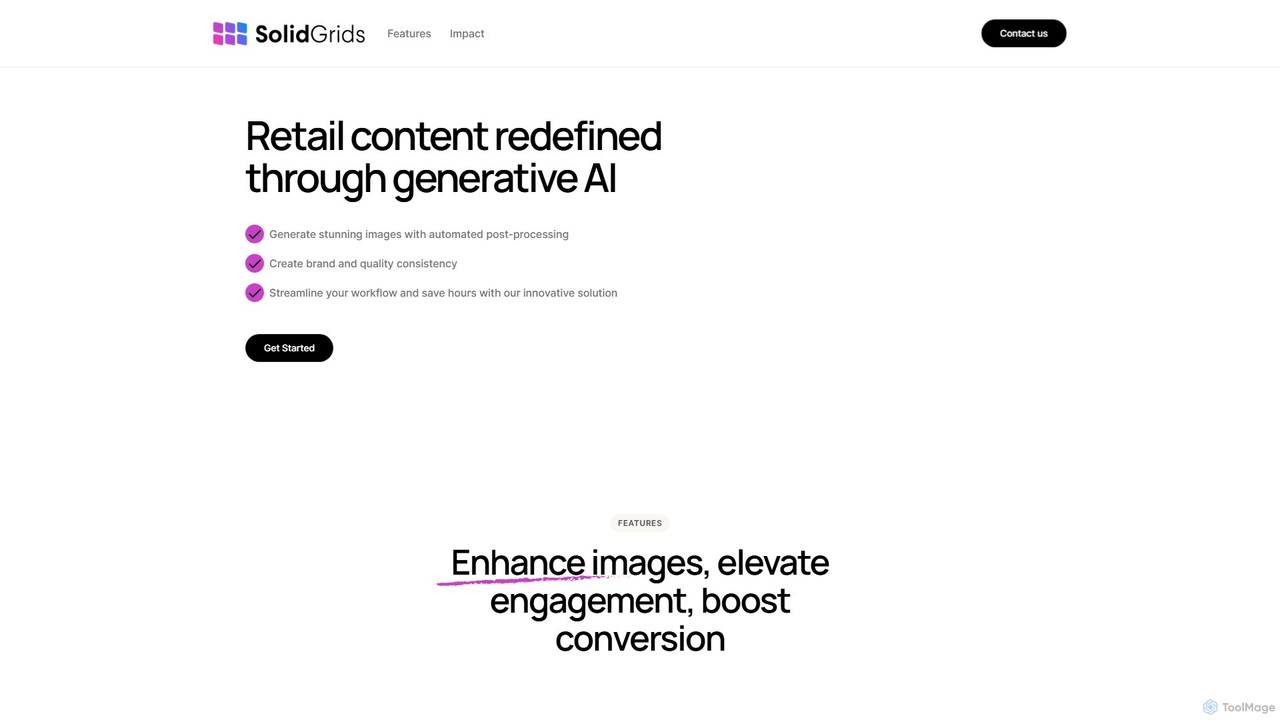
SolidGrids is an AI-powered platform designed for e-commerce, automating image post-processing to create stunning, brand-consistent product visuals. It offers features like automatic background removal, banner generation, and AI-driven copy and SEO optimization, helping businesses boost conversions and streamline workflows.

Product Image Editing
Visits 4.2KFavorites 105Likes 101
Vinteo AI
Paid

Vinteo AI

Vinteo AI is an AI-powered product photography platform for e-commerce. It enables businesses to create high-quality, professional product visualizations in minutes. Users can upload product images, place them in custom AI-generated scenes or pre-styled interiors, adjust lighting, colors, and download high-resolution images, significantly reducing photography costs and time while boosting conversion rates.

Product Visualization
Visits 5.9KFavorites 120Likes 111

About Background Remover

AI Background Removers are specialized tools that automatically isolate the main subject of an image from its background. Leveraging advanced computer vision and deep learning models, these tools can accurately identify edges and create precise cutouts in seconds. This process dramatically accelerates workflows that traditionally required meticulous manual work in complex image editing software. They are invaluable for creating clean product images, professional portraits, and dynamic marketing materials, offering a blend of speed, accuracy, and ease of use.

Core Features

  • Automatic Subject Detection: The AI intelligently identifies and separates the primary subject, whether it's a person, product, or object, from its surroundings.
  • High-Precision Edge Handling: Advanced algorithms ensure clean cutouts around complex details like hair, fur, and semi-transparent elements.
  • Batch Processing: Enables the simultaneous removal of backgrounds from hundreds or thousands of images, ideal for large-scale projects.
  • Customizable Backgrounds: After removal, users can typically add a solid color, a transparent background, or a new image.
  • API Integration: Provides programmatic access for developers to integrate background removal functionality into their own websites, apps, or automated workflows.

Use Cases

These tools are widely used across various sectors. In e-commerce, they are essential for creating uniform, professional product listings with white or consistent backgrounds. Digital marketers and graphic designers use them to quickly prepare images for social media posts, advertisements, and website banners. Photographers also utilize them to streamline portrait editing and compositing tasks, saving significant post-production time.

How to Choose

When selecting a Background Remover, consider the tool's accuracy, especially its ability to handle fine details like hair. Evaluate its processing speed and batch processing capabilities to ensure it meets your workflow demands. For automated needs, check for robust API availability and clear documentation. Finally, consider the supported output resolutions and formats (e.g., high-resolution PNG with transparency) and whether the pricing model aligns with your usage volume.

Featured tool rankings

Background Remover use cases

1

E-commerce Product Image Preparation

An e-commerce manager needs to upload 200 new product photos to their online store. To maintain a clean and consistent brand aesthetic, all products must be displayed on a pure white background. Instead of spending days manually tracing each item in Photoshop, they use an AI Background Remover. They upload all 200 images and initiate the batch processing feature. Within minutes, the tool delivers high-resolution PNG files with transparent backgrounds for every product, ready to be placed on the desired white background, saving over 95% of the manual editing time.

2

Creating Engaging Social Media Content

A social media manager wants to create a dynamic promotional graphic for an upcoming event. They have a great photo of the keynote speaker but the background is distracting. Using an AI Background Remover, they instantly isolate the speaker from the original photo. This allows them to place the speaker's cutout onto a branded graphic with event details, logos, and vibrant colors. The entire process takes less than a minute, enabling them to produce professional-looking, eye-catching content quickly and iterate on different designs efficiently.

3

Streamlining Graphic Design Workflows

A graphic designer is working on a tight deadline for a new website banner. The client has provided several images of people and products that need to be combined into a single composition. Manually cutting out each element would be time-consuming and tedious. The designer uses an AI background removal tool to quickly extract all necessary elements. With clean, transparent cutouts, they can easily arrange, layer, and resize the elements to create a compelling banner, completing the task in a fraction of the time it would have taken with traditional methods.

4

Personalizing Photos for Fun and Creativity

A casual user wants to create a unique birthday card for a friend. They have a funny photo of their friend but want to place them in a different, more festive setting. Using a simple, web-based AI Background Remover, they upload the photo and get a clean cutout in seconds, without needing any technical skills. They then download the transparent PNG and use a basic photo editor to place their friend's image onto a background of a party scene, adding text and decorations to complete the personalized card.

5

Automating User-Generated Content Moderation

A developer is building a platform where users can design custom merchandise, like t-shirts. To ensure a good final product, user-uploaded images need to have their backgrounds removed. Instead of building this complex feature from scratch, the developer integrates a Background Remover API. When a user uploads an image, the API call is triggered automatically, removing the background in real-time. This automated workflow provides a seamless user experience, improves the quality of the final prints, and saves the developer significant time and resources.

6

Enhancing Real Estate Photography

A real estate agent has photos of a property with cluttered backgrounds or unappealing grey skies. To make the listings more attractive to potential buyers, they use an AI Background Remover. They can quickly remove distracting elements from interior shots to emphasize the space itself. For exterior photos, they can replace a dull sky with a bright, sunny one. This quick editing process helps create professional and inviting images that stand out online, potentially leading to faster sales and higher offers without the cost of a professional retoucher.

Background Remover FAQ

What is an AI Background Remover?

An AI Background Remover is a tool that uses artificial intelligence, specifically computer vision and deep learning, to automatically detect and isolate the main subject in a photograph from its background. Unlike traditional manual methods in software like Photoshop, which require precise tracing, these tools analyze the image to identify edges and create a clean cutout in seconds. The output is typically an image with a transparent background (like a PNG file), allowing the subject to be placed onto any new background with ease.

How to choose the right AI Background Remover?

Choosing the right tool depends on your specific needs. Consider the following factors:

  • Accuracy and Quality: Look for a tool that handles complex edges like hair, fur, and transparent objects well. Many offer free trials to test the quality.
  • Speed and Batch Processing: If you need to process many images, choose a tool that offers fast, reliable batch processing to save time.
  • Integration (API): For developers or businesses wanting to automate workflows, a well-documented and robust API is essential.
  • Ease of Use: For casual users or non-designers, a simple drag-and-drop web interface is often the best choice.
  • Cost: Pricing models vary from free (with limitations) to pay-per-image to monthly subscriptions. Select one that matches your usage volume and budget.
What's the difference between an AI Background Remover and manual editing in Photoshop?

The primary difference lies in speed, skill requirement, and precision control. An AI Background Remover is incredibly fast, often taking just seconds, and requires no technical skill. It's ideal for bulk tasks and quick edits. Manual editing in software like Adobe Photoshop offers maximum control and precision, allowing a skilled user to perfect every detail, but it is significantly more time-consuming and requires expertise. For most common use cases like e-commerce photos or social media graphics, AI tools provide a highly efficient alternative that is often 'good enough' or even indistinguishable from manual work.

Can AI Background Removers handle complex objects like hair or fur?

Yes, modern AI Background Removers have become increasingly sophisticated at handling complex edges. The best tools use advanced models trained on massive datasets to accurately identify and mask fine details like individual strands of hair, fur, or the edges of semi-transparent objects like veils or glass. However, the quality can vary significantly between different tools. Some tools also provide refinement features, such as 'restore' and 'erase' brushes, allowing users to manually touch up any areas the AI may have missed for a perfect result.

Who are AI Background Removers for?

AI Background Removers serve a wide range of users, from professionals to casual creators. Key user groups include:

  • E-commerce Sellers: To create clean, consistent product images for online stores and marketplaces.
  • Marketers and Social Media Managers: For quickly creating promotional materials, ads, and engaging posts.
  • Graphic Designers: To speed up their workflow by quickly isolating elements for compositions and designs.
  • Photographers: To simplify post-production, especially for portrait and product photography.
  • Developers: Who integrate the technology via API into their own applications for automated image processing.
  • Casual Users: Anyone who wants to make fun collages, personalized greeting cards, or quick edits without learning complex software.