
Freemium
Popular Ai Image Generation AI tools in Image Editing include PixExtender, AnimateX, and StageVirtually, helping you work more efficiently.
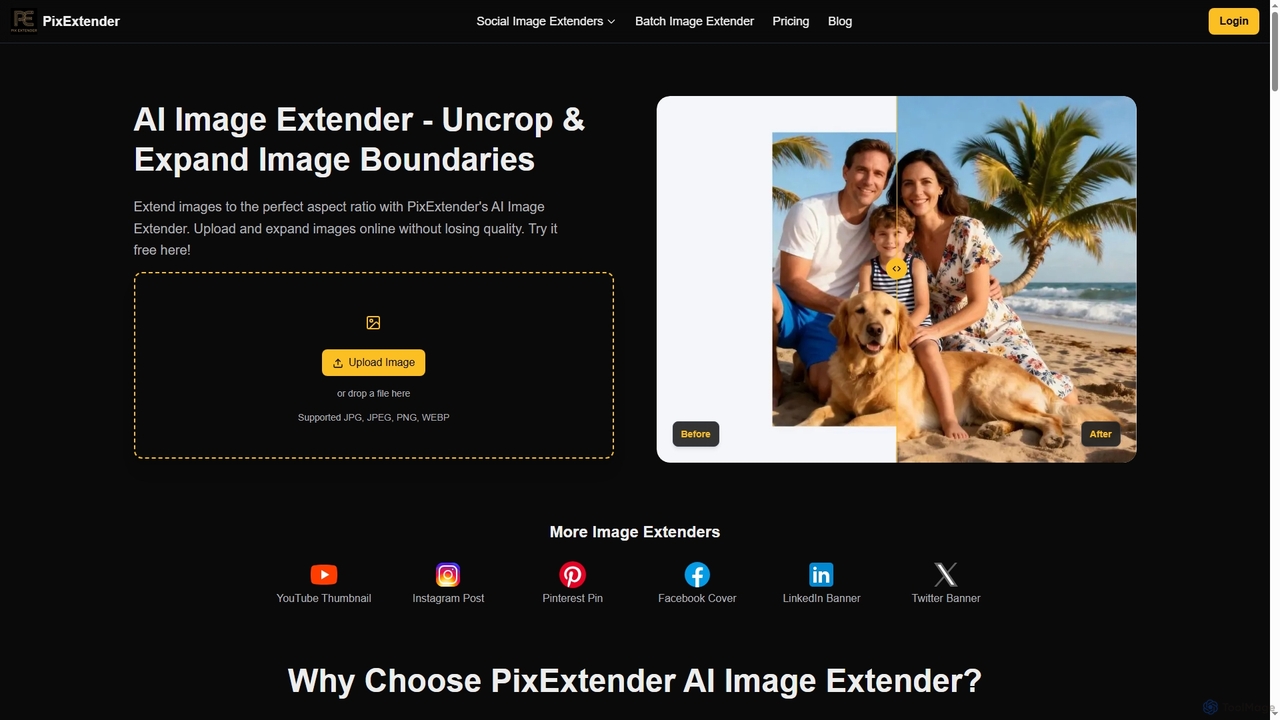
PixExtender is an AI-powered image extender that uses context-aware outpainting to seamlessly expand image boundaries and uncrop photos. It intelligently generates realistic surroundings, adapting images to perfect aspect ratios for social media, e-commerce, and photography without quality loss. Supports batch processing and custom resolutions up to 4096x4096.
Photo Editing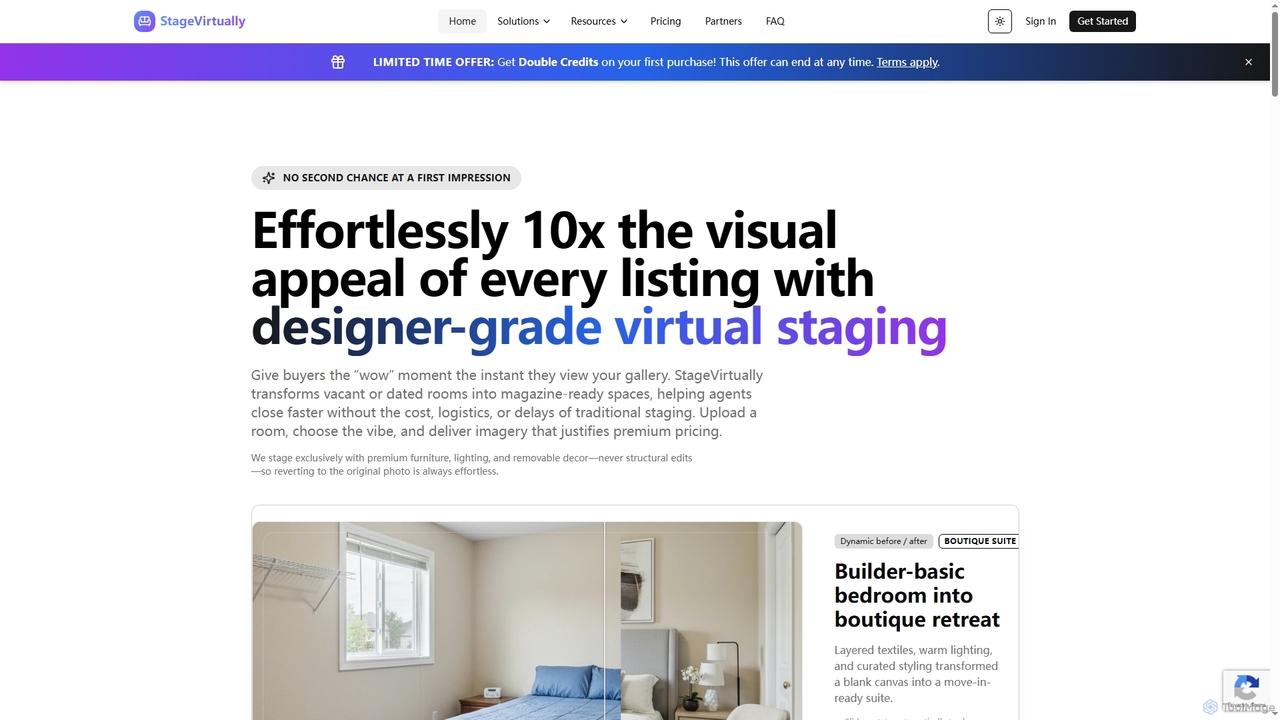
StageVirtually is an AI-powered virtual staging tool that transforms vacant or outdated real estate rooms into stunning, magazine-ready spaces with a single click. It helps real estate agents, brokers, and stagers enhance property listings, attract buyers, and accelerate sales without the complexities of traditional staging.
Interior DesignAI Image Generation tools are a class of software that create novel, original images from text descriptions or other inputs. These tools utilize advanced deep learning models, such as diffusion or GANs, to interpret natural language prompts and synthesize complex, detailed visuals. They empower creators, marketers, and designers to rapidly visualize concepts, produce unique marketing assets, and generate artistic content without requiring manual illustration skills. Unlike traditional image editors that modify existing pixels, AI image generators create entirely new visual information from scratch.
AI Image Generation is widely used in creative industries. Marketing teams use it to generate unique ad creatives and social media content. Game developers and filmmakers employ it for rapid concept art and character design. Content creators produce custom illustrations for blogs and videos, avoiding generic stock photos. Architects and interior designers visualize spaces and material finishes before implementation.
When selecting an AI Image Generation tool, consider the output quality and realism it can achieve. Evaluate its style versatility and whether it supports the aesthetics you need. Assess the user interface's ease of use and the level of control offered through prompting and parameters. Finally, compare pricing models, such as credit-based systems versus unlimited subscriptions, to find one that aligns with your usage frequency and budget.
A digital marketer needs to produce a high volume of diverse visual assets for an upcoming social media campaign to A/B test different concepts. Instead of relying on limited stock photos, they use an AI Image Generation tool. By inputting prompts like 'futuristic cityscape with a neon glow, product X featured on a billboard, photorealistic style,' they can generate dozens of unique, high-quality images in minutes. This allows for rapid iteration and testing, leading to more effective ad performance and saving significant time and budget compared to traditional photoshoots or graphic design work.
A concept artist working on a new video game needs to explore various designs for a key character. The traditional process of sketching multiple versions can be time-consuming. By using an AI Image Generator, the artist can input a detailed character description, including attributes, clothing, and mood. The AI generates a wide array of visual interpretations in different styles. The artist can then select the most promising designs to refine manually, accelerating the ideation phase from days to hours and providing a richer set of initial concepts for the creative team to review.
A content creator runs a blog about historical events and needs specific, evocative images for each post. Stock photography often feels too generic or anachronistic. Using an AI Image Generator, they can create highly specific scenes by prompting 'a Roman senator debating in the Forum, oil painting style, dramatic lighting.' This provides them with an unlimited supply of unique, royalty-free illustrations that perfectly match the tone and subject matter of their content, enhancing reader engagement and giving their blog a distinct visual identity.
An architect or interior designer wants to quickly show a client different design options for a living room. Instead of spending hours creating detailed 3D renders for each option, they use an AI image generator. They can input a basic sketch or photo of the space (image-to-image) along with text prompts like 'add a mid-century modern sofa, large windows with natural light, and oak flooring.' The AI generates realistic visualizations of these concepts in seconds, enabling instant client feedback and a much more efficient design iteration process.
An e-commerce store owner sells custom-printed mugs but lacks the budget for professional lifestyle photoshoots. Using an AI Image Generator with inpainting or image-to-image features, they can take a simple product photo on a white background and place it into various AI-generated scenes. They can prompt for 'a person holding the mug in a cozy cafe' or 'the mug on a modern office desk next to a laptop.' This creates a diverse gallery of high-quality, realistic product mockups that help customers visualize the product in use, potentially increasing conversion rates without the high cost of photography.
An artist or hobbyist wants to experiment with new visual styles but lacks proficiency in certain mediums like oil painting or digital sculpting. They use an AI Image Generator as a creative partner. By providing a simple prompt like 'a lone astronaut on a desert planet,' they can then ask the AI to render it in various styles: 'in the style of Van Gogh,' 'as a cinematic 3D render,' or 'as a Japanese ukiyo-e woodblock print.' This allows for rapid artistic exploration, learning about composition and style, and generating unique pieces of digital art that blend human creativity with machine execution.
AI Image Generation is a technology that uses artificial intelligence, specifically deep learning models like diffusion or GANs, to create new images from text descriptions (text-to-image). Users provide a written 'prompt,' and the AI interprets it to generate a unique visual representation. Unlike photo editing, which alters existing images, AI generation synthesizes entirely new pixels, enabling the creation of everything from photorealistic scenes to abstract art.
The core difference lies in creation versus modification. An AI Image Generator creates entirely new images from scratch based on a text prompt. An image editor like Adobe Photoshop is designed to manipulate, enhance, or combine existing images or pixels. While modern editors may incorporate AI features for tasks like object removal, their primary function is to edit, not to generate a complete image from a concept.
Choosing the right tool depends on your specific needs. Consider these factors:
A 'prompt' is the text instruction you give to an AI image generator to describe the image you want it to create. The quality and detail of the prompt directly influence the output. A good prompt is often specific and can include details about the subject, action, setting, artistic style, lighting, and composition. For example, instead of 'a cat,' a better prompt would be 'a fluffy ginger cat sleeping on a sunlit windowsill, digital art, soft focus.'
The commercial rights for AI-generated images depend entirely on the terms of service of the specific tool you use. Some platforms grant users full ownership and commercial rights to the images they create, while others may have restrictions. It is crucial to read and understand the licensing agreement of your chosen AI image generator before using its output for any commercial projects, such as marketing, merchandise, or publications. The legal landscape for AI-generated content is also evolving, so staying informed is important.