ToolMage
Sign in

Best 2 Ai Editing AI tools for Image Editing

Popular Ai Editing AI tools in Image Editing include AI Image Edit and Nano Banana, helping you work more efficiently.

AI Image Edit
Freemium

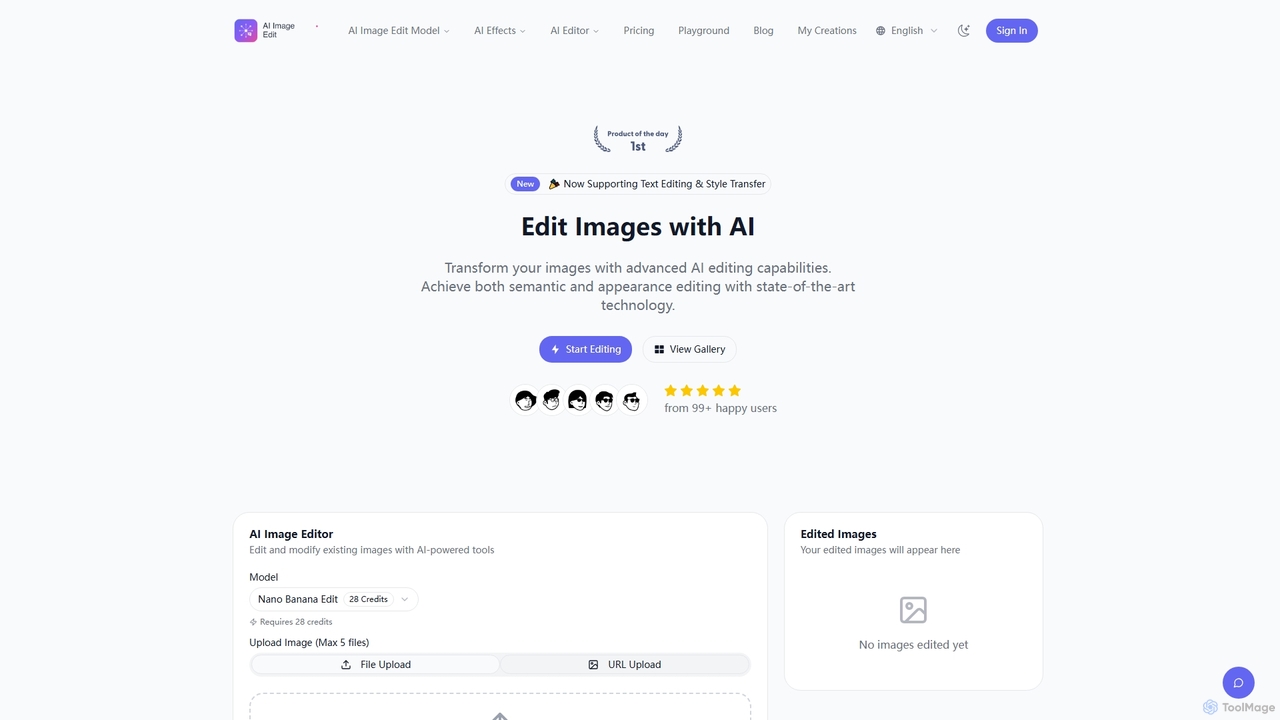
AI Image Edit

AI Image Edit is a professional AI-powered tool that transforms images with advanced editing capabilities. It offers precise semantic and appearance control, text editing, and style transfer, enabling users to modify content while preserving visual integrity and consistency.

Graphic Design
Visits 22.4KFavorites 113Likes 130
Nano Banana
Freemium

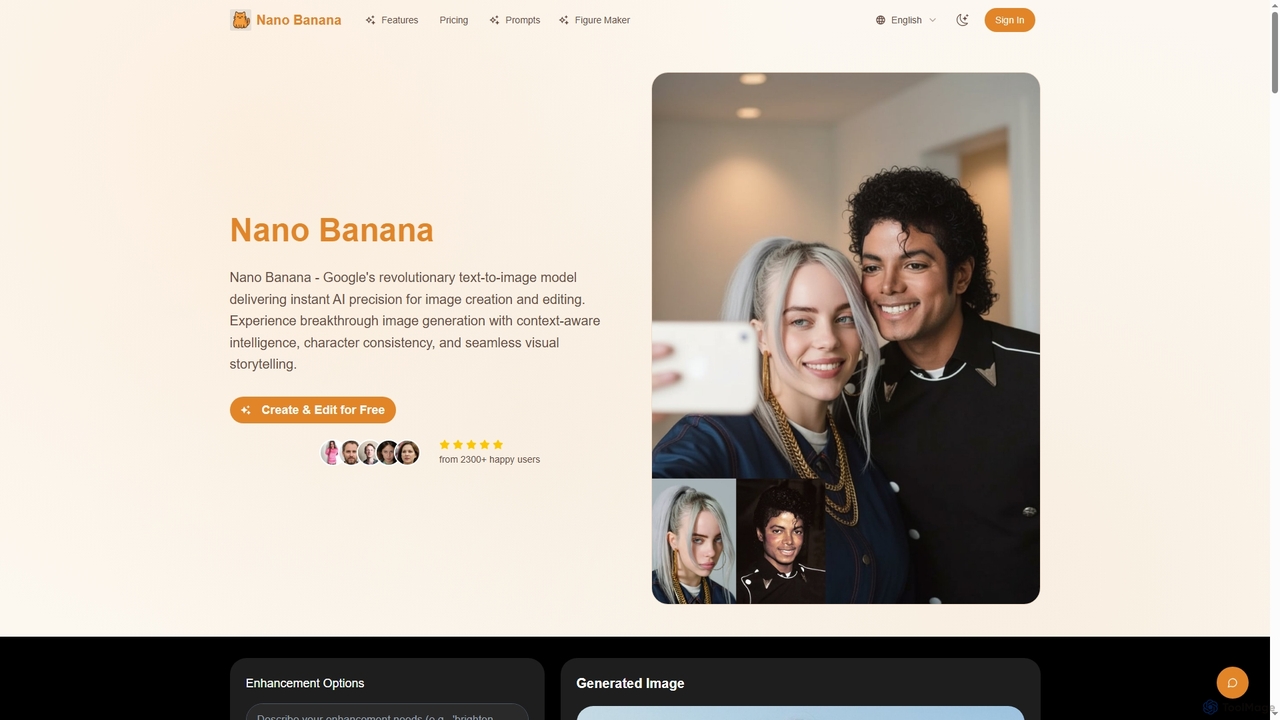
Nano Banana

Nano Banana is Google's revolutionary AI text-to-image model, offering instant precision for image creation and editing. It leverages context-aware intelligence and advanced neural architecture to ensure character consistency, seamless visual storytelling, and high-quality outputs across various creative workflows, from character design to product visualization.

Ai Character
Visits 14.4KFavorites 112Likes 116

About Ai Editing

AI Editing tools leverage artificial intelligence to automate and enhance various aspects of content modification across images, videos, and audio. These advanced tools go beyond traditional manual editing by offering intelligent suggestions, automatic enhancements, and complex task automation, significantly streamlining workflows for creators, marketers, and businesses. They are designed to improve efficiency, achieve professional results, and unlock new creative possibilities by handling repetitive or technically challenging tasks with AI precision.

Core Features

  • Intelligent Object Recognition & Selection: Automatically identifies and precisely selects subjects, backgrounds, or specific elements within an image or video frame.
  • AI-Powered Image Restoration: Automatically removes blemishes, repairs old photos, or intelligently fills in missing areas with contextual awareness.
  • Smart Style Transfer & Filters: Applies artistic styles from one image to another, or intelligently adjusts colors, lighting, and composition.
  • Automated Video Editing: Identifies key moments, removes filler content, generates highlight reels, or creates automatic captions and transcripts.
  • Audio Noise Reduction & Enhancement: Utilizes AI algorithms to eliminate background noise, enhance vocal clarity, and balance sound levels.

Use Cases

AI editing tools are indispensable for professionals and enthusiasts alike. Content creators use them to rapidly process batches of images, such as automatic background removal or color correction, for various social media platforms. Video editors leverage AI for intelligent scene detection and automated rough cuts, drastically reducing post-production time. Photographers benefit from AI-powered retouching for portraits or object removal, achieving polished results with minimal effort.

How to Choose

When selecting an AI editing tool, consider its feature set to ensure it covers your specific needs, such as image enhancement, video editing, or audio processing. Evaluate the accuracy and quality of its AI models in performing tasks like object recognition or restoration. Assess its ease of use and integration capabilities with your existing workflow and other software. Finally, compare pricing models, including free tiers, subscriptions, or one-time purchases, to match your budget and usage frequency.

Ai Editing use cases

1

Batch Optimization for E-commerce Product Images

E-commerce businesses and online sellers frequently need to process hundreds of product images. AI editing tools enable them to automatically remove backgrounds, standardize lighting, adjust colors, and resize images in bulk. This significantly reduces the manual effort and time required, ensuring consistent, high-quality visuals across all product listings and marketing materials, leading to faster product launches and improved customer engagement.

2

Rapid Content Creation for Social Media

Social media managers and content creators constantly need fresh, engaging visuals. AI editing tools allow them to quickly generate variations of images, apply trending filters, automatically crop for different platforms, and even suggest relevant captions. This accelerates the content pipeline, enabling consistent posting schedules and freeing up time for strategic planning and audience interaction.

3

Restoration and Colorization of Old Photographs

Individuals and archivists can use AI editing to breathe new life into old, damaged, or black-and-white photographs. These tools can automatically repair scratches, tears, and faded areas, enhance details, and accurately colorize monochrome images. This preserves precious memories, makes historical photos more accessible, and creates stunning visual transformations without complex manual retouching.

4

Intelligent Video Post-Production for Vloggers

Vloggers and independent filmmakers often face time constraints in video editing. AI editing tools can automatically identify and cut out filler words, detect key moments for highlight reels, generate subtitles, and even suggest background music. This streamlines the editing process, allowing creators to produce polished, professional-looking videos faster and focus more on storytelling and content quality.

5

Professional Audio Enhancement for Podcasts & Voiceovers

Podcasters, voiceover artists, and online educators require clear, crisp audio. AI editing tools can automatically remove background noise (e.g., hums, clicks, room echo), enhance vocal clarity, and normalize audio levels across different segments. This ensures a high-quality listening experience for the audience, making content more engaging and professional without needing extensive audio engineering expertise.

6

Creative Style Transformation for Digital Artists

Digital artists and graphic designers can explore new creative avenues with AI editing. Tools offering advanced style transfer allow them to apply the aesthetic of famous paintings or unique artistic styles to their own images or videos. This opens up possibilities for generating unique visual compositions, experimenting with different artistic directions, and creating distinctive branding elements with ease.

Ai Editing FAQ

What are AI Editing tools?

AI Editing tools are software applications that utilize artificial intelligence algorithms to automate, enhance, and streamline various content modification tasks. Unlike traditional editing software that relies heavily on manual input, AI editing tools can intelligently analyze content, make suggestions, and perform complex operations like object removal, background replacement, or audio noise reduction with minimal user intervention. They are designed to boost efficiency and achieve professional-grade results faster.

How do AI Editing tools differ from traditional editing software?

The primary difference lies in automation and intelligence. Traditional editing software provides manual controls for every adjustment, requiring significant skill and time. AI editing tools, conversely, leverage machine learning to understand content context, automate repetitive tasks (e.g., one-click background removal, automatic color grading), and even generate creative suggestions. While traditional tools offer granular control, AI tools excel in speed, efficiency, and performing tasks that would be complex or impossible manually.

What types of content can AI Editing tools handle?

AI Editing tools are versatile and can handle a wide range of content types. Primarily, they are used for images (e.g., photo retouching, background removal, style transfer), videos (e.g., smart cutting, highlight generation, stabilization, captioning), and audio (e.g., noise reduction, vocal enhancement, transcription). Some advanced tools may also offer AI-powered text editing features, such as grammar correction or style suggestions, though the core focus often remains on visual and auditory media.

How to choose the right AI editing tool for my needs?

To select the best AI editing tool, first identify your primary needs: are you focused on images, videos, or audio? Evaluate the tool's specific AI features (e.g., accuracy of object recognition, quality of restoration). Consider its ease of use and learning curve, especially if you're not a professional editor. Check for integration with your existing workflow or other software. Finally, compare pricing models and read user reviews to ensure reliability and good support. Many offer free trials to test capabilities.

What are the limitations of AI Editing tools?

While powerful, AI editing tools do have limitations. They may sometimes lack the nuanced artistic judgment of a human editor, potentially producing results that feel generic or miss subtle creative intentions. Complex or highly specific editing tasks might still require manual intervention. AI models can also occasionally make errors, especially with unusual or ambiguous content. Furthermore, ethical considerations regarding deepfakes or altering reality are emerging challenges that users should be aware of.