Image Editing Best in category 8 results Ai Photo Editor AI Tool

Popular AI tools in the Ai Photo Editor field of Image Editing include Nano Banana、Seedream 4、Gemini Photo、Pawtograph、Nano Banana AI、Fauxto Labs、Seedream 4.0、Seedream 4 AI, etc., helping you quickly improve efficiency.

Pawtograph

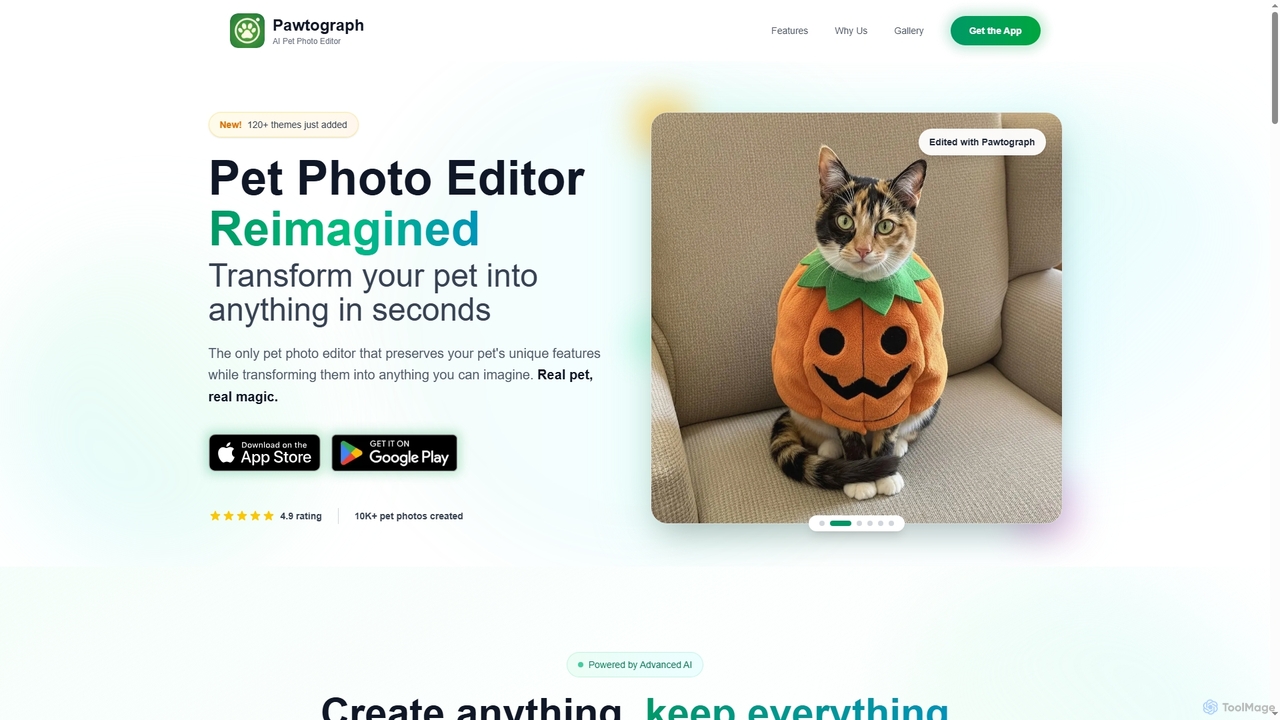
Pawtograph

Pawtograph is an AI-powered pet photo editor that transforms your pet's photos into various fun and creative scenes. …

9.1K
Gemini Photo

Gemini Photo

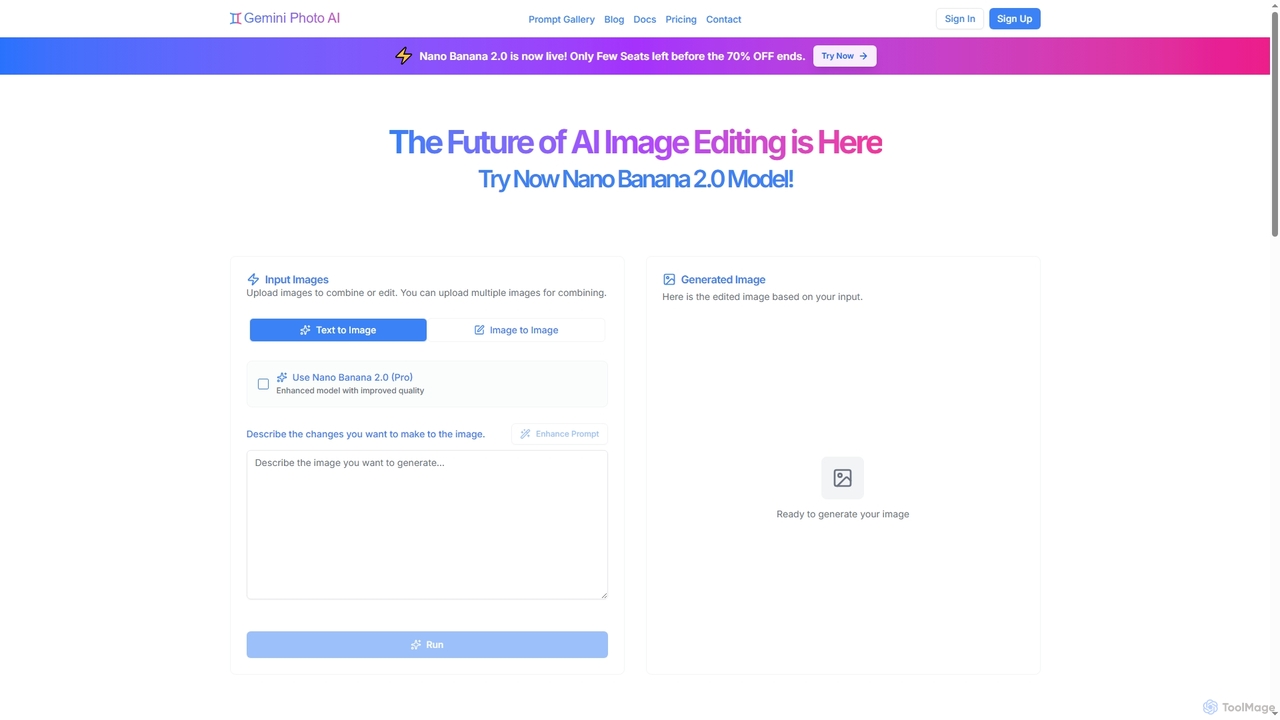
Gemini Photo is an advanced AI-powered image editing and generation tool that leverages the Nano Banana 2.0 model. …

22.1K
Fauxto Labs

Fauxto Labs

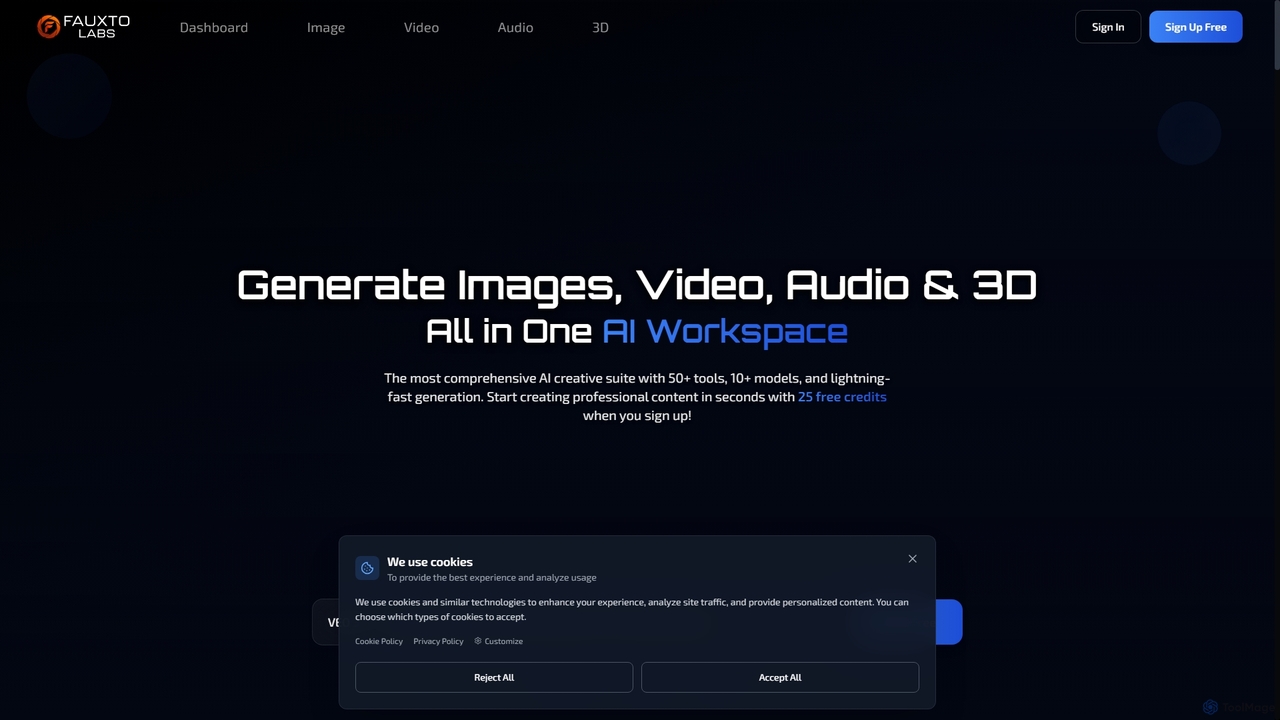
Fauxto Labs is a comprehensive AI creative suite offering over 50 tools and 10+ models for generating images, …

6.2K
Nano Banana AI

Nano Banana AI

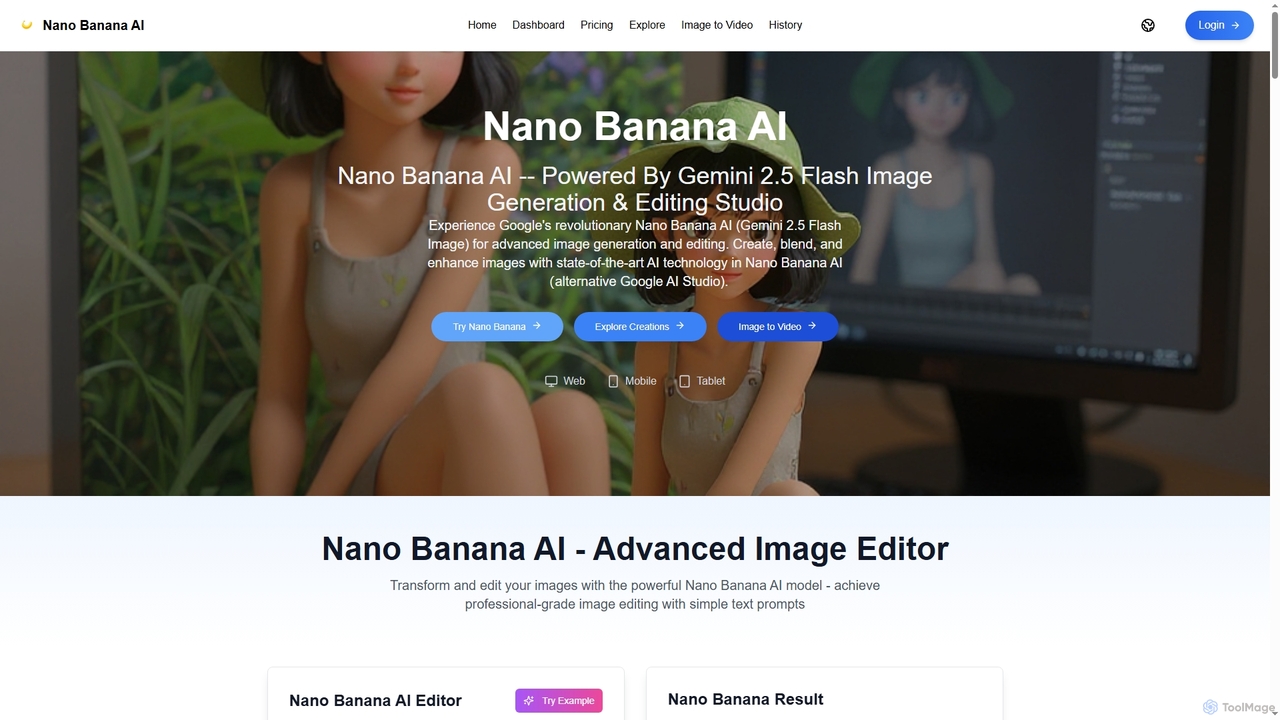
Nano Banana AI is an advanced image generation and editing studio powered by Google's Gemini 2.5 Flash Image …

9.0K
Nano Banana

Nano Banana

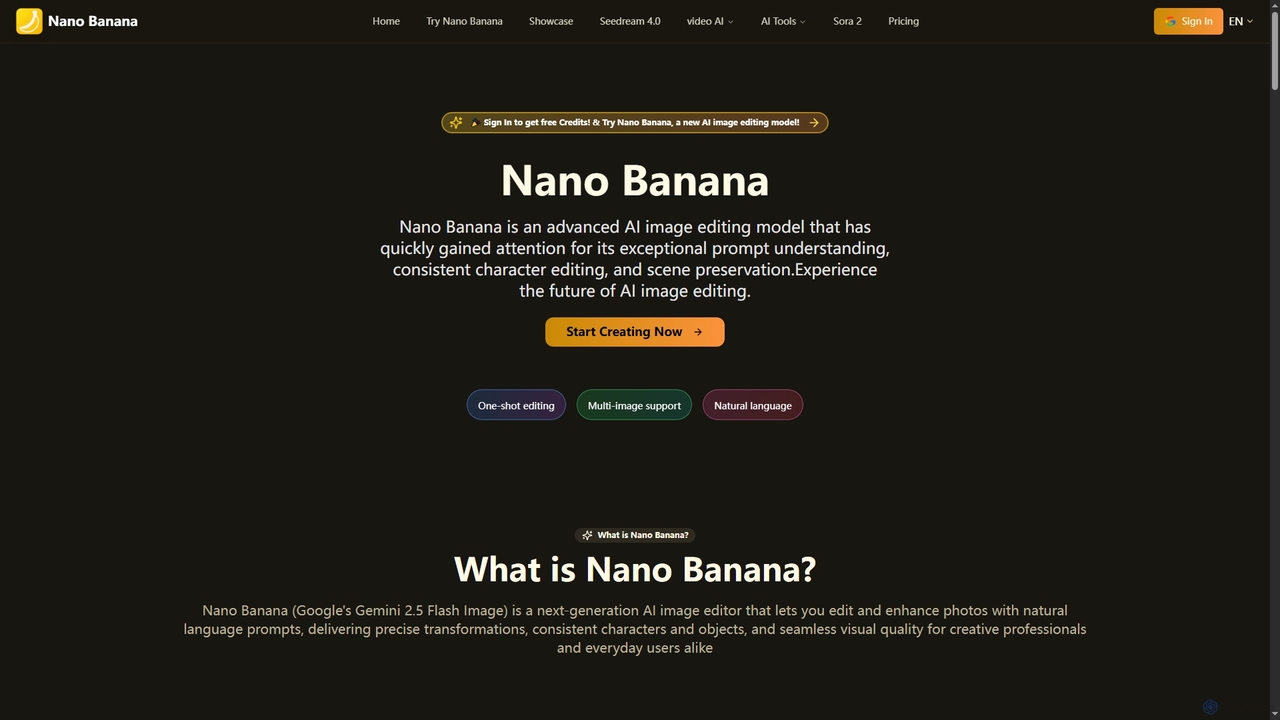
Nano Banana is an advanced AI image editing model that transforms photos with natural language prompts. It excels …

1.5M
Seedream 4 AI

Seedream 4 AI

Seedream 4 AI is an advanced online tool for lightning-fast AI image generation and editing. It transforms text …

3.3K
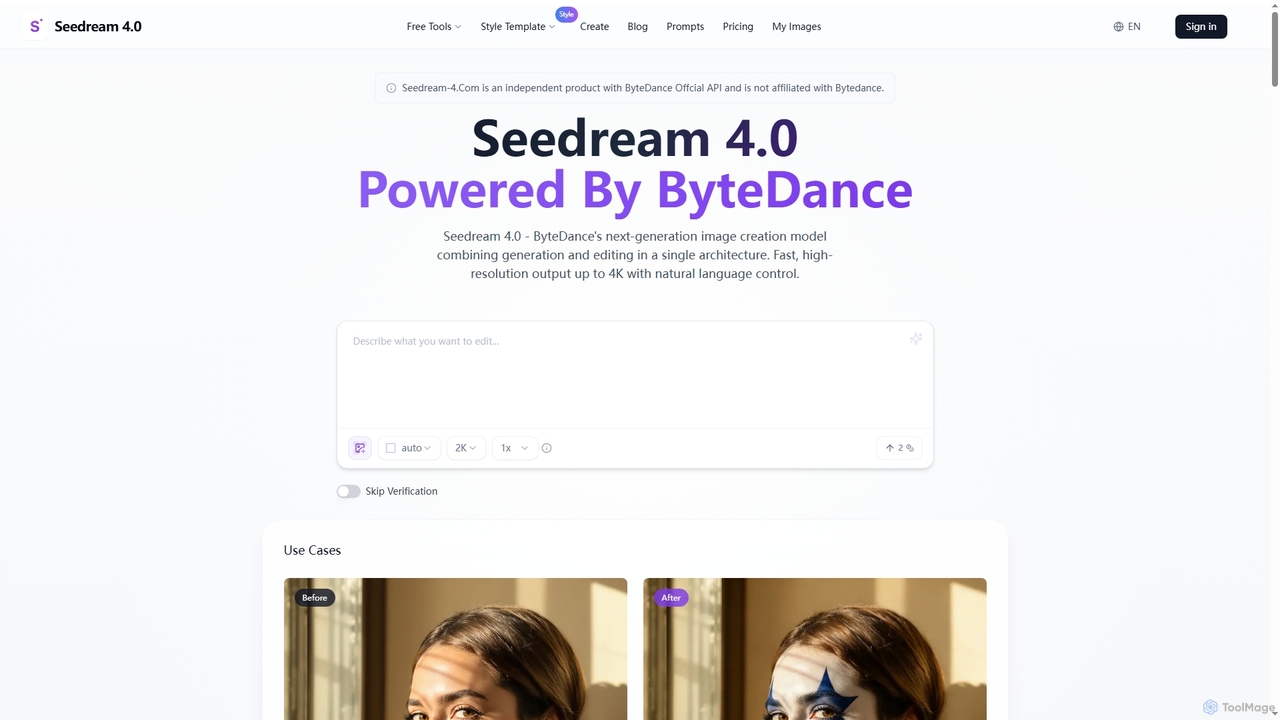
Seedream 4.0

Seedream 4.0

Seedream 4.0 is ByteDance's advanced AI image creation and editing tool, unifying text-to-image generation and image modification in …

3.5K
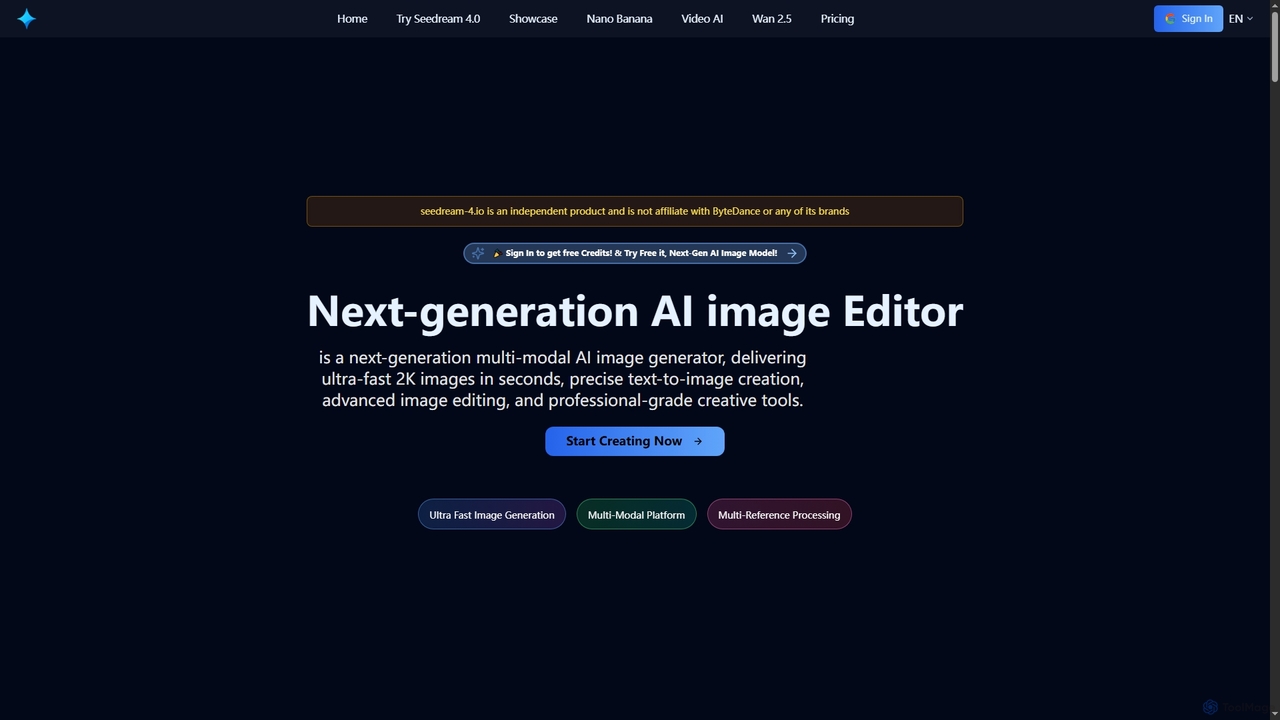
Seedream 4

Seedream 4

Seedream 4 is a cutting-edge multimodal AI platform for ultra-fast 2K image and video generation and editing. Leveraging …

62.5K

About Ai Photo Editor

AI Photo Editors are a class of tools that leverage artificial intelligence to automate and enhance image manipulation. These tools utilize machine learning algorithms for tasks like object recognition, semantic segmentation, and generative adversarial networks (GANs). This enables users to perform complex edits, improve image quality, and apply creative effects with unprecedented speed and ease. They significantly reduce manual effort, making professional-grade editing accessible to a wider audience, from casual users to professional photographers and designers.

Core Features

  • Intelligent Object Removal: Seamlessly erase unwanted elements or distractions from photos.
  • AI Background Editing: Automatically change, blur, or remove image backgrounds with precision.
  • Image Upscaling & Enhancement: Improve resolution, sharpen details, and reduce noise in low-quality images.
  • Automated Retouching: Apply skin smoothing, blemish removal, and facial feature adjustments intelligently.
  • Artistic Style Transfer: Transform photos into various artistic styles or apply advanced AI-generated filters.

Use Cases

AI photo editors are widely adopted by photographers for quick portrait and landscape refinements, by e-commerce businesses for standardizing product photos, and by social media creators for generating engaging visual content. They streamline workflows across various industries requiring efficient and high-quality image processing.

How to Choose

When selecting an AI photo editor, evaluate its specific AI capabilities such as object removal, upscaling, or artistic filters. Consider the user interface's ease of use and learning curve, especially for batch processing. Check for compatibility with existing software and assess the pricing model. Crucially, examine the output quality to ensure natural and high-fidelity results.

Ai Photo EditorUse Cases

1

Batch Background Removal for E-commerce Product Images

E-commerce operators frequently need to remove backgrounds from a large volume of product images to maintain visual consistency on their websites. AI photo editors can automatically identify the product subject and precisely cut it out, replacing the background with a solid color or transparency. This drastically reduces manual processing time, ensuring product images are quickly ready for online display.

2

Intelligent Restoration and Colorization of Old Photos

Individuals or history enthusiasts often wish to restore damaged old photographs and add natural colors to them. AI photo editors can automatically detect and repair scratches, stains, and faded areas. Through AI algorithms, they intelligently infer and fill in colors, bringing cherished memories back to life without requiring specialized restoration skills.

3

Rapid Beautification for Social Media Content

Content creators and social media marketers frequently need to publish high-quality images. AI photo editors can quickly perform portrait beautification, background blurring, and lighting adjustments. They can apply professional-grade filters and styles with a single click, helping users create eye-catching visual content in a short amount of time and boost engagement rates.

4

Optimization of Architectural and Interior Design Renderings

Architects and interior designers often need to optimize their renderings post-completion to enhance visual impact. AI photo editors can intelligently adjust lighting and shadows, remove unnecessary elements from the scene (like construction debris), and even intelligently add skies or vegetation based on the context, making renderings more realistic and appealing.

5

Professional Portrait Photography Post-Production Refinement

Photographers, after shooting numerous portraits, need to meticulously refine each image. AI photo editors can intelligently identify facial features, performing skin smoothing, blemish removal, teeth whitening, and eye sparkle enhancement while preserving natural details. This significantly shortens post-processing time and improves delivery efficiency for professional photographers.

6

Intelligent Composition and Enhancement for Travel Photos

Travel enthusiasts often want to make their casual snapshots look more artistic. AI photo editors can intelligently analyze photo content, offer composition suggestions, and automatically adjust exposure, contrast, and color saturation. They can even remove irrelevant tourists or objects from the frame, allowing ordinary travel photos to achieve professional-grade visual effects.

Ai Photo EditorFrequently Asked Questions