
ToolMage
Sign in

Best 1 Ai AI tools for Image Editing

Popular Ai AI tools in Image Editing include LightX Editor, helping you work more efficiently.

LightX Editor
Freemium

LightX Editor

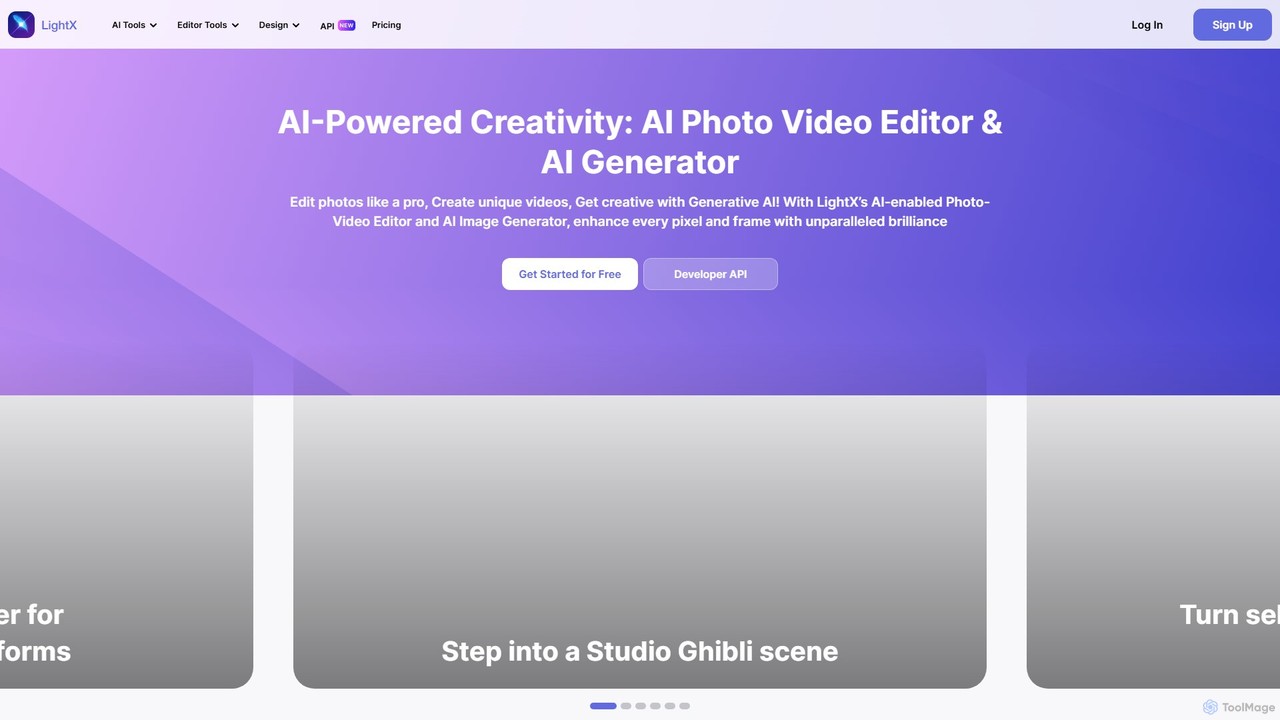
LightX is an all-in-one AI-powered creative suite for photo editing, video editing, and image generation. It offers a vast array of tools, from professional headshots and product photoshoots to fun avatars and artistic filters, catering to beginners, content creators, and marketers alike.

Image Generation
Visits 474.6KFavorites 128Likes 143

About Ai

Ai in image editing refers to advanced tools that leverage artificial intelligence to automate, enhance, and simplify various aspects of photo and graphic manipulation. These tools utilize machine learning algorithms to understand image content, identify objects, and apply sophisticated adjustments with unprecedented precision and speed. They empower users to achieve professional-grade results, significantly reducing manual effort and opening new creative possibilities for visual content creation.

Core Features

  • Intelligent Background Removal: Automatically detects and precisely isolates subjects from their backgrounds, enabling quick replacement or transparency.
  • Object Removal and Retouching: Seamlessly erases unwanted elements or blemishes from images, intelligently filling the void with surrounding pixels.
  • Image Upscaling and Enhancement: Uses AI to intelligently increase image resolution and detail without pixelation, improving overall clarity and quality.
  • Smart Selection and Masking: Automatically identifies and creates precise selections or masks for complex objects like hair or intricate patterns.
  • AI-Powered Color Correction: Analyzes image content to suggest and apply optimal color, tone, and exposure adjustments for visual balance.

Use Cases

AI-powered image editing is indispensable for professionals and enthusiasts alike. E-commerce businesses use it to standardize product photos by quickly removing backgrounds. Photographers leverage AI for efficient portrait retouching and enhancing image quality. Graphic designers utilize AI to quickly remove distractions or upscale assets for various projects, streamlining their workflow and ensuring high-quality visual output across platforms.

How to Choose

When selecting Ai image editing tools, consider the specific features you need, such as background removal accuracy or upscaling quality. Evaluate the ease of use and integration with your existing workflow. Look into the pricing model, whether subscription-based or one-time purchase, and assess the output quality and consistency. Finally, check for compatibility with your operating system and other design software.

Featured tool rankings

Ai use cases

1

Batch Background Removal for E-commerce Products

E-commerce managers often need to prepare hundreds of product images for online listings. AI image editing tools allow them to automatically detect and remove backgrounds from product photos in bulk, ensuring a consistent, clean look across all items. This drastically reduces the time spent on manual photo editing, accelerating product launches and maintaining brand consistency.

2

Professional Portrait Retouching and Enhancement

Photographers can utilize Ai features to streamline portrait post-processing. Tools can intelligently smooth skin, whiten teeth, brighten eyes, and remove minor blemishes without losing natural texture. This automation frees up significant time, allowing photographers to focus more on creative aspects while delivering polished, high-quality images to clients efficiently.

3

Removing Unwanted Objects from Scenes

Content creators and marketers frequently encounter distracting elements in their photos. AI object removal tools enable users to effortlessly erase unwanted people, signs, or clutter from images. The AI intelligently reconstructs the background, making the removal seamless and natural, which is crucial for maintaining a clean and professional visual narrative.

4

Upscaling Low-Resolution Images for Print

Designers often work with low-resolution images that need to be scaled up for print or large displays. AI upscaling tools can intelligently add pixels and detail, transforming blurry or pixelated images into high-resolution assets suitable for professional use. This capability is vital for maintaining image quality across different media without needing to reshoot or find higher-resolution originals.

5

Applying Artistic Styles and Filters

Social media managers and digital artists can use Ai tools to apply complex artistic styles or filters to images with a single click. These AI models learn from vast datasets of art to transform photos into paintings, sketches, or other unique visual aesthetics. This allows for rapid content creation with diverse visual themes, enhancing engagement and creative expression.

6

Smart Selection and Masking for Complex Edits

Graphic designers often face challenges with intricate selections, such as hair, fur, or complex patterns. AI-powered selection tools automatically identify and create precise masks for these difficult elements, saving hours of manual path creation. This precision is essential for compositing images, replacing backgrounds, or applying localized adjustments with professional accuracy.

Ai FAQ

What is Ai in image editing?

Ai in image editing refers to the integration of artificial intelligence and machine learning algorithms into photo and graphic manipulation software. These tools automate complex tasks like background removal, object retouching, and image enhancement, making editing faster and more accessible. They analyze image content to perform intelligent adjustments, significantly improving efficiency and output quality for users.

How does Ai enhance traditional image editing workflows?

Ai significantly enhances traditional image editing by automating repetitive and time-consuming tasks. For instance, AI can instantly remove backgrounds, intelligently fill in removed objects, or upscale low-resolution images without manual pixel-by-pixel work. This automation allows editors to focus on creative decisions rather than tedious operations, speeding up workflows and enabling higher volumes of processed images with consistent quality.

What are the main benefits of using Ai-powered image editing tools?

The main benefits include increased efficiency, improved quality, and expanded creative possibilities. Ai tools drastically reduce the time spent on tasks like background removal or retouching. They can achieve results that are difficult or impossible manually, such as intelligent upscaling. Furthermore, AI democratizes advanced editing techniques, making professional-grade results accessible to users of all skill levels, fostering greater creativity.

How do I choose the right Ai image editing tool for my needs?

To choose the right Ai image editing tool, first identify your primary needs: do you mostly need background removal, upscaling, or retouching? Evaluate the tool's accuracy and quality for those specific features. Consider its ease of use, integration with your existing software, and pricing model. Reading reviews and trying free trials can also help assess performance and user experience before committing.

Is Ai image editing replacing professional human editors?

Ai image editing tools are powerful assistants, not replacements, for professional human editors. While AI automates many repetitive tasks, human creativity, artistic vision, and nuanced decision-making remain indispensable. Professionals use AI to enhance their efficiency and focus on complex creative challenges, leveraging AI for speed and precision while retaining ultimate control over the artistic direction and final output.