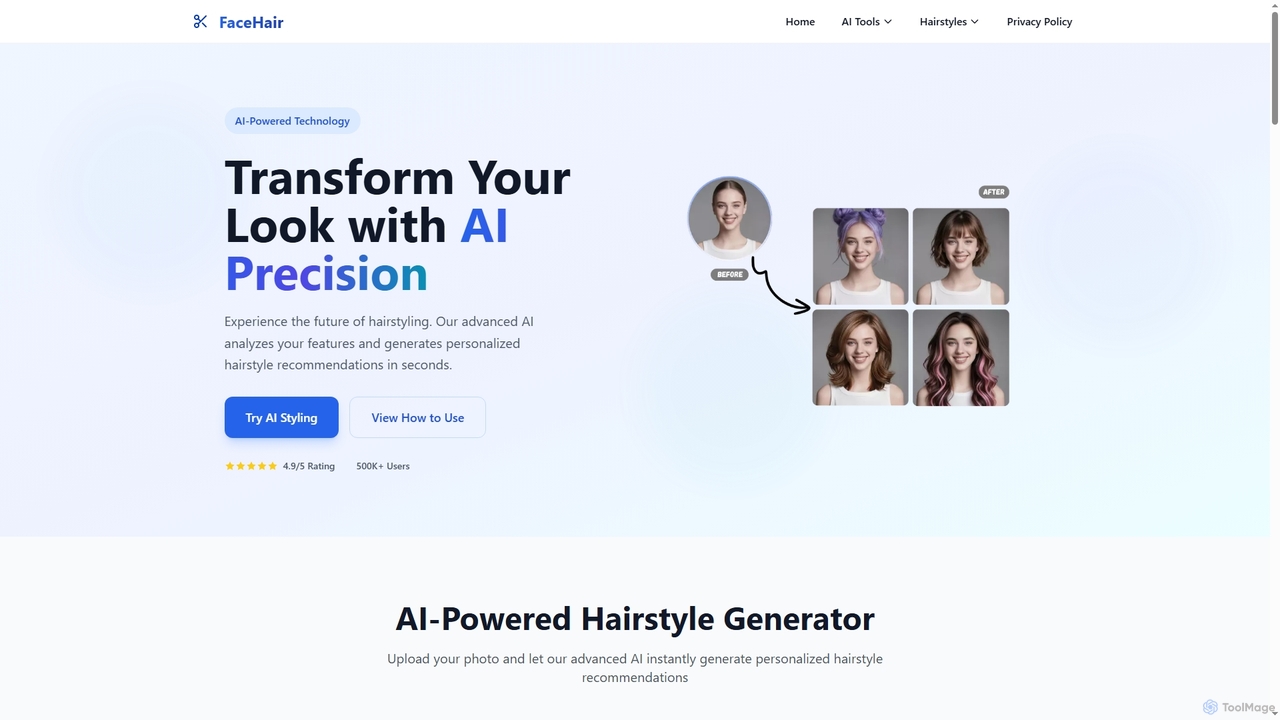
AI Photo Tools are a category of advanced software that leverage artificial intelligence to enhance, modify, and generate elements within existing photographs. These tools utilize deep learning algorithms to understand image content, automate complex editing tasks, and achieve sophisticated visual results. They empower photographers, designers, and everyday users to transform images with unprecedented speed and precision, moving beyond traditional manual editing.
Core Features
- AI Background Removal/Replacement: Automatically detects and isolates subjects, allowing for seamless background changes or removal.
- Smart Image Enhancement: Intelligently adjusts exposure, color, contrast, and sharpness for optimal visual appeal.
- AI Portrait Retouching: Automatically smooths skin, whitens teeth, brightens eyes, and applies virtual makeup while maintaining naturalness.
- Object Removal/Addition: Accurately identifies and removes unwanted objects or seamlessly integrates new elements into a scene.
- Image Upscaling & Restoration: Enhances resolution and restores details in low-quality or old photographs, removing scratches and noise.
Use Cases
AI Photo Tools are widely adopted across various professional and personal contexts. Content creators use them to quickly prepare visually striking images for social media and marketing campaigns. E-commerce businesses leverage these tools for consistent product photography, such as batch background removal and color correction. Professional photographers utilize AI for efficient portrait retouching and landscape enhancement, saving significant post-processing time.
How to Choose
When selecting an AI Photo Tool, consider its specific functionalities, such as background removal, portrait enhancement, or object manipulation, to match your primary needs. Evaluate the quality and naturalness of the AI's output, as some tools offer more realistic results than others. Assess the user interface for ease of use and integration with your existing workflow. Finally, compare pricing models, including subscription costs or one-time purchases, and check for compatibility with your operating system.