Nano Banana
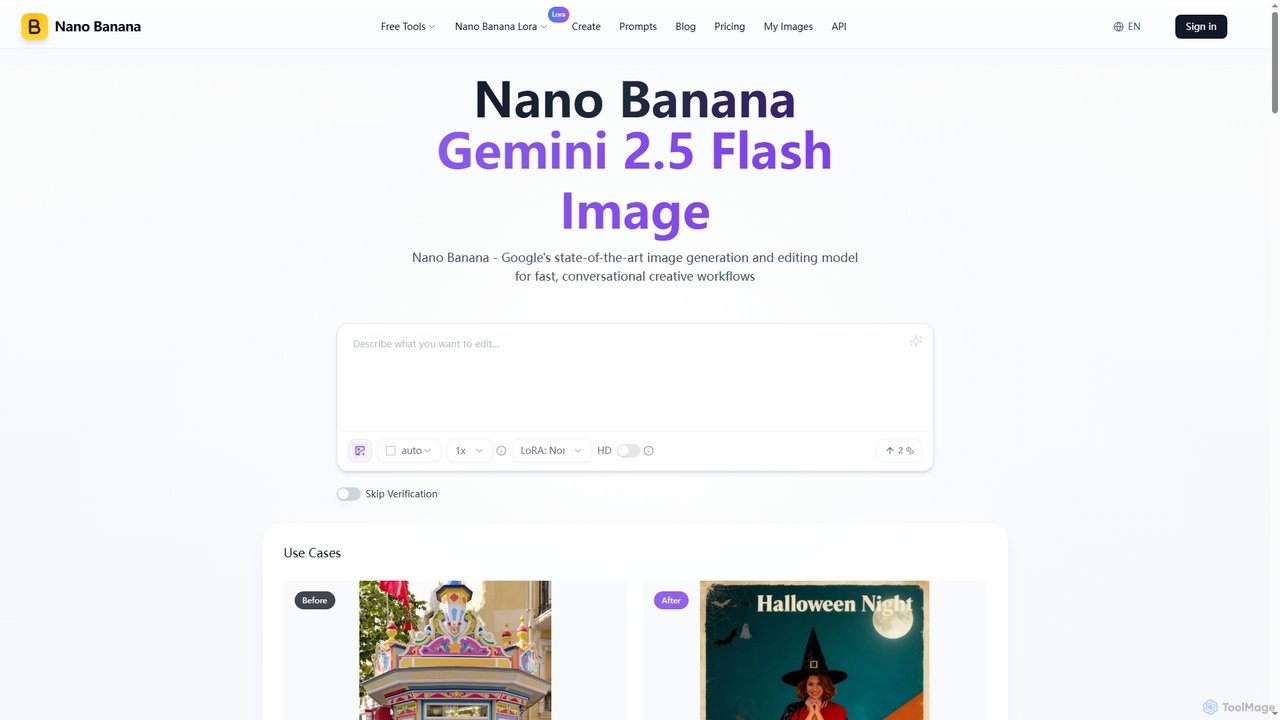
Nano Banana is an advanced AI image generation and editing tool powered by Google's Gemini 2.5 Flash Image …
Nano Banana is an advanced AI image generation and editing tool powered by Google's Gemini 2.5 Flash Image model. It excels in fast, conversational creative workflows, offering unmatched character consistency, multi-image fusion, and deep world knowledge for precise visual transformations and asset creation.
Sora2ai
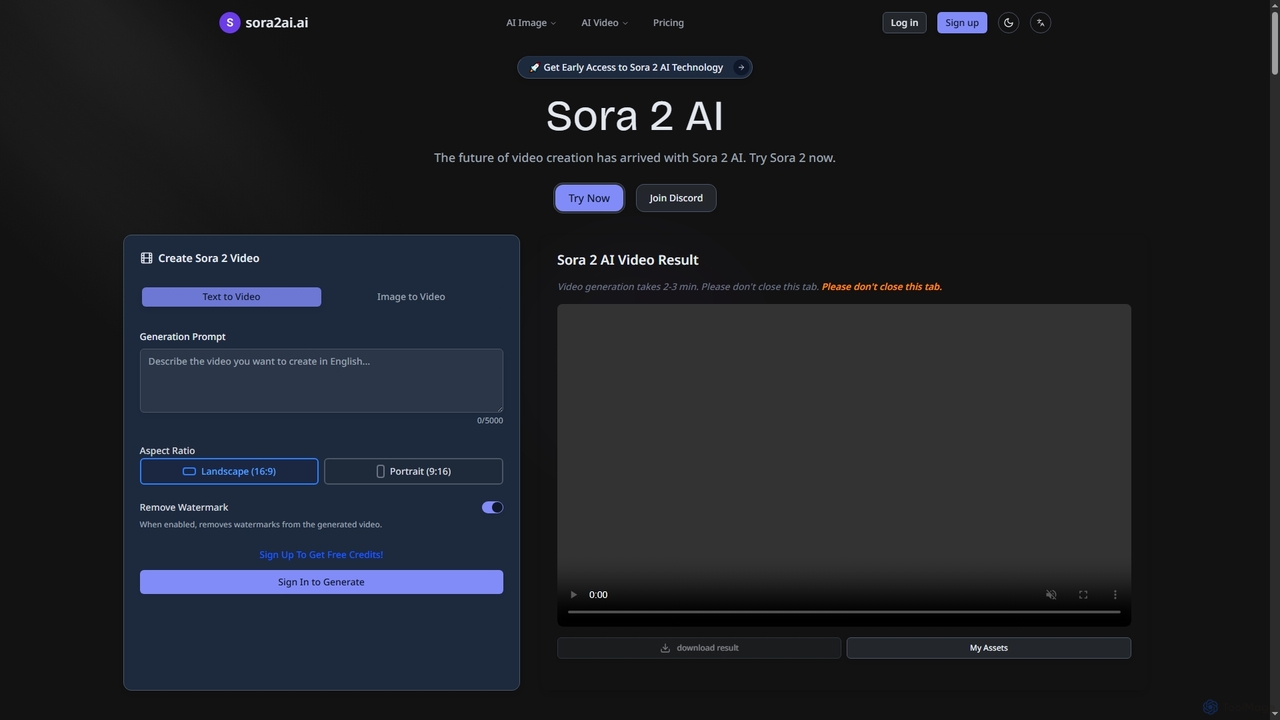
Sora2ai is a comprehensive AI creative platform offering early access to advanced AI video and image generation. It …
Sora2ai is a comprehensive AI creative platform offering early access to advanced AI video and image generation. It integrates cutting-edge models like Sora 2 for 20-second continuous video generation with unique cameos and native audio, Google's Veo 3 for cinematic videos, and NanoBanana for powerful image editing, providing a unified workflow for diverse creative needs.
Nano Banana
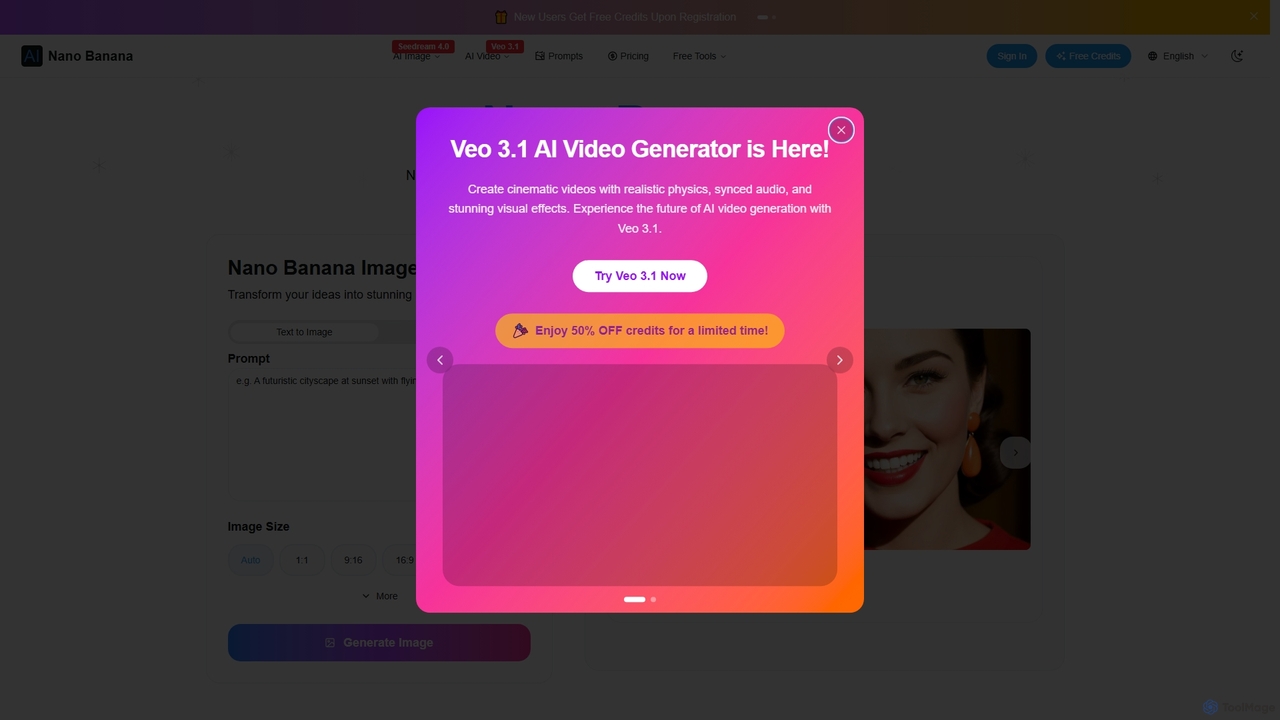
Nano Banana is an AI-powered image editor driven by natural language prompts, utilizing Gemini 2.5 Flash Image technology. …
Nano Banana is an AI-powered image editor driven by natural language prompts, utilizing Gemini 2.5 Flash Image technology. It excels at precise, effortless edits while maintaining character consistency, scene layout, and lighting across various images.
Wawoo AI
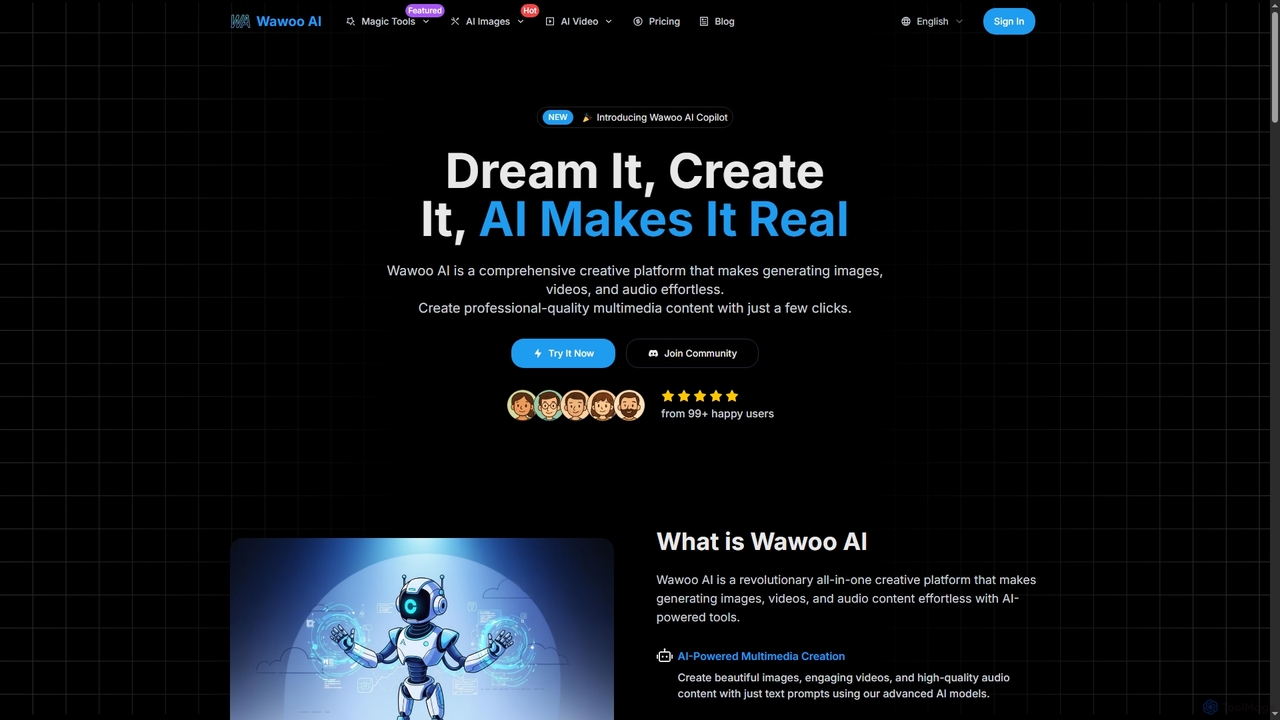
Wawoo AI is an all-in-one creative platform leveraging advanced AI to effortlessly generate professional-quality images, videos, and audio …
Wawoo AI is an all-in-one creative platform leveraging advanced AI to effortlessly generate professional-quality images, videos, and audio from simple text prompts. It empowers creators of all skill levels to produce stunning multimedia content rapidly, offering features like AI Copilot, multiple AI models, and commercial usage rights.
About Ai Image Editing
AI Image Editing tools are a specialized category within image editing that leverage artificial intelligence to automate, enhance, and transform images. These tools utilize machine learning and deep learning algorithms to perform complex tasks like object recognition, background removal, style transfer, and intelligent retouching with remarkable precision. They significantly streamline workflows, enabling users to achieve professional-grade results faster and with less manual effort. This makes advanced image manipulation accessible to a wider audience, from casual users to professional designers.
Core Features
- Intelligent Object Recognition & Removal: Automatically identifies and precisely removes unwanted objects or backgrounds from images.
- AI-Powered Image Enhancement: Smartly optimizes image quality, adjusting brightness, contrast, color balance, and sharpness.
- Style Transfer & Artistic Filters: Applies unique artistic styles from one image to another, creating distinctive visual effects.
- Resolution Upscaling & Super-Resolution: Intelligently increases image resolution without significant loss of detail, enhancing clarity.
- Automated Portrait Retouching: Performs automatic skin smoothing, blemish removal, and facial feature adjustments for perfect portraits.
Applicable Scenarios
AI image editing tools are invaluable for content creators, marketers, and photographers who need to process large volumes of images efficiently. They are widely used in e-commerce for product photo optimization, in social media for creating engaging visuals, and in design for rapid prototyping and concept visualization. These tools empower users to achieve consistent branding and high-quality outputs across various platforms.
How to Choose
When selecting an AI image editing tool, consider the specific AI features you need, such as object removal accuracy or upscaling quality. Evaluate its ease of use, integration capabilities with your existing software, and the speed of processing, especially for batch operations. Also, assess the output quality, supported file formats, and the pricing model to ensure it aligns with your budget and workflow requirements.

Ai Image EditingUse Cases
Batch Background Removal for E-commerce Products
An e-commerce manager needs to upload hundreds of product images daily, all requiring a clean, white background. Using an AI image editing tool, they can upload all images at once, and the AI automatically detects and removes the background from each product, ensuring consistency and saving hours of manual labor. This results in professional-looking product listings that enhance customer perception and conversion rates.
Restoring Old and Damaged Family Photos
A family historian wants to digitize and preserve old, faded, and scratched family photos. Instead of costly professional restoration, they use an AI image editing tool to automatically enhance colors, sharpen blurry details, and remove scratches and dust. The AI's intelligent algorithms reconstruct missing information, bringing cherished memories back to life with improved clarity and vibrancy, making them suitable for sharing digitally or printing.
Generating Diverse Social Media Visuals with AI Styles
A social media manager needs to create engaging and varied visual content daily for different campaigns. Instead of manually applying filters or hiring a graphic designer for every post, they use an AI image editing tool's style transfer feature. By applying various artistic styles and filters to their base images, they can quickly generate dozens of unique visual variations, keeping their brand fresh and captivating their audience across multiple platforms without extensive design work.
Optimizing Architectural Renderings for Client Presentations
An architect or interior designer has a raw architectural rendering that needs to look more polished and realistic for a client presentation. Using an AI image editing tool, they can intelligently adjust lighting, add realistic textures, or even remove distracting elements like construction debris from the foreground. The AI enhances the visual appeal and realism of the rendering, helping the client better visualize the final project and increasing the chances of project approval.
Upscaling Low-Resolution Game Assets for Modern Displays
A game developer has legacy game assets (textures, icons, character models) that are in low resolution but need to be adapted for modern high-definition displays without a complete re-design. By feeding these assets into an AI image editing tool with super-resolution capabilities, the AI intelligently reconstructs details and upscales them to higher resolutions. This process preserves the original artistic style while significantly improving visual fidelity, saving immense time and resources compared to manual asset recreation.
Generating Multiple Ad Creative Variations for A/B Testing
A marketing team needs to test various ad creatives to identify the most effective ones for their digital campaigns. Instead of manually creating numerous versions of an image with different color schemes, text placements, or background elements, they use an AI image editing tool. The AI can quickly generate multiple variations from a single base image, allowing the team to efficiently A/B test different visual elements and optimize their ad performance, leading to higher engagement and conversion rates.