ToolMage
Sign in

Best 4 Ai Image Editor AI tools for Image Editing

Popular Ai Image Editor AI tools in Image Editing include Wan25, Nano Banana, and Gempix2, helping you work more efficiently.

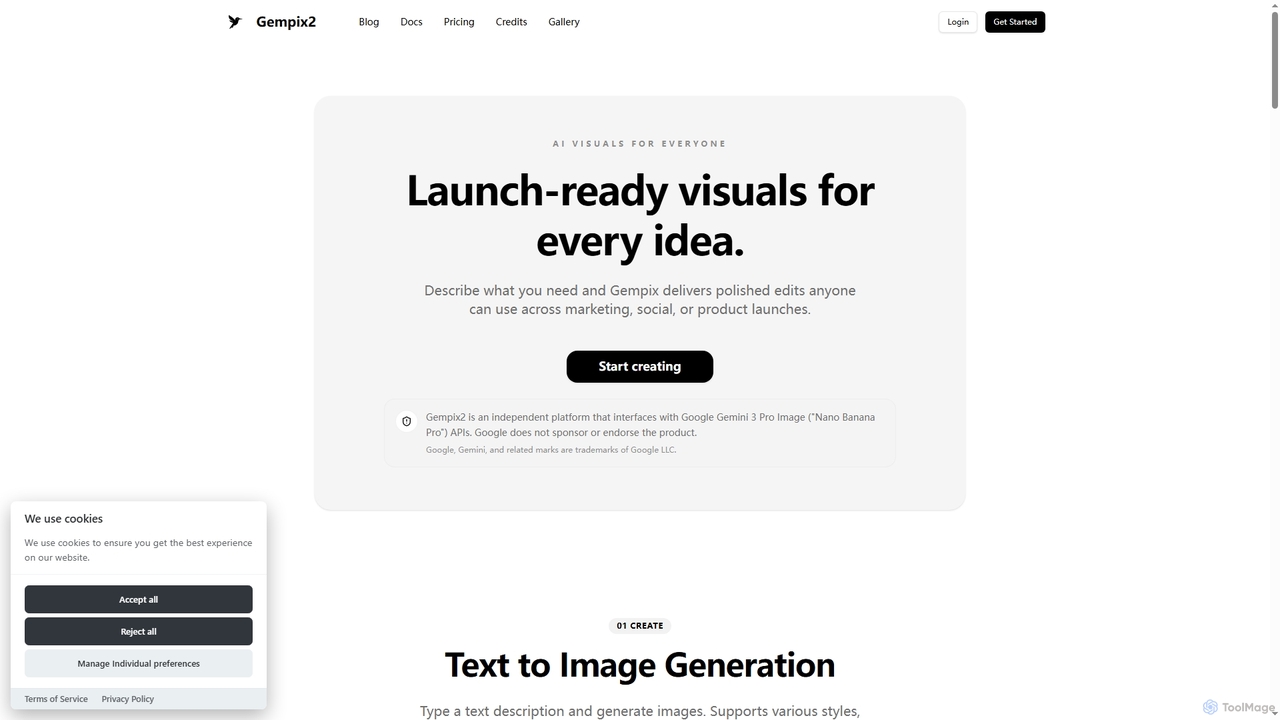
Gempix2
Freemium

Gempix2

Gempix2 is an advanced AI image generation and editing platform powered by Google Gemini 3 Pro Image (Nano Banana Pro) APIs. It enables users to create stunning visuals from text, modify existing images, and generate style variations with precise control, multilingual text rendering, and factual grounding.

Creative Asset Generation
Visits 5.1KFavorites 125Likes 116
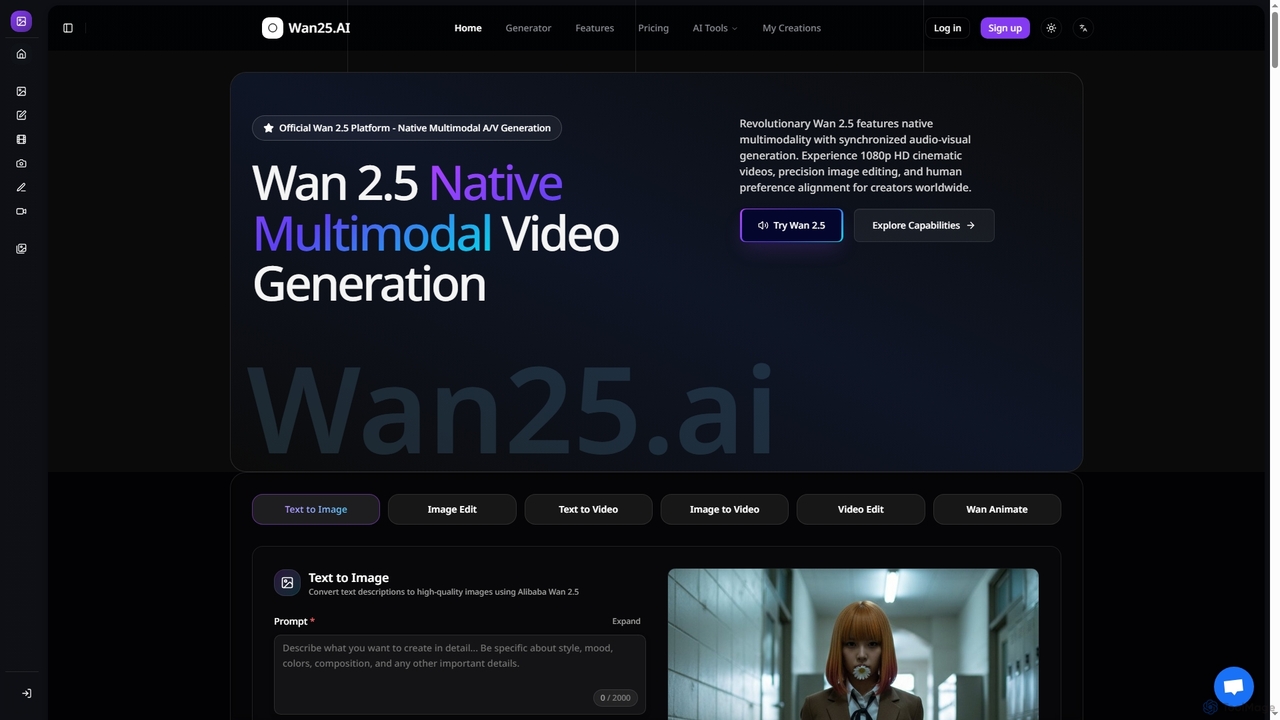
Wan25
Paid

Wan25

Wan25 is a revolutionary native multimodal AI platform for synchronized audio-visual content generation. It creates 1080p HD cinematic videos, high-quality images, and offers advanced editing capabilities from text or images. Leveraging a unified architecture and RLHF, Wan25 delivers professional-grade results with high fidelity and human preference alignment for creators and researchers.

Ai Content Creation
Visits 42KFavorites 117Likes 109
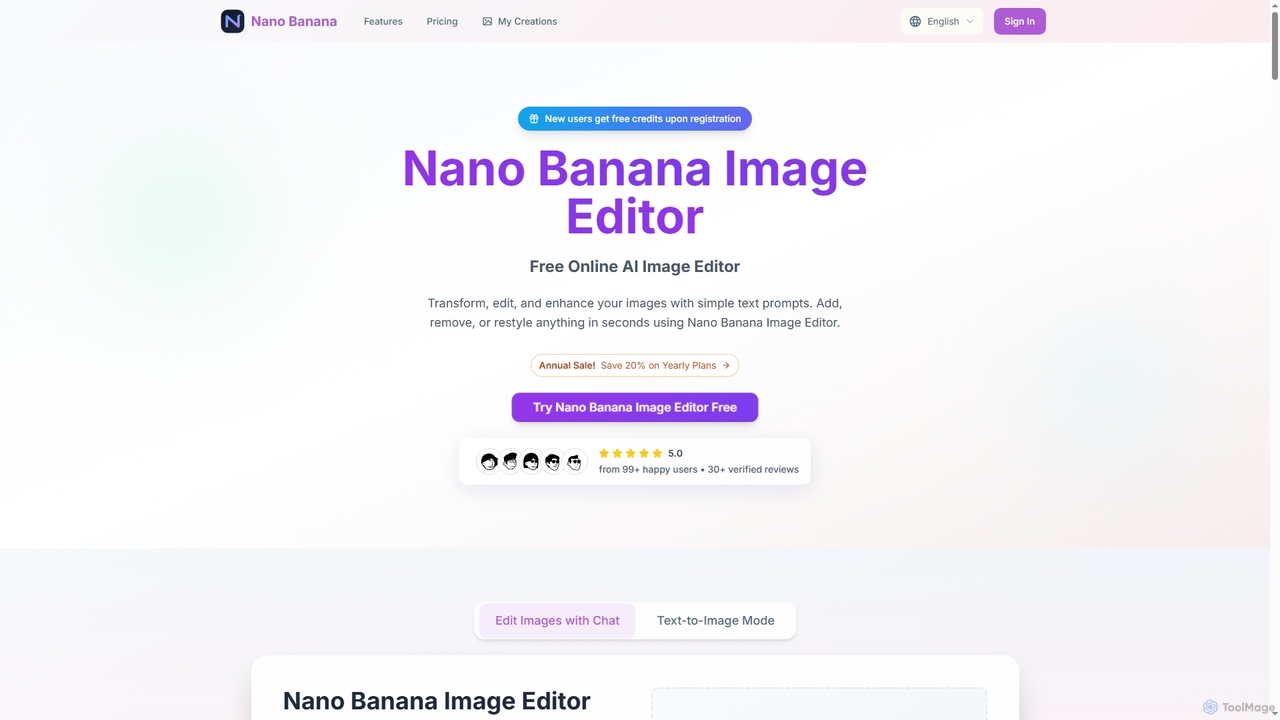
Nano Banana
Freemium

Nano Banana

Nano Banana is an advanced online AI image editor that allows users to transform, edit, and enhance their images using simple text prompts. It enables quick additions, removals, or restyling of elements, generating high-quality, 2K resolution visuals in seconds, making professional image editing accessible to everyone.

Photo Enhancement
Visits 6.2KFavorites 96Likes 93
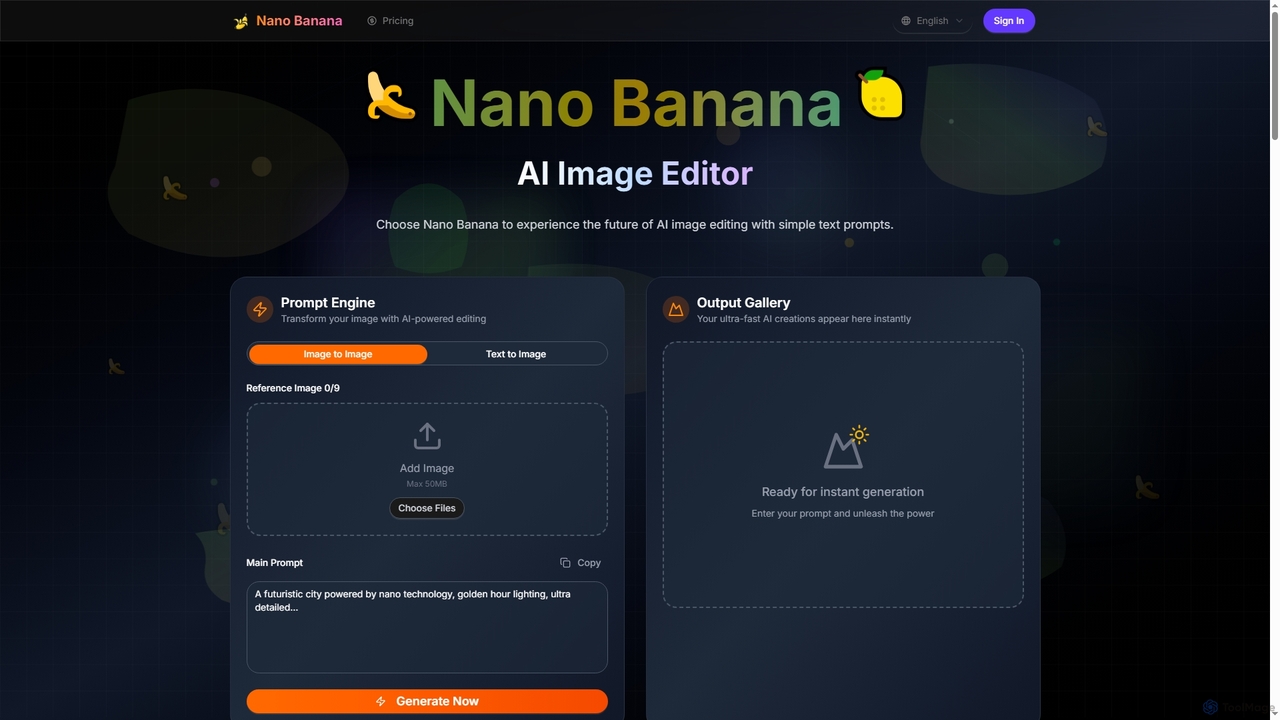
Nano Banana
Freemium

Nano Banana

Nano Banana is an advanced AI image editor and generator that transforms text prompts into stunning visuals and offers comprehensive image manipulation capabilities. It provides over 20 unique artistic styles, professional editing features like object addition and background transformation, and even video generation from text, catering to both casual users and creative professionals.

Digital Art
Visits 5.1KFavorites 130Likes 125

About Ai Image Editor

AI Image Editors are tools that leverage artificial intelligence to automate and simplify complex photo editing tasks. They use advanced algorithms for semantic understanding and generative models to perform actions like intelligent object removal, seamless background replacement, and one-click enhancements. This technology makes professional-grade editing accessible to users of all skill levels, significantly accelerating workflows for content creators, marketers, and photographers. Unlike traditional software that requires manual selections, AI editors understand the image content to execute precise, context-aware modifications.

Core Features

  • AI Object Removal: Intelligently erases unwanted people, text, or objects from photos, automatically reconstructing the background.
  • Generative Fill & Expand: Adds, extends, or replaces parts of an image using simple text prompts, a feature also known as inpainting and outpainting.
  • Smart Enhancement: Automatically adjusts brightness, color, contrast, and sharpness with a single click to improve overall image quality.
  • AI Background Tools: Instantly removes or replaces the background of an image without needing complex manual masking.
  • Style Transfer: Applies the artistic style of a source image or a predefined aesthetic to your photo.

Use Cases

AI Image Editors are widely used in e-commerce for batch processing product photos, in social media marketing for quickly creating campaign visuals, and in professional photography for speeding up portrait retouching. They are also valuable for real estate professionals enhancing property images and for casual users cleaning up personal photos.

How to Choose

When selecting an AI Image Editor, consider its specific feature set—whether it excels at enhancement, object removal, or generative tasks. Evaluate its integration capabilities, such as plugins for existing software like Photoshop. Also, compare pricing models, which often involve subscriptions or credit-based systems, and assess the user interface to ensure it matches your technical skill level.

Ai Image Editor use cases

1

E-commerce Product Photo Cleanup

An e-commerce store owner needs to prepare hundreds of new product photos for their online store. The images have inconsistent backgrounds and minor imperfections. Using an AI Image Editor, they can batch-process all photos to instantly remove the original backgrounds and replace them with a clean, uniform white. The AI object removal tool is then used to erase any dust, scratches, or unwanted reflections on the products, ensuring a professional and consistent look across the entire catalog. This process reduces manual editing time by over 90%.

2

Rapid Social Media Content Adaptation

A social media manager has a great photo but needs to adapt it for different platforms and campaigns. Using an AI Image Editor's generative expand (outpainting) feature, they can instantly change the image's aspect ratio from square to vertical for Stories, and the AI generates a natural-looking extension of the background. They then use generative fill to add seasonal elements, like autumn leaves or holiday decorations, by simply typing a text prompt. This allows for the rapid creation of multiple, contextually relevant visual assets from a single source image.

3

Real Estate Photo Enhancement

A real estate agent needs to make property photos look more appealing. A key exterior shot was taken on an overcast day, making the property look dull. Using an AI Image Editor, the agent applies an AI Sky Replacement feature to instantly change the gloomy sky to a bright, sunny one. For interior shots, the Smart Enhancement tool is used to automatically correct lighting, improve color vibrancy, and sharpen details, making rooms appear more spacious and inviting. This process helps create more attractive listings that capture potential buyers' attention without needing a professional retoucher.

4

Efficient Portrait Retouching

A professional photographer needs to retouch a large batch of portraits from a recent photoshoot. Manually editing each photo to remove blemishes and smooth skin is time-consuming. By using an AI Image Editor, they can apply an AI-powered portrait tool that automatically detects faces, removes blemishes, reduces wrinkles, and evens out skin tone while preserving natural texture. This automated process reduces the time spent on basic retouching for each photo from several minutes to just a few seconds, allowing the photographer to deliver the final images to the client much faster.

5

Removing Distractions from Travel Photos

A travel blogger captured a beautiful photo of a landmark, but it's cluttered with tourists and a distracting trash can in the foreground. Instead of discarding the photo, they use an AI Image Editor's object removal tool. They simply paint over the unwanted people and the trash can, and the AI intelligently fills in the erased areas by analyzing the surrounding background, such as the pavement and architecture. The result is a clean, professional-looking photo that focuses solely on the landmark, making it perfect for their blog and social media channels.

6

Creative Brainstorming for Ad Campaigns

An art director is exploring concepts for a new ad featuring a beverage bottle. Instead of organizing a costly photoshoot for each idea, they use an AI Image Editor with generative fill. Starting with a clean product shot, they select the area around the bottle and enter text prompts like "on a snowy mountain peak at sunrise" or "surrounded by glowing tropical flowers at night." The AI generates multiple high-quality visual concepts in seconds, allowing the team to rapidly iterate and visualize different campaign directions before committing to a final concept. This dramatically speeds up the creative process and reduces pre-production costs.

Ai Image Editor FAQ

What is an AI Image Editor?

An AI Image Editor is a type of software that uses artificial intelligence to perform or simplify photo editing tasks. Unlike traditional editors that rely on manual tools like selection brushes and clone stamps, AI editors understand the content and context of an image. This allows them to automate complex actions such as removing objects and seamlessly rebuilding the background, replacing the sky, or enhancing an entire photo with a single click. They make advanced editing techniques accessible to everyone, regardless of skill level.

What's the difference between an AI Image Editor and an AI Image Generator?

The key difference lies in their primary function: modification versus creation.

  • An AI Image Editor works with an existing image. Its purpose is to modify, enhance, or repair a photo you provide, for example, by removing an object or changing the background.
  • An AI Image Generator creates a new image from scratch, typically based on a text description (prompt). You describe what you want to see, and it generates a completely original picture.
In short, you use an editor to fix or alter what you already have, and a generator to create something entirely new.

What are the main features of AI Image Editors?

While features vary between tools, most modern AI Image Editors include a core set of capabilities powered by artificial intelligence. Common features include:

  • Object Removal: Intelligently erasing unwanted elements from a photo.
  • Background Replacement: Automatically detecting the subject and changing the background.
  • Generative Fill/Expand: Using text prompts to add or extend parts of an image.
  • One-Click Enhancement: Automatically adjusting color, light, and sharpness for optimal results.
  • AI Upscaling: Increasing image resolution and quality without losing detail.

How do I choose the right AI Image Editor?

To choose the right AI Image Editor, evaluate your specific needs against these factors:

  • Primary Use Case: Do you need it mostly for removing objects, enhancing portraits, changing backgrounds, or creative generative edits? Some tools specialize in one area.
  • Workflow Integration: Do you prefer a standalone web or desktop application, or a plugin that integrates with software you already use, like Adobe Photoshop or Lightroom?
  • Pricing Model: Compare subscription plans versus pay-as-you-go credit systems. A subscription is better for frequent use, while credits may be more cost-effective for occasional tasks.
  • Ease of Use: Look for a tool with an intuitive interface that matches your skill level. Many offer free trials, which are a great way to test the user experience before committing.

Who can benefit from using an AI Image Editor?

A wide range of users can benefit from AI Image Editors. Marketers and social media managers can quickly create and adapt visuals for campaigns. E-commerce owners can efficiently produce clean, professional product photos. Photographers can significantly speed up their retouching workflow. Graphic designers can use generative features for creative exploration. Finally, casual users can easily fix imperfections in their personal photos without needing to learn complex software, making professional-level editing accessible to everyone.