

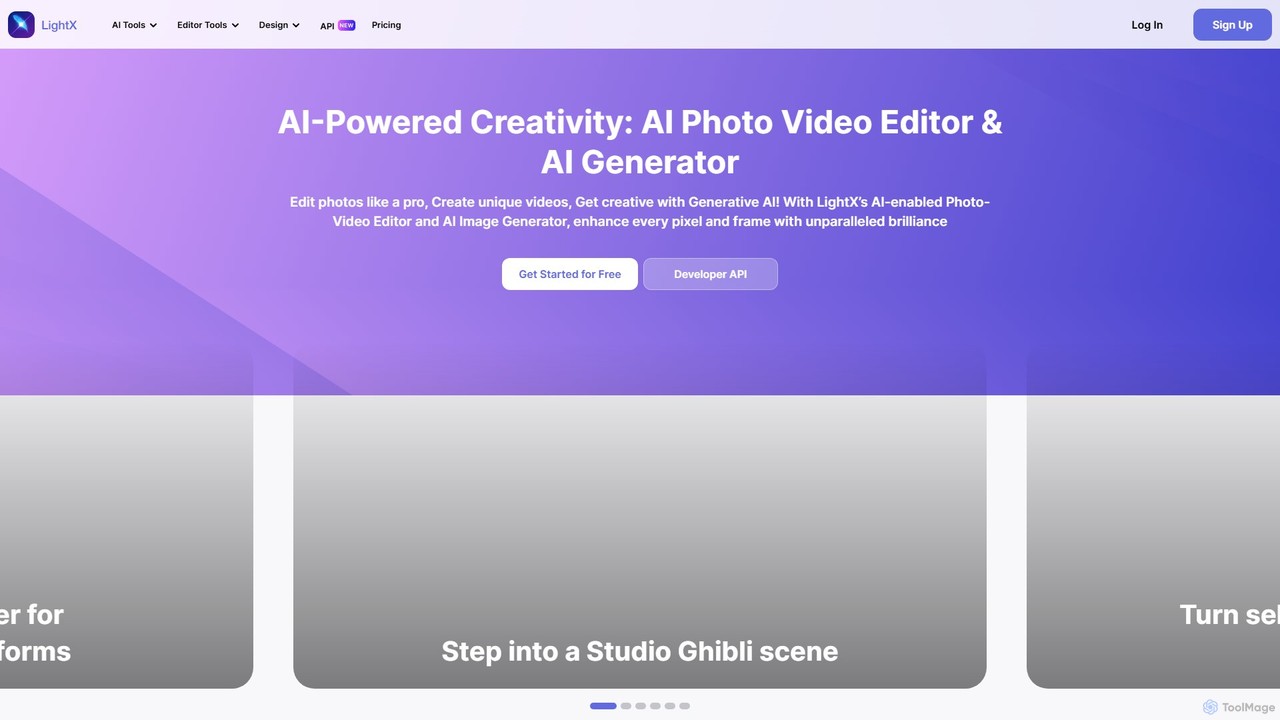
LightX Editor Overview
LightX Editor is a comprehensive and versatile AI-powered creative platform designed to cater to all your photo, video, and design needs. It seamlessly integrates a powerful photo editor, a user-friendly video editor, and a cutting-edge generative AI suite into a single, accessible online tool. Whether you're a professional designer, a social media content creator, an e-commerce entrepreneur, or just someone looking to enhance their personal photos, LightX provides an extensive toolkit to bring your creative visions to life.
The platform's core strength lies in its vast collection of AI-driven features. With tools like the AI Image Generator, users can turn simple text prompts into stunning, high-quality images in various styles, including realistic, anime, fantasy, and 3D. The AI also powers advanced editing functionalities such as one-click background removal, intelligent object replacement, and seamless image expansion (outpainting). For businesses, the AI Product Photoshoot tool is a game-changer, allowing sellers to create professional, studio-quality product images with customized backgrounds without the need for a physical photoshoot.
How to use LightX Editor
LightX is designed with a user-friendly interface, making it easy for anyone to get started. Here’s a general workflow:
- Choose Your Tool: Navigate to the LightX website and select the tool you need, such as the Photo Editor, Video Editor, or a specific AI tool like the AI Image Generator or AI Headshot Generator.
- Upload Your Media or Enter a Prompt: For editing, upload your photo or video. For generative AI, type a descriptive text prompt in the input box. You can be specific about the subject, setting, style, and mood.
- Customize and Refine: Use the available options to customize the output. For the AI Image Generator, you can choose styles, resolutions, and even add negative prompts to exclude unwanted elements. For editing, you can apply filters, adjust colors, add text, or use AI tools to replace objects.
- Generate and Download: Click the 'Generate' button to let the AI work its magic. You can generate multiple variations if needed. Once you are satisfied with the result, you can download the final image or video, often without a watermark on premium plans.
Core Features of LightX Editor
- AI Generative Suite: Includes Text-to-Image, Image-to-Image, and Text-to-Video generators, AI Avatar and Headshot creation, and AI-powered virtual try-ons for outfits and hairstyles.
- Advanced AI Photo Editing: Features like AI Background Remover, AI Object Replace, AI Cleanup to remove unwanted elements, AI Expand for outpainting, and AI Face Animator.
- Extensive AI Filters and Styles: A massive library of artistic filters to transform photos into various styles, such as Studio Ghibli, Anime, Cartoon, Vintage, Pop Art, and more.
- Professional Video Editor: An easy-to-use, browser-based video editor with drag-and-drop functionality, tools for trimming, cutting, adding text/subtitles, and a library of editable video templates.
- Business and Marketing Tools: Specialized features like AI Product Photoshoot, AI Ad Maker, AI Banner Generator, and templates for flyers, social media posts, and promotional materials.
- Graphic Design Templates: A rich library of free, customizable templates for various occasions, including marketing, events, invitations, and social media content.
Use Cases for LightX Editor
LightX is a versatile tool suitable for a wide range of users:
- Content Creators: Can generate unique YouTube thumbnails, social media profile pictures, and engaging video content with professional effects and templates.
- E-commerce Sellers: Can create high-quality, consistent product photos with various backgrounds using the AI Product Photoshoot, saving time and money on traditional photography.
- Marketers: Can quickly design promotional materials, ads, banners, and social media campaigns using the vast template library and AI generation tools.
- Creative Agencies: Can use LightX for rapid prototyping, creating concept art, and generating a wide variety of design assets for different clients and industries.
- Personal Use: Users can have fun creating AI avatars, cartoonizing selfies, designing personalized greeting cards, or simply enhancing their personal photos and videos.
Advantages of LightX Editor
LightX stands out due to its:
- All-in-One Convenience: It combines photo editing, video editing, graphic design, and generative AI in one platform, eliminating the need for multiple separate tools.
- User-Friendly Interface: Designed to be intuitive for beginners while offering powerful features for professionals.
- Vast Toolset: The sheer number and variety of AI tools and creative filters are unparalleled, covering almost any imaginable creative need.
- High-Quality Output: The AI models are trained on extensive datasets, ensuring high-resolution and aesthetically pleasing results.
- Accessibility: The freemium model allows users to try out many features for free, with an affordable upgrade path to unlock full potential.
Pricing and Plans
LightX operates on a freemium model. There is a robust free plan that allows users to access a wide range of basic editing tools and some AI features. For full access to all professional tools, premium templates, advanced AI capabilities (like higher resolution generation), and asset libraries, users can upgrade to the Premium plan. LightX typically offers a 7-day free trial for its Premium plan, allowing users to explore the full suite of features before making a purchase decision.
Traffic
Latest traffic
Status
Monthly traffic trend
- 2025-9: 734.8K
- 2026-1: 582.2K
- 2026-2: 479.9K
- 2026-3: 544.2K
- 2026-4: 491.6K
- 2026-5: 470.4K
Geography
Top 5 countries / regions
- 🇮🇳India49.1%
- 🇺🇸United States33.4%
- 🇬🇧United Kingdom9.0%
- 🇵🇰Pakistan4.7%
- 🇧🇩Bangladesh3.8%
Traffic sources
| Source type | Percentage |
|---|---|
Direct | 91.7% |
Referral | 7.2% |
Email | 1.1% |
Top keywords
| Keyword | Cost per click |
|---|---|
| lightx | $0.89 |
| logo maker | $0.55 |
| logo maker ai | $0.39 |
| youtube thumbnail resizer | $1.56 |
| youtube thumbnail size | $1.32 |
LightX Editor Videos on YouTube

LightX Editor Alternatives
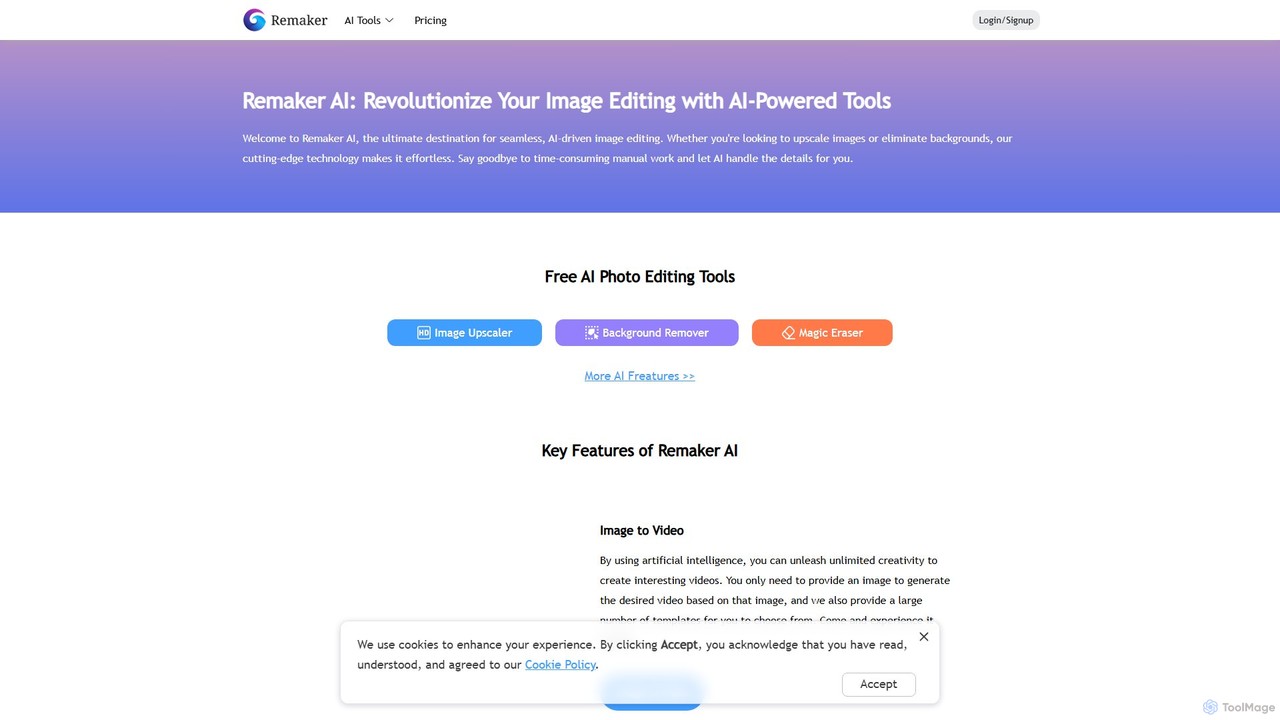
Remaker AI
Remaker AI is a comprehensive suite of AI-powered tools for image and video editing. It offers features like image upscaling, background removal, AI art generation, professional headshot creation, and video enhancement. Designed for both professionals and individuals, it simplifies complex editing tasks with a user-friendly interface and a flexible pay-as-you-go pricing model.
Image Generation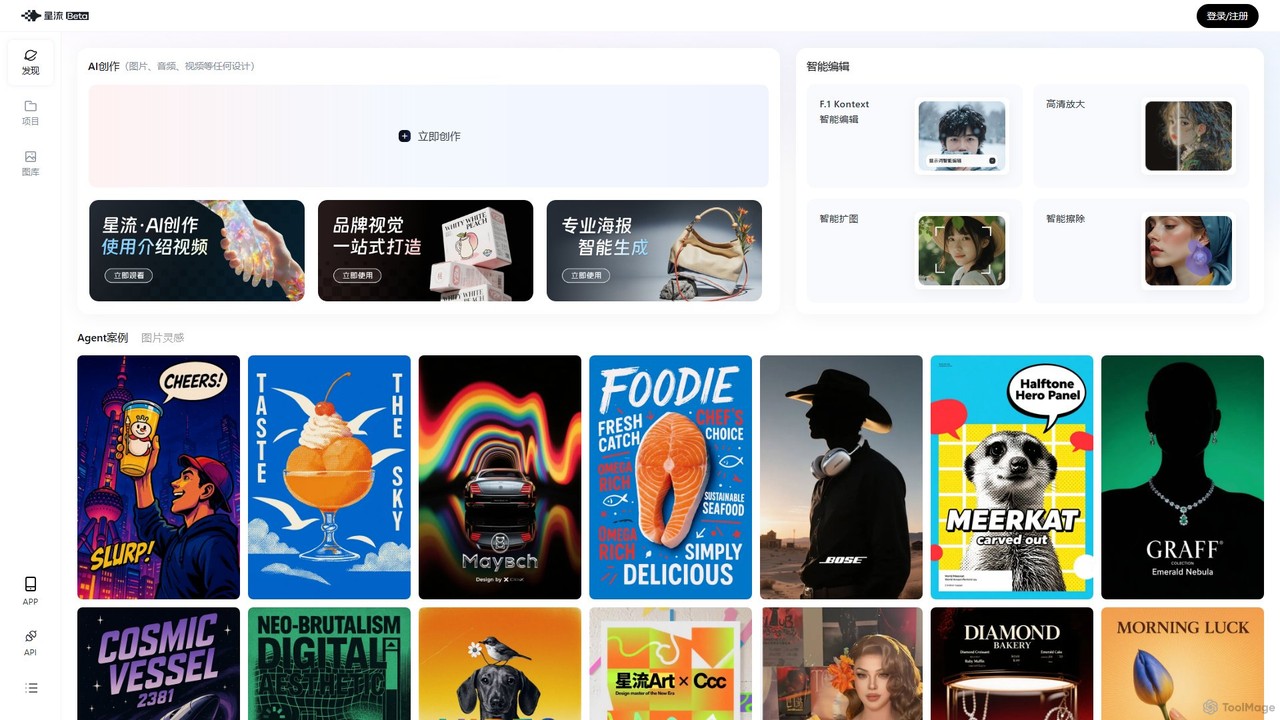
Xingliu
Xingliu is a next-generation AI creation suite that seamlessly integrates content generation and smart editing. Create stunning images, posters, and designs from text prompts, and refine them with powerful tools like HD upscaling, smart outpainting, object removal, and background cutout. It's an all-in-one platform for designers, marketers, and creators to bring their ideas to life effortlessly.
Image Generation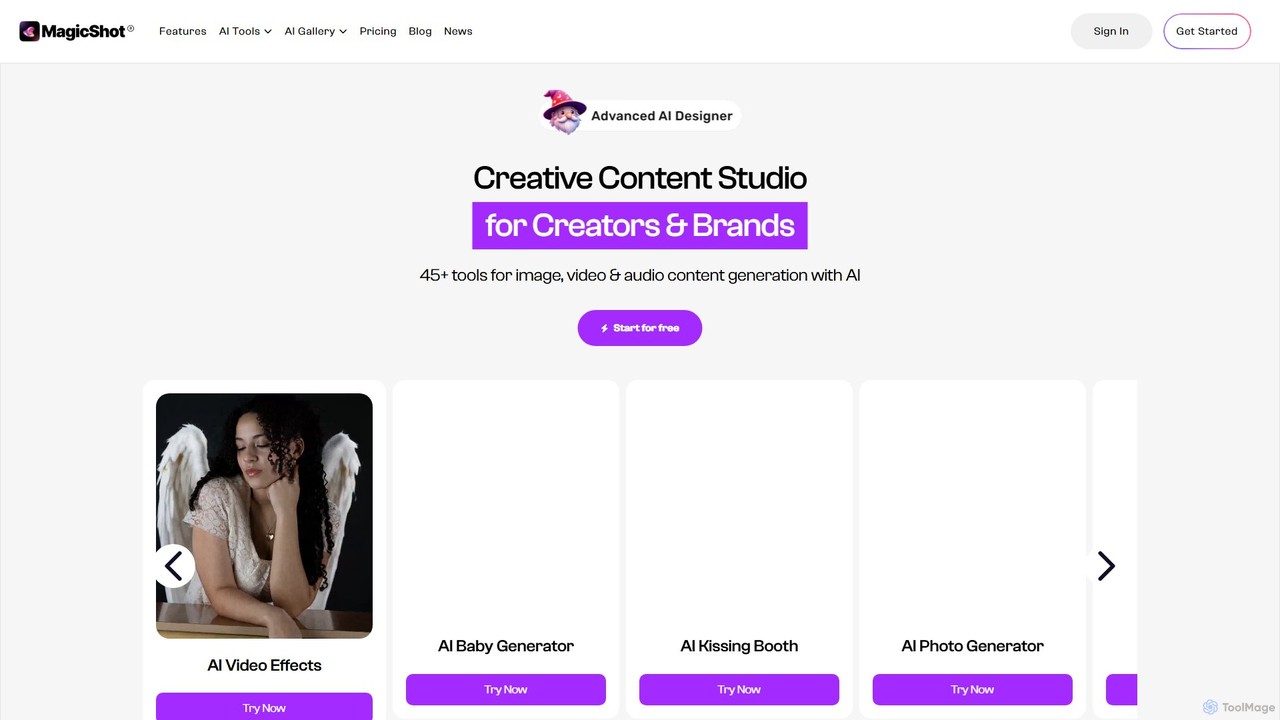
magicshot
MagicShot is a comprehensive AI creative suite with over 50 tools for generating and editing images, videos, and audio. From text-to-image and professional headshots to text-to-video and AI voiceovers, MagicShot provides an all-in-one platform for creators, marketers, and individuals. It leverages advanced models like DALL-E 3 and SD3 to produce high-quality, commercially usable content effortlessly.
Text To Speech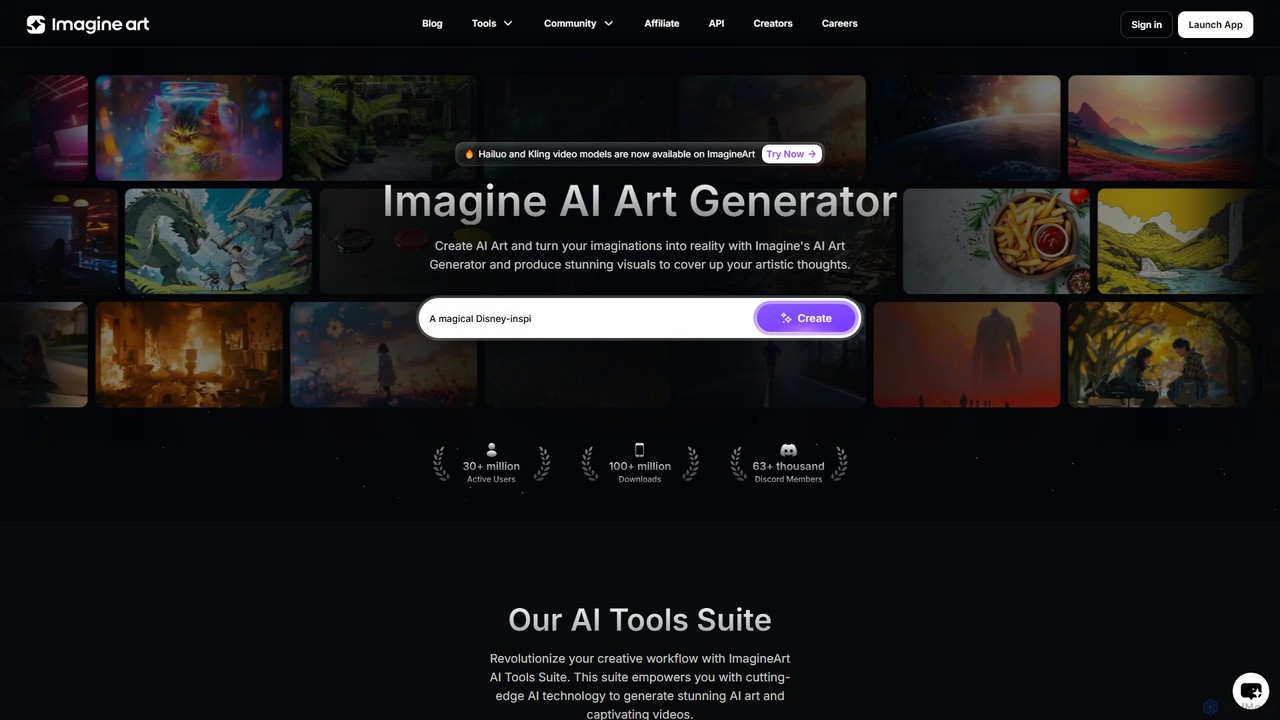
Imagine
Imagine is a powerful AI art and video generator that transforms text prompts into stunning visuals. It offers a comprehensive suite of tools, including text-to-image, image reference, character creation, and video generation. With various artistic styles, advanced editing features, and plans for both individuals and businesses, it's designed to overcome creative blocks and accelerate workflows for artists, designers, marketers, and developers.
Image Generation
ImgGen AI
ImgGen AI is an all-in-one AI-powered photo editing platform. It offers a comprehensive suite of tools for image generation, enhancement, background removal, and restoration. Designed for creators, businesses, and individuals, it simplifies complex editing tasks, allowing users to create stunning visuals from text prompts, restore old photos, upscale images, and much more, with no prior experience needed.
Image EditingLightX Editor Categories
LightX Editor Embed Widget
Copy this embed code to place the badge on your blog, article, or product site and send readers directly to this ToolMage detail page.

Related AI tools

Photoleap
Photoleap is a powerful all-in-one AI photo editing app by Lightricks. It combines traditional editing tools with a massive suite of cutting-edge AI features, allowing users to transform photos, generate stunning AI art from text, create professional headshots, and apply creative effects with ease. It's designed for everyone from social media creators to casual users looking to elevate their images.
Generative Art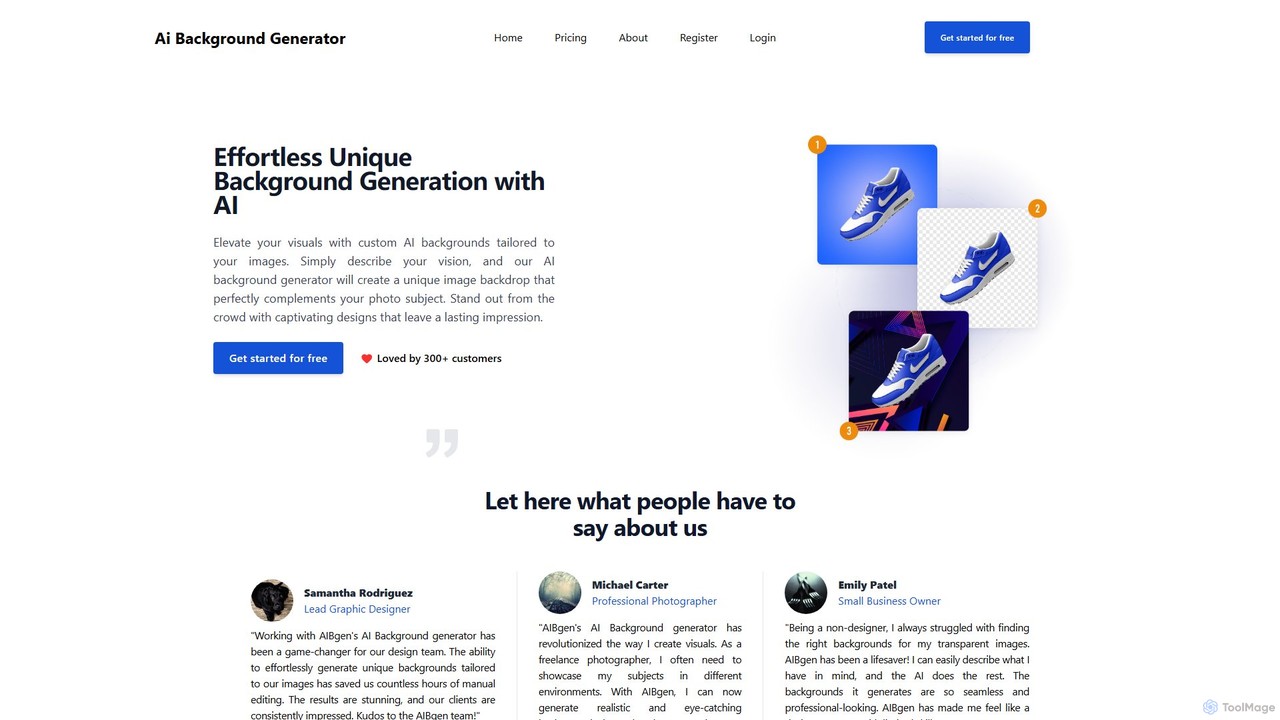
aibgen
aibgen is an AI-powered tool that effortlessly generates and removes image backgrounds. Simply describe your vision with a text prompt, and the AI creates unique, high-quality backdrops tailored to your subject. Ideal for product photos, profile pictures, and creative campaigns, it saves time and enhances visuals without needing complex editing skills.
GraphicsXingliu
Xingliu is a next-generation AI creation suite that seamlessly integrates content generation and smart editing. Create stunning images, posters, and designs from text prompts, and refine them with powerful tools like HD upscaling, smart outpainting, object removal, and background cutout. It's an all-in-one platform for designers, marketers, and creators to bring their ideas to life effortlessly.
Image Generationmagicshot
MagicShot is a comprehensive AI creative suite with over 50 tools for generating and editing images, videos, and audio. From text-to-image and professional headshots to text-to-video and AI voiceovers, MagicShot provides an all-in-one platform for creators, marketers, and individuals. It leverages advanced models like DALL-E 3 and SD3 to produce high-quality, commercially usable content effortlessly.
Text To Speech
ezremove
ezremove is a free, AI-powered image background remover that automatically creates transparent backgrounds in just 5 seconds. Ideal for e-commerce, graphic design, and social media, it supports batch processing, basic editing, and various image formats. No software or technical skills required—simply upload your image and download a high-quality, clean PNG file instantly.
Image Editing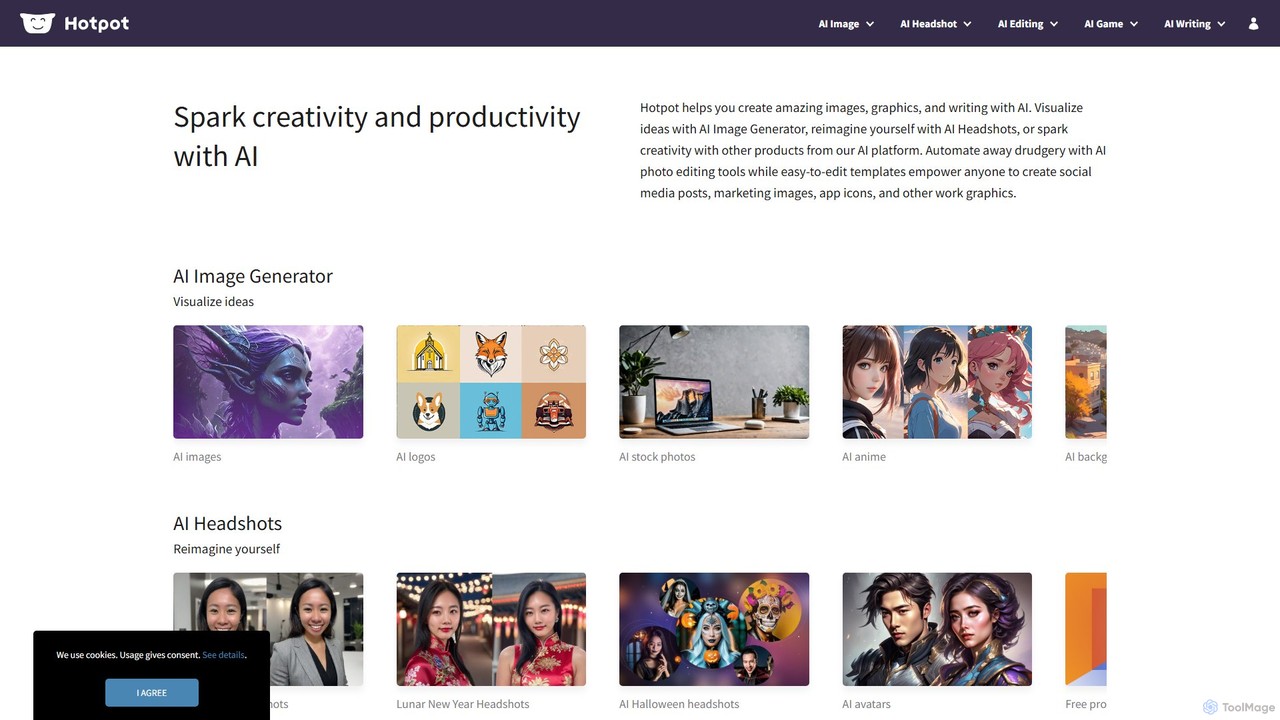
Hotpot.ai
Hotpot.ai is a versatile AI platform designed to enhance creativity and productivity. It offers a suite of tools for generating images, professional headshots, and various graphics. With features like AI photo editing, background removal, and content creation for social media and apps, Hotpot.ai aims to make design and media creation faster, easier, and more accessible for everyone.
Graphic Design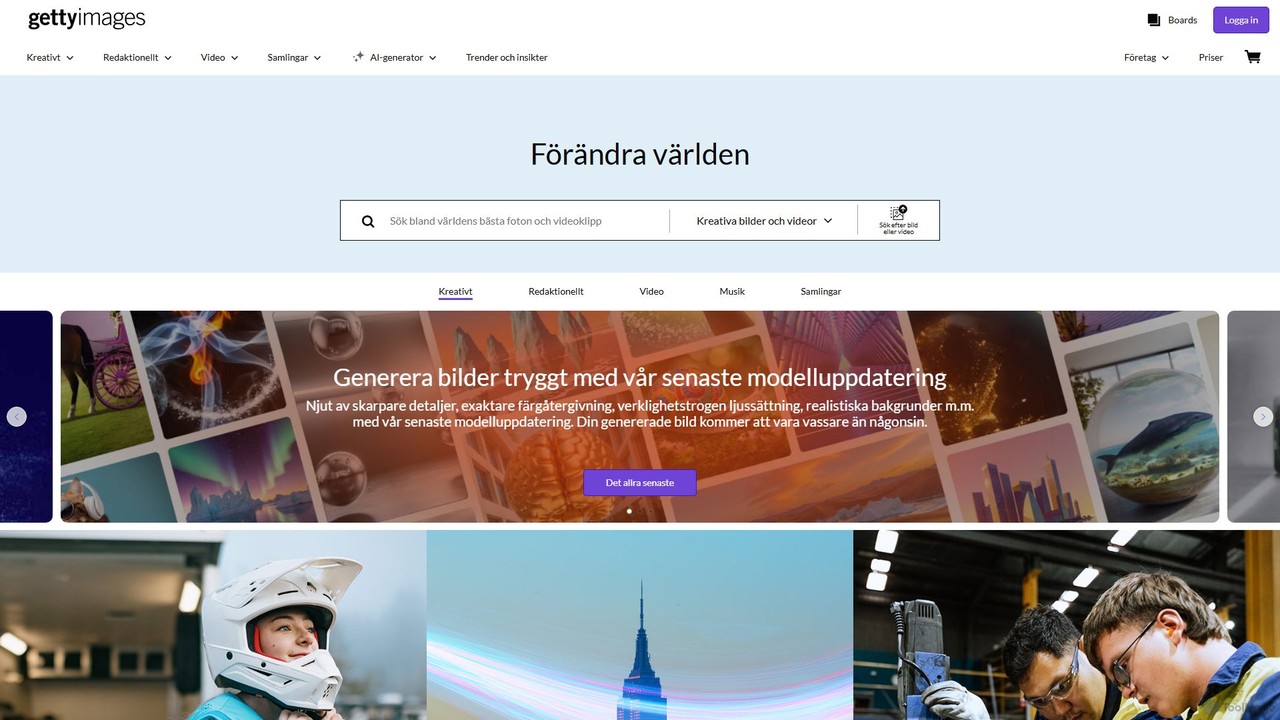
Getty Images
A powerful AI image generator by Getty Images, trained exclusively on its high-quality, licensed library. It creates unique, commercially safe visuals with full legal indemnification. Features include advanced text-to-image, inpainting, outpainting, and seamless integration with Getty's vast stock content.
Illustration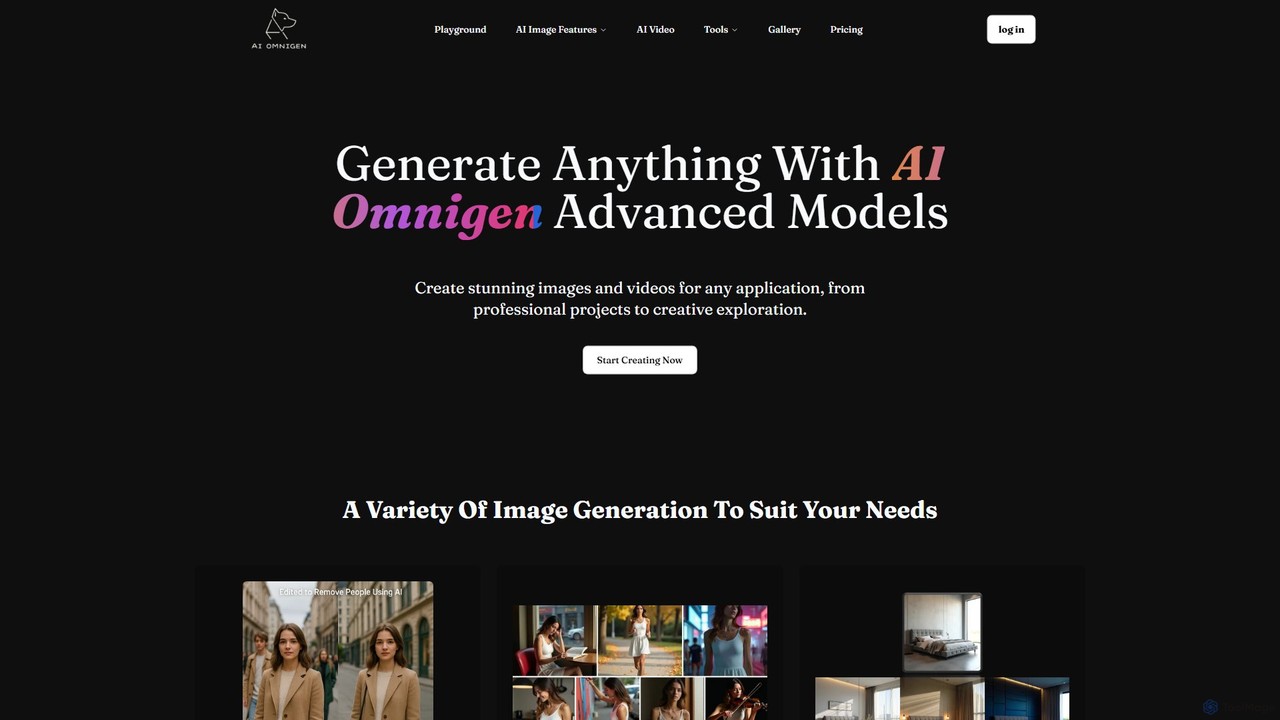
AI Omnigen
AI Omnigen is an advanced AI platform for generating and editing stunning images and videos. It offers a suite of tools including text-to-image, consistent character generation from a single photo, natural language image editing, and unique video filters. It's designed for both creative exploration and professional applications like product photography and marketing.
Art Generation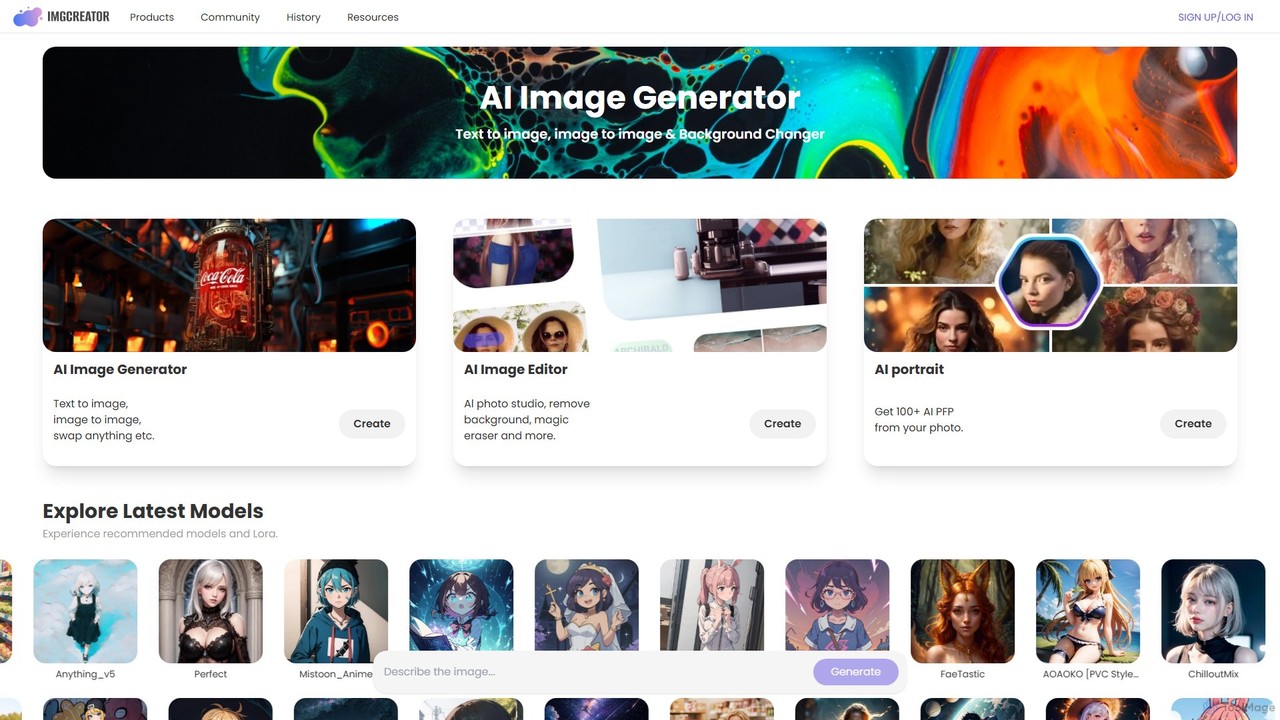
imgcreator
imgcreator is a powerful AI creative suite for generating and editing images. It offers text-to-image, image-to-image, an extensive library of art models (Lora), an AI photo studio with background removal, magic eraser, and an AI portrait generator for creating unique PFPs.
Generative Art
MindPic
MindPic is a free online AI photo editor and design tool that empowers users to effortlessly enhance, transform, and generate images. It offers a suite of AI-powered features like object removal, background replacement, image upscaling, photo retouching, and art generation from text or reference images, all without requiring any login or prior editing experience.
Graphic Design
Relight AI
Relight AI is an AI-powered photo editing tool that effortlessly changes photo backgrounds and adjusts lighting using simple text prompts. Transform your images into studio-quality masterpieces for professional headshots, product photos, or creative portraits without needing complex software like Photoshop. It's fast, intuitive, and offers a free trial.
Background Remover
Picit
Picit is a comprehensive, free online AI image suite. It offers a wide range of tools, including text-to-image generation, background removal, image upscaling, AI filters, avatar creation, and watermark removal. Designed for ease of use, it empowers users to create and edit high-quality visuals in seconds without any cost or technical expertise, making it ideal for designers, marketers, and content creators.
Image Editing
picsify
Picsify is an all-in-one AI-powered platform for visual content creation. Effortlessly generate stunning images from text, edit photos with professional tools like background removal and object erasing, and enhance image quality with a single click. Ideal for marketers, designers, and content creators.
Graphics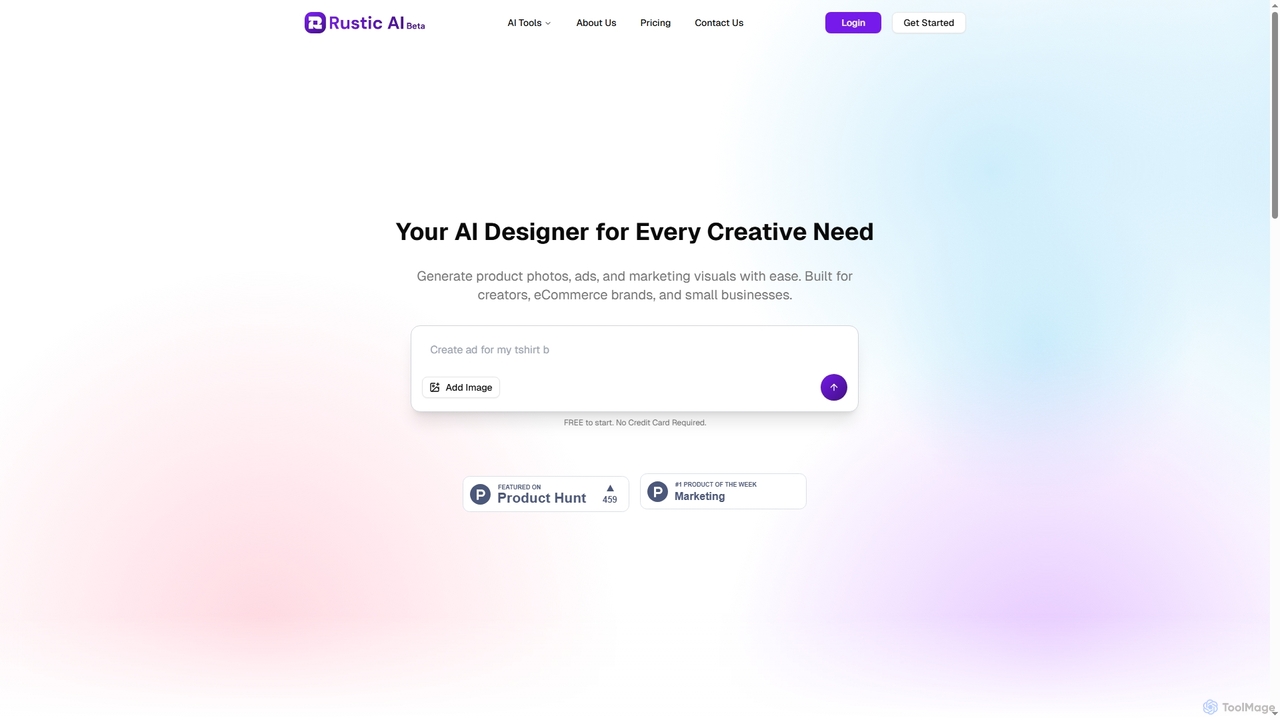
Rustic AI
Rustic AI is an intuitive AI design editor built for creators, e-commerce brands, and small businesses. It simplifies the generation of high-quality product photos, ad creatives, and marketing visuals, transforming ideas into stunning imagery with ease. The platform offers a suite of AI-powered tools to streamline visual content creation.
Graphic Design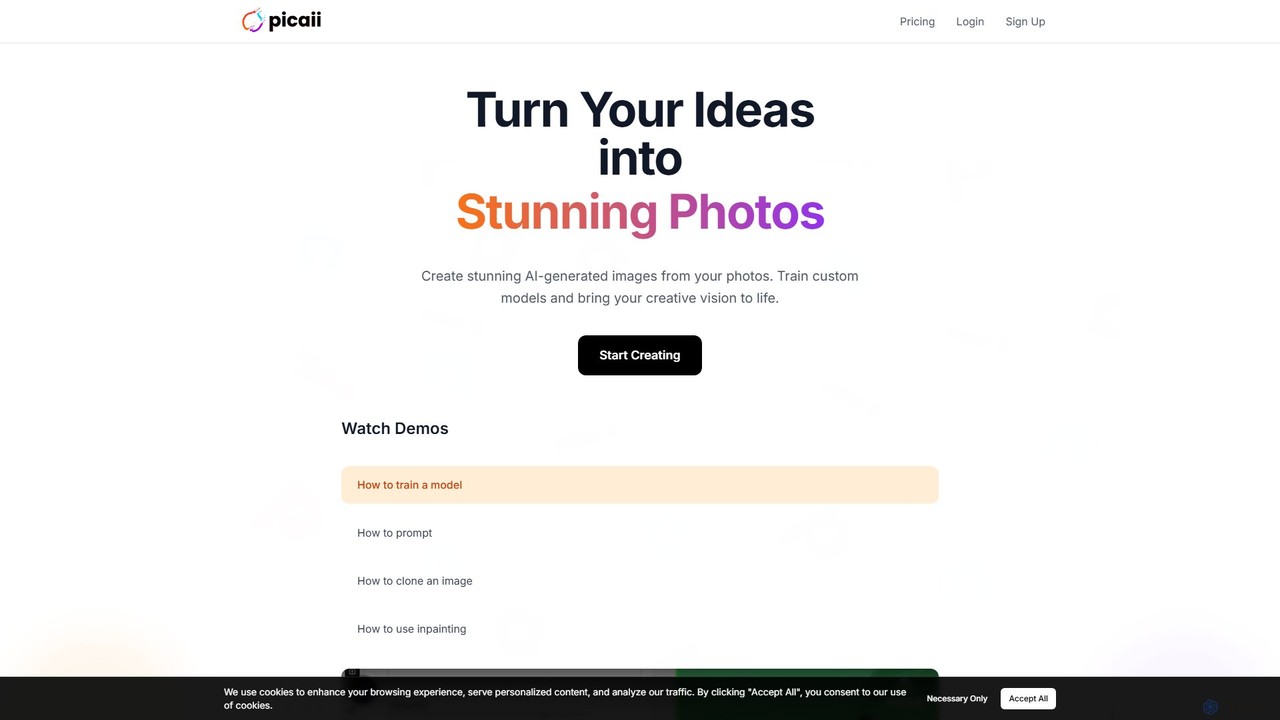
Picaii
Picaii is an AI photo editor that creates stunning, personalized images by training a custom AI model on your photos. Generate professional headshots, social media content, or creative avatars in various styles. Simply upload your photos, train your model, and bring any visual idea to life with text prompts.
Ai Avatar Generators
LightX Editor Comments (0)
Sign in to comment.
Sign inNo comments yet.