

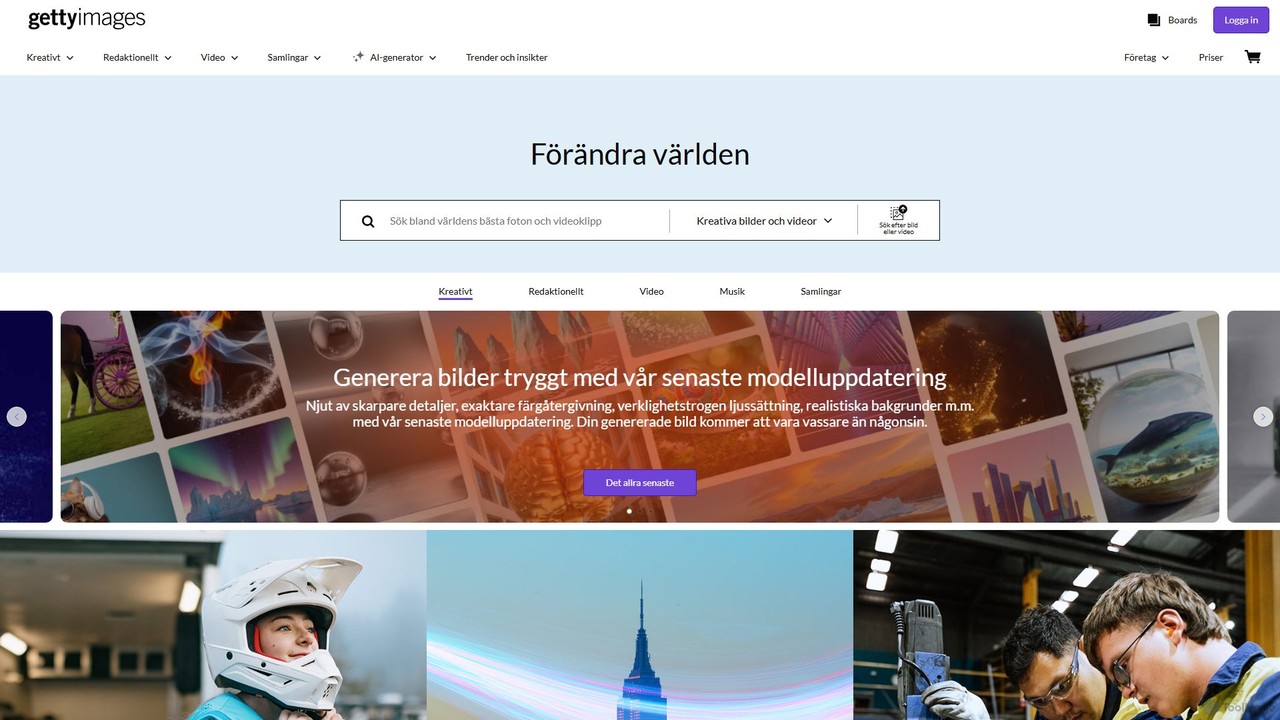
Getty Images Overview
Getty Images has extended its world-renowned visual content platform with a powerful and ethically built Generative AI tool. This tool is designed for creators, marketers, and businesses who need unique, high-quality images that are commercially safe and legally protected. Unlike many other AI image generators, the Getty Images model is trained exclusively on its vast and premium creative library, ensuring that the generated content is not only visually stunning but also free from copyright entanglements. This commitment is backed by full legal indemnification for any licensed image generated, providing unparalleled peace of mind for commercial use.
The platform offers a comprehensive suite of features that go far beyond simple text-to-image generation. It empowers users to bring their most complex creative visions to life with precision and ease. From generating photorealistic images and intricate illustrations to modifying existing content, the tool is a one-stop solution for modern visual creation.
How to use Getty Images
Using the Getty Images AI Generator is an intuitive process integrated into their main website. Here’s a typical workflow:
- Log In: Access the tool requires a Getty Images account and an active AI Generator subscription or plan.
- Start Generating: Navigate to the AI Generator. In the prompt box, describe the image you want to create. Be specific about the subject, action, setting, mood, and style for the best results. The platform supports prompts in over 75 languages.
- Refine Your Prompt: Use the Prompt Builder for a guided experience or the Prompt Enhancement feature to automatically add rich detail to your basic ideas.
- Generate and Review: Click 'Generate' to receive four unique image options. Review the results and select the one that best fits your needs.
- Advanced Editing: Use the powerful editing suite to perfect your image. Use 'Refine' (inpainting) to add, remove, or replace specific objects. Use 'Expand' (outpainting) to change the aspect ratio or extend the scene. You can also remove or replace the entire background with a single click.
- Use Reference Images: For more control, upload your own image or use one from Getty's library as a reference to guide the composition or color palette of your new generation. You can also place your own product images into AI-generated scenes.
- Download and License: Once you are satisfied, download your high-resolution (up to 4K) image. The downloaded image is licensed for your use and comes with Getty Images' standard legal protection.
Core Features of Getty Images
- Commercially Safe Generation: The AI is trained solely on Getty Images' licensed content, and all generated visuals come with full legal indemnification for commercial use.
- Advanced Image Editing: A full suite of editing tools including Inpainting ('Refine'), Outpainting ('Expand'), one-click Background Removal, and Background Replacement.
- Image-to-Image Control: Use reference images (from Getty, previous generations, or user uploads) to influence the style, color, and composition of new creations.
- Product Placement: Seamlessly integrate your own product photos into new, AI-generated studio-quality scenes.
- Sophisticated Prompting: Features like Prompt Builder and automatic Prompt Enhancement help users craft perfect prompts. It supports over 75 languages.
- Style and Consistency Control: Maintain a consistent 'Look and Feel' (seed locking) across multiple generations and use detailed camera controls for aspects like depth of field and perspective.
- Full Integration: The AI tools can be used not only to create new images but also to modify existing licensed images from the vast Getty Images creative library.
- API Access: For businesses looking to integrate AI generation capabilities into their own applications and workflows.
Use Cases for Getty Images
The tool is versatile and valuable for a wide range of professionals:
- Marketers and Advertisers: Create bespoke visuals for digital campaigns, social media, and print ads that are brand-aligned and legally compliant.
- Graphic Designers: Generate unique illustrations, textures, and photographic elements for web design, branding projects, and presentations.
- E-commerce Businesses: Create high-quality, consistent product photography by placing product images in various AI-generated settings and backgrounds.
- Content Creators & Bloggers: Produce eye-catching featured images and inline visuals for articles and posts without relying on generic stock photos.
- Corporate Teams: Develop professional imagery for internal communications, reports, and training materials.
Advantages of Getty Images
The primary advantage is the **unmatched legal security**. By providing full indemnification, Getty Images removes the significant copyright risks associated with other AI tools. The model's training on high-quality, ethically sourced data results in superior, more realistic, and less biased outputs. The seamless integration of generation, advanced editing, and a world-class stock library into a single platform creates a highly efficient and powerful creative workflow. The backing of a trusted industry leader like Getty Images ensures reliability and continuous innovation.
Pricing and Plans
Getty Images offers its AI Generator on a subscription or plan-based model. Pricing is typically based on the number of generation credits. A single generation prompt produces four image options. Editing features, such as using 'Refine' or 'Expand', also consume generation credits. Plans are designed to cater to different levels of need, from individual creators to large enterprises. For the most current and detailed pricing information, it is recommended to visit the official Getty Images website and log in to view available plans.
Traffic
Latest traffic
Status
Monthly traffic trend
- 2025-9: 105.7K
- 2026-1: 133.1K
- 2026-2: 147.4K
- 2026-3: 139.7K
- 2026-4: 115.7K
- 2026-5: 131.1K
Geography
Top 5 countries / regions
- 🇸🇪Sweden83.5%
- 🇺🇸United States8.8%
- 🇷🇺Russia3.0%
- 🇫🇷France2.3%
- 🇩🇪Germany2.3%
Traffic sources
| Source type | Percentage |
|---|---|
Direct | 67.1% |
Referral | 22.8% |
Email | 10.1% |
Top keywords
| Keyword | Cost per click |
|---|---|
| caterpillar vehicles | $2.44 |
| elisabeth fritzl | $1.02 |
| hazel moder | $0.00 |
| loni willison | $0.11 |
| sydney sweeney | $0.30 |
Getty Images Videos on YouTube


Getty Images


Windows Central Gaming

The Friday Checkout


Getty Images Alternatives

Huhu.ai
Huhu.ai is an AI platform for e-commerce, specializing in generating high-converting visuals for fashion brands. It offers AI virtual try-on, customizable AI models, and a multi-pose generator to create realistic on-model imagery in seconds. This helps brands save up to 90% on photoshoot costs, accelerate time-to-market, and increase sales conversions.
Product Images
DeepVinci
DeepVinci is a powerful AI content creation suite that excels in generating high-quality images from text. Its standout feature, Fancinet, allows users to train personal large visual models to create hyper-realistic and consistent photos of specific individuals in any imagined scenario. It's designed for creators, marketers, and anyone looking to revolutionize their visual content production.
Generative Art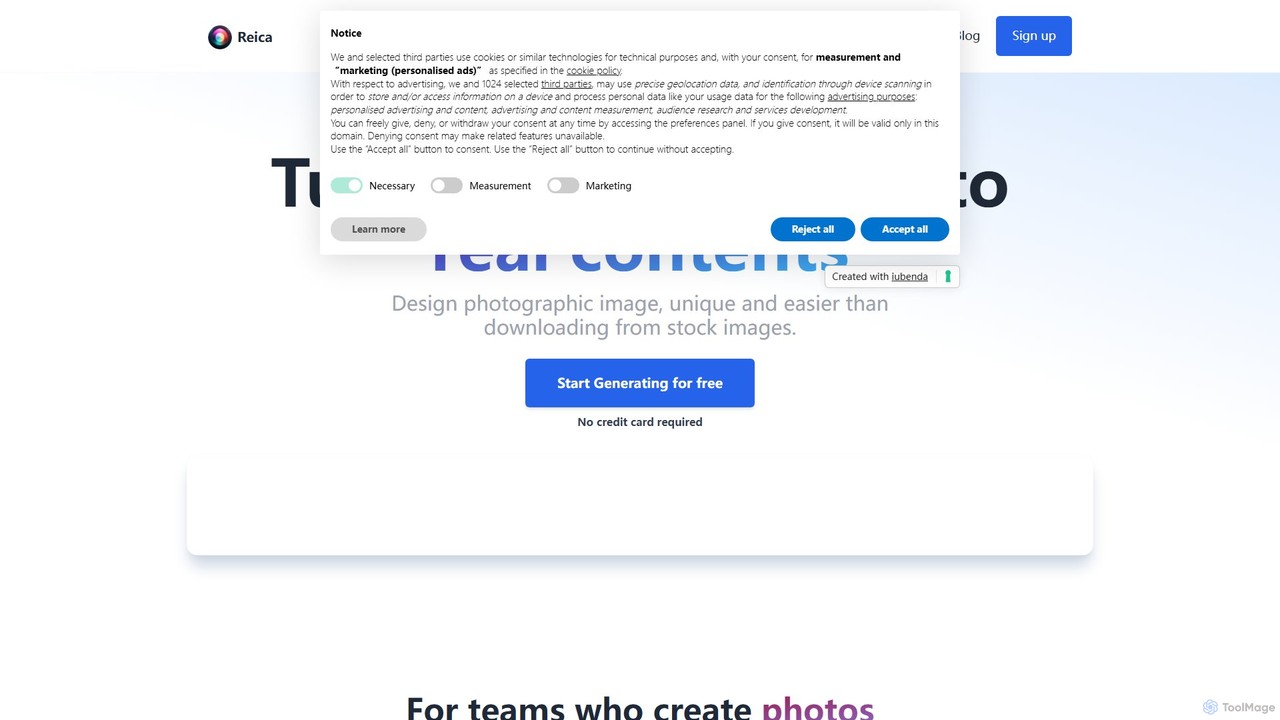
Reica
Reica is a generative AI content editor designed for marketing and e-commerce. It transforms ideas into unique, realistic photos using an intuitive "no-prompt" builder. Easily create professional product shots, ad banners, and consistent brand visuals, eliminating the need for complex prompts or expensive photoshoots.
Product Photos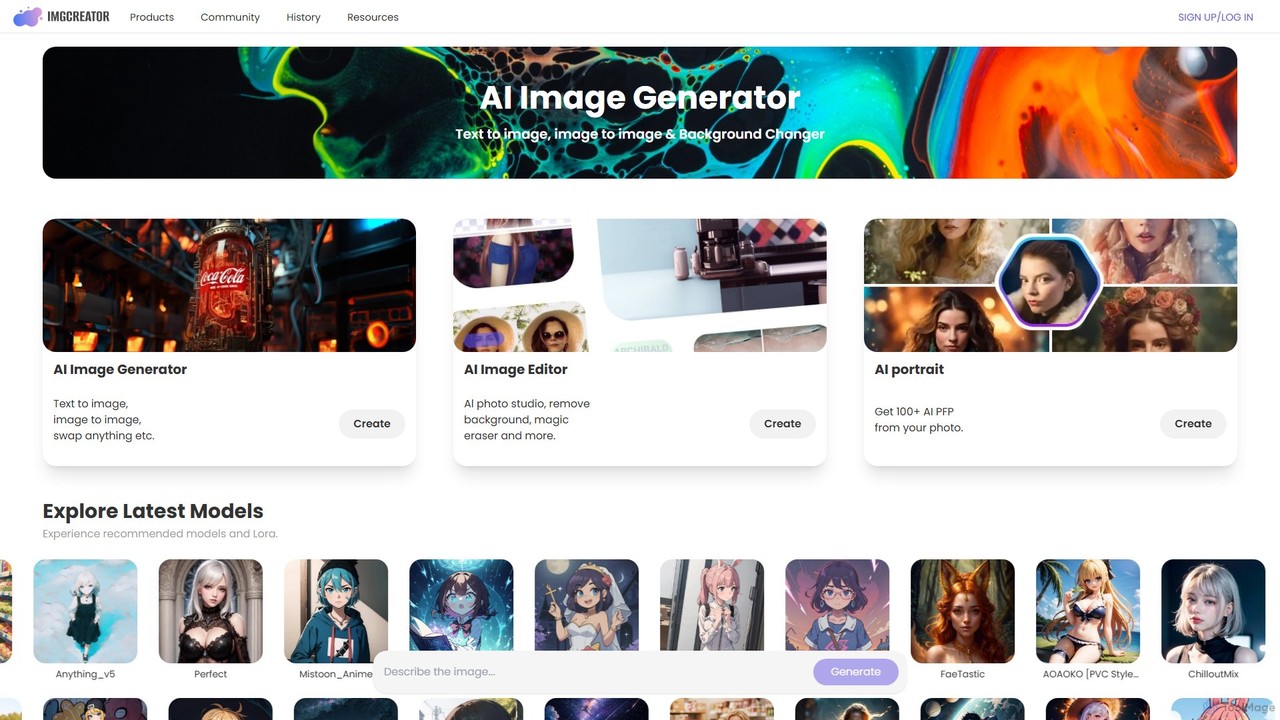
imgcreator
imgcreator is a powerful AI creative suite for generating and editing images. It offers text-to-image, image-to-image, an extensive library of art models (Lora), an AI photo studio with background removal, magic eraser, and an AI portrait generator for creating unique PFPs.
Generative Art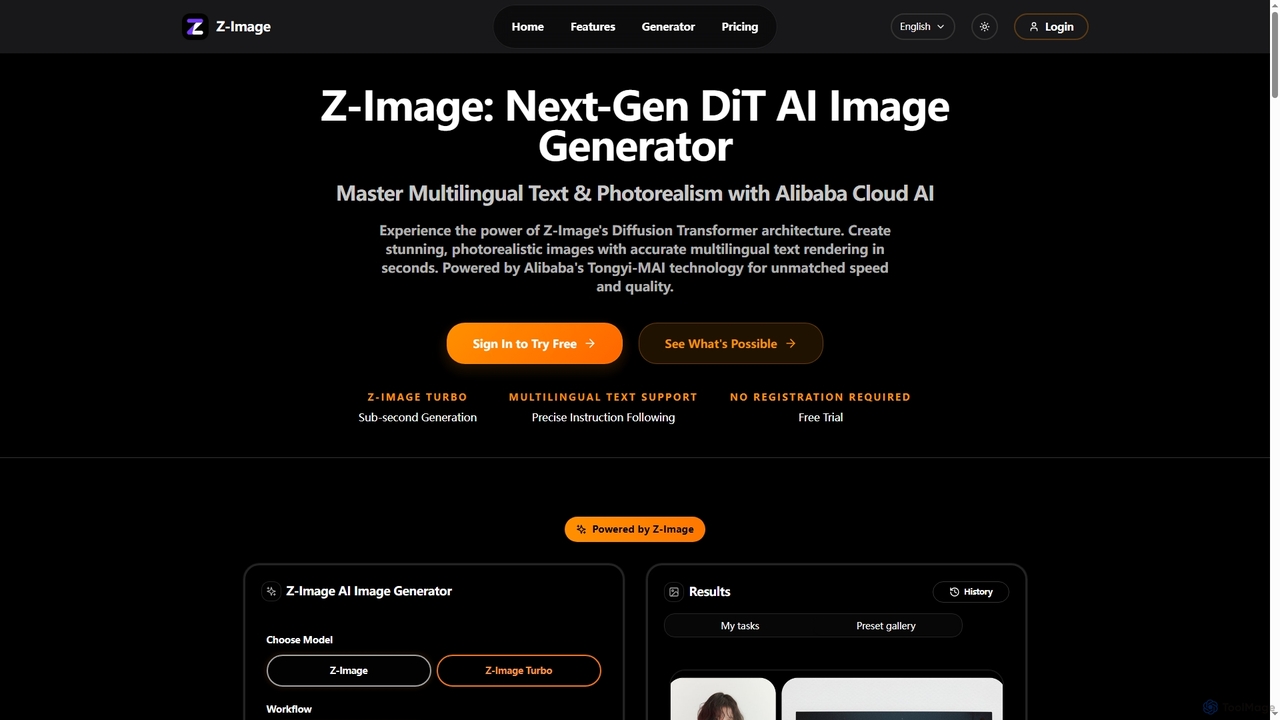
Z-Image
Z-Image is a next-generation AI image generator powered by Diffusion Transformer (DiT) architecture and Alibaba's Tongyi-MAI technology. It creates professional-grade, 4K photorealistic images from text descriptions in seconds. Its standout features include highly accurate multilingual text rendering within images and consistent character appearance across multiple generations, making it ideal for marketing and commercial use.
IllustrationGetty Images Categories
Getty Images Embed Widget
Copy this embed code to place the badge on your blog, article, or product site and send readers directly to this ToolMage detail page.

Related AI tools
imgcreator
imgcreator is a powerful AI creative suite for generating and editing images. It offers text-to-image, image-to-image, an extensive library of art models (Lora), an AI photo studio with background removal, magic eraser, and an AI portrait generator for creating unique PFPs.
Generative Art
Adobe Firefly
Adobe Firefly is a family of creative generative AI models from Adobe. It enables users to generate high-quality images, text effects, and color palettes from simple text prompts. Designed to be commercially safe, it's integrated into Adobe's Creative Cloud apps like Photoshop and Illustrator, and also available as a standalone web application, empowering creators with new ways to ideate, create, and communicate.
Generative Art
Raphael
Raphael is a versatile AI image suite offering a free, unlimited AI image generator powered by the advanced FLUX.1 model. It requires no login and ensures user privacy. Key features include a powerful AI Uncrop/Expander tool for extending images, multi-style support, and high-quality, photorealistic outputs. Paid plans unlock faster generation, HD images, and advanced editing features.
Image Editing
Kira
Kira is a powerful AI-powered platform for professional-grade image generation and editing. It combines a versatile text-to-image generator with a comprehensive suite of editing tools, including background removal, inpainting, upscaling, and stylization. Its key feature is the ability to maintain consistent styles and characters across multiple edits and generations, making it ideal for branding, marketing, and creative projects that require a cohesive visual identity.
Graphic Design
stablediffusionai.ai
stablediffusionai.ai is a user-friendly online platform for generating high-quality AI art using the powerful Stable Diffusion XL model. It allows users to transform text prompts into stunning visuals, offering features like preset styles, negative prompts, and high-resolution output. Suitable for both beginners and experienced artists, it provides a simple interface to explore advanced AI image generation, including image editing and model customization with LoRAs and embeddings. A freemium model offers both free access and premium plans for enhanced features.
Ai Art
OmniGen AI
OmniGen AI is a powerful, open-source AI image generation platform that unifies text-to-image, image editing, and controlled generation into a single framework. Leveraging advanced Diffusion Transformer models and OminiControl technology, it allows users to create stunning, high-quality visuals from text prompts, edit existing images with precision, and utilize features like virtual try-on, background removal, and subject-driven generation with unprecedented ease and control.
Virtual Try On
Flux 1.1
Flux 1.1 is an advanced AI image generation suite developed by Black Forest Labs. It transforms text prompts into professional-grade visuals with exceptional speed and quality. Featuring versions like Pro and Pro Ultra, it offers up to 4K resolution, superior prompt adherence, in-image text, and a range of specialized tools for artists, designers, and creative professionals.
Generative Art
Phraser
Phraser is an AI-powered creative suite for generating and editing stunning visuals. It combines text-to-image generation with advanced editing tools like repainting and background manipulation. Ideal for creating album covers, social media graphics, and video thumbnails, Phraser streamlines the creative workflow for artists, marketers, and content creators with its intuitive, project-based interface.
Creative Tools
picsify
Picsify is an all-in-one AI-powered platform for visual content creation. Effortlessly generate stunning images from text, edit photos with professional tools like background removal and object erasing, and enhance image quality with a single click. Ideal for marketers, designers, and content creators.
Graphics
getalpaca.io
getalpaca.io is a powerful AI plugin for Adobe Photoshop that integrates Stable Diffusion's image generation capabilities directly into your workflow. Create stunning visuals, concepts, and assets from text prompts without ever leaving Photoshop, streamlining your creative process.
Generative Art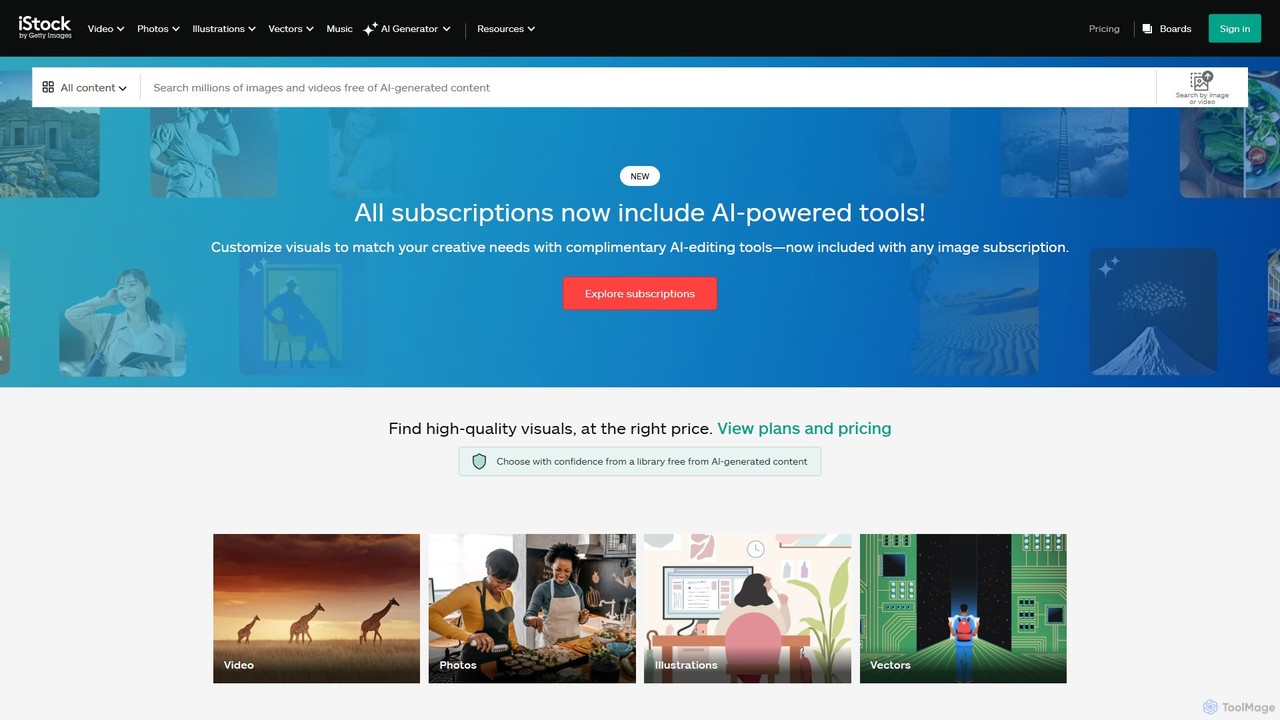
istockphoto
iStockphoto is a leading royalty-free stock media platform, offering millions of human-created photos, videos, and illustrations. It now integrates a powerful suite of AI tools, allowing users to generate unique, commercially safe images and perform advanced edits like background replacement, object removal, and image extension directly on the platform. This hybrid approach combines high-quality, legally-protected assets with the speed and flexibility of AI.
Image Generation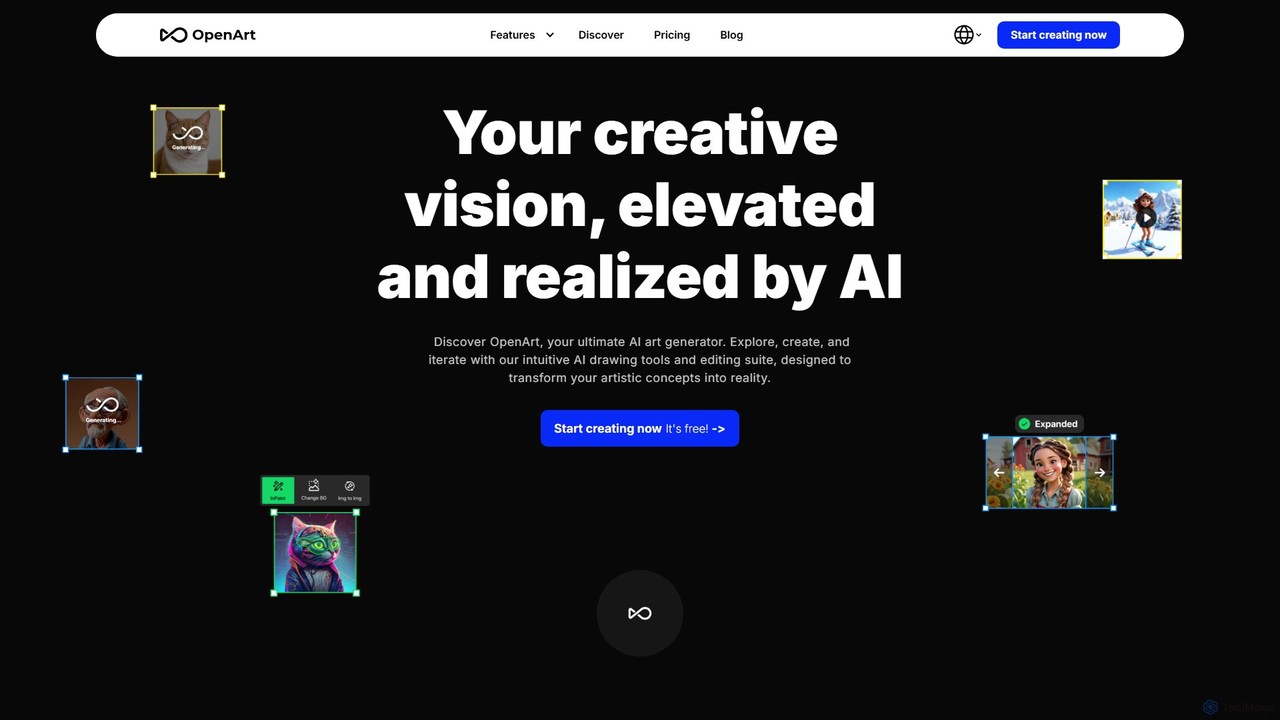
OpenArt
OpenArt is a powerful AI art platform for creating and editing images. It features an advanced AI image generator, a comprehensive suite of editing tools, and the unique ability to train custom AI models for specific styles or characters. Ideal for artists, designers, and hobbyists, it offers both free and professional plans.
Art Generation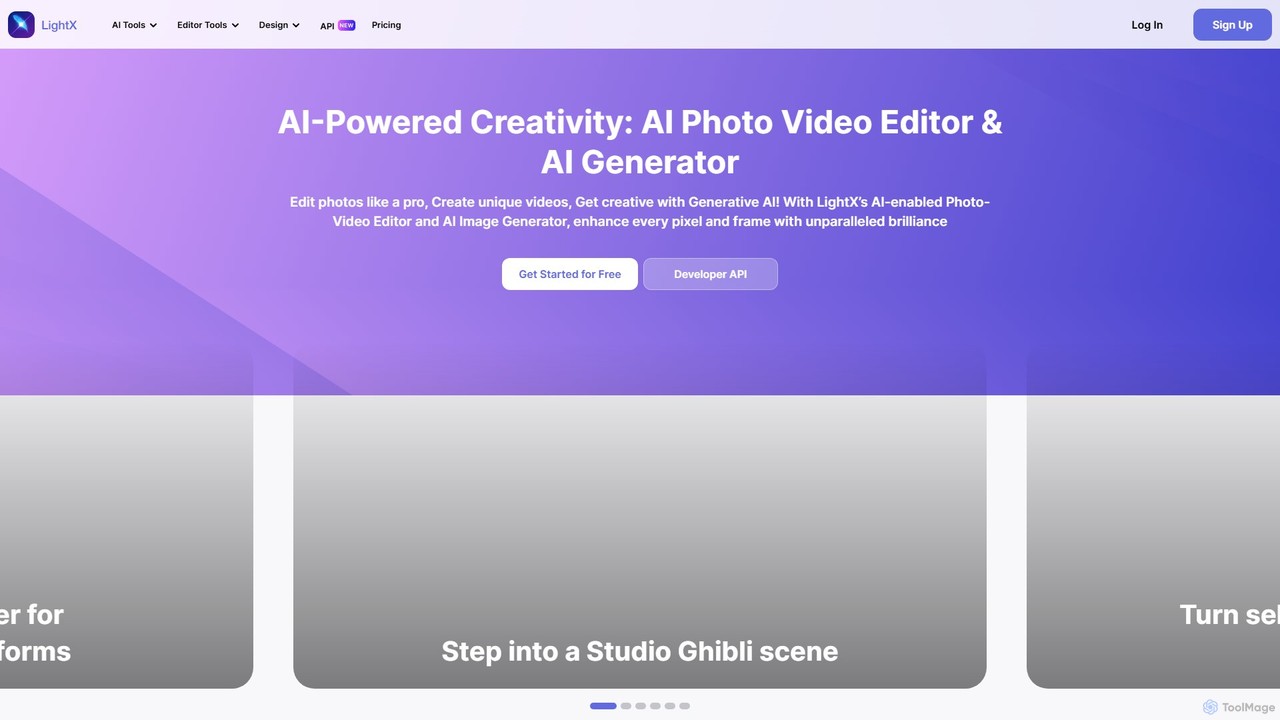
LightX Editor
LightX is an all-in-one AI-powered creative suite for photo editing, video editing, and image generation. It offers a vast array of tools, from professional headshots and product photoshoots to fun avatars and artistic filters, catering to beginners, content creators, and marketers alike.
Image Generation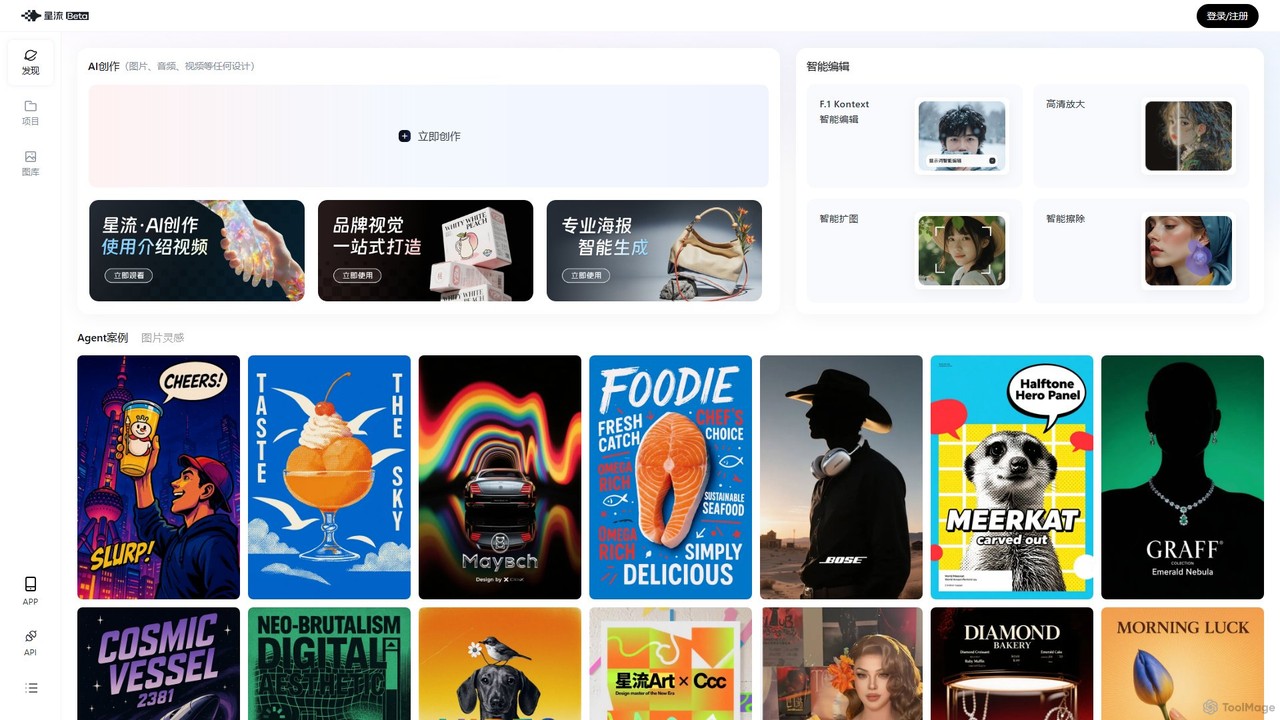
Xingliu
Xingliu is a next-generation AI creation suite that seamlessly integrates content generation and smart editing. Create stunning images, posters, and designs from text prompts, and refine them with powerful tools like HD upscaling, smart outpainting, object removal, and background cutout. It's an all-in-one platform for designers, marketers, and creators to bring their ideas to life effortlessly.
Image Generation
Jyek
Jyek is an AI agent platform that understands objectives, creates execution plans, uses tools, and delivers verifiable results for complex, multi-step tasks.
Automation
Getty Images Comments (0)
Sign in to comment.
Sign inNo comments yet.