

imgcreator Overview
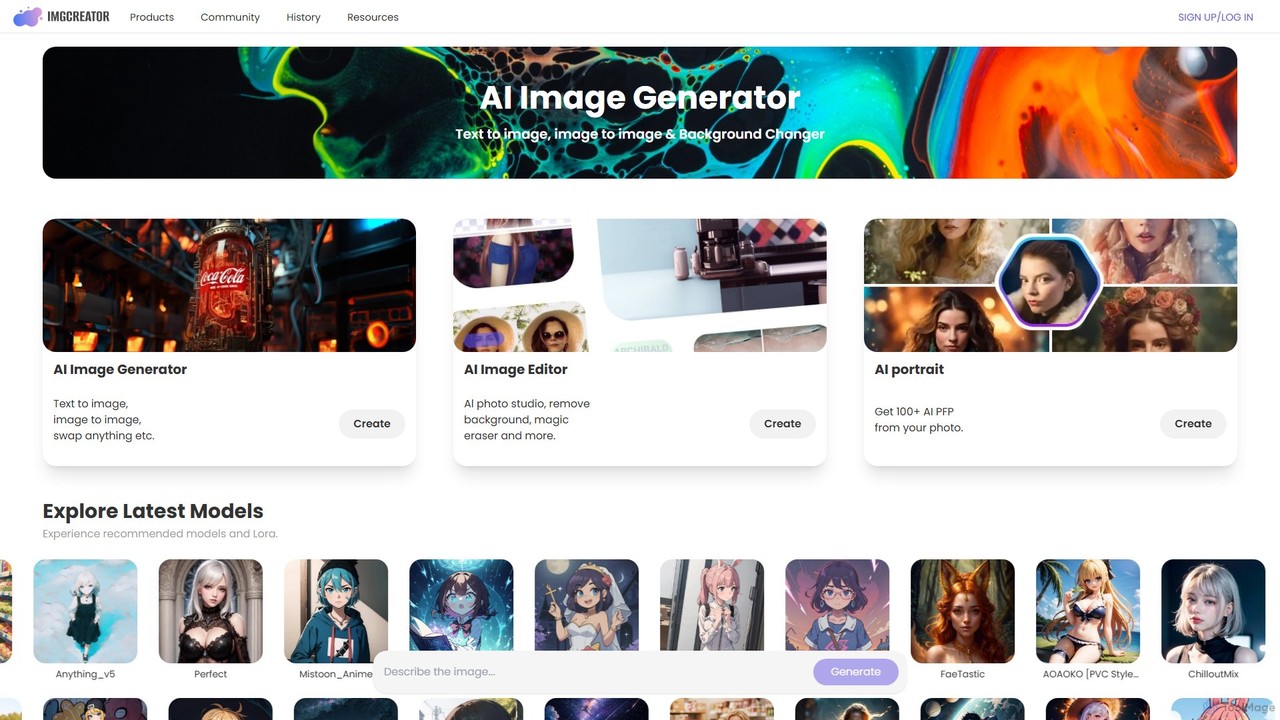
imgcreator, developed by ZMO.AI, is a comprehensive and versatile AI-powered platform designed for image creation and editing. It serves as an all-in-one creative suite that empowers users, from digital artists to marketers, to bring their visual ideas to life with remarkable ease and precision. The platform's core strength lies in its multi-faceted approach, combining advanced generative capabilities with a robust set of editing tools.
At its heart, imgcreator is a sophisticated AI image generator. Users can leverage its Text-to-Image functionality to transform simple text descriptions into stunning, high-quality visuals. The system is capable of interpreting complex prompts, allowing for the creation of everything from photorealistic landscapes and detailed character portraits to abstract art and intricate designs. Furthermore, the Image-to-Image feature enables users to upload an existing picture and use it as a base for new creations, applying different styles or modifying its content while preserving the original composition.
A key differentiator for imgcreator is its vast and diverse library of pre-trained models and LoRAs. Users can explore and switch between dozens of popular models like ChilloutMix for realistic portraits, CyberRealistic for futuristic themes, Mistoon_Anime for cartoon styles, and many others. This extensive selection provides incredible stylistic flexibility, allowing creators to achieve a specific aesthetic without needing to train their own models.
How to use imgcreator
Using imgcreator is an intuitive process designed for both beginners and experienced users:
- Choose a Creation Method: Start by selecting either Text-to-Image to generate from a prompt or Image-to-Image to modify an existing picture.
- Write a Detailed Prompt: For Text-to-Image, describe the desired scene, subject, style, and mood. Be as specific as possible. For example, 'A black Porsche parked in front of a Dior store, sunset render, soft light, cinematic light, high details'.
- Select a Model: Browse the extensive library of models and LoRAs. Choose one that aligns with your desired artistic style, whether it's anime, photorealism, fantasy, or a cartoon look.
- Generate the Image: Click the generate button and let the AI create the visual based on your inputs. You can generate multiple variations to find the perfect one.
- Edit and Refine: Once an image is generated, take it into the AI Image Editor. Use the 'Background Remover' to create transparent PNGs, the 'Magic Eraser' to remove unwanted objects or blemishes, or the 'Swap Anything' feature to replace elements within the image.
- Create AI Portraits: For a personalized touch, use the AI Portrait feature. Upload a few of your photos to generate over 100 unique, high-quality profile pictures (PFPs) in various styles.
Core Features of imgcreator
- Text-to-Image Generation: Creates high-quality images from detailed text descriptions.
- Image-to-Image Transformation: Modifies and reimagines existing images with AI.
- Extensive Model & LoRA Library: Access to a wide range of popular and specialized models like CyberRealistic, ChilloutMix, Anything_v5, and more for diverse art styles.
- AI Image Editor: An integrated suite featuring a one-click Background Remover, a precise Magic Eraser, and a versatile 'Swap Anything' tool for object replacement.
- AI Portrait Generator: Creates 100+ unique AI-generated profile pictures (PFPs) from user photos.
- Inspiration Gallery: A curated gallery of AI-generated images with their corresponding prompts to inspire users and help them learn prompt crafting.
Use Cases for imgcreator
imgcreator is a valuable tool for a wide range of applications:
- Digital Art and Concept Design: Artists can quickly prototype ideas, create character designs, and generate detailed concept art for games or films.
- Marketing and Advertising: Marketers can create unique and eye-catching visuals for social media campaigns, blog posts, and advertisements without needing stock photos.
- E-commerce: Online sellers can use the background remover to create professional product photos with clean backgrounds.
- Content Creation: YouTubers, bloggers, and social media influencers can design custom thumbnails, avatars, and illustrative graphics for their content.
- Personal Projects: Hobbyists can bring their imagination to life, creating fantasy art, personalized portraits, or simply experimenting with different visual styles.
Advantages of imgcreator
- All-in-One Platform: Combines image generation and advanced editing, streamlining the creative workflow and eliminating the need for multiple tools.
- Stylistic Versatility: The massive library of models and LoRAs offers unparalleled control over the final image's aesthetic.
- User-Friendly Interface: Despite its powerful features, the platform is designed to be accessible to users of all skill levels.
- High-Quality Output: The tool is capable of producing high-resolution, detailed, and commercially viable images.
- Free Tier Availability: Offers a free plan, allowing users to test the features and generate images without an initial investment.
Pricing and Plans
imgcreator operates on a freemium model. Users can start for free, which typically includes a certain number of credits to generate images. For more extensive use, higher resolution, faster generation speeds, and access to all premium features, there are paid subscription plans available. These plans provide a larger number of monthly credits and are suited for professionals and businesses. For the most up-to-date and detailed pricing information, please visit the official imgcreator website.
Traffic
Latest traffic
Status
Monthly traffic trend
- 2026-1: 105.4K
- 2026-2: 102.3K
- 2026-3: 112.0K
- 2026-4: 70.7K
- 2026-5: 87.4K
Geography
Top 5 countries / regions
- 🇸🇳Senegal33.7%
- 🇺🇸United States25.1%
- 🇻🇳Vietnam21.6%
- 🇮🇳India12.6%
- 🇩🇪Germany7.0%
Traffic sources
| Source type | Percentage |
|---|---|
Direct | 78.0% |
Referral | 21.4% |
Email | 0.6% |
Top keywords
| Keyword | Cost per click |
|---|---|
| imgcreator ai | $0.19 |
| zmo | $2.22 |
| zmo ai | $3.44 |
| zmo.ai | $0.00 |
| zmo.ai api | $0.00 |
imgcreator Videos on YouTube

imgcreator Alternatives
supermachine
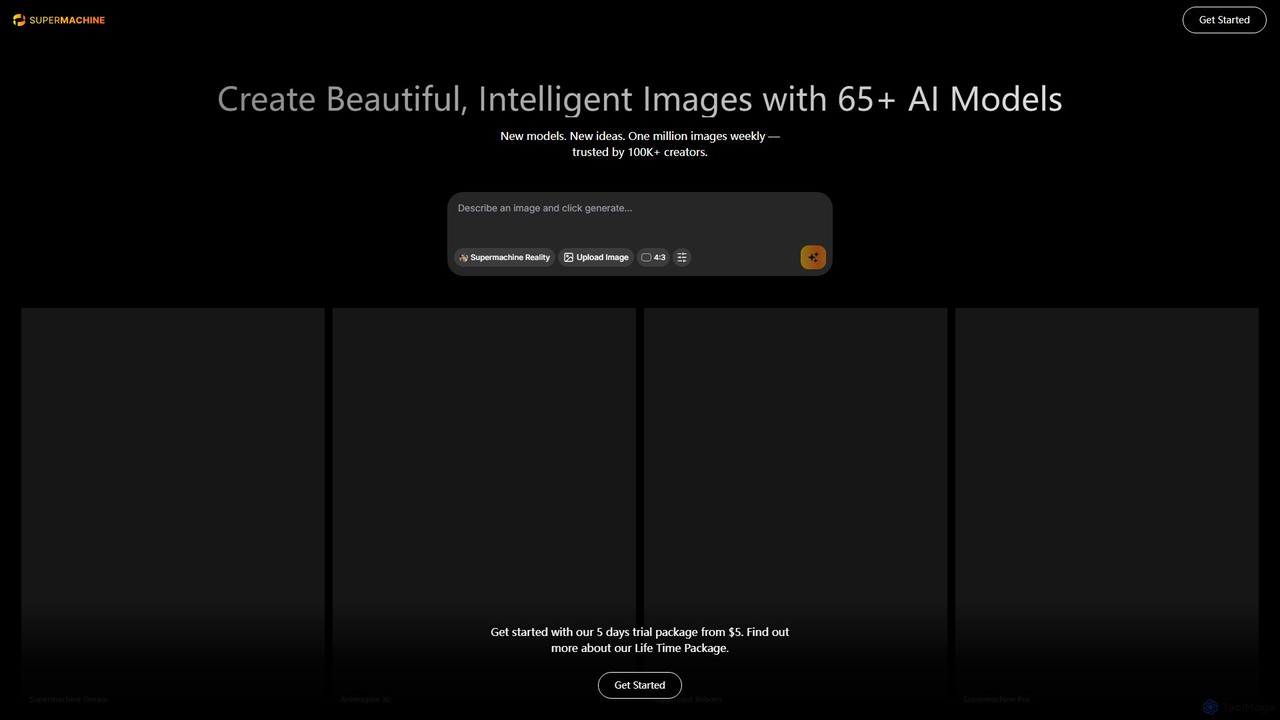
supermachine is a powerful AI image generation platform offering access to over 65 specialized models. It enables creators to produce beautiful, intelligent images from text prompts, catering to a wide range of styles from photorealistic and anime to abstract art. Trusted by over 100,000 creators, it's a versatile tool for artists, marketers, and designers.
Generative Art
getalpaca.io
getalpaca.io is a powerful AI plugin for Adobe Photoshop that integrates Stable Diffusion's image generation capabilities directly into your workflow. Create stunning visuals, concepts, and assets from text prompts without ever leaving Photoshop, streamlining your creative process.
Generative Art
DiffusionHub
DiffusionHub is a cloud-based platform for AI image generation, providing easy access to a vast library of Stable Diffusion models. It empowers users to create high-quality AI art and images through an intuitive interface, without the need for powerful local hardware. Ideal for artists, designers, and enthusiasts.
Generative Art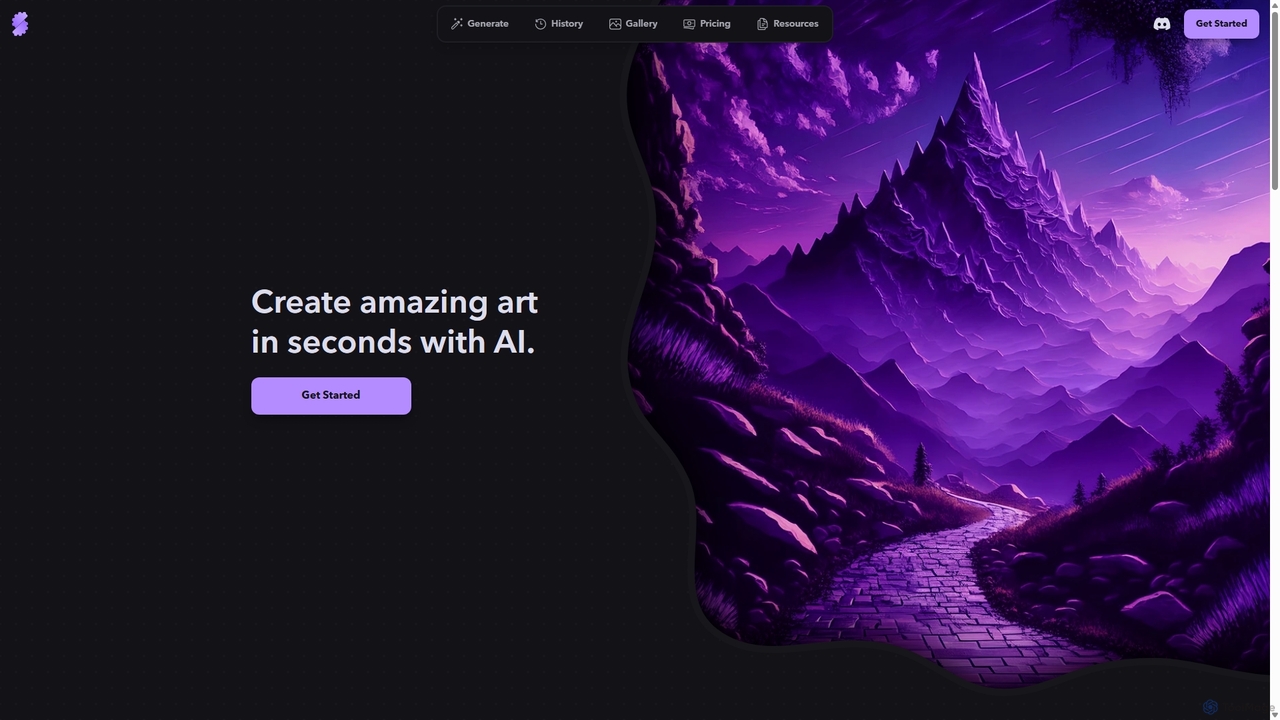
Stablecog
Stablecog is a powerful and user-friendly AI image generator that allows you to create stunning art from text or images in seconds. It supports multiple advanced AI models like Stable Diffusion 3 and SDXL, offering a versatile and creative platform for artists, designers, and content creators. With a generous free plan and flexible paid options, it's accessible to everyone.
Generative Art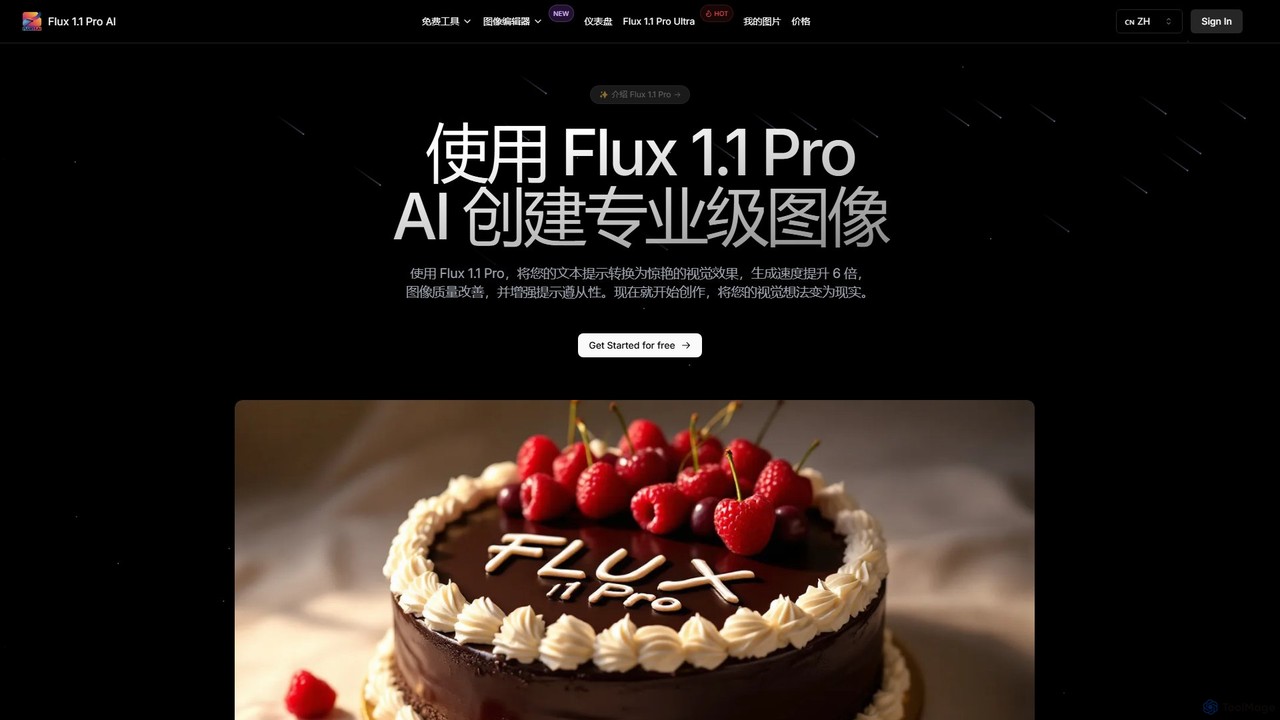
Flux 1.1
Flux 1.1 is an advanced AI image generation suite developed by Black Forest Labs. It transforms text prompts into professional-grade visuals with exceptional speed and quality. Featuring versions like Pro and Pro Ultra, it offers up to 4K resolution, superior prompt adherence, in-image text, and a range of specialized tools for artists, designers, and creative professionals.
Generative Artimgcreator Categories
imgcreator Embed Widget
Copy this embed code to place the badge on your blog, article, or product site and send readers directly to this ToolMage detail page.

Related AI tools
stablediffusionai.ai
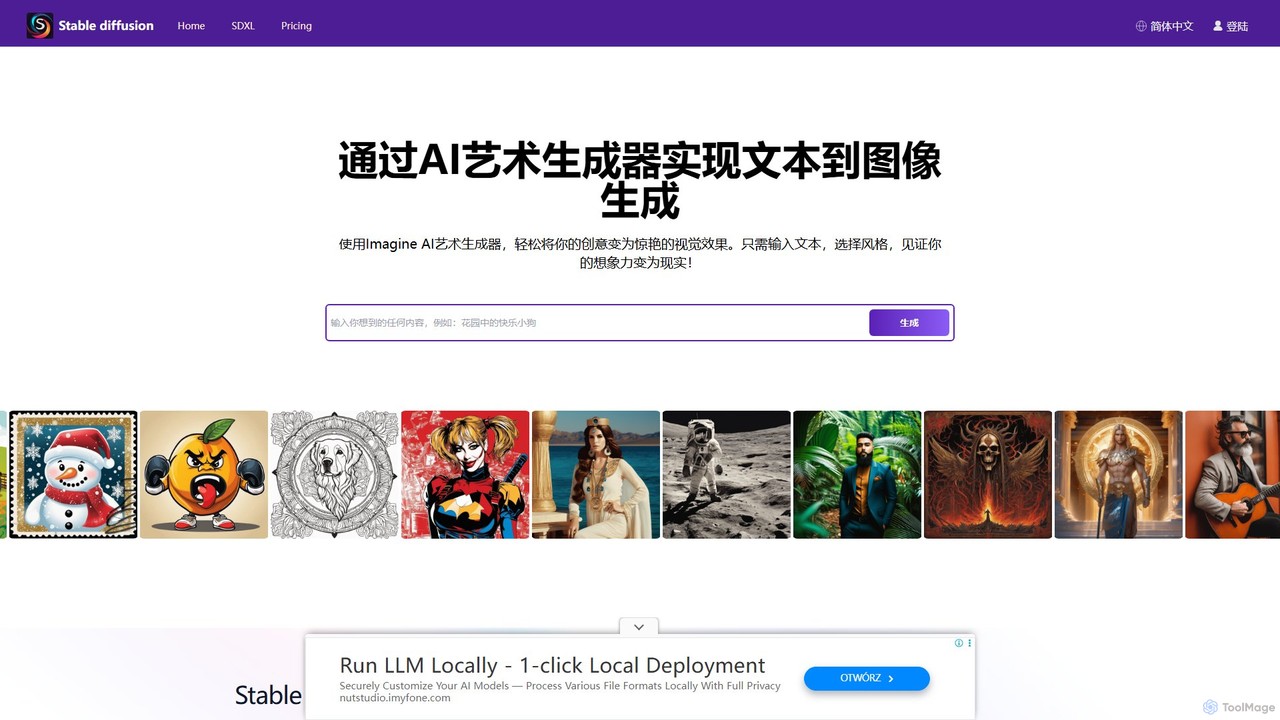
stablediffusionai.ai is a user-friendly online platform for generating high-quality AI art using the powerful Stable Diffusion XL model. It allows users to transform text prompts into stunning visuals, offering features like preset styles, negative prompts, and high-resolution output. Suitable for both beginners and experienced artists, it provides a simple interface to explore advanced AI image generation, including image editing and model customization with LoRAs and embeddings. A freemium model offers both free access and premium plans for enhanced features.
Ai Art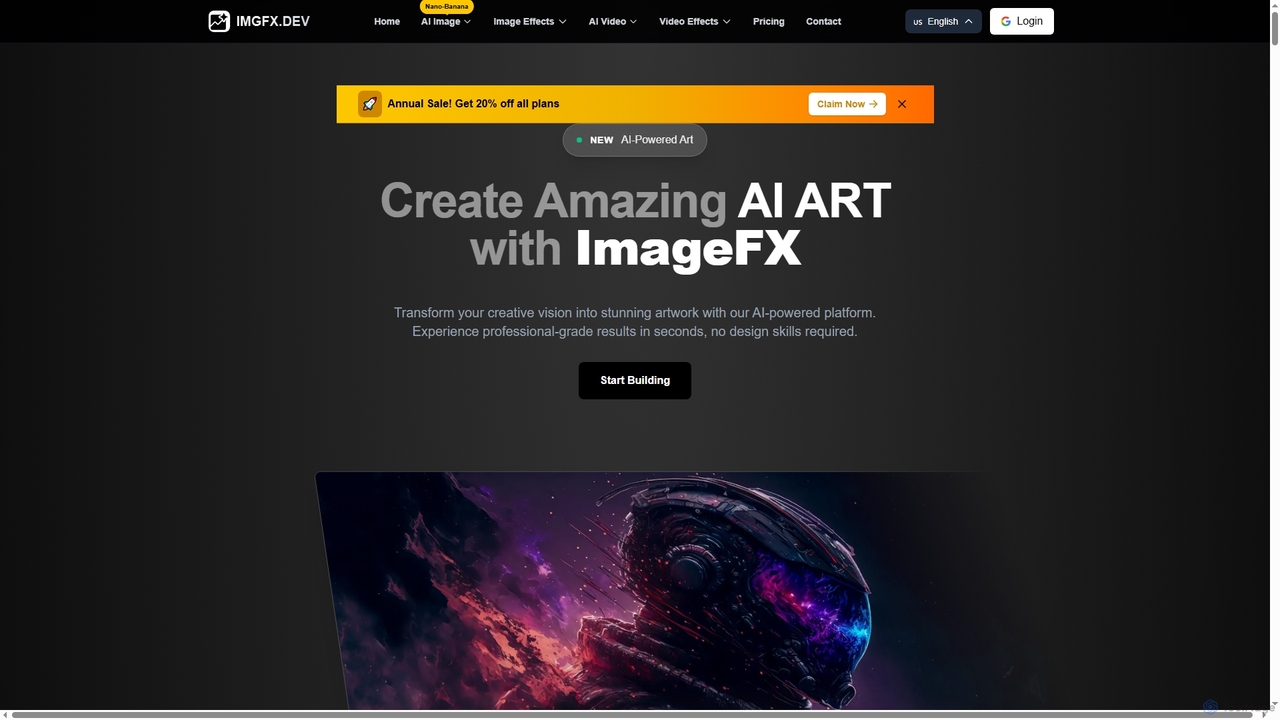
ImageFX
ImageFX is an AI-powered platform that transforms creative visions into stunning images and videos. It offers professional-grade results in seconds, without requiring design skills, featuring text-to-image, image-to-image, text-to-video, and image-to-video capabilities, along with advanced editing tools for diverse creative needs.
Creative Asset Generationsupermachine
supermachine is a powerful AI image generation platform offering access to over 65 specialized models. It enables creators to produce beautiful, intelligent images from text prompts, catering to a wide range of styles from photorealistic and anime to abstract art. Trusted by over 100,000 creators, it's a versatile tool for artists, marketers, and designers.
Generative Artgetalpaca.io
getalpaca.io is a powerful AI plugin for Adobe Photoshop that integrates Stable Diffusion's image generation capabilities directly into your workflow. Create stunning visuals, concepts, and assets from text prompts without ever leaving Photoshop, streamlining your creative process.
Generative ArtDiffusionHub
DiffusionHub is a cloud-based platform for AI image generation, providing easy access to a vast library of Stable Diffusion models. It empowers users to create high-quality AI art and images through an intuitive interface, without the need for powerful local hardware. Ideal for artists, designers, and enthusiasts.
Generative Art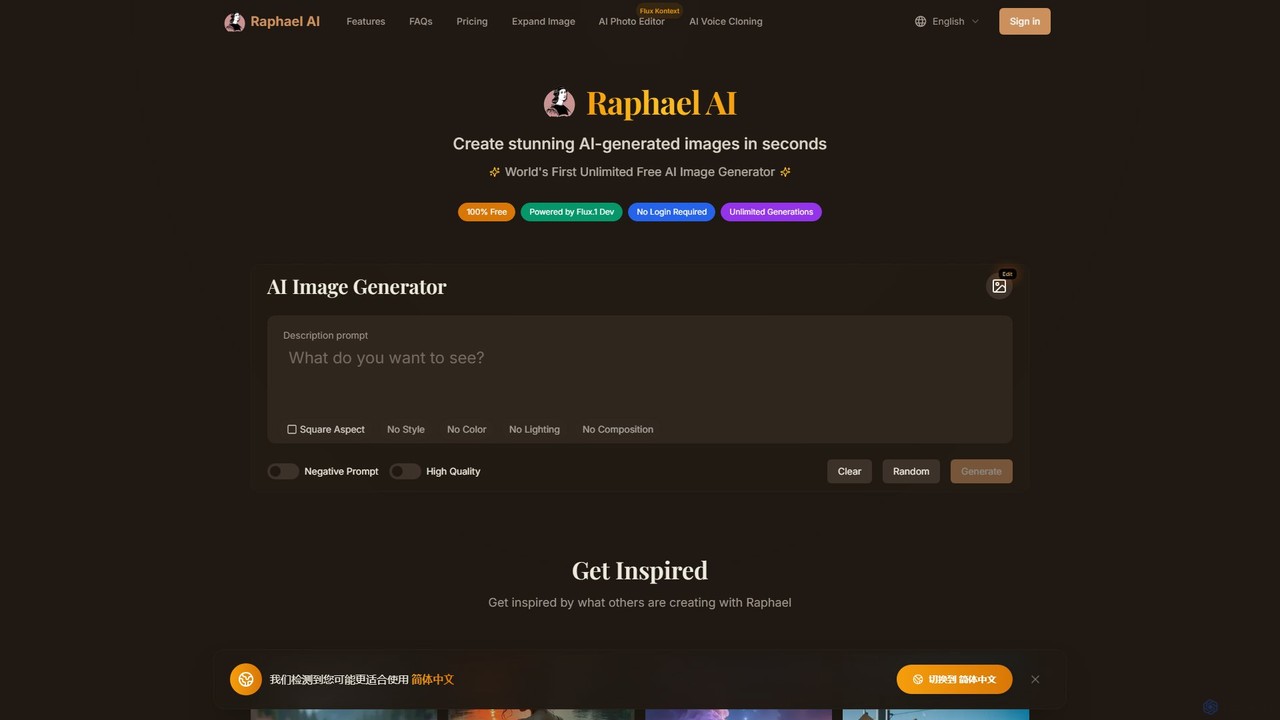
Raphael
Raphael is a versatile AI image suite offering a free, unlimited AI image generator powered by the advanced FLUX.1 model. It requires no login and ensures user privacy. Key features include a powerful AI Uncrop/Expander tool for extending images, multi-style support, and high-quality, photorealistic outputs. Paid plans unlock faster generation, HD images, and advanced editing features.
Image Editing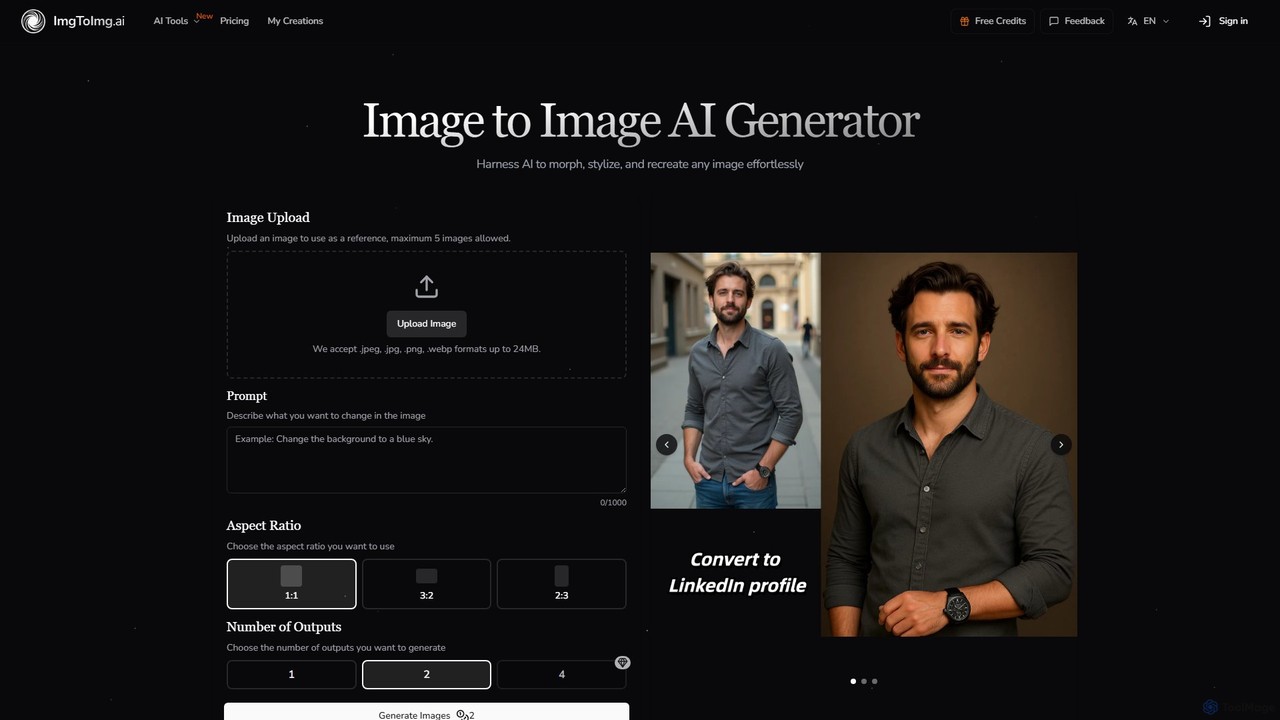
imgtoimg.ai
imgtoimg.ai is a comprehensive AI-powered suite for image creation and editing. It specializes in transforming existing images with text prompts while preserving their core structure (image-to-image). It also features a powerful text-to-image generator to create unique visuals from scratch. The platform includes additional tools like AI face swap, background remover, image upscaler, and photo restoration, making it a versatile solution for designers, marketers, and creators.
Art Generation
Diffus
A professional-grade, browser-based AI image generation platform offering precise control. Access over 70,000 models, including Stable Diffusion, LoRAs, and ControlNet, to create stunning visuals without needing powerful hardware. Ideal for artists, designers, and hobbyists.
Digital Art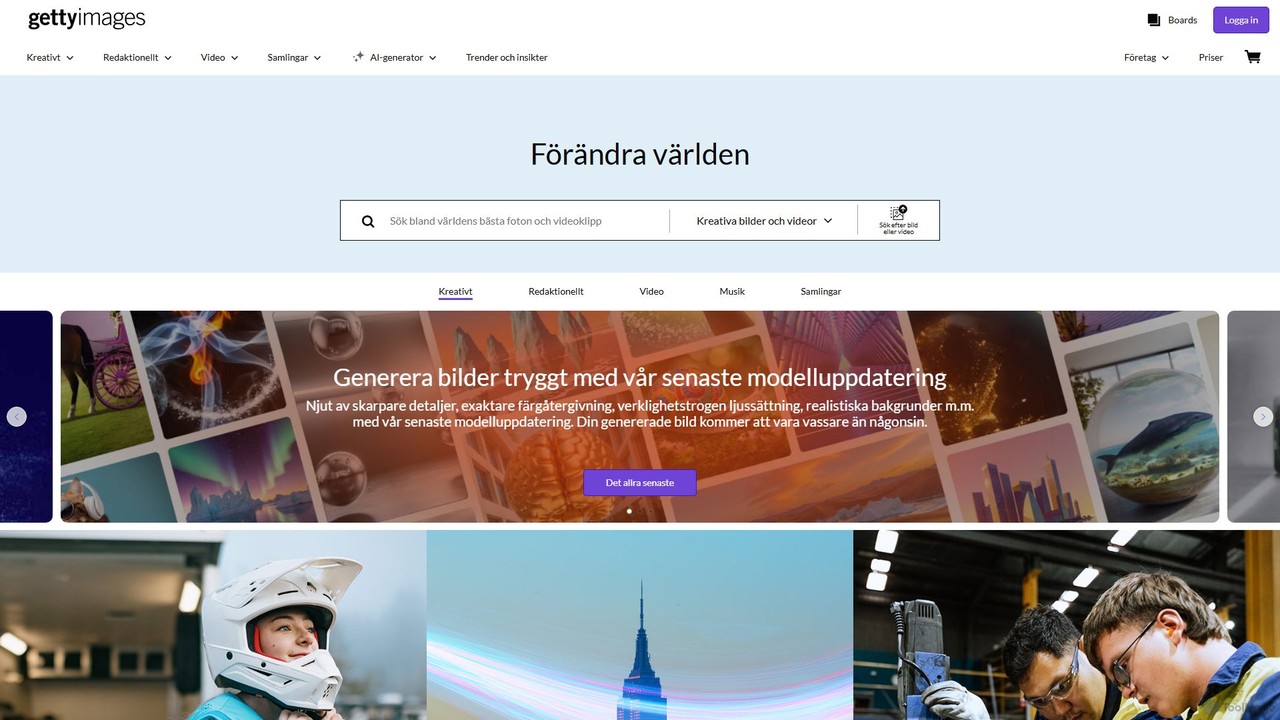
Getty Images
A powerful AI image generator by Getty Images, trained exclusively on its high-quality, licensed library. It creates unique, commercially safe visuals with full legal indemnification. Features include advanced text-to-image, inpainting, outpainting, and seamless integration with Getty's vast stock content.
Illustration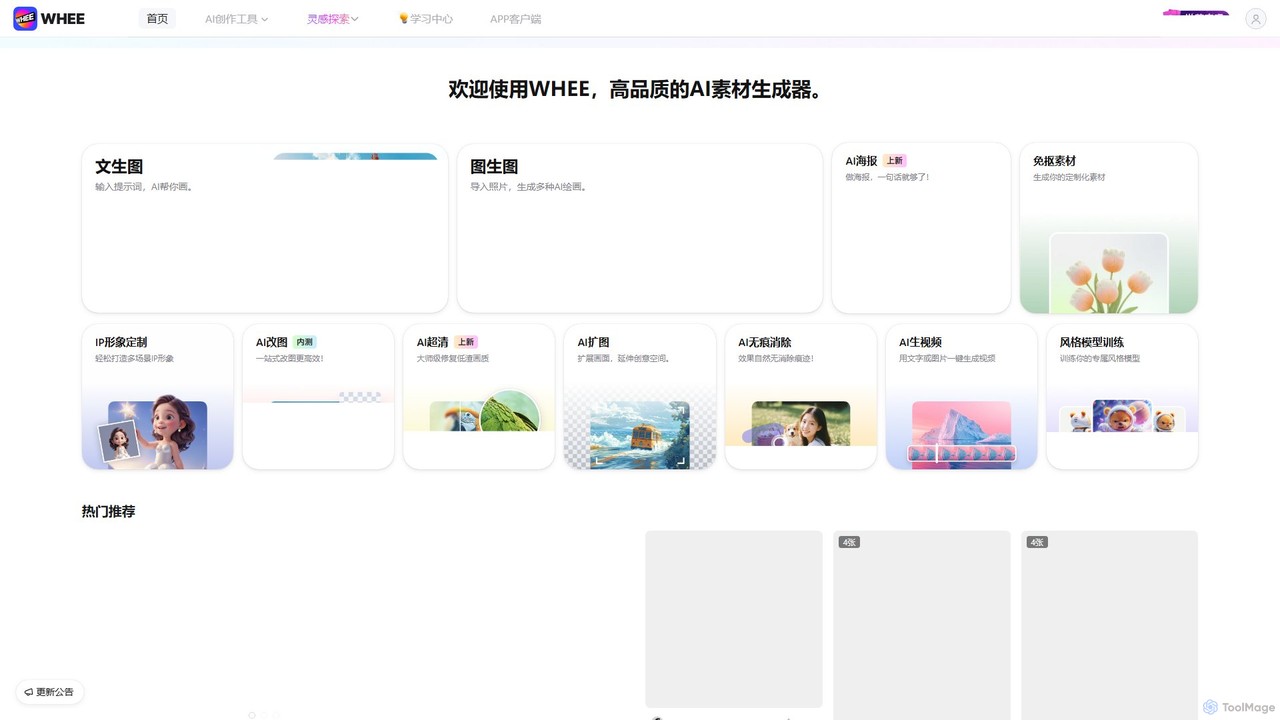
WHEE
WHEE is a powerful AI asset generator for creating high-quality images, videos, and design materials. It offers a comprehensive suite of tools, including text-to-image, image-to-image, AI poster creation, image editing, video generation, and custom style model training. It's designed for artists, designers, and marketers to streamline their creative workflows.
Graphic Design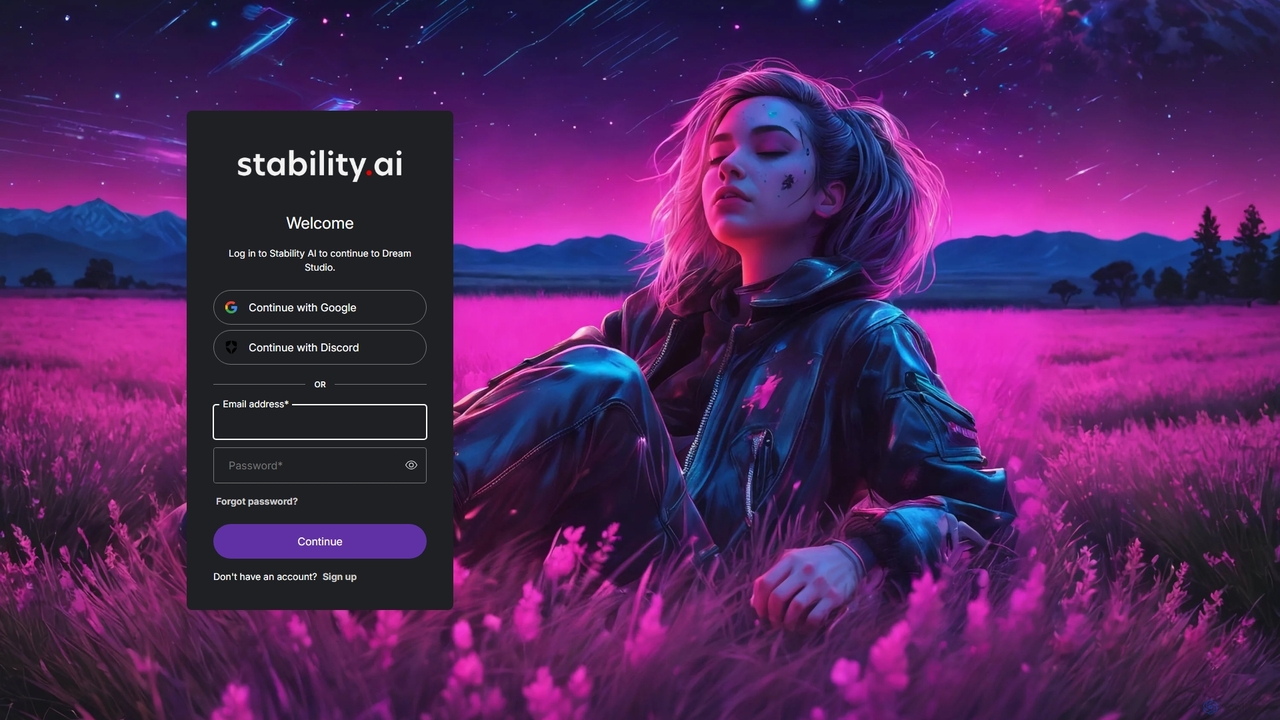
DreamStudio
DreamStudio is the official web interface for Stability AI's Stable Diffusion models. It's a powerful AI image generation tool that allows users to create high-quality, unique images from text descriptions. It offers advanced controls, various models, and editing features like inpainting and outpainting, catering to artists, designers, and creators of all levels.
Generative Art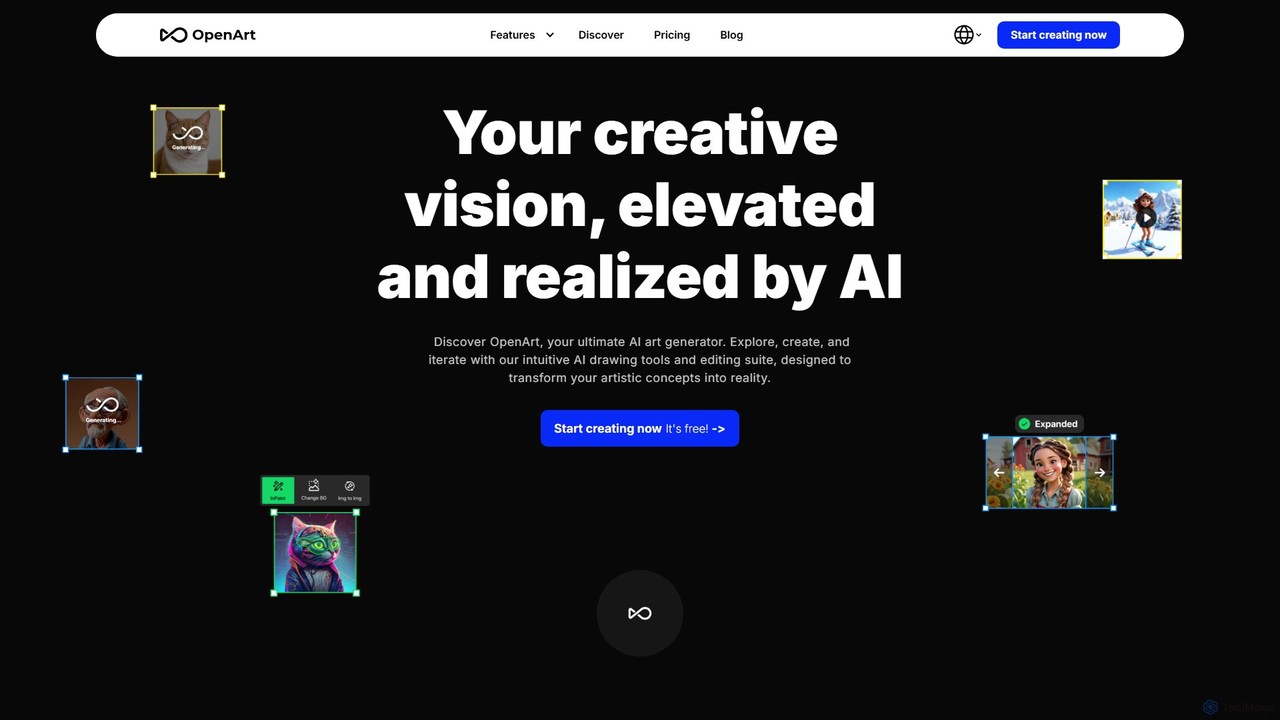
OpenArt
OpenArt is a powerful AI art platform for creating and editing images. It features an advanced AI image generator, a comprehensive suite of editing tools, and the unique ability to train custom AI models for specific styles or characters. Ideal for artists, designers, and hobbyists, it offers both free and professional plans.
Art Generation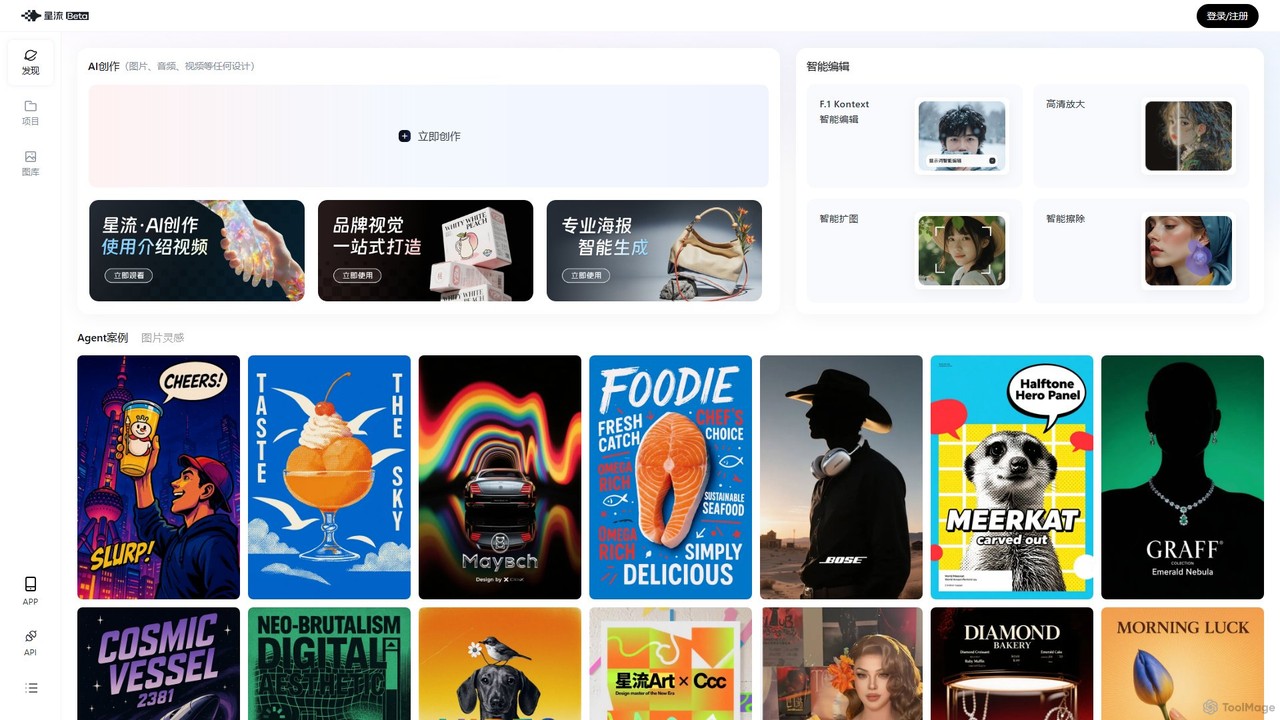
Xingliu
Xingliu is a next-generation AI creation suite that seamlessly integrates content generation and smart editing. Create stunning images, posters, and designs from text prompts, and refine them with powerful tools like HD upscaling, smart outpainting, object removal, and background cutout. It's an all-in-one platform for designers, marketers, and creators to bring their ideas to life effortlessly.
Image Generation
Holara
Holara is a specialized AI image generator for creating high-quality anime and manga-style artwork. Using text prompts, users can generate unique characters, scenes, and concepts. It offers advanced features like style LoRAs, image-to-image generation, and precise control over output. With a user-friendly interface and a credit-based system including a free plan, Holara caters to both hobbyists and professional artists.
Anime & Manga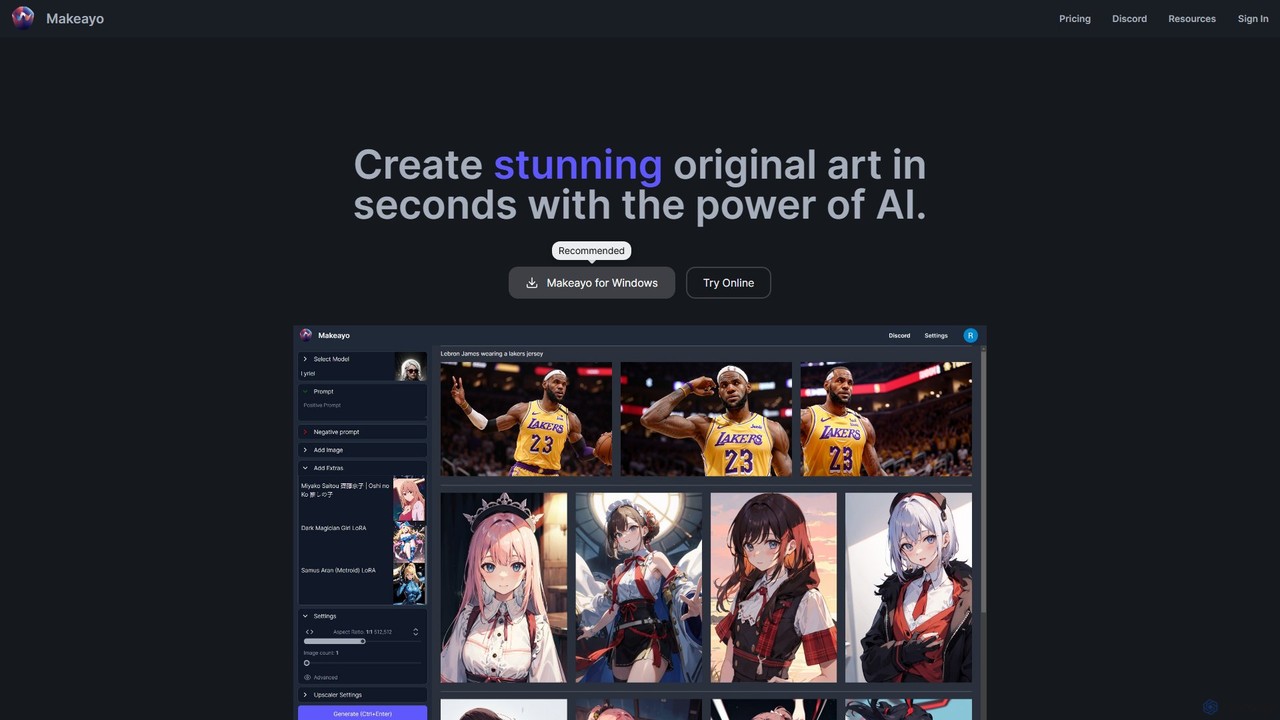
Makeayo
Makeayo is a free, user-friendly AI art generator for Windows. It runs locally on your desktop, offering unlimited image generation without subscriptions. Features include a vast model library, image-to-image transformation, ControlNet for pose matching, and HD upscaling to 4K, empowering artists and enthusiasts to create stunning original art with complete control and privacy.
Image Generation
imgcreator Comments (0)
Sign in to comment.
Sign inNo comments yet.