
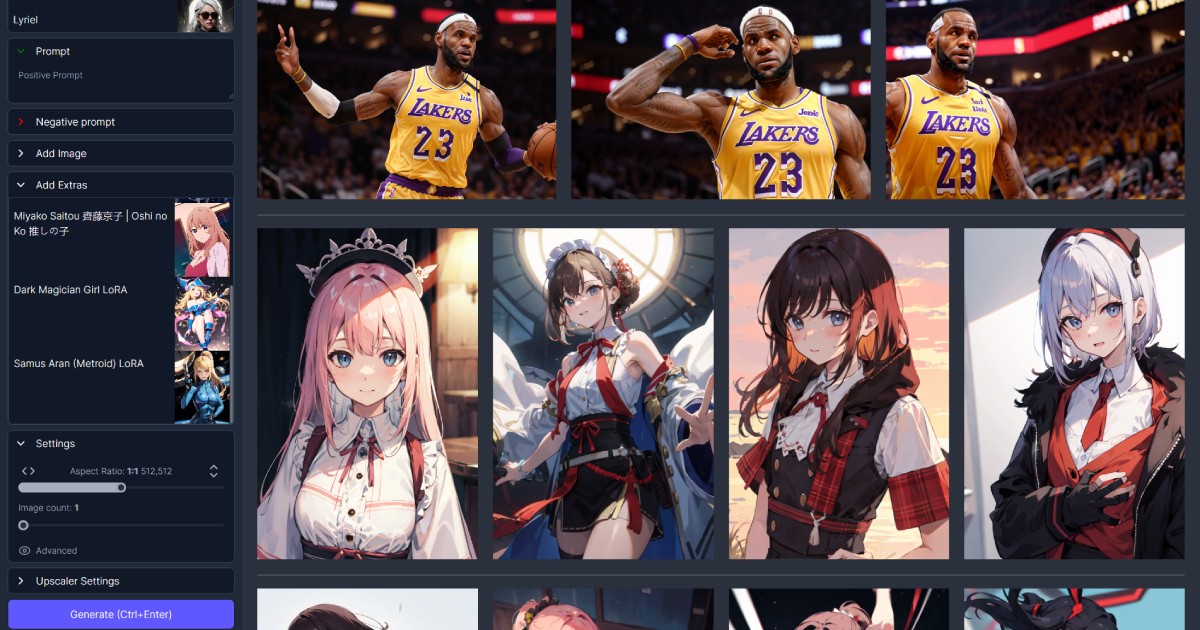
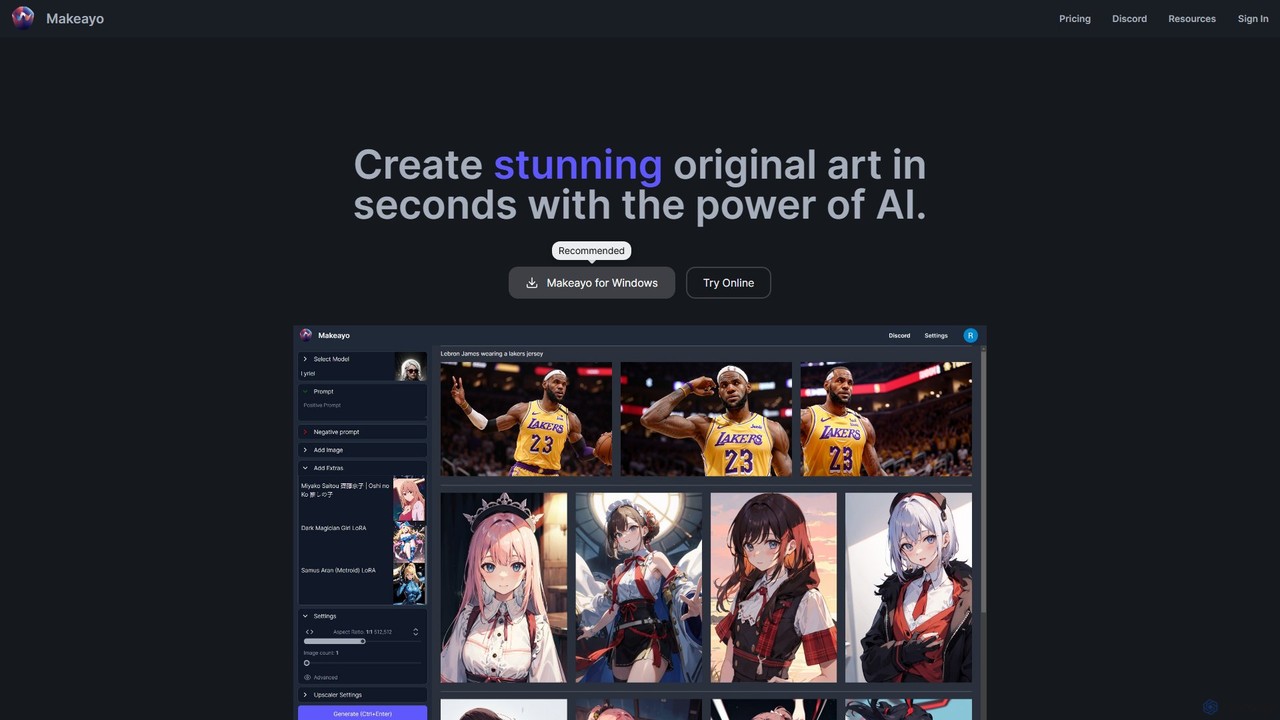
Makeayo Overview
Makeayo is a powerful and intuitive AI art generator designed to run directly on your Windows desktop. It empowers users, from beginners to professional artists, to create stunning, original artwork in seconds by leveraging the capabilities of their own computer hardware. Unlike many cloud-based services, Makeayo offers a completely free and unrestricted creative experience, allowing for unlimited image generations without subscriptions or credits. This local-first approach ensures user privacy and gives creators complete control over their models and generated content. With a focus on user-friendliness, Makeayo packages the complex technology of generative AI into an accessible application, making it as easy to use as standard creative software like Photoshop or DaVinci Resolve.
The platform is built to be robust, supporting a wide range of creative workflows. Whether you're starting from a simple text description, transforming an existing photo, or meticulously controlling a character's pose, Makeayo provides the tools you need. It's an ideal solution for anyone looking to explore the boundaries of AI art without the limitations and costs associated with online platforms. The active community on Discord further enhances the experience, providing a space for users to share creations, discover new models, and get support from fellow enthusiasts.
How to use Makeayo
Getting started with Makeayo is a straightforward process designed to get you creating as quickly as possible:
- Download and Install: Visit the official Makeayo website and download the application for your Windows 10 or 11 operating system. The installation is simple and quick.
- Launch the Application: Once installed, open Makeayo. You will be greeted by a clean and intuitive interface.
- Select a Model: Browse the extensive library of hundreds of community-contributed models. Each model is trained for a specific style, such as photorealism, anime, fantasy, or abstract art. Choose one that fits your creative vision.
- Describe Your Vision: In the prompt box, type a detailed description of the image you want to create. Be as specific as possible to guide the AI. You can also use a negative prompt to specify what you want to avoid in the image.
- Configure Advanced Settings (Optional): For more control, you can use advanced features. Upload a base image for an 'Image-to-Image' transformation, or use a reference image with 'ControlNet' to match a specific pose or composition.
- Generate: Click the 'Generate' button. Makeayo will use your computer's GPU (NVIDIA GeForce GTX 1050 or greater recommended) to process the request and create your artwork.
- Iterate and Upscale: Review the generated results. You can tweak your prompt and regenerate endlessly at no cost. Once you have an image you love, use the HD upscaling feature to increase its resolution to 4K or even higher, adding incredible detail for a final, high-quality piece.
Core Features of Makeayo
- Unlimited Local Generations: Create as many images as you want without any costs or limits. Since it runs on your hardware, you are in full control.
- User-Friendly Interface: Designed to be accessible for beginners while still offering the depth required by professional artists and power users.
- Extensive Model Library: Gain access to a vast and diverse collection of hundreds of AI models, each offering a unique artistic style, curated and shared by a vibrant community.
- Image-to-Image Transformation: Unleash your creativity by uploading an existing image and transforming it into a completely new style based on your text prompts.
- ControlNet for Pose Matching: Achieve unparalleled control over your creations. Use ControlNet to transfer the pose, composition, or depth from a reference image directly to your generated art.
- HD & 4K+ Upscaling: Elevate your finished artwork to breathtaking levels of detail. The built-in upscaling feature can enhance your images to 4K resolution and beyond, making them suitable for printing and professional use.
- Active Community Support: Join the Makeayo Discord server to connect with a passionate community of creators, share your work, find new models, and get help and inspiration.
Use Cases for Makeayo
Makeayo's versatility makes it a valuable tool for a wide range of users:
- Digital Artists and Illustrators: Rapidly generate concept art, character designs, environmental backgrounds, and inspirational mood boards to accelerate the creative process.
- Game Developers: Create unique game assets, character sprites, textures, and promotional art, saving significant time and resources.
- Graphic Designers and Marketers: Produce eye-catching, original visuals for social media campaigns, advertisements, websites, and presentations without relying on generic stock photos.
- Hobbyists and AI Enthusiasts: Experiment with the cutting edge of AI art, create personalized avatars, design unique art for personal projects, or simply have fun exploring creative possibilities.
- Writers and Storytellers: Visualize characters, scenes, and worlds from their stories, bringing their narratives to life with compelling imagery.
Advantages of Makeayo
Makeayo stands out from other AI art tools with several key advantages:
- Completely Free: There are no subscriptions, pay-per-image credits, or hidden costs. The software is free to use, making powerful AI tools accessible to everyone.
- Privacy and Ownership: Because it runs locally on your desktop, your prompts and generated images remain private on your machine. You have full ownership and control over your creations.
- Unrestricted Creativity: Free from the content filters and restrictions often imposed by online services, allowing for a broader range of artistic expression.
- Powerful, Integrated Toolset: Combines essential features like text-to-image, image-to-image, ControlNet, and upscaling into a single, cohesive application, eliminating the need for complex, multi-part workflows.
- Community-Powered Ecosystem: The tool's strength is amplified by its community, which constantly contributes new models, ensuring a fresh and ever-expanding palette of artistic styles to explore.
Pricing and Plans
Makeayo is offered completely free of charge. There are no different tiers, subscription plans, or one-time purchase fees required to use the software and its full range of features. Users can download the application and immediately start creating with unlimited generations. The development is supported by its community, and the company has indicated that an affiliate program may be introduced in the future, but this will not affect the free availability of the core tool.
Makeayo Alternatives
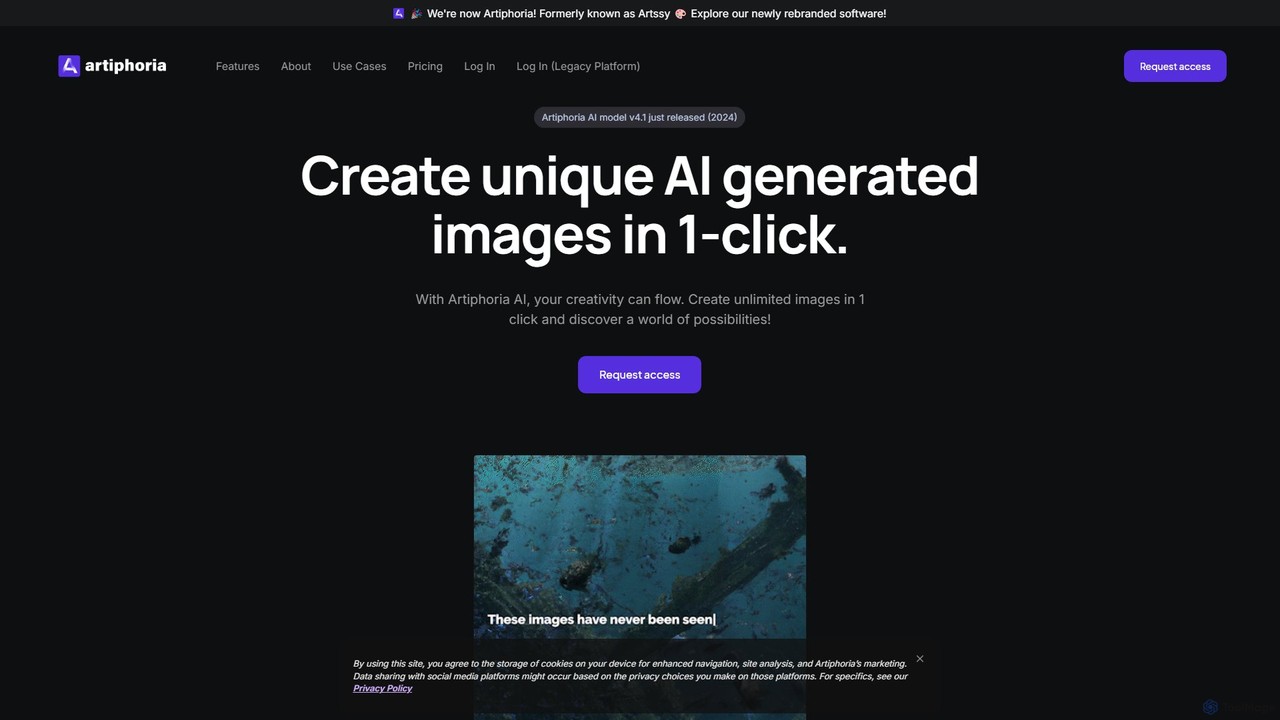
Artiphoria
Artiphoria is an advanced AI art generator that transforms your creative ideas into unique, high-quality images. It offers extensive customization options, in-platform editing, and a unique feature for training your own AI models, making it ideal for artists, designers, and businesses.
Image Generation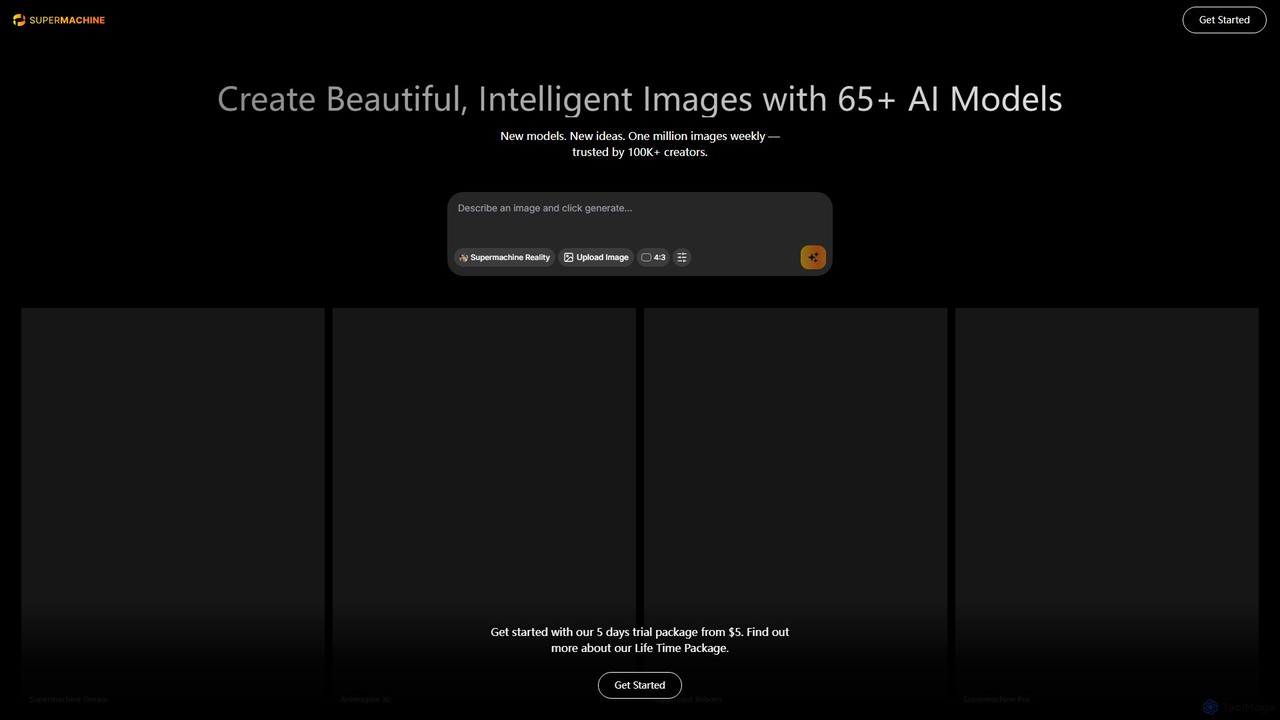
supermachine
supermachine is a powerful AI image generation platform offering access to over 65 specialized models. It enables creators to produce beautiful, intelligent images from text prompts, catering to a wide range of styles from photorealistic and anime to abstract art. Trusted by over 100,000 creators, it's a versatile tool for artists, marketers, and designers.
Generative Art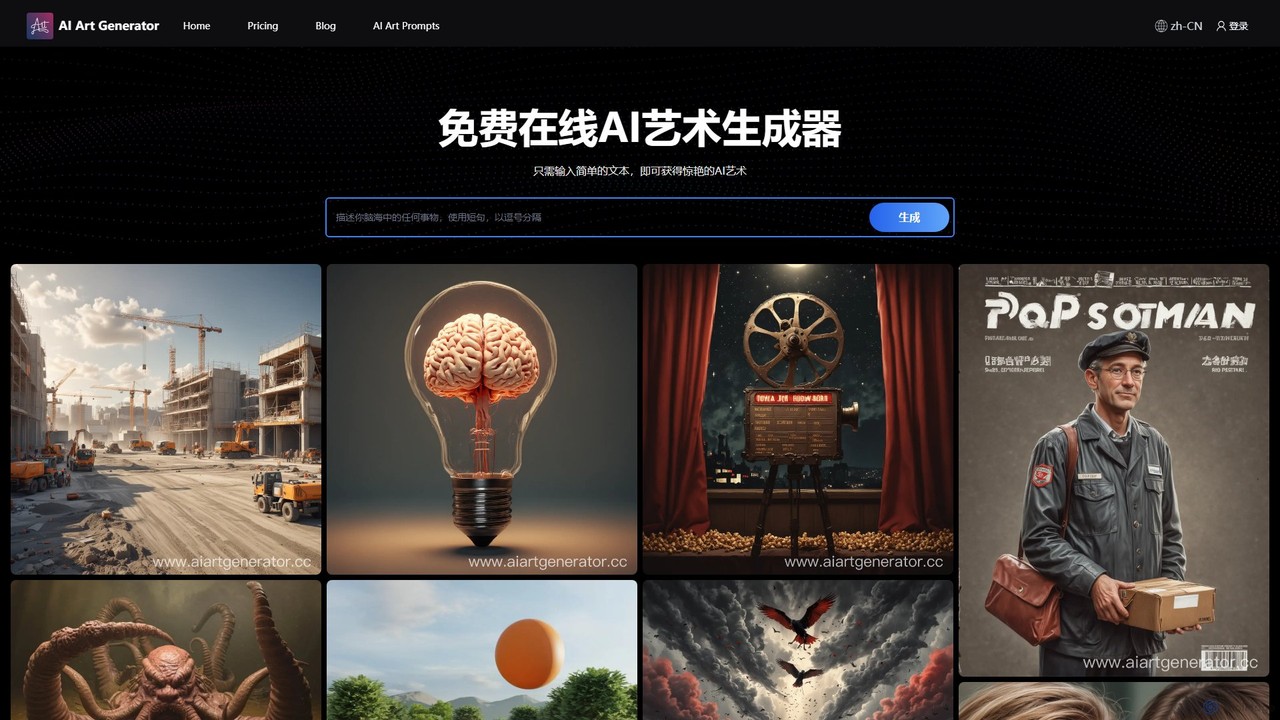
aiartgenerator.cc
aiartgenerator.cc is a powerful and user-friendly AI art generator that transforms your text prompts into stunning, unique images. Leveraging advanced Stable Diffusion technology, it allows anyone, regardless of artistic skill, to create high-quality visuals for personal or commercial use. The platform offers a free plan to get started and premium tiers with advanced features like faster generation, upscaling, and a commercial license.
Image Generation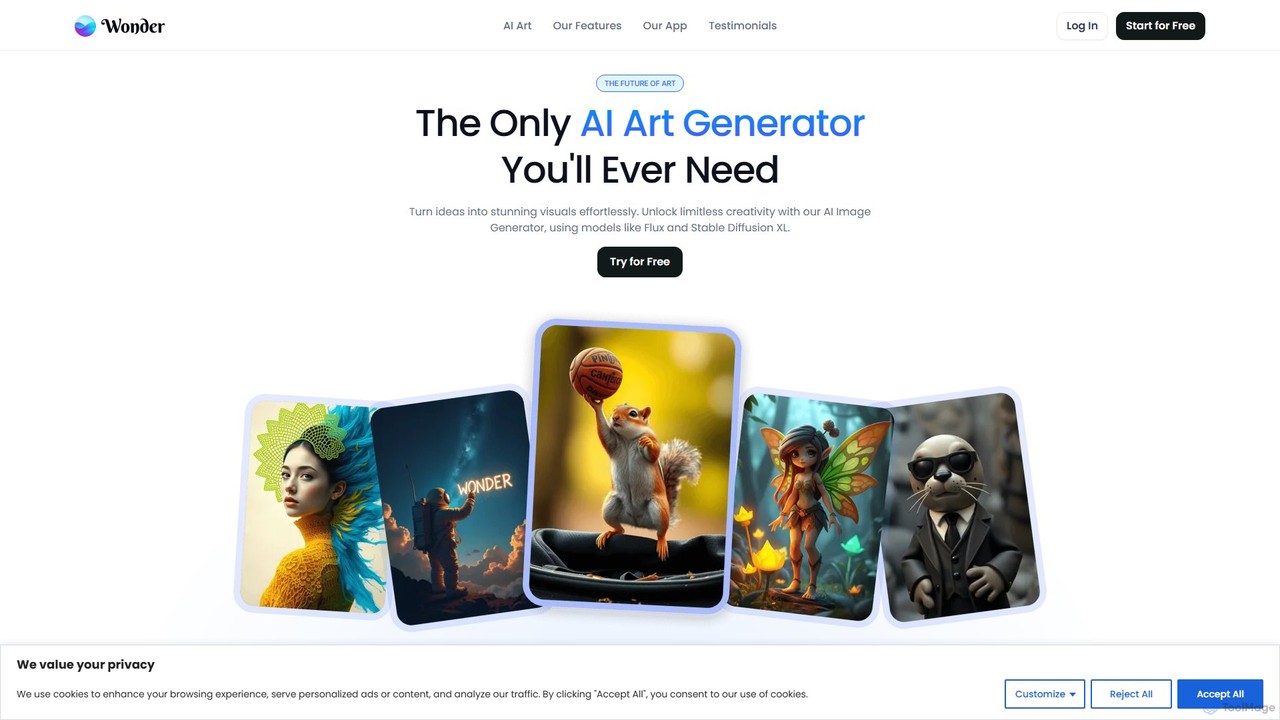
Wonder AI
Wonder AI is a powerful mobile AI art generator that turns your words and photos into stunning digital artwork. Simply enter a text prompt, choose from dozens of art styles, and create unique images, paintings, and avatars in seconds. Perfect for artists, content creators, and anyone looking to unleash their creativity.
Image Generation
DreamAI
DreamAI is an advanced AI art generator that transforms your text prompts into stunning, dream-like, and surreal visuals. Specializing in imaginative and abstract styles, it empowers artists, designers, and creators to bring their wildest ideas to life with just a few clicks. Explore endless creative possibilities and generate unique, high-quality artwork effortlessly.
Image GenerationMakeayo Categories
Makeayo Embed Widget
Copy this embed code to place the badge on your blog, article, or product site and send readers directly to this ToolMage detail page.

Related AI tools
supermachine
supermachine is a powerful AI image generation platform offering access to over 65 specialized models. It enables creators to produce beautiful, intelligent images from text prompts, catering to a wide range of styles from photorealistic and anime to abstract art. Trusted by over 100,000 creators, it's a versatile tool for artists, marketers, and designers.
Generative Art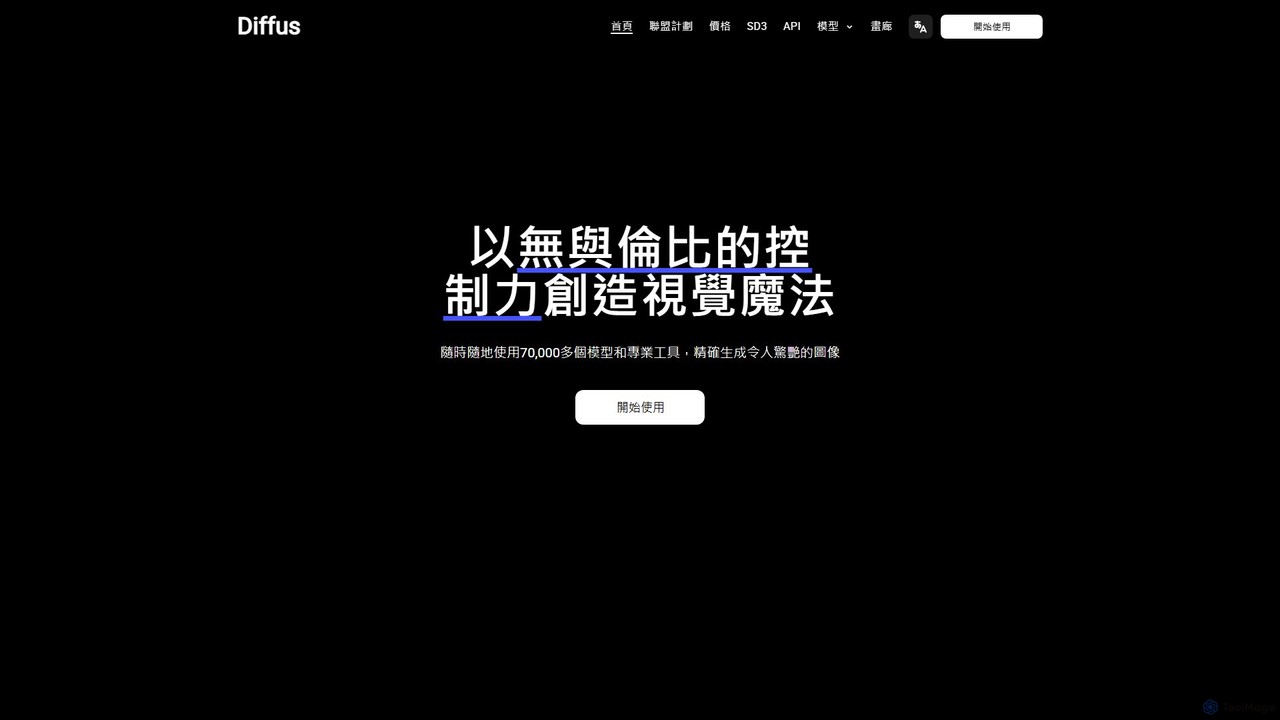
Diffus
A professional-grade, browser-based AI image generation platform offering precise control. Access over 70,000 models, including Stable Diffusion, LoRAs, and ControlNet, to create stunning visuals without needing powerful hardware. Ideal for artists, designers, and hobbyists.
Digital Art
Holara
Holara is a specialized AI image generator for creating high-quality anime and manga-style artwork. Using text prompts, users can generate unique characters, scenes, and concepts. It offers advanced features like style LoRAs, image-to-image generation, and precise control over output. With a user-friendly interface and a credit-based system including a free plan, Holara caters to both hobbyists and professional artists.
Anime & Manga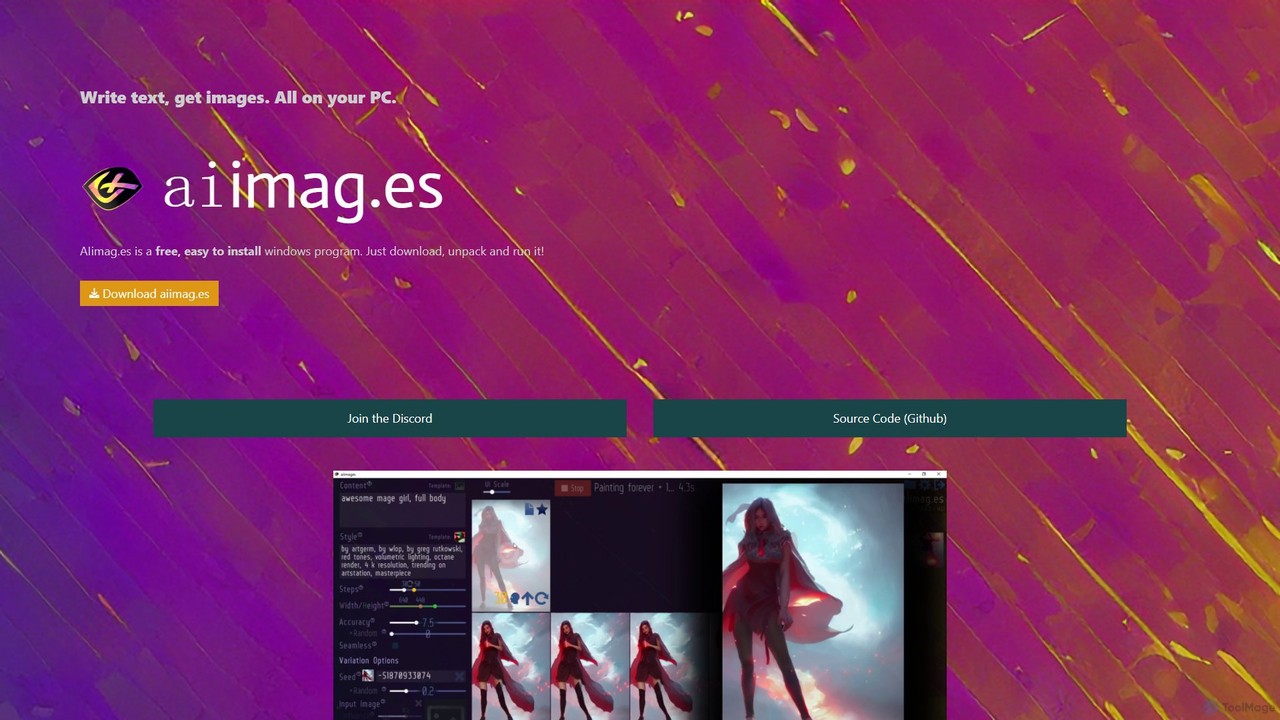
AIimag.es
AIimag.es is a free, open-source, and easy-to-install Windows application for text-to-image generation. It runs entirely on your local PC, leveraging the power of Stable Diffusion to create unlimited images for free, even for commercial use. It's designed for simplicity, speed, and accessibility, making AI art creation available to everyone without needing technical skills or cloud subscriptions.
Creative Tools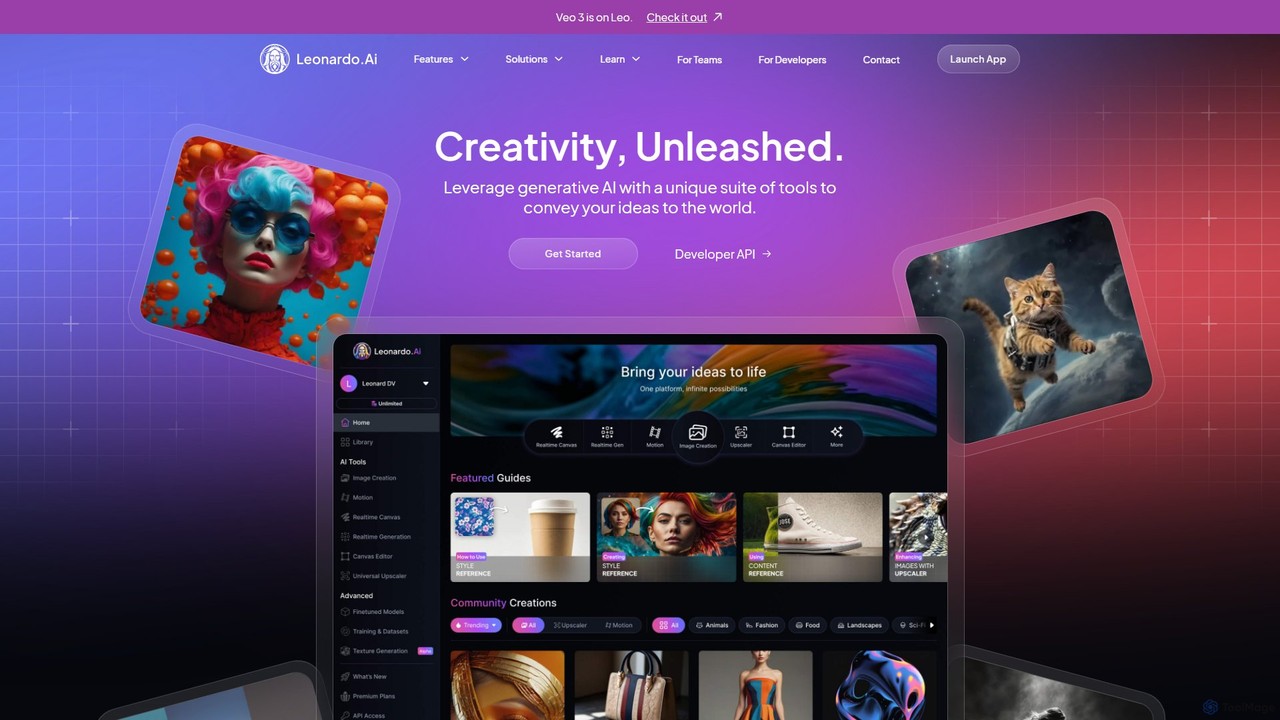
Leonardo.ai
Leonardo.ai is a comprehensive generative AI suite for creating high-quality visual assets. It offers a wide range of tools, including image and video generation, AI Canvas, 3D texturing, and numerous fine-tuned models. Ideal for individual creators, collaborative teams, and developers, it emphasizes quality, speed, and style consistency.
Generative Art
Artificial Art
A powerful, free AI image generation platform featuring an extensive library of over 100 specialized Stable Diffusion models. Create anything from photorealistic portraits and anime characters to abstract art with advanced controls, inpainting, and upscaling.
Art GenerationArtiphoria
Artiphoria is an advanced AI art generator that transforms your creative ideas into unique, high-quality images. It offers extensive customization options, in-platform editing, and a unique feature for training your own AI models, making it ideal for artists, designers, and businesses.
Image Generation
AnimeDiffusion
AnimeDiffusion is a powerful AI art generator specializing in creating high-quality, anime-style images from text prompts. Leveraging advanced diffusion models, it allows artists, designers, and enthusiasts to produce unique and detailed anime characters, scenes, and illustrations with ease and precision.
Image Generation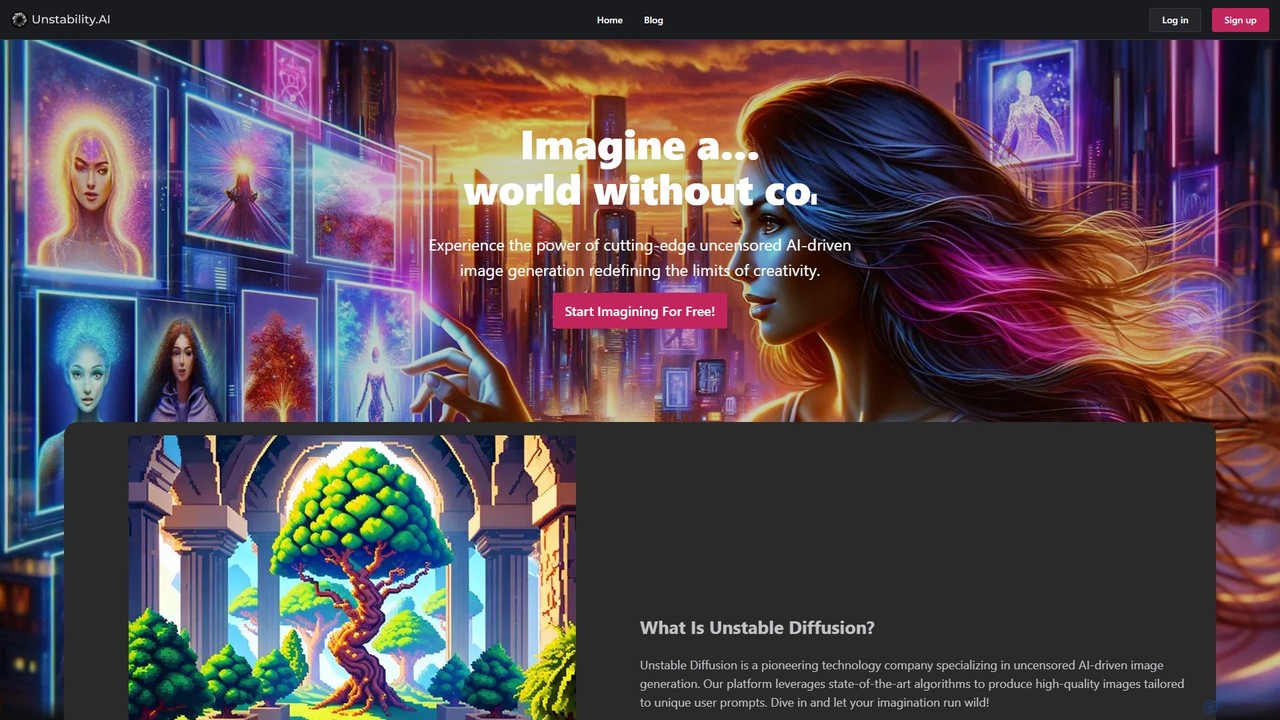
Unstable Diffusion
Unstable Diffusion is an uncensored AI image generation platform that empowers users to create high-quality, realistic visuals from text prompts without creative restrictions. It leverages state-of-the-art diffusion models to offer limitless artistic possibilities, from stunning landscapes to complex character designs. The platform provides a free-to-start experience, advanced customization options, and instant image creation, catering to artists, designers, and creative enthusiasts who seek ultimate freedom in their AI-generated art.
Generative Art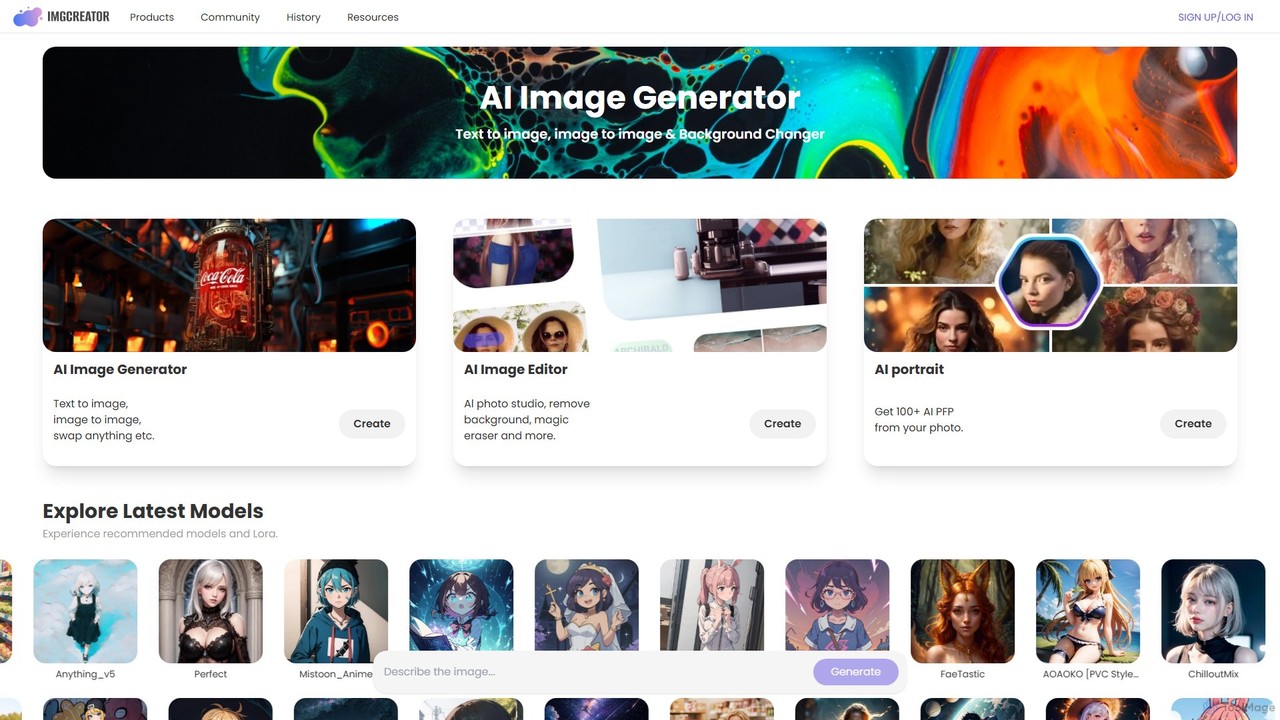
imgcreator
imgcreator is a powerful AI creative suite for generating and editing images. It offers text-to-image, image-to-image, an extensive library of art models (Lora), an AI photo studio with background removal, magic eraser, and an AI portrait generator for creating unique PFPs.
Generative Art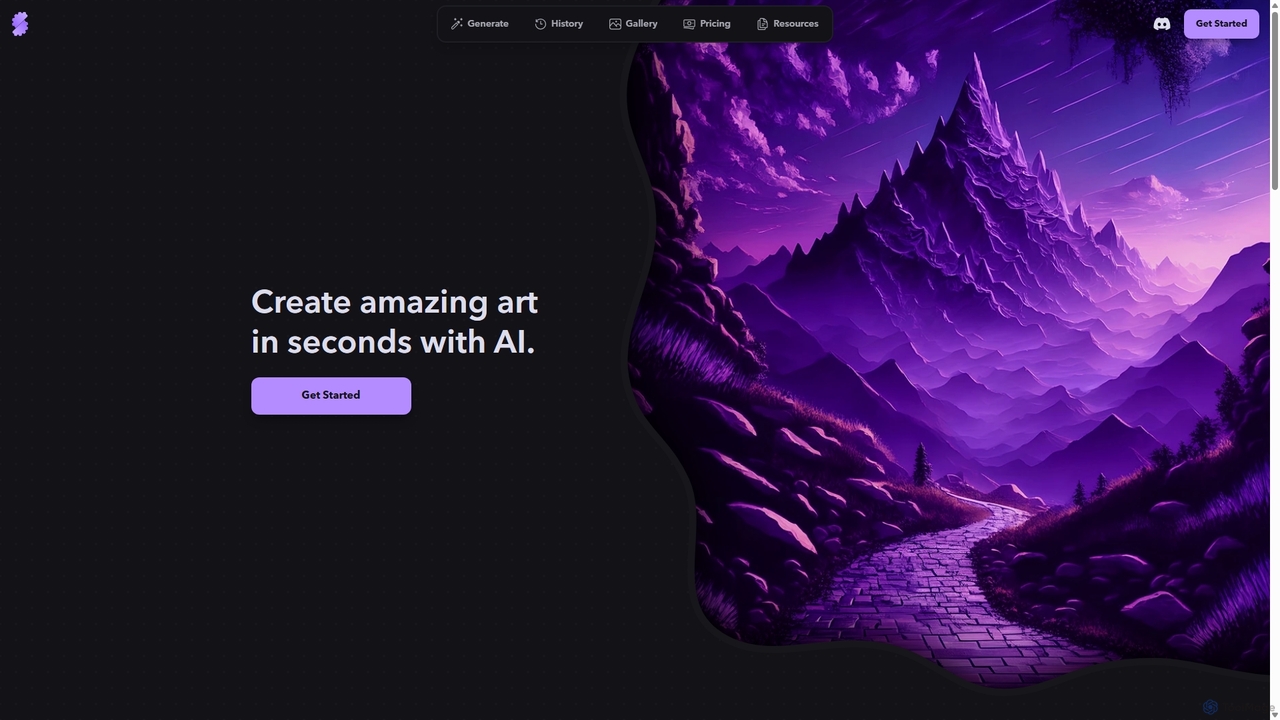
Stablecog
Stablecog is a powerful and user-friendly AI image generator that allows you to create stunning art from text or images in seconds. It supports multiple advanced AI models like Stable Diffusion 3 and SDXL, offering a versatile and creative platform for artists, designers, and content creators. With a generous free plan and flexible paid options, it's accessible to everyone.
Generative Art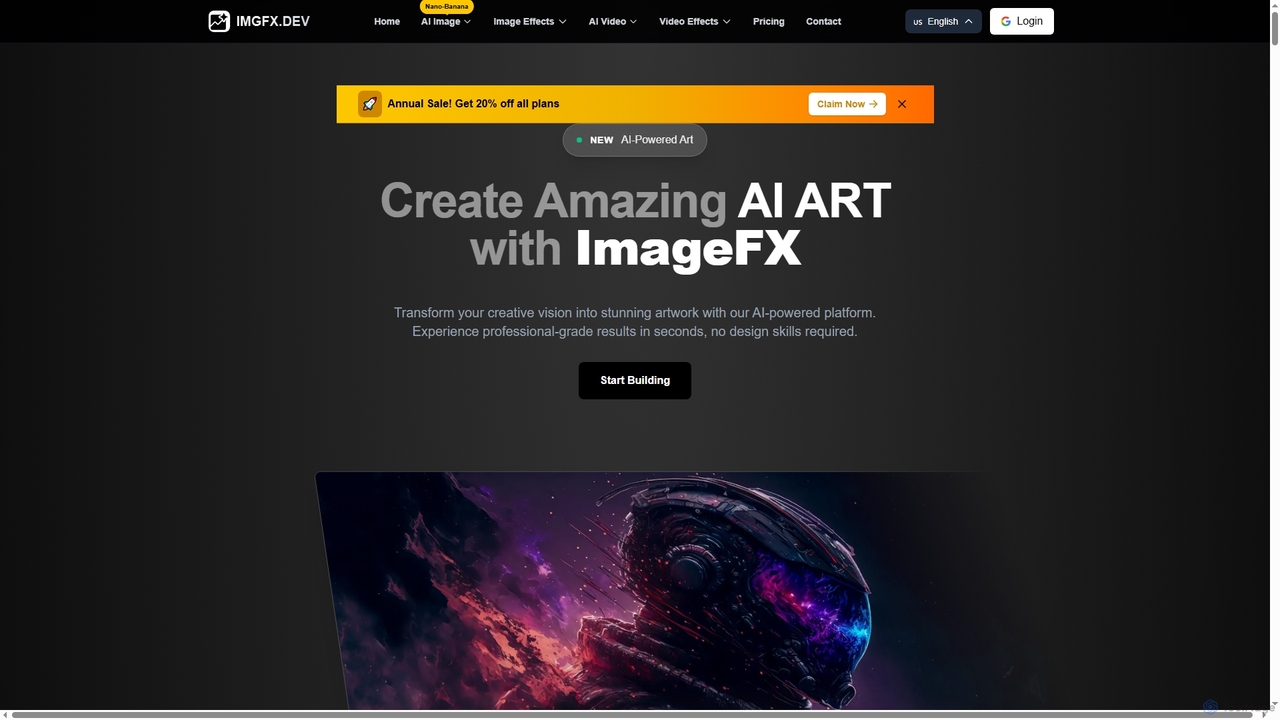
ImageFX
ImageFX is an AI-powered platform that transforms creative visions into stunning images and videos. It offers professional-grade results in seconds, without requiring design skills, featuring text-to-image, image-to-image, text-to-video, and image-to-video capabilities, along with advanced editing tools for diverse creative needs.
Creative Asset Generation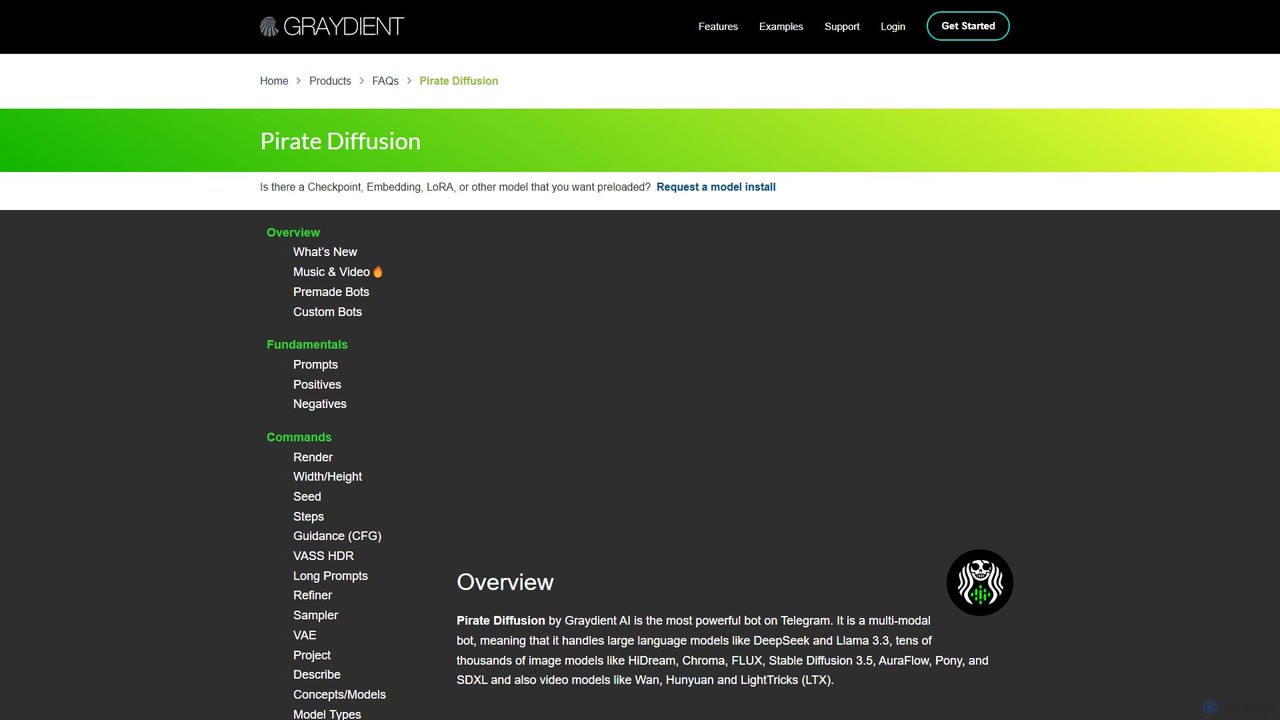
PirateDiffusion
PirateDiffusion is a powerful, multi-modal AI bot on Telegram by Graydient AI. It offers unlimited, royalty-free generation of images, videos, music, and text chats. Access tens of thousands of models like Stable Diffusion, SDXL, and Llama 3 through a fast, command-based interface. Features include advanced controls like ControlNet, inpainting, custom bots, and a unified web UI, making it a comprehensive creative suite for both beginners and experts.
Music Generation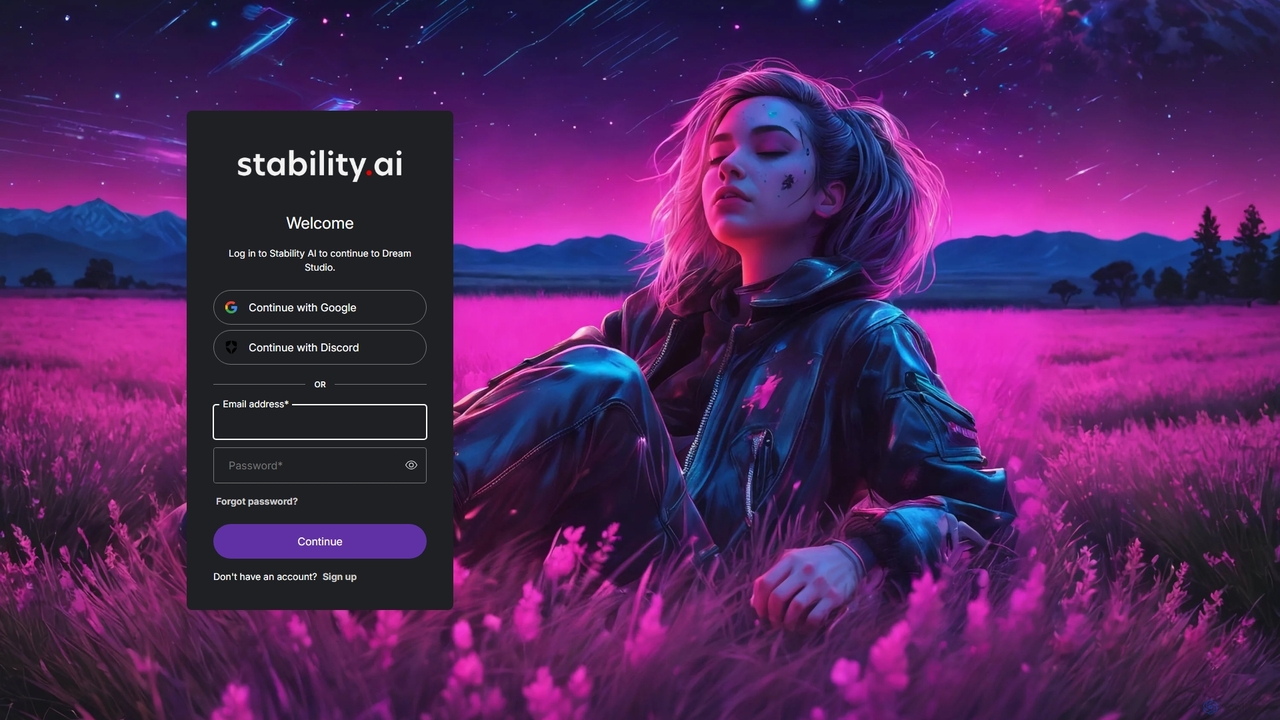
DreamStudio
DreamStudio is the official web interface for Stability AI's Stable Diffusion models. It's a powerful AI image generation tool that allows users to create high-quality, unique images from text descriptions. It offers advanced controls, various models, and editing features like inpainting and outpainting, catering to artists, designers, and creators of all levels.
Generative Art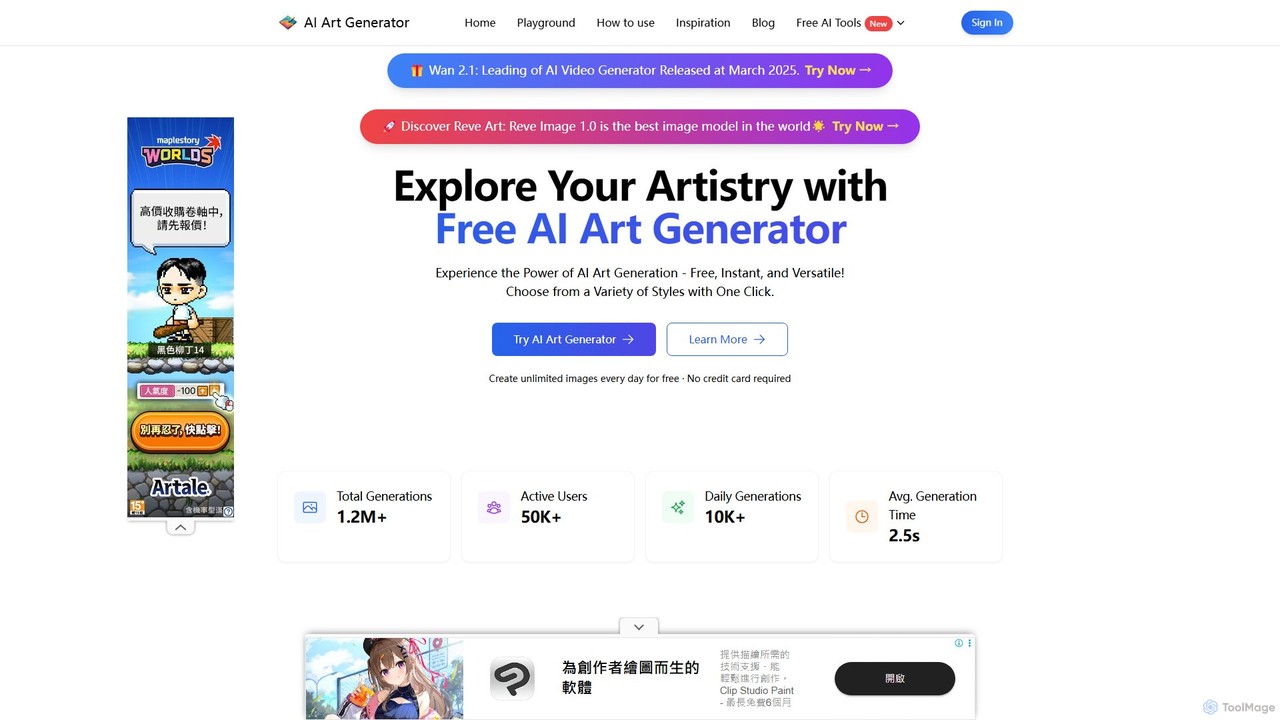
ai_art_generator
A powerful and completely free AI art generator that transforms text prompts into stunning, high-quality images in seconds. It supports a wide variety of styles and models, requires no credit card or sign-up, and offers unlimited daily creations for everyone.
Digital Art
Makeayo Comments (0)
Sign in to comment.
Sign inNo comments yet.