


Artificial Art Overview
Artificial Art is a versatile and comprehensive web-based AI image generation tool designed for both beginners and advanced users. It stands out by providing free access to an exceptionally large and diverse library of over 100 pre-loaded Stable Diffusion models, eliminating the need for users to source, download, and manage models themselves. The platform caters to a wide spectrum of artistic styles, including photorealism, anime, furry art, fantasy, comic book styles, and even offers a selection of NSFW models for adult content creation.
The interface is built to provide a seamless creative workflow, from initial idea to finished artwork. Users can easily switch between models to experiment with different aesthetics. The platform integrates not just image generation but also essential post-processing and editing tools, making it an all-in-one solution for digital artists, designers, hobbyists, and content creators.
How to use Artificial Art
Using Artificial Art is a straightforward process, even with its advanced capabilities:
- Select a Model: Browse the extensive, categorized library (Generalist, Anime, Realistic, Artistic, etc.) and choose a model that matches your desired output style.
- Write a Prompt: In the text box, describe the image you want to create in detail. Be specific about subjects, actions, setting, and artistic style.
- Add a Negative Prompt (Optional): To refine your results, enter keywords for things you want to exclude from the image, such as 'blurry', 'extra limbs', or 'low quality'.
- Configure Generation Settings: Adjust advanced parameters like the sampler (e.g., Euler, DPM++, DDIM), image dimensions (width and height), and the number of inference steps to control the quality and composition of the output.
- Generate: Click the generate button to start the AI creation process.
- Post-Process and Refine: After generation, you can use integrated tools like GFPGAN or RealESRGAN to upscale the image for higher resolution or correct facial details. You can also use specific inpainting models to edit or replace parts of your generated image.
Core Features of Artificial Art
- Massive Model Library: Instant access to over 100 specialized Stable Diffusion, SDXL, and other models, categorized for easy discovery (e.g., Realistic Vision, Anything Diffusion, DreamShaper, Juggernaut XL).
- Advanced Generation Controls: Fine-tune your creations with a wide selection of samplers, step count adjustments, and custom image dimensions.
- Inpainting Capabilities: Edit specific areas of an image by masking the region and providing a new prompt, using dedicated inpainting models for seamless results.
- Integrated Post-Processing: Enhance your images directly within the platform with powerful upscaling (RealESRGAN) and face restoration (GFPGAN) tools.
- Background Removal: A simple tool to automatically remove the background from generated images.
- NSFW Content Support: Clearly tagged and categorized models for users interested in creating adult-oriented art.
Use Cases for Artificial Art
Artificial Art is suitable for a wide range of creative projects:
- Artists and Illustrators: Quickly generate concept art, character designs, storyboards, and unique illustrations in various styles like inkpunk, anime, or photorealism.
- Game Developers: Create assets, character portraits, environmental textures, and promotional art using specialized models like 'RPG' or 'Dungeons and Diffusion'.
- Content Creators & Marketers: Produce unique, royalty-free images for social media posts, blog articles, advertisements, and presentations.
- Hobbyists and AI Enthusiasts: Experiment with the limits of AI art, explore different models, and create personal art projects without needing powerful local hardware.
- Writers and Role-players: Visualize characters, scenes, and worlds from their stories or tabletop RPG campaigns.
Advantages of Artificial Art
The primary advantage of Artificial Art is its combination of power, variety, and accessibility. By offering a vast, curated collection of models for free, it lowers the barrier to entry for high-quality AI art creation. Users save time and avoid the technical hassle of managing a local Stable Diffusion setup. The all-in-one workflow—from generation to upscaling and inpainting—streamlines the creative process, while the inclusion of niche and NSFW models serves a broader community than many mainstream alternatives.
Pricing and Plans
Artificial Art appears to operate on a free-to-use model. Users can access the full range of models and generate images without a subscription. While it is currently free, the platform may introduce premium tiers in the future for benefits like priority queue access, higher generation limits, or exclusive features. For now, it stands as one of the most generous free AI image generation platforms available.
Traffic
Latest traffic
Status
Monthly traffic trend
- 2025-9: 3.4K
- 2026-1: 1.0K
- 2026-2: 973
- 2026-3: 904
- 2026-4: 3.3K
- 2026-5: 220
Geography
Top 5 countries / regions
- 🇺🇸United States100.0%
Top keywords
| Keyword | Cost per click |
|---|---|
| ai western painting nsfw | $0.00 |
| bigasp2.6 | $0.00 |
| nsfw ai art | $0.00 |
| nsfw inpainting | $0.00 |
| outpainting ai nsfw | $0.00 |
Artificial Art Alternatives
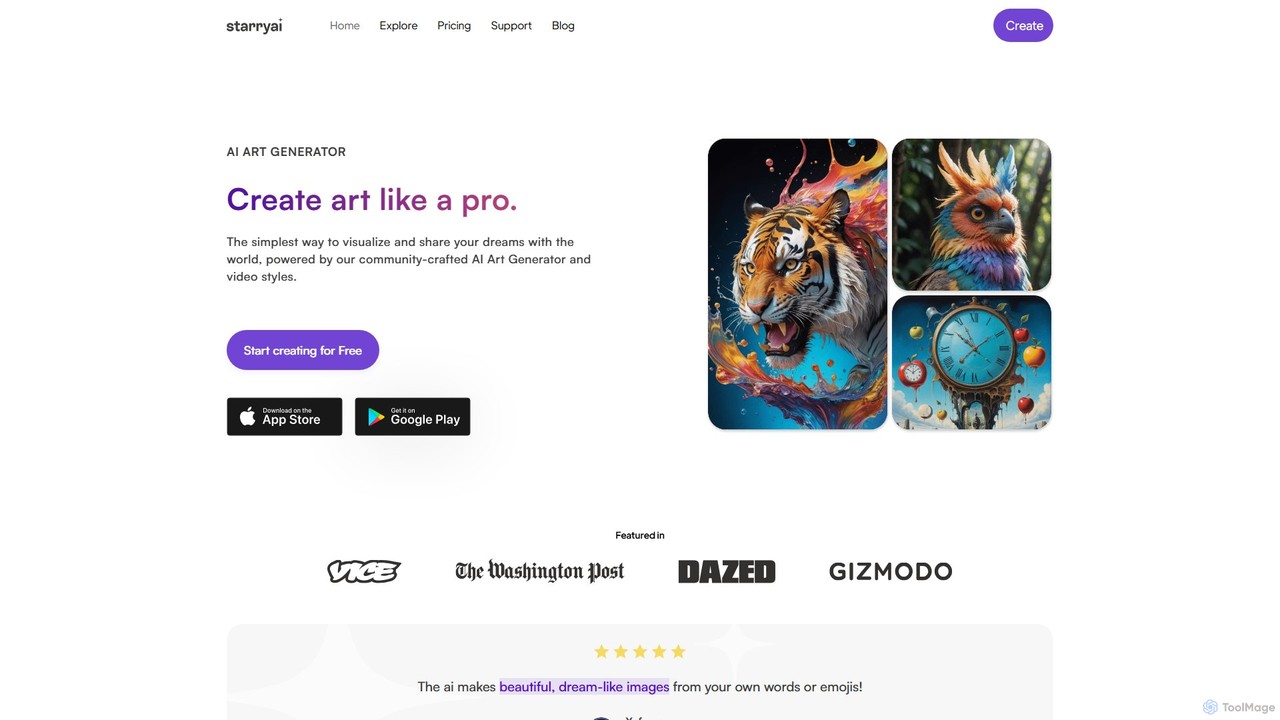
starryai
starryai is a powerful AI art and video generator that transforms your text prompts into unique, high-quality visuals. It offers a user-friendly experience with over 1000 styles, making it accessible for both beginners and professionals. Users get 25 free, watermark-free images daily and retain full ownership and commercial rights to their creations. It's an ideal tool for artists, designers, and marketers.
Art Generation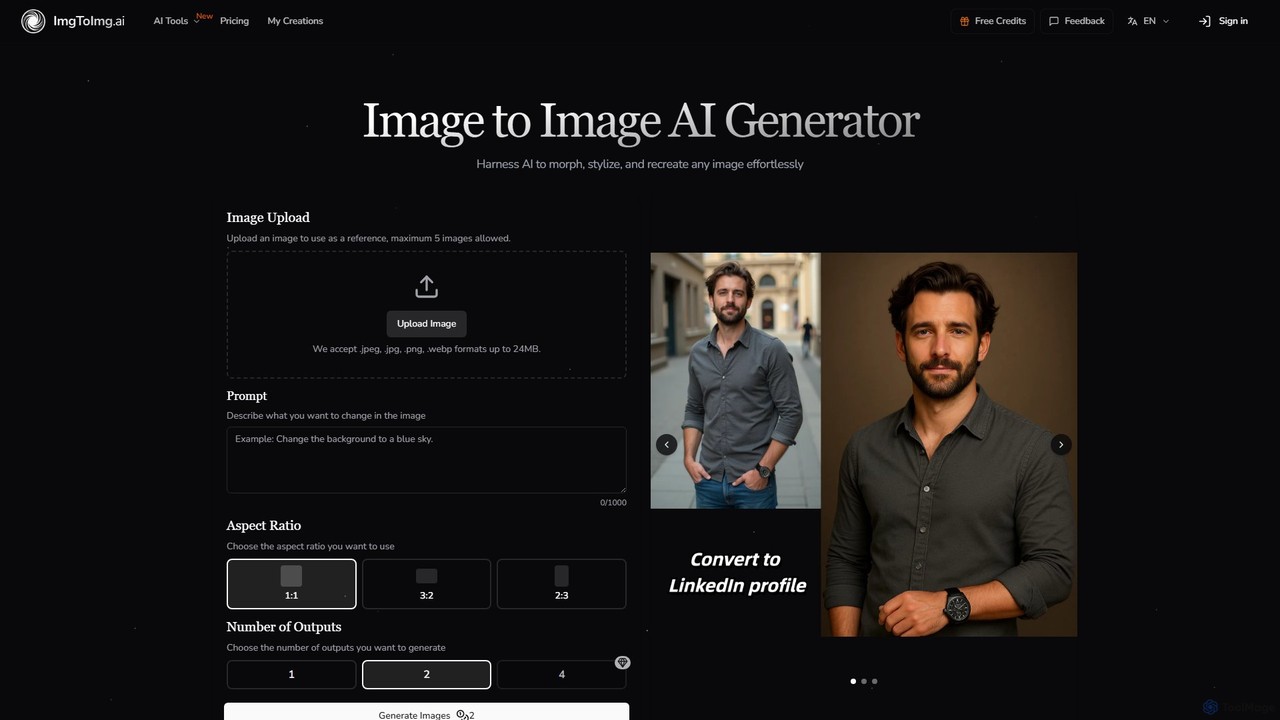
imgtoimg.ai
imgtoimg.ai is a comprehensive AI-powered suite for image creation and editing. It specializes in transforming existing images with text prompts while preserving their core structure (image-to-image). It also features a powerful text-to-image generator to create unique visuals from scratch. The platform includes additional tools like AI face swap, background remover, image upscaler, and photo restoration, making it a versatile solution for designers, marketers, and creators.
Art Generation
Diffus
A professional-grade, browser-based AI image generation platform offering precise control. Access over 70,000 models, including Stable Diffusion, LoRAs, and ControlNet, to create stunning visuals without needing powerful hardware. Ideal for artists, designers, and hobbyists.
Digital Art
supermachine
supermachine is a powerful AI image generation platform offering access to over 65 specialized models. It enables creators to produce beautiful, intelligent images from text prompts, catering to a wide range of styles from photorealistic and anime to abstract art. Trusted by over 100,000 creators, it's a versatile tool for artists, marketers, and designers.
Generative Art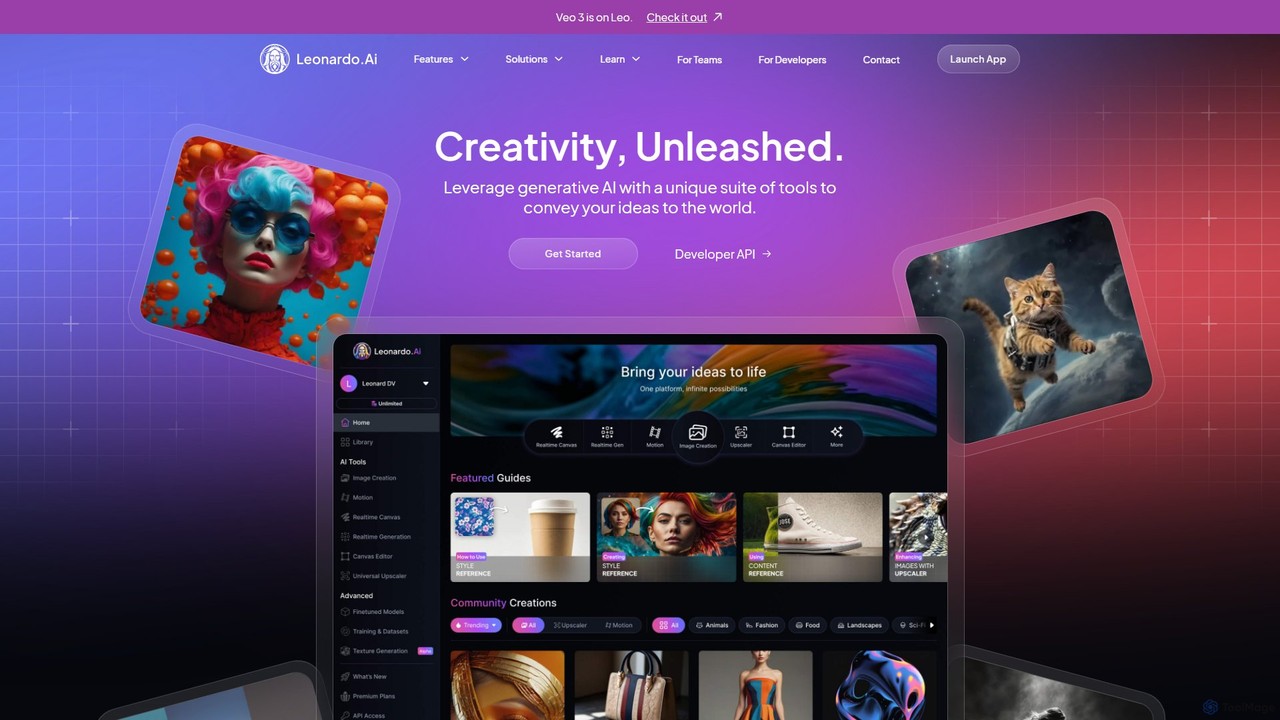
Leonardo.ai
Leonardo.ai is a comprehensive generative AI suite for creating high-quality visual assets. It offers a wide range of tools, including image and video generation, AI Canvas, 3D texturing, and numerous fine-tuned models. Ideal for individual creators, collaborative teams, and developers, it emphasizes quality, speed, and style consistency.
Generative ArtArtificial Art Categories
Artificial Art Embed Widget
Copy this embed code to place the badge on your blog, article, or product site and send readers directly to this ToolMage detail page.

Related AI tools

Holara
Holara is a specialized AI image generator for creating high-quality anime and manga-style artwork. Using text prompts, users can generate unique characters, scenes, and concepts. It offers advanced features like style LoRAs, image-to-image generation, and precise control over output. With a user-friendly interface and a credit-based system including a free plan, Holara caters to both hobbyists and professional artists.
Anime & Manga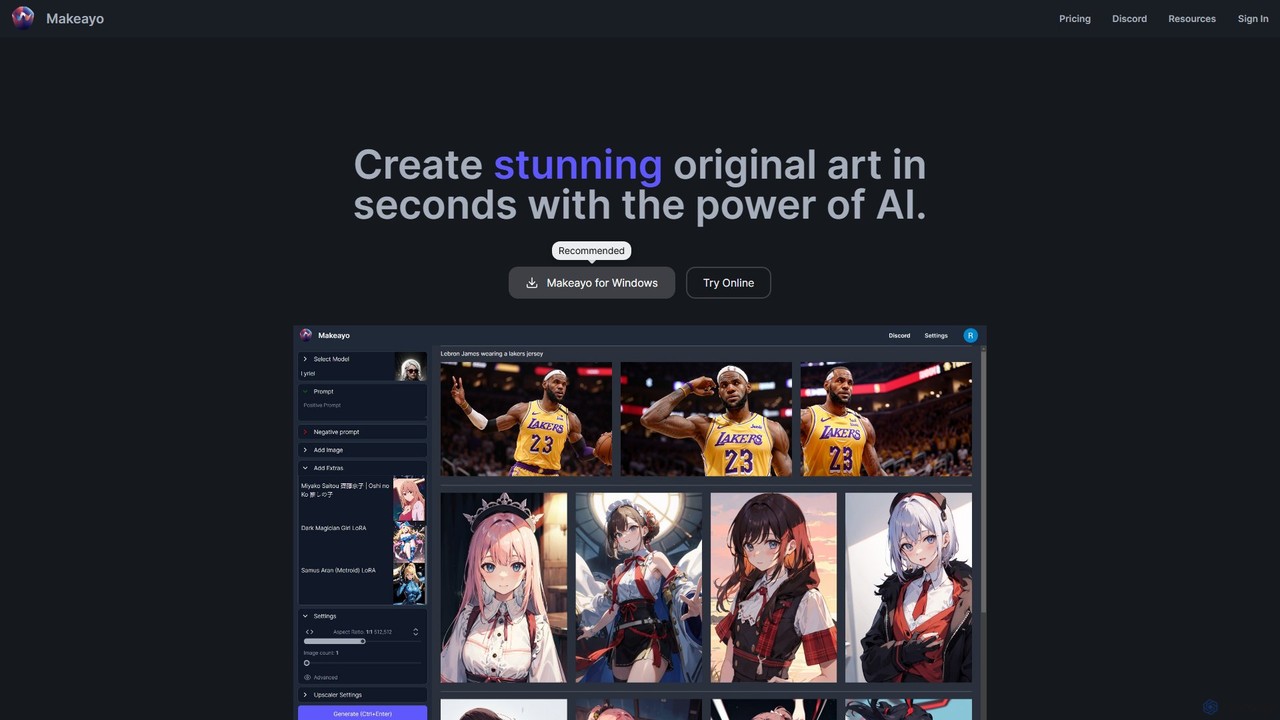
Makeayo
Makeayo is a free, user-friendly AI art generator for Windows. It runs locally on your desktop, offering unlimited image generation without subscriptions. Features include a vast model library, image-to-image transformation, ControlNet for pose matching, and HD upscaling to 4K, empowering artists and enthusiasts to create stunning original art with complete control and privacy.
Image GenerationDiffus
A professional-grade, browser-based AI image generation platform offering precise control. Access over 70,000 models, including Stable Diffusion, LoRAs, and ControlNet, to create stunning visuals without needing powerful hardware. Ideal for artists, designers, and hobbyists.
Digital Artsupermachine
supermachine is a powerful AI image generation platform offering access to over 65 specialized models. It enables creators to produce beautiful, intelligent images from text prompts, catering to a wide range of styles from photorealistic and anime to abstract art. Trusted by over 100,000 creators, it's a versatile tool for artists, marketers, and designers.
Generative Art
DreamStudio
DreamStudio is the official web interface for Stability AI's Stable Diffusion models. It's a powerful AI image generation tool that allows users to create high-quality, unique images from text descriptions. It offers advanced controls, various models, and editing features like inpainting and outpainting, catering to artists, designers, and creators of all levels.
Generative ArtLeonardo.ai
Leonardo.ai is a comprehensive generative AI suite for creating high-quality visual assets. It offers a wide range of tools, including image and video generation, AI Canvas, 3D texturing, and numerous fine-tuned models. Ideal for individual creators, collaborative teams, and developers, it emphasizes quality, speed, and style consistency.
Generative Art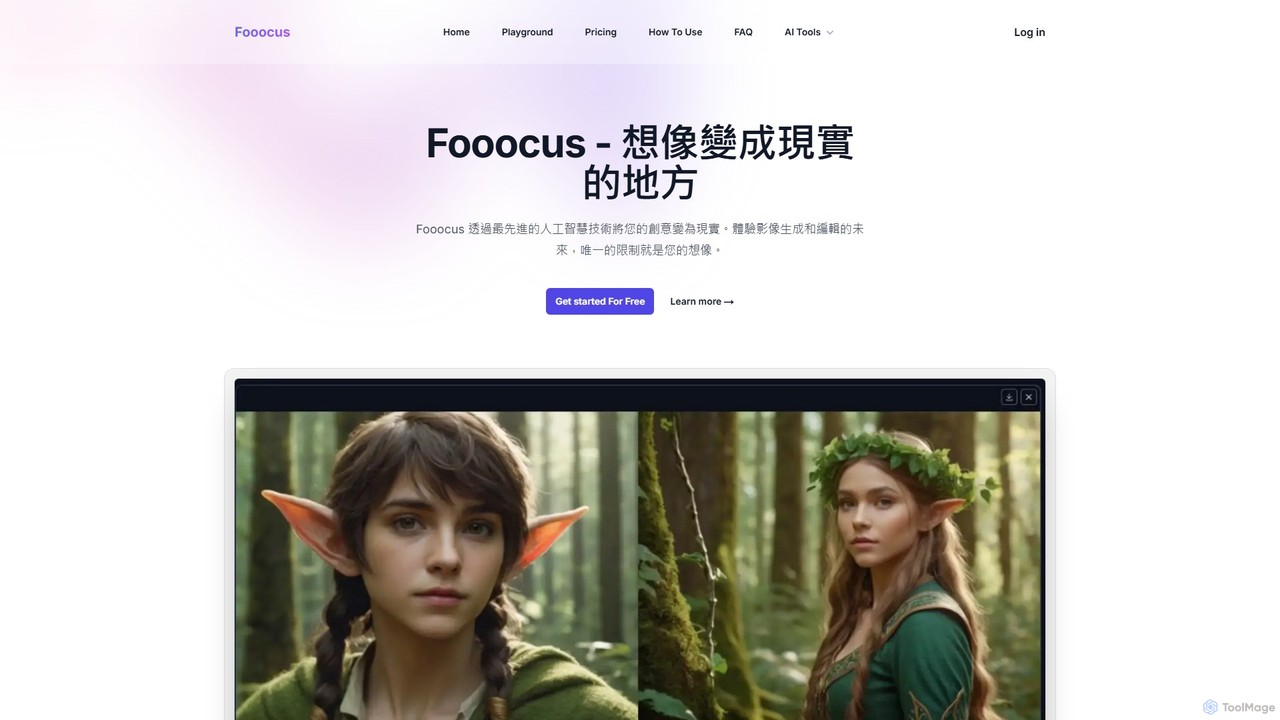
Fooocus
Fooocus is a free, open-source AI image generation tool that simplifies the process of creating high-quality images with Stable Diffusion. It combines ease of use with powerful features like inpainting, style control, and face swapping, making it accessible for both beginners and advanced users.
Digital Art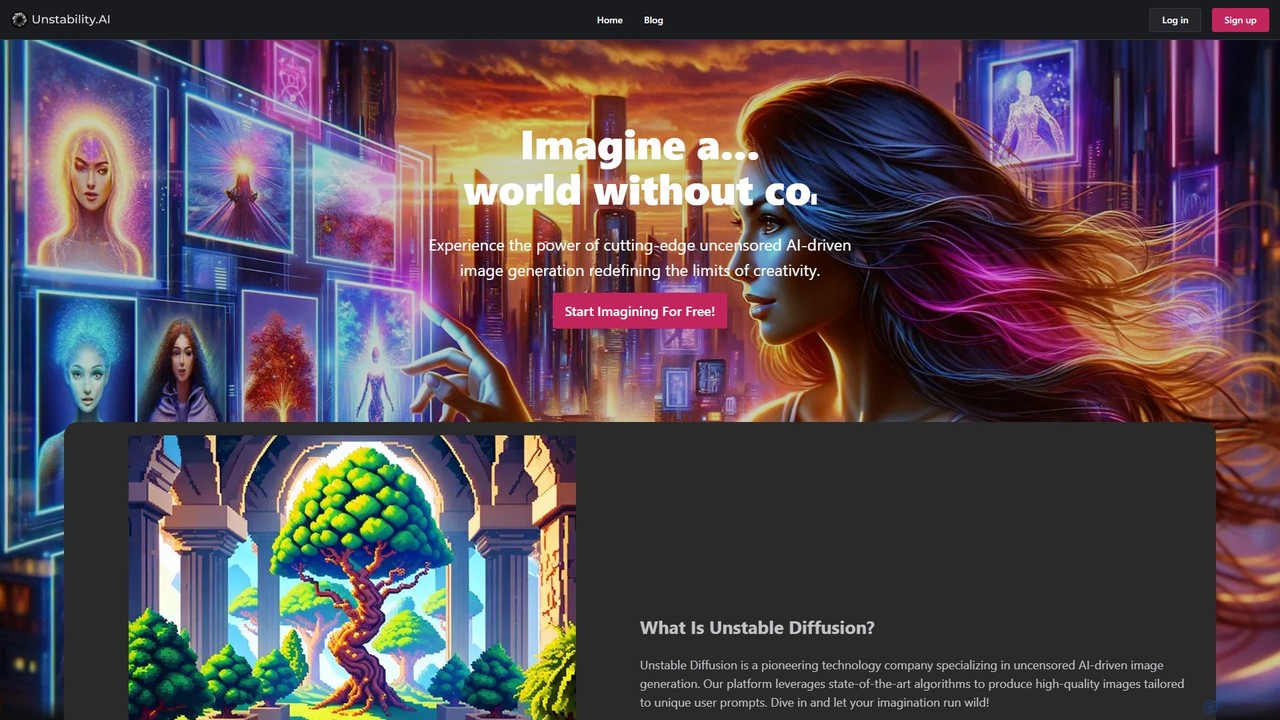
Unstable Diffusion
Unstable Diffusion is an uncensored AI image generation platform that empowers users to create high-quality, realistic visuals from text prompts without creative restrictions. It leverages state-of-the-art diffusion models to offer limitless artistic possibilities, from stunning landscapes to complex character designs. The platform provides a free-to-start experience, advanced customization options, and instant image creation, catering to artists, designers, and creative enthusiasts who seek ultimate freedom in their AI-generated art.
Generative Art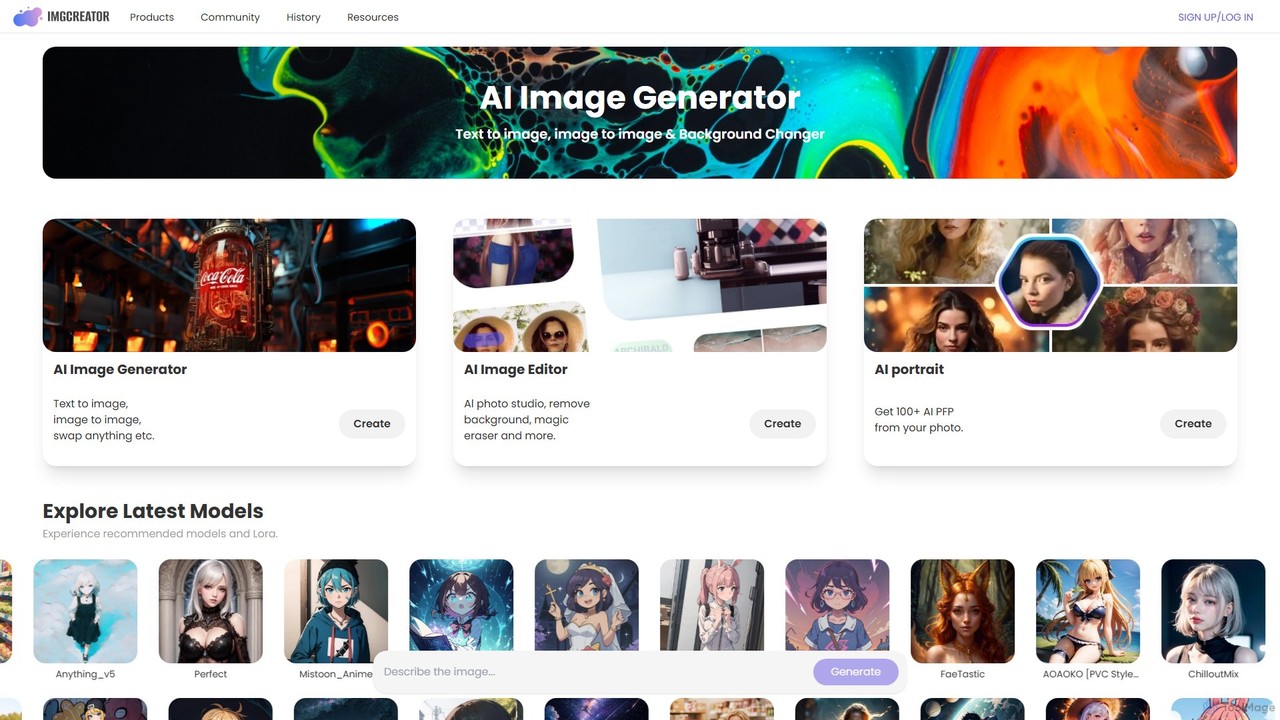
imgcreator
imgcreator is a powerful AI creative suite for generating and editing images. It offers text-to-image, image-to-image, an extensive library of art models (Lora), an AI photo studio with background removal, magic eraser, and an AI portrait generator for creating unique PFPs.
Generative Art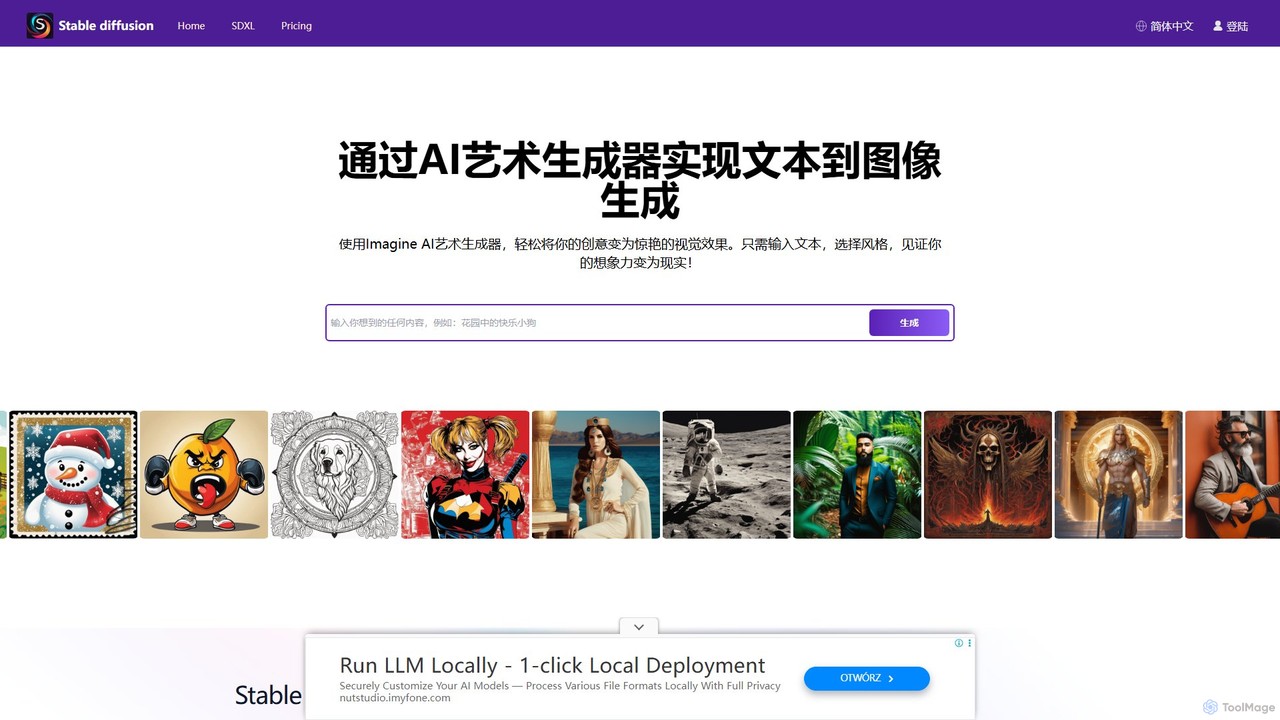
stablediffusionai.ai
stablediffusionai.ai is a user-friendly online platform for generating high-quality AI art using the powerful Stable Diffusion XL model. It allows users to transform text prompts into stunning visuals, offering features like preset styles, negative prompts, and high-resolution output. Suitable for both beginners and experienced artists, it provides a simple interface to explore advanced AI image generation, including image editing and model customization with LoRAs and embeddings. A freemium model offers both free access and premium plans for enhanced features.
Ai Art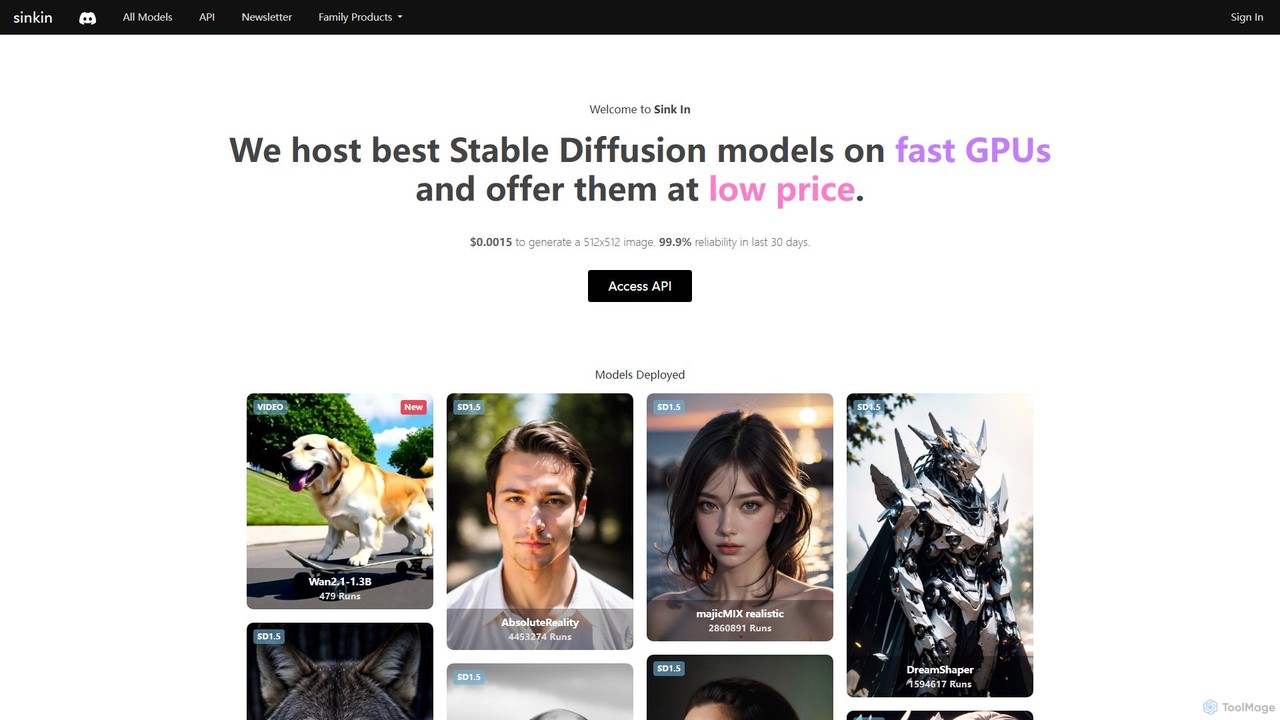
Sink In
Sink In provides developers and businesses with a low-cost, high-performance API for accessing a vast library of Stable Diffusion models. Generate images and videos programmatically with 99.9% reliability, leveraging fast GPUs for styles ranging from photorealistic to anime.
Api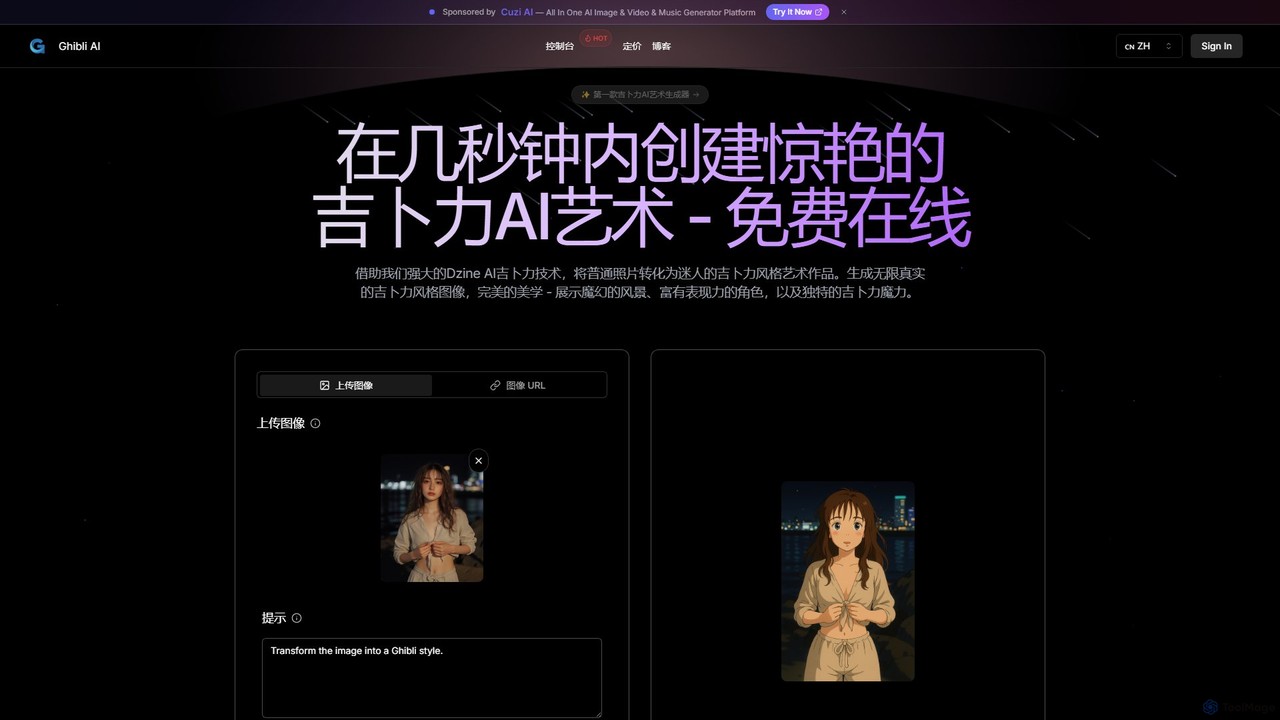
aighibli
aighibli is a specialized AI art generator that transforms text prompts and photos into the iconic and enchanting style of Studio Ghibli. Create magical landscapes, expressive characters, and unique scenes in seconds. Ideal for artists, designers, fans, and content creators looking to capture the Ghibli aesthetic.
Illustration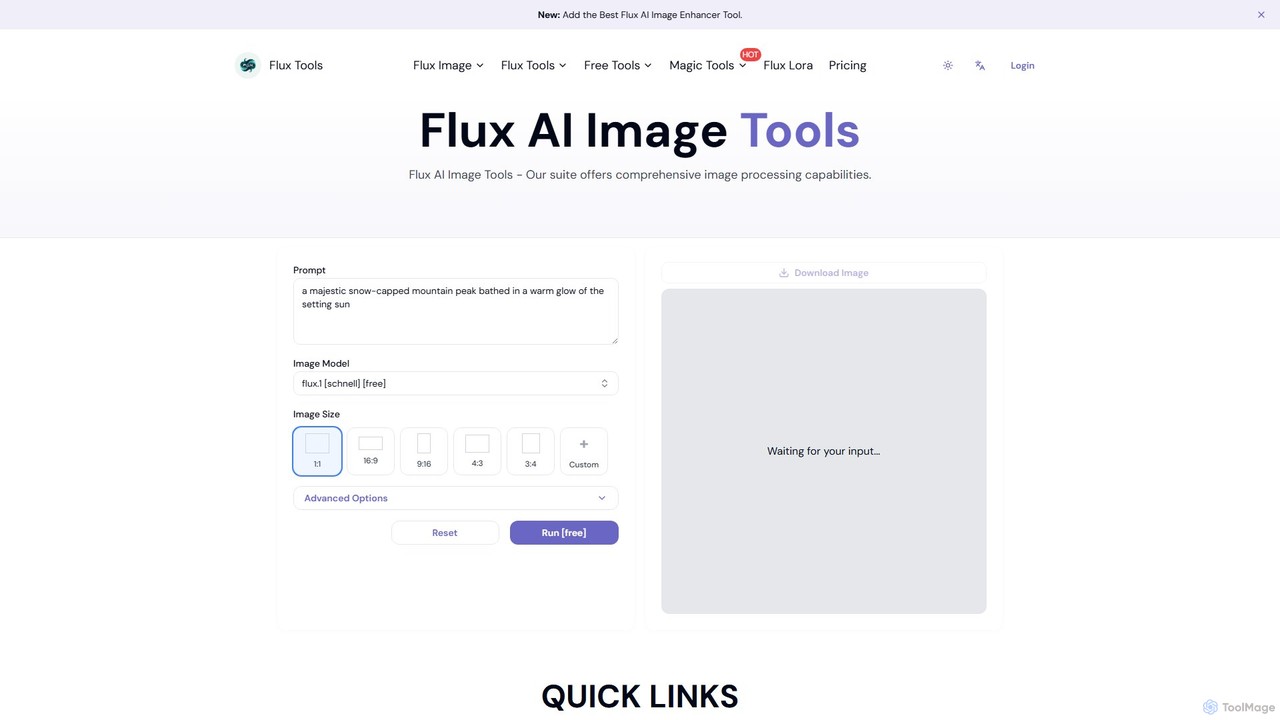
Fluxlora
Fluxlora is an advanced AI image generation suite specializing in LoRA models. It enables creative professionals to produce highly stylized and consistent visuals, from photorealistic images to abstract art. Part of the Flux Tools ecosystem, it integrates seamlessly with editing tools for a complete creative workflow.
Generative Art
NQRT
NQRT is an AI art generator that specializes in creating high-quality, diverse images. It stands out with a unique library of LoRA and Embedding models, including specialized models for Vietnamese traditional costumes, celebrities, and a wide range of artistic styles from photorealism to anime.
Ai Art Generator
Jyek
Jyek is an AI agent platform that understands objectives, creates execution plans, uses tools, and delivers verifiable results for complex, multi-step tasks.
Automation
Artificial Art Comments (0)
Sign in to comment.
Sign inNo comments yet.