

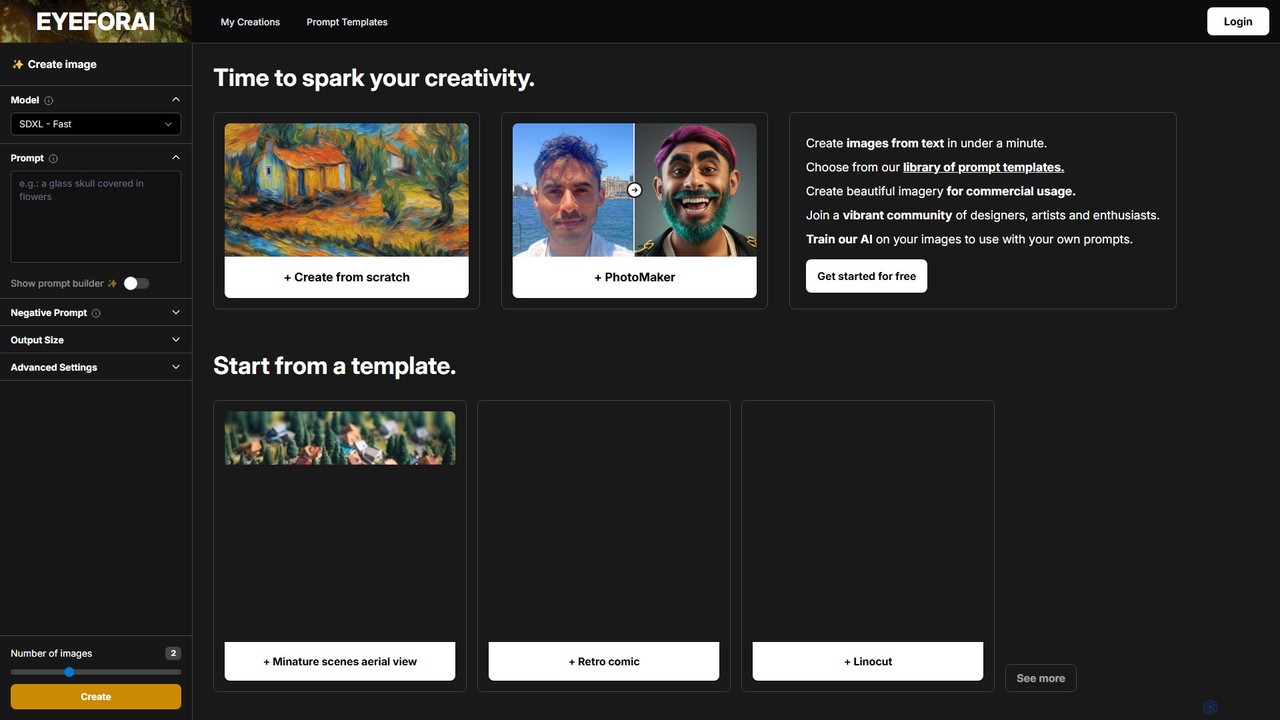
Eye for AI Overview
Eye for AI is an advanced and user-friendly AI image generation platform designed to empower creativity for artists, designers, marketers, and enthusiasts alike. By simply inputting text prompts, users can generate high-quality, unique images in a matter of seconds. The platform leverages state-of-the-art models like SDXL, Flux Schnell, and OpenJourney to provide a wide spectrum of artistic styles and photorealistic outputs. Whether you're starting from a blank canvas or using one of the many pre-built templates, Eye for AI streamlines the creative process, making professional-grade visual content accessible to everyone.
One of its standout features is the ability to train the AI on your own images. This allows for unparalleled personalization, enabling users to create visuals that perfectly match their brand identity, artistic style, or specific project requirements. With a focus on both ease of use and powerful customization, Eye for AI serves as a comprehensive toolkit for modern digital creation.
How to use Eye for AI
Using Eye for AI is an intuitive process designed for both beginners and experts:
- Start Creating: Navigate to the main creation interface. You can choose to 'Create from scratch' by typing your own detailed text prompt or 'Start from a template' to get a head start with a pre-configured style.
- Write Your Prompt: In the prompt box, describe the image you want to create. Be as descriptive as possible. Use the 'Prompt builder' for assistance if needed. You can also add a 'Negative Prompt' to specify what you don't want to see in the image.
- Select a Model: Choose from available AI models like SDXL (Fast or Standard), Flux Schnell, or OpenJourney, depending on the desired style and speed.
- Adjust Settings: Configure the output settings. Select the aspect ratio (Square, Portrait, Landscape). In 'Advanced Settings', you can fine-tune parameters like 'Steps' (for detail), 'Guidance Scale' (how closely the AI follows the prompt), and the 'Number of images' to generate at once.
- Generate: Click the 'Create' button and wait for the AI to generate your images.
- (Advanced) Train a Custom Model: For a personalized touch, use the feature to train the AI on a set of your own images. Once trained, you can use this custom model to generate new images that follow your unique aesthetic.
Core Features of Eye for AI
- Multi-Model Support: Access to a variety of powerful image generation models, including SDXL, Flux Schnell, and OpenJourney, each offering different strengths and artistic outputs.
- Extensive Prompt Template Library: A vast collection of templates categorized by style (Fantasy, Anime, Comic, Illustration, Photography, Gaming) to help users quickly achieve specific looks like 'Studio Ghibli', 'Film Noir', or 'Low poly'.
- Custom AI Model Training: A unique feature that allows users to upload their own images to train a personalized AI model, ensuring brand consistency or a unique artistic signature.
- Advanced Generation Controls: Fine-tune your creations with controls for steps, guidance scale, negative prompts, and aspect ratios for complete creative command.
- Prompt Builder: An integrated tool to help users construct more effective and detailed prompts for better image results.
- Community Gallery: Explore a feed of creations from other users to find inspiration, discover new prompting techniques, and engage with a vibrant community of creators.
- Commercial Usage Rights: Generate beautiful imagery that can be used for commercial projects, providing significant value for businesses and freelance professionals.
Use Cases for Eye for AI
Eye for AI is versatile and can be applied across various fields:
- Digital Art & Illustration: Create concept art, character designs, fantasy landscapes, and illustrations for children's books or graphic novels.
- Graphic Design: Quickly generate unique assets for marketing campaigns, social media posts, website banners, logos, and T-shirt designs.
- Game Development: Produce game assets such as character sprites, environment textures, battle maps, and promotional art in various styles.
- Content Creation: Enhance blog posts, articles, and presentations with custom, eye-catching images that are perfectly tailored to the content.
- Prototyping and Mood Boarding: Rapidly visualize ideas for products, architectural designs, or fashion concepts.
Advantages of Eye for AI
Eye for AI stands out with several key advantages:
- Speed and Efficiency: Drastically reduces the time required to create high-quality visuals, generating images in under a minute.
- Versatility and Quality: The range of models and styles ensures high-quality results suitable for a wide array of applications.
- User-Friendly Interface: Simple enough for beginners to get started immediately with templates, yet powerful enough for professionals with its advanced settings.
- Unmatched Customization: The ability to train custom models on personal images sets it apart from many competitors, offering true creative control.
- Community and Inspiration: The public gallery fosters a creative environment where users can learn from and be inspired by each other.
Pricing and Plans
Eye for AI operates on a freemium model. New users can 'Get started for free', which typically includes a certain number of free image generations to test the platform's capabilities. For more extensive use, higher resolution outputs, faster processing, access to all premium models, and advanced features like custom model training, Eye for AI likely offers various paid subscription plans. For the most up-to-date and detailed information on plans and pricing, please visit the official Eye for AI website.
Eye for AI Alternatives
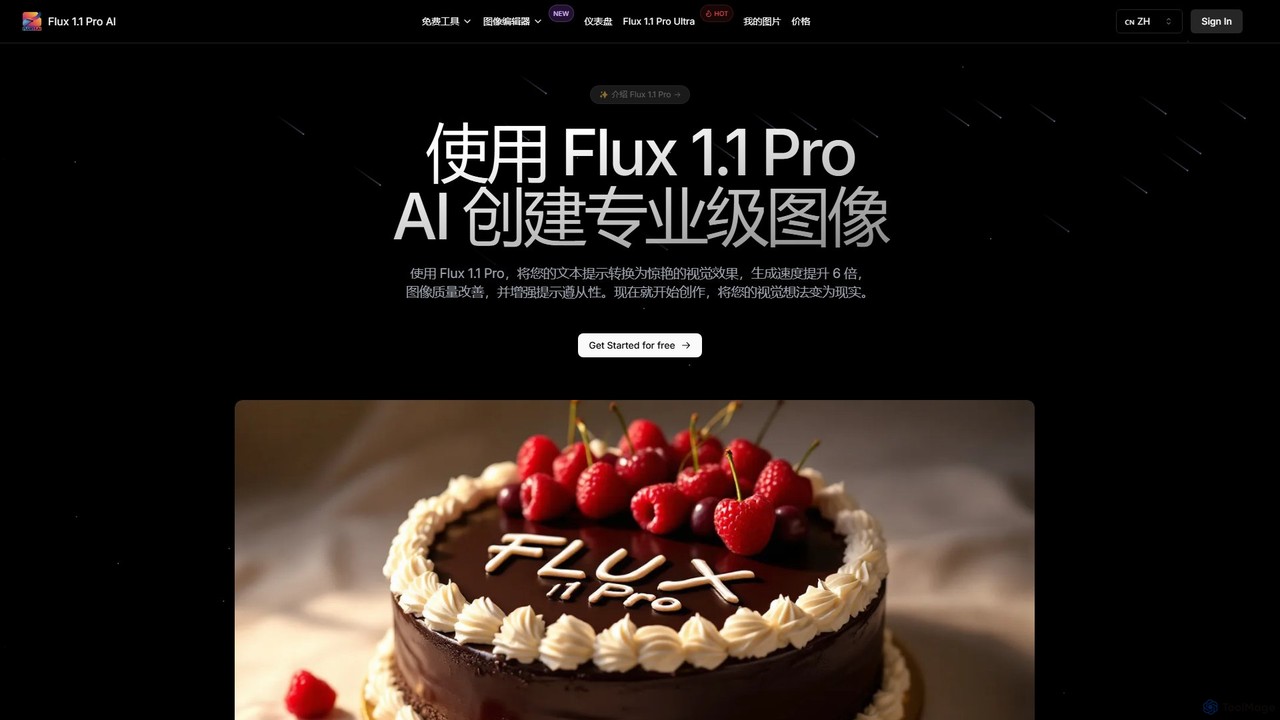
Flux 1.1
Flux 1.1 is an advanced AI image generation suite developed by Black Forest Labs. It transforms text prompts into professional-grade visuals with exceptional speed and quality. Featuring versions like Pro and Pro Ultra, it offers up to 4K resolution, superior prompt adherence, in-image text, and a range of specialized tools for artists, designers, and creative professionals.
Generative Art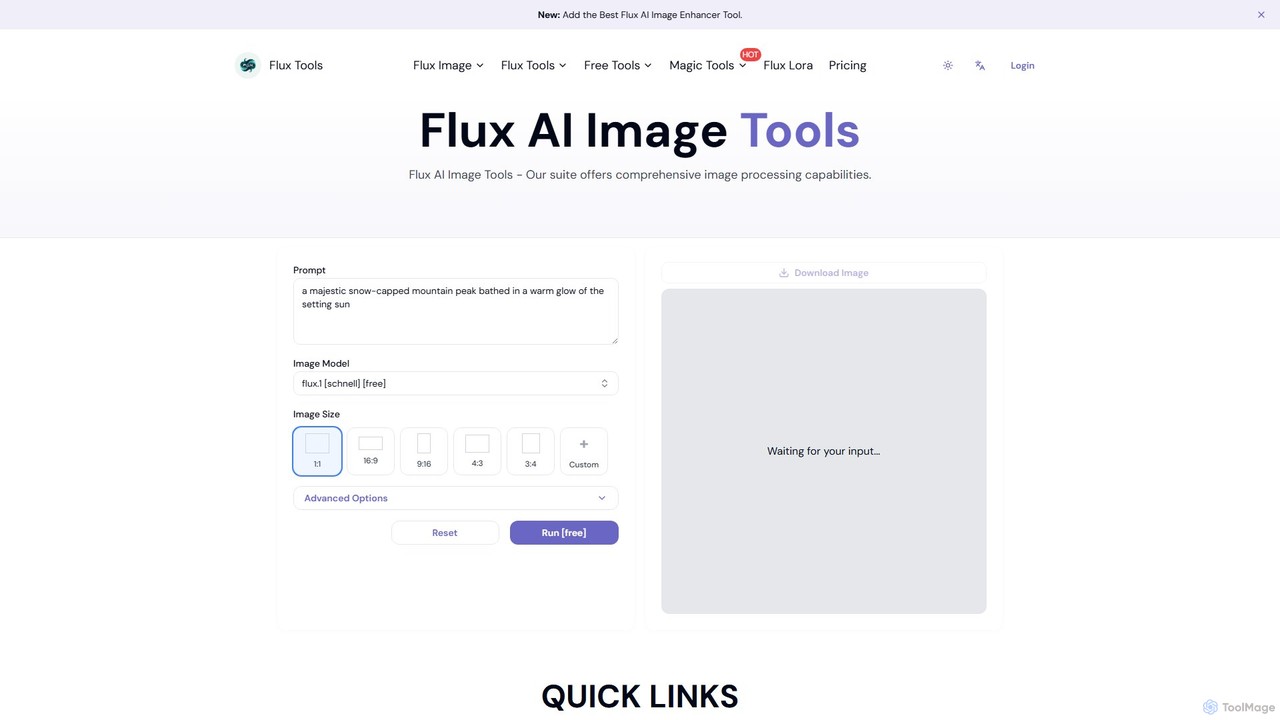
Fluxlora
Fluxlora is an advanced AI image generation suite specializing in LoRA models. It enables creative professionals to produce highly stylized and consistent visuals, from photorealistic images to abstract art. Part of the Flux Tools ecosystem, it integrates seamlessly with editing tools for a complete creative workflow.
Generative Art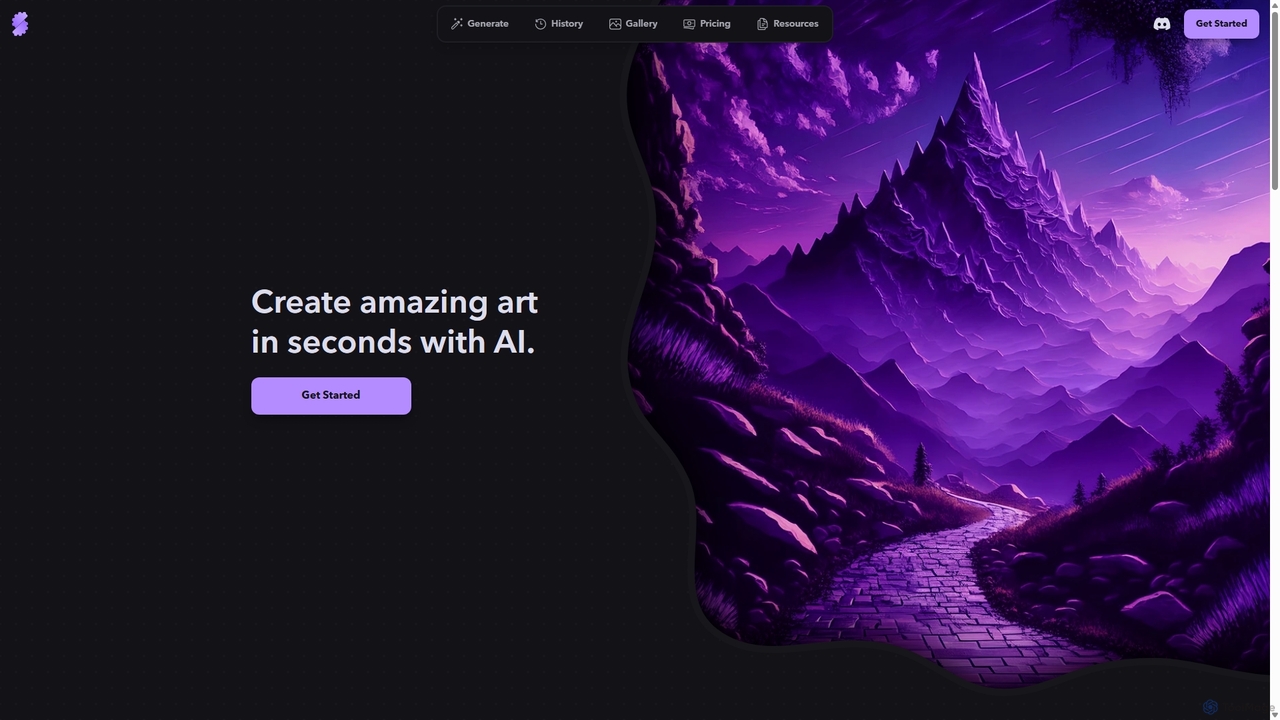
Stablecog
Stablecog is a powerful and user-friendly AI image generator that allows you to create stunning art from text or images in seconds. It supports multiple advanced AI models like Stable Diffusion 3 and SDXL, offering a versatile and creative platform for artists, designers, and content creators. With a generous free plan and flexible paid options, it's accessible to everyone.
Generative Art
PicFinder
PicFinder has evolved into Runware, a powerful AI image generation platform. It offers a massive library of over 300,000 models, enabling users to create stunning visuals from text prompts. With features like batch generation, customizable controls, and an incredibly low cost, Runware serves as a comprehensive creative playground for artists, designers, and content creators, building upon the legacy of PicFinder.
Generative Art
Evoke AI
Evoke AI is an advanced AI-powered platform for creating stunning, emotionally resonant visual art and images. It translates complex text prompts, emotions, and abstract concepts into high-fidelity artwork, empowering artists, designers, and creators to bring their most imaginative ideas to life with unparalleled control and artistic depth.
Generative ArtEye for AI Categories
Eye for AI Embed Widget
Copy this embed code to place the badge on your blog, article, or product site and send readers directly to this ToolMage detail page.

Related AI tools
DreamStudio
DreamStudio is the official web interface for Stability AI's Stable Diffusion models. It's a powerful AI image generation tool that allows users to create high-quality, unique images from text descriptions. It offers advanced controls, various models, and editing features like inpainting and outpainting, catering to artists, designers, and creators of all levels.
Generative Art
Jyek
Jyek is an AI agent platform that understands objectives, creates execution plans, uses tools, and delivers verifiable results for complex, multi-step tasks.
AutomationFlux 1.1
Flux 1.1 is an advanced AI image generation suite developed by Black Forest Labs. It transforms text prompts into professional-grade visuals with exceptional speed and quality. Featuring versions like Pro and Pro Ultra, it offers up to 4K resolution, superior prompt adherence, in-image text, and a range of specialized tools for artists, designers, and creative professionals.
Generative ArtFluxlora
Fluxlora is an advanced AI image generation suite specializing in LoRA models. It enables creative professionals to produce highly stylized and consistent visuals, from photorealistic images to abstract art. Part of the Flux Tools ecosystem, it integrates seamlessly with editing tools for a complete creative workflow.
Generative Art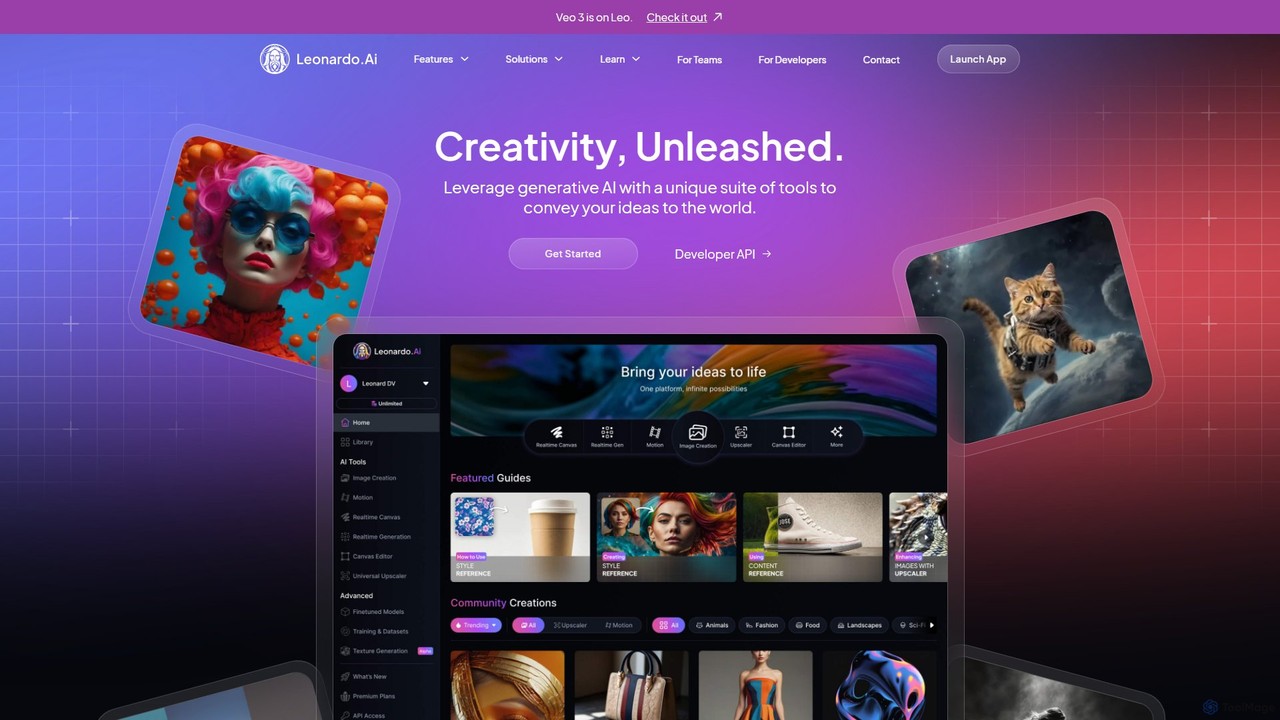
Leonardo.ai
Leonardo.ai is a comprehensive generative AI suite for creating high-quality visual assets. It offers a wide range of tools, including image and video generation, AI Canvas, 3D texturing, and numerous fine-tuned models. Ideal for individual creators, collaborative teams, and developers, it emphasizes quality, speed, and style consistency.
Generative Art
Midjourney
Midjourney is a powerful AI image generator that creates stunning, high-quality, and artistic visuals from simple text prompts. Operating primarily through Discord, it's renowned for its unique aesthetic, advanced customization options, and vibrant creative community, making it a top choice for artists, designers, and creators.
Digital Art
Diffus
A professional-grade, browser-based AI image generation platform offering precise control. Access over 70,000 models, including Stable Diffusion, LoRAs, and ControlNet, to create stunning visuals without needing powerful hardware. Ideal for artists, designers, and hobbyists.
Digital Art
supermachine
supermachine is a powerful AI image generation platform offering access to over 65 specialized models. It enables creators to produce beautiful, intelligent images from text prompts, catering to a wide range of styles from photorealistic and anime to abstract art. Trusted by over 100,000 creators, it's a versatile tool for artists, marketers, and designers.
Generative Art
Grok AI Image Generator
Grok AI Image Generator is a next-generation text-to-image tool powered by advanced models like Flux.1. It enables users to create high-quality, detailed visuals from text prompts with incredible speed. Featuring a user-friendly interface, extensive customization options, and a generous free usage tier, it's designed for everyone from professional artists and marketers to hobbyists, offering a faster and more accessible alternative to other leading AI art generators.
Generative Art
aiimagegen
aiimagegen is a powerful AI image generator that leverages the advanced FLUX.1 AI models to transform text prompts into stunning, high-quality visuals. It offers a user-friendly interface with various customization options, including multiple models, aspect ratios, and output formats. With both free and paid plans, it caters to everyone from casual users to professional designers, providing a fast, ethical, and creative solution for generating unique images.
Generative Art
Flux Image Generator
Flux Image Generator is a cutting-edge AI tool that transforms text descriptions into high-quality images with remarkable speed and accuracy. It offers three distinct models—Schnell (fast & free), Dev (for developers), and Pro (for professionals)—to cater to various needs. Leveraging a hybrid architecture, it excels in prompt adherence, photorealistic quality, and rendering complex details like hands and text, making it a powerful alternative to other leading image generators.
Generative Art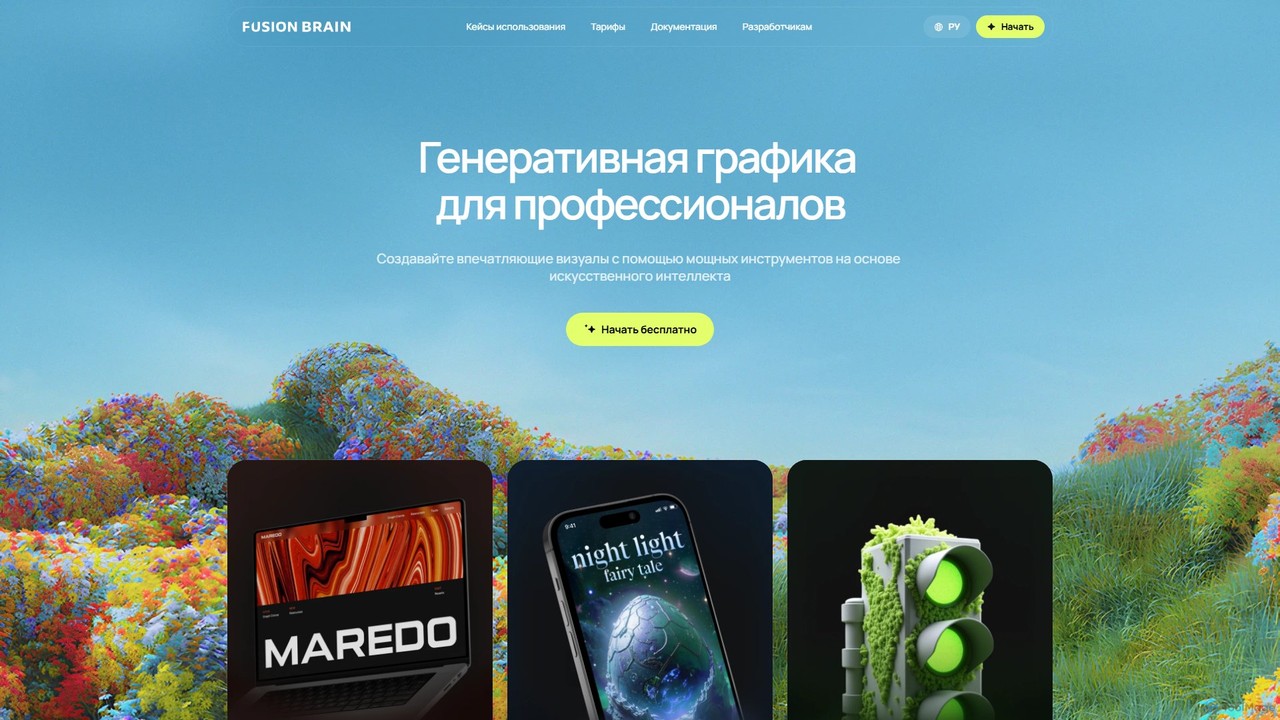
FusionBrain
FusionBrain is a powerful AI content creation platform specializing in generating high-quality images and videos. Powered by the Kandinsky neural network, it offers an interactive canvas, diverse artistic models, and an "ArtGPT" feature for prompt enhancement. It's designed for professionals and creators in fields like marketing, design, and concept art, providing tools to produce stunning visuals.
Image Generation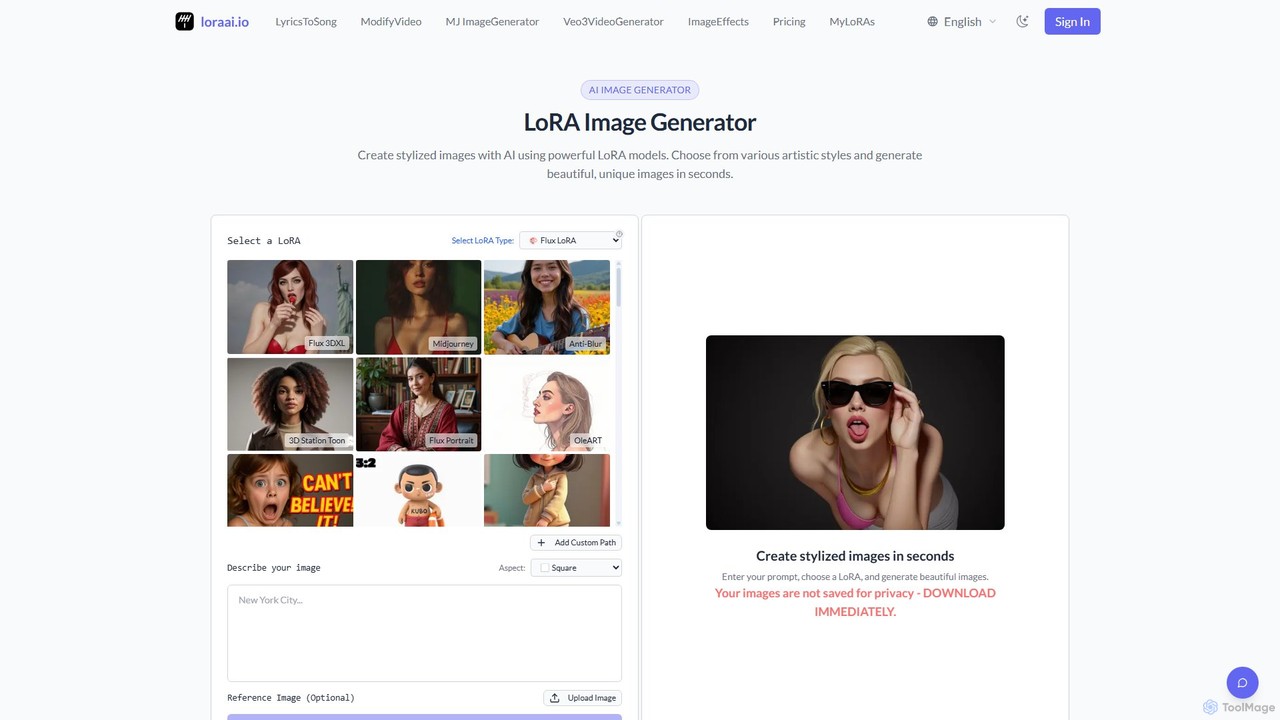
LoraAI
LoraAI is an advanced AI image generation platform specializing in LoRA models. It allows users to create highly stylized images from a vast library of pre-trained LoRAs, train custom models for specific styles or characters, and utilize a powerful MidJourney-style generator. It's designed for artists, designers, and developers seeking fine-grained control and professional-quality results.
Digital Art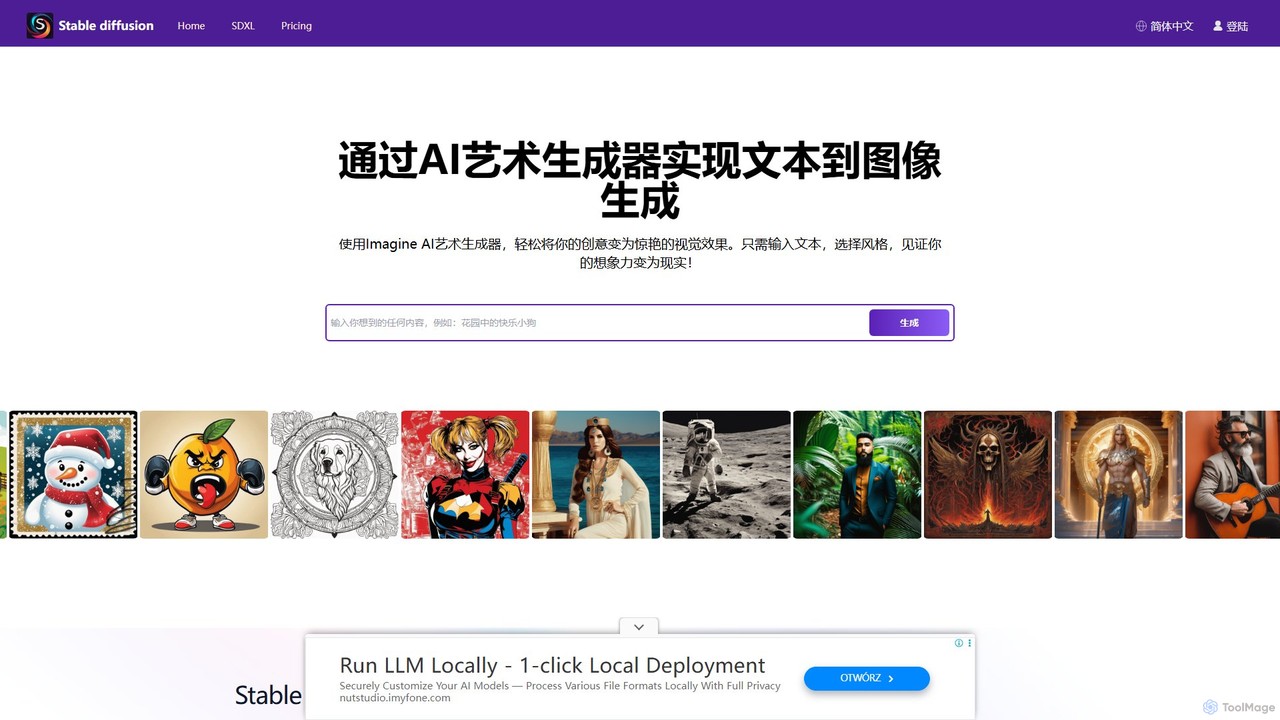
stablediffusionai.ai
stablediffusionai.ai is a user-friendly online platform for generating high-quality AI art using the powerful Stable Diffusion XL model. It allows users to transform text prompts into stunning visuals, offering features like preset styles, negative prompts, and high-resolution output. Suitable for both beginners and experienced artists, it provides a simple interface to explore advanced AI image generation, including image editing and model customization with LoRAs and embeddings. A freemium model offers both free access and premium plans for enhanced features.
Ai Art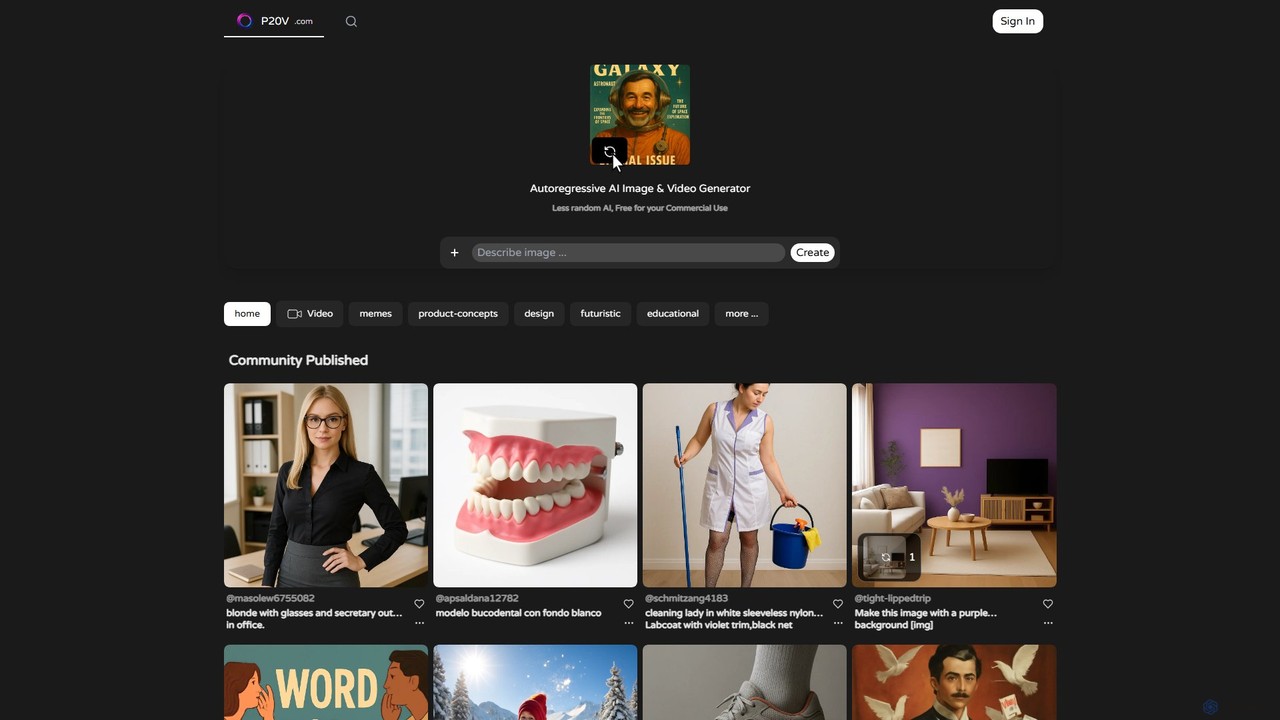
P20V
P20V is an advanced autoregressive AI generator for creating high-precision images and videos. It emphasizes control and reduced randomness, making it ideal for professional use. The platform is free for commercial purposes, empowering creators in design, marketing, education, and more to bring their ideas to life without licensing fees.
Image Generation
Eye for AI Comments (0)
Sign in to comment.
Sign inNo comments yet.