

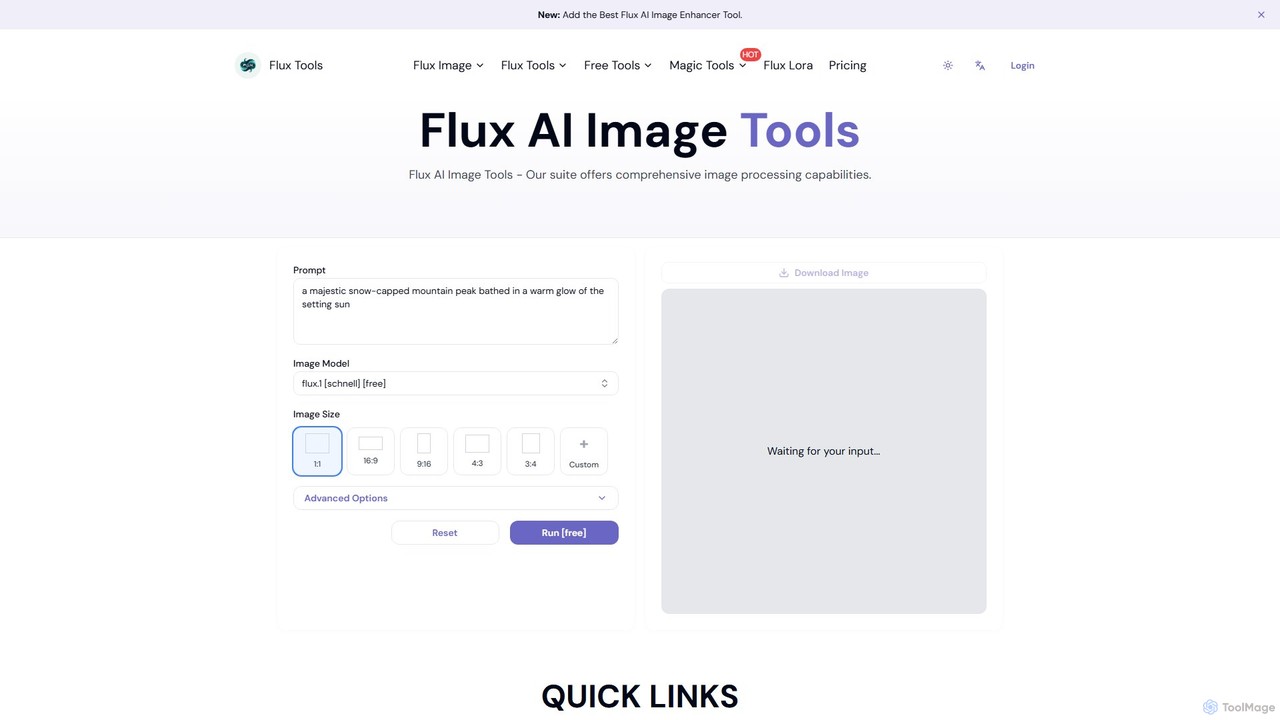
Fluxlora Overview
Fluxlora is a specialized and powerful component of the Flux Tools suite, designed to revolutionize AI image generation through the sophisticated use of LoRA (Low-Rank Adaptation) models. This platform is engineered for creative professionals, including digital artists, designers, photographers, and content creators, who require a high degree of stylistic control and consistency in their visual output. Fluxlora empowers users to move beyond generic AI images, allowing them to generate artwork that adheres to specific aesthetics, character designs, or brand identities with remarkable precision.
As part of the integrated Flux Tools ecosystem, Fluxlora doesn't operate in isolation. It works in concert with a range of other powerful utilities like the Flux AI Image Enhancer, AI Background Remover, and the innovative Flux AI Prompt Generator. This synergy creates a seamless and efficient workflow, where an image can be conceptualized and generated in Fluxlora, then instantly refined, edited, and prepared for final use without ever leaving the platform. Whether you're creating a single masterpiece or a large batch of images for a campaign, Fluxlora provides the tools and flexibility to bring your vision to life.
How to use Fluxlora
Using Fluxlora is an intuitive process designed to give users maximum control with minimal complexity. Here’s a typical workflow:
- Select the Generator: Navigate to the Flux Tools website and choose the Flux Lora Image Generator from the suite of tools.
- Craft Your Prompt: Write a detailed text description of the image you want to create. For better results, use the integrated Flux AI Prompt Generator to help you formulate precise and effective prompts.
- Choose a LoRA Model: This is the core of the Fluxlora experience. Browse the extensive library of LoRA models to select a specific style, character, object, or artistic theme. This will guide the AI to produce results with that specific aesthetic.
- Select a Base Model: Choose a foundational AI model to work with, such as 'flux.1 schnell' for rapid drafts or 'Flux.1 Pro Ultra' for the highest quality and detail.
- Fine-Tune Advanced Options: Adjust parameters like aspect ratio (1:1, 16:9, etc.), negative prompts (to exclude unwanted elements), seed for reproducibility, and other technical settings to perfect the output.
- Generate and Iterate: Click the 'Run' button to generate your image. The real-time preview feature allows for quick iterations, enabling you to tweak settings and regenerate until the result is perfect.
- Post-Process: Download the final image or send it directly to other Flux Tools like the Image Enhancer for upscaling or the Background Remover for further editing.
Core Features of Fluxlora
- Advanced LoRA Model Integration: The key feature, allowing users to apply specialized, fine-tuned models for unparalleled stylistic consistency and control.
- Multiple Base Generation Models: Offers a range of models from the fast 'schnell' to the professional-grade 'Pro' and 'Ultra', balancing speed with quality.
- Integrated Creative Suite: Seamlessly works with a full set of tools including an image enhancer, background remover, logo generator, and prompt generator.
- High-Level Customization: Provides extensive control over generation parameters, including aspect ratios, negative prompts, seeds, and more.
- Real-Time Preview: A game-changing feature that speeds up the creative process by allowing users to see potential results and make adjustments on the fly.
- Batch Processing: An essential tool for professionals, enabling the generation of large quantities of images for projects, campaigns, or asset creation, significantly improving workflow efficiency.
- Depth Map & Edge Detection: Advanced capabilities for VFX artists and photographers, providing accurate depth estimation and edge detection for complex editing tasks.
Use Cases for Fluxlora
Fluxlora is a versatile tool for various creative fields:
- Digital Artists & Illustrators: Create entire series of artworks in a signature style or maintain character consistency across multiple images.
- Marketing & Branding Professionals: Generate on-brand imagery for social media, advertisements, and websites, ensuring a cohesive visual identity.
- Game Developers: Produce concept art, character sprites, environmental textures, and other game assets that adhere to a specific artistic direction.
- UI/UX Designers: Quickly create high-quality icons, illustrations, and other visual elements for user interfaces.
- Photographers: Experiment with artistic styles, create surreal composites, or generate unique backgrounds for their subjects.
Advantages of Fluxlora
The primary advantage of Fluxlora is its ability to deliver professional-grade, stylistically consistent results. By leveraging LoRA models, it solves one of the biggest challenges in AI art: reproducibility and control. The integrated suite streamlines the entire creative process, from ideation to final edit, saving users hours of manual work. Its combination of a user-friendly interface for beginners and deep customization options for experts makes it a powerful and accessible tool for everyone.
Pricing and Plans
Fluxlora operates on a freemium model, making powerful AI tools accessible to all.
- Free Plan: Users can access a generous free tier that includes the 'flux.1 schnell' model for fast image generation and other basic tools like the AI Prompt Generator and Background Remover. This is ideal for testing the platform's capabilities and handling smaller projects.
- Professional Plans: For professionals and power users, Flux Tools offers various subscription plans. These paid tiers unlock access to the advanced models (Flux.1 Pro, Flux 1.1 Pro Ultra), higher resolution outputs, faster processing, larger batch sizes, and the full suite of 'Magic Tools' for enhancement and advanced editing. Specific details on pricing and credit allowances are available on the official website.
Fluxlora Alternatives
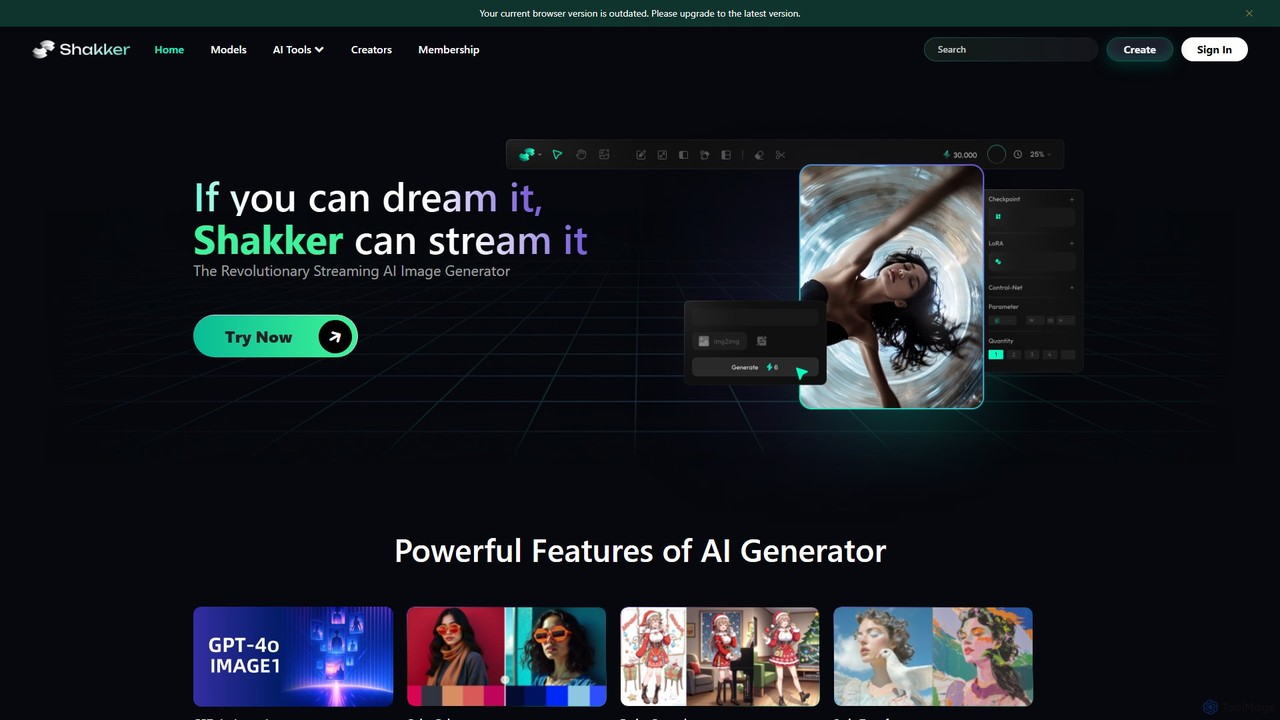
Shakker
Shakker is an all-in-one generative AI design platform, offering a vast library of diverse models (including FLUX and Stable Diffusion), integrated professional tools like online ComfyUI and A1111, and powerful features for image generation, editing, and model training. It caters to creators of all skill levels, from beginners to experts.
Generative Art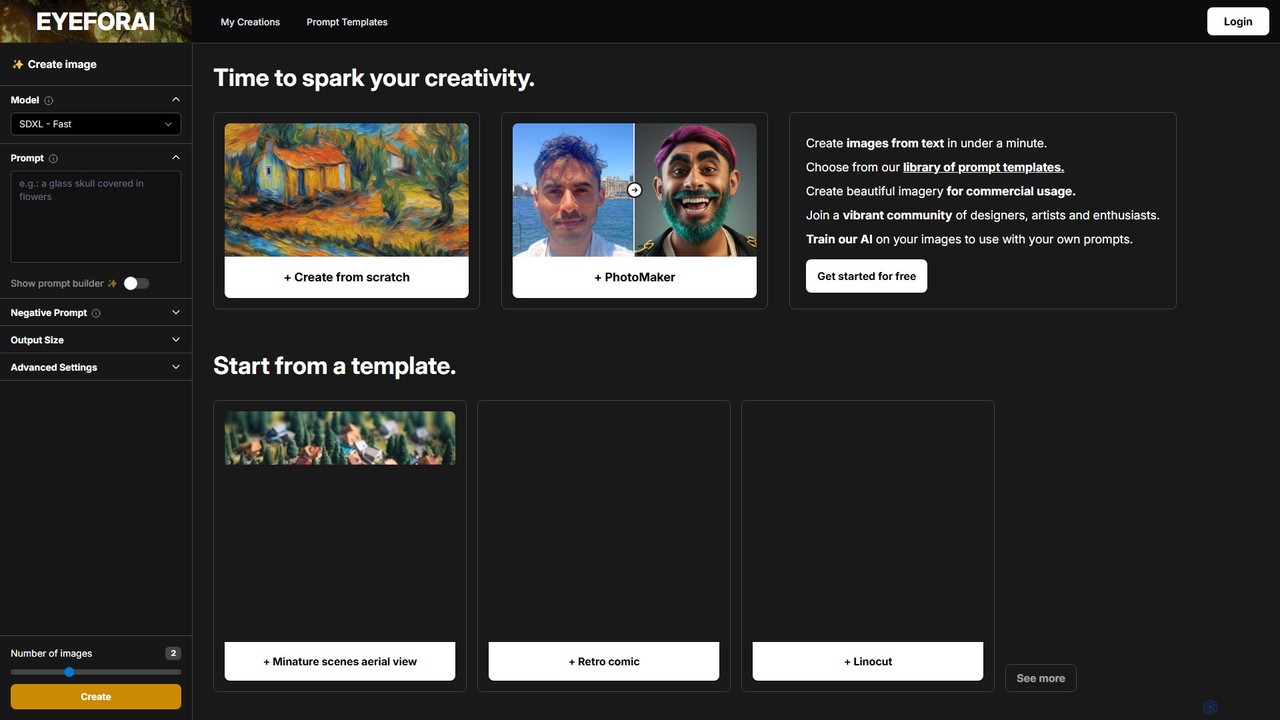
Eye for AI
Eye for AI is a powerful text-to-image generator that allows users to create stunning visuals in minutes. It supports various models like SDXL and Flux, and offers a vast library of prompt templates for different styles, from anime to photorealism. Key features include advanced image controls, the ability to train custom AI models on your own images, and a vibrant community gallery. It's designed for artists, designers, and enthusiasts, offering a free plan to get started and options for commercial use.
Generative Art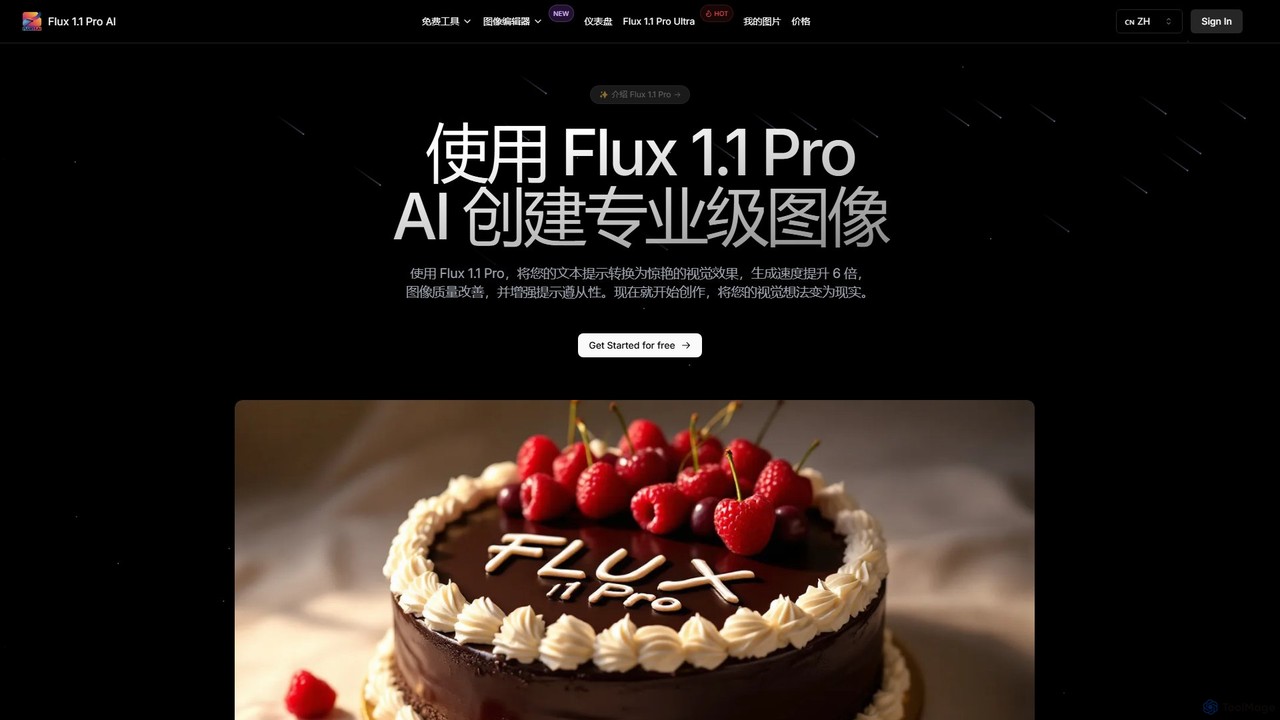
Flux 1.1
Flux 1.1 is an advanced AI image generation suite developed by Black Forest Labs. It transforms text prompts into professional-grade visuals with exceptional speed and quality. Featuring versions like Pro and Pro Ultra, it offers up to 4K resolution, superior prompt adherence, in-image text, and a range of specialized tools for artists, designers, and creative professionals.
Generative Art
Evoke AI
Evoke AI is an advanced AI-powered platform for creating stunning, emotionally resonant visual art and images. It translates complex text prompts, emotions, and abstract concepts into high-fidelity artwork, empowering artists, designers, and creators to bring their most imaginative ideas to life with unparalleled control and artistic depth.
Generative Art
aivisions.app
aivisions.app is a powerful AI image generation platform that transforms text prompts into stunning, high-quality visuals. Designed for artists, designers, and marketers, it offers a suite of advanced tools, including various art styles, precise control over image composition, and fast rendering. Whether you're creating concept art, marketing materials, or unique digital masterpieces, aivisions.app provides an intuitive and versatile canvas for your imagination.
Generative ArtFluxlora Categories
Fluxlora Embed Widget
Copy this embed code to place the badge on your blog, article, or product site and send readers directly to this ToolMage detail page.

Related AI tools
Shakker
Shakker is an all-in-one generative AI design platform, offering a vast library of diverse models (including FLUX and Stable Diffusion), integrated professional tools like online ComfyUI and A1111, and powerful features for image generation, editing, and model training. It caters to creators of all skill levels, from beginners to experts.
Generative Art
Diffus
A professional-grade, browser-based AI image generation platform offering precise control. Access over 70,000 models, including Stable Diffusion, LoRAs, and ControlNet, to create stunning visuals without needing powerful hardware. Ideal for artists, designers, and hobbyists.
Digital Art
Flux Image Generator
Flux Image Generator is a cutting-edge AI tool that transforms text descriptions into high-quality images with remarkable speed and accuracy. It offers three distinct models—Schnell (fast & free), Dev (for developers), and Pro (for professionals)—to cater to various needs. Leveraging a hybrid architecture, it excels in prompt adherence, photorealistic quality, and rendering complex details like hands and text, making it a powerful alternative to other leading image generators.
Generative Art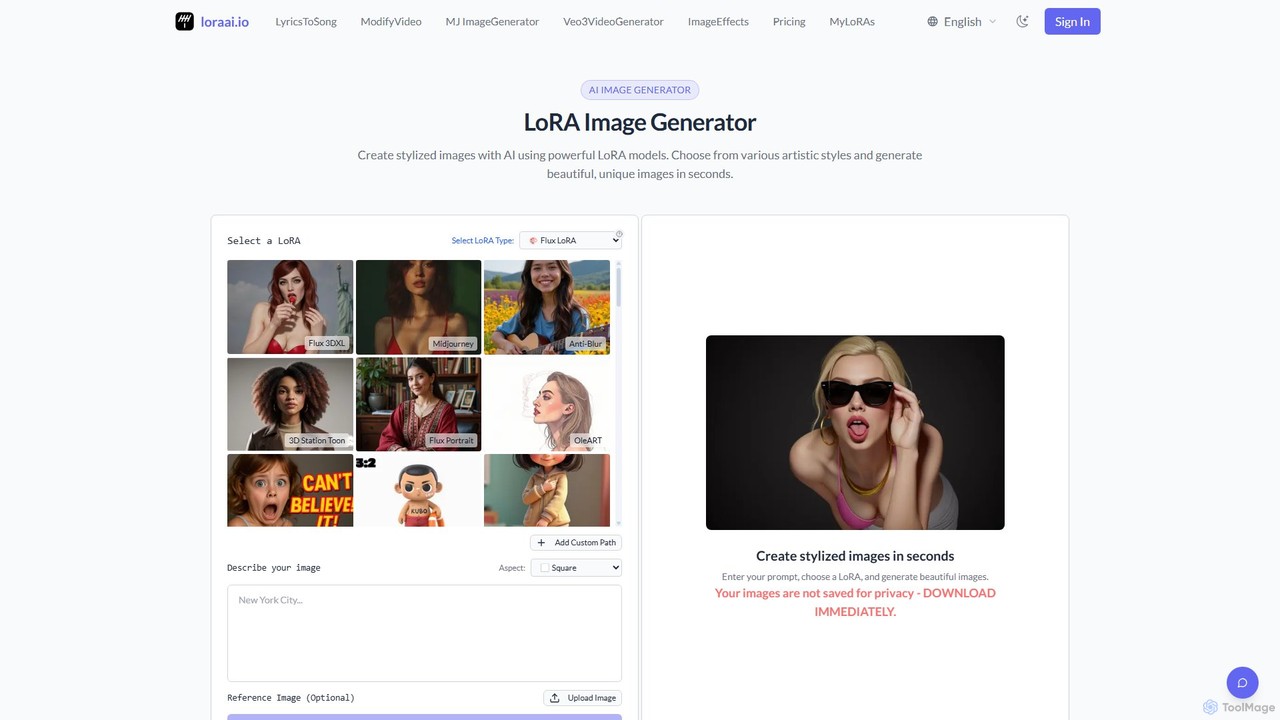
LoraAI
LoraAI is an advanced AI image generation platform specializing in LoRA models. It allows users to create highly stylized images from a vast library of pre-trained LoRAs, train custom models for specific styles or characters, and utilize a powerful MidJourney-style generator. It's designed for artists, designers, and developers seeking fine-grained control and professional-quality results.
Digital ArtEye for AI
Eye for AI is a powerful text-to-image generator that allows users to create stunning visuals in minutes. It supports various models like SDXL and Flux, and offers a vast library of prompt templates for different styles, from anime to photorealism. Key features include advanced image controls, the ability to train custom AI models on your own images, and a vibrant community gallery. It's designed for artists, designers, and enthusiasts, offering a free plan to get started and options for commercial use.
Generative Art
Holara
Holara is a specialized AI image generator for creating high-quality anime and manga-style artwork. Using text prompts, users can generate unique characters, scenes, and concepts. It offers advanced features like style LoRAs, image-to-image generation, and precise control over output. With a user-friendly interface and a credit-based system including a free plan, Holara caters to both hobbyists and professional artists.
Anime & Manga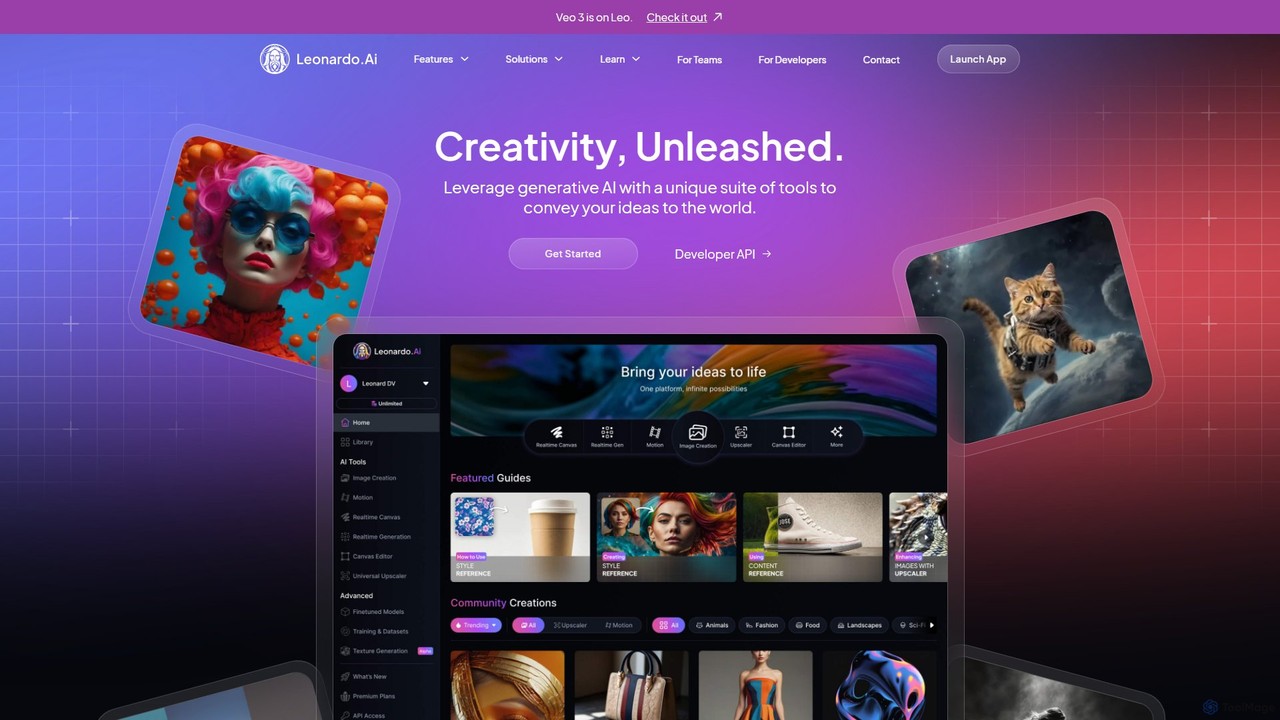
Leonardo.ai
Leonardo.ai is a comprehensive generative AI suite for creating high-quality visual assets. It offers a wide range of tools, including image and video generation, AI Canvas, 3D texturing, and numerous fine-tuned models. Ideal for individual creators, collaborative teams, and developers, it emphasizes quality, speed, and style consistency.
Generative Art
supermachine
supermachine is a powerful AI image generation platform offering access to over 65 specialized models. It enables creators to produce beautiful, intelligent images from text prompts, catering to a wide range of styles from photorealistic and anime to abstract art. Trusted by over 100,000 creators, it's a versatile tool for artists, marketers, and designers.
Generative Art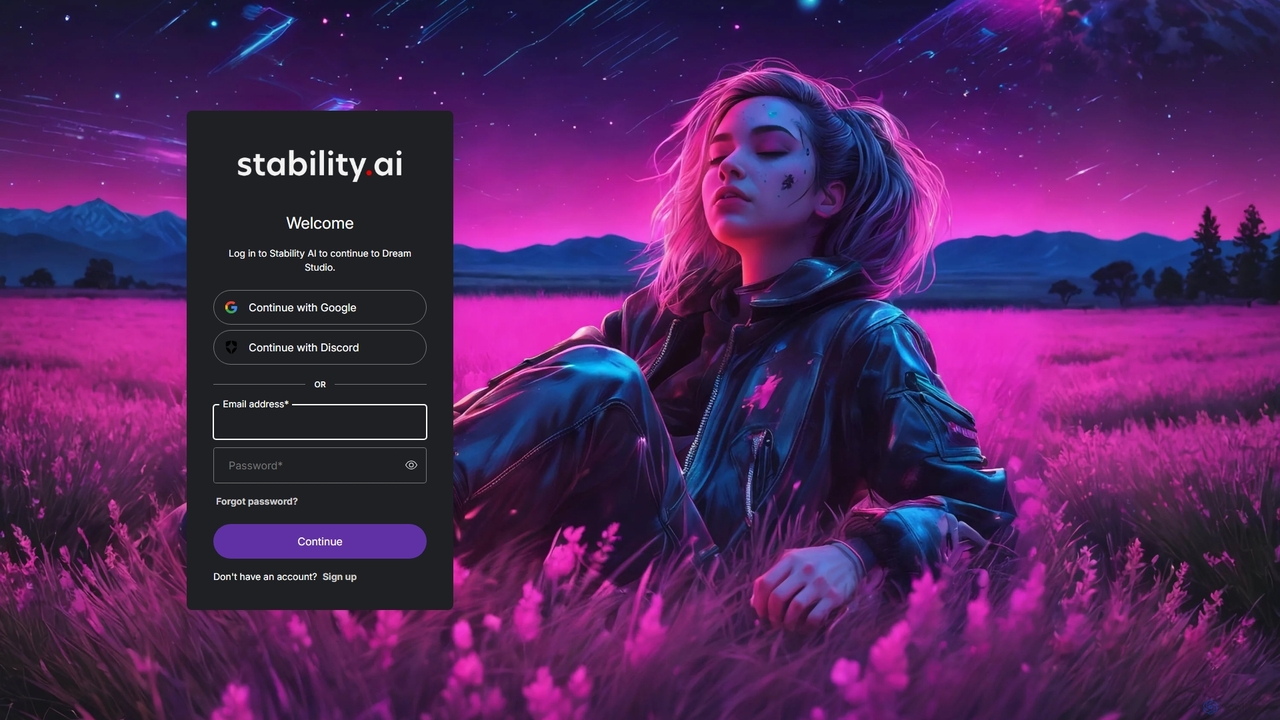
DreamStudio
DreamStudio is the official web interface for Stability AI's Stable Diffusion models. It's a powerful AI image generation tool that allows users to create high-quality, unique images from text descriptions. It offers advanced controls, various models, and editing features like inpainting and outpainting, catering to artists, designers, and creators of all levels.
Generative Art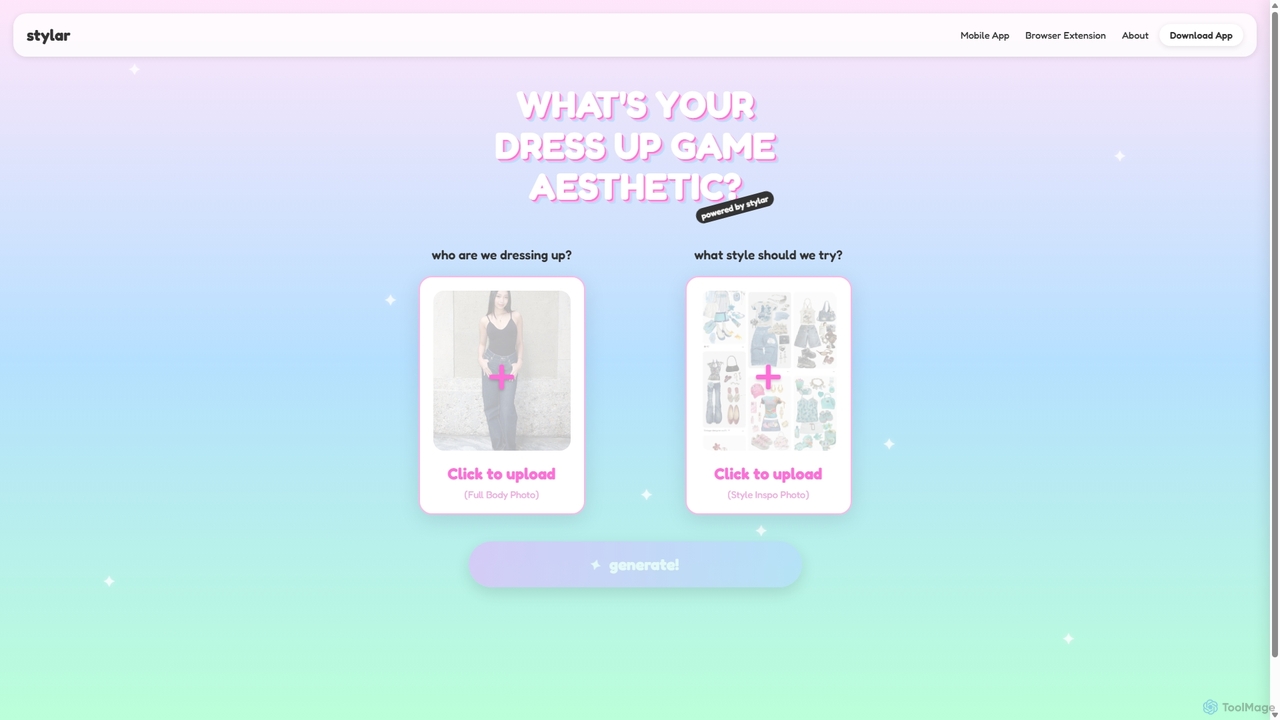
Stylar
Stylar is an all-in-one AI creative suite for artists and designers, offering precise control over image generation. It combines text-to-image, image-to-image, and composition tools with a user-friendly layer-based interface. Ideal for fashion design, character creation, and concept art, Stylar empowers users to bring their exact creative vision to life with unparalleled control and flexibility across web, mobile, and browser extension platforms.
Generative Art
Pixificial
Pixificial is an advanced AI image generator that transforms your text descriptions into stunning, high-quality visuals. From photorealistic images and artistic creations to character designs and marketing assets, Pixificial empowers creators, marketers, and developers to produce unique visuals effortlessly. Its intuitive interface and powerful customization options make professional-grade art accessible to everyone.
Generative Art
imagenmia
imagenmia is a powerful AI image generator that transforms your text descriptions into stunning, high-quality visuals. Leveraging advanced diffusion models, it allows creators, marketers, and designers to produce unique, royalty-free images for any purpose, from digital art and concept designs to marketing materials and social media content.
Generative Art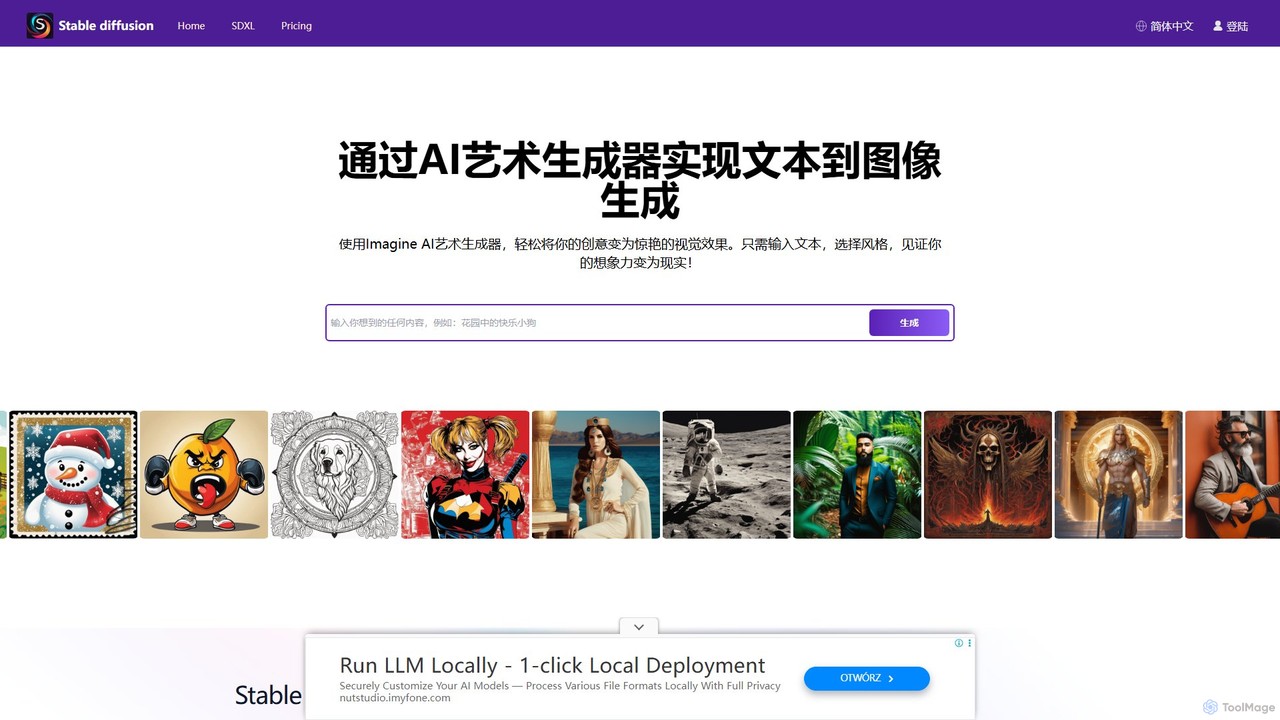
stablediffusionai.ai
stablediffusionai.ai is a user-friendly online platform for generating high-quality AI art using the powerful Stable Diffusion XL model. It allows users to transform text prompts into stunning visuals, offering features like preset styles, negative prompts, and high-resolution output. Suitable for both beginners and experienced artists, it provides a simple interface to explore advanced AI image generation, including image editing and model customization with LoRAs and embeddings. A freemium model offers both free access and premium plans for enhanced features.
Ai Art
OmniGen AI
OmniGen AI is a powerful, open-source AI image generation platform that unifies text-to-image, image editing, and controlled generation into a single framework. Leveraging advanced Diffusion Transformer models and OminiControl technology, it allows users to create stunning, high-quality visuals from text prompts, edit existing images with precision, and utilize features like virtual try-on, background removal, and subject-driven generation with unprecedented ease and control.
Virtual Try On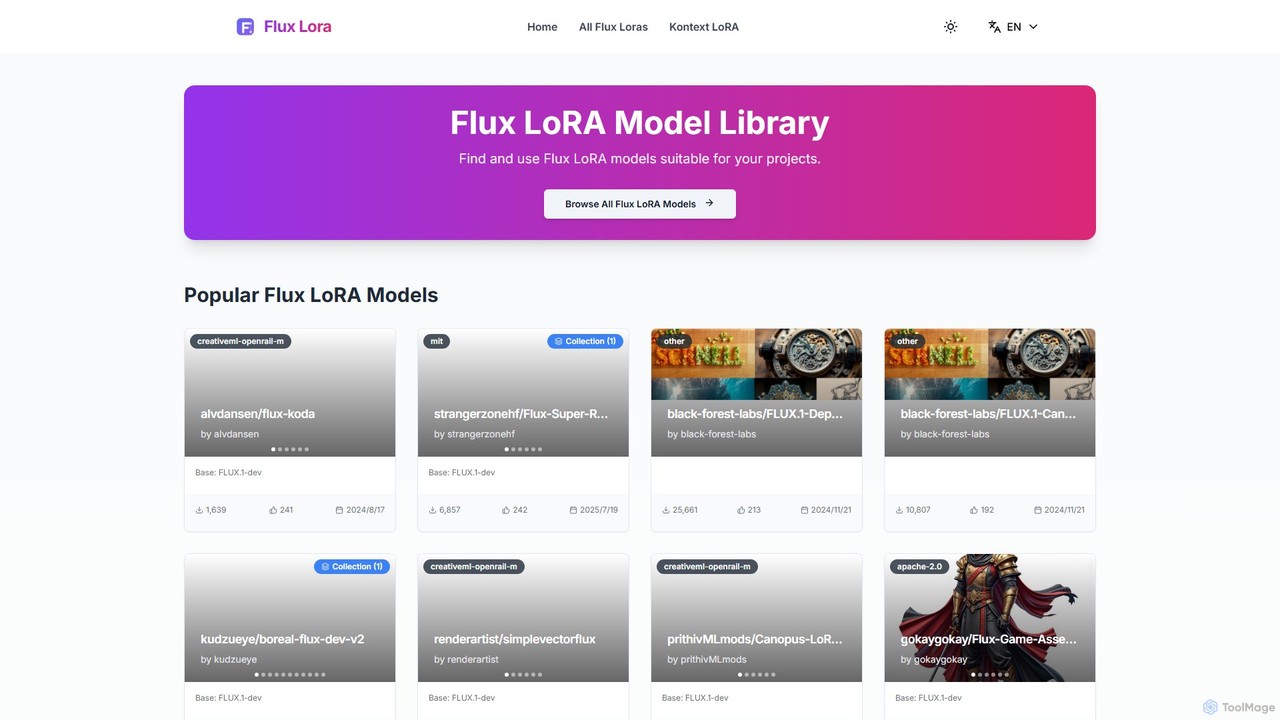
Flux LoRA Model Library
A dedicated community hub and library for discovering, sharing, and downloading LoRA models specifically designed for the FLUX text-to-image architecture. Enhance your AI art with specialized styles, characters, and concepts.
Image Generation
Fluxlora Comments (0)
Sign in to comment.
Sign inNo comments yet.