

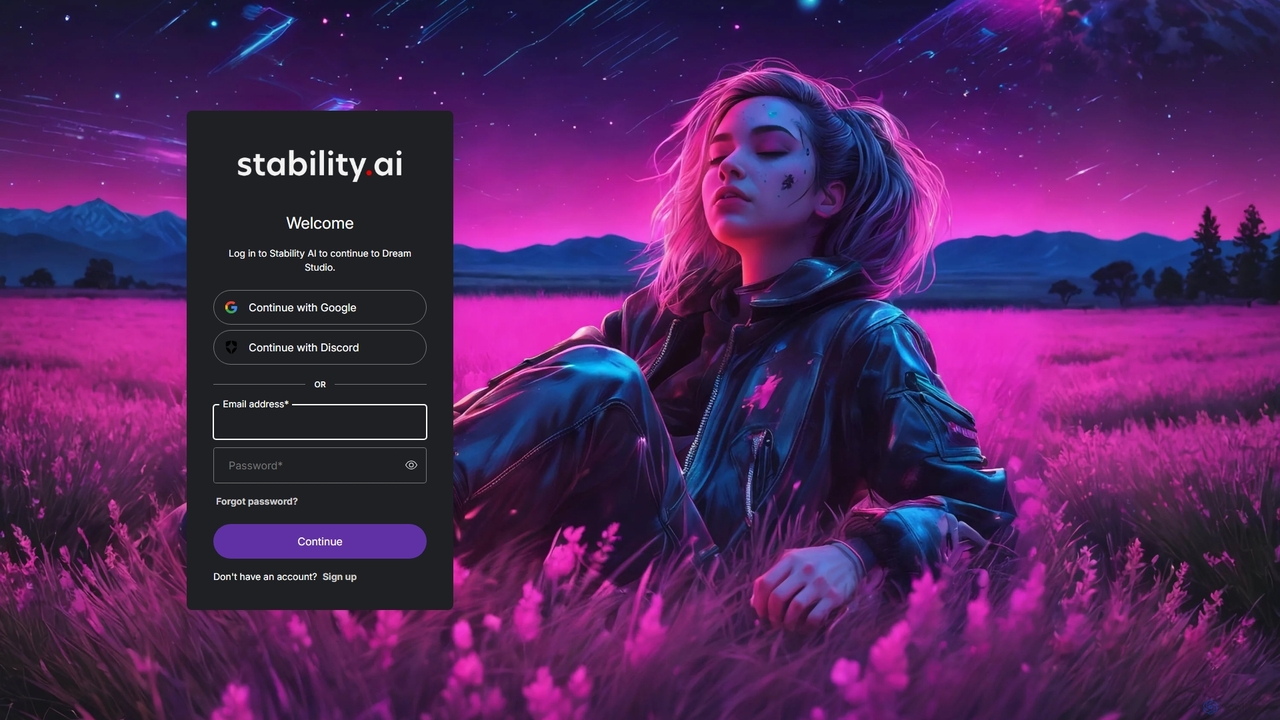
DreamStudio Overview
DreamStudio is the official front-end and API for Stability AI's suite of generative models, most notably the world-renowned Stable Diffusion. It serves as a powerful and intuitive platform for creating stunning, high-quality images from simple text prompts. Designed for both beginners and professional artists, DreamStudio provides a comprehensive set of tools to bring any creative vision to life, transforming words into captivating visual art.
At its core, DreamStudio harnesses the advanced capabilities of Stable Diffusion models, including the latest SDXL versions, to generate images with incredible detail, coherence, and artistic flair. Users can simply describe what they want to see, and the AI will interpret the prompt to produce a unique visual representation. The platform is not just about simple generation; it offers a suite of advanced features for fine-tuning the creative process, making it a versatile tool for a wide range of applications.
How to use DreamStudio
Using DreamStudio is a straightforward process designed for a seamless creative workflow:
- Sign Up & Get Credits: Create an account on the DreamStudio website. New users are typically greeted with a set of free credits to start generating images immediately.
- Write Your Prompt: In the main interface, you'll find a prompt box. This is where you describe the image you want to create. Be as descriptive as possible. For example, instead of "a cat," try "A photorealistic portrait of a fluffy calico cat sleeping in a sunbeam, cinematic lighting, detailed fur."
- Add a Negative Prompt: Use the negative prompt field to specify what you want to avoid in your image, such as "blurry, deformed, extra limbs, bad anatomy." This helps refine the output.
- Select a Style & Model: Choose from a variety of pre-set styles (e.g., Anime, Photographic, Digital Art, Cinematic) to guide the aesthetic of your image. You can also select different versions of the Stable Diffusion model for varied results.
- Adjust Advanced Settings: For more control, you can configure settings like the aspect ratio of your image, the number of images to generate, and the generation steps (higher steps can mean more detail but take longer).
- Generate: Click the "Dream" button and watch as the AI brings your prompt to life.
- Refine and Edit: Once an image is generated, you can download it, or use the built-in editor to make further changes. The editor allows for inpainting (regenerating a specific part of an image) and outpainting (extending the image's canvas).
Core Features of DreamStudio
- Text-to-Image Generation: The primary function, allowing users to create images from detailed text descriptions.
- Image-to-Image Generation: Upload an existing image and use a text prompt to transform or modify it.
- Multiple Models: Access to various Stable Diffusion models, including the powerful SDXL, each with unique characteristics.
- Advanced Parameter Control: Fine-tune your creations with settings for image dimensions, CFG Scale (prompt adherence), generation steps, and seed number.
- Negative Prompts: Exclude unwanted elements or styles from your generated images for cleaner, more accurate results.
- Inpainting & Outpainting: Edit images with precision by regenerating selected areas (inpainting) or expanding the image beyond its original borders (outpainting).
- Style Presets: Quickly apply complex artistic styles with a single click, such as 'Photographic', 'Anime', 'Fantasy Art', and more.
- Generation History: Easily access, review, and reuse your previously generated images and prompts.
- API Access: Developers can integrate Stability AI's models into their own applications and services via the DreamStudio API.
Use Cases for DreamStudio
DreamStudio's versatility makes it suitable for a wide array of professional and personal projects:
- Art & Illustration: Artists can generate unique concept art, character designs, and illustrations, or use it as a brainstorming tool to overcome creative blocks.
- Marketing & Advertising: Marketers can create custom, royalty-free visuals for social media campaigns, blog posts, advertisements, and website banners without needing a large design budget.
- Graphic Design: Designers can quickly prototype ideas, create textures and patterns, or generate inspirational mood boards.
- Game Development: Game developers can generate assets like character portraits, environments, and item icons in a fraction of the time.
- Content Creation: Bloggers and YouTubers can create eye-catching thumbnails and featured images for their content.
Advantages of DreamStudio
DreamStudio stands out in the crowded field of AI image generators due to several key advantages:
- Direct Access to Stable Diffusion: As the official platform, it often gets the latest models and updates from Stability AI first.
- High-Quality Output: Powered by state-of-the-art models, it consistently produces high-resolution, coherent, and aesthetically pleasing images.
- Granular Control: The extensive range of settings provides professional-level control over the generation process, allowing for highly specific outcomes.
- Flexible Pricing: The credit-based, pay-as-you-go model is cost-effective, as users only pay for the computational resources they use.
- User-Friendly Interface: Despite its powerful features, the interface is clean and intuitive, making it accessible to users of all skill levels.
Pricing and Plans
DreamStudio operates on a freemium, credit-based system. Upon signing up, new users typically receive a complimentary number of credits to explore the platform's capabilities. Once these initial credits are depleted, users can purchase more to continue generating images. The pricing is generally structured as a pay-as-you-go model, where $10 USD buys approximately 1,000 credits. The number of credits consumed per image generation depends on factors like the model used and the number of generation steps, with more advanced models like SDXL costing more credits per image than older versions. This model provides flexibility, allowing users to scale their usage according to their needs without a fixed monthly subscription.
DreamStudio Alternatives
Stablecog
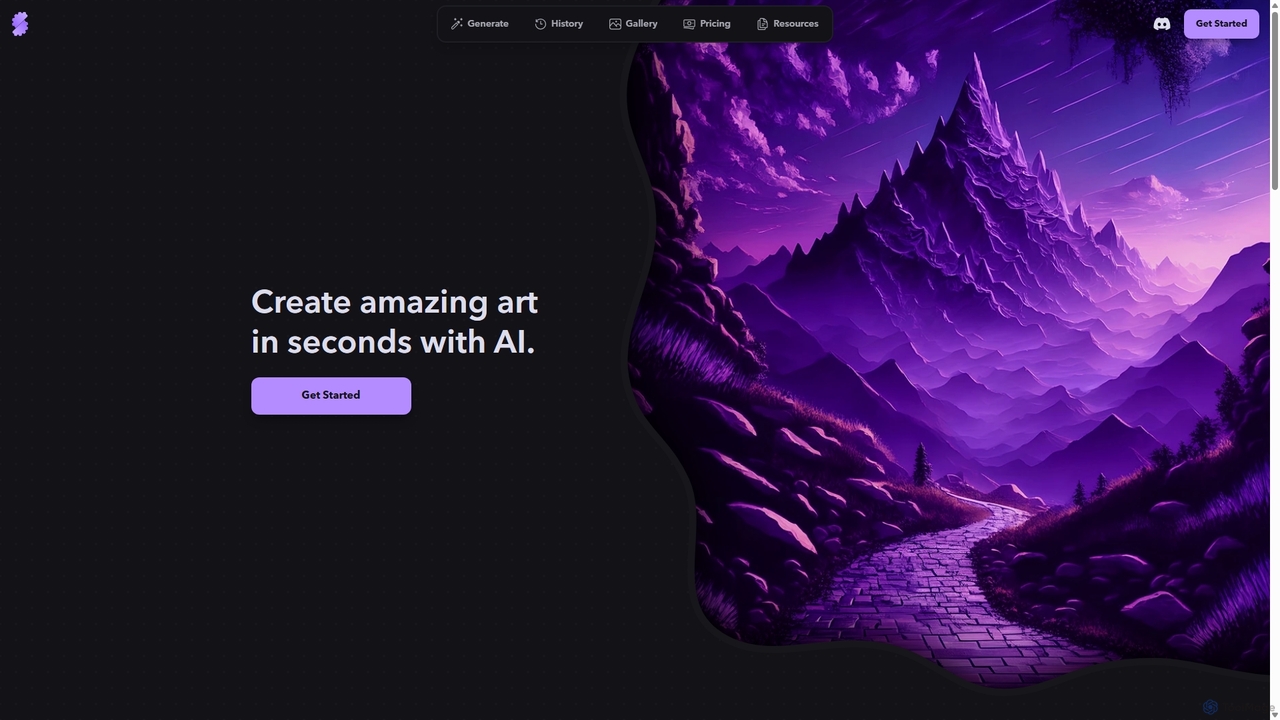
Stablecog is a powerful and user-friendly AI image generator that allows you to create stunning art from text or images in seconds. It supports multiple advanced AI models like Stable Diffusion 3 and SDXL, offering a versatile and creative platform for artists, designers, and content creators. With a generous free plan and flexible paid options, it's accessible to everyone.
Generative Art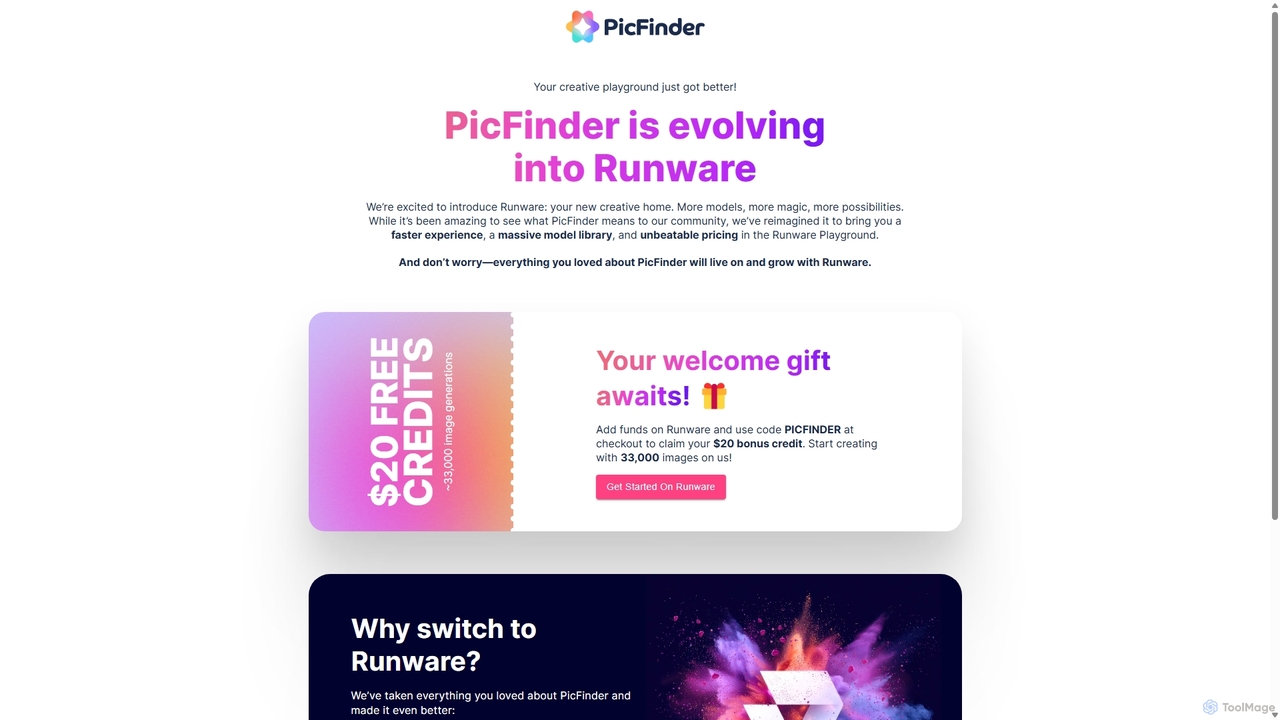
PicFinder
PicFinder has evolved into Runware, a powerful AI image generation platform. It offers a massive library of over 300,000 models, enabling users to create stunning visuals from text prompts. With features like batch generation, customizable controls, and an incredibly low cost, Runware serves as a comprehensive creative playground for artists, designers, and content creators, building upon the legacy of PicFinder.
Generative Art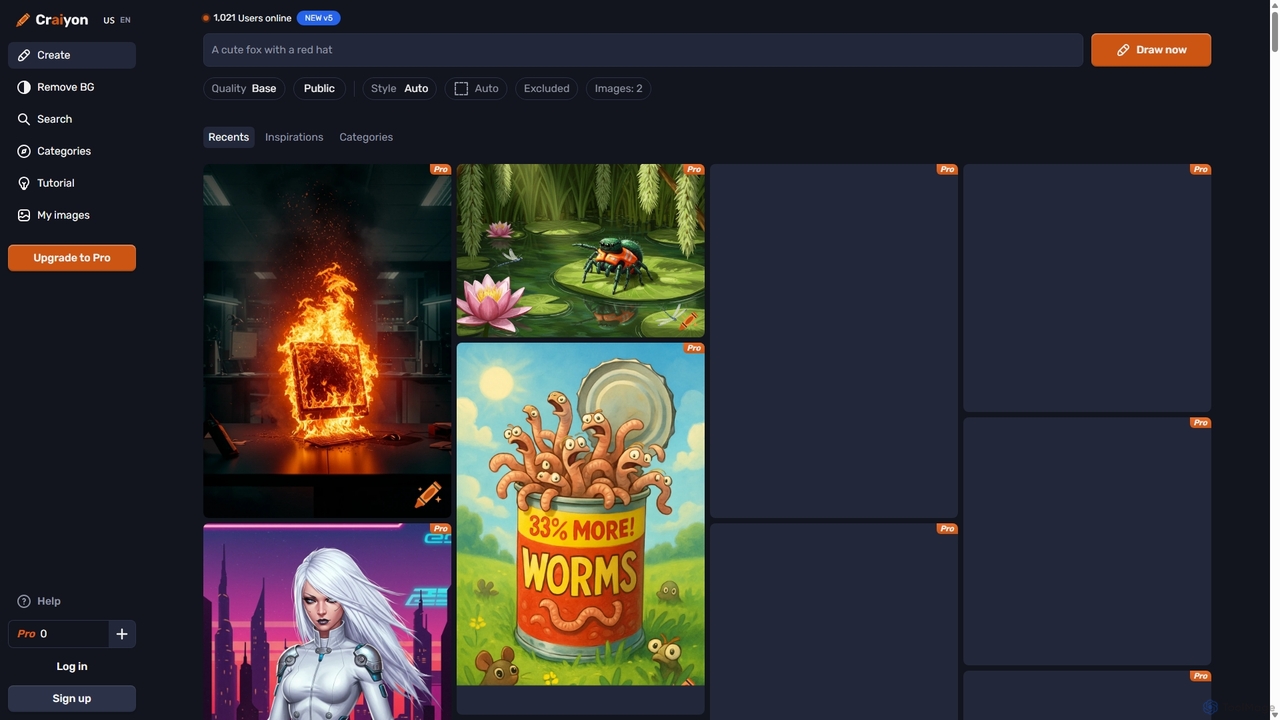
Craiyon
Craiyon is a free and powerful AI art generator that transforms text descriptions into unique images. Formerly known as DALL·E mini, it allows users to create anything from photorealistic images to abstract art simply by typing a prompt. It offers both free and paid plans to cater to everyone from beginners to professionals.
Generative Art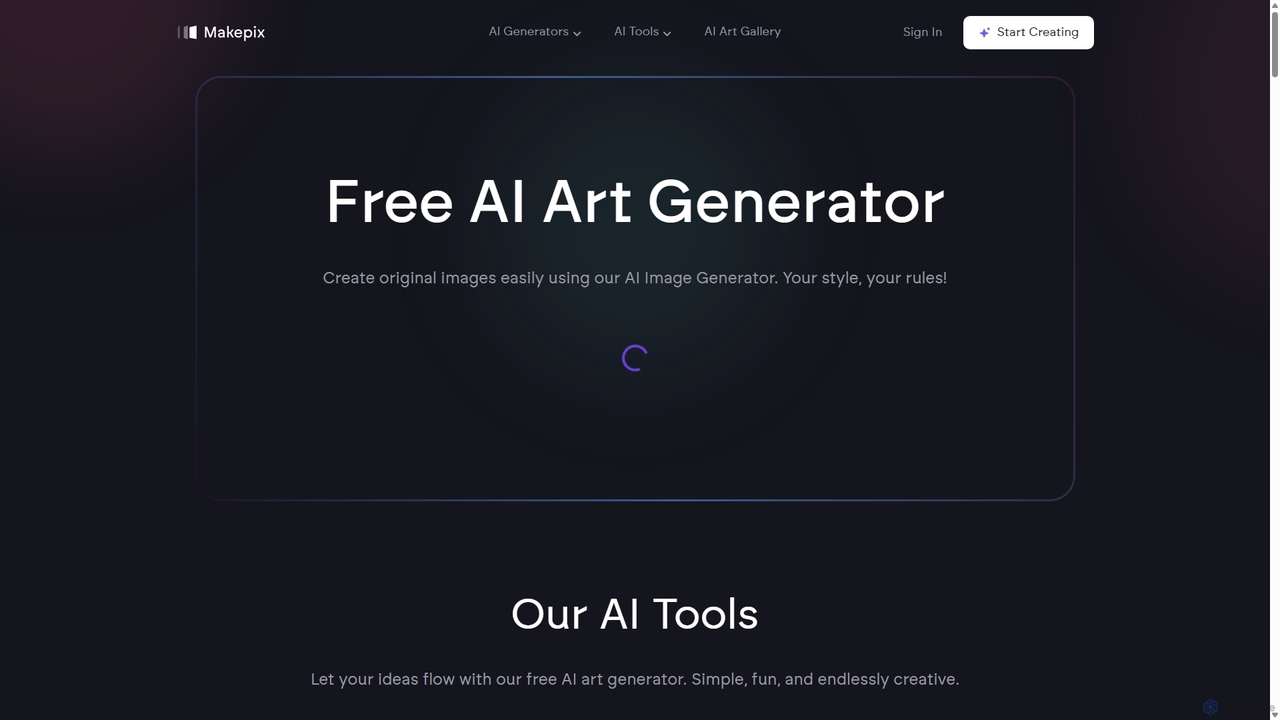
Makepix
A powerful and versatile AI image generation platform offering a suite of tools to create stunning visuals from text or images. It features specialized generators for anime, characters, faces, and more, alongside advanced editing functions like upscaling, background removal, and image-to-video conversion. Ideal for artists, marketers, and creators of all levels.
Generative Art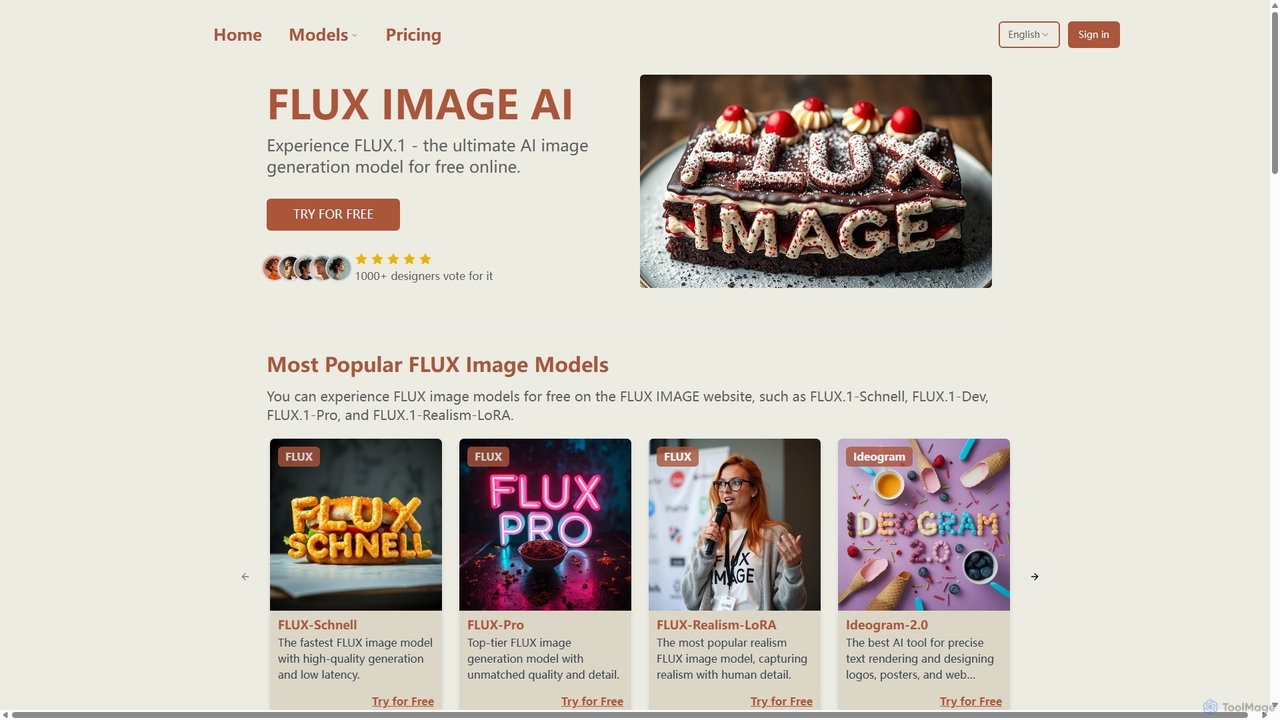
Fluximage
Fluximage is an online platform providing access to the advanced FLUX.1 suite of AI image generation models. Developed by the creators of Stable Diffusion, it offers exceptional speed, quality, and prompt adherence for creating diverse visuals from text, ranging from photorealistic portraits to artistic designs.
Generative ArtDreamStudio Categories
DreamStudio Jobs
DreamStudio Embed Widget
Copy this embed code to place the badge on your blog, article, or product site and send readers directly to this ToolMage detail page.

Related AI tools
Stablecog
Stablecog is a powerful and user-friendly AI image generator that allows you to create stunning art from text or images in seconds. It supports multiple advanced AI models like Stable Diffusion 3 and SDXL, offering a versatile and creative platform for artists, designers, and content creators. With a generous free plan and flexible paid options, it's accessible to everyone.
Generative ArtPicFinder
PicFinder has evolved into Runware, a powerful AI image generation platform. It offers a massive library of over 300,000 models, enabling users to create stunning visuals from text prompts. With features like batch generation, customizable controls, and an incredibly low cost, Runware serves as a comprehensive creative playground for artists, designers, and content creators, building upon the legacy of PicFinder.
Generative Art
Jyek
Jyek is an AI agent platform that understands objectives, creates execution plans, uses tools, and delivers verifiable results for complex, multi-step tasks.
Automation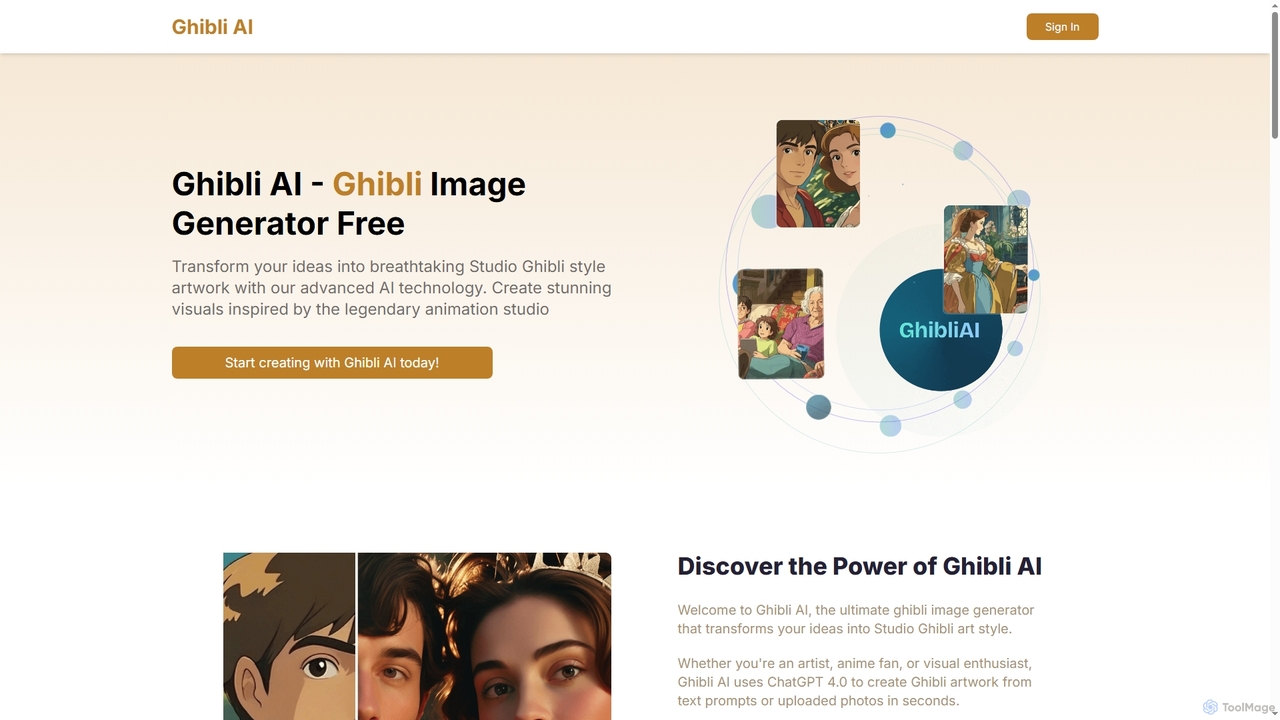
Ghibli AI
Ghibli AI is an advanced image generator that transforms your text prompts or uploaded photos into stunning Studio Ghibli-style artworks. Leveraging ChatGPT 4.0, it allows artists, fans, and professionals to effortlessly create enchanting visuals inspired by legendary animation, simplifying the process of crafting anime-style masterpieces in seconds.
Style Transfer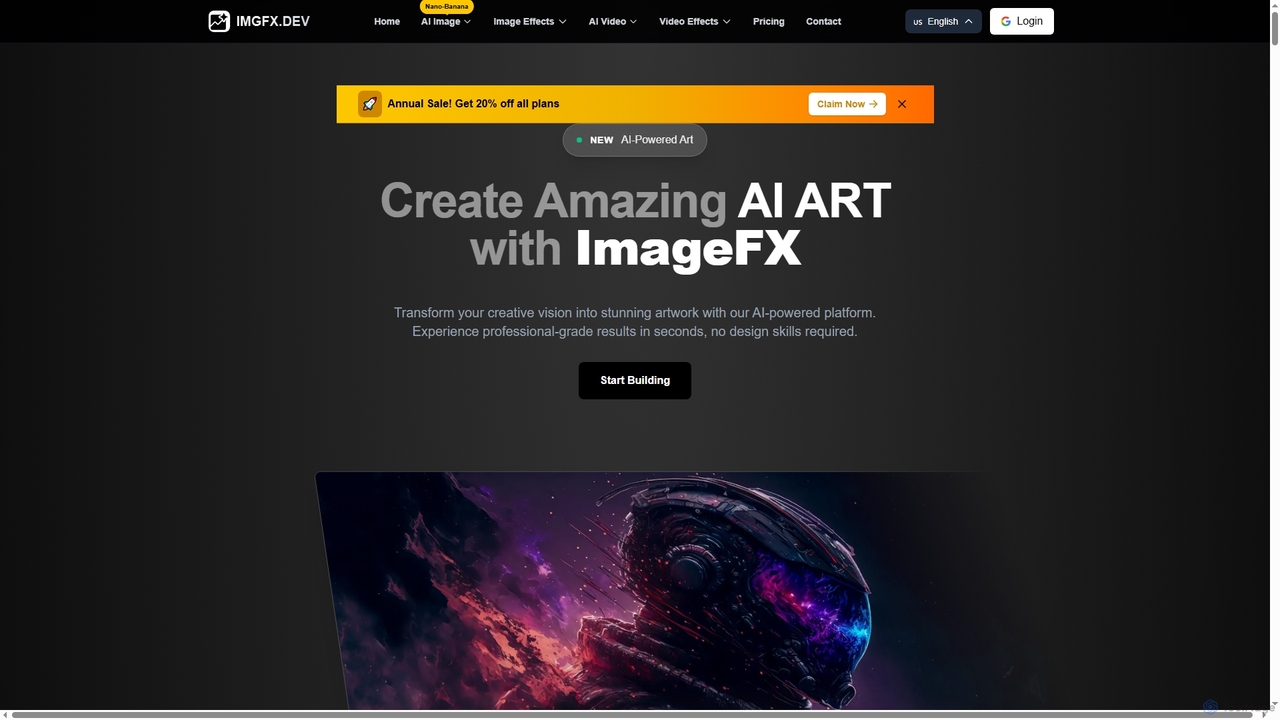
ImageFX
ImageFX is an AI-powered platform that transforms creative visions into stunning images and videos. It offers professional-grade results in seconds, without requiring design skills, featuring text-to-image, image-to-image, text-to-video, and image-to-video capabilities, along with advanced editing tools for diverse creative needs.
Creative Asset Generation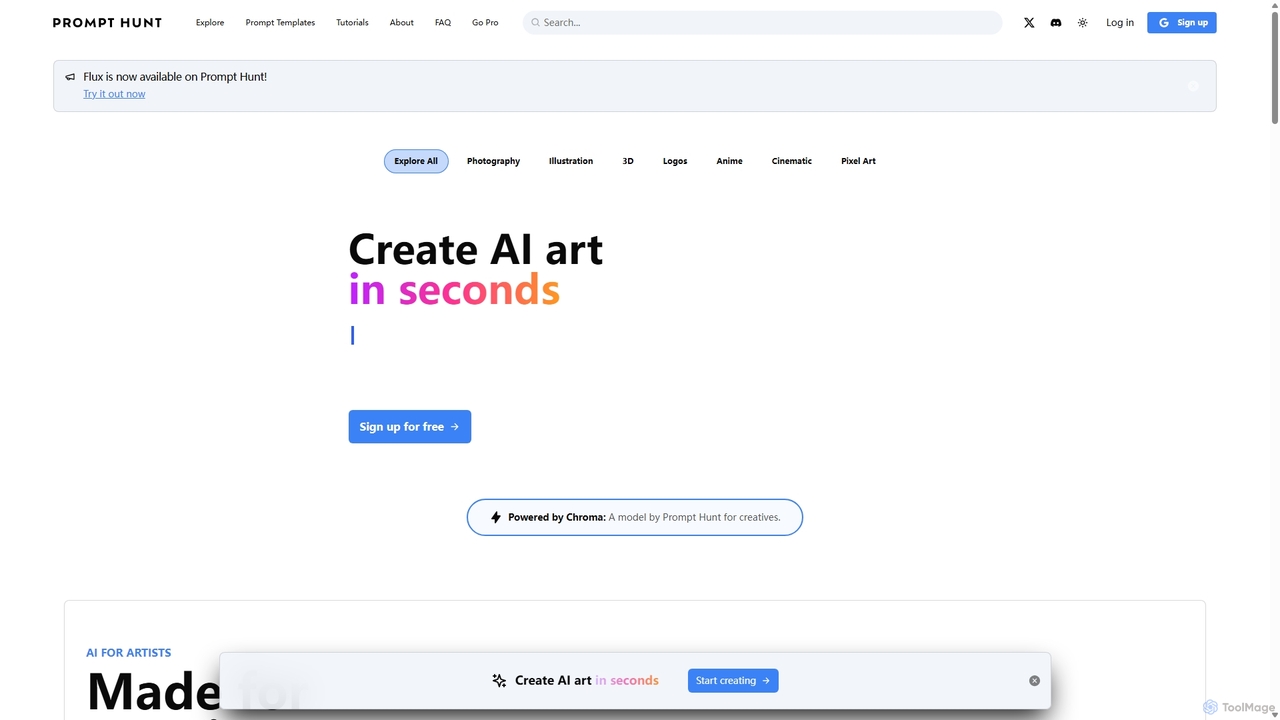
Prompt Hunt
Prompt Hunt is an AI art platform designed for creatives to explore, create, and share high-quality AI-generated images. It features a powerful proprietary model called Chroma, an extensive library of prompt templates, and an intuitive interface, making it easy for both beginners and experts to produce stunning visuals.
IllustrationCraiyon
Craiyon is a free and powerful AI art generator that transforms text descriptions into unique images. Formerly known as DALL·E mini, it allows users to create anything from photorealistic images to abstract art simply by typing a prompt. It offers both free and paid plans to cater to everyone from beginners to professionals.
Generative ArtMakepix
A powerful and versatile AI image generation platform offering a suite of tools to create stunning visuals from text or images. It features specialized generators for anime, characters, faces, and more, alongside advanced editing functions like upscaling, background removal, and image-to-video conversion. Ideal for artists, marketers, and creators of all levels.
Generative Art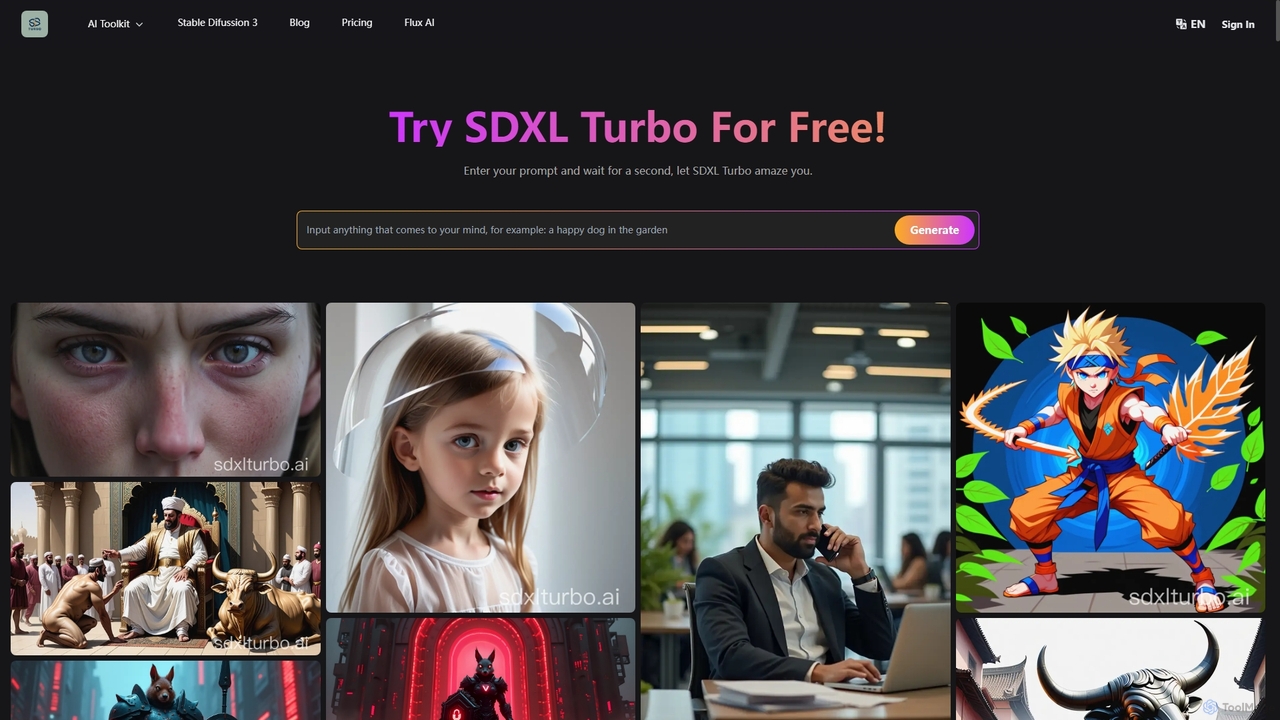
SDXL Turbo
SDXL Turbo is a real-time text-to-image AI generator that creates high-quality, detailed images from text prompts in a single step. Powered by advanced Adversarial Diffusion Distillation (ADD) technology, it offers incredible speed and efficiency. The platform also includes a powerful prompt generator and supports the latest Stable Diffusion 3 model, making it ideal for artists, designers, and content creators.
Art Generation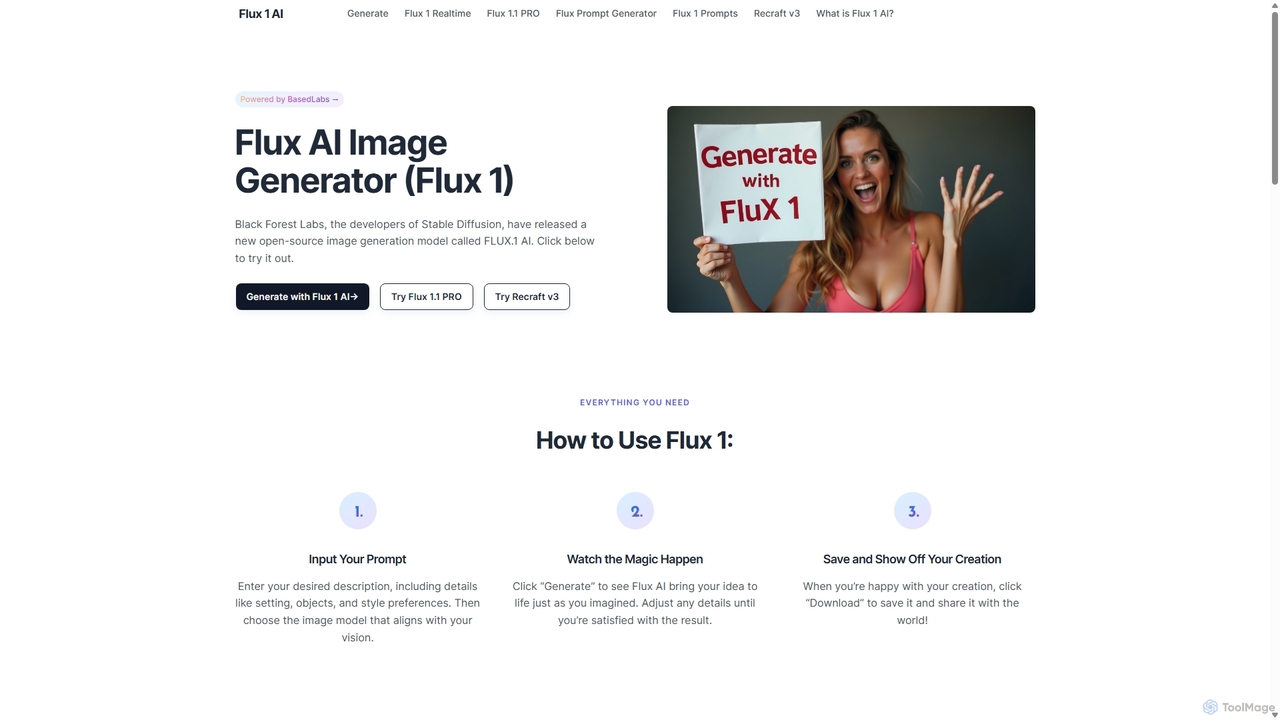
Flux 1
Flux 1 AI is a state-of-the-art, open-source image generation model from Black Forest Labs, the creators of Stable Diffusion. It excels at rapidly transforming text prompts into high-quality, photorealistic images with exceptional prompt adherence. Available in three versions (Schnell, Dev, Pro), it caters to various needs, from fast generation and developer-focused features to top-tier quality via API.
Generative Art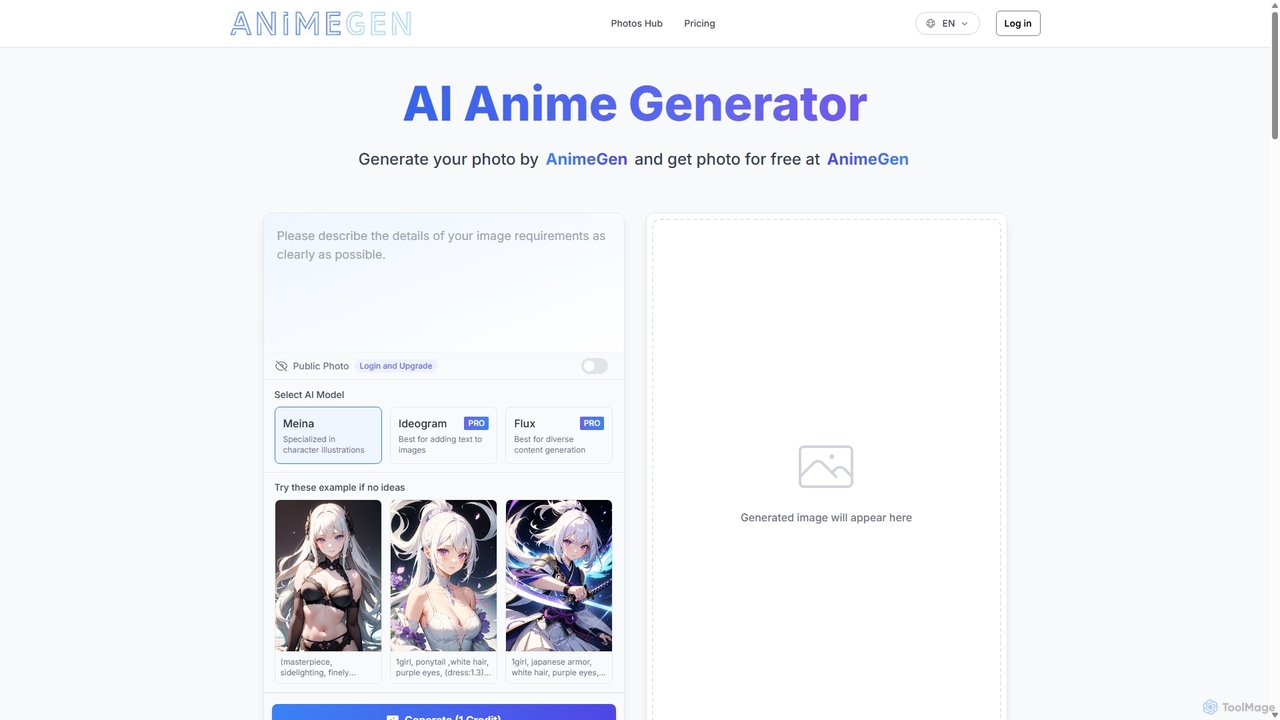
Aianimegen
Aianimegen is an AI-powered tool that generates high-quality, unique anime-style images from simple text prompts. Designed for artists, writers, and anime enthusiasts, it provides an intuitive platform to bring creative visions to life, offering character design, scene creation, and style exploration with ease. It operates on a freemium model, making anime art creation accessible to everyone.
Generative Art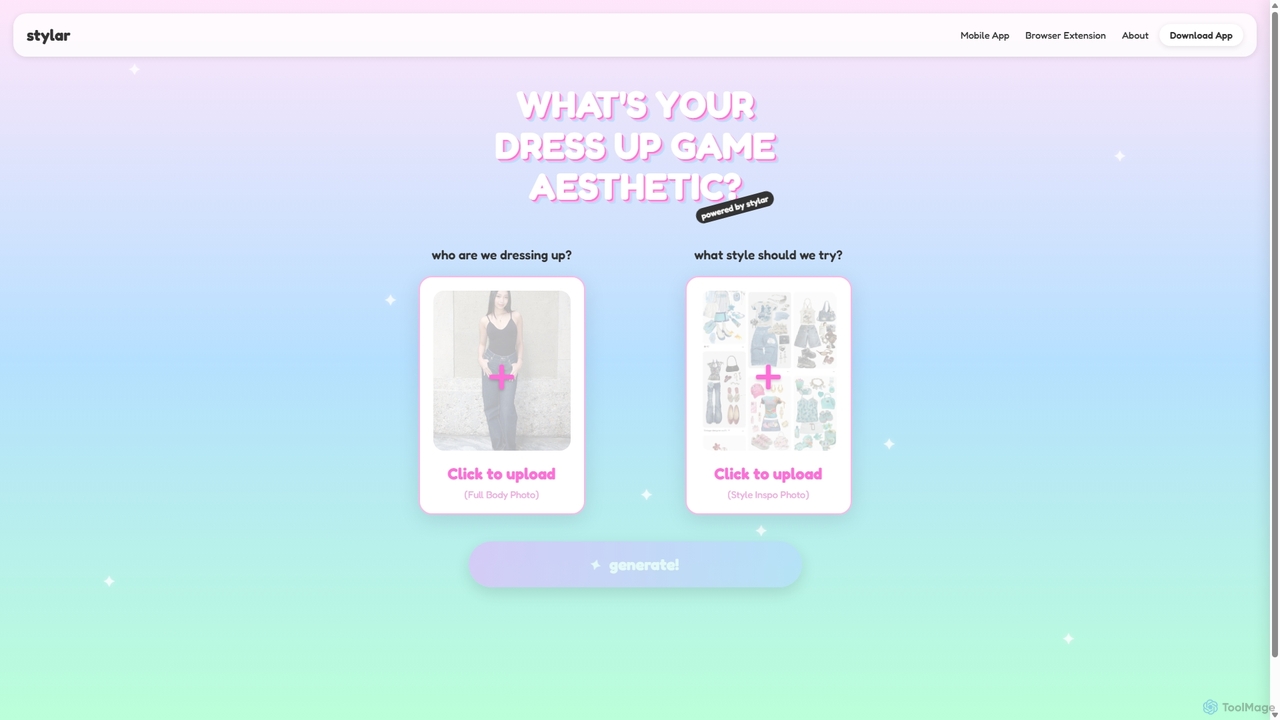
Stylar
Stylar is an all-in-one AI creative suite for artists and designers, offering precise control over image generation. It combines text-to-image, image-to-image, and composition tools with a user-friendly layer-based interface. Ideal for fashion design, character creation, and concept art, Stylar empowers users to bring their exact creative vision to life with unparalleled control and flexibility across web, mobile, and browser extension platforms.
Generative ArtFluximage
Fluximage is an online platform providing access to the advanced FLUX.1 suite of AI image generation models. Developed by the creators of Stable Diffusion, it offers exceptional speed, quality, and prompt adherence for creating diverse visuals from text, ranging from photorealistic portraits to artistic designs.
Generative Art
DiffusionHub
DiffusionHub is a cloud-based platform for AI image generation, providing easy access to a vast library of Stable Diffusion models. It empowers users to create high-quality AI art and images through an intuitive interface, without the need for powerful local hardware. Ideal for artists, designers, and enthusiasts.
Generative Art
Aiart.fm
Aiart.fm is a powerful AI art generator that transforms your text prompts into stunning, high-quality images and digital art in seconds. Featuring a user-friendly interface, it supports a wide range of artistic styles, from photorealistic to anime and abstract. Ideal for artists, designers, marketers, and content creators looking to unlock their creative potential without complex software.
Generative Art
DreamStudio Comments (0)
Sign in to comment.
Sign inNo comments yet.