
Image to Image AI Overview
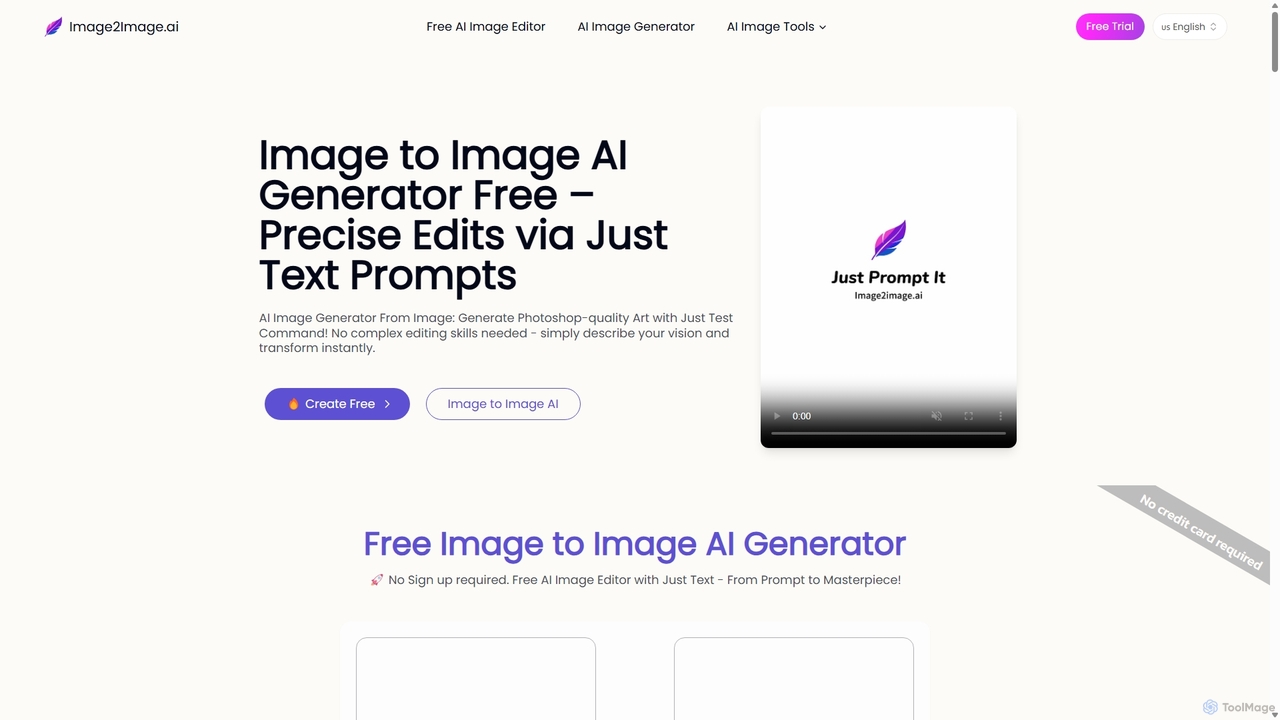
Image to Image AI revolutionizes photo editing by empowering users to perform complex transformations with simple text commands. Unlike traditional AI image generators that create visuals from scratch, this tool uses your uploaded photo as a foundational blueprint. This unique approach ensures that the core composition, lighting, and structure of your original image are preserved, resulting in seamless and natural-looking edits. It's designed for everyone from professional artists and marketers to casual users, eliminating the need for complex software like Photoshop.
How to use Image to Image AI
The process is designed to be intuitive and straightforward, allowing you to bring your vision to life in just a few steps:
- Upload Your Image: Start by uploading a clear, well-lit photo in JPG, PNG, or WEBP format. This image will serve as the structural reference for the AI.
- Describe Your Vision: In the text prompt box, describe the changes you want to make. Be specific and descriptive for the best results. For example, instead of 'make it a painting,' try 'an impressionist oil painting with thick, visible brushstrokes and warm, golden hour lighting.'
- Generate: Click the 'Generate' button. The AI will process your request, which typically takes 20-90 seconds depending on the complexity and server load. Free users may experience a queue during peak times.
- Download: Once the generation is complete, your new image will appear. You can then download it and use it. If you're not satisfied, simply refine your prompt and generate again.
Core Features of Image to Image AI
- AI Object & Text Manipulation: Seamlessly remove unwanted objects or text from photos, or swap existing objects with new ones described in your prompt.
- Style Transfer: Convert your photos into various artistic styles, such as watercolor, Disney cartoon, pixel art, or a photorealistic rendering from a sketch.
- Photo Restoration & Colorization: Restore old, damaged, or faded photos to their former glory, and bring black-and-white images to life with realistic color.
- AI Outpainting: Intelligently expand the borders of your image in any direction, creating a larger canvas while maintaining the original scene's context.
- Character & Portrait Editing: Transform selfies into professional headshots, change hairstyles and hair colors, or even redesign a character's pose and features.
- Text-in-Image Editing: Edit text within an image, such as in a meme, while preserving the original font style and background.
Use Cases for Image to Image AI
This tool is trusted by creatives and professionals across various industries:
- Concept Artists: Quickly generate multiple character variations or environment concepts from a single rough sketch, dramatically speeding up the creative workflow.
- E-commerce & Marketing: Create diverse product mockups and lifestyle images from standard product shots without expensive photoshoots. Generate consistent branded content for social media campaigns.
- Game Developers: Upscale and restyle basic sketches into high-quality game assets and environment art, accelerating the development timeline.
- Real Estate Agents: Virtually stage empty properties with different furniture styles or change the season in exterior photos to make listings more appealing.
- Interior Designers: Show clients different design concepts (e.g., 'Modern Minimalist' vs. 'Cozy Bohemian') by applying them directly to a photo of their current space.
Advantages of Image to Image AI
Image to Image AI offers significant advantages over traditional editing software and text-only AI generators:
- Perfect Control and Consistency: By starting with your photo, the AI maintains the original composition, lighting, and subject likeness, eliminating the randomness of text-only generation.
- Accelerated Workflow: Tasks that would take hours in Photoshop, like style changes or object replacement, are completed in seconds, boosting productivity.
- Accessibility for All: It democratizes professional-level image editing. No technical skills are needed—if you can describe it, you can create it.
Pricing and Plans
Image to Image AI operates on a freemium model with plans to suit different needs:
- Free Plan: $0/month. A great way to try the tool. Includes a daily generation limit, potential queues during peak hours, and does not grant commercial rights.
- Starter Plan: $7/month (billed annually). Ideal for beginners and small projects. Includes 800 credits per month (~40 generations), full copyright ownership, high-quality images, and priority access.
- Advanced Plan: $13/month (billed annually). Designed for creators with higher volume needs. Includes 2000 credits per month (~100 generations) and all the benefits of the Starter plan.
All paid plans offer unlimited daily generations (up to the credit limit), high-resolution output, commercial use rights, and access to advanced features like the Image GPT Generator and multi-image editing.
Traffic
Latest traffic
Status
Monthly traffic trend
- 2025-9: 6.8K
- 2026-1: 143.8K
- 2026-2: 139.7K
- 2026-3: 136.7K
- 2026-4: 92.4K
- 2026-5: 66.6K
Geography
Top 5 countries / regions
- 🇺🇸United States35.8%
- 🇫🇷France24.1%
- 🇷🇺Russia13.6%
- 🇧🇷Brazil13.4%
- 🇰🇷South Korea13.1%
Traffic sources
| Source type | Percentage |
|---|---|
Direct | 83.5% |
Referral | 16.5% |
Top keywords
| Keyword | Cost per click |
|---|---|
| 4k图片处理 | $0.00 |
| corregir texto en imagen | $0.00 |
| image2image | $1.64 |
| image to image ai | $0.57 |
| 去水印 | $0.46 |
Image to Image AI Alternatives
Flux2 Flex
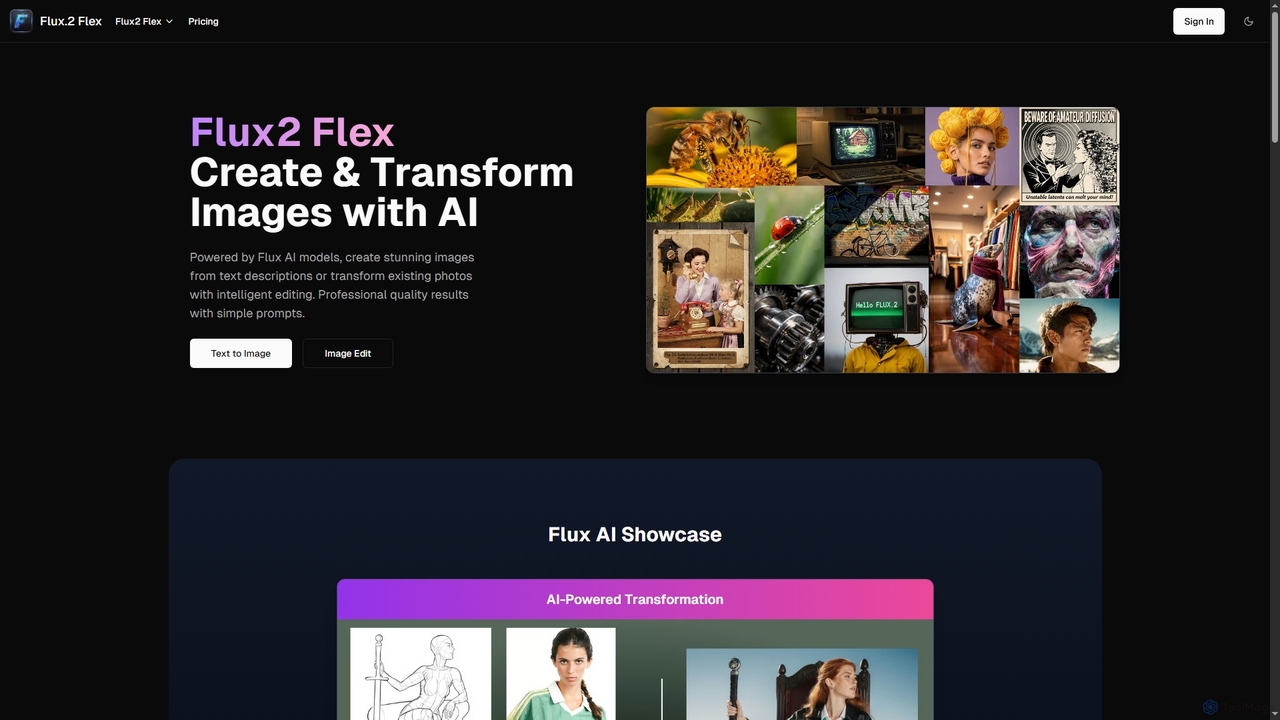
Flux2 Flex is an AI-powered image generator and editor designed to create high-quality visuals from text prompts or transform existing photos. Leveraging advanced Flux AI models, it offers intuitive tools for text-to-image creation, image-to-image editing, style transfer, and object manipulation, catering to both professionals and beginners.
Generative Art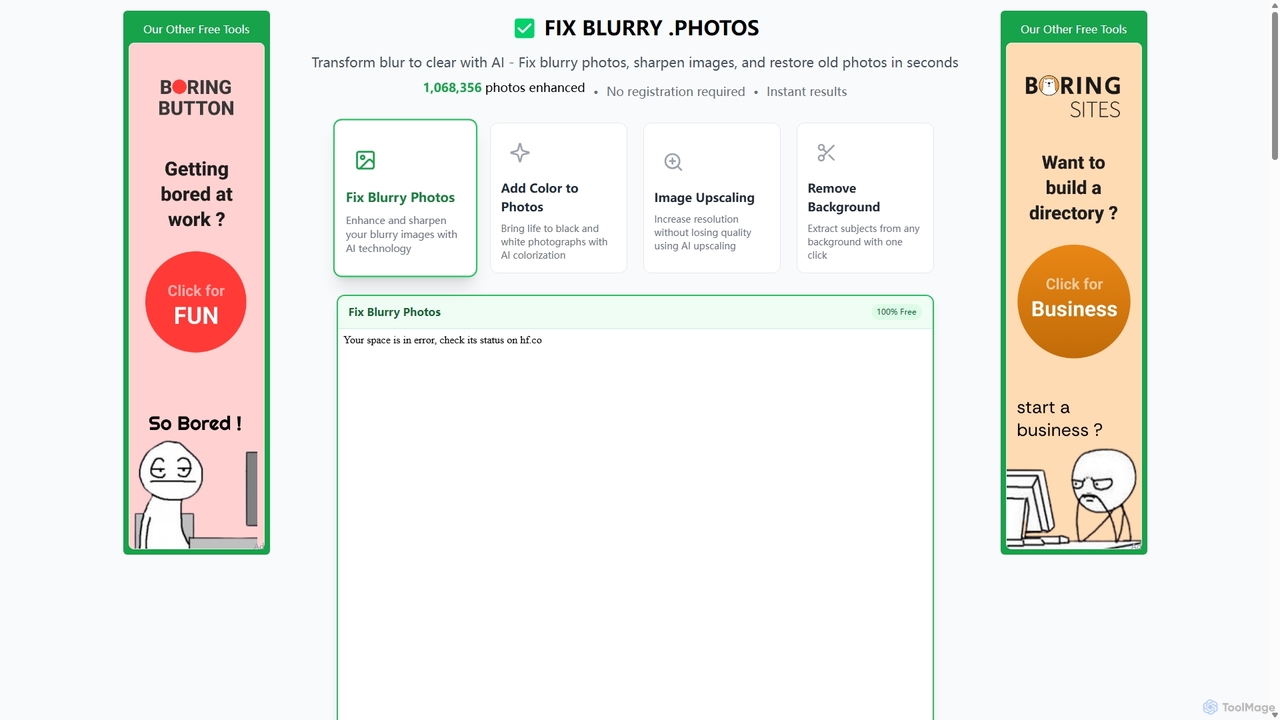
Fixblurry
fixblurry is a free, AI-powered online tool suite designed to enhance your images instantly. It specializes in unblurring and sharpening photos, restoring old or faded pictures, upscaling low-resolution images without quality loss, colorizing black-and-white photos, and removing backgrounds with a single click. No registration or software installation is required, offering professional-grade results for everyone.
Image Editing
Kira
Kira is a powerful AI-powered platform for professional-grade image generation and editing. It combines a versatile text-to-image generator with a comprehensive suite of editing tools, including background removal, inpainting, upscaling, and stylization. Its key feature is the ability to maintain consistent styles and characters across multiple edits and generations, making it ideal for branding, marketing, and creative projects that require a cohesive visual identity.
Graphic Design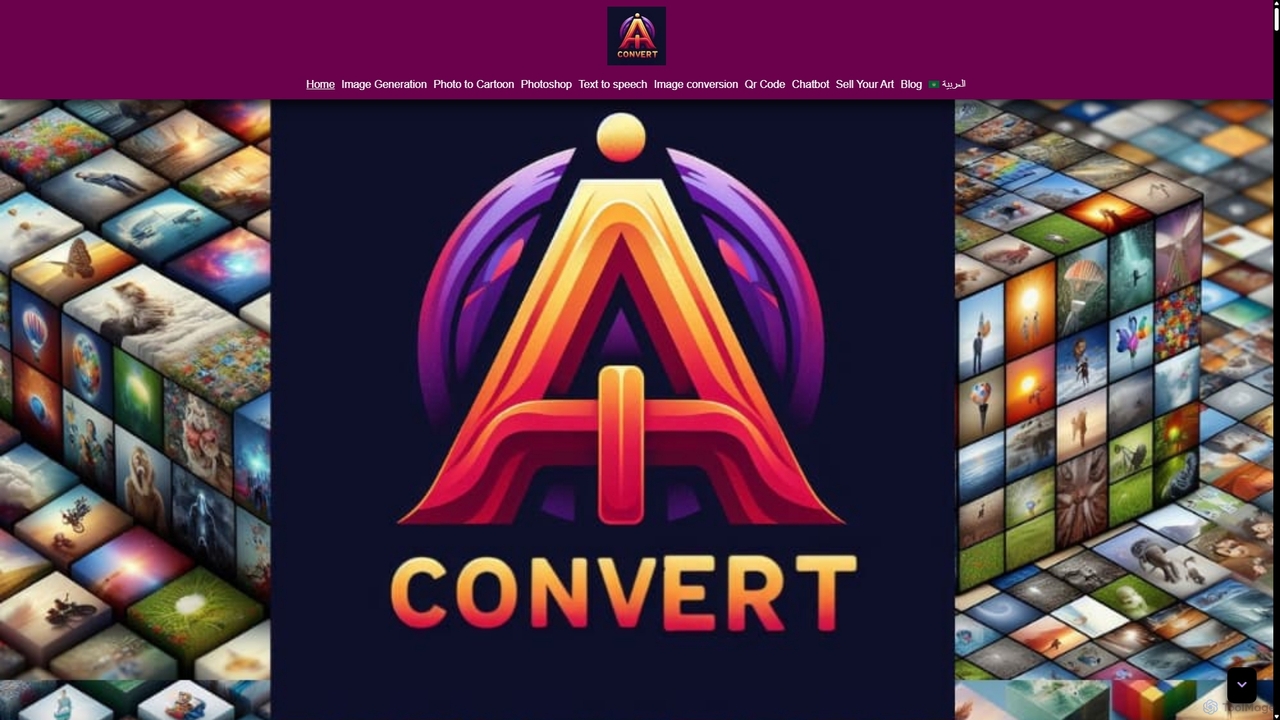
Aiconvert
Aiconvert is a comprehensive online suite of free AI tools. It offers a wide range of functionalities, including advanced image generation, photo editing and restoration, text-to-speech, AI chatbots, and OCR. No registration or payment is required, making powerful AI technology accessible to everyone for creative and productive tasks.
Text To Speech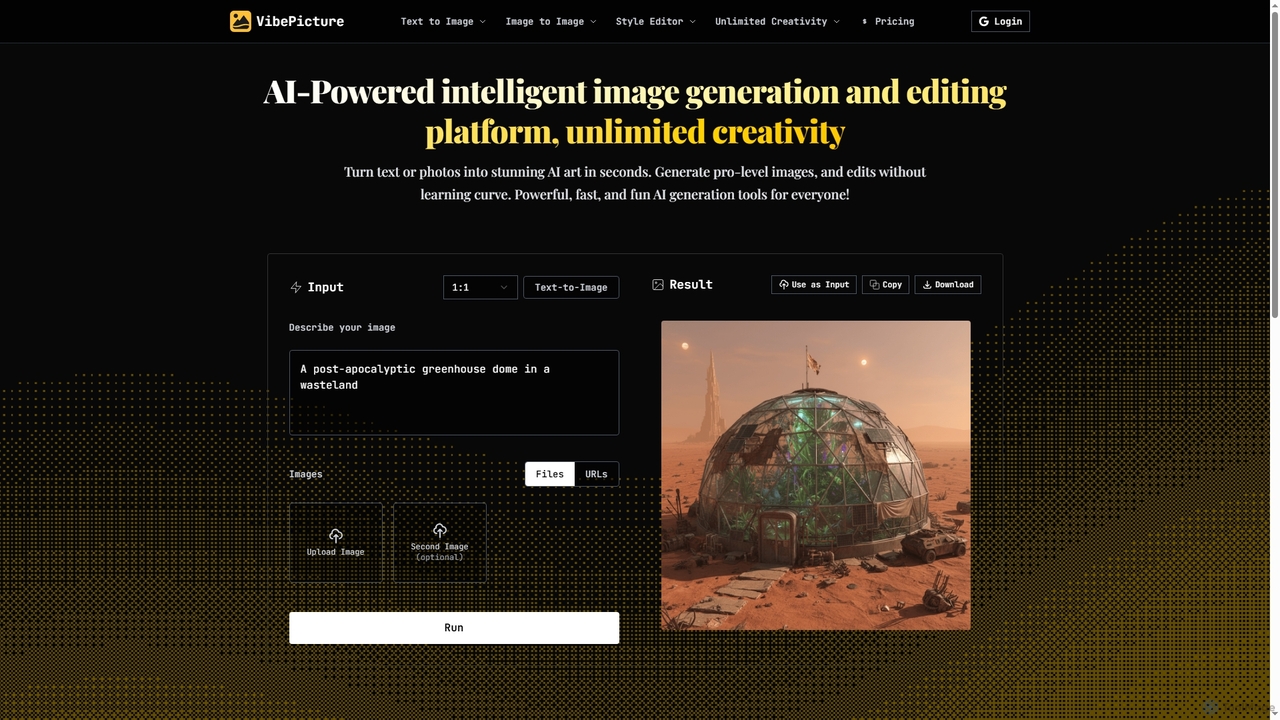
VibePicture
An AI-powered image generation and editing platform that transforms text or photos into high-quality art in seconds. It supports various models like Nano Banana and Qwen-Image, offering tools for text-to-image, image-to-image, style transfer, avatar creation, and unique features like Chinese idiom visualization.
Ai Art GeneratorImage to Image AI Categories
Image to Image AI Jobs
Image to Image AI Embed Widget
Copy this embed code to place the badge on your blog, article, or product site and send readers directly to this ToolMage detail page.

Related AI tools
Flux2 Flex
Flux2 Flex is an AI-powered image generator and editor designed to create high-quality visuals from text prompts or transform existing photos. Leveraging advanced Flux AI models, it offers intuitive tools for text-to-image creation, image-to-image editing, style transfer, and object manipulation, catering to both professionals and beginners.
Generative Art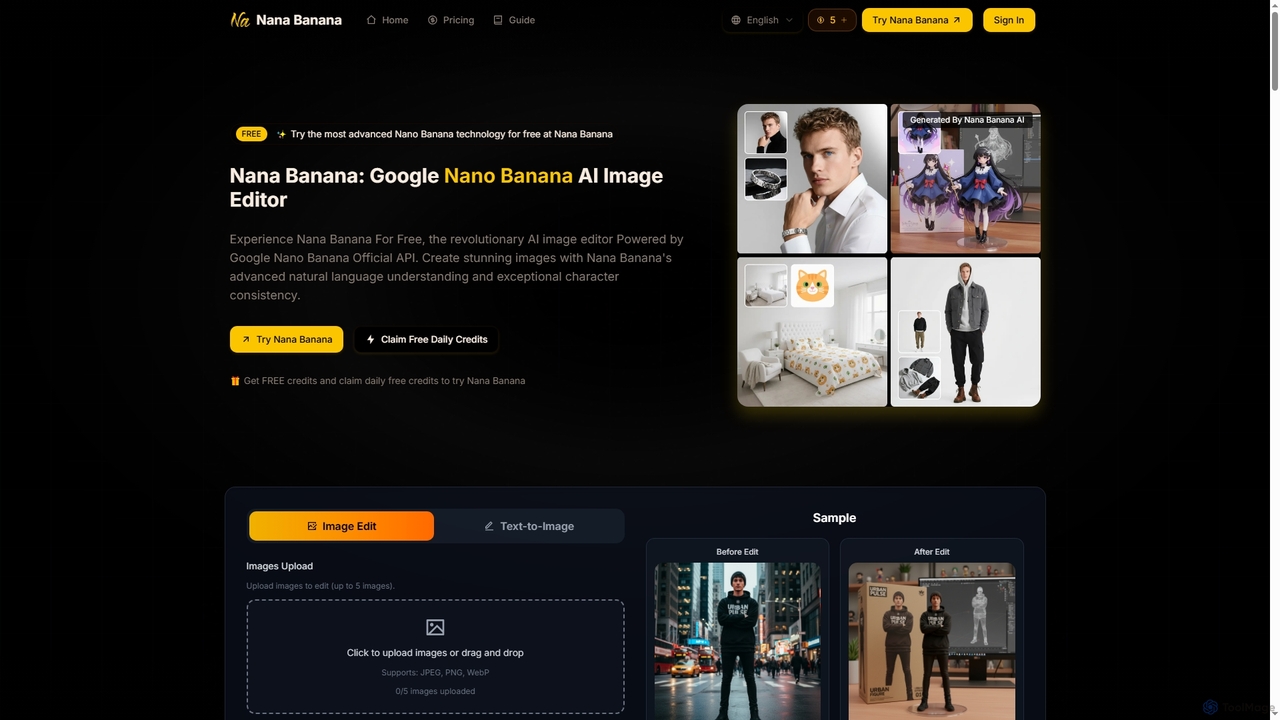
Nana Banana
Nana Banana is an advanced AI image editor and generator powered by Google's cutting-edge Gemini 2.5 Flash Image model. It enables users to create stunning visuals from text prompts or by editing existing images with exceptional natural language understanding, character consistency, and one-shot editing capabilities, delivering professional-grade 4K+ output rapidly.
Graphic Design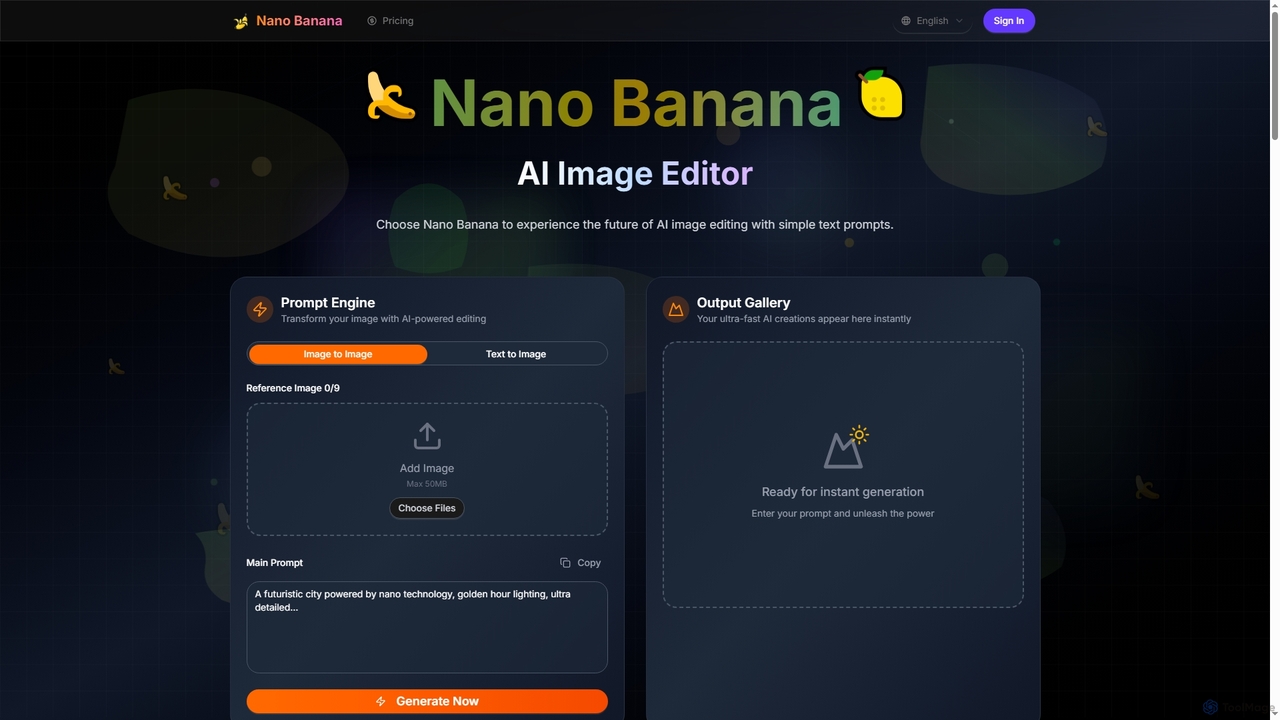
Nano Banana
Nano Banana is an advanced AI image editor and generator that transforms text prompts into stunning visuals and offers comprehensive image manipulation capabilities. It provides over 20 unique artistic styles, professional editing features like object addition and background transformation, and even video generation from text, catering to both casual users and creative professionals.
Digital Art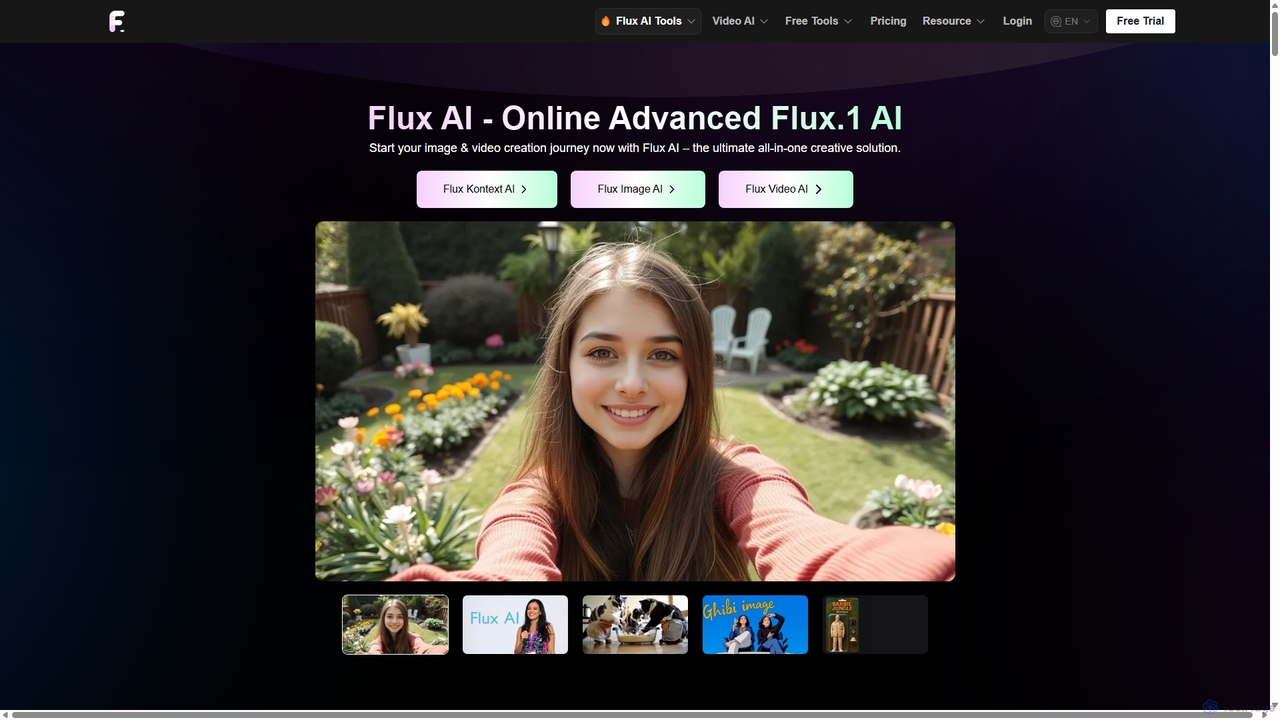
Flux Ai
Flux AI is a comprehensive creative suite for generating and editing high-quality images and videos. It offers a wide range of models, from text-to-image and text-to-video to advanced context-aware editing with Flux Kontext. Ideal for creators, marketers, and developers, it provides both user-friendly tools and powerful, open-source models for maximum flexibility.
Photo EditingAiconvert
Aiconvert is a comprehensive online suite of free AI tools. It offers a wide range of functionalities, including advanced image generation, photo editing and restoration, text-to-speech, AI chatbots, and OCR. No registration or payment is required, making powerful AI technology accessible to everyone for creative and productive tasks.
Text To SpeechVibePicture
An AI-powered image generation and editing platform that transforms text or photos into high-quality art in seconds. It supports various models like Nano Banana and Qwen-Image, offering tools for text-to-image, image-to-image, style transfer, avatar creation, and unique features like Chinese idiom visualization.
Ai Art Generator
DreamStudio
DreamStudio is the official web interface for Stability AI's Stable Diffusion models. It's a powerful AI image generation tool that allows users to create high-quality, unique images from text descriptions. It offers advanced controls, various models, and editing features like inpainting and outpainting, catering to artists, designers, and creators of all levels.
Generative Art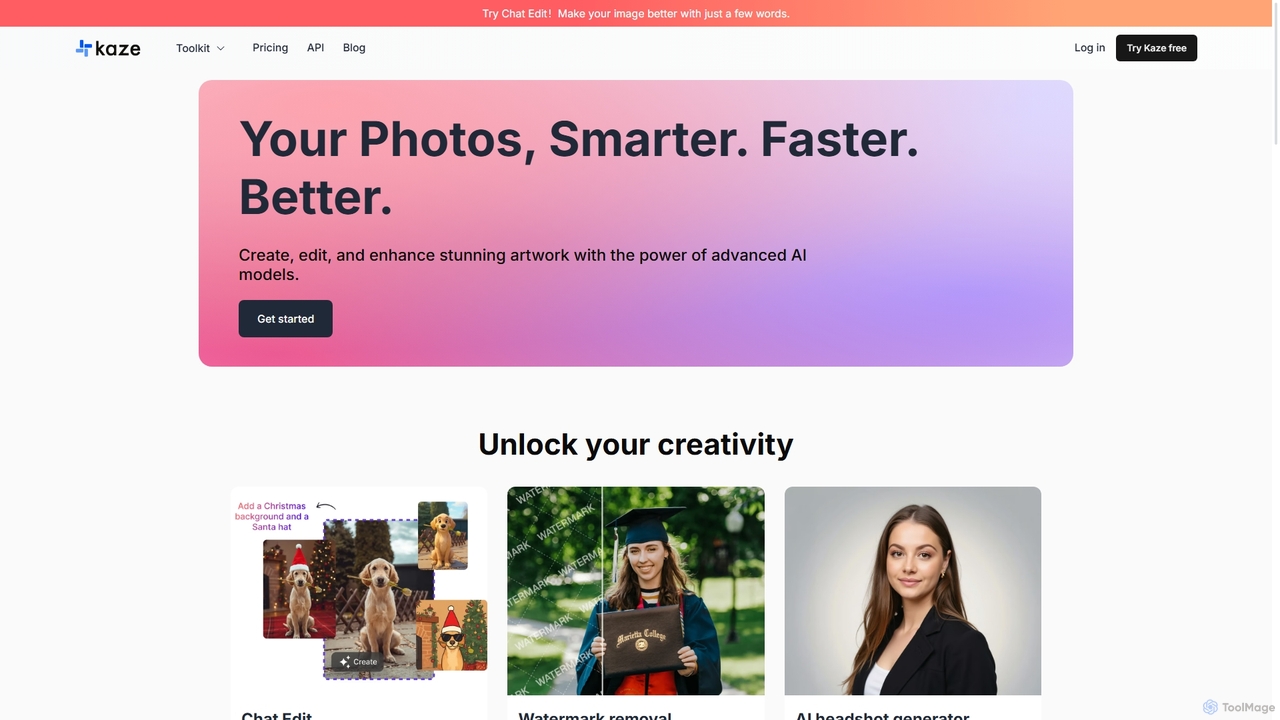
Kaze
Kaze is a comprehensive AI-powered image editing suite designed to create, edit, and enhance photos effortlessly. It offers a wide range of tools including one-click watermark and object removal, photo restoration, image upscaling, background removal, and an AI headshot generator. With its user-friendly interface and advanced AI models, Kaze delivers professional, studio-quality results in seconds, catering to creators, marketers, and photographers.
3DKira
Kira is a powerful AI-powered platform for professional-grade image generation and editing. It combines a versatile text-to-image generator with a comprehensive suite of editing tools, including background removal, inpainting, upscaling, and stylization. Its key feature is the ability to maintain consistent styles and characters across multiple edits and generations, making it ideal for branding, marketing, and creative projects that require a cohesive visual identity.
Graphic Design
Pixelfox
Pixelfox is a comprehensive, free-to-use AI suite for creators and businesses. It combines a powerful online photo and video editor with over 300 AI writing tools. Effortlessly retouch photos, remove backgrounds, generate images from text, swap faces, and enhance quality. Simultaneously, create SEO-optimized articles, social media content, product descriptions, and much more, all within a single, no-download platform.
3D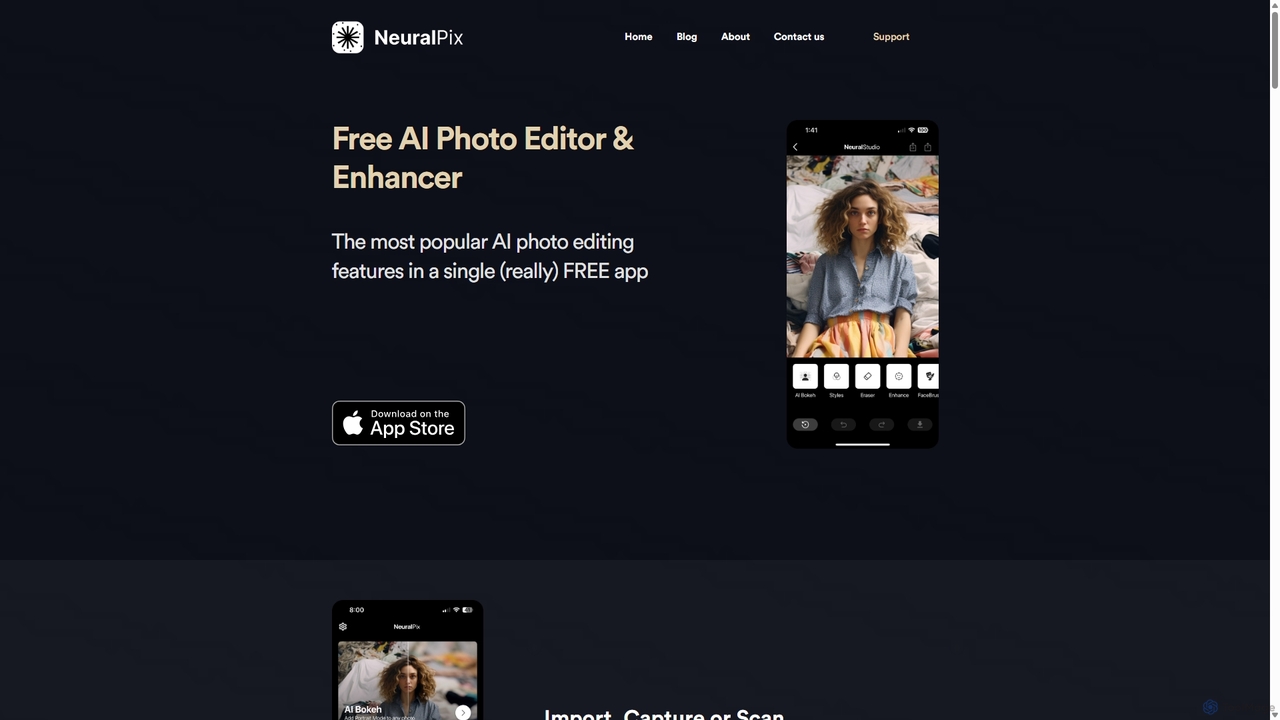
NeuralPix
NeuralPix is a completely free, all-in-one AI photo editor and enhancer app. It packs powerful features like Magic Eraser, AI Bokeh, Photo Enhancer, Unblur, Colorization, and Upscaling into a single, user-friendly interface. Perfect for both casual users and professionals to effortlessly improve photos, restore old memories, and create stunning images without subscriptions or ads.
Image Editing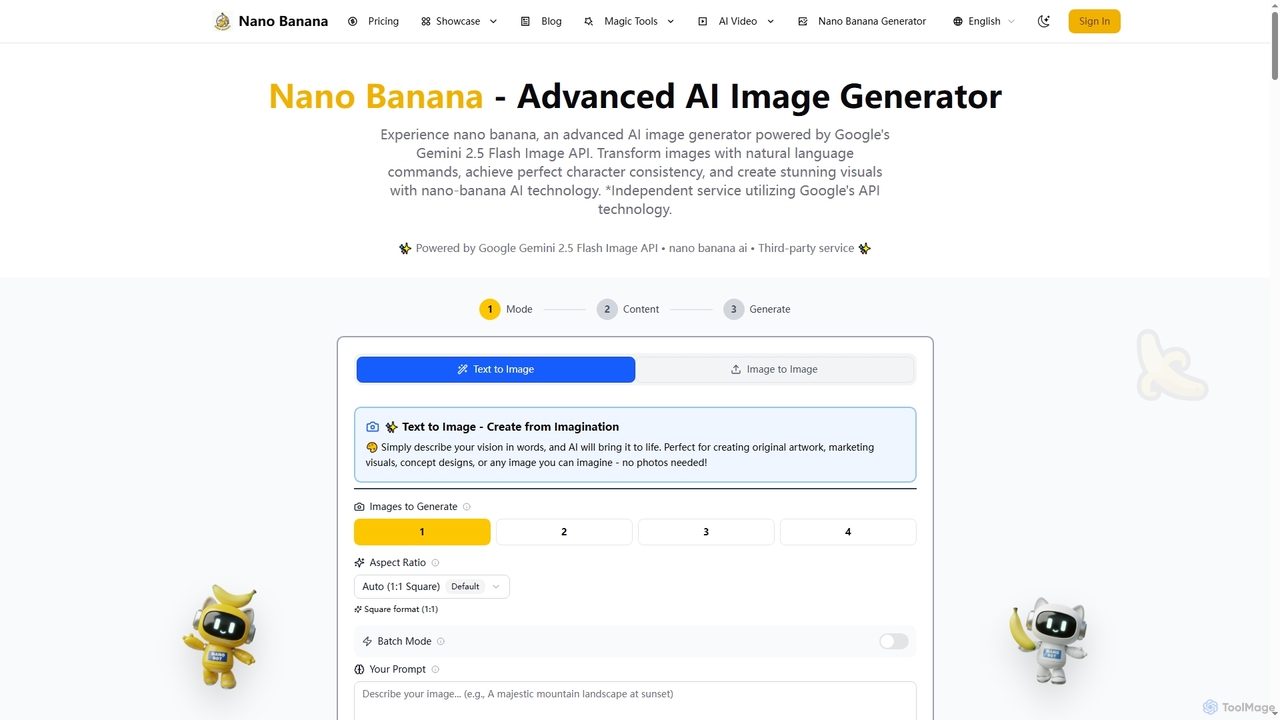
Nano Banana
Nano Banana is an advanced AI image generator powered by Google's Gemini 2.5 Flash Image API. It enables users to create and transform stunning visuals with natural language commands, ensuring perfect character consistency and scene preservation for professional-grade content.
Creative Asset Generation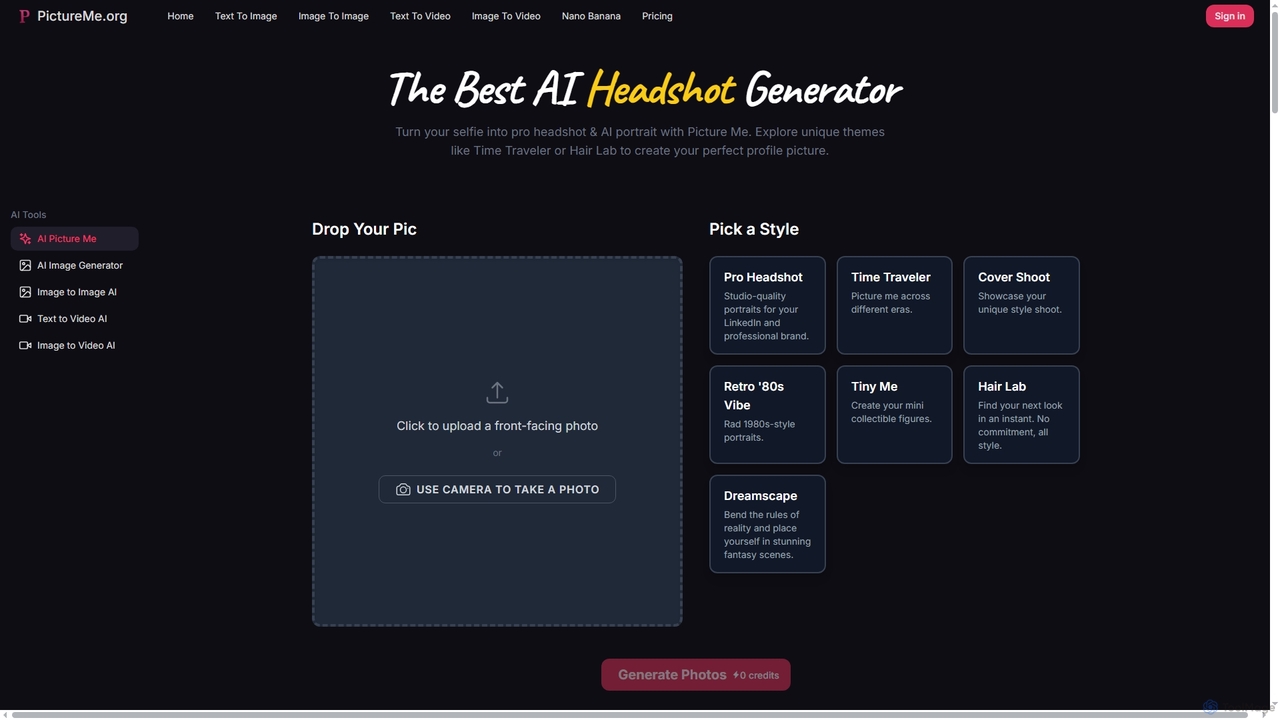
Picture Me
Picture Me is an innovative AI platform that transforms your photos into professional headshots and creative portraits, and generates images and videos from text or existing images. It offers a seamless user experience with diverse styles and advanced AI models.
Photo Editing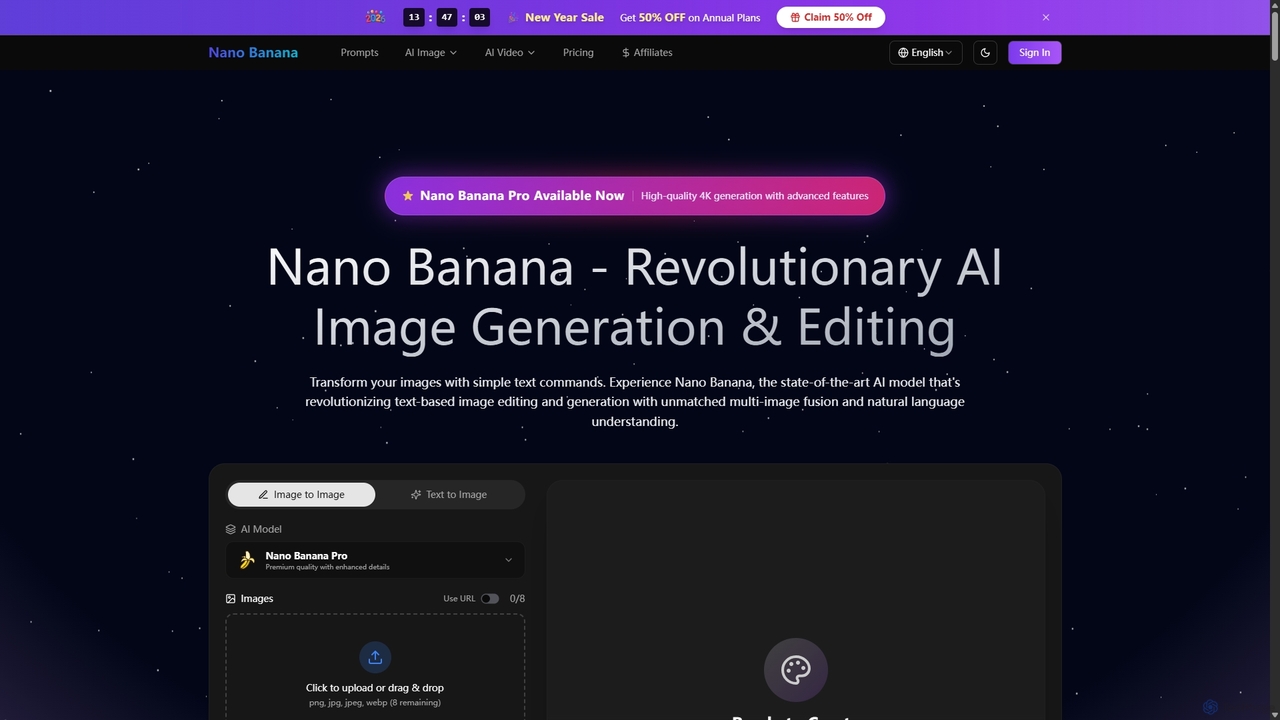
Nano Banana
Nano Banana is a state-of-the-art AI platform that revolutionizes image generation and editing using natural language. It offers unmatched multi-image fusion, exceptional character consistency, and rapid creation of high-quality visuals from simple text commands, catering to a wide range of creative and commercial needs.
Enhancement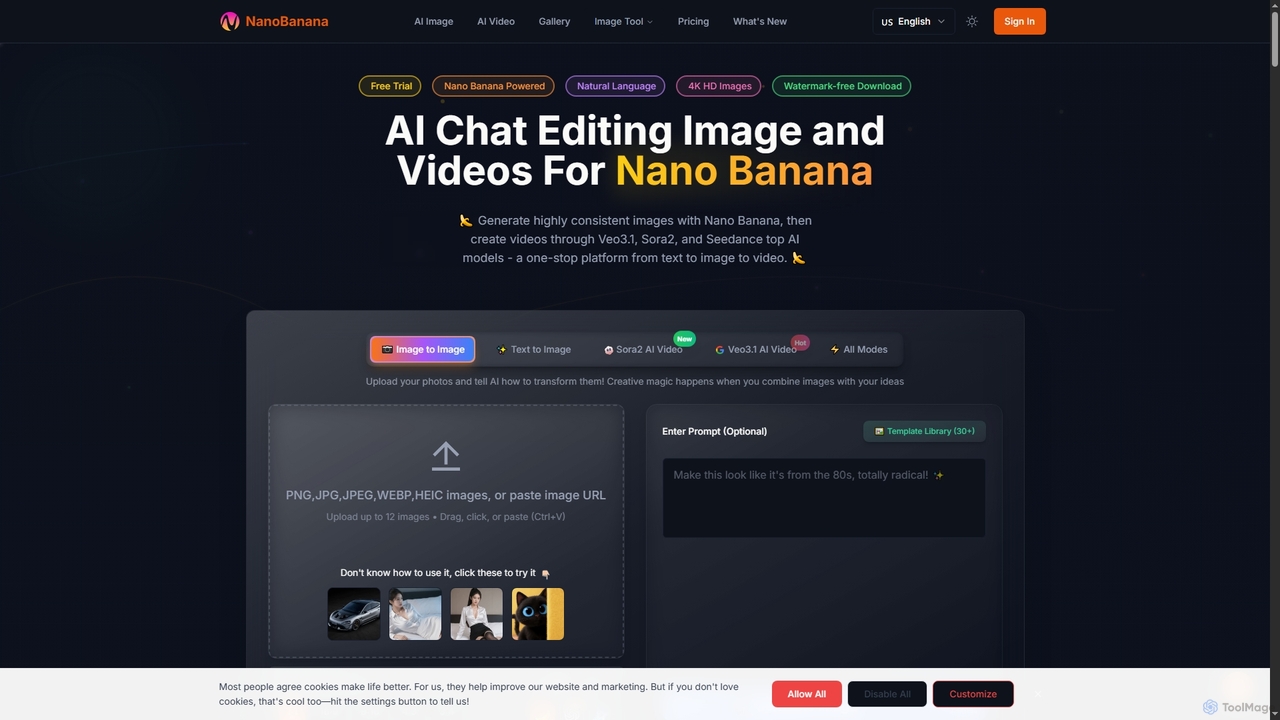
NanoBanana
NanoBanana is an advanced AI-powered platform for generating and editing images and videos using natural language. It offers lightning-fast creation, high-resolution outputs, and a wide array of creative modes, making professional-quality visual content accessible to everyone from beginners to seasoned creators.
Digital Art
Image to Image AI Comments (0)
Sign in to comment.
Sign inNo comments yet.