

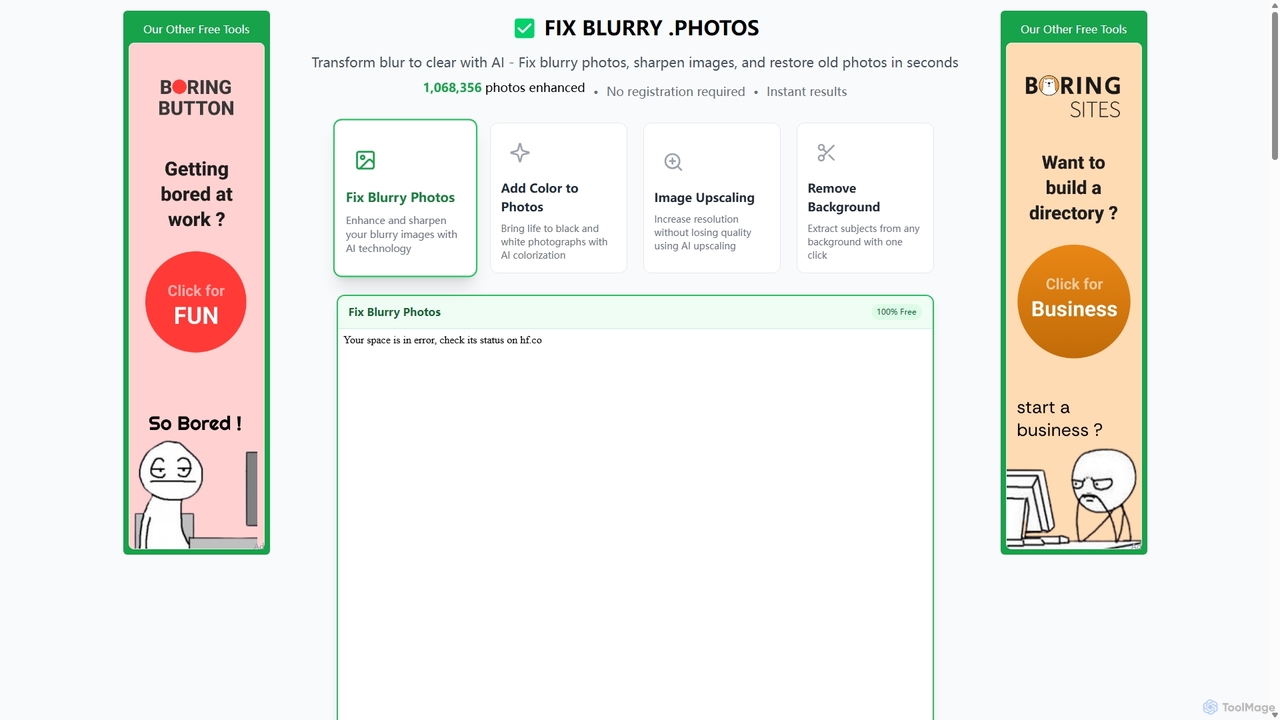
Fixblurry Overview
fixblurry is a comprehensive suite of free, AI-powered photo editing tools designed to solve common image quality issues with remarkable ease and precision. Leveraging advanced artificial intelligence and deep learning models, this online platform transforms blurry, low-quality, or old photos into clear, sharp, and vibrant images in just a few seconds. It eliminates the need for complex and expensive software like Photoshop for tasks such as deblurring, restoration, and enhancement, making professional-grade photo editing accessible to everyone, regardless of their technical skill.
The platform offers a range of specialized tools. The core feature, the AI blur remover, intelligently analyzes and corrects various types of blur, including motion blur from camera shake, out-of-focus subjects, and noise from low-light conditions. Beyond just deblurring, fixblurry excels at restoring old and faded photographs, bringing precious memories back to life by enhancing clarity and even adding color to black and white images. Its AI upscaler can increase image resolution without introducing artifacts, making low-resolution photos suitable for high-quality prints or digital displays.
How to use fixblurry
The user experience is designed for simplicity and speed. The entire process is straightforward and can be completed in under a minute:
- Select a Tool: Navigate to the fixblurry website and choose the specific tool you need, such as "Fix Blurry Photos," "Add Color to Photos," or "Image Upscaling."
- Upload Your Image: Click the upload button and select the image file (JPG, PNG, WEBP, BMP) from your device that you wish to enhance.
- Automatic AI Processing: Once uploaded, the AI automatically analyzes and processes the image. There are no complex settings to adjust; the tool handles everything from blur detection to detail restoration.
- Download the Result: Within seconds, a high-quality, enhanced version of your photo is ready. You can preview the result and download it to your device in full HD resolution, free of watermarks.
Core Features of fixblurry
- AI Deblurring and Sharpening: Intelligently removes motion blur, focus blur, and pixelation. The AI sharpener enhances edge contrast and recovers fine details to make images appear crisp and defined.
- Old Photo Restoration: Revives old, faded, or damaged photographs by improving clarity, reducing noise, and fixing imperfections, effectively making them look new again.
- AI Image Upscaling: Increases the resolution of images while intelligently enhancing details, turning small, low-quality photos into larger, clearer versions suitable for printing or high-resolution displays.
- Text Unblurring: A specialized function that improves the readability of blurry text within images, perfect for screenshots, documents, or scanned papers.
- AI Colorization: Automatically adds realistic and vibrant colors to black and white photographs, bringing historical or family photos to life.
- One-Click Background Removal: Instantly isolates the main subject of a photo by removing its background, providing a transparent PNG output for use in various design projects.
Use Cases for fixblurry
fixblurry is a versatile tool suitable for a wide range of applications:
- Personal Use: Restoring old family photos, fixing blurry pictures from important events like weddings or birthdays, and improving everyday smartphone snapshots.
- Social Media Management: Enhancing images to make them stand out on platforms like Instagram, Facebook, and Pinterest, leading to higher engagement.
- Professional Photography: Quickly correcting minor focus or motion blur issues in photos without spending hours in manual editing software.
- E-commerce and Marketing: Sharpening and upscaling product photos to create clean, professional-looking images for online stores and promotional materials.
- Archiving and Research: Improving the clarity of scanned documents, historical photos, and screenshots to make text and details more legible.
Advantages of fixblurry
fixblurry stands out from other photo editors with several key benefits:
- 100% Free: All tools are completely free to use without hidden costs, subscriptions, or watermarks on the final images.
- No Registration Required: Users can start editing immediately without the need to create an account, ensuring a quick and hassle-free experience.
- Privacy-Focused: Images are processed in the browser and are not permanently stored on servers, protecting user privacy.
- Accessibility: As a web-based tool, it is accessible from any device with an internet browser, including desktops, laptops, and smartphones (iPhone and Android).
- High-Quality AI: The algorithms are trained on millions of images, ensuring natural-looking results that avoid the artificial artifacts common with traditional sharpening filters.
Pricing and Plans
fixblurry is committed to providing high-quality tools for free. The platform is 100% free to use. There are no subscription plans, premium features, or hidden charges. Users can take advantage of all its features with generous daily limits that are sufficient for most personal and even some professional needs, without any watermarks applied to the downloaded images.
Fixblurry Alternatives
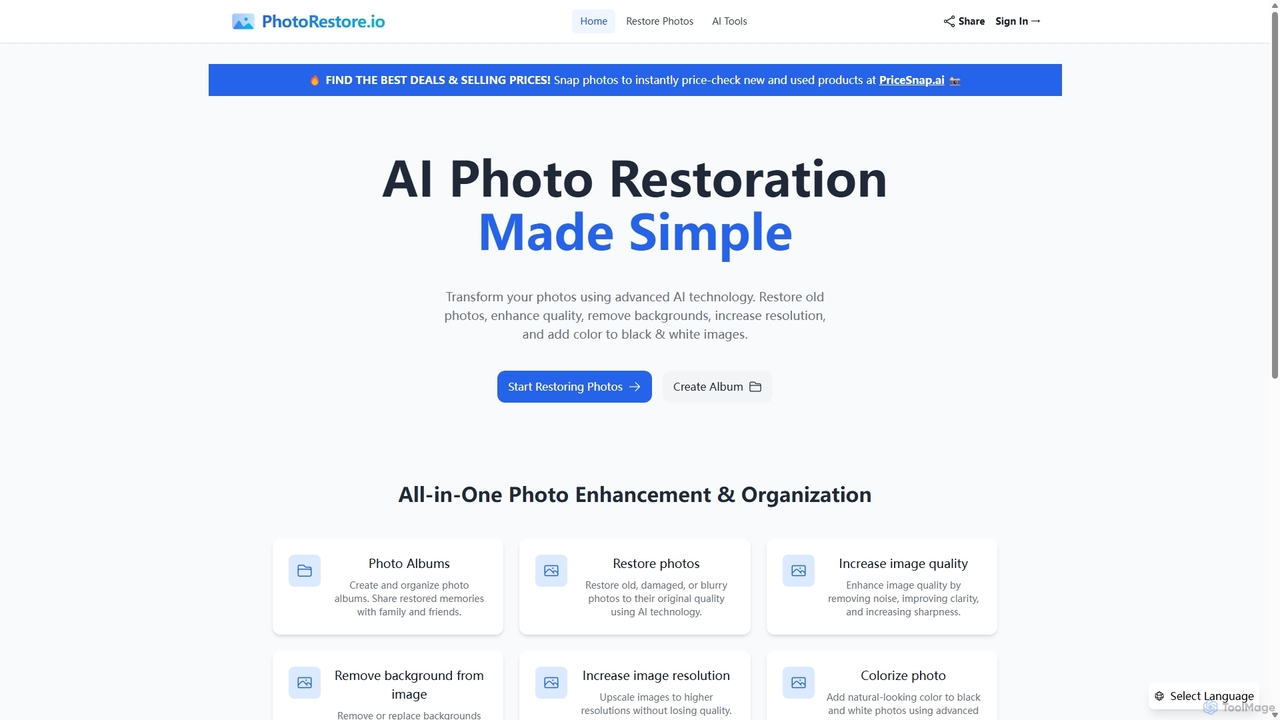
PhotoRestore
PhotoRestore is an all-in-one AI-powered platform for photo restoration and management. It effortlessly restores old, damaged, or blurry photos, enhances image quality, removes backgrounds, upscales resolution, and colorizes black-and-white images. It also features album creation for easy organization and sharing.
Image Editing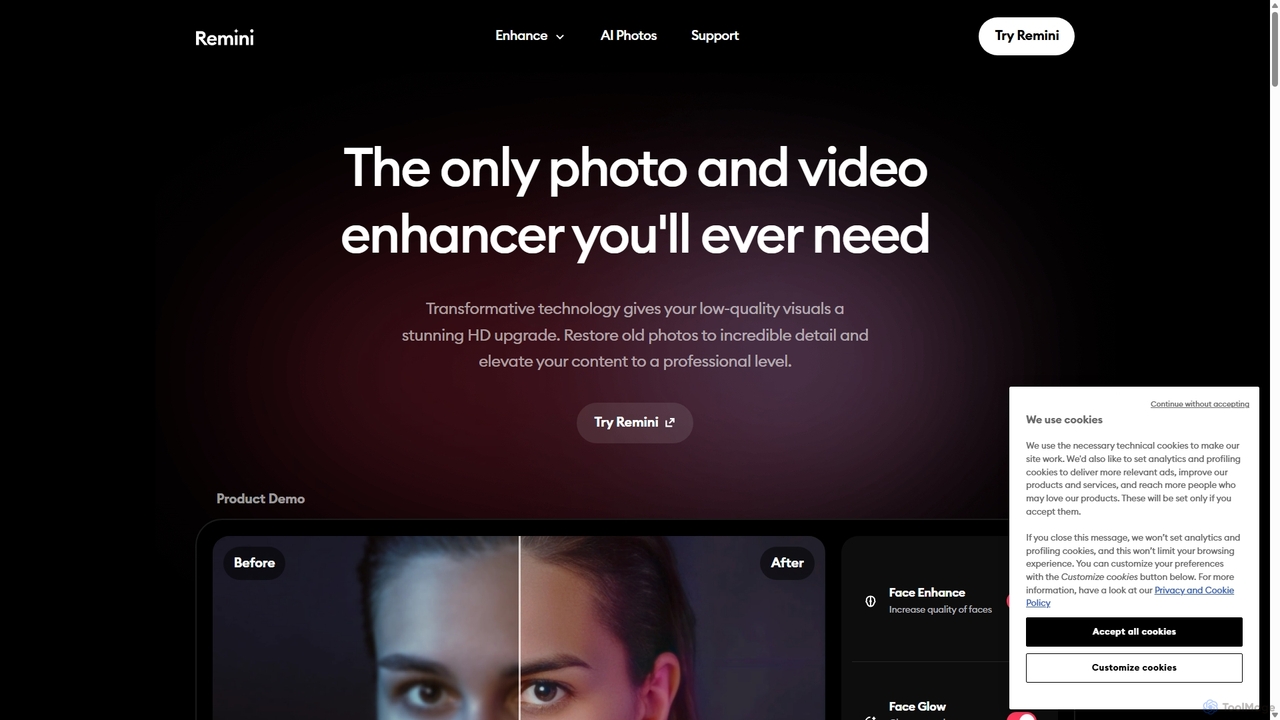
Remini
Remini is an AI-powered photo and video enhancer that transforms low-quality, blurry, or old images and videos into stunning high-definition visuals. Using advanced AI, it restores details, sharpens focus, reduces noise, and can even generate professional-quality AI photos of yourself.
3D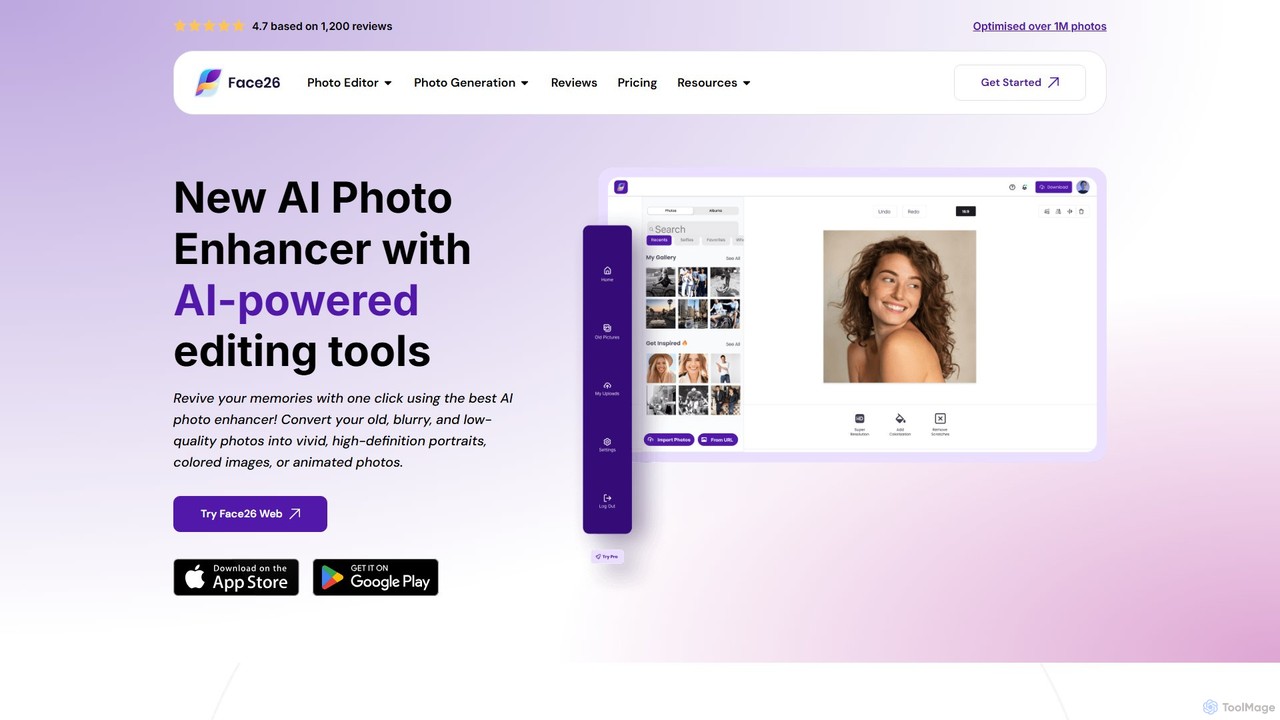
face26
Face26 is a comprehensive AI-powered photo enhancement suite. With just one click, it can restore old, blurry photos, colorize black-and-white images, upscale pictures to HD quality, and perform detailed facial retouching. It's designed for both casual users and professionals, requiring no editing skills to achieve stunning results.
Image Editing
Nero Lens
Nero Lens is an all-in-one AI-powered photo enhancer app that instantly upscales, restores, colorizes, and denoises images. It also features an AI avatar and headshot generator, turning your selfies into stunning, stylized photos for social media, dating profiles, or professional use.
Ai Avatar Generator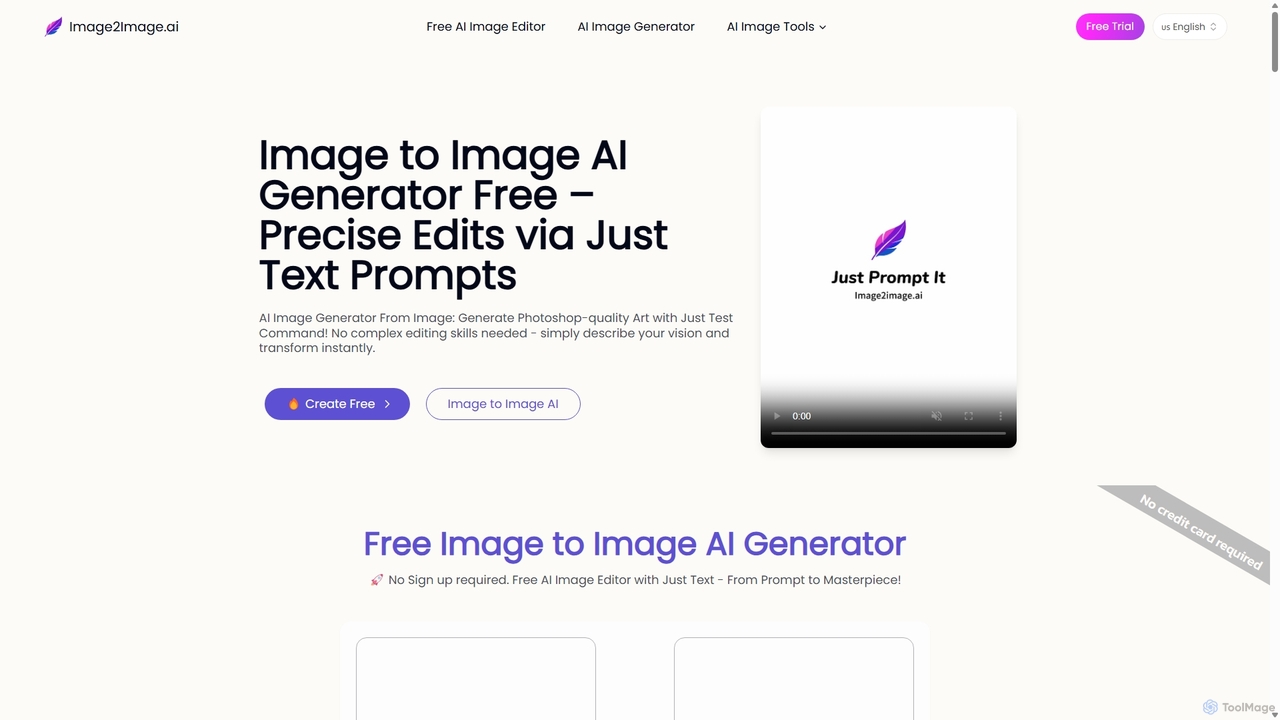
Image to Image AI
Image to Image AI is a powerful free tool that transforms your existing photos into stunning new creations using simple text prompts. It allows for precise edits, style transfers, object removal, and photo restoration while maintaining the consistency and composition of the original image, no professional skills required.
Ai Art GeneratorFixblurry Categories
Fixblurry Jobs
Fixblurry Embed Widget
Copy this embed code to place the badge on your blog, article, or product site and send readers directly to this ToolMage detail page.

Related AI tools
Remini
Remini is an AI-powered photo and video enhancer that transforms low-quality, blurry, or old images and videos into stunning high-definition visuals. Using advanced AI, it restores details, sharpens focus, reduces noise, and can even generate professional-quality AI photos of yourself.
3DNero Lens
Nero Lens is an all-in-one AI-powered photo enhancer app that instantly upscales, restores, colorizes, and denoises images. It also features an AI avatar and headshot generator, turning your selfies into stunning, stylized photos for social media, dating profiles, or professional use.
Ai Avatar GeneratorPhotoRestore
PhotoRestore is an all-in-one AI-powered platform for photo restoration and management. It effortlessly restores old, damaged, or blurry photos, enhances image quality, removes backgrounds, upscales resolution, and colorizes black-and-white images. It also features album creation for easy organization and sharing.
Image Editing
Jyek
Jyek is an AI agent platform that understands objectives, creates execution plans, uses tools, and delivers verifiable results for complex, multi-step tasks.
Automation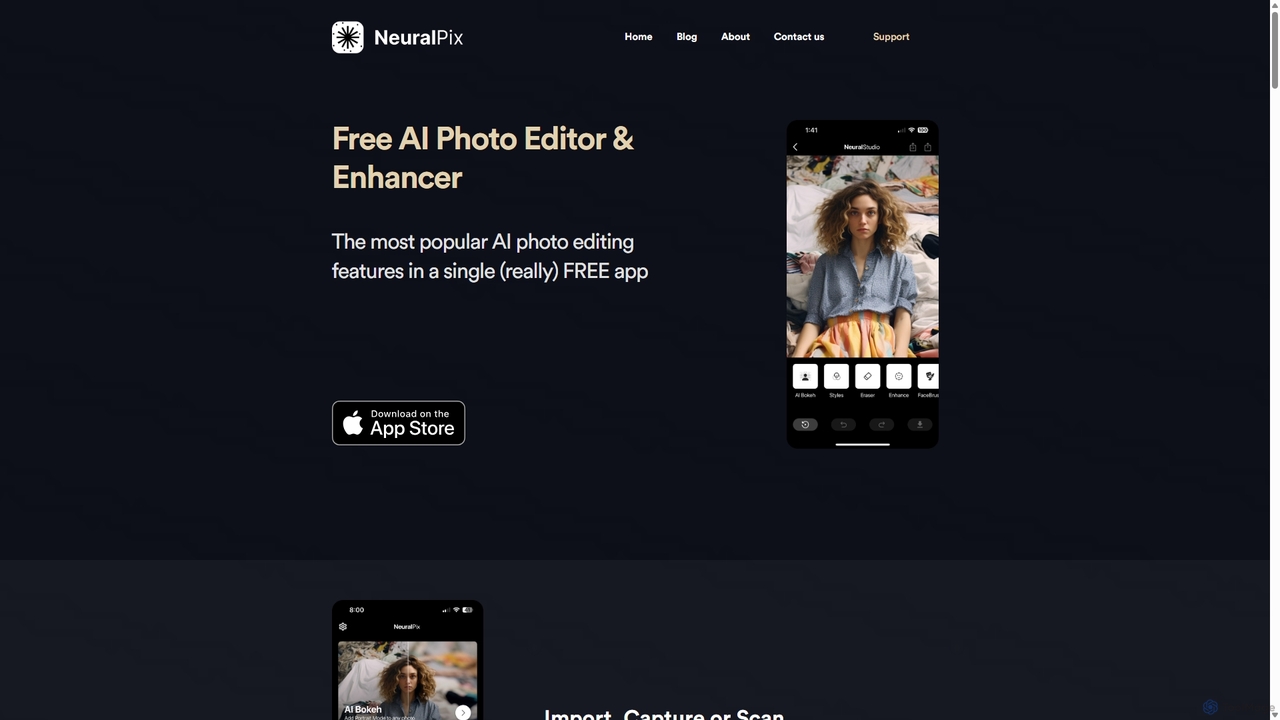
NeuralPix
NeuralPix is a completely free, all-in-one AI photo editor and enhancer app. It packs powerful features like Magic Eraser, AI Bokeh, Photo Enhancer, Unblur, Colorization, and Upscaling into a single, user-friendly interface. Perfect for both casual users and professionals to effortlessly improve photos, restore old memories, and create stunning images without subscriptions or ads.
Image Editing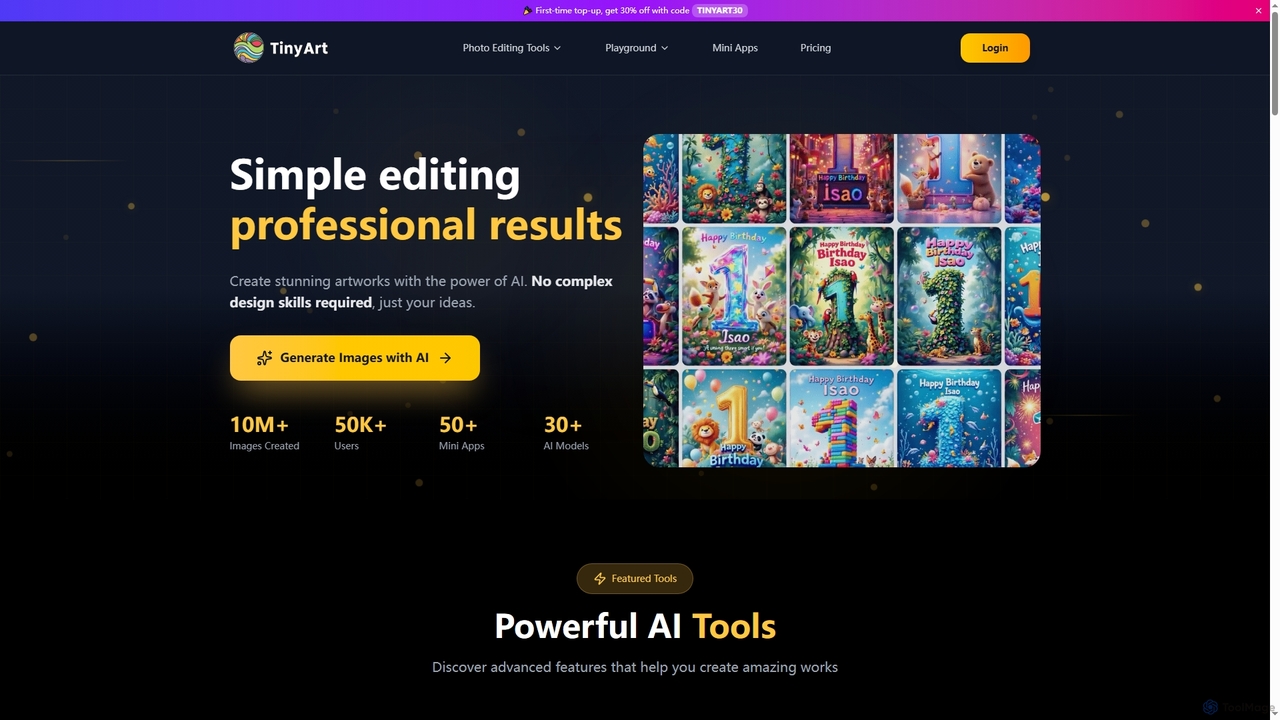
TinyArt
TinyArt is an AI-powered photo editing and image generation platform designed for professional results without complex design skills. It offers a suite of tools including background removal, image upscaling, watermark removal, object cleanup, and text-to-image generation, alongside specialized mini-apps for ID photos, face swaps, and photo restoration.
Creative Tools
PhotoGrid
PhotoGrid is an all-in-one online collage maker and AI photo editor. It offers over 20,000 templates and a suite of powerful AI tools to create stunning photo collages, remove backgrounds, enhance image quality, and apply creative filters, making professional photo editing accessible to everyone.
Collage Maker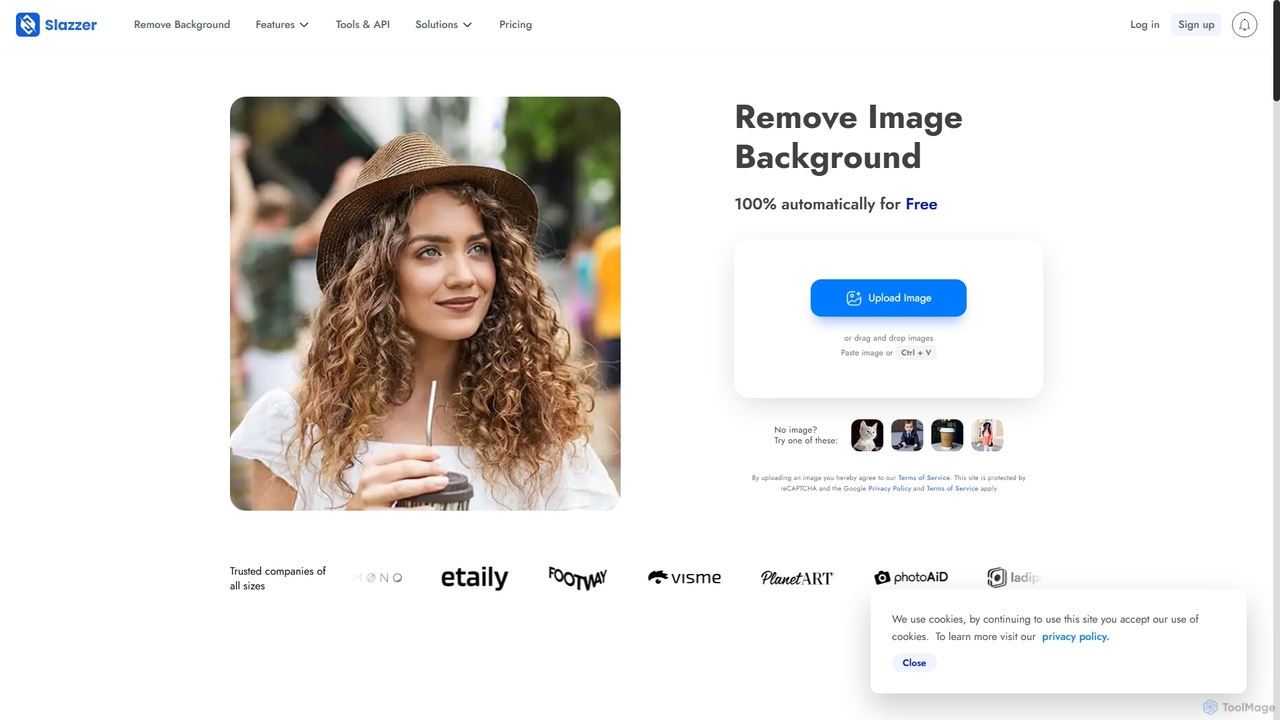
Slazzer
Slazzer is an AI-powered visual editing platform that automatically removes image backgrounds in seconds. It offers a suite of tools including AI background generation, image enhancement, upscaling, and shadow creation. Designed for efficiency, it serves e-commerce, photographers, marketers, and developers with web-based tools, desktop apps, and API integration for bulk processing.
Api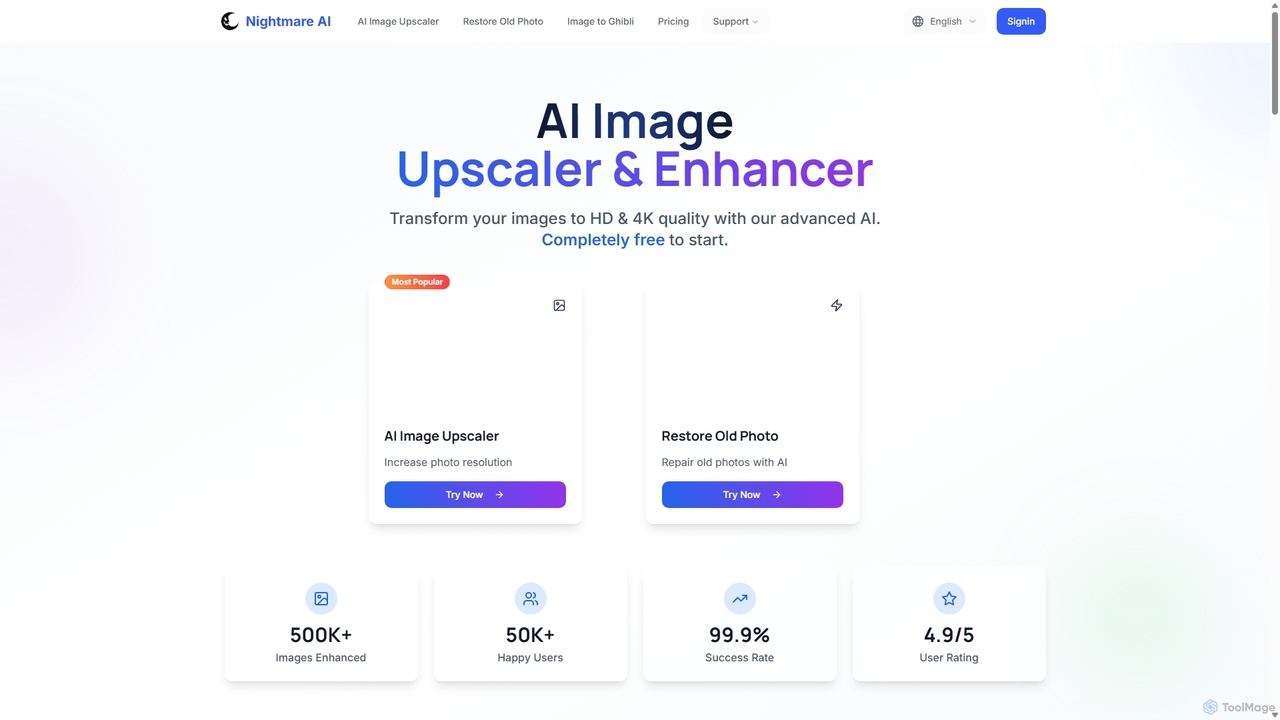
Nightmare AI
Nightmare AI is a powerful online tool that uses advanced AI algorithms like Real-ESRGAN to upscale images to 4K, enhance photo quality, and restore old, damaged photos. It specializes in improving photos, anime, and cartoons without losing detail. Offering a user-friendly interface, it provides both free and premium plans for photographers, artists, and content creators.
Image Enhancement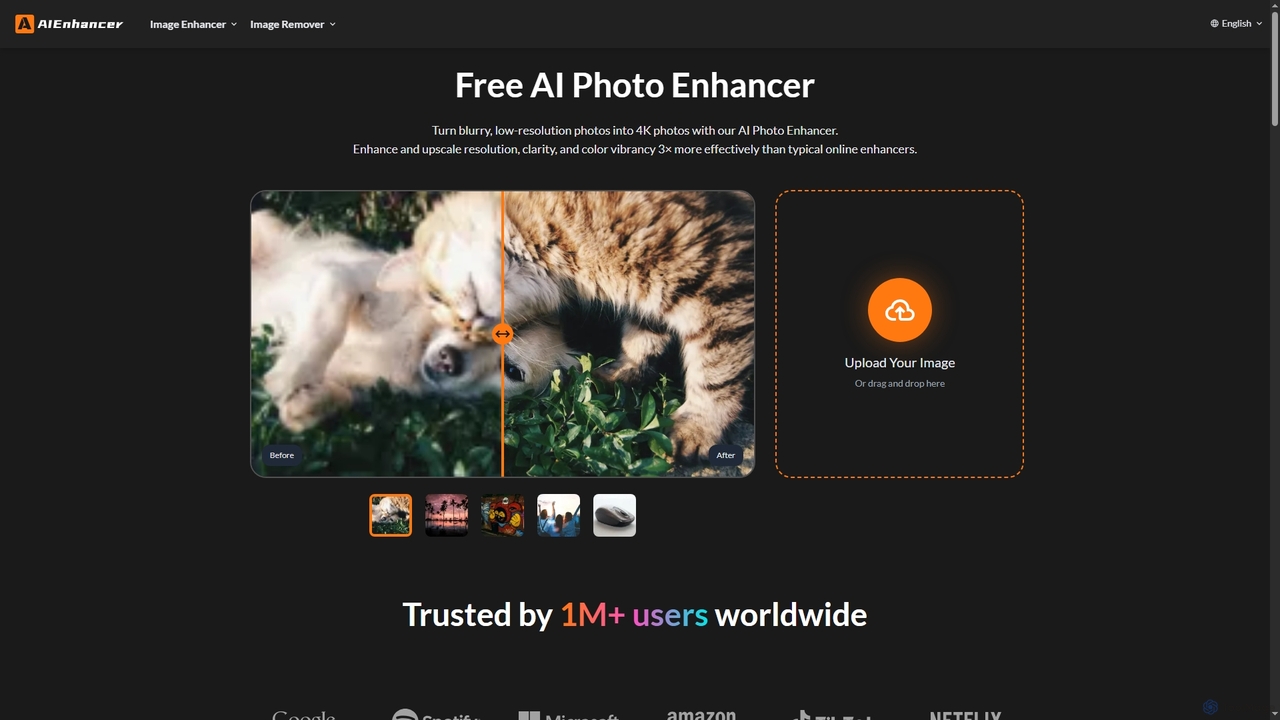
AIEnhancer
AIEnhancer is a powerful online AI tool that transforms and perfects images. It enhances resolution, restores old photos, removes blur and noise, sharpens details, converts to HD, and precisely removes backgrounds, making professional-grade photo editing accessible and effortless for everyone.
Background Removal
MindPic
MindPic is a free online AI photo editor and design tool that empowers users to effortlessly enhance, transform, and generate images. It offers a suite of AI-powered features like object removal, background replacement, image upscaling, photo retouching, and art generation from text or reference images, all without requiring any login or prior editing experience.
Graphic Design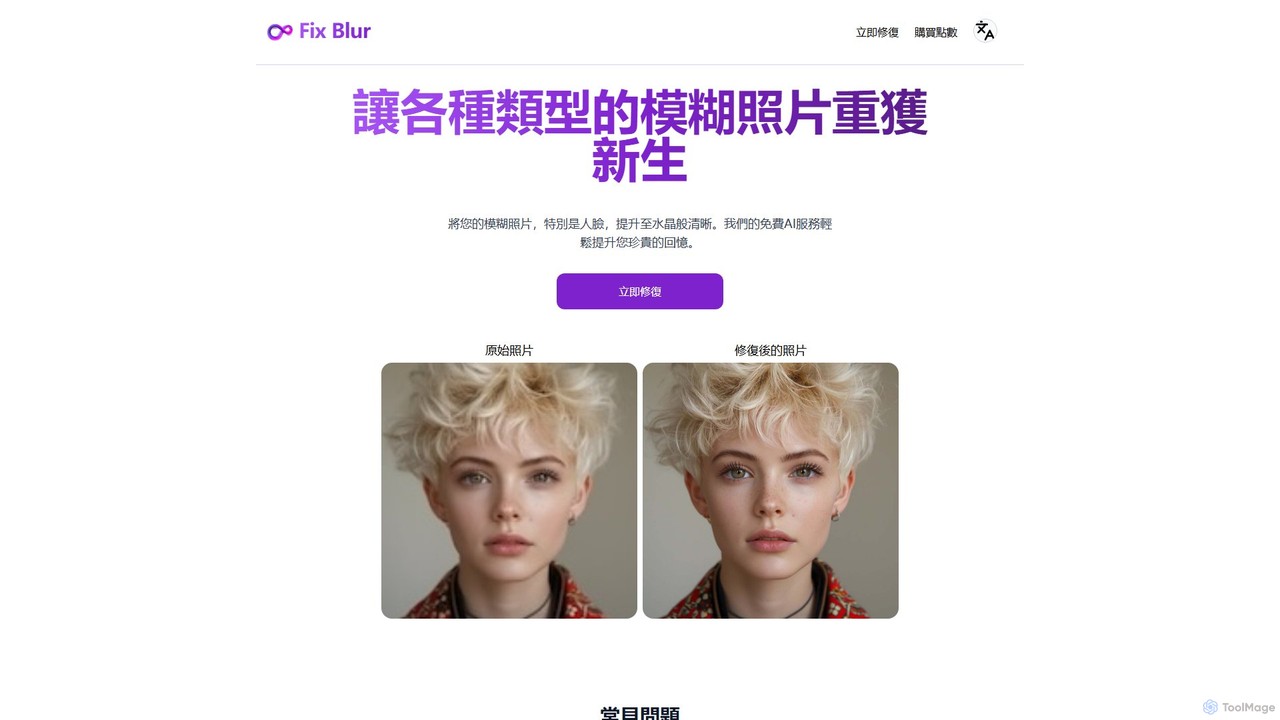
FixBlur
FixBlur is an AI-powered tool that sharpens blurry photos, especially faces, in seconds. It uses advanced algorithms to deblur images, restore details, and bring your precious memories back to crystal clarity. Ideal for fixing motion blur, out-of-focus shots, and old photos.
Image Enhancement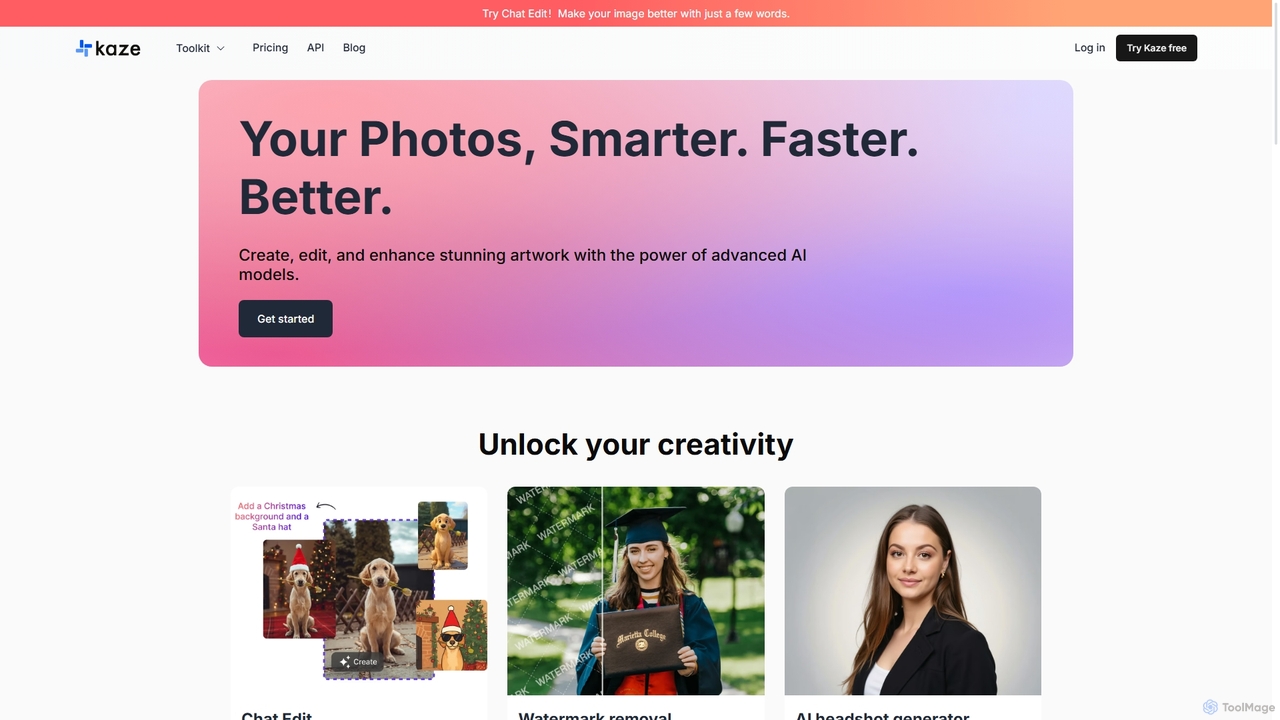
Kaze
Kaze is a comprehensive AI-powered image editing suite designed to create, edit, and enhance photos effortlessly. It offers a wide range of tools including one-click watermark and object removal, photo restoration, image upscaling, background removal, and an AI headshot generator. With its user-friendly interface and advanced AI models, Kaze delivers professional, studio-quality results in seconds, catering to creators, marketers, and photographers.
3D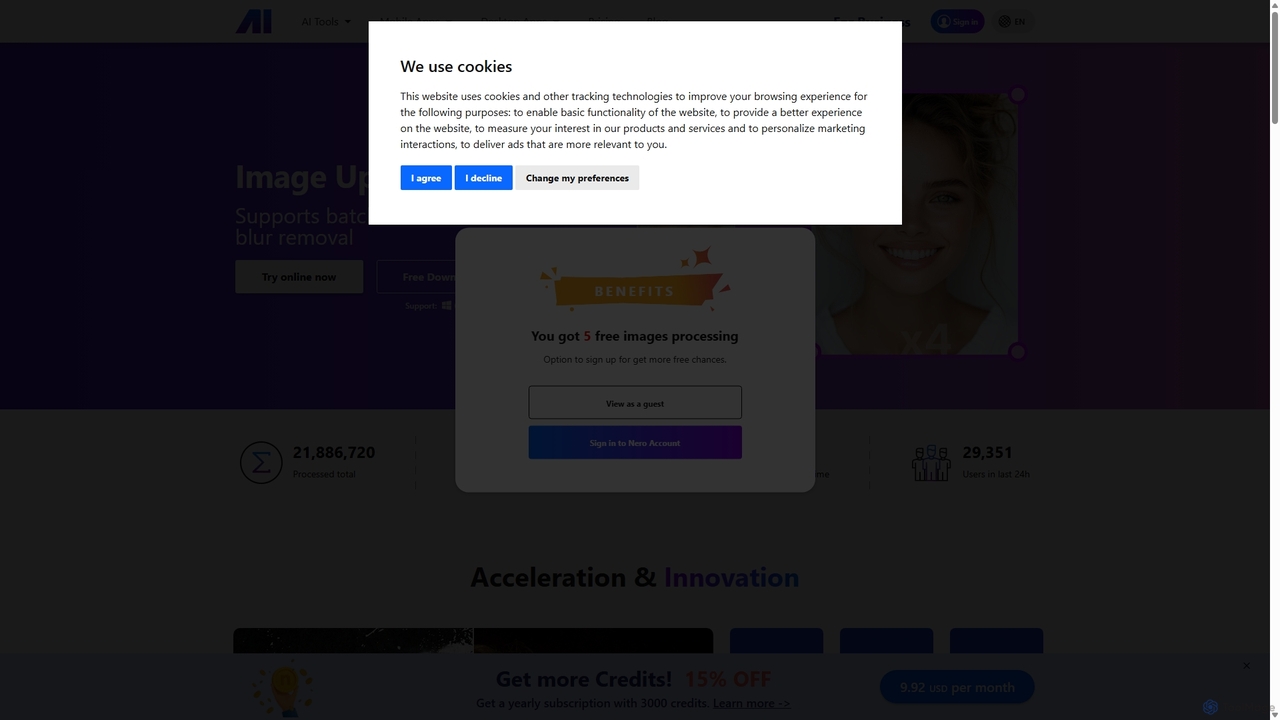
Nero AI
Nero AI is a comprehensive suite of AI-powered tools for image and video enhancement. It offers features like image and video upscaling, photo restoration, background and object removal, face animation, and creative stylization. Designed for creators, marketers, and designers, it provides easy-to-use solutions for both online and desktop platforms to elevate visual content quality.
Graphic Design
TensorPix
TensorPix is an AI-powered online platform for video and image enhancement. It offers a suite of tools to upscale resolution up to 4K/8K, restore old footage, remove noise, and improve overall visual quality. Ideal for filmmakers, content creators, and archivists, TensorPix simplifies complex post-production tasks with an intuitive web-based interface, making professional-grade restoration accessible to everyone.
Creative
Fixblurry Comments (0)
Sign in to comment.
Sign inNo comments yet.