
Remini Overview
Remini is a revolutionary AI-powered application designed to enhance and restore photos and videos with remarkable clarity and detail. It leverages cutting-edge generative AI technology to breathe new life into low-resolution, blurry, scratched, or faded visual content. Whether you're looking to salvage precious old family photos, improve the quality of your social media posts, or upscale images for professional printing, Remini provides a one-tap solution that delivers professional-grade results. It has gained immense popularity, with millions of users worldwide transforming their memories and content into high-definition masterpieces.
How to use Remini
Using Remini is designed to be incredibly simple and intuitive, requiring no technical editing skills. The typical workflow is as follows:
- Upload Your Media: Start by selecting a photo or video from your device's gallery. This can be an old scanned photograph, a blurry shot, a low-light image, or a video that needs improvement.
- Choose an Enhancement: The app presents several enhancement options. For general improvement, you can use the main 'Enhance' feature. For specific issues, you can select tools like 'Unblur', 'Old Photo Restore', or 'Denoiser'.
- Let AI Do the Work: After selecting an option, Remini's AI algorithms analyze and process the file. This process, which takes only a few moments, reconstructs details, corrects colors, sharpens focus, and improves overall quality.
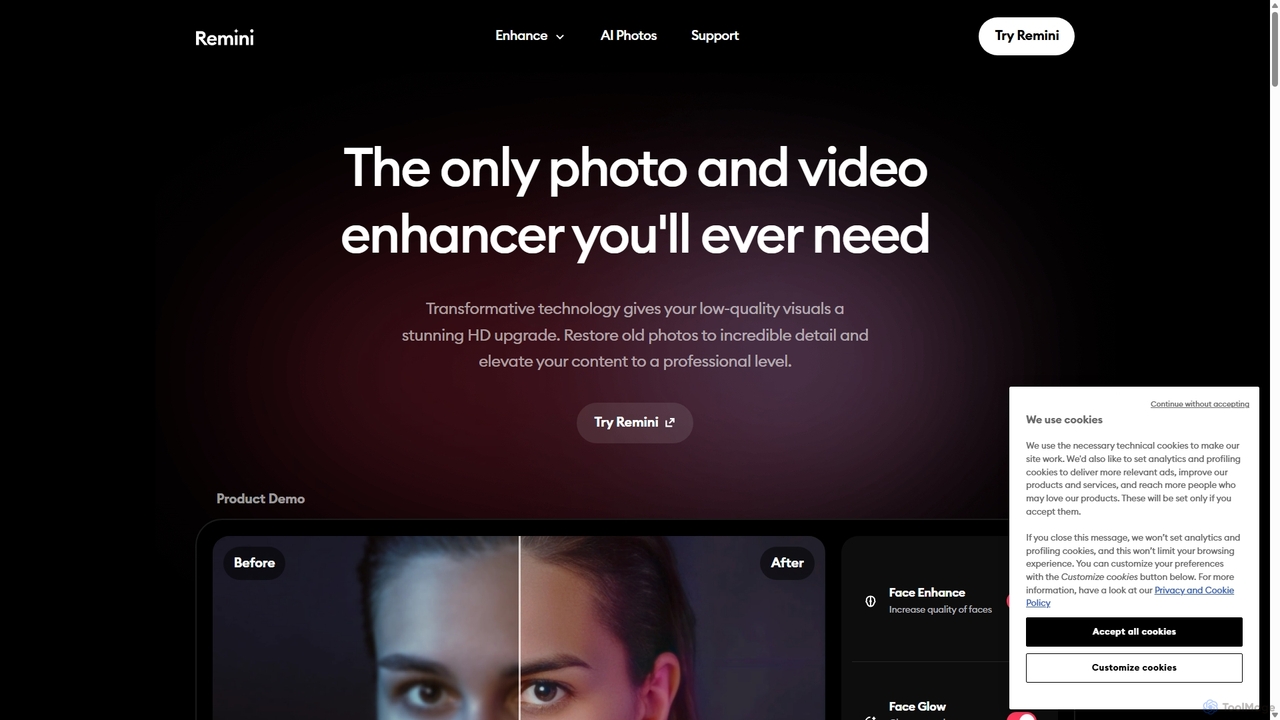
- Compare and Save: Remini displays a convenient before-and-after comparison, often with a slider, so you can see the dramatic improvement. If you're satisfied with the result, you can save the enhanced photo or video to your device.
- For AI Photos: To use the AI photo generation feature, you typically need to upload several selfies. The AI then learns your facial features and can generate a variety of stylized, professional-looking portraits of you in different settings and styles.
Core Features of Remini
- AI Photo Enhancer: Instantly improves the quality of any photo, increasing resolution and sharpness.
- AI Video Enhancer: Enhances video quality by unblurring, sharpening, and upscaling resolution, making footage clearer and more vibrant.
- Old Photo Restorer: Specializes in repairing old, faded, and damaged photos by removing scratches, fixing colors, and restoring facial details with stunning accuracy.
- Unblur & Sharpener: Corrects motion blur, camera shake, and focus issues, resulting in crisp and clear images.
- Denoiser: Removes digital noise and grain from photos, especially those taken in low-light conditions, to produce a smooth and clean look.
- Face Enhancer: Intelligently enhances facial details in portraits, improving skin texture, eye clarity, and overall definition for a natural, high-quality look.
- Color Fixer: Automatically adjusts and corrects colors and tones in faded or poorly lit photos, making them vivid and lifelike.
- Image Enlarger: Upscales images up to 2x their original size without losing quality, perfect for printing or high-resolution displays.
- AI Photo Generator: Creates realistic, studio-quality photos and avatars of yourself in various styles and scenarios based on your uploaded images.
Use Cases for Remini
Remini is a versatile tool with applications across various fields:
- Personal Use: Restoring old family albums, improving everyday snapshots, and creating engaging social media content.
- Social Media Managers: Elevating the quality of visual content for platforms like Instagram and Facebook to increase audience engagement.
- Photographers: Quickly sharpening photos, reducing noise in low-light shots, and upscaling images for clients.
- Genealogists & Historians: Bringing clarity to historical photos and documents, making faces and details recognizable.
- E-commerce Businesses: Enhancing product photos to look more professional and appealing, potentially boosting sales.
- Printing Services: Upscaling low-resolution customer images to ensure high-quality results for large format prints.
Advantages of Remini
Remini stands out for several key reasons:
- Ease of Use: Its one-tap enhancement process makes professional-level photo restoration accessible to everyone, regardless of technical skill.
- Speed and Efficiency: It delivers dramatic results in seconds, a task that would take hours of manual work in traditional software like Photoshop.
- High-Quality, Natural Results: The AI is trained to produce realistic and natural-looking enhancements, avoiding the artificial, 'painted' look that some other tools create.
- Versatility: It handles a wide range of issues, from blur and noise to old photo damage, and works on both photos and videos.
- Accessibility: Available as a user-friendly mobile app and web tool with a freemium model, allowing users to try its core features for free.
Pricing and Plans
Remini operates on a freemium model. The free version allows users to enhance a limited number of photos and videos per day by watching ads. For users who require more extensive use, Remini offers premium subscription plans (e.g., Lite, Pro). These paid plans typically include benefits such as:
- Unlimited photo and video enhancements.
- An ad-free experience.
- Faster processing times.
- Access to all premium features, including advanced enhancement models and the AI Photo Generator.
Specific pricing details are available within the app on the App Store and Google Play, or on the official Remini website.
Traffic
Latest traffic
Status
Monthly traffic trend
- 2025-9: 1.8M
- 2026-1: 1.3M
- 2026-2: 1.2M
- 2026-3: 1.3M
- 2026-4: 1.2M
- 2026-5: 1.2M
Geography
Top 5 countries / regions
- 🇮🇳India33.5%
- 🇵🇭Philippines25.6%
- 🇺🇸United States19.3%
- 🇷🇺Russia11.2%
- 🇹🇷Türkiye10.4%
Traffic sources
| Source type | Percentage |
|---|---|
Direct | 94.5% |
Referral | 4.2% |
Email | 1.2% |
Top keywords
| Keyword | Cost per click |
|---|---|
| remini | $0.27 |
| remini ai | $0.37 |
| remini online | $0.28 |
| remini web | $0.34 |
| remni | $0.27 |
Remini Videos on YouTube


Tech Life Unity

The Mobile User Acquisition Show

Tu Gurú de Apps
Remini Alternatives

Nero Lens
Nero Lens is an all-in-one AI-powered photo enhancer app that instantly upscales, restores, colorizes, and denoises images. It also features an AI avatar and headshot generator, turning your selfies into stunning, stylized photos for social media, dating profiles, or professional use.
Ai Avatar Generator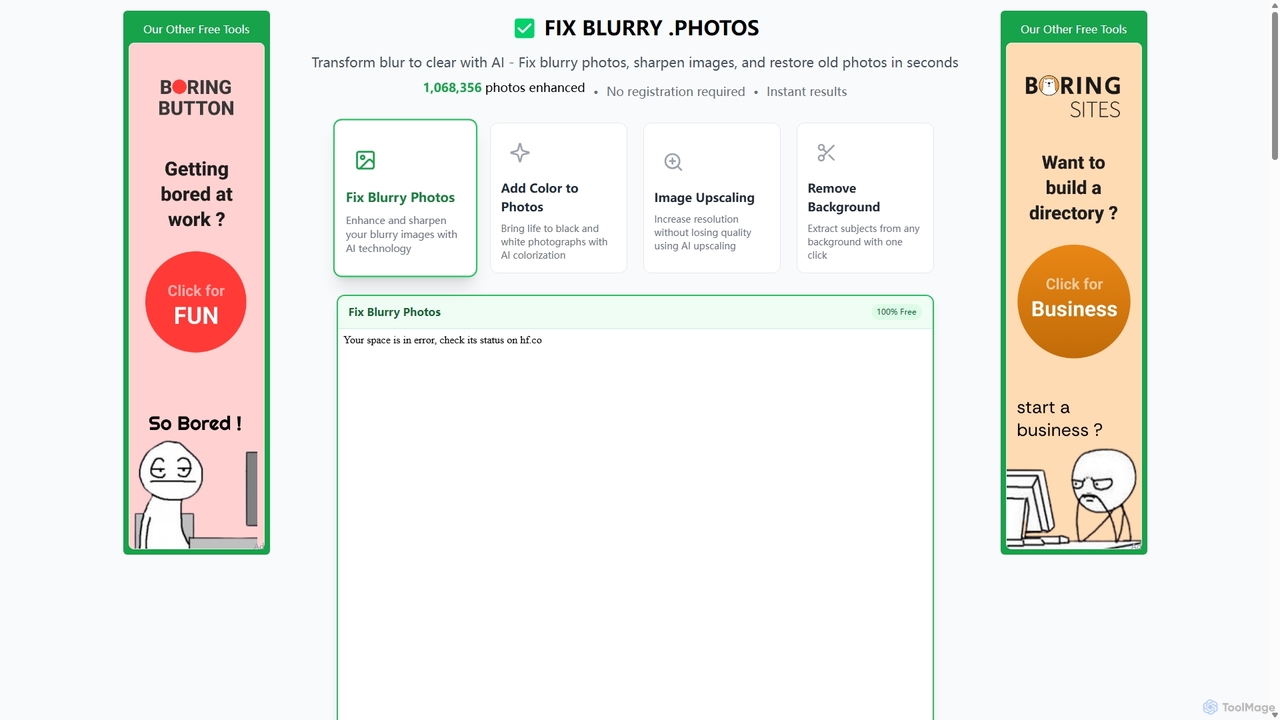
Fixblurry
fixblurry is a free, AI-powered online tool suite designed to enhance your images instantly. It specializes in unblurring and sharpening photos, restoring old or faded pictures, upscaling low-resolution images without quality loss, colorizing black-and-white photos, and removing backgrounds with a single click. No registration or software installation is required, offering professional-grade results for everyone.
Image Editing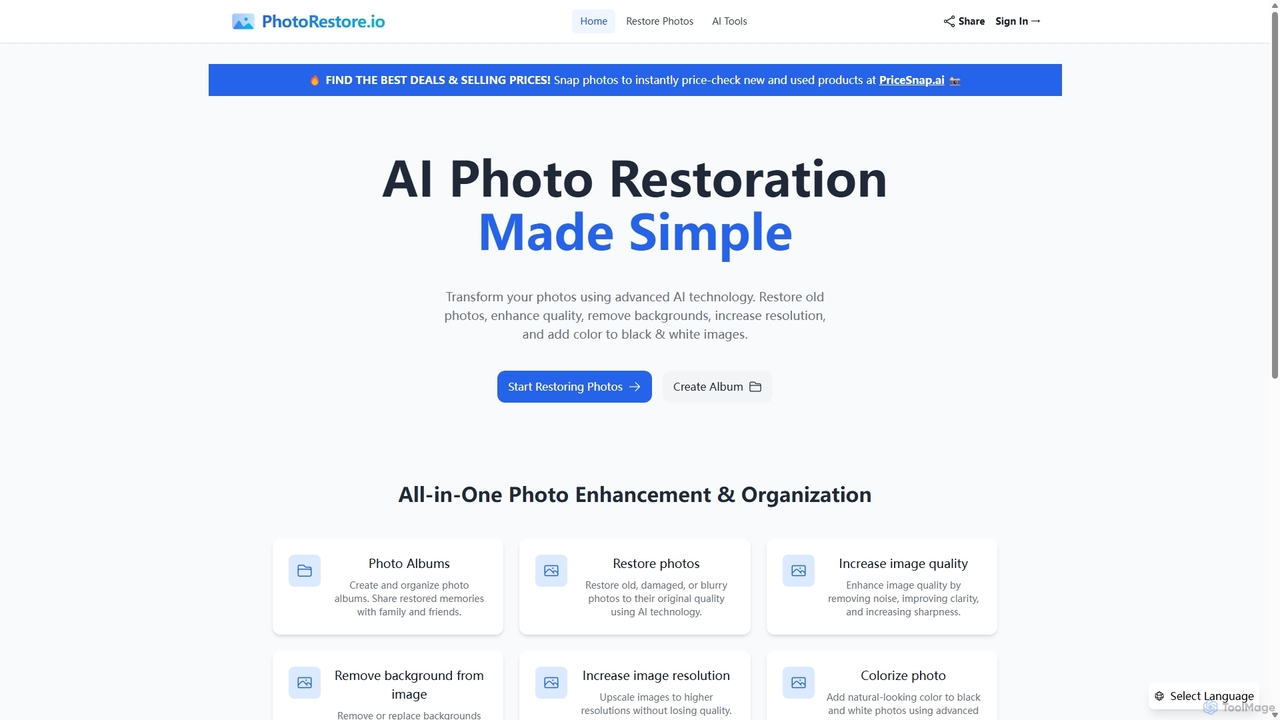
PhotoRestore
PhotoRestore is an all-in-one AI-powered platform for photo restoration and management. It effortlessly restores old, damaged, or blurry photos, enhances image quality, removes backgrounds, upscales resolution, and colorizes black-and-white images. It also features album creation for easy organization and sharing.
Image Editing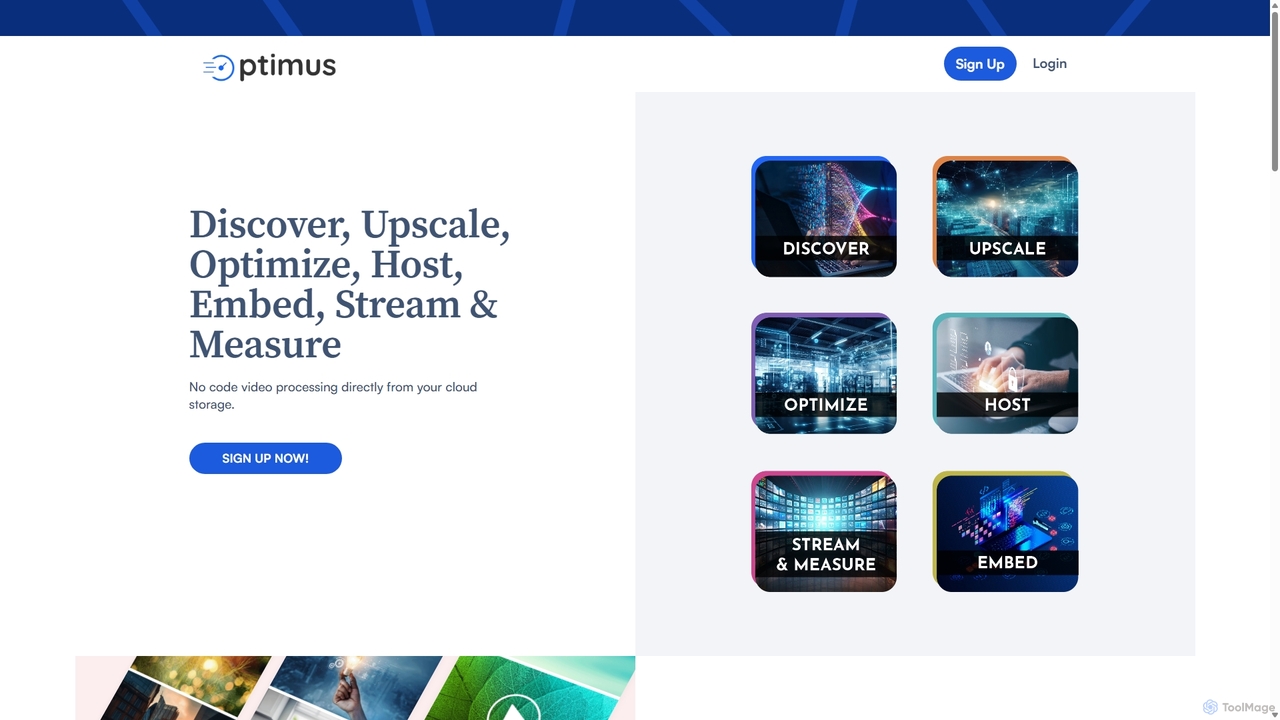
optimusdrive
An AI-powered media processing platform offering a suite of tools for video and image optimization. It specializes in high-quality compression, resolution upscaling to 4K, and advanced facial enhancement to transform your media assets for web and streaming.
Image Enhancement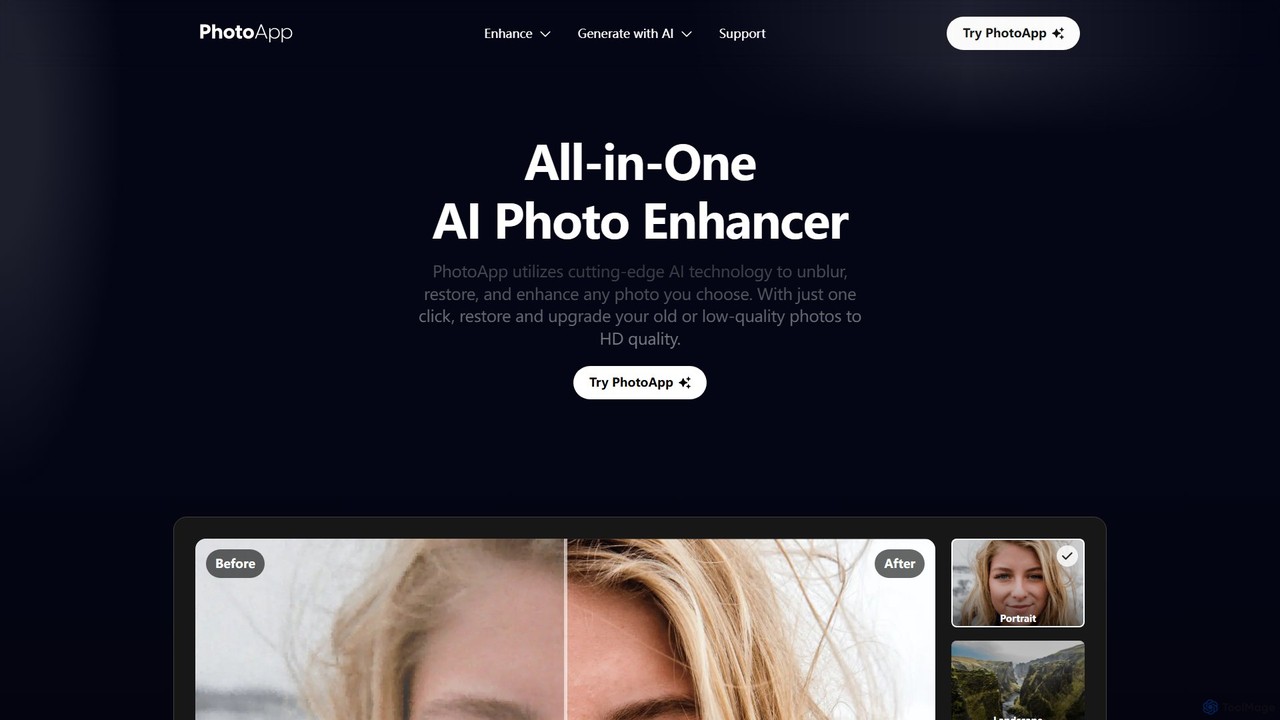
PhotoApp
PhotoApp is an all-in-one AI photo editor that enhances, restores, and unblurs your images with a single click. Using advanced AI, it sharpens details, removes noise, corrects colors, and revives old photos. It also features an AI photo generator to create professional-quality images of yourself. Available on iOS and Android for on-the-go editing.
3DRemini Categories
Remini Jobs
Remini Embed Widget
Copy this embed code to place the badge on your blog, article, or product site and send readers directly to this ToolMage detail page.

Related AI tools
Fixblurry
fixblurry is a free, AI-powered online tool suite designed to enhance your images instantly. It specializes in unblurring and sharpening photos, restoring old or faded pictures, upscaling low-resolution images without quality loss, colorizing black-and-white photos, and removing backgrounds with a single click. No registration or software installation is required, offering professional-grade results for everyone.
Image EditingNero Lens
Nero Lens is an all-in-one AI-powered photo enhancer app that instantly upscales, restores, colorizes, and denoises images. It also features an AI avatar and headshot generator, turning your selfies into stunning, stylized photos for social media, dating profiles, or professional use.
Ai Avatar GeneratorPhotoRestore
PhotoRestore is an all-in-one AI-powered platform for photo restoration and management. It effortlessly restores old, damaged, or blurry photos, enhances image quality, removes backgrounds, upscales resolution, and colorizes black-and-white images. It also features album creation for easy organization and sharing.
Image Editing
TinyArt
TinyArt is an AI-powered photo editing and image generation platform designed for professional results without complex design skills. It offers a suite of tools including background removal, image upscaling, watermark removal, object cleanup, and text-to-image generation, alongside specialized mini-apps for ID photos, face swaps, and photo restoration.
Creative Tools
AIVideoEnhancer
AIVideoEnhancer is an AI-powered online tool designed to enhance and upscale low-quality videos to 4K resolution. It also functions as an image upscaler, increasing photo resolution by up to 800%. The tool automatically denoises, deblurs, and restores details with one-click simplicity, focusing on realistic results and fast, GPU-accelerated processing.
Creative
Nightmare AI
Nightmare AI is a powerful online tool that uses advanced AI algorithms like Real-ESRGAN to upscale images to 4K, enhance photo quality, and restore old, damaged photos. It specializes in improving photos, anime, and cartoons without losing detail. Offering a user-friendly interface, it provides both free and premium plans for photographers, artists, and content creators.
Image EnhancementPhotoApp
PhotoApp is an all-in-one AI photo editor that enhances, restores, and unblurs your images with a single click. Using advanced AI, it sharpens details, removes noise, corrects colors, and revives old photos. It also features an AI photo generator to create professional-quality images of yourself. Available on iOS and Android for on-the-go editing.
3D
Pica AI
Pica AI is a versatile AI-powered platform for photo editing and creation. It offers a suite of tools including a photo enhancer to improve quality and resolution, an old photo restorer to fix scratches and damage, a fun face swap tool for photos and videos, and a professional AI headshot generator. It's designed for ease of use, delivering high-quality results with just a few clicks.
3D
PhotoGrid
PhotoGrid is an all-in-one online collage maker and AI photo editor. It offers over 20,000 templates and a suite of powerful AI tools to create stunning photo collages, remove backgrounds, enhance image quality, and apply creative filters, making professional photo editing accessible to everyone.
Collage Makeroptimusdrive
An AI-powered media processing platform offering a suite of tools for video and image optimization. It specializes in high-quality compression, resolution upscaling to 4K, and advanced facial enhancement to transform your media assets for web and streaming.
Image Enhancement
MindPic
MindPic is a free online AI photo editor and design tool that empowers users to effortlessly enhance, transform, and generate images. It offers a suite of AI-powered features like object removal, background replacement, image upscaling, photo retouching, and art generation from text or reference images, all without requiring any login or prior editing experience.
Graphic Design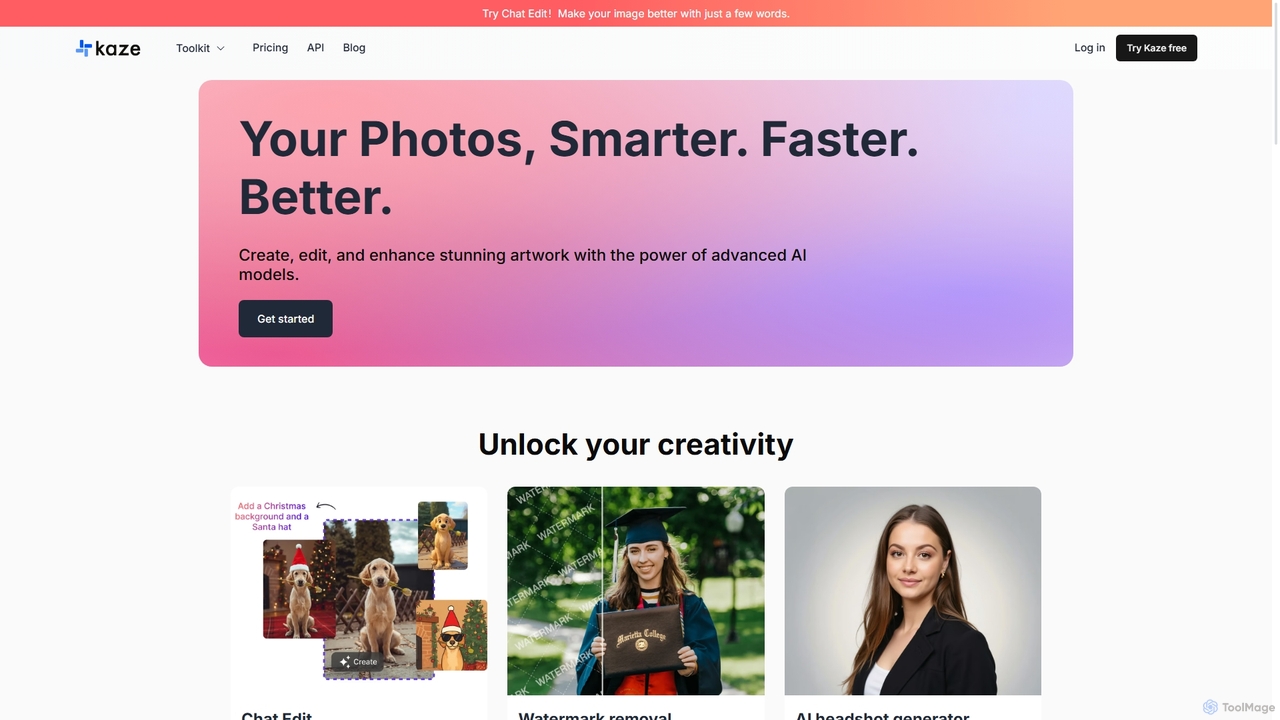
Kaze
Kaze is a comprehensive AI-powered image editing suite designed to create, edit, and enhance photos effortlessly. It offers a wide range of tools including one-click watermark and object removal, photo restoration, image upscaling, background removal, and an AI headshot generator. With its user-friendly interface and advanced AI models, Kaze delivers professional, studio-quality results in seconds, catering to creators, marketers, and photographers.
3D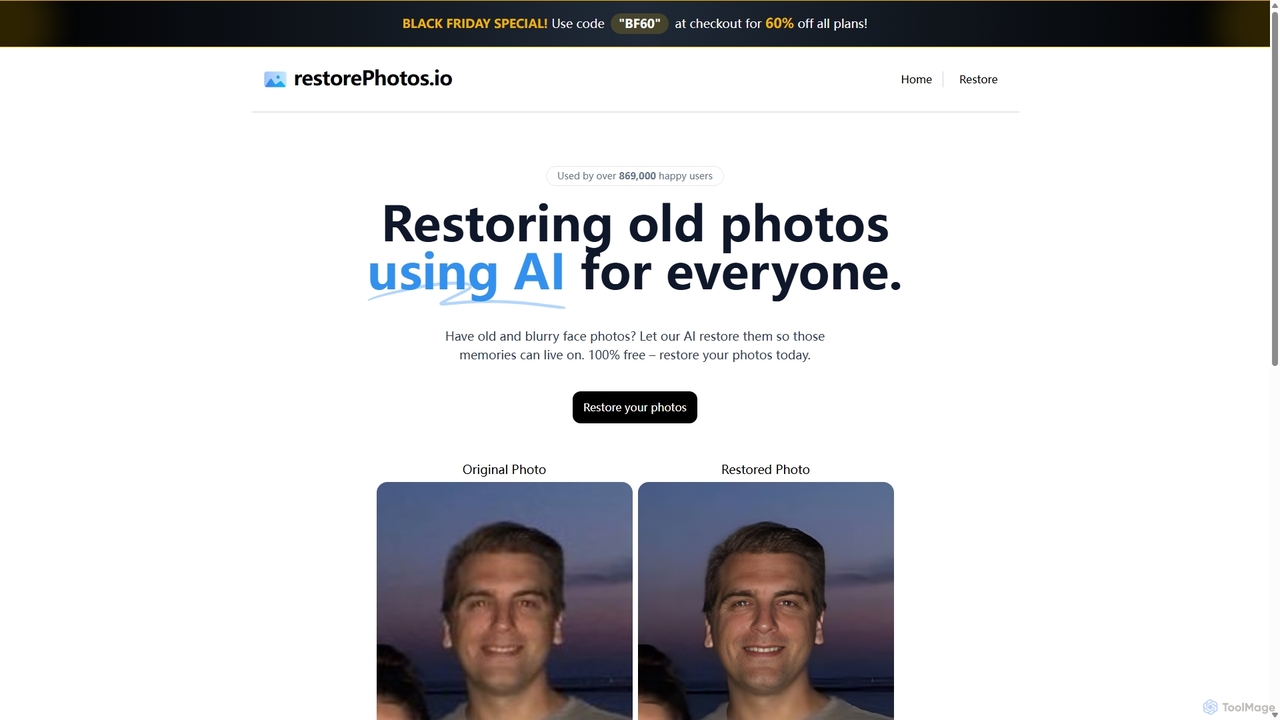
RestorePhotos.io
An AI-powered tool designed to restore old, blurry, and damaged face photos. It uses advanced algorithms to enhance clarity, reduce noise, and bring cherished memories back to life with remarkable detail. Ideal for anyone looking to digitize and improve their old photo collections.
Photography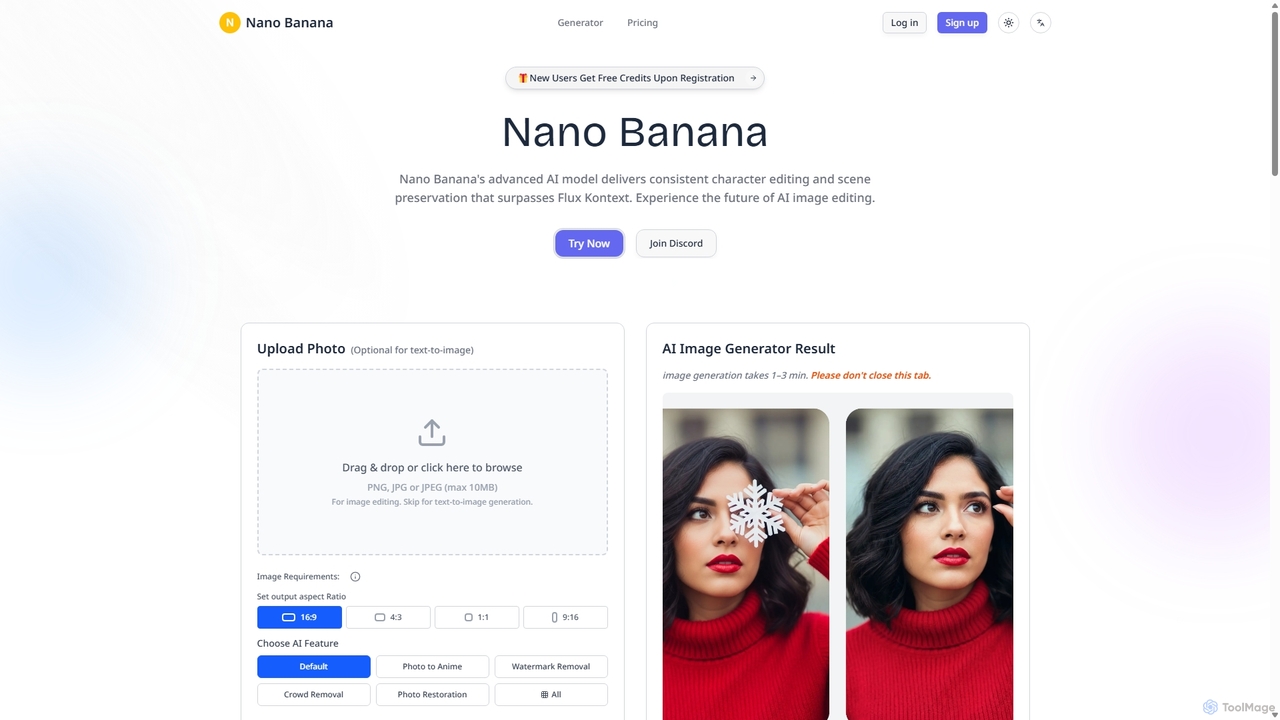
Nanobanana
Nanobanana is an advanced AI image editing and generation platform that transforms images using natural language prompts. It specializes in maintaining character consistency and scene integrity while offering powerful features like watermark removal, photo restoration, and batch processing. Ideal for creators, marketers, and photographers seeking efficient, high-quality visual content creation.
3D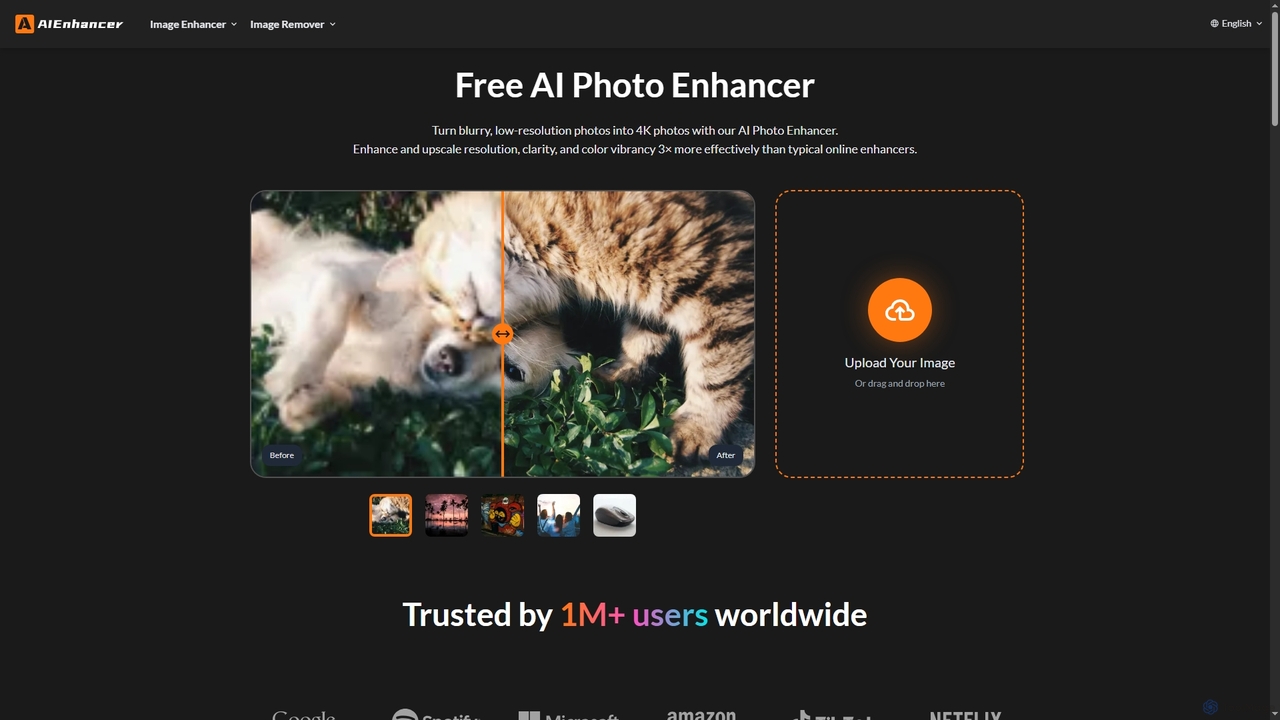
AIEnhancer
AIEnhancer is a powerful online AI tool that transforms and perfects images. It enhances resolution, restores old photos, removes blur and noise, sharpens details, converts to HD, and precisely removes backgrounds, making professional-grade photo editing accessible and effortless for everyone.
Background Removal
Remini Comments (0)
Sign in to comment.
Sign inNo comments yet.