


PhotoGrid Overview
PhotoGrid is a comprehensive and user-friendly platform designed to unleash creativity through photo and video editing. Trusted by millions of creators worldwide, it serves as both a powerful online collage maker and an advanced AI-powered photo editor. With over 100 million downloads and 20 million creative edits performed each month, PhotoGrid has established itself as a go-to tool for social media enthusiasts, content creators, and anyone looking to enhance their digital images. The platform is accessible via web and mobile apps (iOS & Android), ensuring you can edit anytime, anywhere.
The core of PhotoGrid is its dual functionality. As a collage maker, it provides an extensive library of over 20,000 creative templates and layouts. Users can effortlessly combine multiple photos, whether it's a simple 4-photo grid or a more complex arrangement, and customize every aspect, including photo size, position, spacing, and borders. For those who want more than just collages, PhotoGrid offers a complete photo editing suite. Standard editing tools allow for cropping, resizing, and adjusting brightness and contrast, while a rich collection of stickers, text effects, and backgrounds helps to personalize any image.
How to use PhotoGrid
Using PhotoGrid is designed to be intuitive and straightforward, requiring no prior editing skills. Here’s a general workflow:
- For Collages: Start by selecting 'Collage Maker'. Browse through the vast library of over 20,000 templates and choose one that fits your theme (e.g., birthday, holiday, e-commerce). Upload your photos from your device. PhotoGrid will automatically place them in the template. You can then drag and drop to rearrange photos, adjust their size, add text, apply stickers, or change the background. Once satisfied, save and download your creation.
- For AI Photo Editing: Navigate to the AI Tools section. Select the specific function you need, such as 'Background Remover', 'Image Upscaler', or 'Object Removal'. Upload the image you want to edit. The AI will process the image in a single click. For example, the Background Remover will automatically detect and erase the background, leaving you with a clean cutout. You can then download the result or continue editing by adding a new background.
- For AI Filters & Effects: In the photo editor, explore the 75+ AI filters. Upload your photo, select a filter like 'Disney', 'Yearbook', or 'Studio Ghibli', and watch as the AI transforms your image into a unique piece of art.
Core Features of PhotoGrid
- Extensive Collage Maker: Access to over 20,000 customizable collage layouts and templates for various occasions.
- All-in-One Photo Editor: A full suite of tools for cropping, resizing, adjusting brightness/darkness, and adding stickers, text, and effects.
- AI Background Remover: Instantly remove and change image backgrounds with a single click.
- AI Object & Watermark Remover: Effortlessly clean up photos by removing unwanted objects, people, or watermarks.
- AI Image Upscaler & Enhancer: Increase photo resolution and enhance details to improve image quality, even up to 4K.
- AI Photo Restoration: Repair old, blurry, or scratched photos, bringing cherished memories back to life.
- Creative AI Filters: Over 75 artistic filters to transform photos into different styles, such as Disney characters, Y2K aesthetics, or art paintings.
- AI Headshot Generator: Create professional-looking business headshots for LinkedIn, Instagram, and other profiles with one click.
- AI Video Tools: Generate short, engaging AI videos from images, such as the 'AI Hug' effect.
- AI Replacer & Expander: Intelligently replace objects within an image or expand the image boundaries with AI-generated content.
Use Cases for PhotoGrid
PhotoGrid is versatile and caters to a wide range of users:
- Social Media Managers: Quickly create eye-catching Instagram stories, Facebook posts, and promotional collages.
- E-commerce Store Owners: Produce clean product photos by removing backgrounds and create marketing materials like banners and ads.
- Content Creators & Bloggers: Design unique visuals for blog posts, YouTube thumbnails, and other digital content.
- Personal Use: Craft personalized birthday cards, holiday greetings, travel scrapbooks, and family photo collages.
- Professionals: Generate polished AI headshots for corporate profiles and resumes without the need for a photoshoot.
- Hobbyists: Experiment with creative AI filters, restore old family photos, and create fun memes or GIFs.
Advantages of PhotoGrid
PhotoGrid stands out due to its combination of simplicity, power, and versatility. Its primary advantage is its user-friendly interface, which makes complex photo editing accessible to beginners. The one-click AI tools dramatically speed up the workflow, saving users valuable time. The sheer volume of design resources—over 20,000 templates and thousands of stickers and effects—ensures endless creative possibilities. Furthermore, its availability as both a web tool and a mobile app provides flexibility for users to edit on the go.
Pricing and Plans
PhotoGrid operates on a freemium model. Users can access a wide range of collage-making and basic editing features for free. However, to unlock the full potential of the platform, a Premium membership is available. The Premium subscription typically includes:
- Access to all advanced AI tools (e.g., AI Headshot, advanced restoration).
- Removal of watermarks from saved images and videos.
- Full access to the entire library of 20,000+ premium templates, stickers, and effects.
- Higher quality exports.
Traffic
Latest traffic
Status
Monthly traffic trend
- 2025-9: 1.1M
- 2026-1: 986.1K
- 2026-2: 835.0K
- 2026-3: 892.1K
- 2026-4: 965.3K
- 2026-5: 1.1M
Geography
Top 5 countries / regions
- 🇺🇸United States36.2%
- 🇮🇳India19.2%
- 🇹🇭Thailand16.8%
- 🇧🇷Brazil15.9%
- 🇹🇼Taiwan11.9%
Traffic sources
| Source type | Percentage |
|---|---|
Direct | 89.2% |
Referral | 9.3% |
Email | 1.4% |
Top keywords
| Keyword | Cost per click |
|---|---|
| hd foto | $0.60 |
| photo grid | $0.27 |
| photogrid | $0.28 |
| ลบลายน้ำ | $0.00 |
| ลบลายน้ํา | $0.00 |
PhotoGrid Videos on YouTube

PhotoGrid Alternatives

Photoleap
Photoleap is a powerful all-in-one AI photo editing app by Lightricks. It combines traditional editing tools with a massive suite of cutting-edge AI features, allowing users to transform photos, generate stunning AI art from text, create professional headshots, and apply creative effects with ease. It's designed for everyone from social media creators to casual users looking to elevate their images.
Generative Art
MindPic
MindPic is a free online AI photo editor and design tool that empowers users to effortlessly enhance, transform, and generate images. It offers a suite of AI-powered features like object removal, background replacement, image upscaling, photo retouching, and art generation from text or reference images, all without requiring any login or prior editing experience.
Graphic Design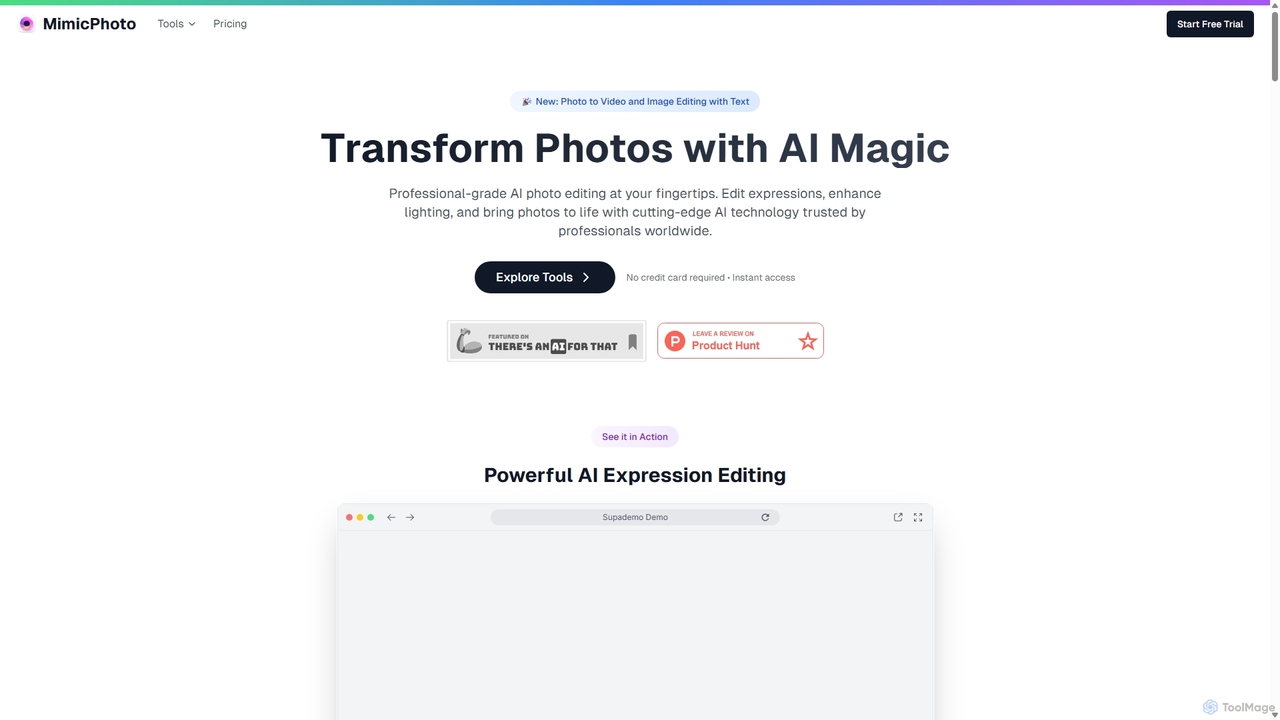
MimicPhoto
MimicPhoto is a professional-grade AI photo and video editing suite. It excels at manipulating facial expressions, relighting photos, and animating static images into dynamic videos. With features like text-based image editing, AI effects, face swapping, and object removal, it's designed for photographers, content creators, and marketers to save time and produce stunning, natural-looking results.
Avatars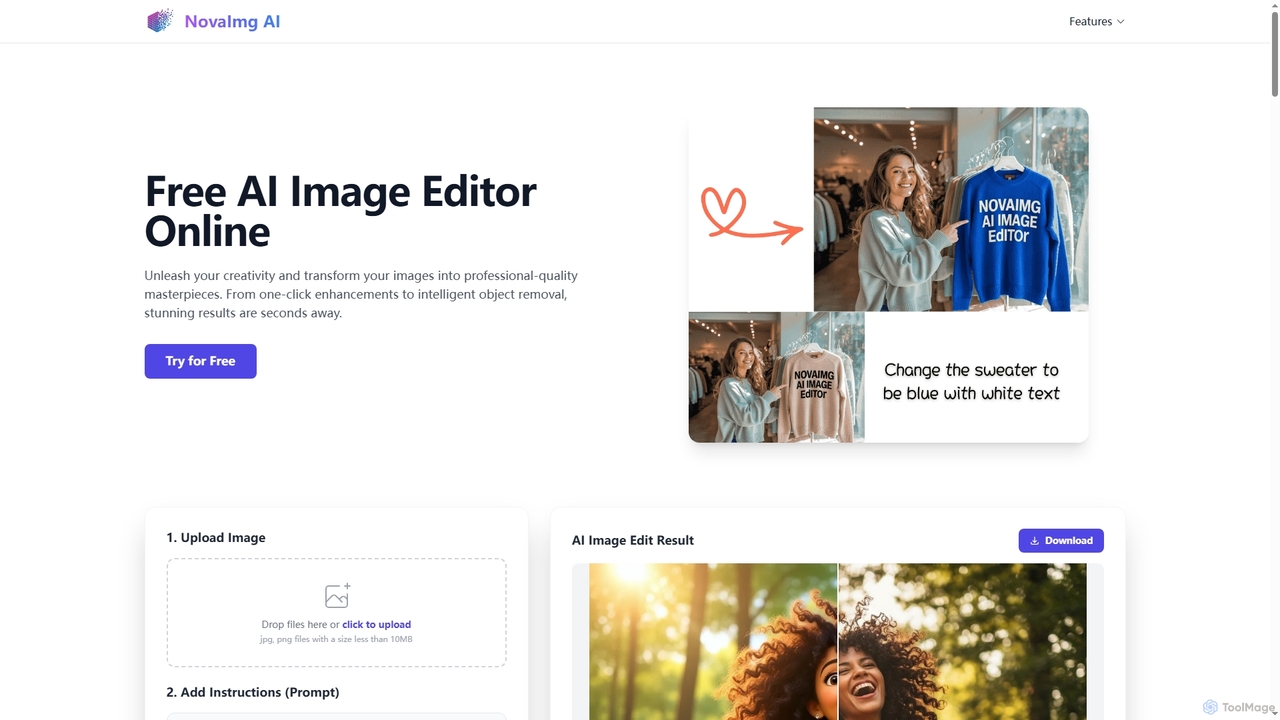
Novaimg
Novaimg is a versatile online AI tool suite for transforming and enhancing visual content. It offers a range of features including AI image editing with text prompts, 4K image upscaling, realistic face swapping for photos, videos, and GIFs, and an intelligent watermark remover. Designed for ease of use, Novaimg helps users create professional-quality images and videos for social media, e-commerce, and creative projects, often for free or with generous daily limits.
Graphic Design
Nero AI
Nero AI is a comprehensive suite of AI-powered tools for image and video enhancement. It offers features like image and video upscaling, photo restoration, background and object removal, face animation, and creative stylization. Designed for creators, marketers, and designers, it provides easy-to-use solutions for both online and desktop platforms to elevate visual content quality.
Graphic DesignPhotoGrid Categories
PhotoGrid Jobs
PhotoGrid Embed Widget
Copy this embed code to place the badge on your blog, article, or product site and send readers directly to this ToolMage detail page.

Related AI tools
Pixelfox
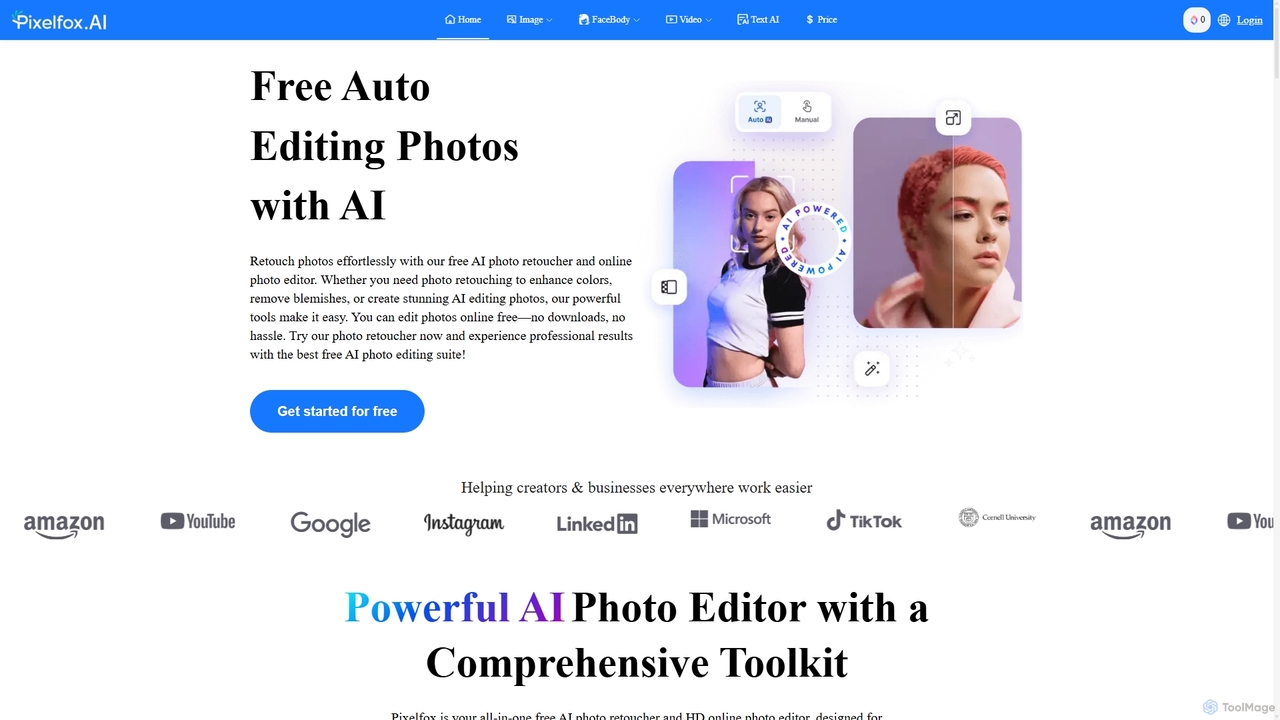
Pixelfox is a comprehensive, free-to-use AI suite for creators and businesses. It combines a powerful online photo and video editor with over 300 AI writing tools. Effortlessly retouch photos, remove backgrounds, generate images from text, swap faces, and enhance quality. Simultaneously, create SEO-optimized articles, social media content, product descriptions, and much more, all within a single, no-download platform.
3DMindPic
MindPic is a free online AI photo editor and design tool that empowers users to effortlessly enhance, transform, and generate images. It offers a suite of AI-powered features like object removal, background replacement, image upscaling, photo retouching, and art generation from text or reference images, all without requiring any login or prior editing experience.
Graphic DesignNovaimg
Novaimg is a versatile online AI tool suite for transforming and enhancing visual content. It offers a range of features including AI image editing with text prompts, 4K image upscaling, realistic face swapping for photos, videos, and GIFs, and an intelligent watermark remover. Designed for ease of use, Novaimg helps users create professional-quality images and videos for social media, e-commerce, and creative projects, often for free or with generous daily limits.
Graphic Design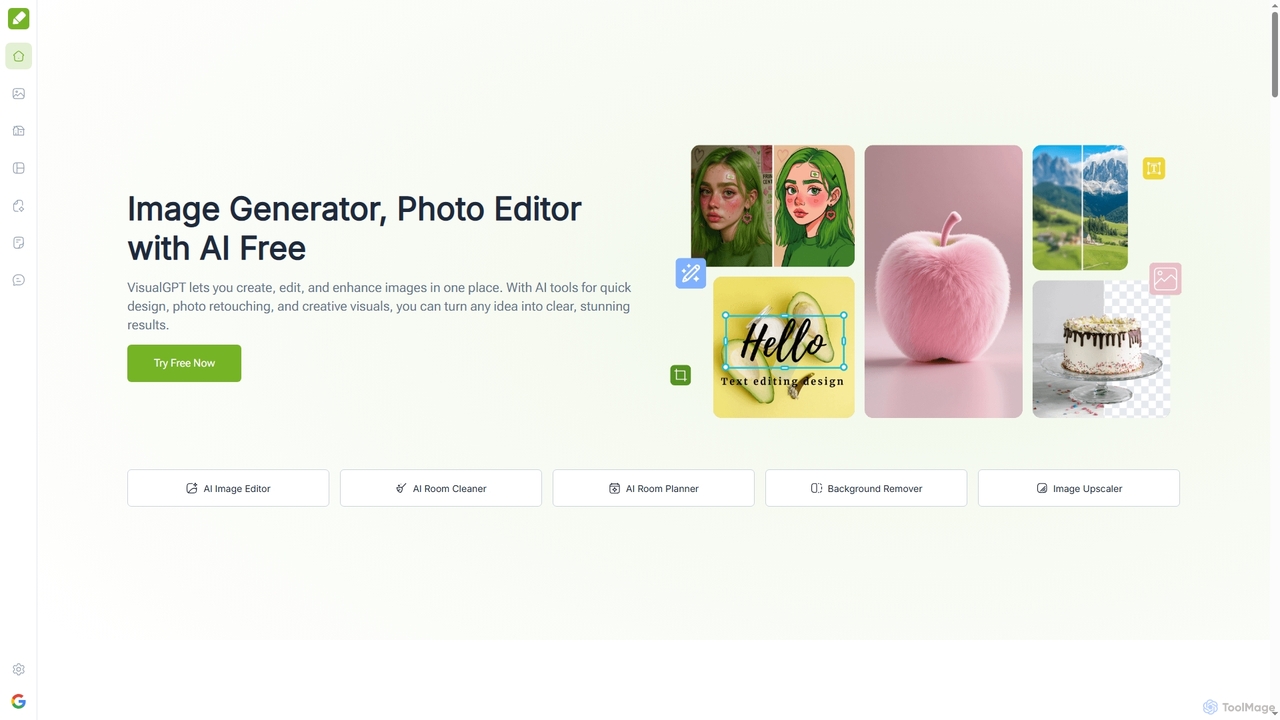
VisualGPT
VisualGPT is an all-in-one online AI platform for generating, editing, and enhancing images. It offers tools like AI image editing, background removal, room planning, and visualization, powered by advanced models like Nano Banana and Stable Diffusion. Designed for ease of use, it helps users create stunning visuals quickly without complex software or design skills.
Graphic Design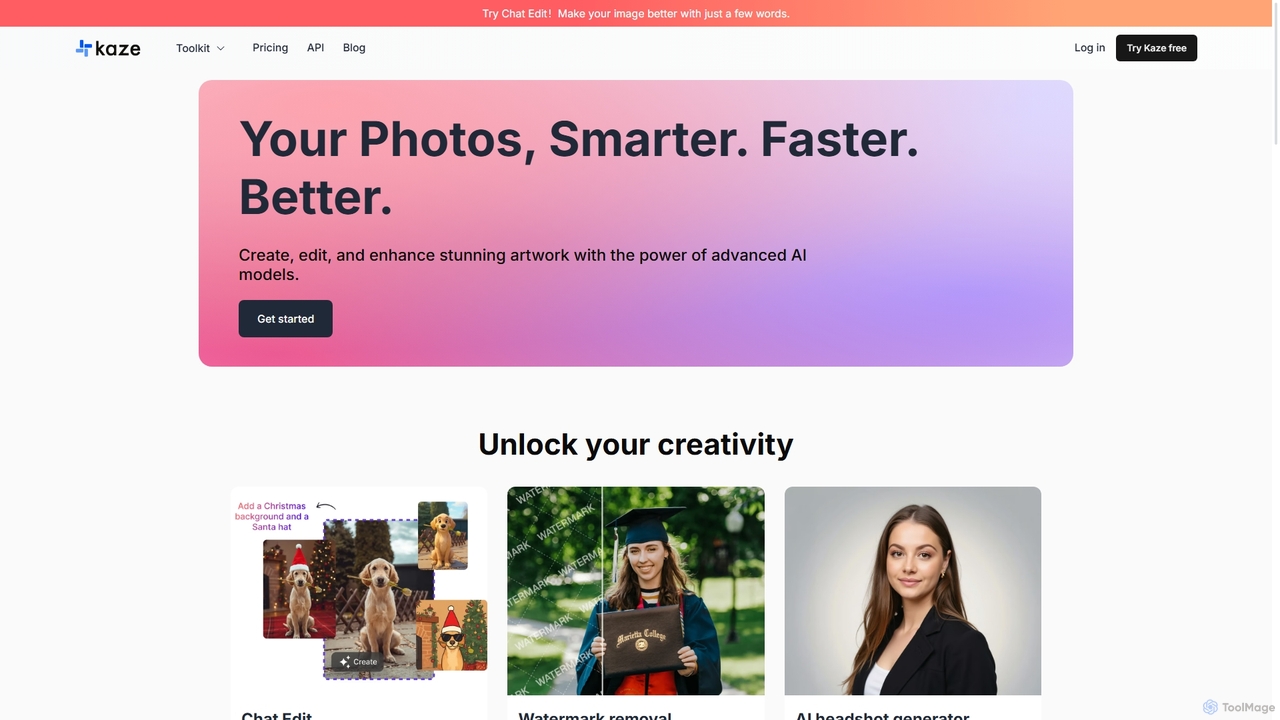
Kaze
Kaze is a comprehensive AI-powered image editing suite designed to create, edit, and enhance photos effortlessly. It offers a wide range of tools including one-click watermark and object removal, photo restoration, image upscaling, background removal, and an AI headshot generator. With its user-friendly interface and advanced AI models, Kaze delivers professional, studio-quality results in seconds, catering to creators, marketers, and photographers.
3DNero AI
Nero AI is a comprehensive suite of AI-powered tools for image and video enhancement. It offers features like image and video upscaling, photo restoration, background and object removal, face animation, and creative stylization. Designed for creators, marketers, and designers, it provides easy-to-use solutions for both online and desktop platforms to elevate visual content quality.
Graphic Design
Jyek
Jyek is an AI agent platform that understands objectives, creates execution plans, uses tools, and delivers verifiable results for complex, multi-step tasks.
Automation
Aiconvert
Aiconvert is a comprehensive online suite of free AI tools. It offers a wide range of functionalities, including advanced image generation, photo editing and restoration, text-to-speech, AI chatbots, and OCR. No registration or payment is required, making powerful AI technology accessible to everyone for creative and productive tasks.
Text To Speech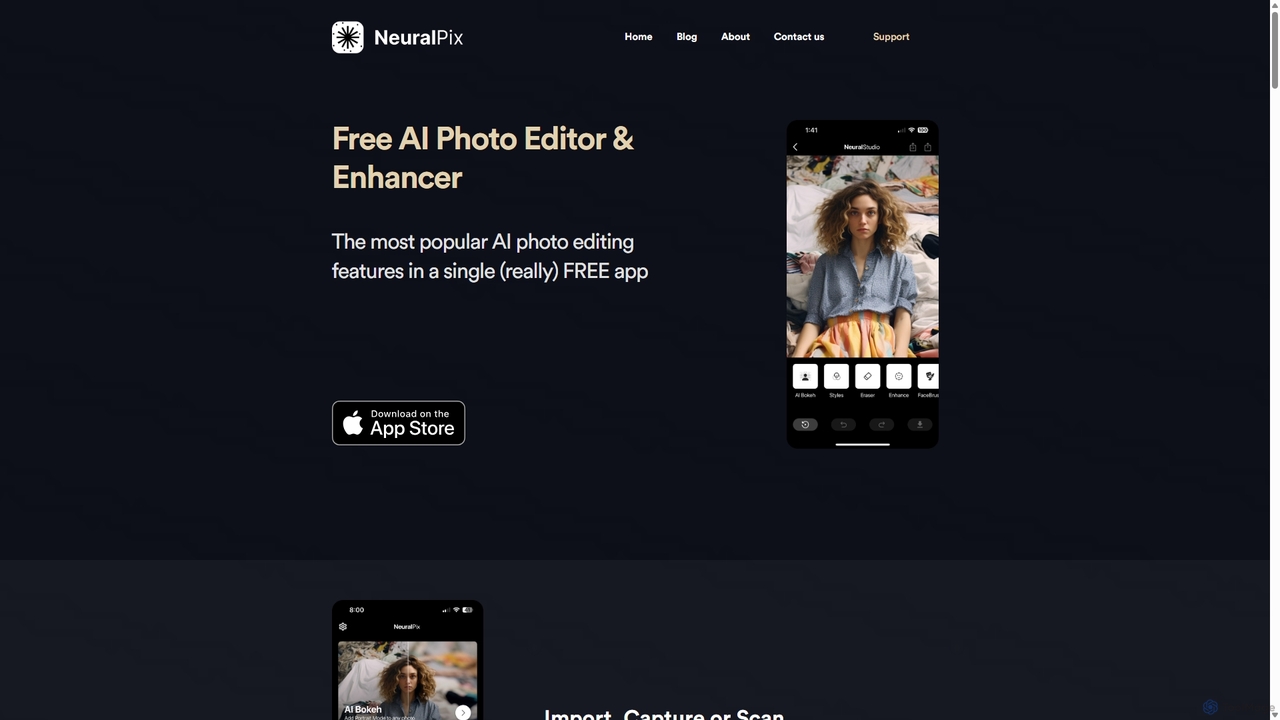
NeuralPix
NeuralPix is a completely free, all-in-one AI photo editor and enhancer app. It packs powerful features like Magic Eraser, AI Bokeh, Photo Enhancer, Unblur, Colorization, and Upscaling into a single, user-friendly interface. Perfect for both casual users and professionals to effortlessly improve photos, restore old memories, and create stunning images without subscriptions or ads.
Image Editing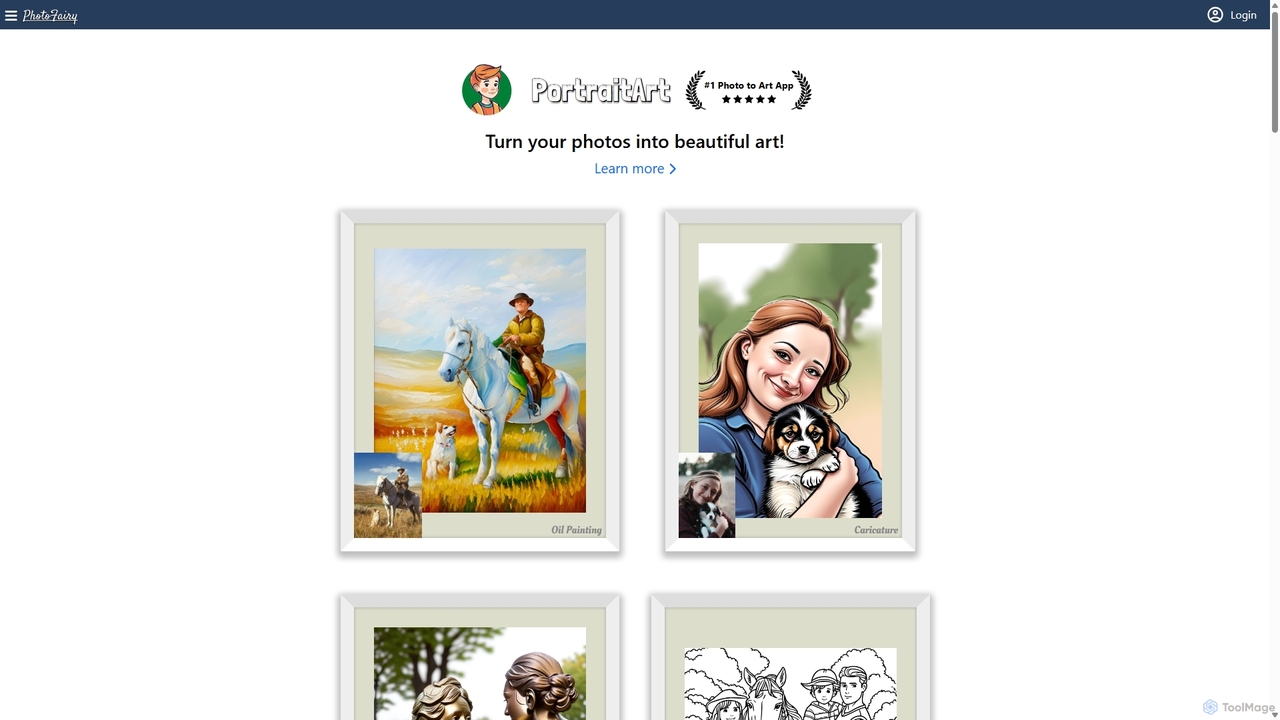
PhotoFairy
PhotoFairy is a powerful AI-driven photo editor and graphic design tool. It effortlessly transforms photos into various art styles, removes backgrounds and objects, generates images from text, and provides an infinite canvas for creative projects. Ideal for designers, marketers, and content creators seeking an all-in-one visual creation platform.
Art Generation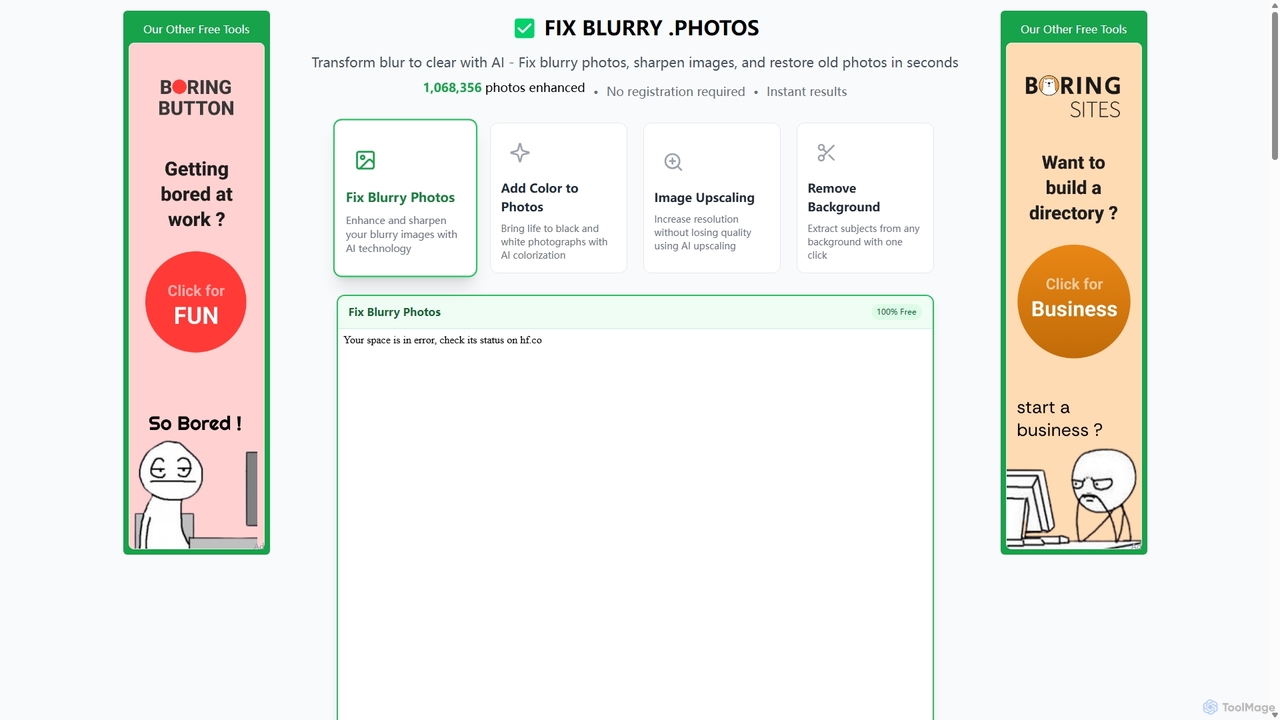
Fixblurry
fixblurry is a free, AI-powered online tool suite designed to enhance your images instantly. It specializes in unblurring and sharpening photos, restoring old or faded pictures, upscaling low-resolution images without quality loss, colorizing black-and-white photos, and removing backgrounds with a single click. No registration or software installation is required, offering professional-grade results for everyone.
Image Editing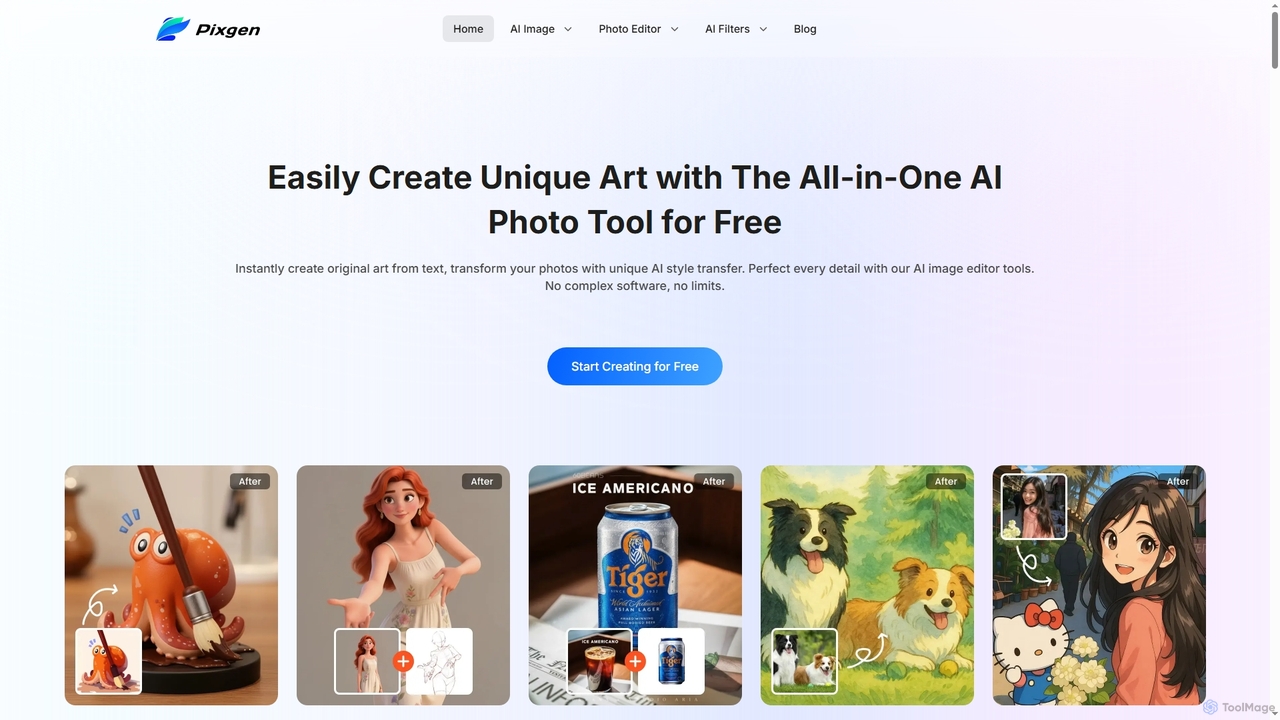
Pixgen
Pixgen is a free, all-in-one AI-powered online platform for creating, editing, and stylizing images. It allows users to generate unique art from text prompts, transform photos with AI style transfers, and perfect details using advanced editing tools like background removal, object erasure, and image enhancement. Designed for ease of use, Pixgen offers a seamless creative workflow without watermarks or hidden costs.
Style Transfer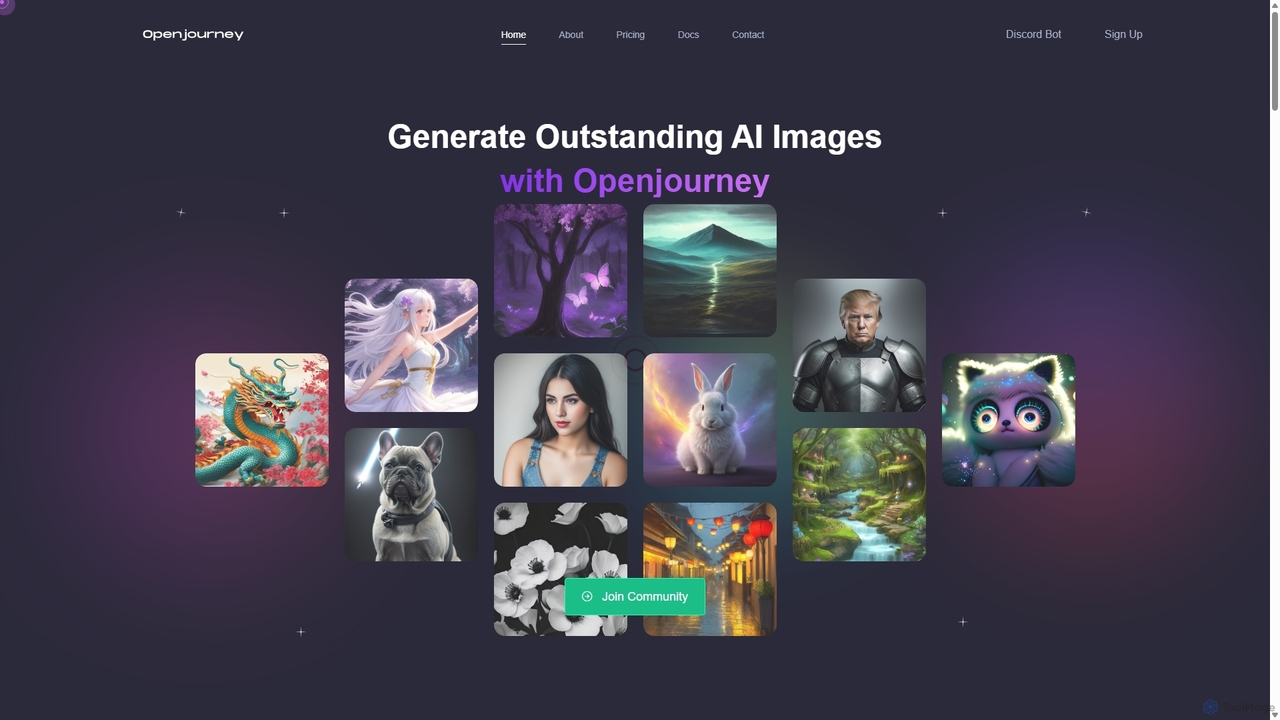
Openjourney
Openjourney is a comprehensive AI creative suite that offers a wide range of generative tools in one place. It excels in generating high-quality images from text prompts but also includes powerful features like face restoration, face swapping, background removal, image upscaling to 4K, an unlimited AI chatbot, and advanced controls like Controlnet. It's designed for creators, marketers, and artists seeking a versatile and powerful AI toolkit.
Generative Art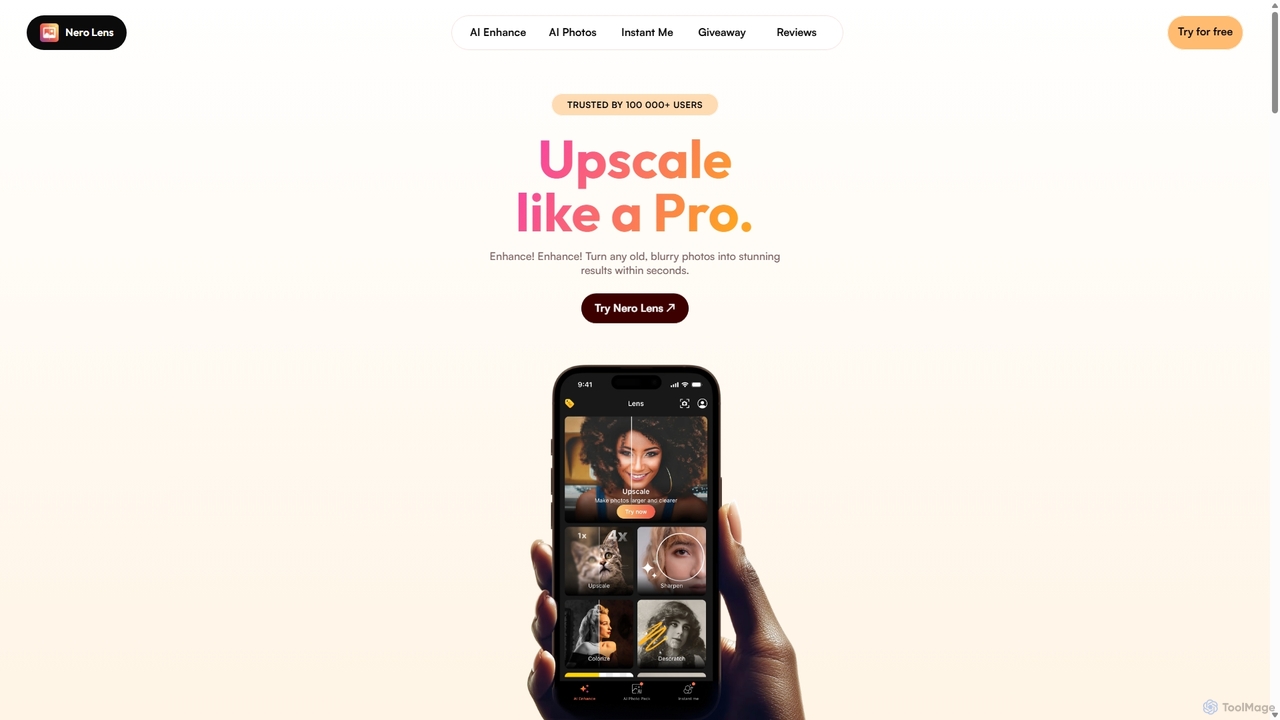
Nero Lens
Nero Lens is an all-in-one AI-powered photo enhancer app that instantly upscales, restores, colorizes, and denoises images. It also features an AI avatar and headshot generator, turning your selfies into stunning, stylized photos for social media, dating profiles, or professional use.
Ai Avatar Generator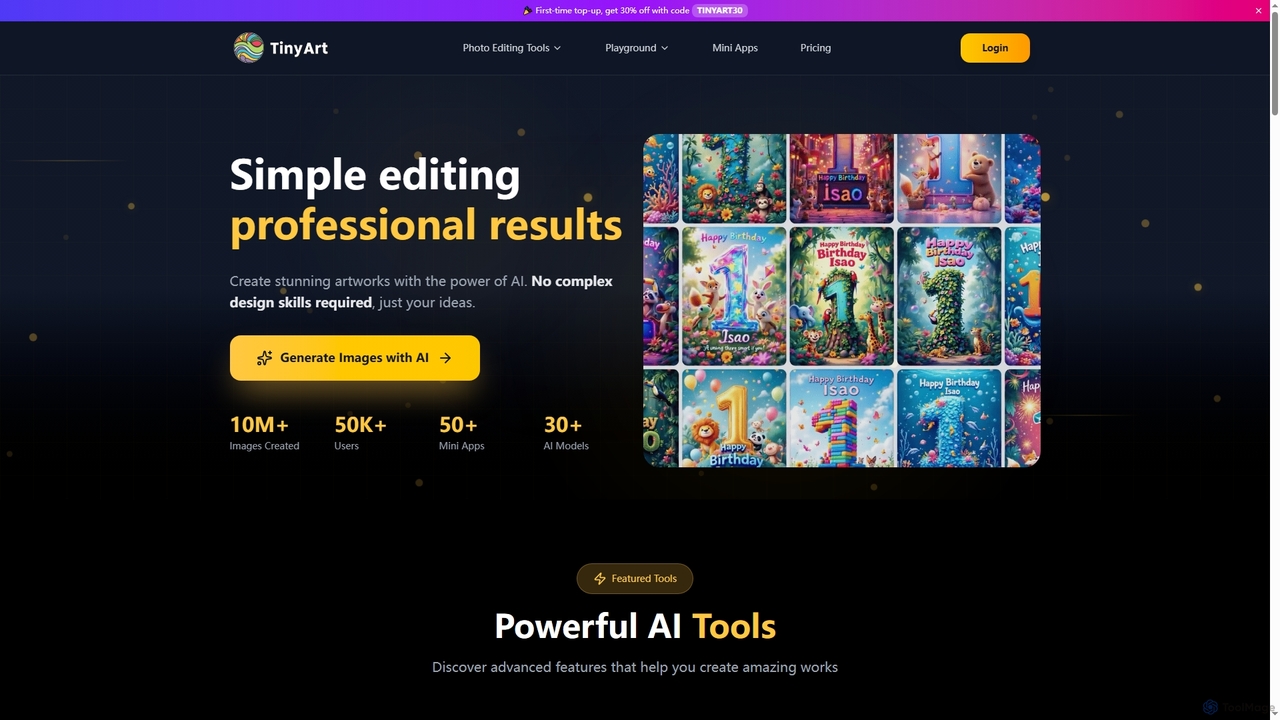
TinyArt
TinyArt is an AI-powered photo editing and image generation platform designed for professional results without complex design skills. It offers a suite of tools including background removal, image upscaling, watermark removal, object cleanup, and text-to-image generation, alongside specialized mini-apps for ID photos, face swaps, and photo restoration.
Creative Tools
PhotoGrid Comments (0)
Sign in to comment.
Sign inNo comments yet.