

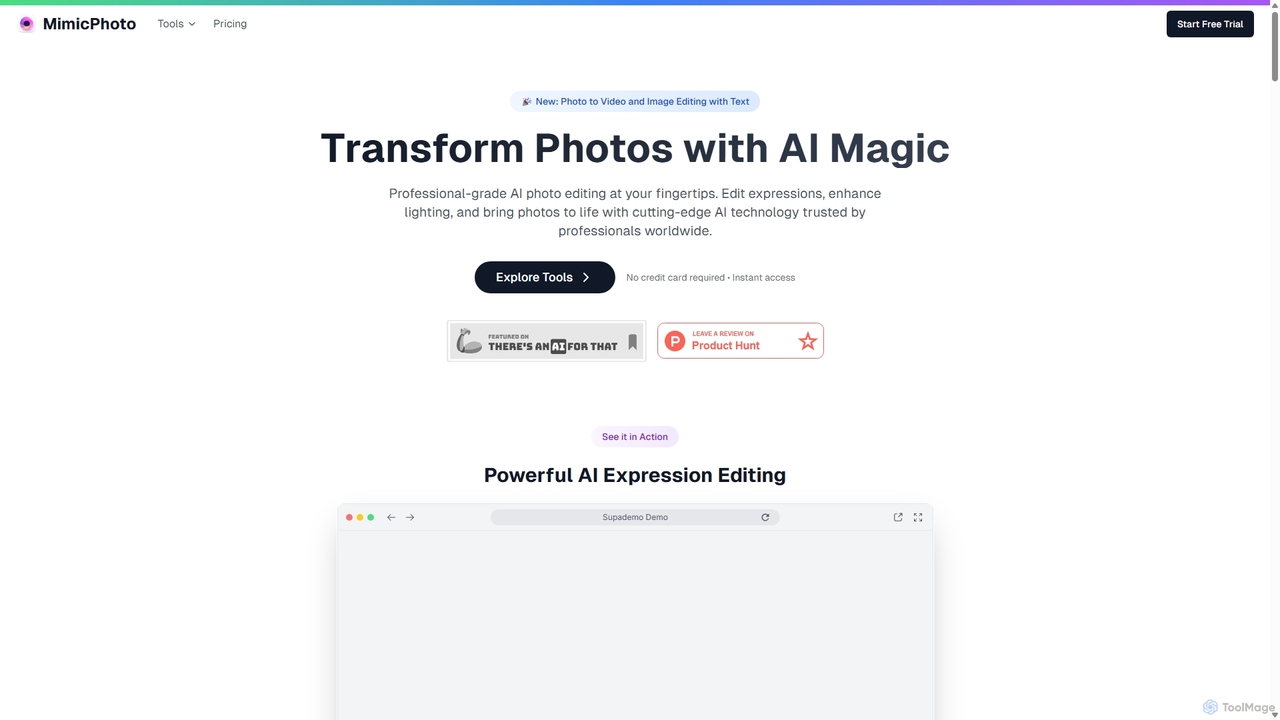
MimicPhoto Overview
MimicPhoto offers a comprehensive suite of professional-grade AI-powered tools designed to transform and enhance photos and videos with remarkable ease and precision. Trusted by photographers, social media influencers, and marketing agencies worldwide, this platform leverages state-of-the-art AI technology to automate complex editing tasks, saving users hours of manual work while delivering studio-quality results. From subtle expression adjustments to dynamic video animations, MimicPhoto provides a complete solution for creative image and video manipulation.
How to use MimicPhoto
Using MimicPhoto is designed to be an intuitive and straightforward process. First, users upload a photo to the platform. Once uploaded, they can choose from a wide array of powerful AI tools. For instance, to edit a facial expression, you would select the 'AI Expression Editor', where you can use precise sliders to adjust smiles, eye direction, head rotation, and other emotions in real-time. For creating videos, you can use the 'Photo to Video' tool, which animates your static image into a short, cinematic clip. Some features, like 'Image Editing with Text', allow you to simply type instructions, such as "add sunglasses," and the AI will modify the image accordingly. After making the desired edits, you can preview the result and download the final high-quality image or video.
Core Features of MimicPhoto
- AI Expression Editor: Instantly transform facial expressions. Edit smiles, emotions, eye gaze, and head rotation with advanced controls for perfect, natural-looking results.
- Photo to Video & LivePortrait: Animate static images into dynamic, cinematic short videos using the powerful WAN 2.1 AI model. Bring portraits to life with natural movements and expressions.
- Image Editing with Text: Precisely edit images using simple text instructions. Add, remove, or modify elements within a photo while keeping the rest of the image unchanged.
- AI Image & Video Effects: Apply over 10 stunning image effects (e.g., Glass Ball, Comic Book, Ghibli Style) and over 35 dynamic video effects (e.g., Squish, Hulk, Disney Princess) to create eye-catching content.
- AI Face Swap: Seamlessly swap faces in photos while preserving original expressions and emotions for creative and fun edits.
- AI Photo Relighting: Transform the lighting in any photo with AI precision. Adjust shadows, highlights, and add multiple light sources to create perfect illumination.
- Complete Background & Object Tools: Remove, replace, or enhance backgrounds, and magically remove unwanted objects or distractions from photos with AI precision.
- AI Image Enhancement & Upscaling: Automatically improve image quality, adjust colors, and increase photo resolution without losing crisp details.
- AI Photo Generator: Create custom photos and portraits from scratch, customizing every detail to match your vision.
Use Cases for MimicPhoto
MimicPhoto is versatile and valuable for various professionals and creatives. Professional photographers use it to salvage shots by correcting closed eyes or adjusting expressions in portraits and group photos, drastically reducing post-production time. Social media managers and content creators leverage the platform to produce engaging animated posts, unique visual effects, and viral-worthy content that stands out on platforms like Instagram and TikTok. Marketing agencies utilize the tools to create dynamic product showcases and compelling advertisements from static images. It's also perfect for personal use, allowing individuals to bring cherished family photos to life, create moving memories, or simply have fun with creative edits.
Advantages of MimicPhoto
The primary advantage of MimicPhoto is its ability to deliver professional, enterprise-grade results with an easy-to-use interface. The AI models are trained on millions of images, ensuring high accuracy and natural-looking outputs that maintain the authenticity of the original photo. The platform is a massive time-saver, automating tasks that would otherwise require hours of skilled manual editing. Its comprehensive suite of tools means users don't need to switch between multiple software applications. Furthermore, MimicPhoto prioritizes user privacy with enterprise-grade encryption and secure data handling.
Pricing and Plans
MimicPhoto operates on a freemium model with subscription plans based on AI credit usage. Users can try the tools for free. For full access, there are two main plans:
- Monthly Plan: $16 per month. This includes unlimited face edits, full access to all editing features, priority support, and 1000 AI credits per month.
- Yearly Plan: $8.3 per month ($99 billed annually). This offers the best value with a 49% saving compared to the monthly plan and includes the same benefits: unlimited face edits, full access, priority support, and 1000 AI credits per month.
AI credits are used for specific functions, with costs varying by complexity (e.g., Photo to Video costs 75 credits, Face Swap costs 2 credits). Additional credits can be purchased at a rate of $10 for 1000 credits. Subscriptions can be canceled at any time.
Traffic
Latest traffic
Status
Monthly traffic trend
- 2025-9: 18.8K
- 2026-1: 14.9K
- 2026-2: 18.0K
- 2026-3: 16.8K
- 2026-4: 19.0K
- 2026-5: 26.1K
Geography
Top 5 countries / regions
- 🇺🇸United States38.3%
- 🇹🇷Türkiye22.9%
- 🇮🇳India18.6%
- 🇧🇷Brazil12.4%
- 🇮🇩Indonesia7.8%
Traffic sources
| Source type | Percentage |
|---|---|
Direct | 82.5% |
Referral | 17.4% |
Top keywords
| Keyword | Cost per click |
|---|---|
| ai eye direction changer | $0.00 |
| expression editor | $0.00 |
| mimicphoto | $0.00 |
| upscale image | $0.30 |
| бесплатно сгенерировать поцелуй | $0.00 |
MimicPhoto Alternatives

PhotoGrid
PhotoGrid is an all-in-one online collage maker and AI photo editor. It offers over 20,000 templates and a suite of powerful AI tools to create stunning photo collages, remove backgrounds, enhance image quality, and apply creative filters, making professional photo editing accessible to everyone.
Collage Maker
Photoleap
Photoleap is a powerful all-in-one AI photo editing app by Lightricks. It combines traditional editing tools with a massive suite of cutting-edge AI features, allowing users to transform photos, generate stunning AI art from text, create professional headshots, and apply creative effects with ease. It's designed for everyone from social media creators to casual users looking to elevate their images.
Generative Art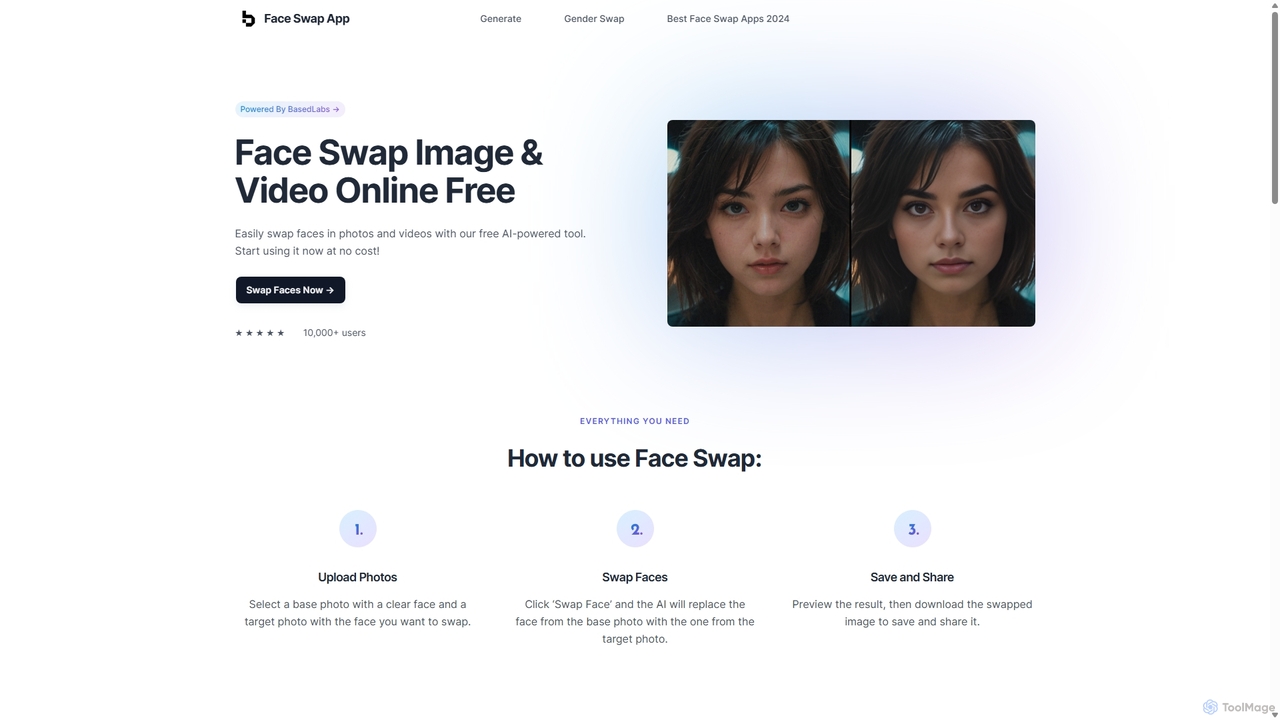
Face Swap App
A free, AI-powered online tool for swapping faces in photos and videos. Create realistic and humorous content in seconds with a simple 3-step process. Features include gender swapping, high-speed processing, and a strong commitment to user privacy, with no facial data stored.
Entertainment
HitPaw
HitPaw is a comprehensive AI-powered multimedia software suite designed for video, photo, and audio enhancement. It offers a range of tools for upscaling video to 8K, restoring old photos, changing voices in real-time, converting file formats, and more, catering to creators, professionals, and enthusiasts.
Voice Modulation
Nero AI
Nero AI is a comprehensive suite of AI-powered tools for image and video enhancement. It offers features like image and video upscaling, photo restoration, background and object removal, face animation, and creative stylization. Designed for creators, marketers, and designers, it provides easy-to-use solutions for both online and desktop platforms to elevate visual content quality.
Graphic DesignMimicPhoto Categories
MimicPhoto Jobs
MimicPhoto Embed Widget
Copy this embed code to place the badge on your blog, article, or product site and send readers directly to this ToolMage detail page.

Related AI tools
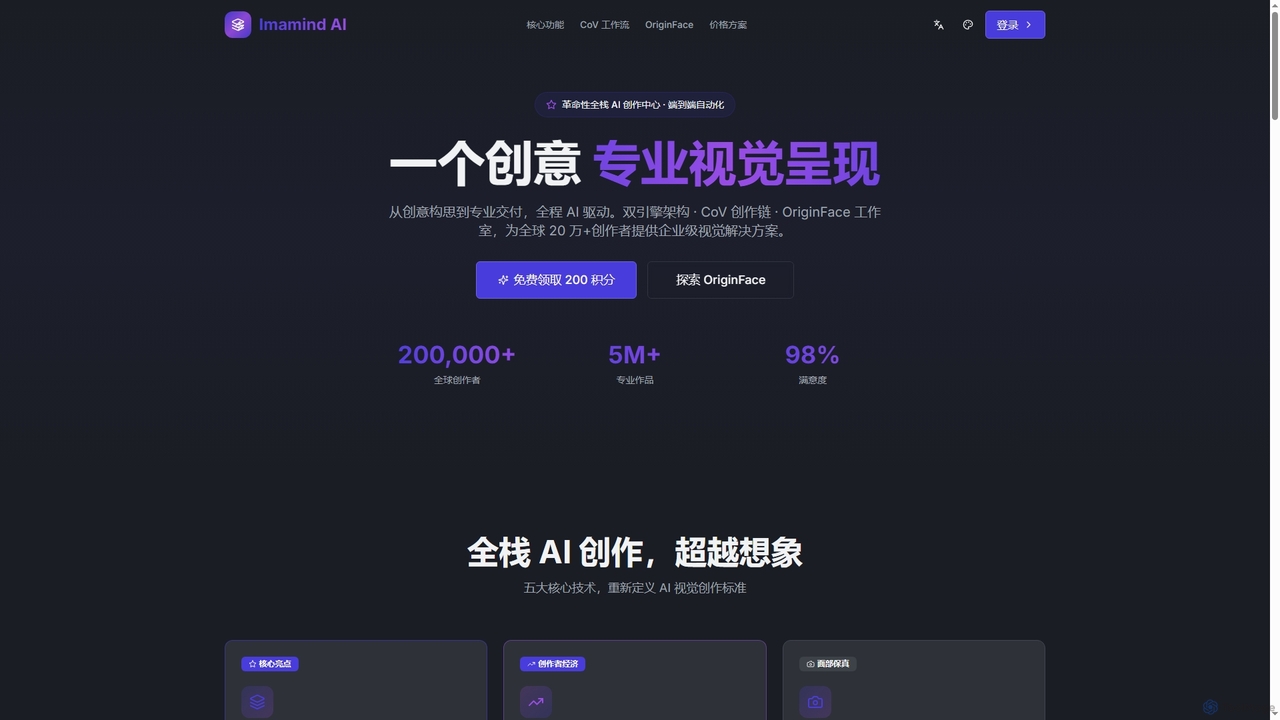
Imamind
Imamind is a revolutionary full-stack AI visual design platform that automates the entire creative process from concept to professional delivery. It offers dual-engine architecture, intelligent AI workflows, precise face fidelity for portraits, and advanced AI editing tools, empowering over 200,000 creators globally.
Product Imaging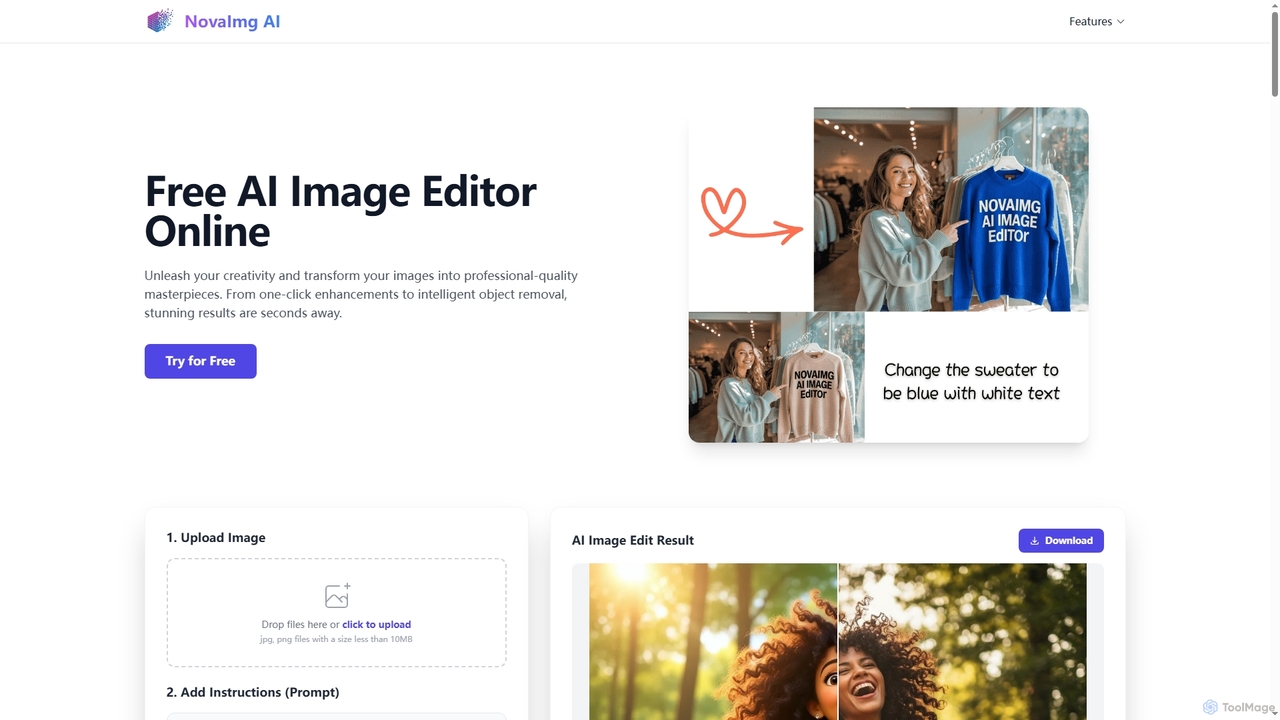
Novaimg
Novaimg is a versatile online AI tool suite for transforming and enhancing visual content. It offers a range of features including AI image editing with text prompts, 4K image upscaling, realistic face swapping for photos, videos, and GIFs, and an intelligent watermark remover. Designed for ease of use, Novaimg helps users create professional-quality images and videos for social media, e-commerce, and creative projects, often for free or with generous daily limits.
Graphic Design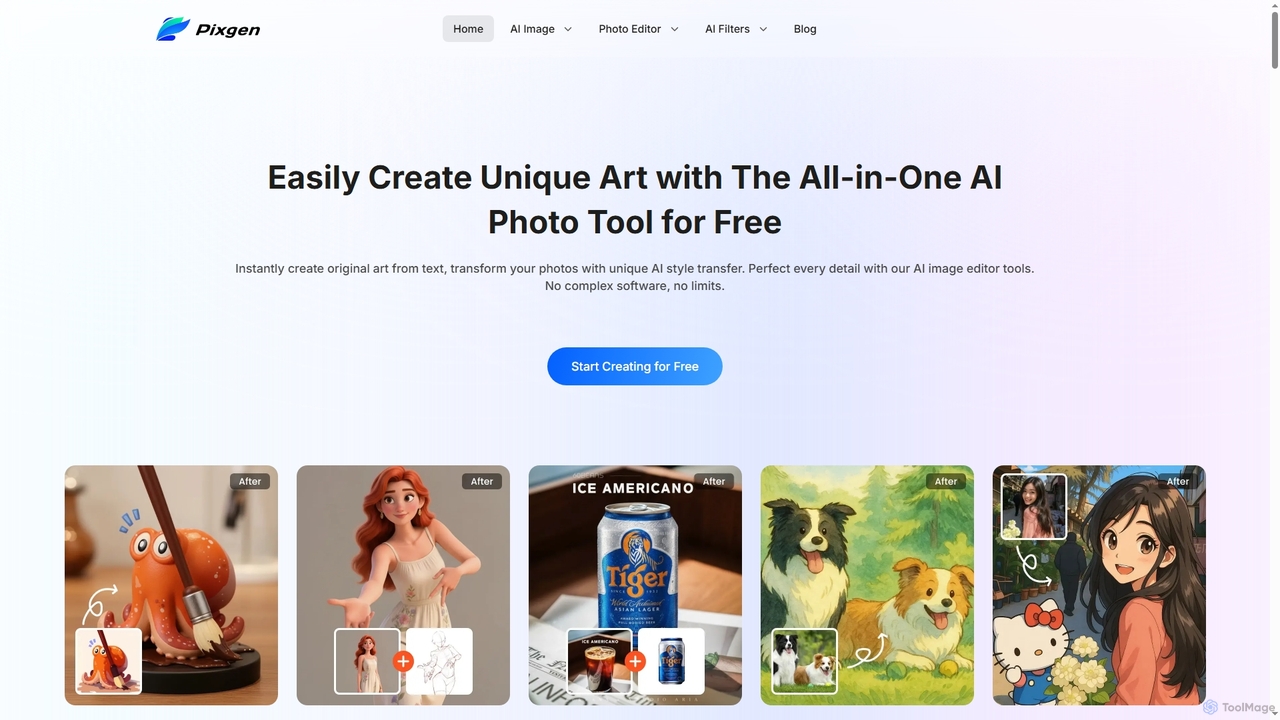
Pixgen
Pixgen is a free, all-in-one AI-powered online platform for creating, editing, and stylizing images. It allows users to generate unique art from text prompts, transform photos with AI style transfers, and perfect details using advanced editing tools like background removal, object erasure, and image enhancement. Designed for ease of use, Pixgen offers a seamless creative workflow without watermarks or hidden costs.
Style Transfer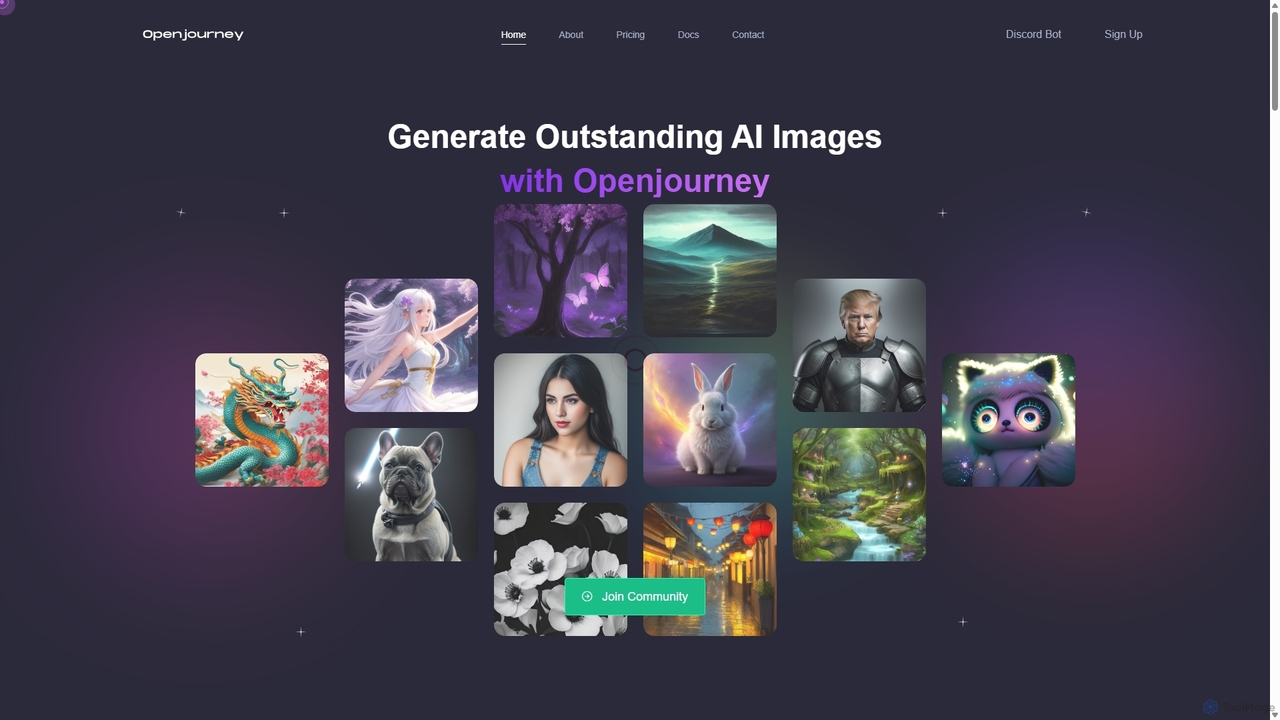
Openjourney
Openjourney is a comprehensive AI creative suite that offers a wide range of generative tools in one place. It excels in generating high-quality images from text prompts but also includes powerful features like face restoration, face swapping, background removal, image upscaling to 4K, an unlimited AI chatbot, and advanced controls like Controlnet. It's designed for creators, marketers, and artists seeking a versatile and powerful AI toolkit.
Generative Art
PhotoFairy
PhotoFairy is a powerful AI-driven photo editor and graphic design tool. It effortlessly transforms photos into various art styles, removes backgrounds and objects, generates images from text, and provides an infinite canvas for creative projects. Ideal for designers, marketers, and content creators seeking an all-in-one visual creation platform.
Art Generation
Pixelfox
Pixelfox is a comprehensive, free-to-use AI suite for creators and businesses. It combines a powerful online photo and video editor with over 300 AI writing tools. Effortlessly retouch photos, remove backgrounds, generate images from text, swap faces, and enhance quality. Simultaneously, create SEO-optimized articles, social media content, product descriptions, and much more, all within a single, no-download platform.
3DPhotoGrid
PhotoGrid is an all-in-one online collage maker and AI photo editor. It offers over 20,000 templates and a suite of powerful AI tools to create stunning photo collages, remove backgrounds, enhance image quality, and apply creative filters, making professional photo editing accessible to everyone.
Collage Maker
Nano Banana
Nano Banana is a versatile AI image playground offering a suite of tools for creative image transformation. It enables users to generate dynamic poses, perform face swaps, enhance photos, replace backgrounds, and create custom AI figurines, 3D figurines, and miniature worlds from their images, often without requiring a sign-up.
Digital Art
Nano Banana AI
Nano Banana AI is an advanced AI image editor powered by Google Gemini 2.5 Flash, enabling users to transform photos with simple text prompts. It offers ultra-fast, photorealistic editing with perfect character and scene consistency, featuring tools for face swapping, background changes, hairstyle alterations, and a unique Polaroid vintage photo generator. It's designed for both personal and professional creative workflows.
Creative ToolsPhotoleap
Photoleap is a powerful all-in-one AI photo editing app by Lightricks. It combines traditional editing tools with a massive suite of cutting-edge AI features, allowing users to transform photos, generate stunning AI art from text, create professional headshots, and apply creative effects with ease. It's designed for everyone from social media creators to casual users looking to elevate their images.
Generative Art
Lemono
An AI-powered platform for creating engaging videos and editing images. Transform photos into dynamic animations like kissing, hugging, or dancing, and edit images with features like hairstyle changes, outfit swaps, and background removal.
Generative Art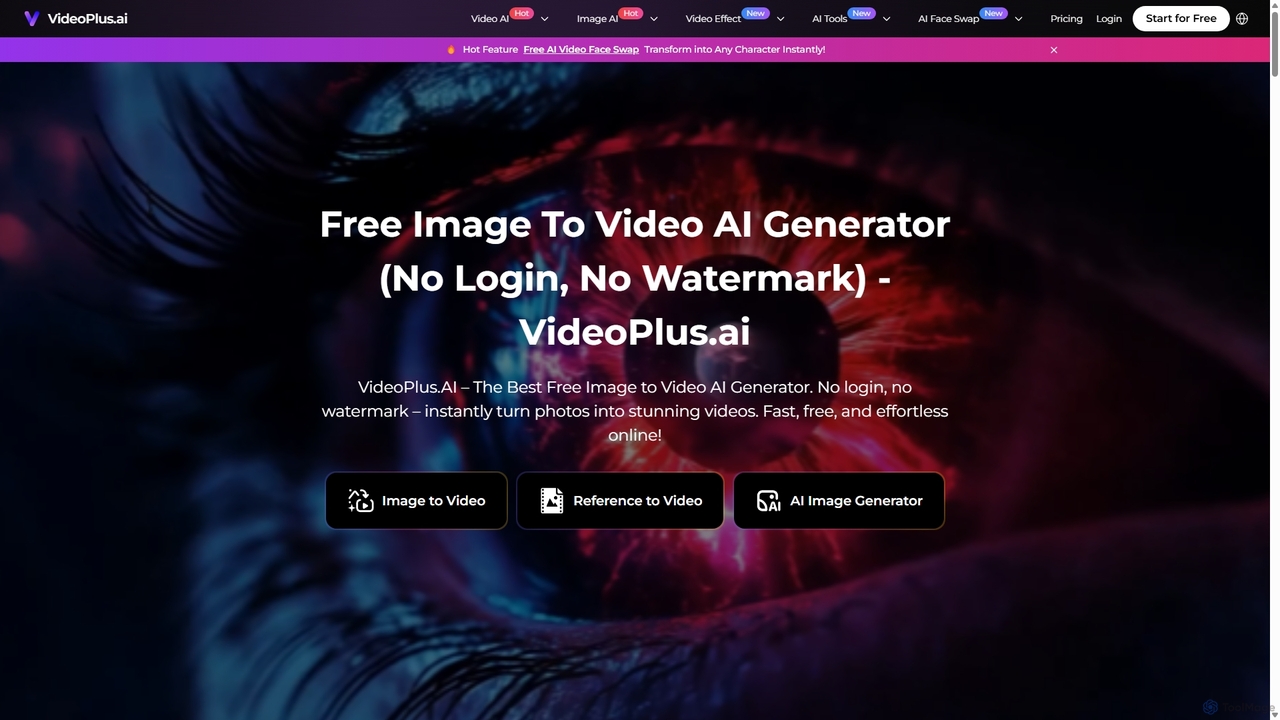
VideoPlus.ai
VideoPlus.ai is a powerful, all-in-one AI video generation platform that effortlessly transforms images and text into stunning, high-quality videos. It offers a suite of tools including image-to-video, text-to-video, AI video effects, and face swapping. Designed for both beginners and professionals, it requires no login or watermark for free use, making video creation fast, accessible, and cost-effective for marketing, content creation, and more.
Image Generation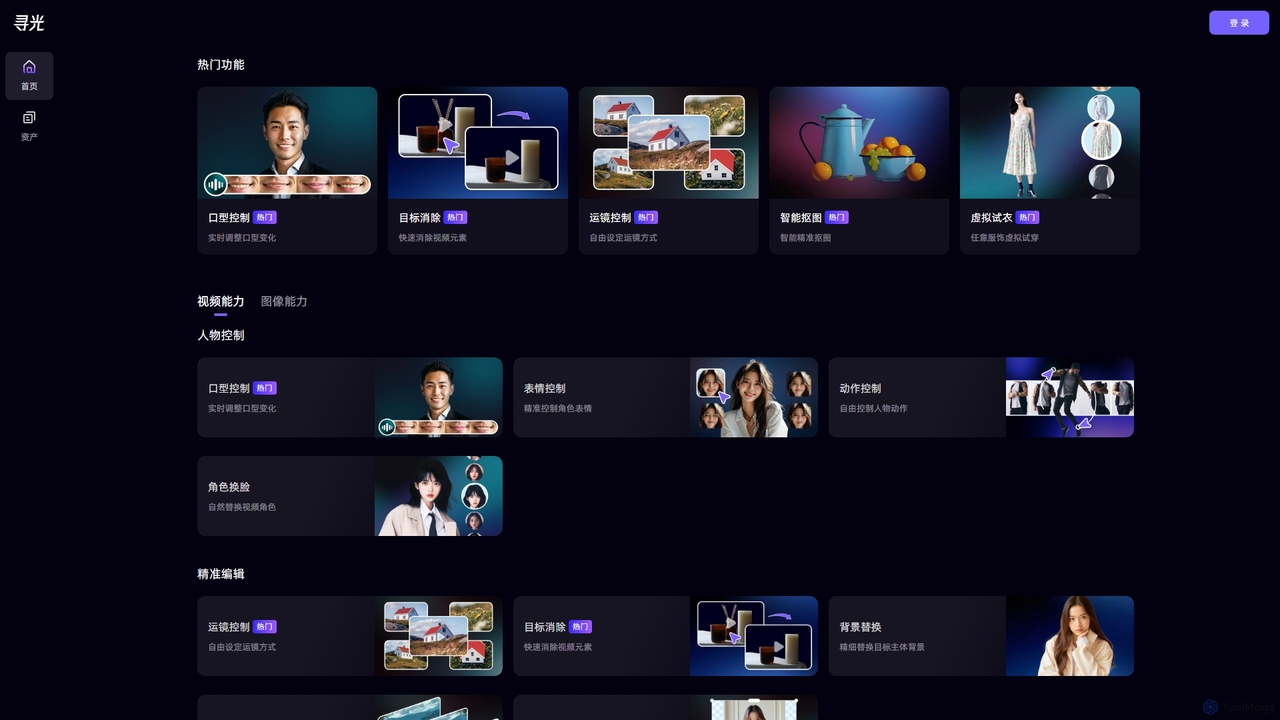
Xunguang AI
Xunguang AI is a powerful, all-in-one AI content creation platform specializing in advanced video and image manipulation. It offers a comprehensive suite of tools, including lip-sync control, object removal, face swapping, and virtual try-on, designed to streamline complex editing tasks and empower creators, marketers, and e-commerce professionals to produce high-quality content with unprecedented ease and efficiency.
Product Visualization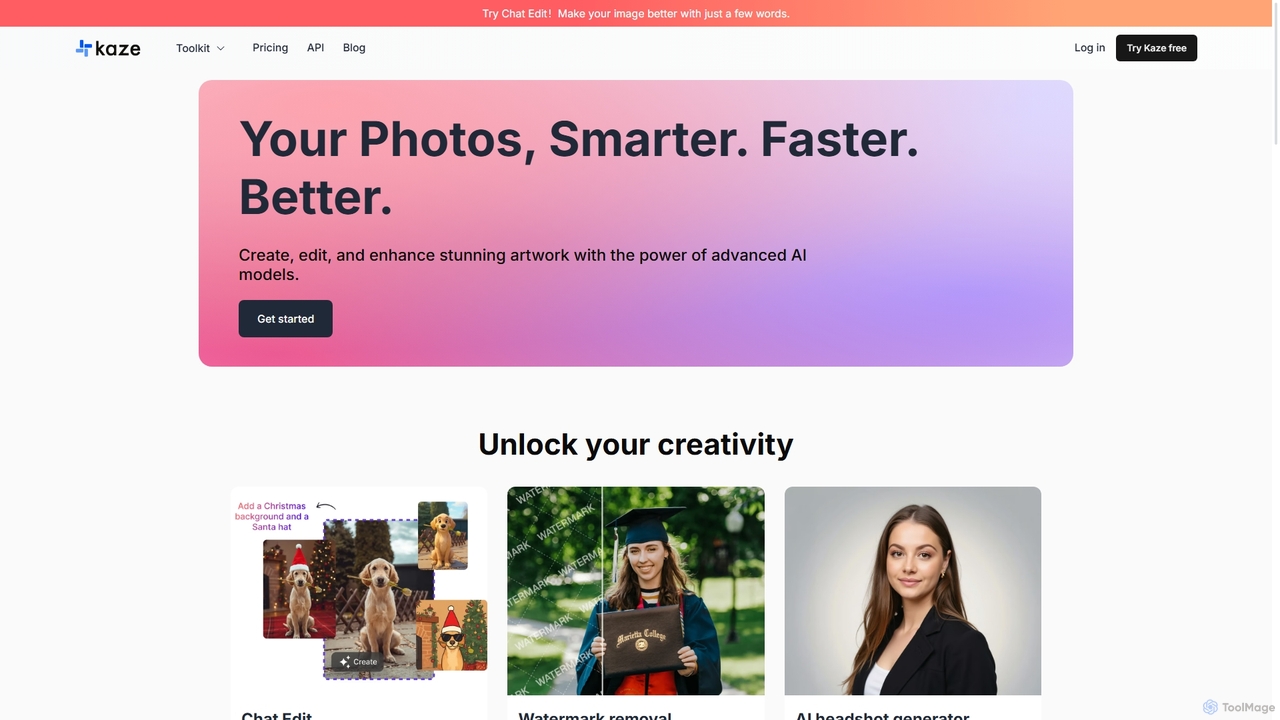
Kaze
Kaze is a comprehensive AI-powered image editing suite designed to create, edit, and enhance photos effortlessly. It offers a wide range of tools including one-click watermark and object removal, photo restoration, image upscaling, background removal, and an AI headshot generator. With its user-friendly interface and advanced AI models, Kaze delivers professional, studio-quality results in seconds, catering to creators, marketers, and photographers.
3D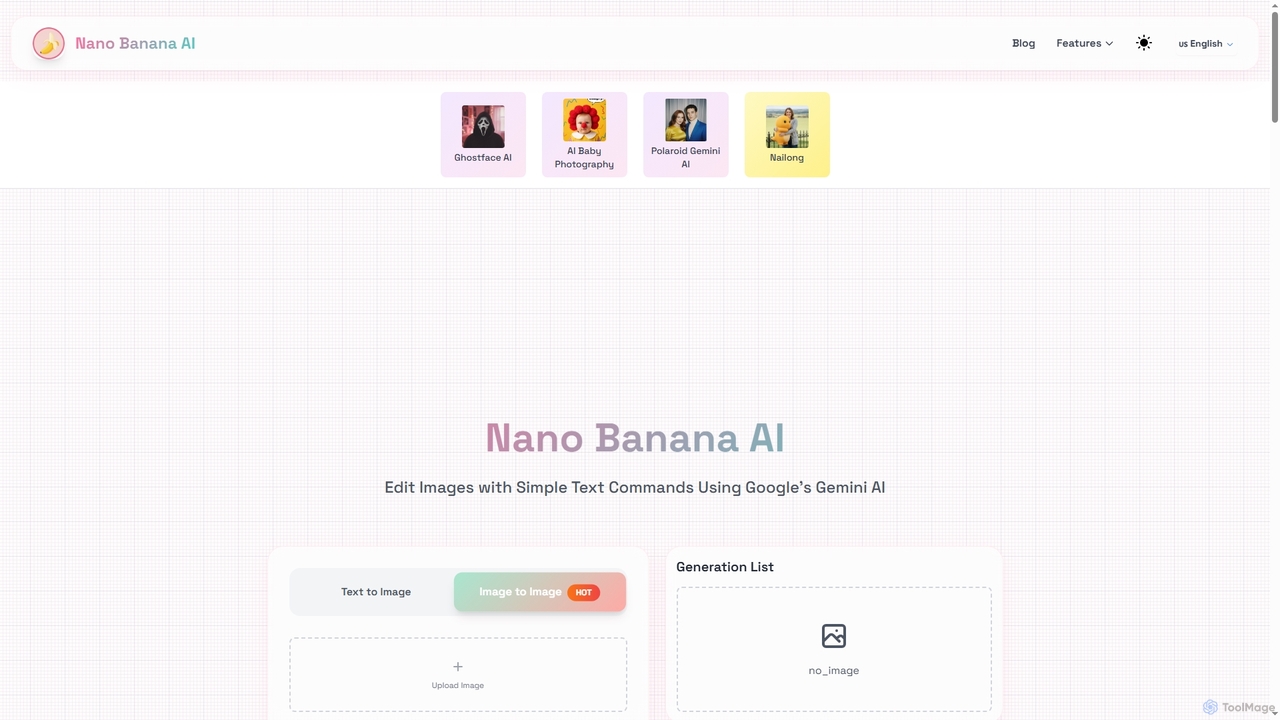
Nano Banana AI
Nano Banana AI is a cutting-edge image editing tool powered by Google's Gemini 2.5 Flash. It allows users to modify images using simple text commands, ensuring character consistency and understanding real-world context. Experience fast, intelligent photo editing directly in your browser.
Image To Image
MimicPhoto Comments (0)
Sign in to comment.
Sign inNo comments yet.