

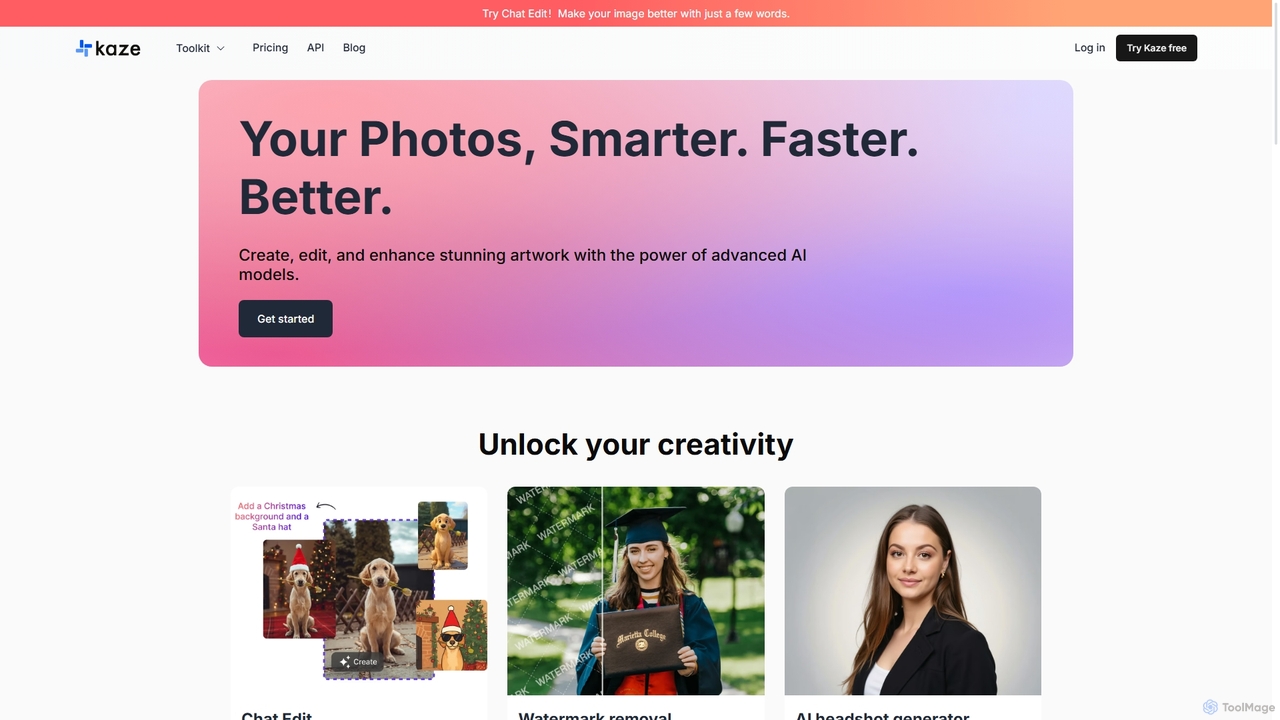
Kaze Overview
Kaze is an all-in-one, AI-driven image editing platform that empowers users to create, edit, and enhance their photos with remarkable speed and precision. Leveraging advanced AI models, Kaze simplifies complex editing tasks, making professional-grade results accessible to everyone. Whether you're a content creator, a marketing professional, an e-commerce seller, or simply someone looking to revive old memories, Kaze provides a comprehensive suite of tools to meet your needs. The platform is designed for efficiency, delivering high-quality enhancements in under five seconds, and has already processed over a million images for a growing user base.
How to use Kaze
Using Kaze is designed to be intuitive and straightforward. The general workflow involves three simple steps:
- Upload Your Image: Start by uploading your photo to the platform. You can drag and drop, click to browse, or paste an image. The platform supports batch processing for many features, allowing you to edit up to 20 images at once.
- Select a Tool: Choose the desired function from the extensive toolkit. For instance, if you want to remove a watermark, select the 'Watermark Removal' tool. The AI will automatically detect and erase it. For creative edits, you can use 'Chat Edit' by providing a simple text prompt describing the changes you want.
- Download the Result: Once the AI has processed the image, you can preview the result. If you're satisfied, simply download the enhanced, high-resolution image. Your edit history is saved, allowing you to revisit previous work.
Core Features of Kaze
- AI Removal Suite: Flawlessly remove unwanted elements from photos with one click. This includes a Watermark Remover, Logo Remover, Text Remover, Sticker Remover, and a tool to remove people from backgrounds.
- Photo Restoration & Enhancement: Revive old, blurry, or damaged photos. The Photo Restoration tool brings back lost details and colors, while the Image Upscaler enhances low-resolution images to Ultra HD quality without losing sharpness. The Unblur tool instantly clarifies fuzzy images.
- AI Headshot Generator: Create professional-grade headshots in minutes. This feature is perfect for LinkedIn profiles, resumes, and personal branding, providing realistic and high-quality results.
- Advanced Editing Tools: Go beyond simple fixes with powerful features like the AI Image Expander (Uncrop) to extend image borders, the Background Remover for creating transparent backgrounds, and the prompt-based Chat Edit for custom modifications.
- Creative AI Tools: Experiment with your look using the AI Hair Changer and Body Editor for natural-looking adjustments. Transform photos into the iconic Ghibli art style with the Ghibli Style generator.
- Batch Processing: Increase efficiency by editing multiple images simultaneously, a key feature for users with high-volume needs.
- Enterprise API: Businesses can integrate Kaze's powerful image processing capabilities into their own applications and workflows through a dedicated API.
Use Cases for Kaze
Kaze is a versatile tool suitable for a wide range of applications:
- E-commerce: Sellers can quickly remove backgrounds from product photos for a clean, professional look on their online stores. They can also erase manufacturer logos or watermarks from supplier images.
- Marketing & Social Media: Marketers and content creators can clean up images by removing distracting text or objects, create polished visuals for campaigns, and generate professional headshots for team profiles.
- Photography: Photographers can restore old family photos for clients, upscale images for large prints, and perform quick touch-ups like removing unwanted people from a shot.
- Personal Use: Individuals can restore cherished memories from old photographs, create unique avatars in different art styles, and experiment with new looks using the hair and body editing tools.
- Graphic Design: Designers can save time on tedious manual edits, quickly preparing images for use in larger projects by removing logos, text, or backgrounds.
Advantages of Kaze
Kaze stands out with several key advantages:
- Speed and Efficiency: Most edits are completed in less than 5 seconds, dramatically speeding up workflows.
- High-Quality Output: The AI ensures studio-quality, natural-looking results, preserving details and avoiding common editing artifacts.
- User-Friendly Interface: The platform is designed for ease of use, with many tools operating on a simple one-click basis, requiring no technical expertise.
- Comprehensive Toolkit: It offers a wide array of tools in one place, eliminating the need for multiple specialized software subscriptions.
- Accessibility: With a freemium model, anyone can start using the tools for free, with affordable plans available for higher volume usage.
Pricing and Plans
Kaze operates on a freemium, credit-based system, offering flexibility for different user needs.
- Free Plan: New users receive 4 free credits to try out the tools. This plan includes access to edit history and priority processing speed.
- Kaze Pro: Priced at $4.95/month, this plan is ideal for regular users. It includes 20 Watermark Removals, 5 Photo Restorations, and 300 credits each for Chat Edit, Image Upscaler, Background Remover, and Image Expander. It also offers High-Volume Batch Mode and Ultra HD Results.
- Kaze Pro+: The most popular plan at $9.95/month. It significantly increases the credit limits (e.g., 60 Watermark Removals, 15 Photo Restorations) and adds Top-Priority AI Queue and Premium Customer Support.
- Kaze Max: For heavy users and professionals, this plan costs $19.95/month and provides the highest credit allocation (e.g., 160 Watermark Removals, 40 Photo Restorations) along with all the features of Pro+.
Users can choose between monthly and yearly subscriptions, with the yearly option offering a 50% discount. There is also a referral program where users can get discounts by inviting friends.
Traffic
Latest traffic
Status
Monthly traffic trend
- 2025-9: 752.2K
- 2026-1: 1.3M
- 2026-2: 1.0M
- 2026-3: 1.2M
- 2026-4: 1.1M
- 2026-5: 1.0M
Geography
Top 5 countries / regions
- 🇺🇸United States40.6%
- 🇷🇺Russia22.2%
- 🇧🇷Brazil13.4%
- 🇮🇩Indonesia12.9%
- 🇮🇳India10.9%
Traffic sources
| Source type | Percentage |
|---|---|
Direct | 86.8% |
Referral | 12.2% |
Email | 0.9% |
Top keywords
| Keyword | Cost per click |
|---|---|
| ai bikini generator | $0.53 |
| bald filter | $0.81 |
| kaze | $1.02 |
| kaze ai | $1.05 |
| kazeai | $0.00 |
Kaze Videos on YouTube


NDTV India


Ravindra Gangadhar
Sudeep Srivastava
Kaze Alternatives
Pixelfox
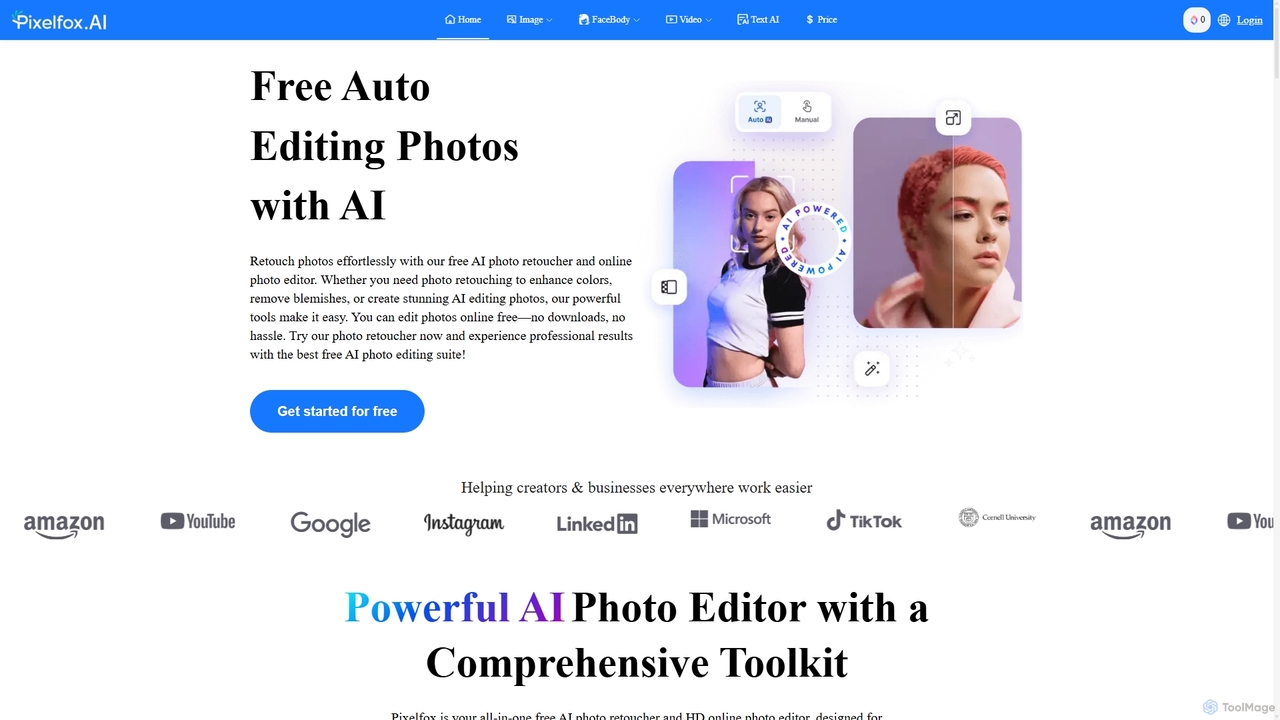
Pixelfox is a comprehensive, free-to-use AI suite for creators and businesses. It combines a powerful online photo and video editor with over 300 AI writing tools. Effortlessly retouch photos, remove backgrounds, generate images from text, swap faces, and enhance quality. Simultaneously, create SEO-optimized articles, social media content, product descriptions, and much more, all within a single, no-download platform.
3D
Remover
Remover is a free AI-powered tool by ZMO.AI that effortlessly removes unwanted objects, people, text, and backgrounds from photos. Ideal for e-commerce, real estate, and general photo cleanup, it provides unlimited edits and professional results in seconds without needing complex software like Photoshop.
3D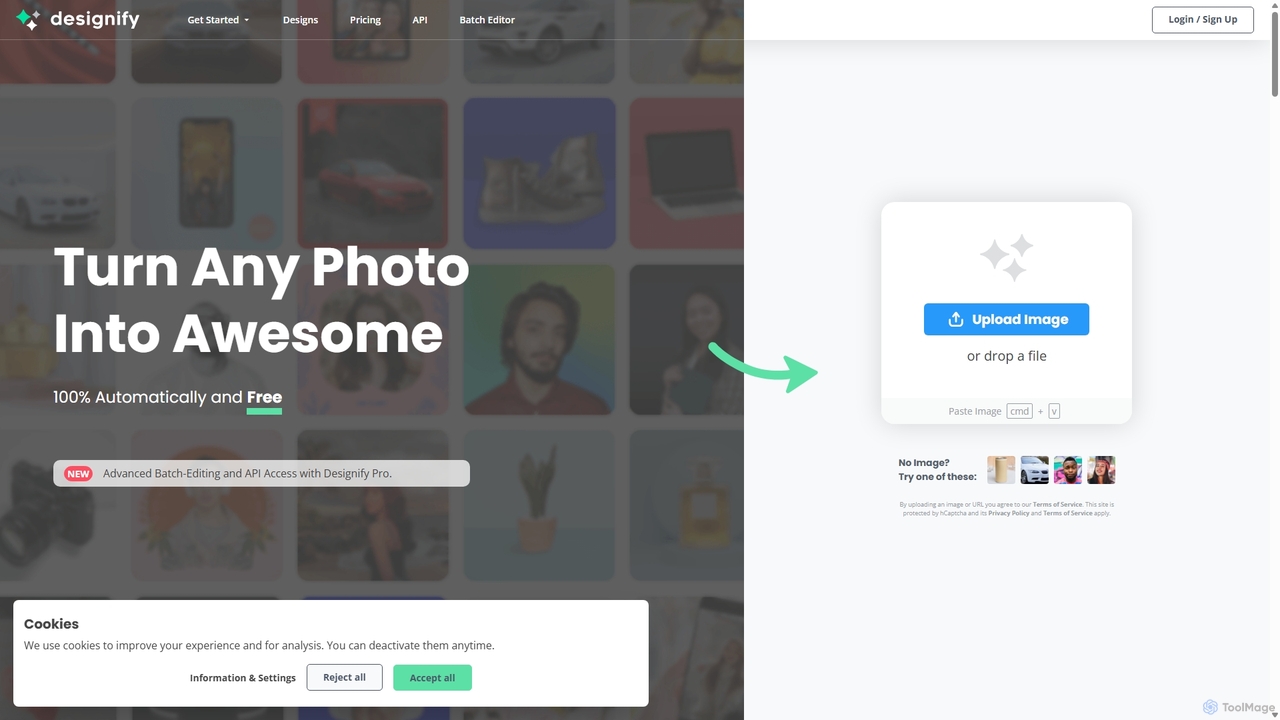
Designify
Designify is an AI-powered tool that automatically transforms any photo into a professional design. It removes backgrounds, enhances colors, and adds smart shadows to create stunning visuals for e-commerce, marketing, and social media in seconds. It also offers batch editing and API access for workflow automation.
3D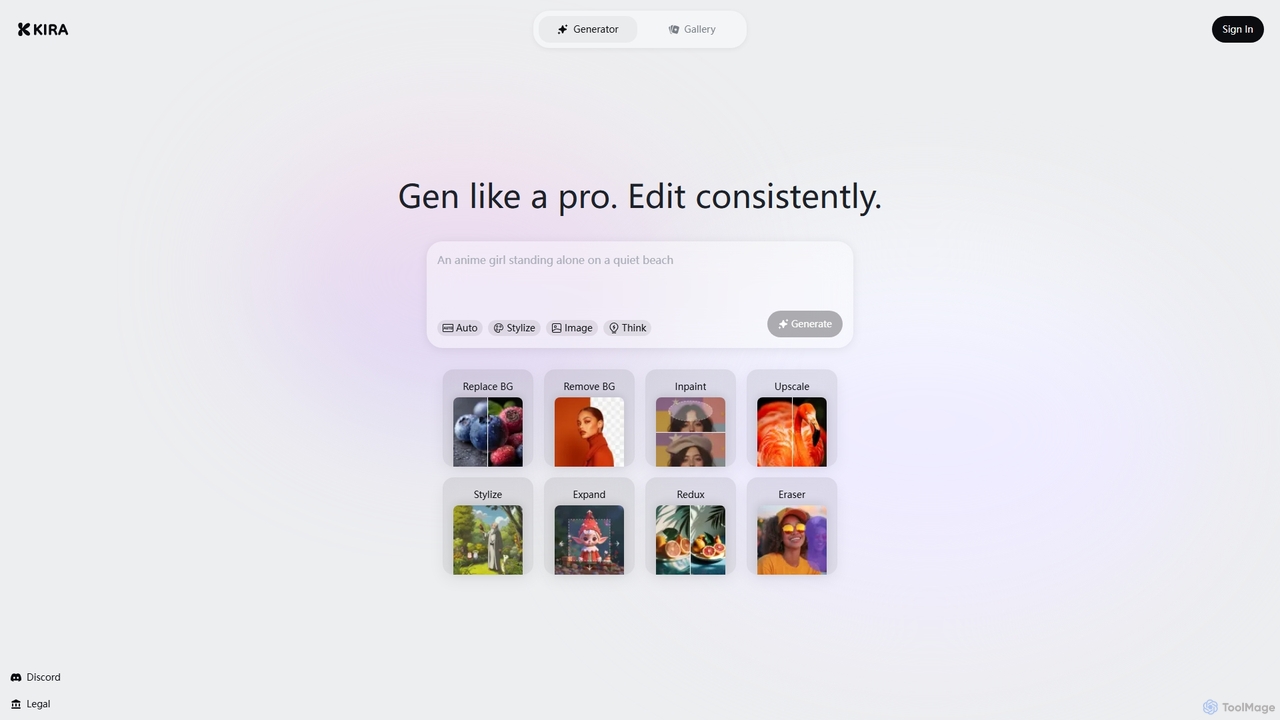
Kira
Kira is a powerful AI-powered platform for professional-grade image generation and editing. It combines a versatile text-to-image generator with a comprehensive suite of editing tools, including background removal, inpainting, upscaling, and stylization. Its key feature is the ability to maintain consistent styles and characters across multiple edits and generations, making it ideal for branding, marketing, and creative projects that require a cohesive visual identity.
Graphic Design
Picsart
Picsart is an all-in-one AI-powered creative platform for photo and video editing. It offers a comprehensive suite of tools, including AI image generation, background removal, photo enhancement, and a vast library of templates and stock content. Designed for everyone from beginners to professionals, Picsart simplifies the creation of stunning visuals for social media, marketing, and personal projects, accessible on both web and mobile.
3DKaze Categories
Kaze Jobs
Kaze Embed Widget
Copy this embed code to place the badge on your blog, article, or product site and send readers directly to this ToolMage detail page.

Related AI tools
Pixelfox
Pixelfox is a comprehensive, free-to-use AI suite for creators and businesses. It combines a powerful online photo and video editor with over 300 AI writing tools. Effortlessly retouch photos, remove backgrounds, generate images from text, swap faces, and enhance quality. Simultaneously, create SEO-optimized articles, social media content, product descriptions, and much more, all within a single, no-download platform.
3DKira
Kira is a powerful AI-powered platform for professional-grade image generation and editing. It combines a versatile text-to-image generator with a comprehensive suite of editing tools, including background removal, inpainting, upscaling, and stylization. Its key feature is the ability to maintain consistent styles and characters across multiple edits and generations, making it ideal for branding, marketing, and creative projects that require a cohesive visual identity.
Graphic Design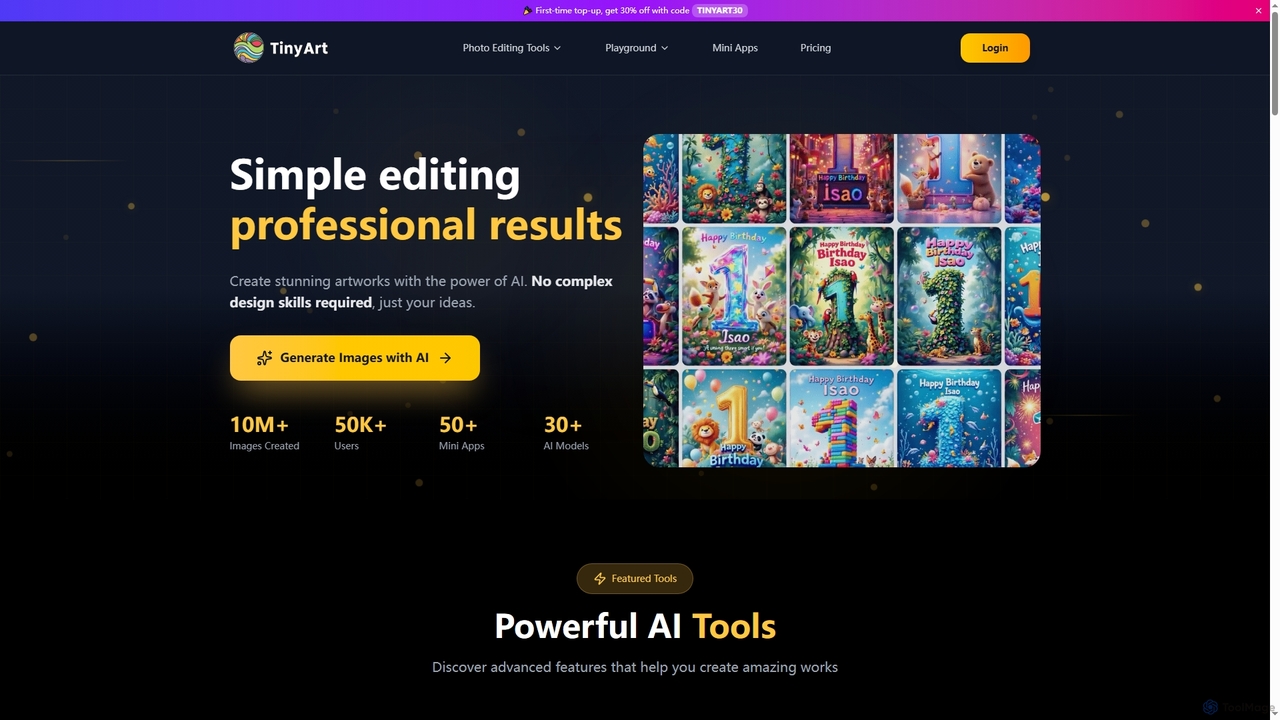
TinyArt
TinyArt is an AI-powered photo editing and image generation platform designed for professional results without complex design skills. It offers a suite of tools including background removal, image upscaling, watermark removal, object cleanup, and text-to-image generation, alongside specialized mini-apps for ID photos, face swaps, and photo restoration.
Creative Tools
PhotoGrid
PhotoGrid is an all-in-one online collage maker and AI photo editor. It offers over 20,000 templates and a suite of powerful AI tools to create stunning photo collages, remove backgrounds, enhance image quality, and apply creative filters, making professional photo editing accessible to everyone.
Collage Maker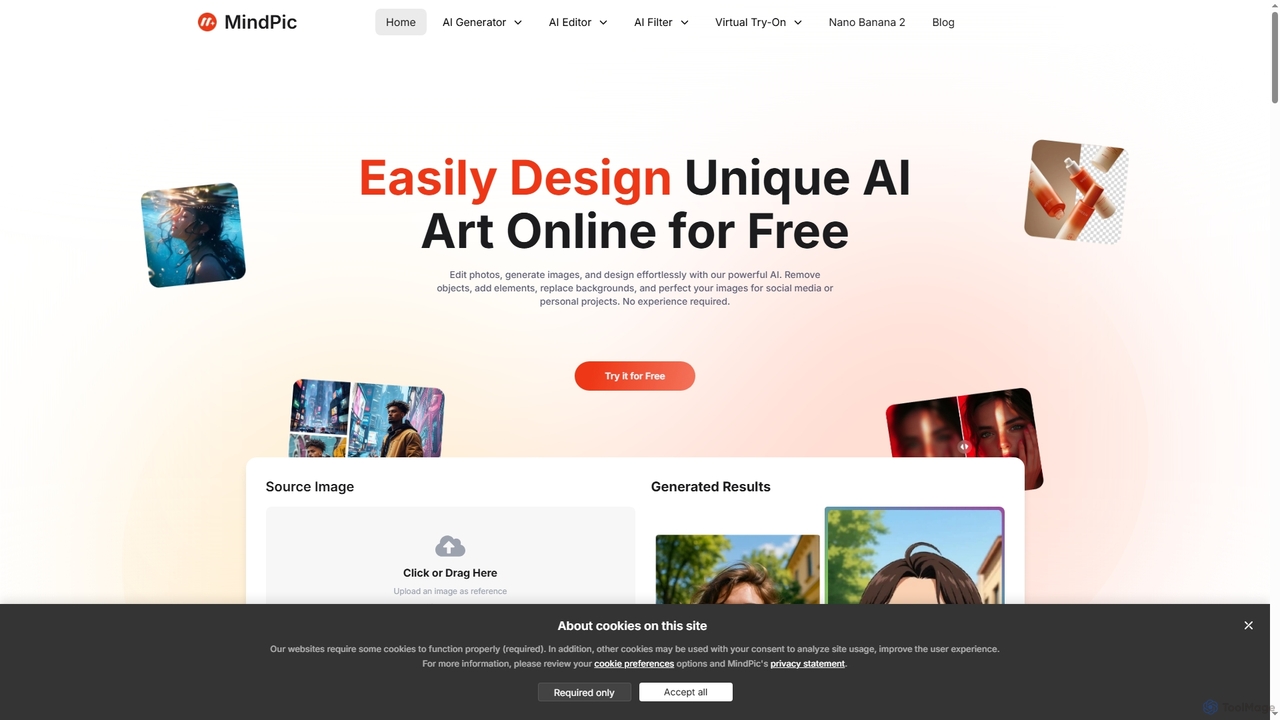
MindPic
MindPic is a free online AI photo editor and design tool that empowers users to effortlessly enhance, transform, and generate images. It offers a suite of AI-powered features like object removal, background replacement, image upscaling, photo retouching, and art generation from text or reference images, all without requiring any login or prior editing experience.
Graphic Design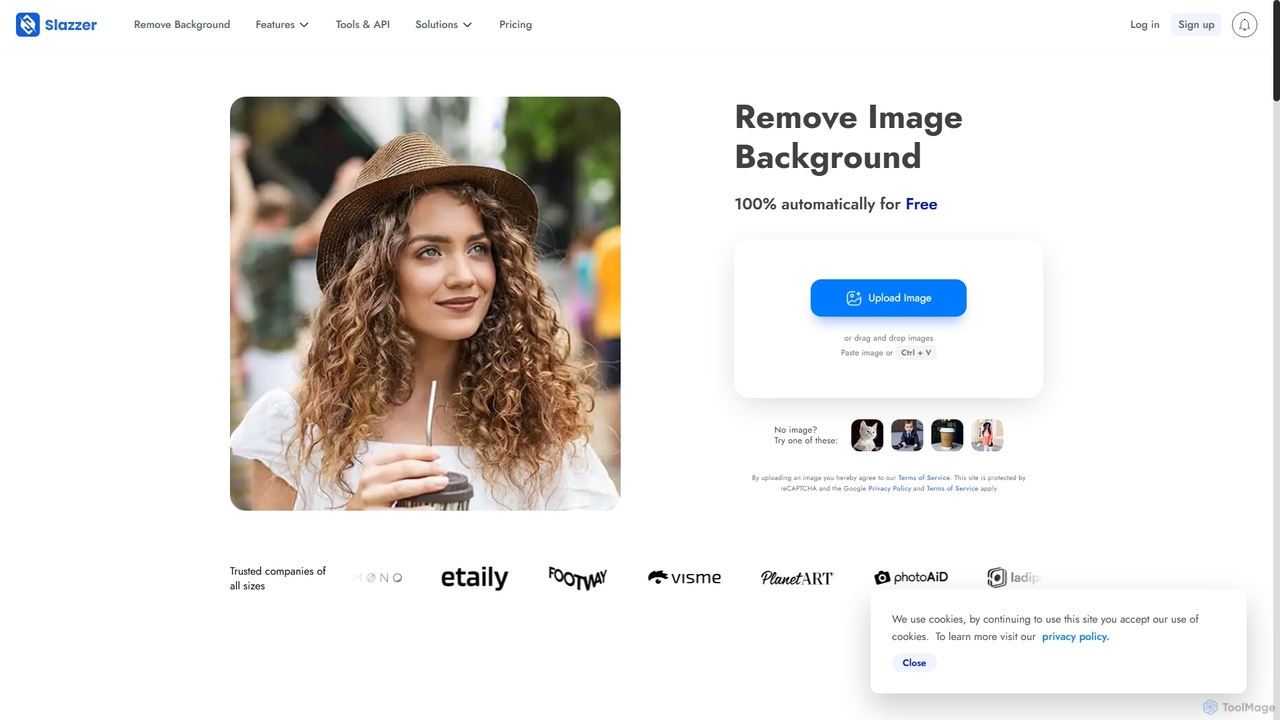
Slazzer
Slazzer is an AI-powered visual editing platform that automatically removes image backgrounds in seconds. It offers a suite of tools including AI background generation, image enhancement, upscaling, and shadow creation. Designed for efficiency, it serves e-commerce, photographers, marketers, and developers with web-based tools, desktop apps, and API integration for bulk processing.
Api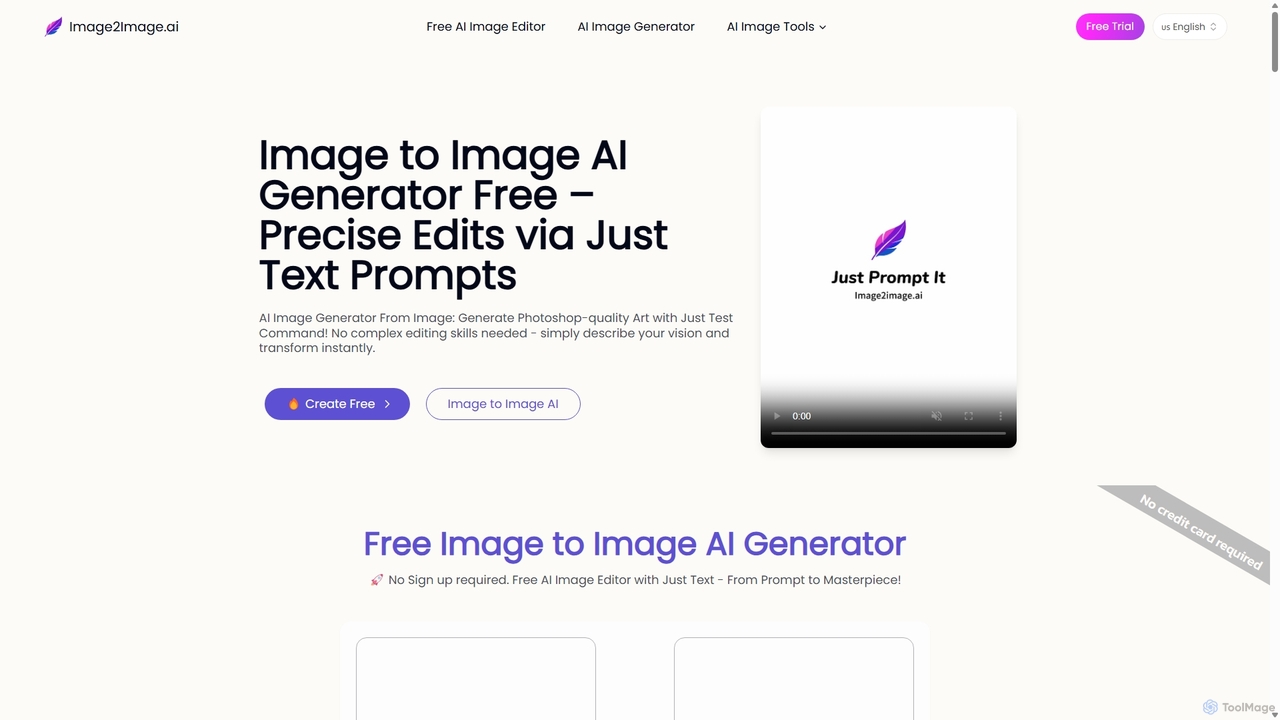
Image to Image AI
Image to Image AI is a powerful free tool that transforms your existing photos into stunning new creations using simple text prompts. It allows for precise edits, style transfers, object removal, and photo restoration while maintaining the consistency and composition of the original image, no professional skills required.
Ai Art GeneratorRemover
Remover is a free AI-powered tool by ZMO.AI that effortlessly removes unwanted objects, people, text, and backgrounds from photos. Ideal for e-commerce, real estate, and general photo cleanup, it provides unlimited edits and professional results in seconds without needing complex software like Photoshop.
3D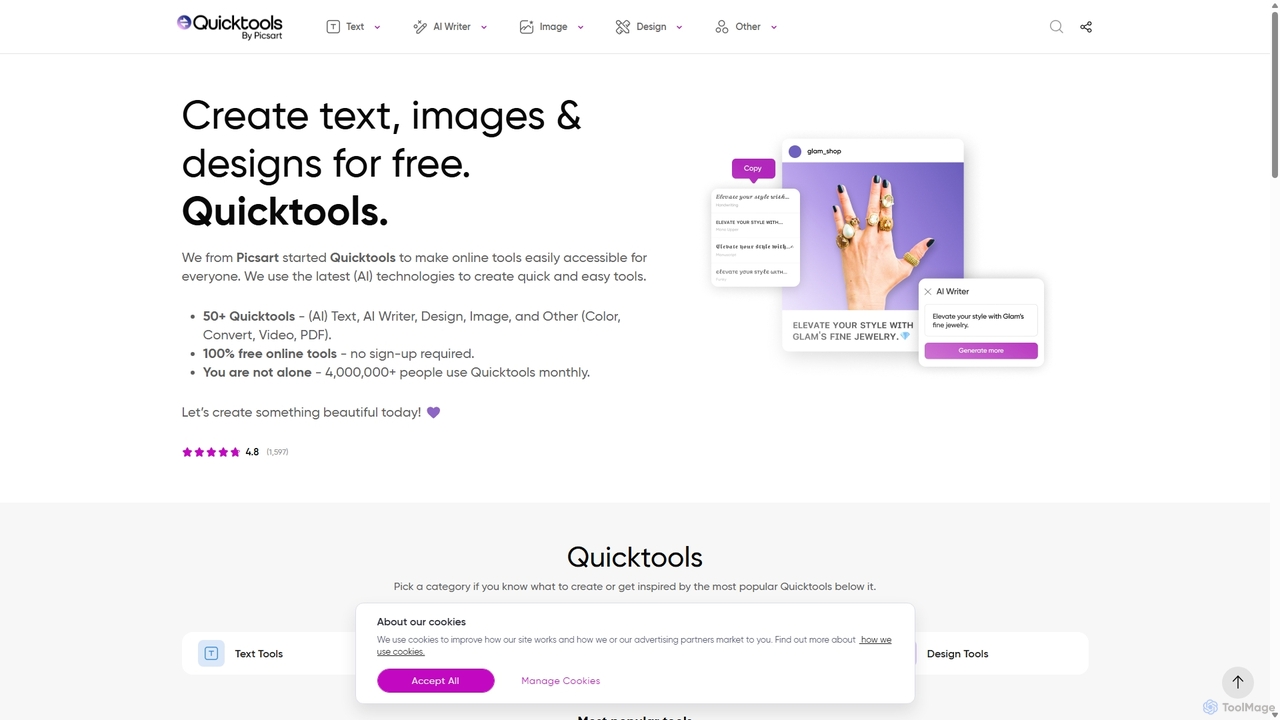
Quicktools by Picsart
Quicktools by Picsart is a comprehensive suite of over 50 free, AI-powered online tools for creative tasks. It offers a wide range of single-purpose utilities for image editing, text generation, design, and file conversion. Designed for speed and simplicity, it allows users to perform quick edits like background removal, image upscaling, and font generation without needing to sign up or use a complex editor.
Image Editing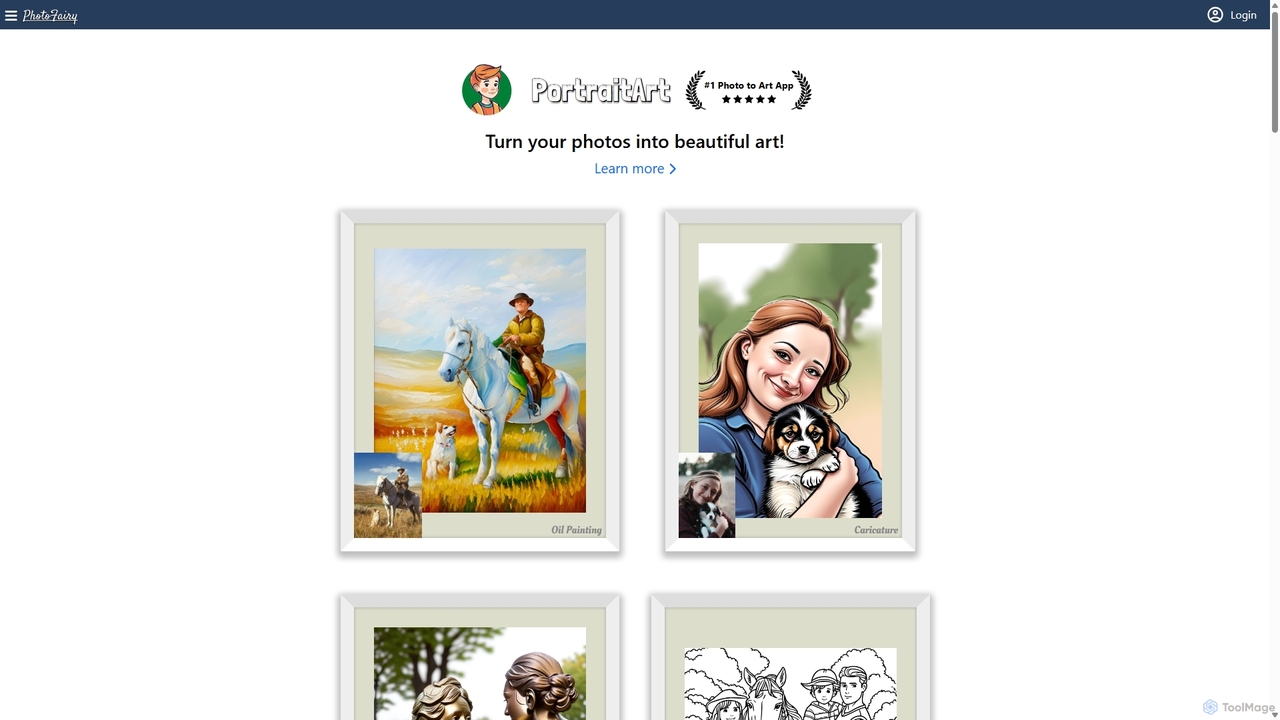
PhotoFairy
PhotoFairy is a powerful AI-driven photo editor and graphic design tool. It effortlessly transforms photos into various art styles, removes backgrounds and objects, generates images from text, and provides an infinite canvas for creative projects. Ideal for designers, marketers, and content creators seeking an all-in-one visual creation platform.
Art Generation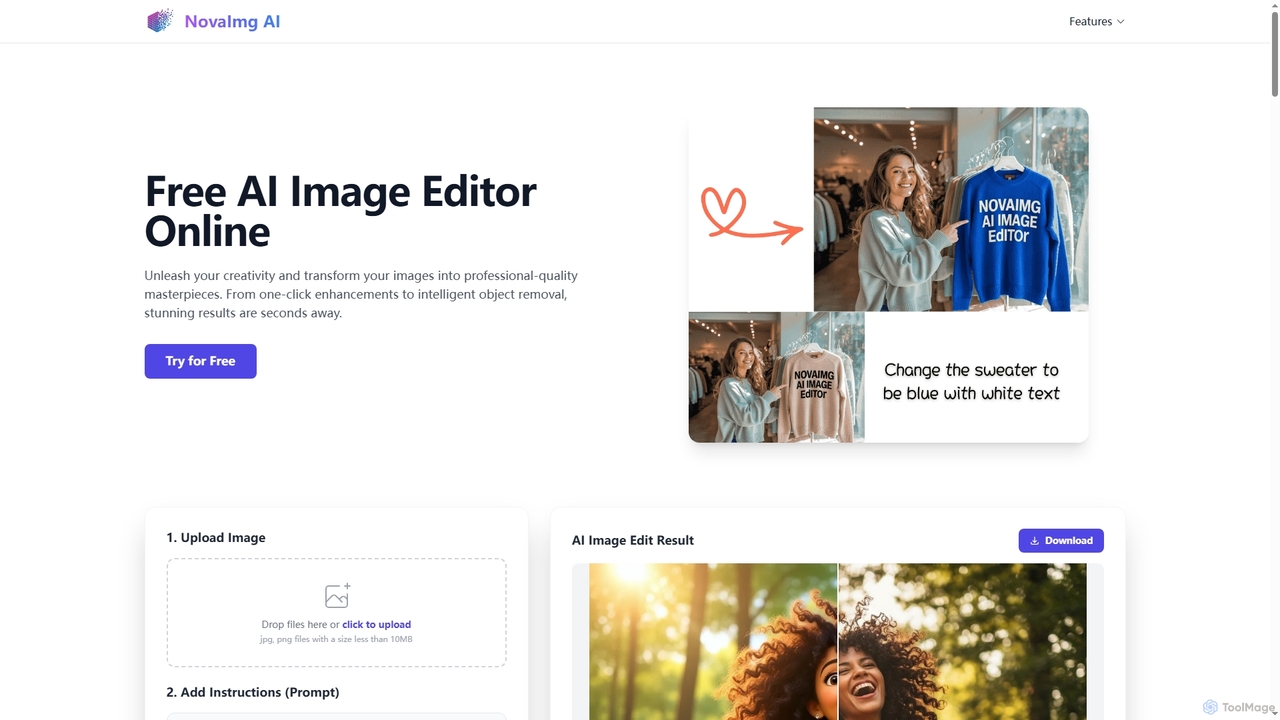
Novaimg
Novaimg is a versatile online AI tool suite for transforming and enhancing visual content. It offers a range of features including AI image editing with text prompts, 4K image upscaling, realistic face swapping for photos, videos, and GIFs, and an intelligent watermark remover. Designed for ease of use, Novaimg helps users create professional-quality images and videos for social media, e-commerce, and creative projects, often for free or with generous daily limits.
Graphic Design
Jyek
Jyek is an AI agent platform that understands objectives, creates execution plans, uses tools, and delivers verifiable results for complex, multi-step tasks.
AutomationDesignify
Designify is an AI-powered tool that automatically transforms any photo into a professional design. It removes backgrounds, enhances colors, and adds smart shadows to create stunning visuals for e-commerce, marketing, and social media in seconds. It also offers batch editing and API access for workflow automation.
3D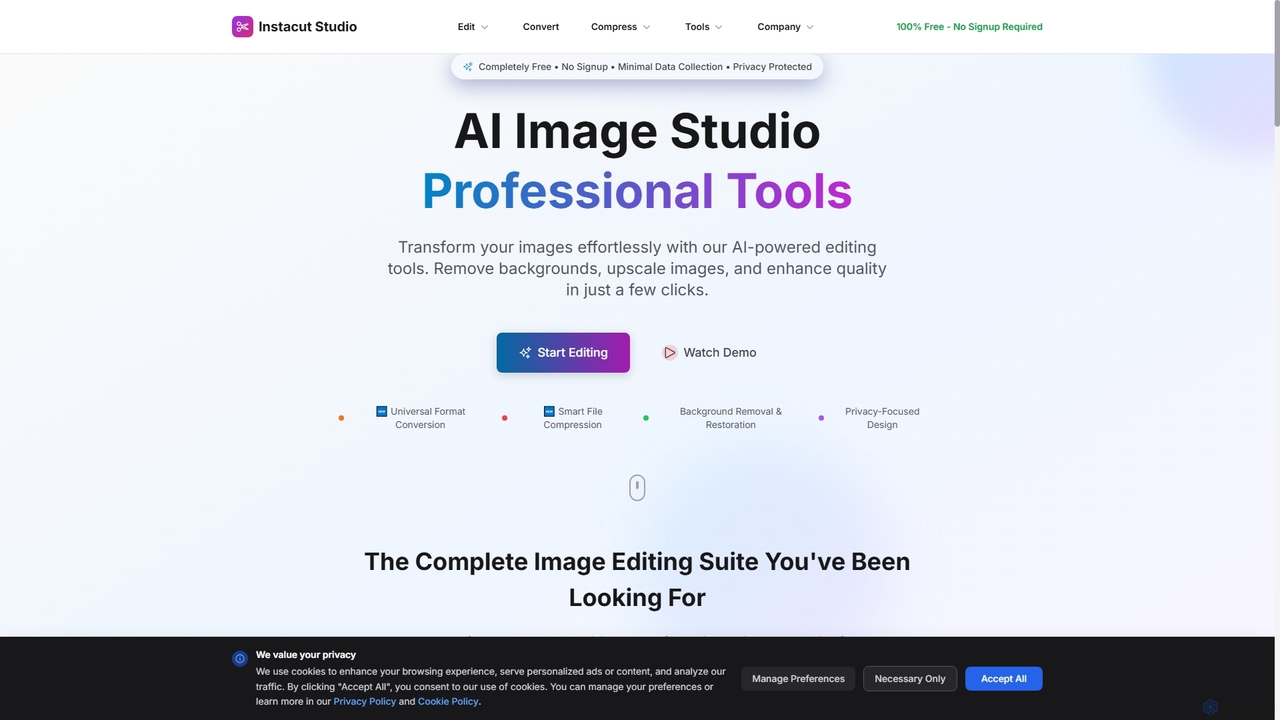
Instacut
Instacut is a comprehensive, privacy-first suite of AI-powered image editing tools available online for free. It requires no signup and offers features like background removal, image upscaling, photo restoration, format conversion, and file compression, ensuring user data is never stored.
Graphics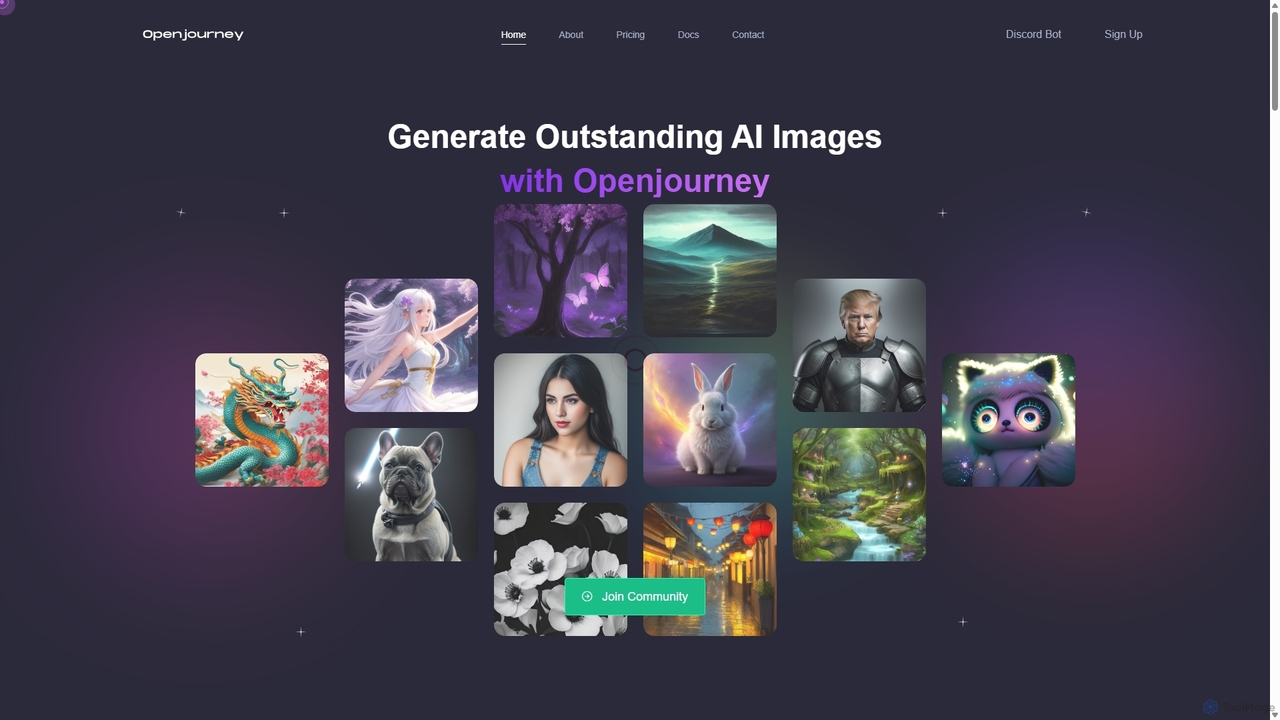
Openjourney
Openjourney is a comprehensive AI creative suite that offers a wide range of generative tools in one place. It excels in generating high-quality images from text prompts but also includes powerful features like face restoration, face swapping, background removal, image upscaling to 4K, an unlimited AI chatbot, and advanced controls like Controlnet. It's designed for creators, marketers, and artists seeking a versatile and powerful AI toolkit.
Generative Art
Kaze Comments (0)
Sign in to comment.
Sign inNo comments yet.