

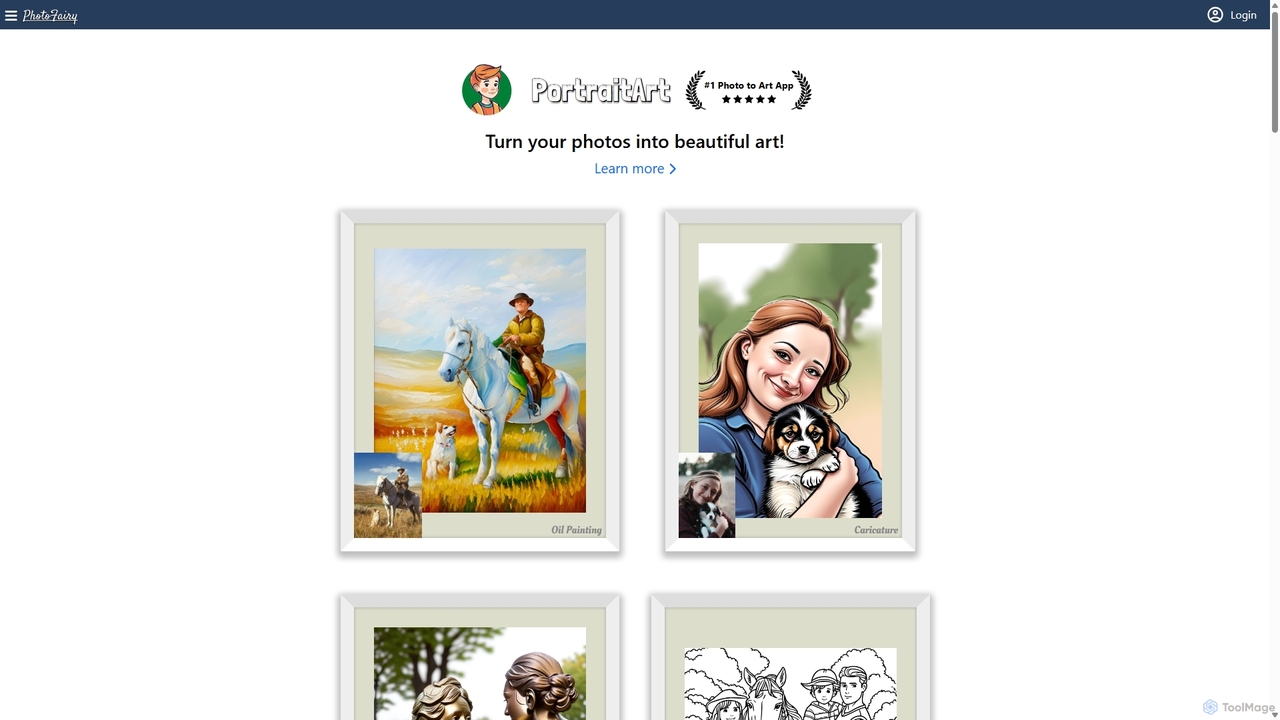
PhotoFairy Overview
PhotoFairy is a comprehensive, AI-powered visual content creation platform designed to make photo editing and graphic design effortless and accessible to everyone. Developed by a team with extensive experience from Google, Brown University, and GE, PhotoFairy combines cutting-edge AI technology with a user-friendly interface. It serves as an all-in-one solution, featuring an infinite canvas where users can transform simple photos into stunning works of art, perform complex edits with a single click, and design professional-grade graphics from scratch. Whether you're a professional designer, a marketing manager, or someone looking to unleash their creativity, PhotoFairy provides a robust set of tools to bring your visual ideas to life.
How to use PhotoFairy
Getting started with PhotoFairy is simple and intuitive. The workflow is designed for efficiency and creativity:
- Sign Up: Create a free account to begin. New users receive 100 complimentary AI credits to explore the platform's full capabilities.
- Start a Project: You can either upload your own photos or start with a blank, infinite canvas. The platform also provides access to millions of free stock photos and graphics to incorporate into your designs.
- Use AI Tools: Select from a vast array of AI-powered tools in the editor. For example, use the "Object cutout" tool to instantly remove backgrounds, or the "Generative completion" tool to remove unwanted objects and have the AI intelligently fill in the space.
- Transform and Create: Turn your photos into oil paintings, caricatures, or sketches with the "Photo to Art" features. Use "Text-to-image" or "Scribble-to-image" to generate entirely new visuals from your descriptions or simple drawings.
- Design and Refine: Utilize the graphic design features to add text from over 1000 fonts, compose shapes, create infographics, or design screen mockups. The infinite canvas allows you to organize and experiment with multiple ideas in one space.
- Export and Share: Once your creation is complete, you can export it in high resolution. The platform also allows you to share your designs and even remix projects created by others.
Core Features of PhotoFairy
- Advanced AI Photo Editing: Includes one-click object and background removal, generative fill for inpainting, image extension (outpainting), perspective rectification, and AI-powered face enhancement and beautification.
- Artistic Style Transformation: Offers over 50 preset styles to transform images. Features include turning photos into various art forms like oil paintings, sculptures, and caricatures, as well as cartoonizing photos and converting scribbles into detailed artwork.
- AI Image Generation: Generate unique images from text prompts (Text-to-image) or simple drawings (Scribble-to-image), allowing for limitless creative possibilities.
- Comprehensive Graphic Design Suite: An infinite canvas for boundless creativity, tools for creating letter arts, infographics, and mockups, access to a vast library of free photos and graphics, and over 1000 fonts.
- Specialized AI Applications: Unique features like virtual try-on for fashion, changing hair styles, visualizing landscaping ideas, bringing historical artifacts to life, and creating double exposure effects.
- Image Enhancement: Tools for upscaling images to higher resolutions (super-resolution) and colorizing black and white photos automatically.
Use Cases for PhotoFairy
PhotoFairy is versatile and can be used by various professionals and creatives:
- For Marketers and Social Media Managers: Quickly create engaging ad creatives, social media posts, banners, and infographics. Remove backgrounds from product photos for clean e-commerce listings.
- For Graphic Designers and Digital Artists: Use the infinite canvas for brainstorming and creating complex compositions. Experiment with AI-generated art and unique style transformations for client projects or personal portfolios.
- For Content Creators and Bloggers: Design eye-catching thumbnails, featured images, and illustrations for articles and videos. Enhance personal photos for a more professional look.
- For Small Business Owners: Create professional-looking marketing materials, logos, and website graphics without needing extensive design skills or expensive software.
- For Personal Use: Transform family portraits into beautiful art pieces for gifts, restore and colorize old family photos, or simply have fun creating unique images to share with friends.
Advantages of PhotoFairy
- All-in-One Solution: It seamlessly integrates the functionalities of a photo editor, graphic designer, and AI art generator, eliminating the need for multiple applications.
- Accessibility and Ease of Use: Built on the mission to make visual creation accessible, its interface is intuitive for both beginners and professionals.
- Powerful and Versatile AI: Leverages a wide range of advanced AI models to automate complex tasks and open up new creative avenues.
- Flexible and Transparent Pricing: The freemium model allows anyone to start for free, with affordable subscription plans and a prepaid credit option that caters to different usage patterns.
- Credible and Experienced Team: Developed by AI experts, ensuring a high-quality, reliable, and innovative product.
Pricing and Plans
PhotoFairy offers a flexible pricing structure to suit various needs:
- Free Plan: $0/month. Includes 100 complimentary AI credits upon registration, access to all standard features, and allows for up to 5 designs. Perfect for getting started.
- Pro Plan: $10/month or $8/month when billed annually (20% savings). Includes 1000 AI credits per month, access to both standard and premium features, unlimited designs, and technical support.
- Max Plan: $20/month or $16/month when billed annually (20% savings). Includes 3000 AI credits per month, access to all standard and premium features, unlimited designs, and technical support.
- Prepaid Credits: For users who need extra flexibility, 1000 prepaid AI credits can be purchased for $20. These credits are valid for one year and can be used as needed.
AI Credits are used for computationally intensive tasks like image generation, inpainting, and upscaling. The credit cost varies per job (e.g., Text-to-image costs 1 credit, while simple object removal costs 0.25 credits). Basic features like object cutout are free of credit cost.
PhotoFairy Alternatives

Kira
Kira is a powerful AI-powered platform for professional-grade image generation and editing. It combines a versatile text-to-image generator with a comprehensive suite of editing tools, including background removal, inpainting, upscaling, and stylization. Its key feature is the ability to maintain consistent styles and characters across multiple edits and generations, making it ideal for branding, marketing, and creative projects that require a cohesive visual identity.
Graphic Design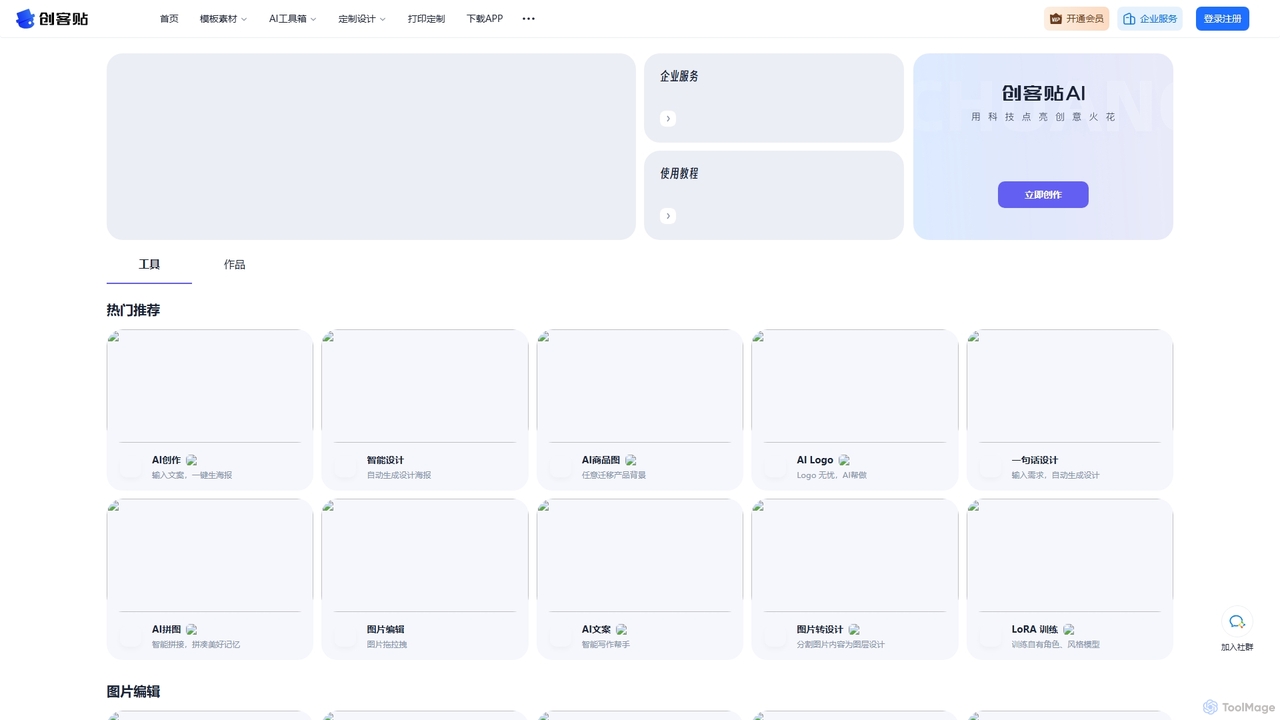
Chuangkit AI
Chuangkit AI is an all-in-one intelligent design platform that leverages AI to automate creative workflows. It enables users to generate posters, product photos, logos, and social media content from simple text prompts, and offers a comprehensive suite of AI-powered image editing tools.
Graphic Design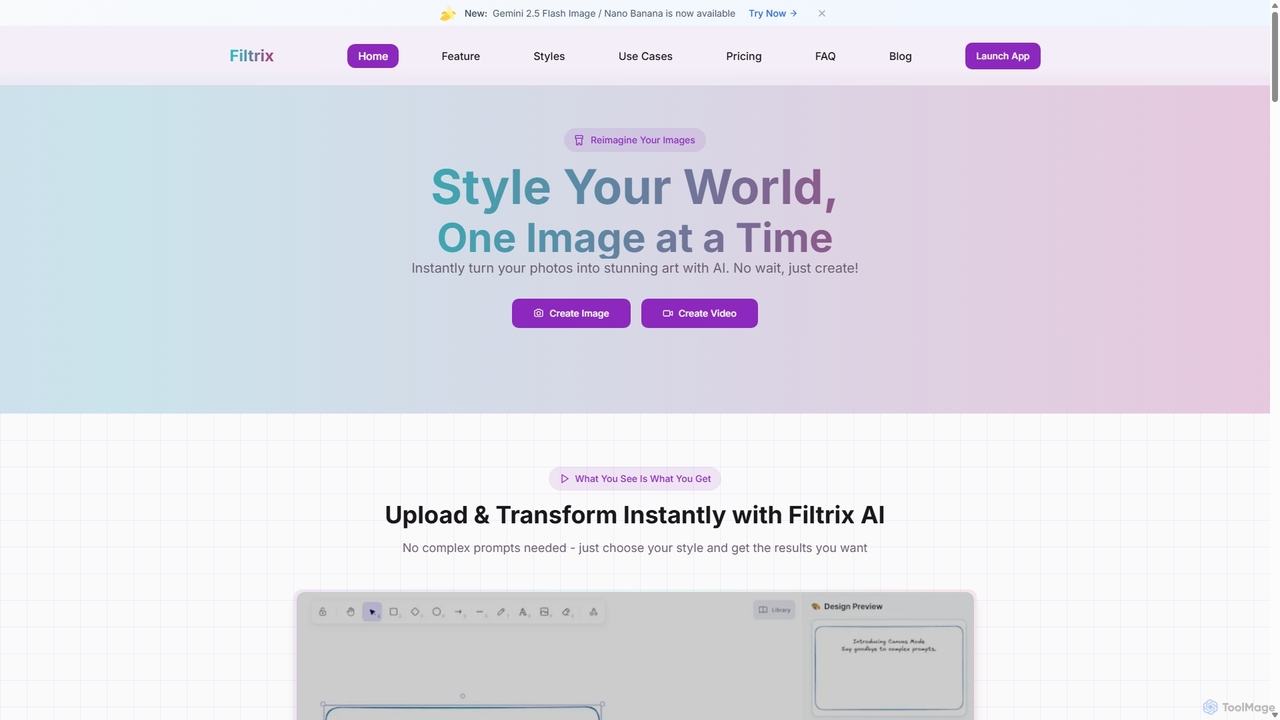
Filtrix
Filtrix is an AI-powered image and video generator that transforms your photos into stunning art with unique styles like Ghibli and Pixar. It simplifies content creation with one-click transformations, an intuitive canvas editor, and a powerful image-to-video feature, making it ideal for e-commerce, marketing, and social media.
Art Generation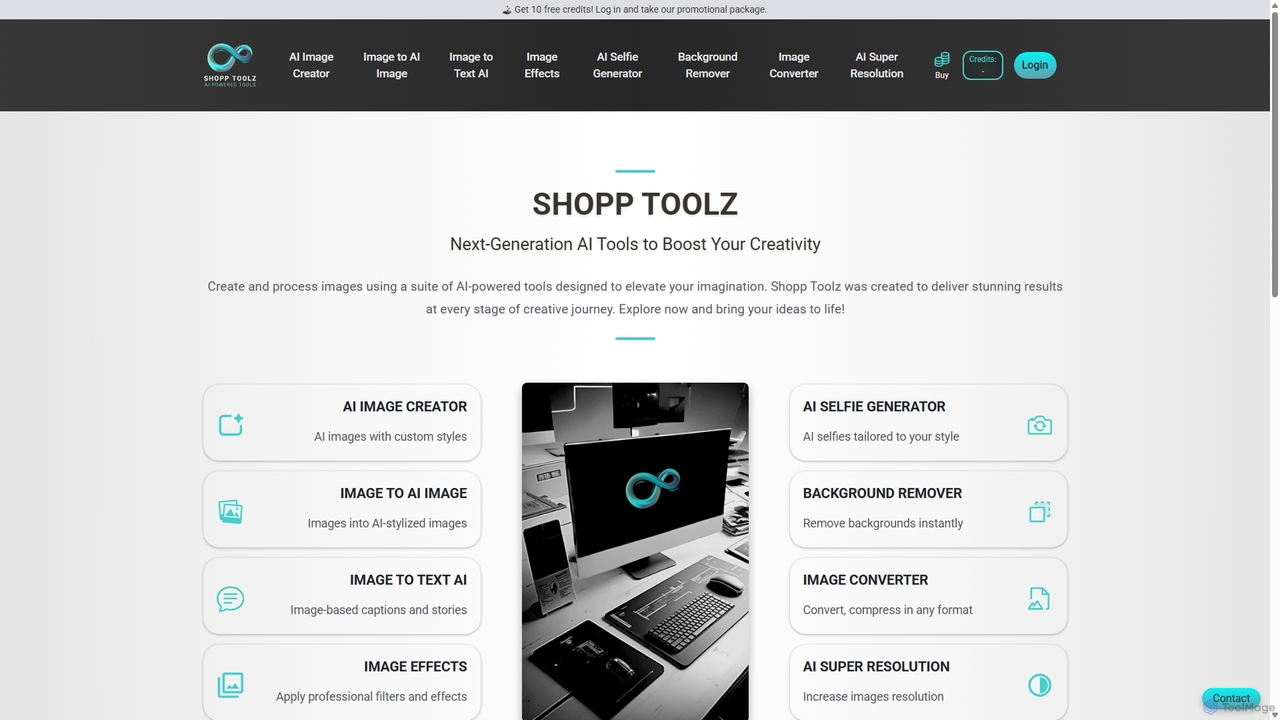
Shopp Toolz
Shopp Toolz is an all-in-one AI-powered creative suite designed to enhance your visual content. It offers a range of tools including an AI image generator, image-to-image transformation, background remover, super resolution, and more. Ideal for creators, marketers, and designers, it simplifies the creative process with a user-friendly interface and a flexible pay-as-you-use model.
Image Editing
Picsart
Picsart is an all-in-one AI-powered creative platform for photo and video editing. It offers a comprehensive suite of tools, including AI image generation, background removal, photo enhancement, and a vast library of templates and stock content. Designed for everyone from beginners to professionals, Picsart simplifies the creation of stunning visuals for social media, marketing, and personal projects, accessible on both web and mobile.
3DPhotoFairy Categories
PhotoFairy Jobs
PhotoFairy Embed Widget
Copy this embed code to place the badge on your blog, article, or product site and send readers directly to this ToolMage detail page.

Related AI tools

Pixelfox
Pixelfox is a comprehensive, free-to-use AI suite for creators and businesses. It combines a powerful online photo and video editor with over 300 AI writing tools. Effortlessly retouch photos, remove backgrounds, generate images from text, swap faces, and enhance quality. Simultaneously, create SEO-optimized articles, social media content, product descriptions, and much more, all within a single, no-download platform.
3D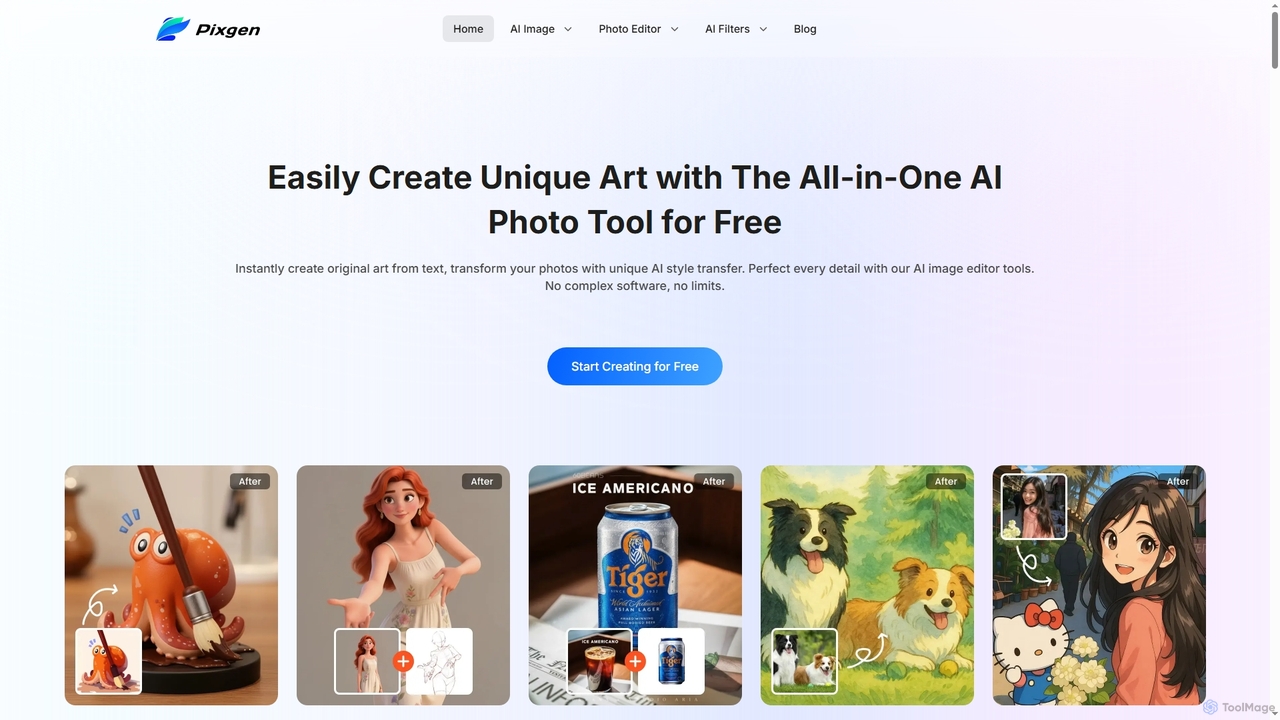
Pixgen
Pixgen is a free, all-in-one AI-powered online platform for creating, editing, and stylizing images. It allows users to generate unique art from text prompts, transform photos with AI style transfers, and perfect details using advanced editing tools like background removal, object erasure, and image enhancement. Designed for ease of use, Pixgen offers a seamless creative workflow without watermarks or hidden costs.
Style TransferShopp Toolz
Shopp Toolz is an all-in-one AI-powered creative suite designed to enhance your visual content. It offers a range of tools including an AI image generator, image-to-image transformation, background remover, super resolution, and more. Ideal for creators, marketers, and designers, it simplifies the creative process with a user-friendly interface and a flexible pay-as-you-use model.
Image EditingKira
Kira is a powerful AI-powered platform for professional-grade image generation and editing. It combines a versatile text-to-image generator with a comprehensive suite of editing tools, including background removal, inpainting, upscaling, and stylization. Its key feature is the ability to maintain consistent styles and characters across multiple edits and generations, making it ideal for branding, marketing, and creative projects that require a cohesive visual identity.
Graphic DesignChuangkit AI
Chuangkit AI is an all-in-one intelligent design platform that leverages AI to automate creative workflows. It enables users to generate posters, product photos, logos, and social media content from simple text prompts, and offers a comprehensive suite of AI-powered image editing tools.
Graphic Design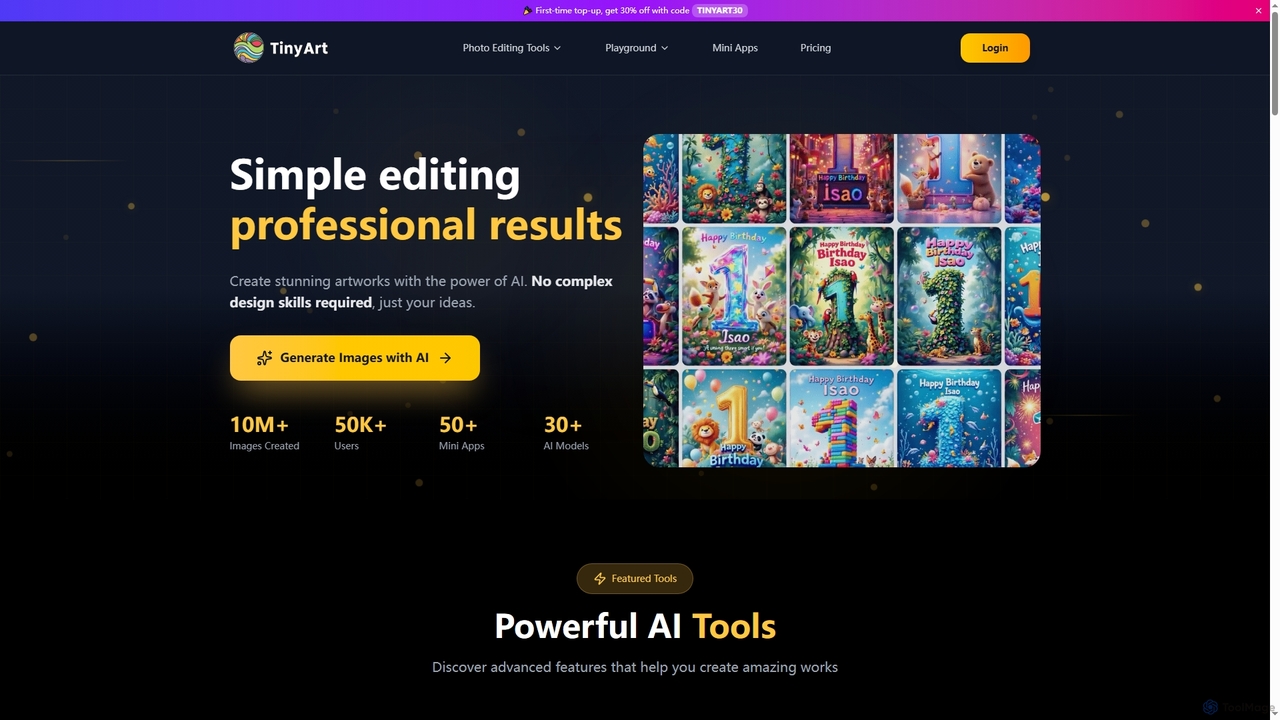
TinyArt
TinyArt is an AI-powered photo editing and image generation platform designed for professional results without complex design skills. It offers a suite of tools including background removal, image upscaling, watermark removal, object cleanup, and text-to-image generation, alongside specialized mini-apps for ID photos, face swaps, and photo restoration.
Creative ToolsPicsart
Picsart is an all-in-one AI-powered creative platform for photo and video editing. It offers a comprehensive suite of tools, including AI image generation, background removal, photo enhancement, and a vast library of templates and stock content. Designed for everyone from beginners to professionals, Picsart simplifies the creation of stunning visuals for social media, marketing, and personal projects, accessible on both web and mobile.
3D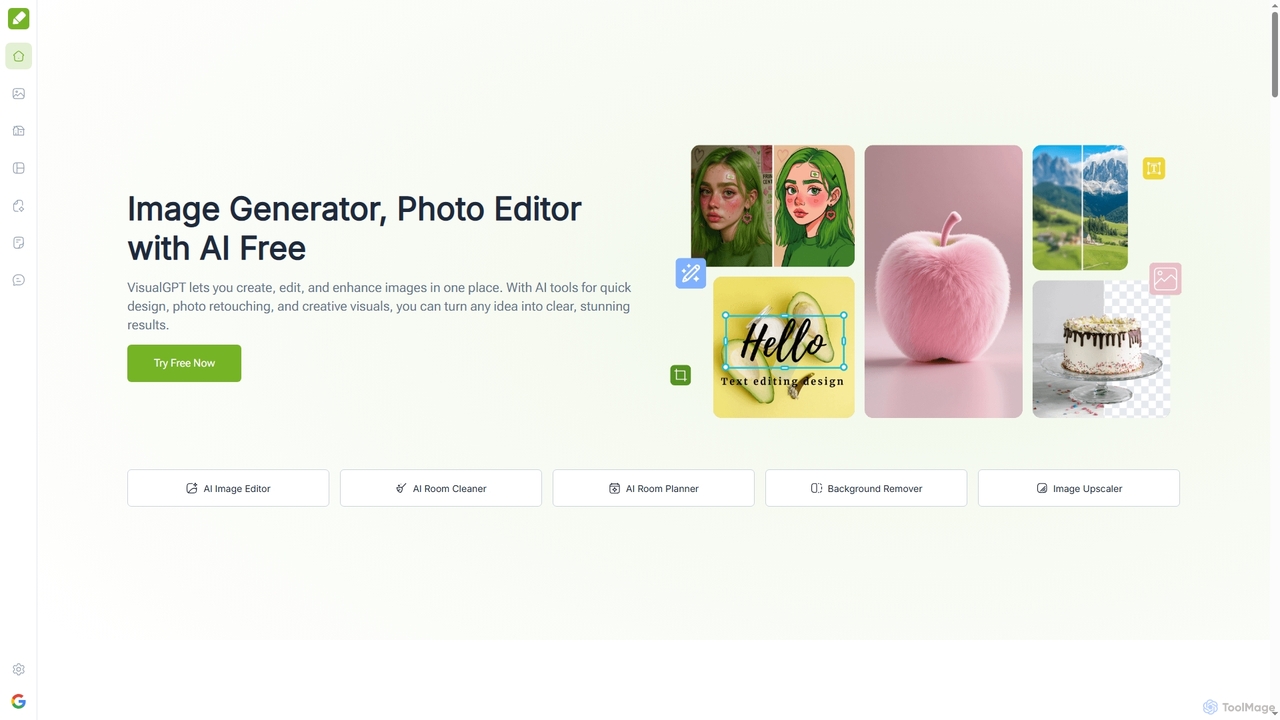
VisualGPT
VisualGPT is an all-in-one online AI platform for generating, editing, and enhancing images. It offers tools like AI image editing, background removal, room planning, and visualization, powered by advanced models like Nano Banana and Stable Diffusion. Designed for ease of use, it helps users create stunning visuals quickly without complex software or design skills.
Graphic Design
PhotoGrid
PhotoGrid is an all-in-one online collage maker and AI photo editor. It offers over 20,000 templates and a suite of powerful AI tools to create stunning photo collages, remove backgrounds, enhance image quality, and apply creative filters, making professional photo editing accessible to everyone.
Collage Maker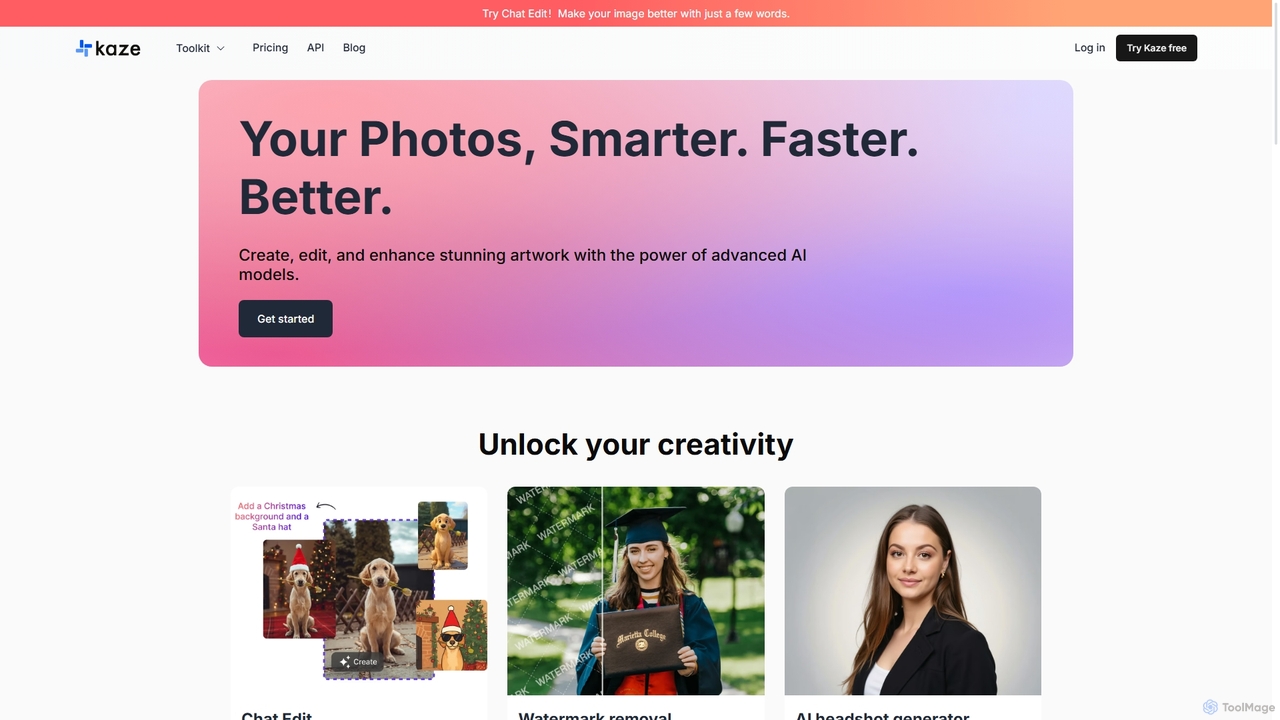
Kaze
Kaze is a comprehensive AI-powered image editing suite designed to create, edit, and enhance photos effortlessly. It offers a wide range of tools including one-click watermark and object removal, photo restoration, image upscaling, background removal, and an AI headshot generator. With its user-friendly interface and advanced AI models, Kaze delivers professional, studio-quality results in seconds, catering to creators, marketers, and photographers.
3D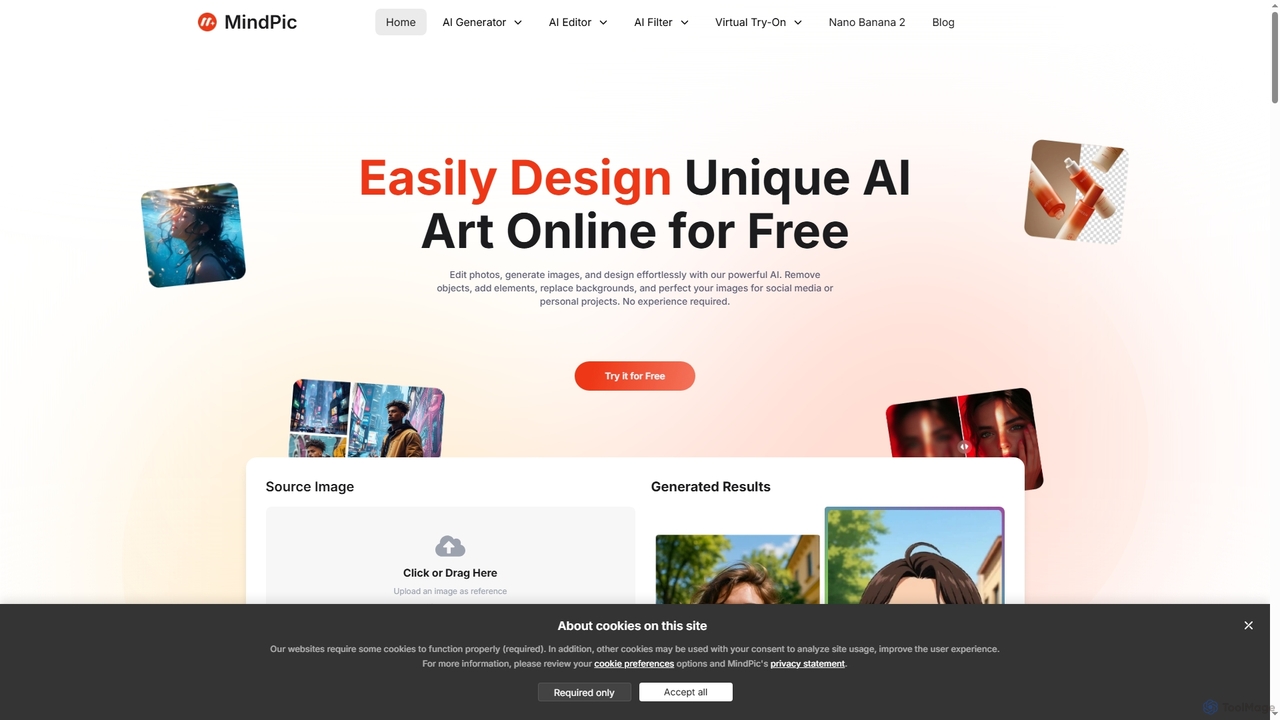
MindPic
MindPic is a free online AI photo editor and design tool that empowers users to effortlessly enhance, transform, and generate images. It offers a suite of AI-powered features like object removal, background replacement, image upscaling, photo retouching, and art generation from text or reference images, all without requiring any login or prior editing experience.
Graphic Design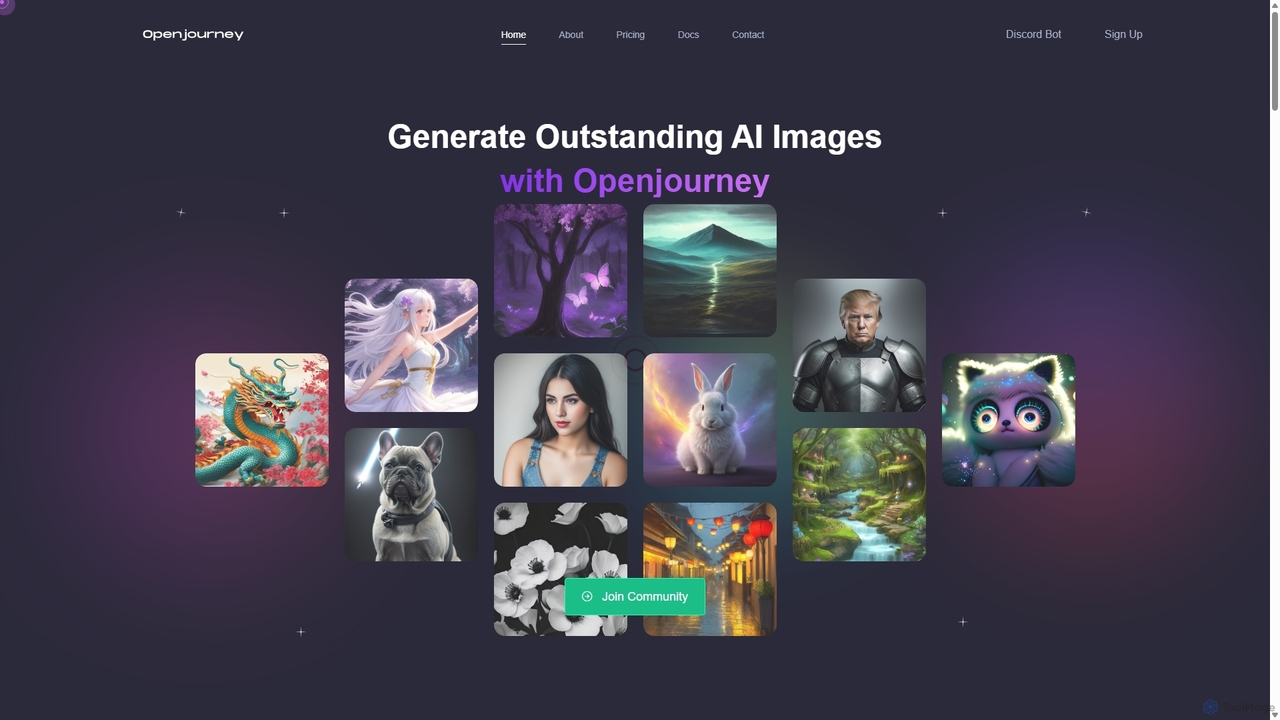
Openjourney
Openjourney is a comprehensive AI creative suite that offers a wide range of generative tools in one place. It excels in generating high-quality images from text prompts but also includes powerful features like face restoration, face swapping, background removal, image upscaling to 4K, an unlimited AI chatbot, and advanced controls like Controlnet. It's designed for creators, marketers, and artists seeking a versatile and powerful AI toolkit.
Generative Art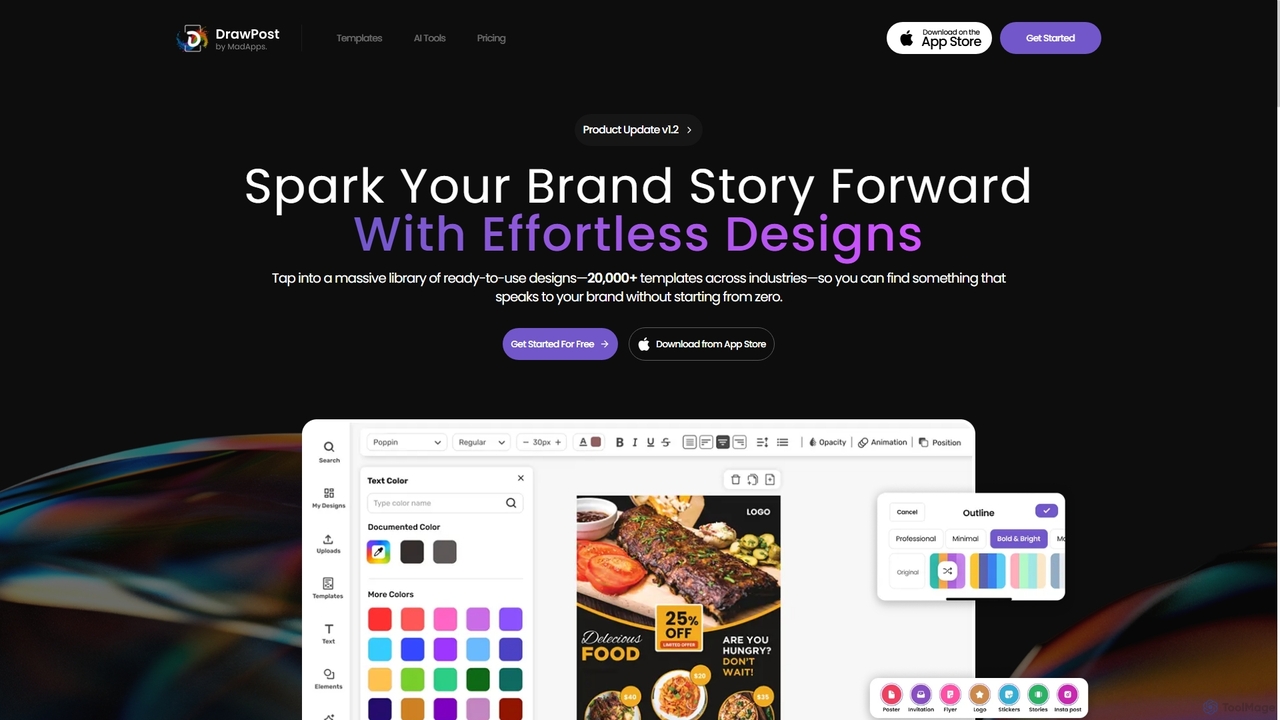
DrawPost
DrawPost is an AI-powered design tool that empowers creators to produce stunning visuals effortlessly. With access to over 20,000 templates and smart AI features like image generation, background removal, and instant text styling, it simplifies graphic design for social media, marketing, and personal projects. Available on web and mobile, DrawPost helps users craft professional designs quickly, without watermarks, and with options for team collaboration and brand consistency.
Social Media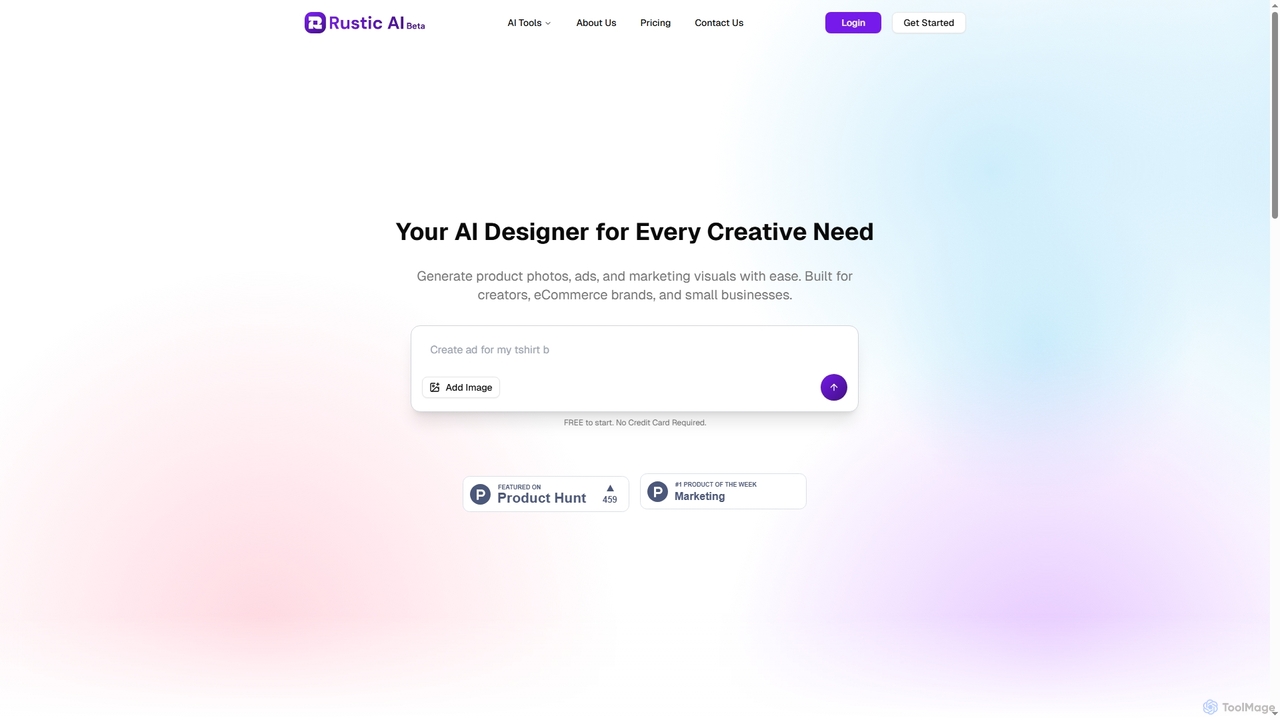
Rustic AI
Rustic AI is an intuitive AI design editor built for creators, e-commerce brands, and small businesses. It simplifies the generation of high-quality product photos, ad creatives, and marketing visuals, transforming ideas into stunning imagery with ease. The platform offers a suite of AI-powered tools to streamline visual content creation.
Graphic Design
Photoleap
Photoleap is a powerful all-in-one AI photo editing app by Lightricks. It combines traditional editing tools with a massive suite of cutting-edge AI features, allowing users to transform photos, generate stunning AI art from text, create professional headshots, and apply creative effects with ease. It's designed for everyone from social media creators to casual users looking to elevate their images.
Generative Art
PhotoFairy Comments (0)
Sign in to comment.
Sign inNo comments yet.