TinyArt
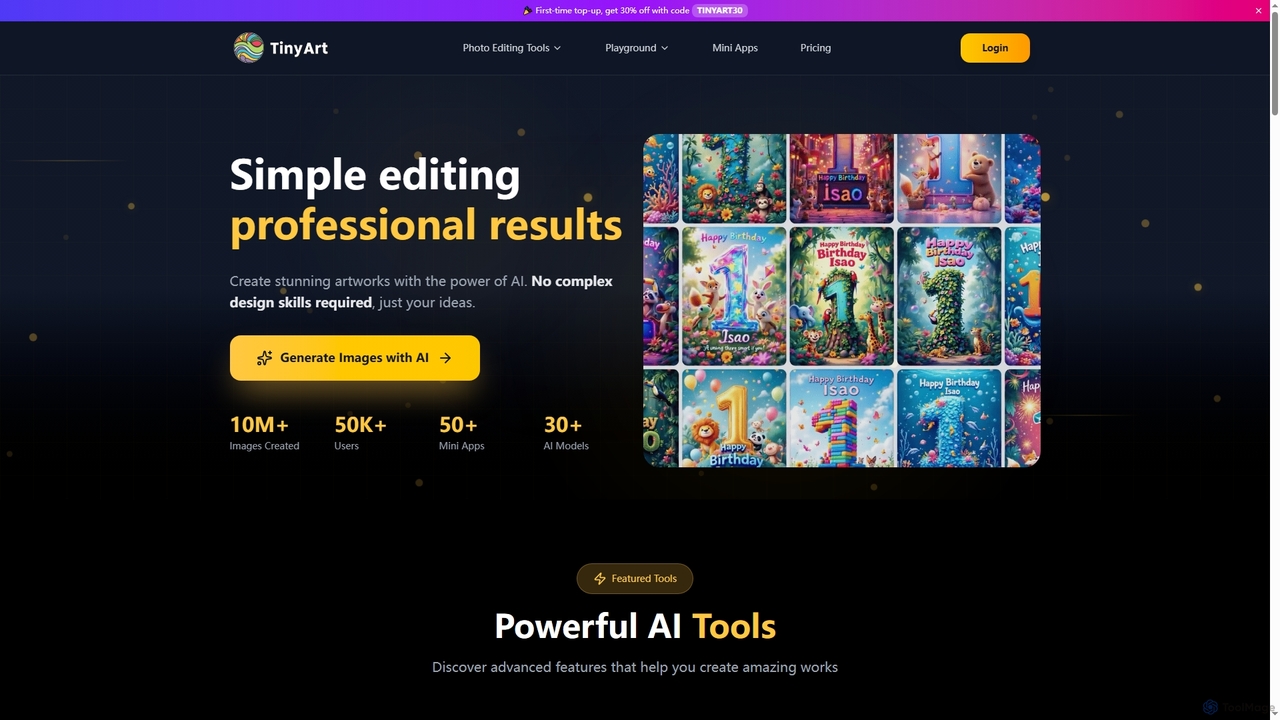
TinyArt is an AI-powered photo editing and image generation platform designed for professional results without complex design skills. …
TinyArt is an AI-powered photo editing and image generation platform designed for professional results without complex design skills. It offers a suite of tools including background removal, image upscaling, watermark removal, object cleanup, and text-to-image generation, alongside specialized mini-apps for ID photos, face swaps, and photo restoration.
About Creative Tools
AI Creative Tools are a specialized subset of graphic design software that use artificial intelligence to generate, ideate, and explore visual concepts. Unlike traditional editors that require manual manipulation, these tools act as creative partners, transforming text prompts or simple inputs into unique designs, color palettes, and artistic styles. They are designed to break through creative blocks, accelerate brainstorming, and produce a wide range of visual options in a fraction of the time. This approach allows designers and non-designers alike to quickly visualize abstract ideas and discover novel aesthetic directions.
Core Features
- Conceptual Generation: Creates mood boards, brand concepts, and abstract visuals from text descriptions.
- Style Transfer & Fusion: Applies the aesthetic of one image or artist to another, or blends multiple styles.
- Automated Design Variation: Generates numerous variations of logos, layouts, or social media posts from a single brief.
- Intelligent Asset Creation: Produces unique patterns, textures, and icons based on defined parameters.
- AI-Assisted Ideation: Suggests color palettes, font pairings, and layout compositions to inspire new designs.
Use Cases
These tools are particularly valuable for brand strategists, marketing teams, UI/UX designers, and content creators. For instance, a designer can generate dozens of logo concepts for initial client feedback, or a marketer can create a cohesive set of visuals for a campaign by defining a theme. They are also used to produce unique website backgrounds, conceptual art for presentations, and initial mockups for app interfaces.
How to Choose
When selecting an AI Creative Tool, consider the specificity of its output style—some excel at photorealism while others focus on abstract or illustrative art. Evaluate the complexity of the prompting system and the level of control it offers. Also, check for integration capabilities with your existing design workflow (e.g., Figma or Adobe Creative Cloud plugins) and review the licensing terms for the generated assets, especially for commercial use.

Creative ToolsUse Cases
Rapid Logo Concept Generation
A brand designer working on a new identity for a tech startup needs to present multiple initial concepts quickly. Instead of spending days sketching, they use an AI Creative Tool. They input keywords like 'minimalist, blockchain, trust, geometric, blue palette'. The tool generates over 50 distinct logo concepts in minutes, exploring different shapes, font styles, and compositions. This allows the designer to curate the top 10 options for a client presentation, drastically shortening the ideation phase and focusing their time on refining the chosen direction.
Creating Thematic Social Media Visuals
A social media manager for a fashion brand is launching a 'Summer Escape' campaign. They need a consistent yet varied set of visuals for Instagram posts, stories, and ads. Using an AI Creative Tool, they define the theme with prompts like 'dreamy beach, pastel colors, vintage film look, soft focus'. The AI generates a series of images, patterns, and text styles that all share this cohesive aesthetic. The manager can then quickly produce dozens of on-brand assets, ensuring the campaign has a strong, unified visual identity across all channels without repetitive stock photos.
Developing Mood Boards for Branding Projects
A creative agency is pitching a rebrand for a wellness company. To communicate the proposed aesthetic, the creative director uses an AI tool to build a mood board. They input the core brand values: 'calm, natural, scientific, minimalist'. The AI generates a visual collage featuring serene landscapes, clean laboratory aesthetics, organic textures, and a muted color palette. This AI-generated mood board serves as a powerful, concrete visual reference in the client pitch, aligning expectations and clearly conveying the proposed creative direction much more effectively than words alone.
Generating Unique Website Backgrounds and Textures
A web designer is building a portfolio site for an artist and wants to avoid generic stock backgrounds. They use an AI Creative Tool to generate unique assets. By providing prompts like 'abstract watercolor texture, shades of teal and gold, subtle noise', the tool creates a set of high-resolution, seamless background images. This process allows the designer to craft a truly custom visual environment that complements the artist's work, enhancing the site's overall aesthetic and originality without needing advanced skills in digital painting.
Visualizing UI/UX App Flow Ideas
A UI/UX designer is in the early stages of designing a new mobile banking app. To explore different visual directions for the dashboard, they use an AI Creative Tool. They describe the desired interface: 'clean and modern dashboard for finance app, data visualization widgets, card-style layout, friendly and trustworthy'. The AI generates several distinct mockups, showcasing different arrangements of elements, color schemes, and typographic styles. This rapid visualization helps the designer and stakeholders quickly compare potential design paths before committing to detailed wireframing and prototyping.
Producing Conceptual Art for Presentations
A business strategist needs a compelling visual for a presentation slide about 'market disruption'. Instead of using a clichéd stock photo of a broken chain, they turn to an AI Creative Tool. They enter a prompt like 'abstract representation of disruption, colliding geometric shapes, energy, digital network breaking apart, cinematic lighting'. The tool produces a unique and sophisticated piece of conceptual art that powerfully illustrates the idea. This elevates the presentation's quality, making complex concepts more memorable and engaging for the audience.