ToolMage
Sign in

Best 2 Creative Assets AI tools for Graphic Design

Popular Creative Assets AI tools in Graphic Design include Mockuplabs and Pixgen, helping you work more efficiently.

Pixgen
Free

Pixgen

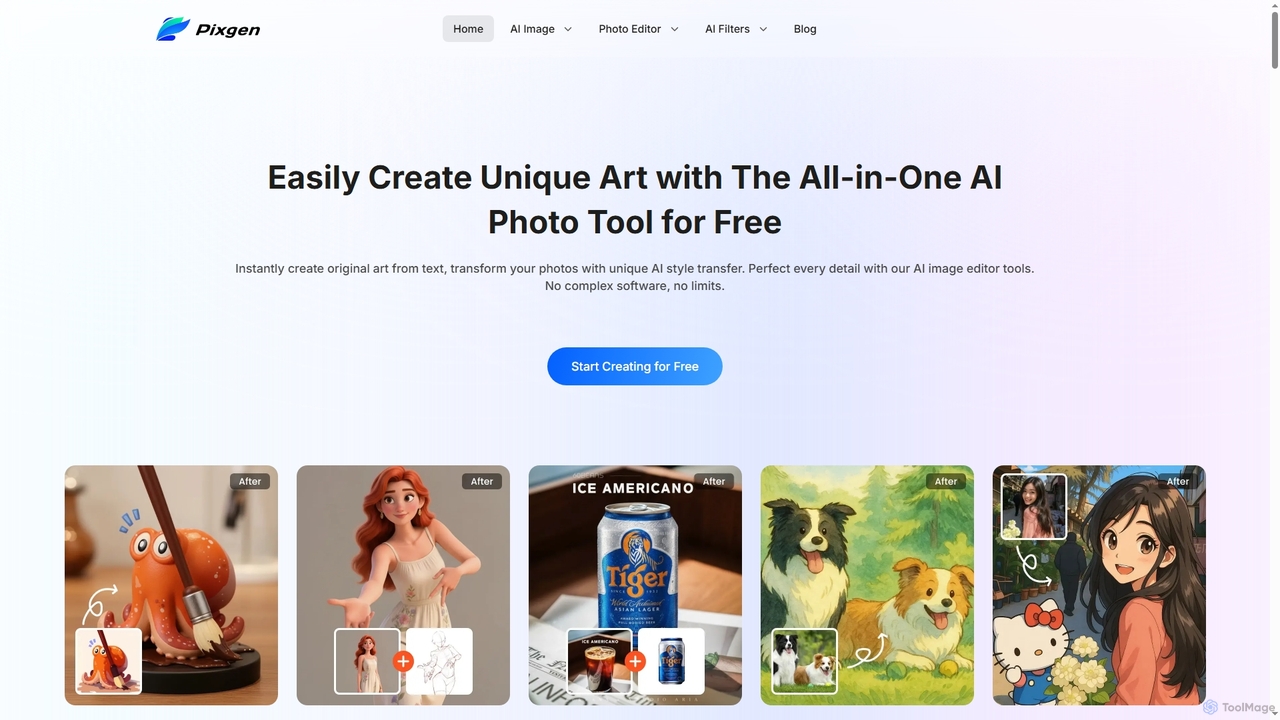
Pixgen is a free, all-in-one AI-powered online platform for creating, editing, and stylizing images. It allows users to generate unique art from text prompts, transform photos with AI style transfers, and perfect details using advanced editing tools like background removal, object erasure, and image enhancement. Designed for ease of use, Pixgen offers a seamless creative workflow without watermarks or hidden costs.

Style Transfer
Visits 11.9KFavorites 150Likes 142
Mockuplabs
Freemium

Mockuplabs

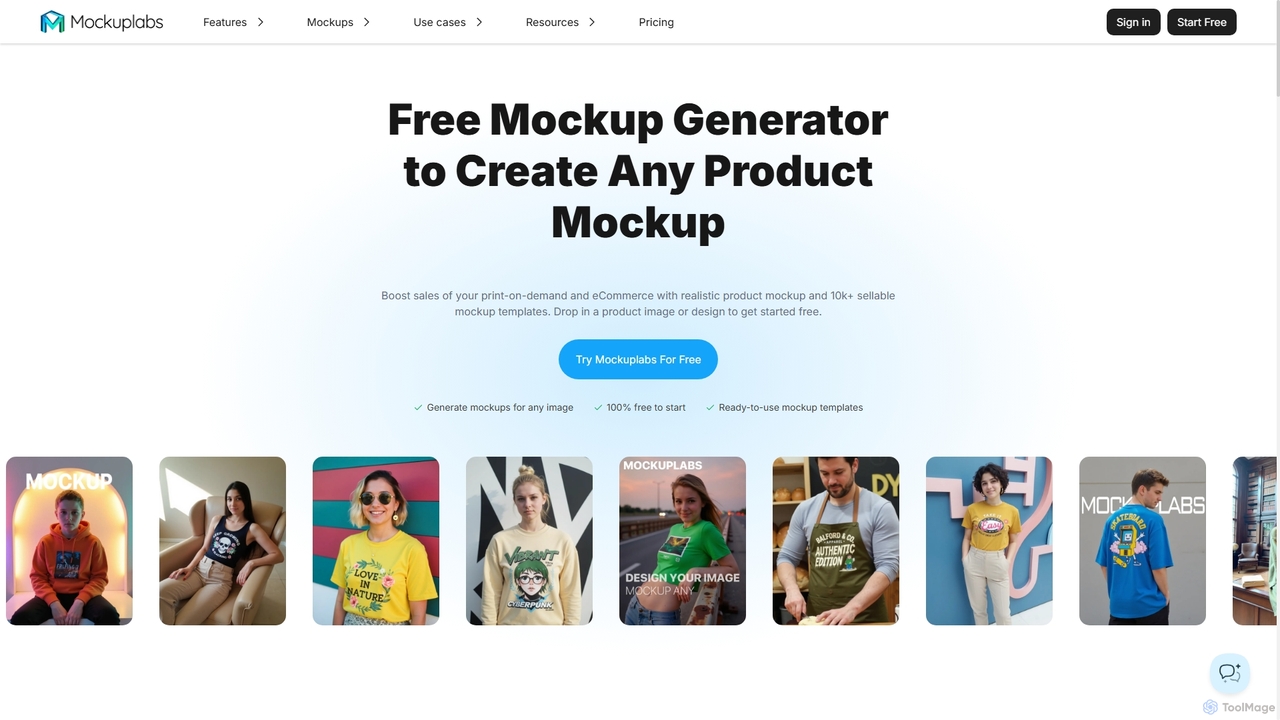
Mockuplabs is an AI-powered mockup generator designed to help e-commerce sellers, print-on-demand businesses, and designers create realistic product visuals quickly. It offers a suite of tools for generating, editing, and customizing mockups, including AI color changing, all-over print application, and image enhancement features.

Mockup Generation
Visits 59.4KFavorites 156Likes 155

About Creative Assets

AI Creative Assets are tools that leverage artificial intelligence to generate, enhance, or manage various digital design elements. These tools utilize advanced algorithms, including generative adversarial networks (GANs) and diffusion models, to produce high-quality, unique visual and auditory components. They empower designers, marketers, and content creators to rapidly acquire bespoke graphics, textures, icons, and more, streamlining the creative workflow within graphic design. By automating the creation of foundational elements, they significantly reduce production time and expand creative possibilities.

Core Features

  • Asset Generation: Automatically create images, textures, patterns, icons, or 3D models from text prompts or sketches.
  • Style Transfer & Enhancement: Apply specific artistic styles to existing assets or upscale low-resolution images with AI.
  • Variation & Customization: Generate multiple variations of an asset, allowing for fine-tuning and adaptation to specific project needs.
  • Metadata & Tagging: Automatically categorize and tag generated assets for easier search and management.
  • Seamless Integration: Offer APIs or plugins for direct use within popular design software.

Applicable Scenarios

AI Creative Assets are invaluable for professionals across various fields. Game developers can rapidly generate environmental textures and character variations. Marketing and advertising teams can create diverse visual content for campaigns and social media. Web and UI/UX designers benefit from unique icons, background patterns, and illustrative elements for interfaces, accelerating their design processes.

How to Choose

When selecting an AI Creative Asset tool, consider the specific asset types and quality you require, whether 2D, 3D, or audio. Evaluate the level of customization and control offered over generated assets, including style parameters and editing capabilities. Check for seamless integration with your existing design software and understand the licensing terms for commercial use of the generated assets to ensure compliance and flexibility.

Creative Assets use cases

1

Generating Unique Textures for 3D Environments

A 3D artist or game developer needs diverse, high-resolution textures for landscapes, buildings, or objects in a game or architectural visualization. By using AI Creative Asset tools, they can input descriptive text (e.g., "cracked desert ground," "mossy stone wall") or reference images, generating multiple unique texture maps (diffuse, normal, roughness). This process saves days of manual texture creation or searching, ensuring visual consistency and uniqueness across projects without extensive effort.

2

Creating Diverse Icon Sets for UI/UX Design

A UI/UX designer or product designer requires a consistent yet varied set of icons for a new application or website, often needing many variations for different states or themes. By inputting a base icon concept or text prompt (e.g., "settings gear icon, minimalist style"), the AI tool generates numerous stylistic variations and sizes. This accelerates icon design, maintains brand consistency, and provides a rich library of assets for different design iterations, significantly boosting productivity.

3

Producing Marketing Visuals for Social Media Campaigns

A digital marketer or social media manager needs a constant stream of fresh, engaging visuals for daily social media posts, ads, and blog headers, often with tight deadlines. They utilize AI Creative Asset generators to create custom background images, abstract graphics, or illustrative elements based on campaign themes and keywords. This rapidly produces unique, eye-catching content, reducing reliance on generic stock photos and increasing brand distinctiveness across all digital platforms.

4

Developing Concept Art and Mood Boards for Creative Projects

A concept artist, art director, or filmmaker needs to quickly visualize ideas, explore different artistic directions, and communicate a project's aesthetic to a team. By entering descriptive prompts or combining existing images, AI tools can generate diverse concept art pieces, character designs, or environmental sketches. This facilitates rapid ideation and iteration, helping to establish visual direction and gather feedback much faster than traditional methods, significantly accelerating the initial creative phase.

5

Automating Background Generation for Product Photography

An e-commerce business owner or product photographer requires varied and professional backgrounds for product images without the need for complex studio setups or extensive photo editing. They upload product photos and use AI Creative Asset tools to generate realistic or stylized backgrounds that complement the product, such as "minimalist studio," "outdoor natural light," or "futuristic cityscape." This significantly reduces post-production time and costs, allowing for a wider range of product presentation styles with minimal effort.

6

Generating Unique Patterns and Brushes for Graphic Design

A graphic designer or illustrator seeks distinctive patterns for branding, packaging, or textile design, or custom brushes for digital painting, to add unique flair. By providing a theme, color palette, or simple sketch, the AI tool generates intricate, seamless patterns or specialized brush presets. This enhances design originality, provides a rich library of custom design elements, and saves time on manual pattern/brush creation, allowing designers to focus on broader creative concepts.

Creative Assets FAQ

What are AI Creative Assets?

AI Creative Assets are artificial intelligence-powered tools designed to generate, enhance, or manage digital design elements. They use advanced algorithms like GANs and diffusion models to create unique visual components such as images, textures, icons, patterns, and even 3D models, significantly streamlining the graphic design workflow. These tools empower creators to produce high-quality, bespoke content efficiently.

How do AI Creative Asset tools differ from traditional graphic design software?

Traditional graphic design software, like Photoshop or Illustrator, primarily provides tools for manual creation and editing of assets, requiring direct user manipulation. AI Creative Asset tools, however, focus on automating the generation of these assets from prompts or existing data, and enhancing them with AI capabilities. While traditional software is about hands-on control, AI tools act as creative co-pilots, producing foundational elements or variations that designers can then refine, significantly speeding up initial content creation.

What types of creative assets can AI tools generate?

AI Creative Asset tools can generate a wide array of digital assets. This includes 2D images such as illustrations, concept art, social media graphics, and backgrounds. They can also produce textures for 3D models, unique icons, seamless patterns, and even custom fonts. Some advanced tools may extend to basic 3D models or sound effects. The specific types of assets generated depend on the tool's specialization and underlying AI models.

How can I ensure the quality and originality of AI-generated assets?

To ensure quality, evaluate the tool's output resolution, detail, and consistency across generated assets. For originality, most AI tools generate unique outputs based on prompts, but it's crucial to review and refine them to match your vision. Many tools offer customization options to guide the AI's creation. Always check the tool's licensing terms regarding commercial use and originality guarantees to avoid potential copyright issues and ensure your usage is compliant.

Who benefits most from using AI Creative Asset tools?

A wide range of professionals benefits, including graphic designers, UI/UX designers, marketing specialists, game developers, concept artists, and content creators. Anyone who needs to rapidly produce unique visual or auditory components for their projects, explore diverse creative directions, or automate repetitive asset creation tasks will find these tools invaluable. They boost efficiency and expand creative output, making them essential for modern digital production workflows.