Design Best in category 3 results Mockup Generation AI Tool

Popular AI tools in the Mockup Generation field of Design include Mockuplabs、Qwen Angles、Seamless Studio, etc., helping you quickly improve efficiency.

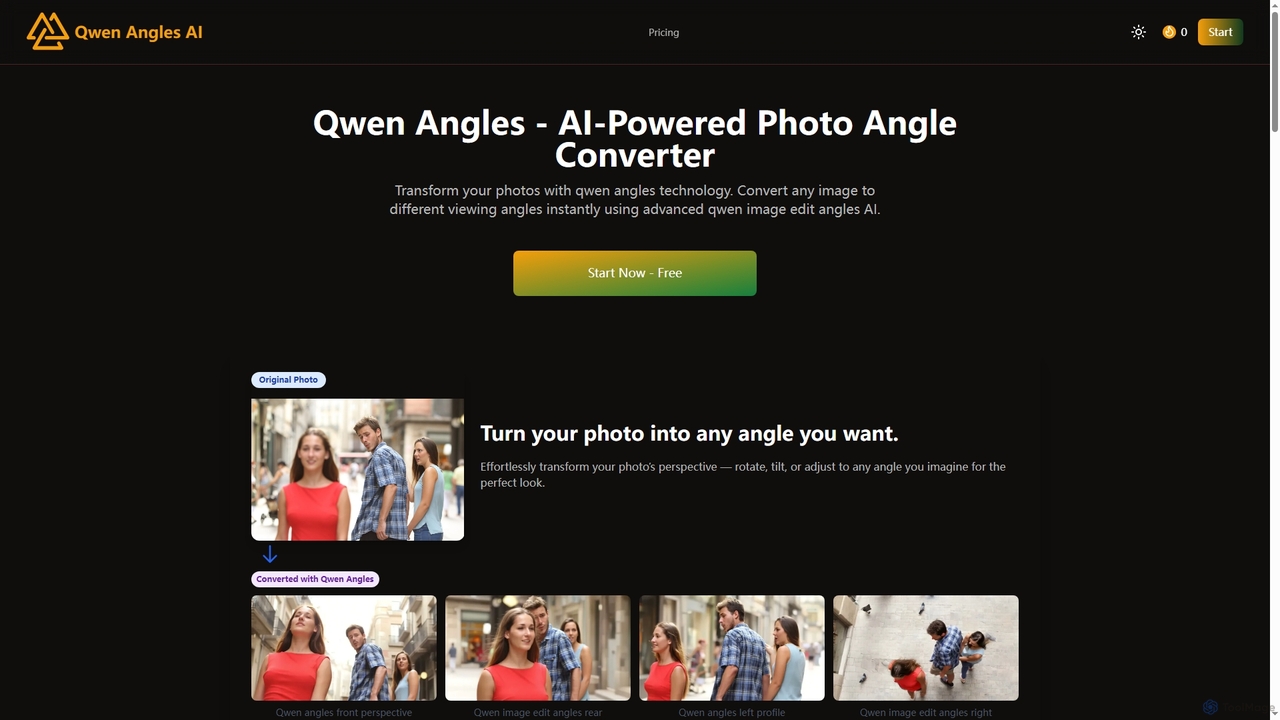
Qwen Angles

Qwen Angles

Qwen Angles is an advanced AI-powered web tool that instantly transforms photos to different viewing angles and perspectives. …

6.6K
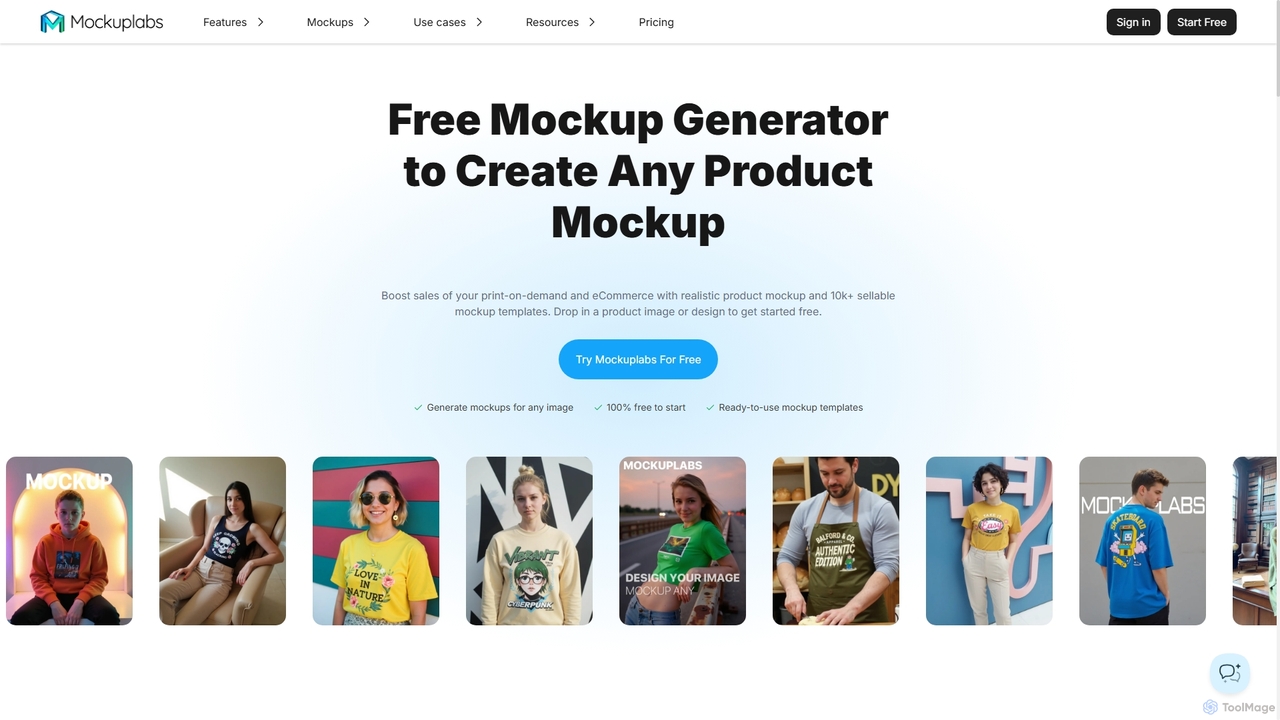
Mockuplabs

Mockuplabs

Mockuplabs is an AI-powered mockup generator designed to help e-commerce sellers, print-on-demand businesses, and designers create realistic product …

63.4K
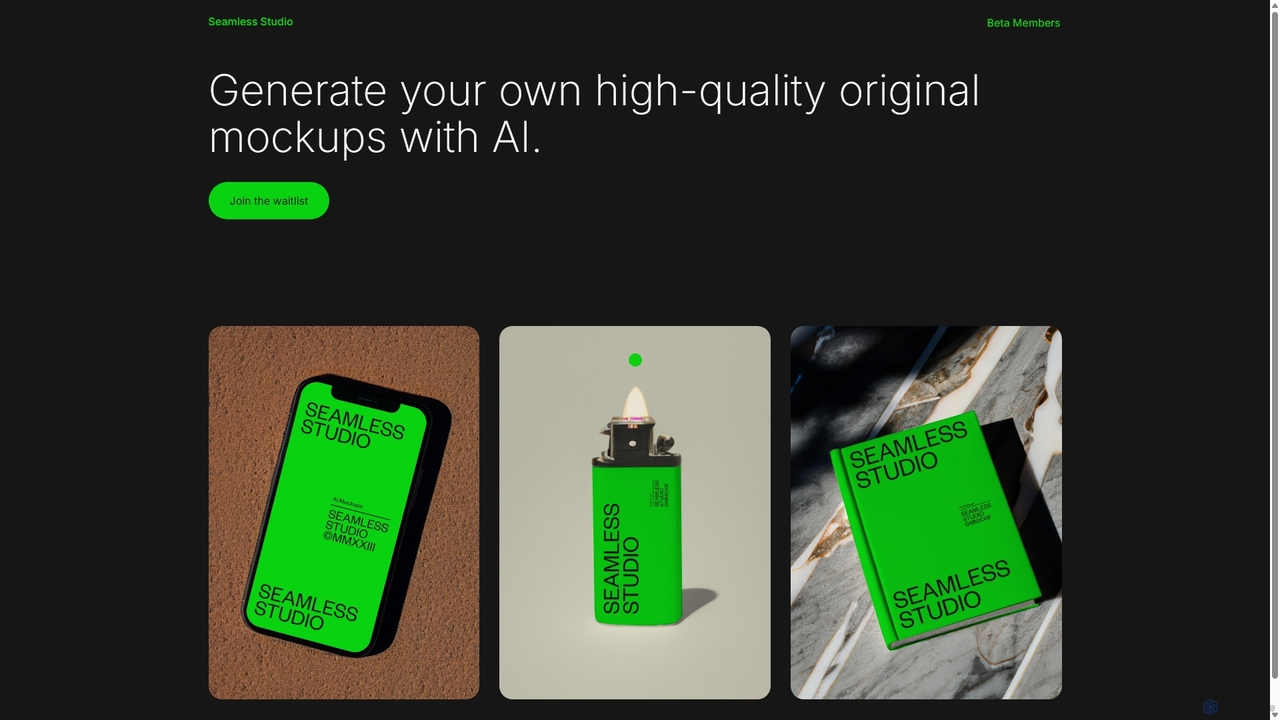
Seamless Studio

Seamless Studio

Seamless Studio is an AI-powered platform designed to generate high-quality, original mockups in seconds. It helps designers, marketers, …

4.0K

About Mockup Generation

Mockup Generation tools are AI-powered applications that automatically create realistic product and design previews. They utilize generative models to place 2D designs onto a wide variety of 3D objects and scenes, such as apparel, devices, and packaging. This enables designers, marketers, and e-commerce sellers to visualize their creations in real-world contexts without the need for physical photoshoots. These tools significantly accelerate the marketing workflow and product validation process by providing high-quality visuals instantly.

Core Features

  • AI Scene Placement: Automatically applies a design onto a template, intelligently adjusting for perspective, lighting, textures, and shadows to create a realistic image.
  • Extensive Template Library: Offers a vast collection of pre-made, high-resolution scenes and objects, including clothing, electronics, print materials, and environmental settings.
  • Customization and Editing: Provides options to adjust background colors, object textures, shadow intensity, and lighting to match specific brand aesthetics.
  • Batch Processing: Allows users to generate hundreds of mockup variations from a single design across multiple templates simultaneously, saving significant time.

Use Cases

These tools are essential for e-commerce businesses to create product listings, for marketing teams to design engaging social media campaigns, and for designers to present their work professionally to clients. For instance, a print-on-demand store owner can generate an entire product catalog with hundreds of t-shirt mockups in minutes, while a UI designer can showcase an app interface on various device screens.

How to Choose

When selecting a Mockup Generation tool, consider the size and diversity of its template library to ensure it meets your product needs. Evaluate the realism of the AI rendering, including shadow and texture quality. Check for integration capabilities with design software like Figma or Photoshop, and compare pricing models, such as per-image credits versus unlimited subscriptions, to find the best fit for your usage volume.

Mockup GenerationUse Cases

1

Generate E-commerce Product Listings

An online store owner specializing in print-on-demand apparel needs to launch a new collection of 50 t-shirt designs. Instead of arranging costly photoshoots for each design, they use an AI mockup generator. They upload their design files and select a variety of templates featuring different models, settings, and styles. The tool automatically generates over 500 high-quality product images in less than an hour, showing the designs on diverse models in realistic lifestyle contexts. This allows them to quickly populate their product pages with appealing visuals, leading to increased customer engagement and sales.

2

Create Visuals for Social Media Campaigns

A digital marketing agency is developing a campaign for a new mobile app. To create engaging ad visuals, the marketing team uses an AI mockup generator. They take screenshots of the app's interface and place them onto templates of smartphones and tablets being used in various real-life scenarios, such as at a café, in an office, or on public transport. This process generates a dozen high-impact, professional-looking images for platforms like Instagram and Facebook in minutes. These realistic mockups help potential users visualize the app in their daily lives, increasing ad click-through rates.

3

Present UI/UX Designs to Clients

A freelance UI/UX designer has just completed the design for a client's new website. To present the work in a compelling and professional manner, the designer uses a mockup generator. They export the key page designs from Figma and apply them to a set of high-quality mockups, including desktop monitors, laptops, and tablets. This allows the client to see exactly how the website will look and feel on different devices. The realistic presentation helps the client better understand the design choices and provides a more tangible sense of the final product, facilitating faster feedback and approval.

4

Visualize Branding on Physical Products

A branding agency is developing a new identity for a coffee shop, including a logo, color palette, and typography. To help the client visualize the new brand in the real world, the agency uses a mockup generator. They apply the new logo and brand elements to various templates such as coffee cups, takeaway bags, storefront signs, and staff aprons. This creates a comprehensive and realistic presentation of how the brand identity will be implemented across all physical touchpoints. The client can immediately see the brand's impact, making it easier to approve the design direction without needing costly physical prototypes.

5

Automate Print-on-Demand Storefronts

A print-on-demand (POD) entrepreneur manages a store with thousands of designs across hundreds of product types. To streamline operations, they integrate a mockup generation API with their e-commerce platform. When a new design is uploaded to their system, the API is automatically triggered. It generates a complete set of mockups for all relevant products—such as hoodies, phone cases, and posters—and pushes them directly to the corresponding product listings on the store. This automation eliminates hours of manual work, ensures consistency across all visuals, and allows the entrepreneur to scale their business by adding new designs and products rapidly.

6

Preview Book Covers for Marketing

An author is preparing to launch their new novel. To build anticipation, they need compelling visuals for their website, social media, and email newsletter. Using an AI mockup generator, they upload their 2D book cover design. The tool allows them to instantly generate a variety of 3D mockups, including the book as a hardcover, a paperback, on an e-reader, and placed in lifestyle settings like on a coffee table or in a reader's hands. This provides a professional and diverse set of promotional images without the expense of printing physical copies and hiring a photographer, helping to drive pre-orders and reader interest.

Mockup GenerationFrequently Asked Questions