Graphic Design Best in category 1 results Image Processing AI Tool

Popular AI tools in the Image Processing field of Graphic Design include AIEnhancer, etc., helping you quickly improve efficiency.

AIEnhancer

AIEnhancer

AIEnhancer is a powerful online AI tool that transforms and perfects images. It enhances resolution, restores old photos, …

878.2K

About Image Processing

Image Processing tools are AI-powered applications designed to analyze, manipulate, and enhance digital images, forming a crucial sub-category within graphic design. These tools leverage advanced algorithms, including computer vision and deep learning, to automate complex tasks like object recognition, background removal, and color correction. They significantly streamline visual content creation and refinement, enabling users to achieve professional-grade results with unprecedented speed and precision.

Core Features

  • Background Removal & Replacement: Automatically detects and isolates subjects from their backgrounds, allowing for seamless replacement or transparency.
  • Image Upscaling & Enhancement: Uses AI to intelligently increase image resolution and improve quality, adding detail without pixelation.
  • Object Detection & Manipulation: Identifies specific objects within an image, enabling selective editing, removal, or repositioning.
  • Color Correction & Grading: Analyzes image colors and applies intelligent adjustments for improved balance, vibrancy, and stylistic grading.
  • Noise Reduction & Sharpening: Cleans up visual noise and enhances edge definition, resulting in clearer and crisper images.

Applicable Scenarios

These tools are indispensable for photographers, graphic designers, e-commerce businesses, and marketing professionals who need to efficiently prepare high-quality visuals for various platforms. They are used for tasks ranging from product photo standardization to creative asset generation and photo restoration.

How to Choose

When selecting an AI image processing tool, consider its specific functionalities (e.g., batch processing, specific enhancement types), integration capabilities with existing design workflows, the accuracy and quality of its AI algorithms, and its pricing model. Evaluate the user interface for ease of use and the availability of advanced controls for fine-tuning results.

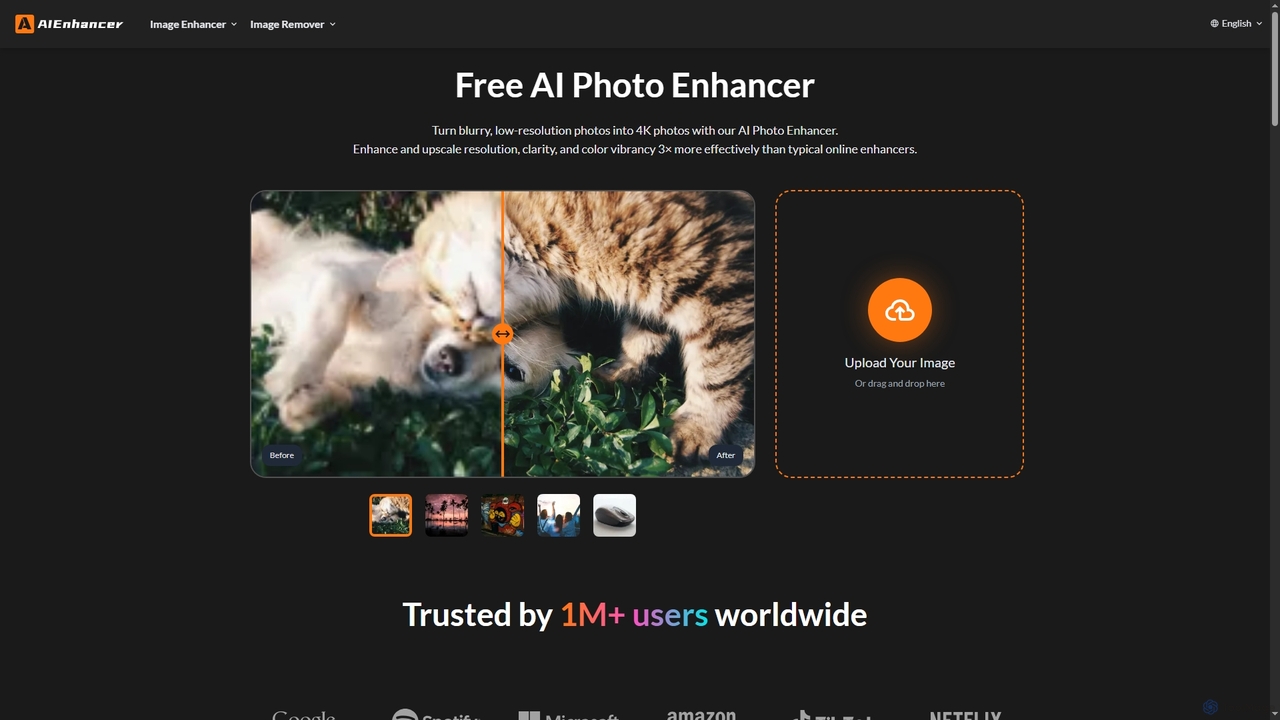
Image ProcessingUse Cases

1

Automating E-commerce Product Photo Preparation

E-commerce businesses often deal with hundreds or thousands of product images that require consistent backgrounds, lighting, and sizing. AI image processing tools can automatically remove backgrounds, standardize product placement, correct colors, and upscale low-resolution images in bulk. This drastically reduces the manual effort and time spent by graphic designers or marketing teams, ensuring a uniform and professional look across all product listings, leading to higher conversion rates.

2

Enhancing Real Estate Photography

Real estate agents and photographers need to present properties in the best possible light to attract potential buyers. AI image processing can automatically correct exposure, adjust white balance, remove lens distortions, and even virtually stage empty rooms by adding furniture. This transforms raw photos into captivating visuals that highlight a property's best features, making listings more appealing and reducing the need for expensive manual retouching.

3

Restoring Old or Damaged Photos

Individuals and archival institutions often possess old or damaged photographs that have faded, scratched, or suffered from color degradation. AI image processing tools can intelligently repair these imperfections by removing scratches, reducing noise, enhancing faded colors, and even sharpening blurry details. This allows for the digital restoration of precious memories or historical documents, preserving them for future generations with minimal manual intervention.

4

Creating Consistent Social Media Visuals

Social media managers and content creators require a constant stream of visually appealing and brand-consistent content. AI image processing tools enable them to quickly resize images for different platforms, apply uniform filters or color palettes, and add branded elements like logos or watermarks in batches. This ensures visual coherence across all social channels, strengthens brand identity, and frees up time for content strategy rather than repetitive editing.

5

Streamlining Graphic Design Workflows

Graphic designers frequently perform repetitive tasks like background removal, object selection, and image resizing. AI image processing tools integrate into design software, automating these mundane steps. For instance, a designer can instantly isolate a complex object from its background or upscale a low-res client logo without manual tracing. This allows designers to focus on creative aspects, accelerating project delivery and improving overall productivity.

6

Generating High-Quality Marketing Assets

Marketing teams need a diverse range of high-quality visual assets for campaigns, advertisements, and website content. AI image processing can transform raw photos into polished marketing materials by enhancing details, adjusting lighting, and applying specific stylistic effects. It can also generate variations of an image or adapt existing visuals for different ad formats, ensuring campaigns are visually impactful and consistent across various channels.

Image ProcessingFrequently Asked Questions