Best of the Year 1 results Background Removal AI Tools

Popular AI tools in the Background Removal field include AIEnhancer, etc., helping you quickly improve efficiency.

AIEnhancer

AIEnhancer

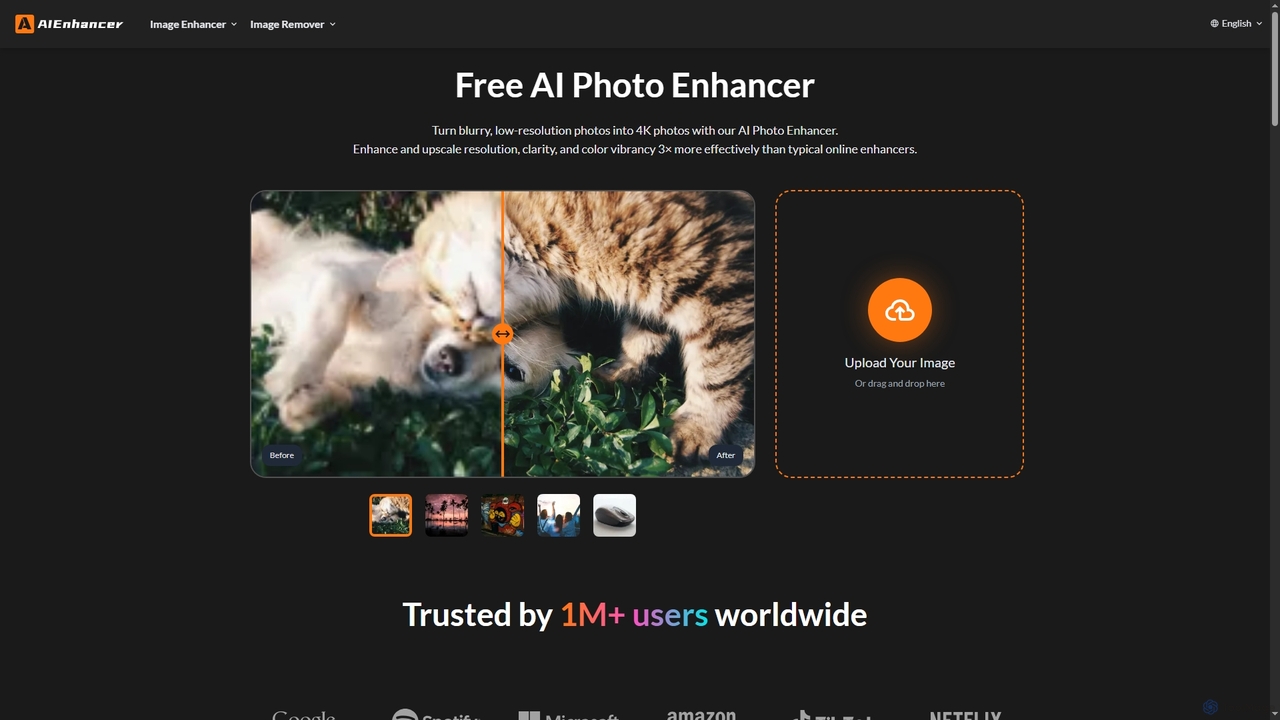
AIEnhancer is a powerful online AI tool that transforms and perfects images. It enhances resolution, restores old photos, …

878.2K

About Background Removal

Background Removal tools are a class of AI-powered software that automatically isolates the main subject of an image or video from its background. These tools leverage advanced computer vision and image segmentation models to accurately detect edges and create precise cutouts. Their primary value lies in dramatically accelerating the editing process for tasks that traditionally required meticulous manual work, such as in e-commerce, marketing, and graphic design. This automation allows users to achieve professional-quality results in seconds, without needing specialized skills.

Core Features

  • Automatic Subject Detection: The AI intelligently identifies and selects the primary foreground object, distinguishing it from the surrounding environment.
  • High-Precision Edge Refinement: Creates clean and detailed cutouts, effectively handling complex areas like hair, fur, and semi-transparent objects.
  • Bulk Processing: Enables the simultaneous removal of backgrounds from a large number of images, streamlining high-volume workflows.
  • Background Replacement: Offers options to save the subject with a transparent background (PNG) or replace the original background with a solid color, gradient, or custom image.

Use Cases

These tools are widely used in e-commerce for creating clean product listings with uniform backgrounds. Marketers and graphic designers use them to quickly create assets for social media, advertisements, and presentations. Photographers also integrate them into their workflow to speed up portrait retouching and composite image creation.

How to Choose

When selecting a background removal tool, consider its accuracy, especially with complex edges. Evaluate its processing speed and capacity for batch operations if you handle large volumes. For developers, the availability and documentation of an API are crucial. Also, check the supported file formats (e.g., JPG, PNG, WEBP, video) and the pricing model (subscription vs. pay-per-image) to ensure it aligns with your needs.

Background RemovalUse Cases

1

Batch Processing for E-commerce Product Images

An e-commerce manager needs to prepare hundreds of new product photos for an online store. Instead of manually tracing each product in photo editing software, they use an AI background removal tool to batch-process the entire folder of images. The tool automatically detects each product, removes the inconsistent backgrounds from the photoshoot, and replaces them with a clean, white background as required by platforms like Amazon or Shopify. This process reduces a task that would take days of manual labor down to just a few minutes, ensuring product listings are consistent and professional.

2

Creating Engaging Social Media Graphics

A social media marketer wants to create eye-catching posts for an upcoming campaign. They take a photo of a person holding the featured product. Using an AI background removal tool, they instantly isolate the person and product from the original background. This cutout is then easily placed onto a branded graphic template with campaign-specific text and colors. This allows for rapid creation of multiple visual variations for A/B testing on platforms like Instagram and Facebook, without needing advanced graphic design skills or access to a design team.

3

Refining Portraits for Professional Headshots

A freelance photographer specializes in corporate headshots taken at clients' offices. The office environments often have distracting backgrounds. After a photoshoot, the photographer uploads the selected portraits to an AI background removal tool. The tool precisely cuts out each person, paying special attention to fine hair details. The photographer then replaces the cluttered office background with a standard, neutral studio backdrop. This ensures a consistent and professional look across all headshots for a company's website, saving significant time compared to manual masking in Photoshop.

4

Standardizing Vehicle Images for Online Listings

A car dealership needs to upload its inventory to its website and third-party listing sites. Photos are taken in the dealership lot, resulting in varied and distracting backgrounds. Using an AI background removal tool, the marketing team processes all vehicle photos. The tool removes the parking lot, other cars, and buildings, isolating each vehicle cleanly. They then apply a uniform, professional-looking virtual showroom background to all images. This standardization creates a high-quality, trustworthy online presence and improves the visual appeal of the listings, potentially leading to more customer inquiries.

5

Automating User-Generated Content for Custom Products

A developer is building a web application that allows users to print their photos on custom merchandise like t-shirts and mugs. To improve the user experience, they integrate a background removal API. When a user uploads a photo of their pet, for example, the API automatically removes the background of the living room, leaving just the pet. The user is then shown a clean preview of their pet on the product. This automation simplifies the design process for non-technical users, increases conversion rates, and reduces the need for manual artwork checks by the support team.

6

Creating Virtual Backgrounds for Video Calls

A remote professional frequently participates in video conferences with important clients but has a cluttered home office. Instead of relying on the often-unreliable built-in virtual backgrounds in video conferencing software, they use a dedicated AI background removal tool for video. This tool processes their webcam feed in real-time, accurately cutting them out and allowing them to place themselves against a professional, high-resolution office image or a subtle branded background. This enhances their professional image and ensures client calls are free from distracting backgrounds, all without needing a physical green screen.

Background RemovalFrequently Asked Questions