

Photoleap Overview
Photoleap, developed by the acclaimed Lightricks, is a comprehensive and powerful photo editing application that seamlessly integrates advanced AI capabilities with a user-friendly interface. It serves as an all-in-one creative suite for mobile users, empowering them to perform everything from simple touch-ups to complex artistic transformations. Whether you're looking to enhance blurry photos, completely change a background, or generate entirely new worlds from a text prompt, Photoleap provides the tools to bring your vision to life.
The app's core strength lies in its extensive collection of AI-powered tools. Users can go beyond standard filters and adjustments, diving into a world of generative AI. This includes creating custom avatars in various styles, turning selfies into professional headshots, designing virtual tattoos, or even generating entire scenes and characters from simple text descriptions. The platform is constantly updated with trendy features, such as the popular AI Yearbook generator, ensuring users always have access to the latest creative tools.
How to use Photoleap
Getting started with Photoleap is intuitive and straightforward. First, download the app from the iOS App Store or Google Play Store. Once installed, you can begin a new project by either uploading a photo from your device's gallery or by using the AI image generator to create something new from a text prompt. From there, the main editing interface presents a vast array of tools. You can select a specific function like 'AI Enhance' to improve quality, 'Remove Background' to isolate a subject, or 'AI Filters' to apply artistic styles. Each tool guides you through a few simple taps to achieve the desired effect. Once you are satisfied with your creation, you can easily save it to your device or share it directly to your social media platforms.
Core Features of Photoleap
- AI Image Generation: Create unique images, art, and illustrations from text prompts with the Text-to-Image generator. Also includes AI Selfie, Avatar, and Character generators for personalized creations.
- Advanced Photo Enhancement: Automatically improve image quality, sharpen details, increase resolution with AI Enhancer and Upscaler. Colorize black and white photos or brighten underexposed shots.
- Background & Object Manipulation: Effortlessly remove, replace, or generate new backgrounds with AI. Erase unwanted objects, people, or text from photos for a clean shot. Extend image boundaries with the AI Image Extender (Uncrop).
- Creative Transformations & Effects: Turn photos into cartoons, anime, or paintings. Apply trendy filters like AI Yearbook, swap faces, try on virtual hairstyles or tattoos, and create stunning double exposures.
- Professional & Business Tools: Generate professional-grade AI headshots for LinkedIn or corporate profiles. Use AI Interior Design tools to visualize room makeovers. Create product mockups with AI Replace.
- Standard Editing Suite: Includes all essential editing tools such as cropping, adding text, creating photo collages, adding borders, and applying artistic filters and effects.
- Animation & Video: Bring static photos to life with animation features or convert an image into a short video clip using AI.
Use Cases for Photoleap
For Social Media Managers & Content Creators: Quickly generate eye-catching visuals for posts and stories. Create unique profile pictures and avatars. Use AI Backgrounds to maintain a consistent brand aesthetic. Animate static images to increase engagement.
For Artists & Designers: Experiment with generative art styles without needing complex software. Create concept art or storyboards from text prompts. Use the tool to quickly mock up ideas and visual concepts.
For Small Business Owners: Create professional product photos by removing distracting backgrounds or using AI to generate lifestyle scenes. Design promotional materials and social media ads. Generate professional headshots for the team without a photoshoot.
For Casual Users: Restore and colorize old family photos. Create fun edits like face swaps or costume generations to share with friends. Design personalized gifts, cards, and collages for special occasions.
Advantages of Photoleap
Photoleap stands out by offering a vast, almost overwhelming, number of features within a single, accessible mobile app. Its user-friendly interface makes powerful AI technology available to users of all skill levels. The quality of the AI-generated output is consistently high, and the constant addition of new, trend-aware features keeps the app fresh and relevant. It effectively replaces the need for multiple specialized editing apps by being a true all-in-one solution.
Pricing and Plans
Photoleap operates on a freemium model. Users can download the app for free and access a selection of basic editing tools and limited use of AI features. To unlock the full suite of advanced AI tools, unlimited saves, and a higher-quality export resolution, users must subscribe to the Pro plan. Photoleap typically offers a 7-day free trial for users to experience the full capabilities before committing to a subscription, which is available as a monthly or annual plan.
Traffic
Latest traffic
Status
Monthly traffic trend
- 2025-9: 196.9K
- 2026-1: 159.8K
- 2026-2: 94.3K
- 2026-3: 85.2K
- 2026-4: 78.8K
- 2026-5: 81.6K
Geography
Top 5 countries / regions
- 🇺🇸United States33.9%
- 🇮🇳India22.1%
- 🇳🇬Nigeria16.9%
- 🇬🇧United Kingdom15.9%
- 🇰🇭Cambodia11.1%
Traffic sources
| Source type | Percentage |
|---|---|
Direct | 77.3% |
Referral | 22.7% |
Top keywords
| Keyword | Cost per click |
|---|---|
| best way to add a person to a photo | $0.00 |
| photoleap | $0.89 |
| photo merge | $0.53 |
| photopea | $0.55 |
| remove background | $0.28 |
Photoleap Videos on YouTube

Learn With Shopify

Gulfraz Editor

Brian Nguyen

Photoleap Alternatives
Snapshift
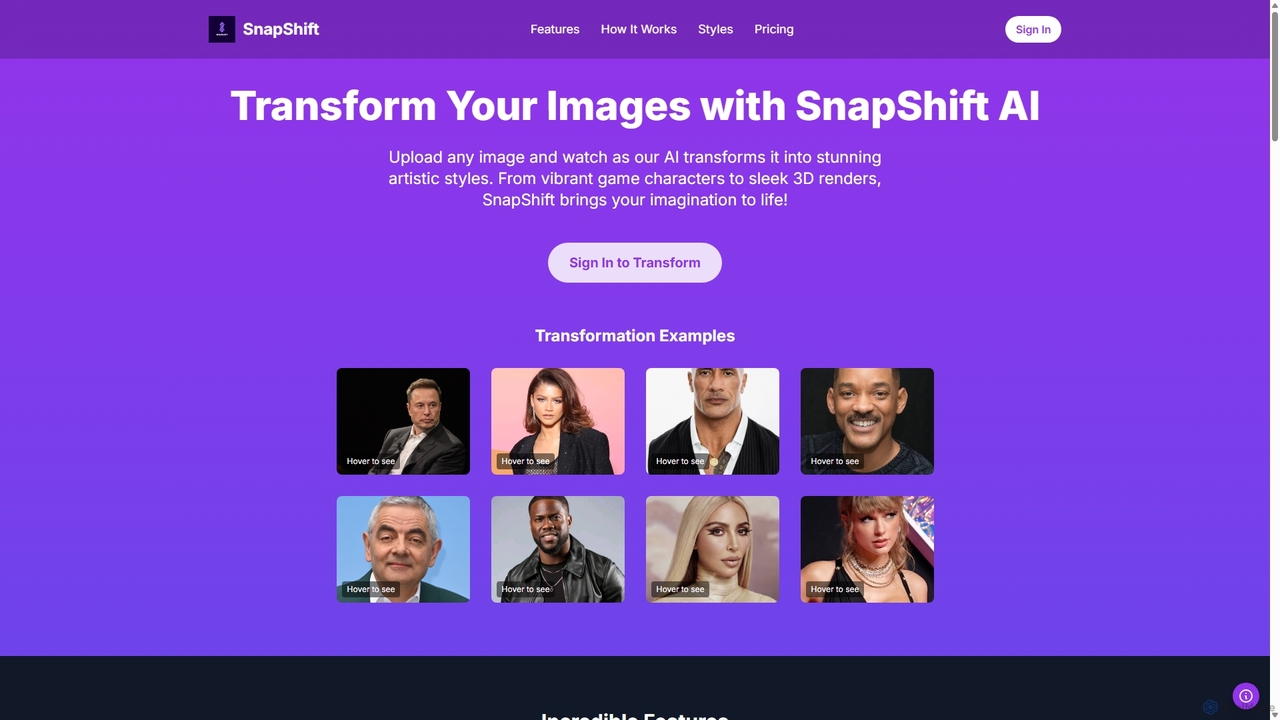
Snapshift is an AI-powered image transformation tool that converts your photos into a variety of stunning artistic styles. Effortlessly create video game characters, 3D renders, pixel art, and more. It's perfect for social media creators, digital artists, and gamers looking to produce unique, high-quality visuals in seconds.
Generative Art
PhotoGrid
PhotoGrid is an all-in-one online collage maker and AI photo editor. It offers over 20,000 templates and a suite of powerful AI tools to create stunning photo collages, remove backgrounds, enhance image quality, and apply creative filters, making professional photo editing accessible to everyone.
Collage Maker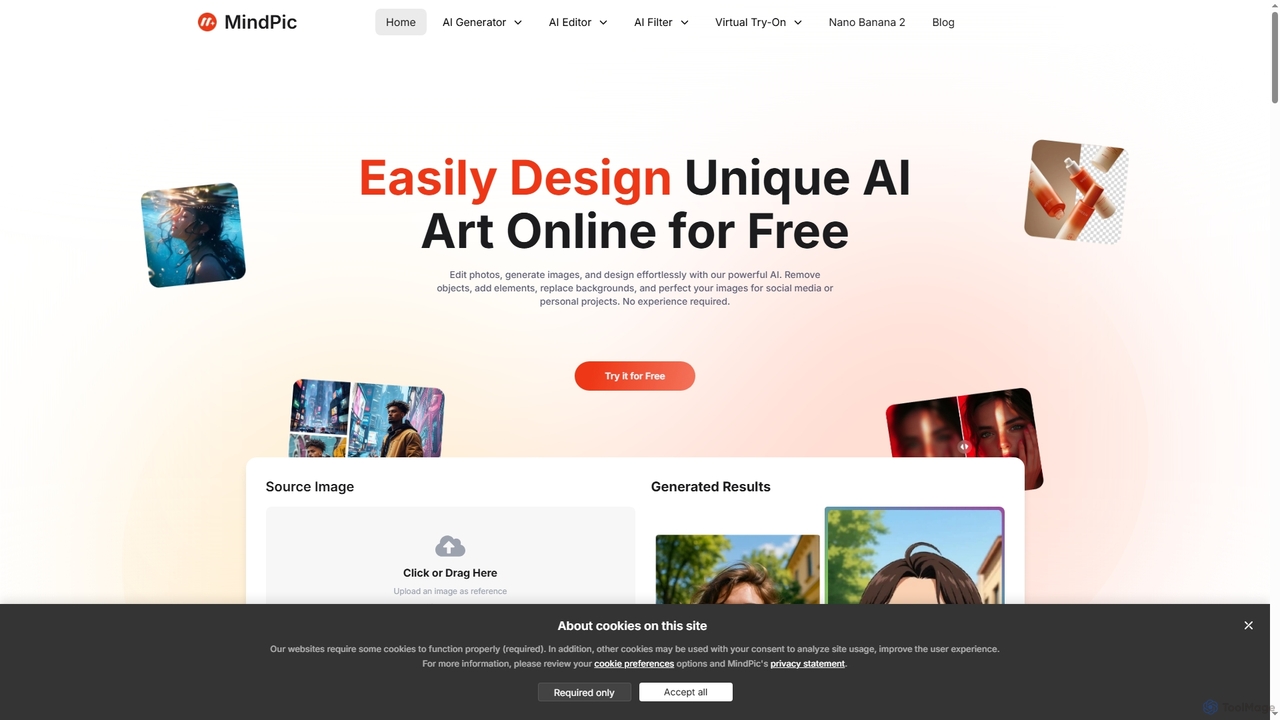
MindPic
MindPic is a free online AI photo editor and design tool that empowers users to effortlessly enhance, transform, and generate images. It offers a suite of AI-powered features like object removal, background replacement, image upscaling, photo retouching, and art generation from text or reference images, all without requiring any login or prior editing experience.
Graphic Design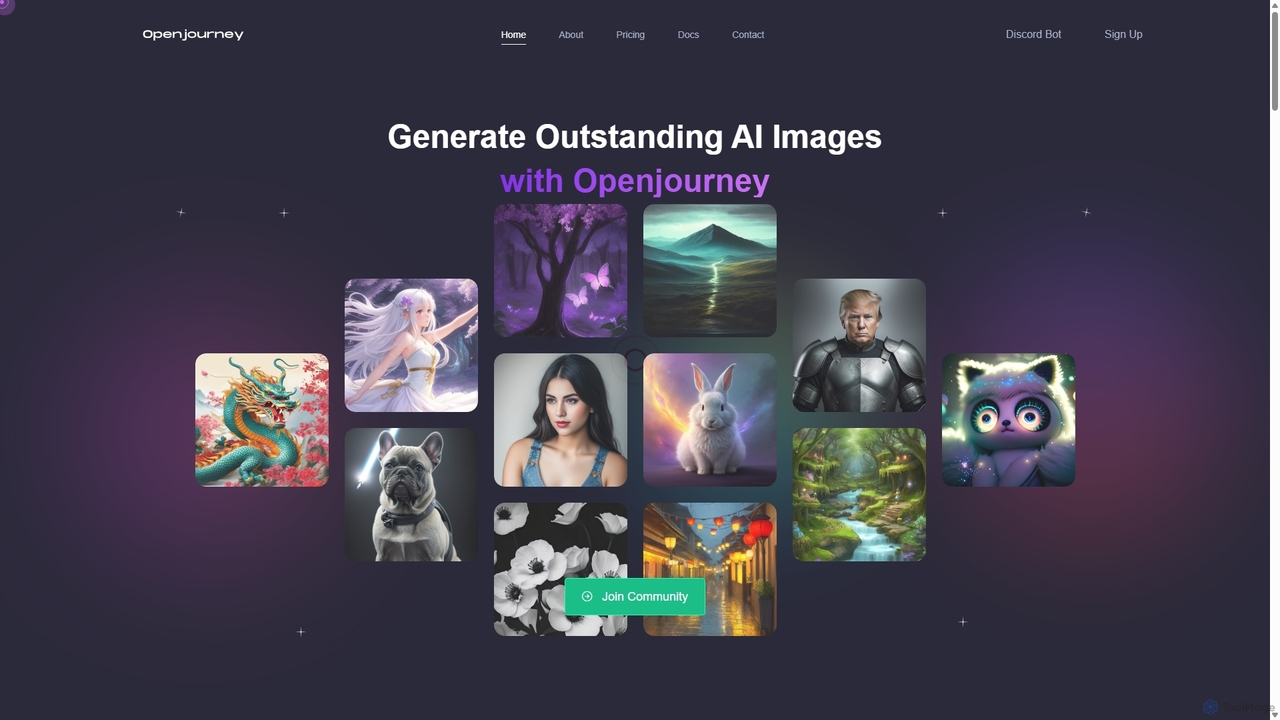
Openjourney
Openjourney is a comprehensive AI creative suite that offers a wide range of generative tools in one place. It excels in generating high-quality images from text prompts but also includes powerful features like face restoration, face swapping, background removal, image upscaling to 4K, an unlimited AI chatbot, and advanced controls like Controlnet. It's designed for creators, marketers, and artists seeking a versatile and powerful AI toolkit.
Generative Art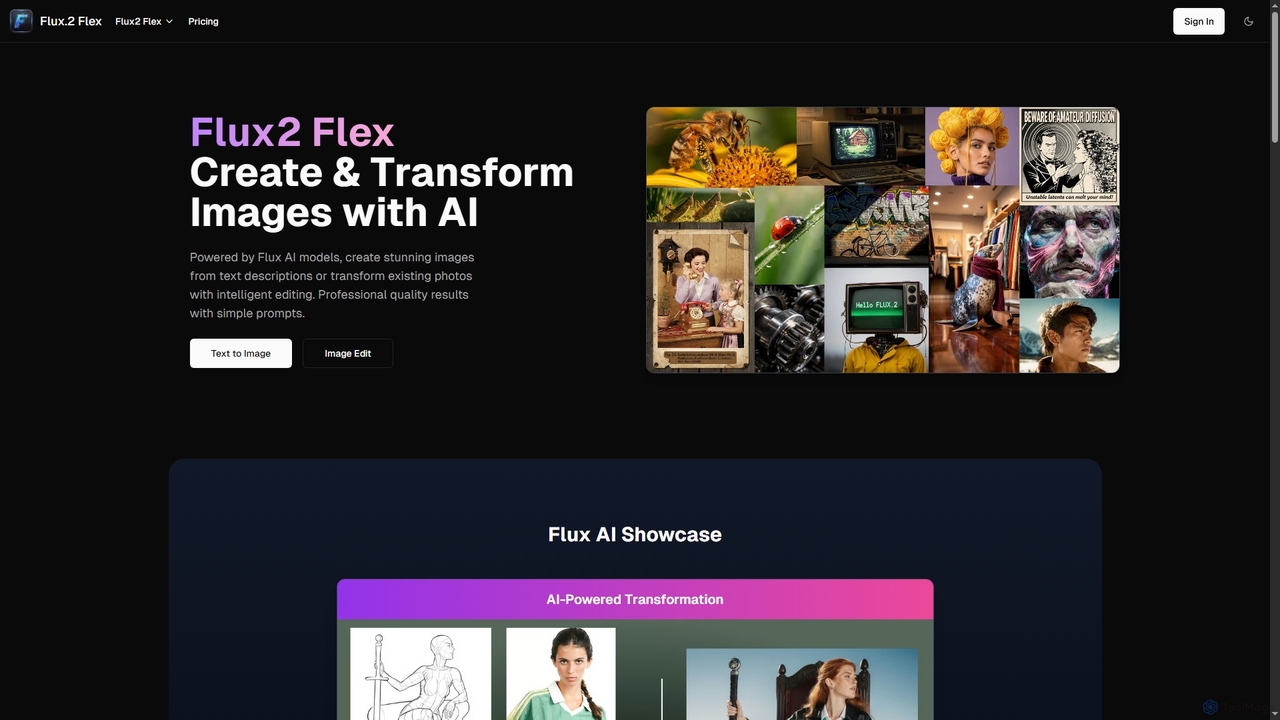
Flux2 Flex
Flux2 Flex is an AI-powered image generator and editor designed to create high-quality visuals from text prompts or transform existing photos. Leveraging advanced Flux AI models, it offers intuitive tools for text-to-image creation, image-to-image editing, style transfer, and object manipulation, catering to both professionals and beginners.
Generative ArtPhotoleap Categories
Photoleap Jobs
Photoleap Embed Widget
Copy this embed code to place the badge on your blog, article, or product site and send readers directly to this ToolMage detail page.

Related AI tools
MindPic
MindPic is a free online AI photo editor and design tool that empowers users to effortlessly enhance, transform, and generate images. It offers a suite of AI-powered features like object removal, background replacement, image upscaling, photo retouching, and art generation from text or reference images, all without requiring any login or prior editing experience.
Graphic Design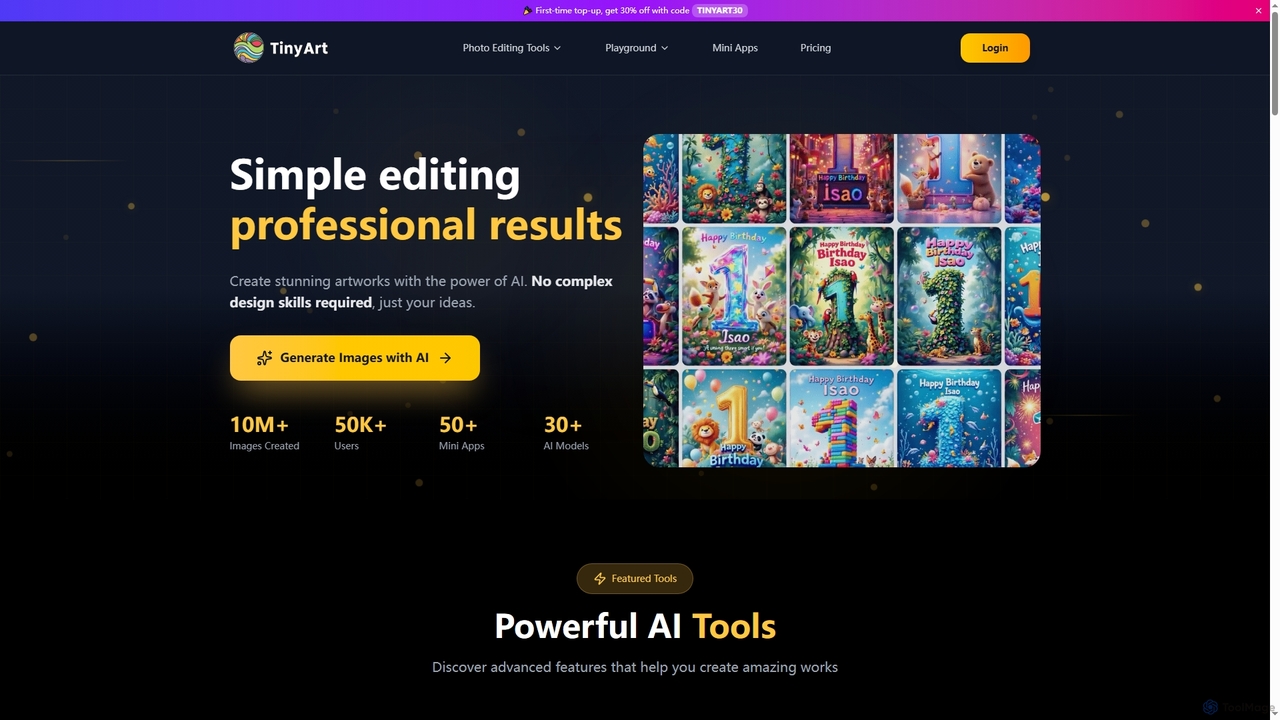
TinyArt
TinyArt is an AI-powered photo editing and image generation platform designed for professional results without complex design skills. It offers a suite of tools including background removal, image upscaling, watermark removal, object cleanup, and text-to-image generation, alongside specialized mini-apps for ID photos, face swaps, and photo restoration.
Creative Tools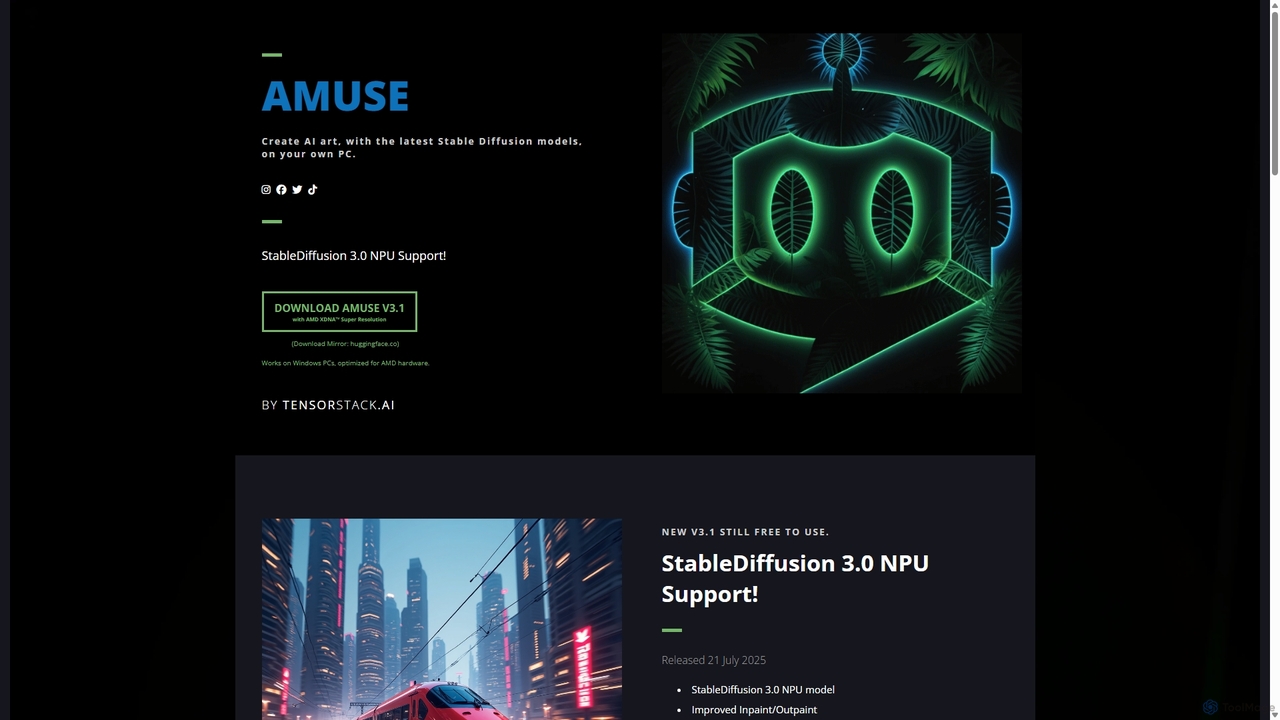
Amuse
Amuse is a free, powerful AI image and video generation tool for Windows PCs that runs locally on your hardware. It features Stable Diffusion 3.0, an easy mode for beginners, an expert mode for advanced users, and is highly optimized for AMD hardware with NPU support. Create stunning art, apply custom AI filters, and experiment with video generation without any cost or login requirements.
Generative Art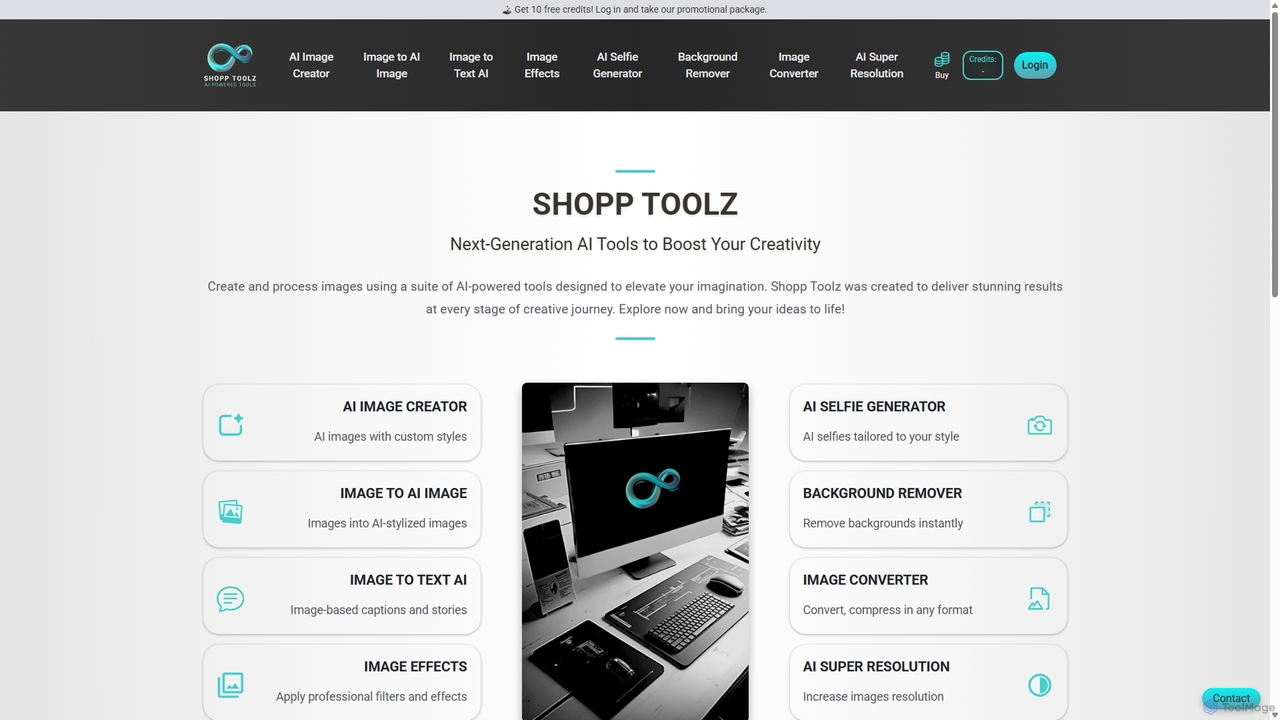
Shopp Toolz
Shopp Toolz is an all-in-one AI-powered creative suite designed to enhance your visual content. It offers a range of tools including an AI image generator, image-to-image transformation, background remover, super resolution, and more. Ideal for creators, marketers, and designers, it simplifies the creative process with a user-friendly interface and a flexible pay-as-you-use model.
Image Editing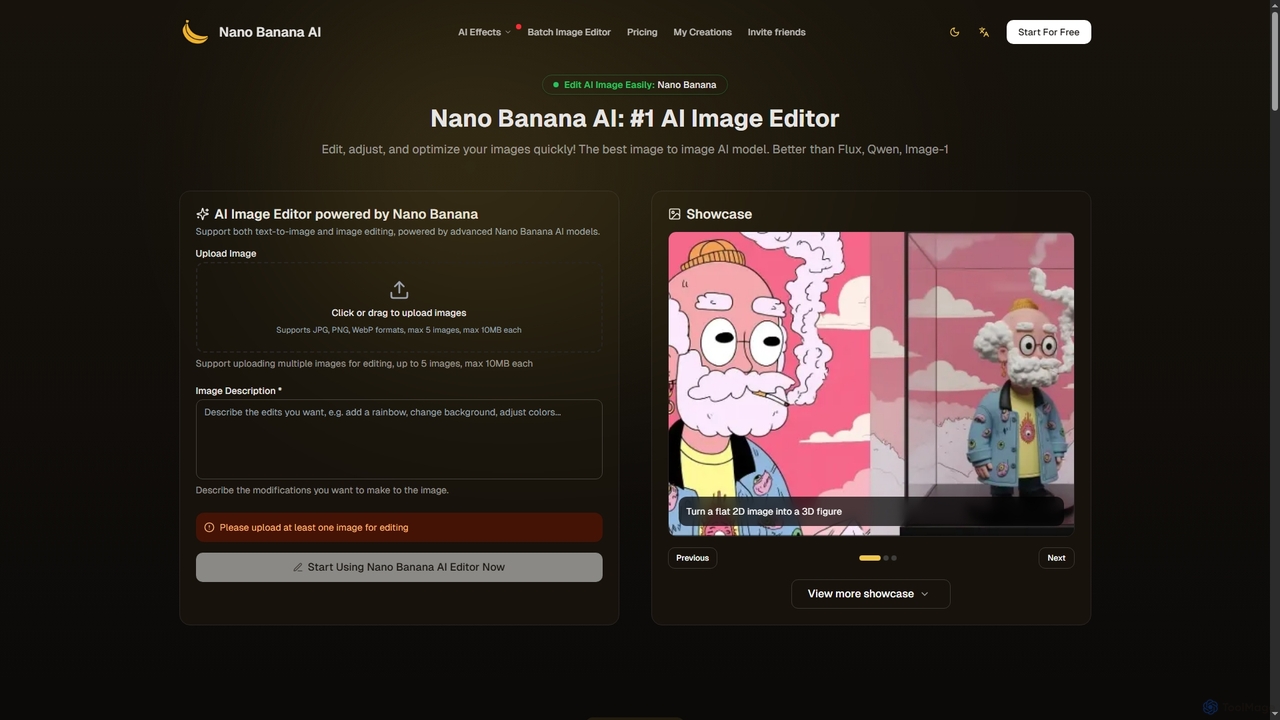
Nano Banana
Nano Banana is an advanced AI image editor and generator that allows users to effortlessly transform photos and create stunning visuals. It supports text-to-image generation, comprehensive image editing, and even specialized features like AI action figure creation. With lightning-fast processing and professional-quality output, Nano Banana simplifies complex editing tasks for personal and commercial use.
Digital Art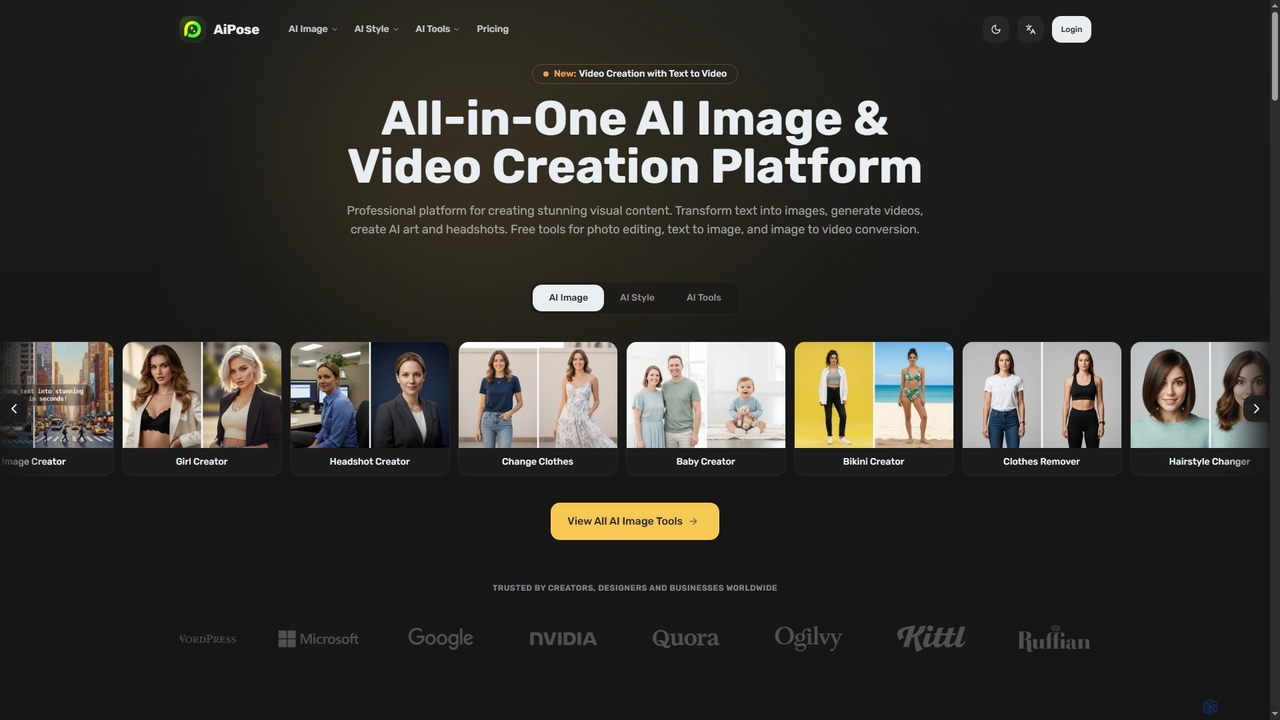
Aipose
Aipose is an all-in-one AI platform for creating and editing visual content. It transforms text into images and videos, generates AI art and professional headshots, and offers a comprehensive suite of over 14 powerful photo editing tools for creators, designers, and businesses.
3D
Jyek
Jyek is an AI agent platform that understands objectives, creates execution plans, uses tools, and delivers verifiable results for complex, multi-step tasks.
Automation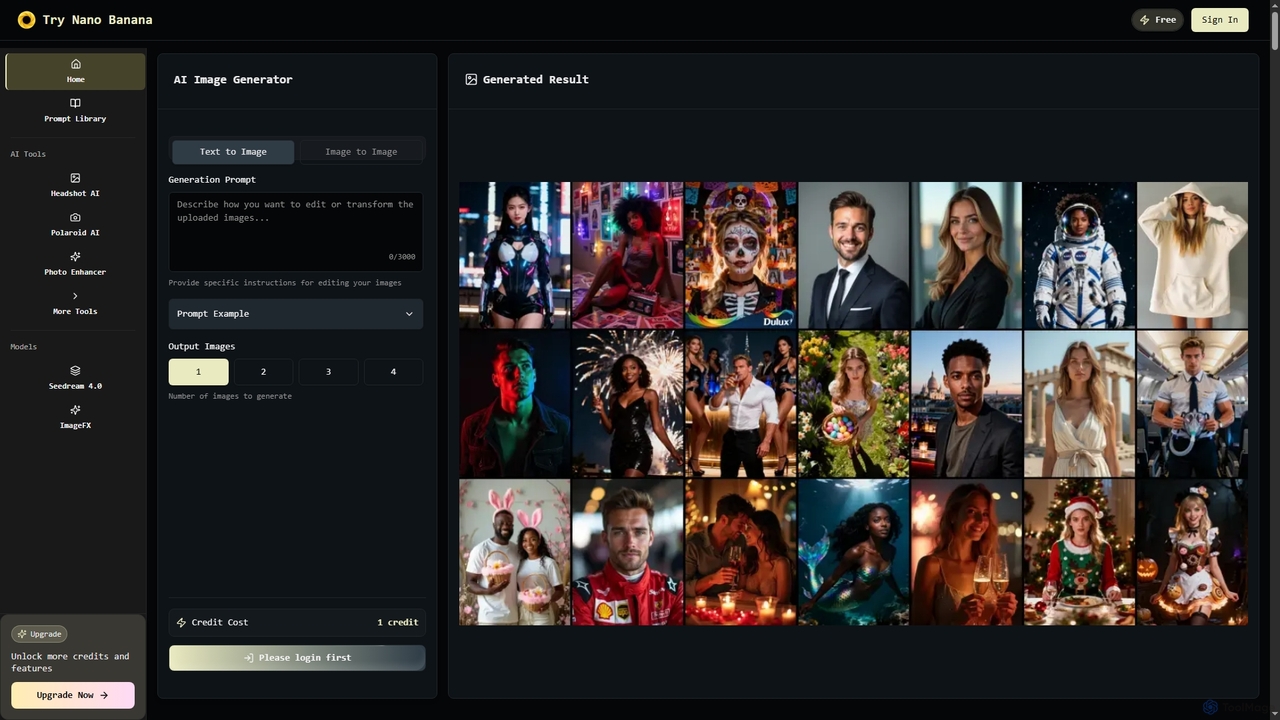
Nano Banana
Nano Banana is an instant AI image generator powered by Google's Gemini 2.5 Flash Image model, offering text-to-image creation, smart image editing, and multi-image fusion. It helps users generate professional-quality visuals for various personal and commercial needs, including headshots, product images, and artistic creations, with speed and high resolution.
Creative Asset GenerationPhotoGrid
PhotoGrid is an all-in-one online collage maker and AI photo editor. It offers over 20,000 templates and a suite of powerful AI tools to create stunning photo collages, remove backgrounds, enhance image quality, and apply creative filters, making professional photo editing accessible to everyone.
Collage Maker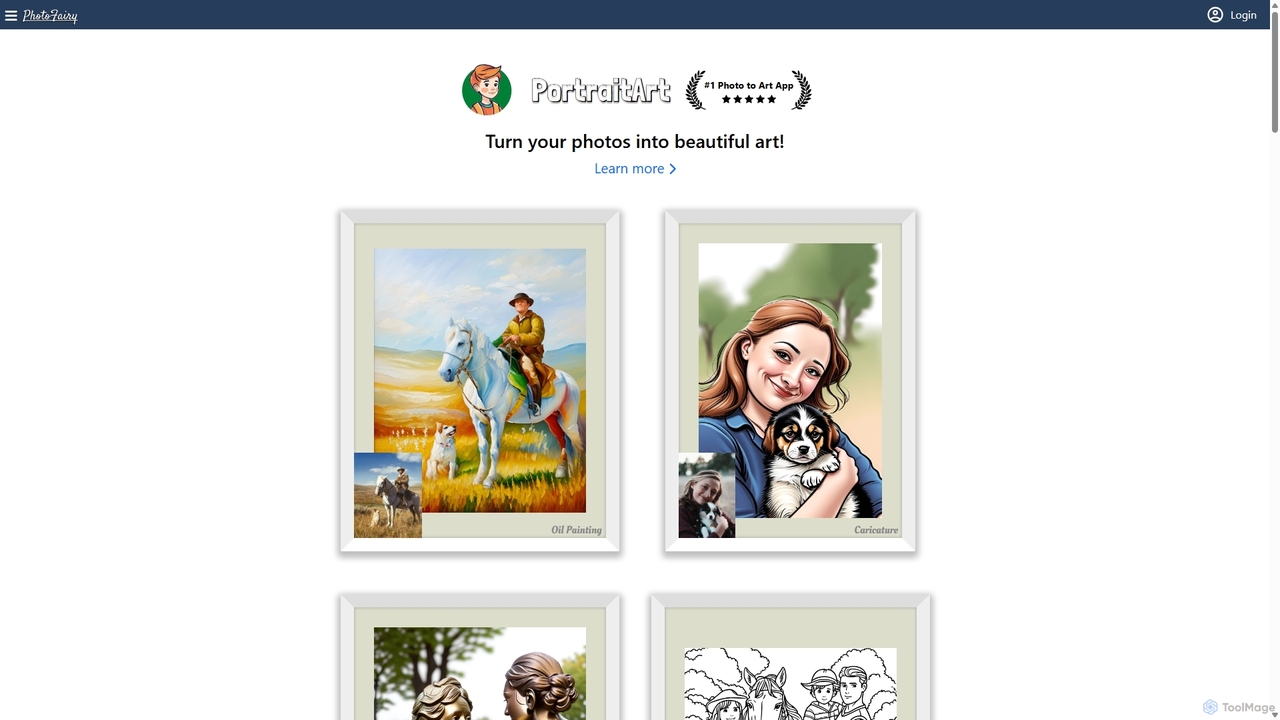
PhotoFairy
PhotoFairy is a powerful AI-driven photo editor and graphic design tool. It effortlessly transforms photos into various art styles, removes backgrounds and objects, generates images from text, and provides an infinite canvas for creative projects. Ideal for designers, marketers, and content creators seeking an all-in-one visual creation platform.
Art Generation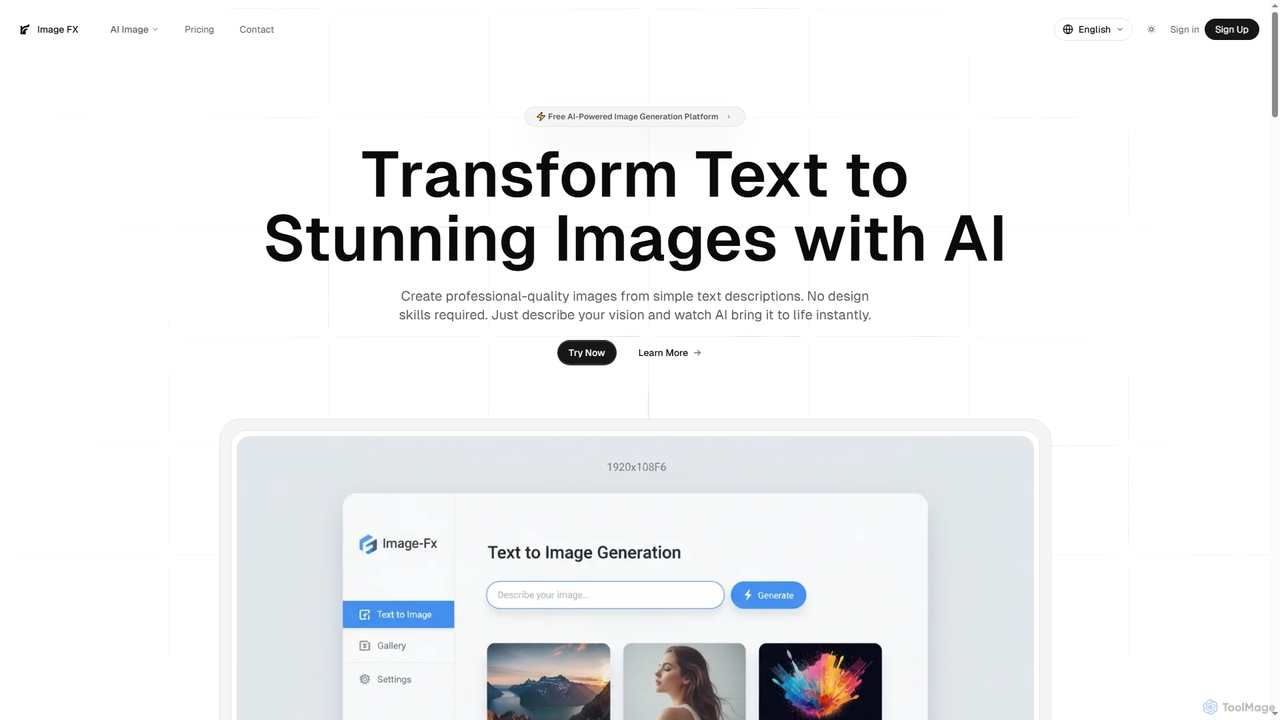
Image FX
Image FX is a free, AI-powered platform that transforms text descriptions into stunning, professional-quality images with a single click. It also features an intelligent AI chat assistant for creative brainstorming and support, making advanced image generation accessible to everyone without requiring design skills.
Text To Image
Relight AI
Relight AI is an AI-powered photo editing tool that effortlessly changes photo backgrounds and adjusts lighting using simple text prompts. Transform your images into studio-quality masterpieces for professional headshots, product photos, or creative portraits without needing complex software like Photoshop. It's fast, intuitive, and offers a free trial.
Background Remover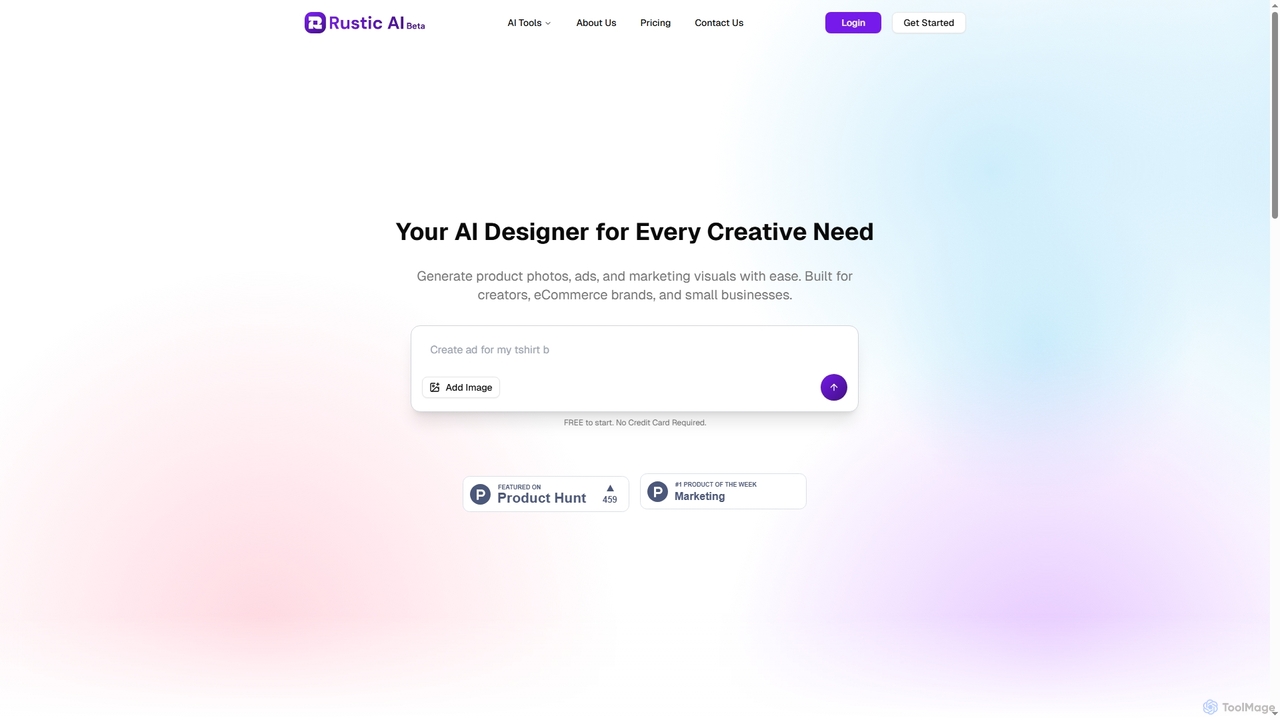
Rustic AI
Rustic AI is an intuitive AI design editor built for creators, e-commerce brands, and small businesses. It simplifies the generation of high-quality product photos, ad creatives, and marketing visuals, transforming ideas into stunning imagery with ease. The platform offers a suite of AI-powered tools to streamline visual content creation.
Graphic DesignOpenjourney
Openjourney is a comprehensive AI creative suite that offers a wide range of generative tools in one place. It excels in generating high-quality images from text prompts but also includes powerful features like face restoration, face swapping, background removal, image upscaling to 4K, an unlimited AI chatbot, and advanced controls like Controlnet. It's designed for creators, marketers, and artists seeking a versatile and powerful AI toolkit.
Generative ArtFlux2 Flex
Flux2 Flex is an AI-powered image generator and editor designed to create high-quality visuals from text prompts or transform existing photos. Leveraging advanced Flux AI models, it offers intuitive tools for text-to-image creation, image-to-image editing, style transfer, and object manipulation, catering to both professionals and beginners.
Generative Art
Photoleap Comments (0)
Sign in to comment.
Sign inNo comments yet.