


Relight AI Overview
Relight AI is a cutting-edge, AI-powered studio assistant designed to transform ordinary photos into professional, studio-level masterpieces. It specializes in two key areas: changing photo backgrounds and adjusting lighting with remarkable realism. By simply using text prompts, users can instantly swap out a mundane background for a dynamic cityscape, a serene natural landscape, or a clean studio setting. The tool's advanced algorithms not only replace the background but also intelligently relight the subject to match the new environment, ensuring a seamless and natural-looking composition. This eliminates the need for complex and time-consuming software like Photoshop, making high-end photo editing accessible to everyone, from professional photographers and marketers to individuals looking to enhance their personal photos.
How to use Relight AI
The process of transforming your photos with Relight AI is designed to be simple and intuitive, requiring just three easy steps:
- Upload your image: Click the 'Upload' button and select the photo you wish to edit. The platform supports common image formats such as PNG, JPEG, and WEBP, with a maximum file size of 5MB. For best results, use clear, well-lit images with a resolution of at least 1024x1024 pixels.
- Input Background Prompt: In the 'Background Prompt' field, describe the new background and lighting you envision. Be as specific as possible. For example, instead of 'an office', try 'a modern office with warm afternoon sunlight coming from the left window'. The more detail you provide, the more accurately the AI can generate your desired result.
- Click 'Relight': Press the 'Relight' button and let the AI work its magic. The model will analyze your image, subject, and prompt to generate a new version with the specified background and lighting. The process typically takes only 10-15 seconds.
Core Features of Relight AI
- AI-Powered Background Changer: Instantly remove, replace, or create new backgrounds from scratch using simple text descriptions.
- Intelligent Relighting: The AI doesn't just change the background; it analyzes the new scene and automatically adjusts the lighting, shadows, and reflections on your subject to create a cohesive and realistic image.
- One-Click Magic: Achieve complex edits that would normally take hours in just a few seconds with a single click. No technical skills required.
- Infinite Creativity: Unleash your imagination with limitless background and lighting combinations. Create any scene you can describe, from photorealistic travel photos to imaginative pet portraits.
- Magic Upscaler: Available in paid plans, this feature enhances the resolution of your photos, ensuring high-quality, print-ready results.
- Seamless Integration: The tool is compatible with popular image formats, making it easy to integrate into your existing creative or marketing workflow.
Use Cases for Relight AI
Relight AI is a versatile tool suitable for a wide range of applications:
- Professional Headshots: Transform a simple home photo into a polished, studio-quality headshot with a professional background, perfect for LinkedIn, corporate websites, and resumes.
- E-commerce & Product Photography: Place products in various settings and lighting conditions without expensive photoshoots. Create clean, consistent backgrounds or lifestyle shots that attract customers.
- Marketing & Social Media: Generate eye-catching visuals for advertising campaigns, social media posts, and website banners. Quickly adapt a single image for different promotional themes.
- Creative Portraits: Create heartwarming pet portraits with custom backgrounds or turn family photos into artistic masterpieces.
- Virtual Travel Photos: Place yourself in any location around the world, creating realistic travel memories without leaving your home.
Advantages of Relight AI
Relight AI offers significant advantages over traditional photo editing methods. It democratizes professional photo editing by removing the barrier of technical skill and expensive software. The speed of the tool allows for rapid iteration and creativity, saving users valuable time. Furthermore, it provides a cost-effective solution for creating high-quality imagery, avoiding the high costs associated with professional photographers and studio rentals. The AI's ability to maintain authenticity while enhancing photos ensures the final results are always believable and beautiful.
Pricing and Plans
Relight AI operates on a freemium model, offering plans for different levels of usage:
- Free Plan: $0/month. Includes 5 credits, perfect for trying out the core features.
- Starter Plan: $6/month. Includes 100 credits (enough for ~20 photos per month), ideal for hobbyists and occasional users.
- Standard Plan: $11/month (with a 50% discount for the first month, regularly $22). Includes 500 credits (~100 photos per month), the magic upscaler, high-quality photo downloads, and early access to new features. This is the most popular choice for creators.
- Pro Plan: $39/month. Includes 1000 credits (~200 photos per month) and all the features of the Standard plan, designed for professionals with high-volume needs.
Traffic
Latest traffic
Status
Monthly traffic trend
- 2025-9: 12.1K
- 2026-1: 3.5K
- 2026-2: 4.4K
- 2026-3: 3.8K
- 2026-4: 5.0K
- 2026-5: 5.0K
Geography
Top 5 countries / regions
- 🇧🇷Brazil25.5%
- 🇮🇩Indonesia20.4%
- 🇫🇷France19.8%
- 🇲🇾Malaysia18.8%
- 🇮🇳India15.6%
Top keywords
| Keyword | Cost per click |
|---|---|
| ai relight image | $0.00 |
| relight | $2.48 |
| relight ai | $0.77 |
| relight.ai | $0.00 |
| relight photos ai | $0.00 |
Relight AI Alternatives
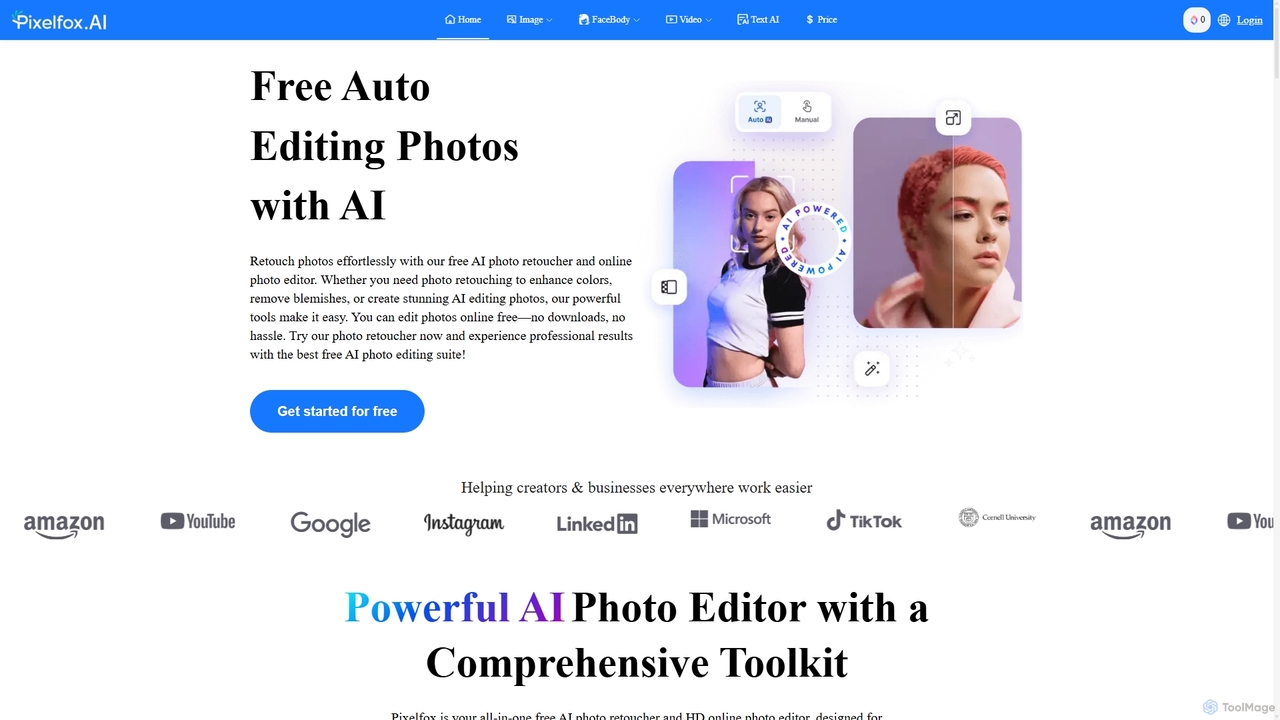
Pixelfox
Pixelfox is a comprehensive, free-to-use AI suite for creators and businesses. It combines a powerful online photo and video editor with over 300 AI writing tools. Effortlessly retouch photos, remove backgrounds, generate images from text, swap faces, and enhance quality. Simultaneously, create SEO-optimized articles, social media content, product descriptions, and much more, all within a single, no-download platform.
3D
Chuangkit AI
Chuangkit AI is an all-in-one intelligent design platform that leverages AI to automate creative workflows. It enables users to generate posters, product photos, logos, and social media content from simple text prompts, and offers a comprehensive suite of AI-powered image editing tools.
Graphic Design
Remover
Remover is a free AI-powered tool by ZMO.AI that effortlessly removes unwanted objects, people, text, and backgrounds from photos. Ideal for e-commerce, real estate, and general photo cleanup, it provides unlimited edits and professional results in seconds without needing complex software like Photoshop.
3D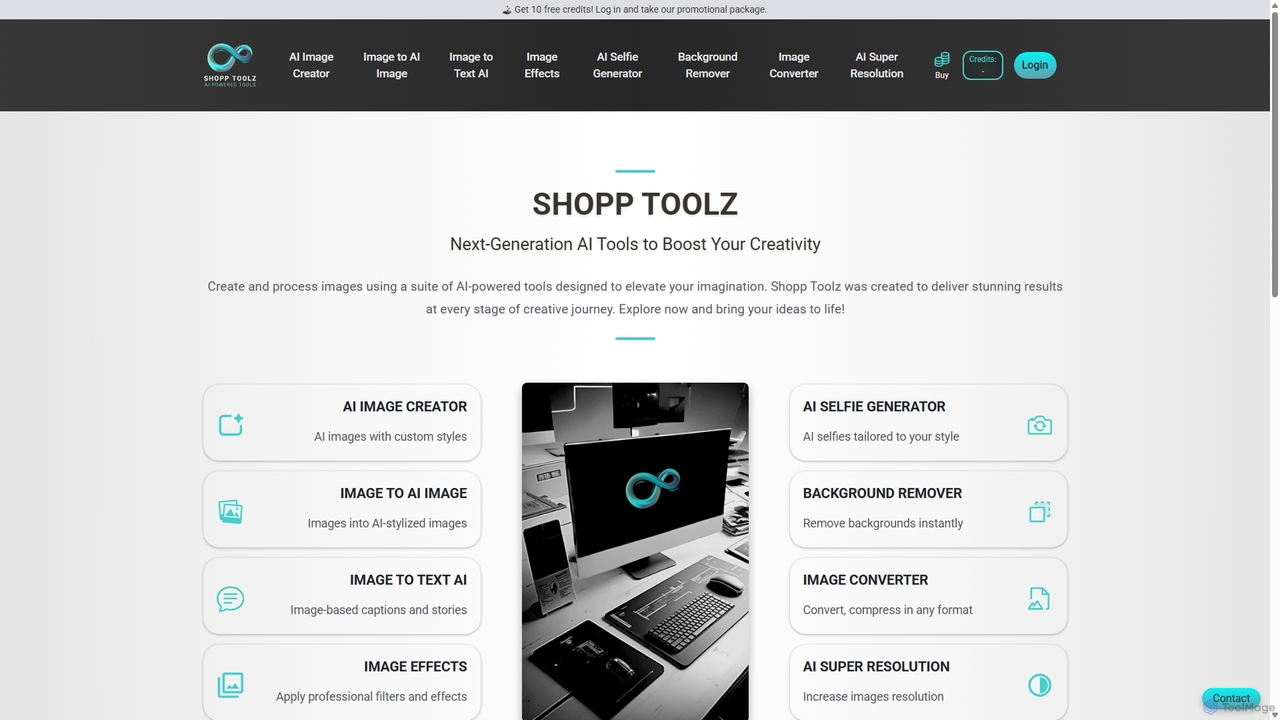
Shopp Toolz
Shopp Toolz is an all-in-one AI-powered creative suite designed to enhance your visual content. It offers a range of tools including an AI image generator, image-to-image transformation, background remover, super resolution, and more. Ideal for creators, marketers, and designers, it simplifies the creative process with a user-friendly interface and a flexible pay-as-you-use model.
Image Editing
Weshop
Weshop is an AI-powered creative studio for e-commerce, designed to instantly generate high-quality product and model photos and videos. It helps brands create stunning visuals at a fraction of the cost of traditional photoshoots, featuring tools like virtual try-on, AI video generation, background replacement, and intelligent scene creation to boost online sales and marketing efforts.
Product PhotosRelight AI Categories
Relight AI Jobs
Relight AI Embed Widget
Copy this embed code to place the badge on your blog, article, or product site and send readers directly to this ToolMage detail page.

Related AI tools
Chuangkit AI
Chuangkit AI is an all-in-one intelligent design platform that leverages AI to automate creative workflows. It enables users to generate posters, product photos, logos, and social media content from simple text prompts, and offers a comprehensive suite of AI-powered image editing tools.
Graphic DesignShopp Toolz
Shopp Toolz is an all-in-one AI-powered creative suite designed to enhance your visual content. It offers a range of tools including an AI image generator, image-to-image transformation, background remover, super resolution, and more. Ideal for creators, marketers, and designers, it simplifies the creative process with a user-friendly interface and a flexible pay-as-you-use model.
Image EditingPixelfox
Pixelfox is a comprehensive, free-to-use AI suite for creators and businesses. It combines a powerful online photo and video editor with over 300 AI writing tools. Effortlessly retouch photos, remove backgrounds, generate images from text, swap faces, and enhance quality. Simultaneously, create SEO-optimized articles, social media content, product descriptions, and much more, all within a single, no-download platform.
3DRemover
Remover is a free AI-powered tool by ZMO.AI that effortlessly removes unwanted objects, people, text, and backgrounds from photos. Ideal for e-commerce, real estate, and general photo cleanup, it provides unlimited edits and professional results in seconds without needing complex software like Photoshop.
3D
Photoleap
Photoleap is a powerful all-in-one AI photo editing app by Lightricks. It combines traditional editing tools with a massive suite of cutting-edge AI features, allowing users to transform photos, generate stunning AI art from text, create professional headshots, and apply creative effects with ease. It's designed for everyone from social media creators to casual users looking to elevate their images.
Generative Art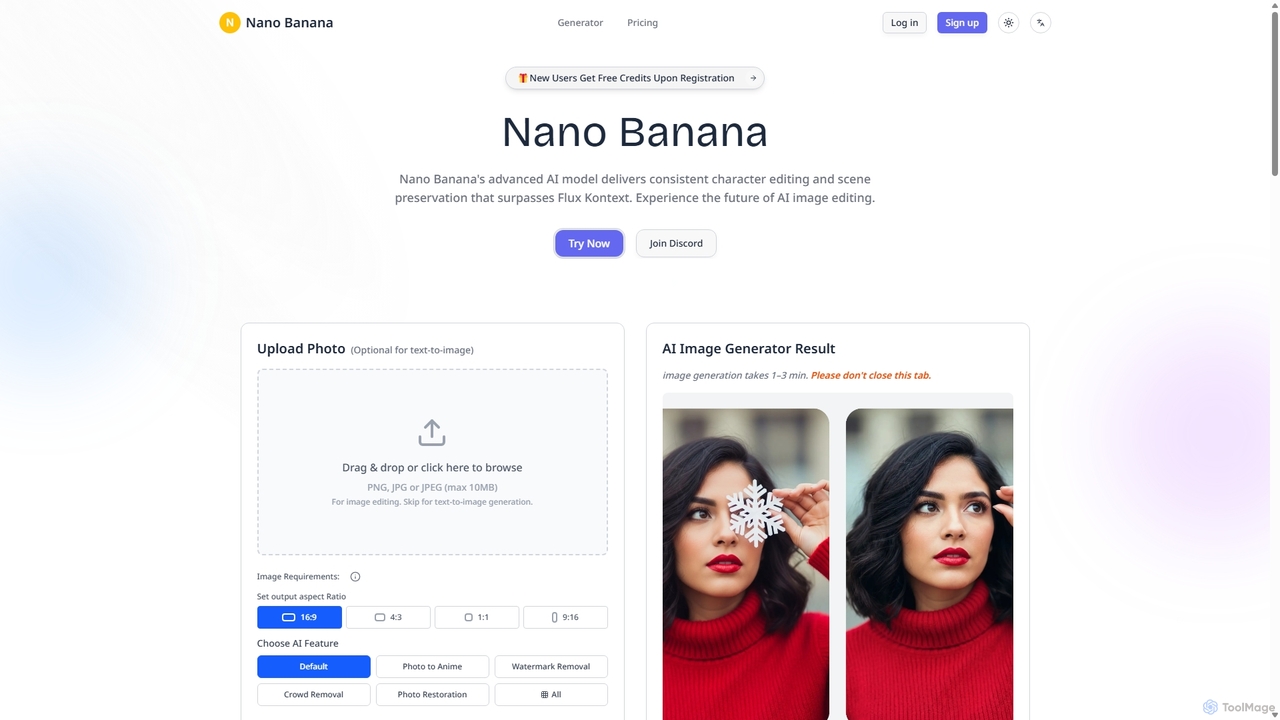
Nanobanana
Nanobanana is an advanced AI image editing and generation platform that transforms images using natural language prompts. It specializes in maintaining character consistency and scene integrity while offering powerful features like watermark removal, photo restoration, and batch processing. Ideal for creators, marketers, and photographers seeking efficient, high-quality visual content creation.
3DWeshop
Weshop is an AI-powered creative studio for e-commerce, designed to instantly generate high-quality product and model photos and videos. It helps brands create stunning visuals at a fraction of the cost of traditional photoshoots, featuring tools like virtual try-on, AI video generation, background replacement, and intelligent scene creation to boost online sales and marketing efforts.
Product Photos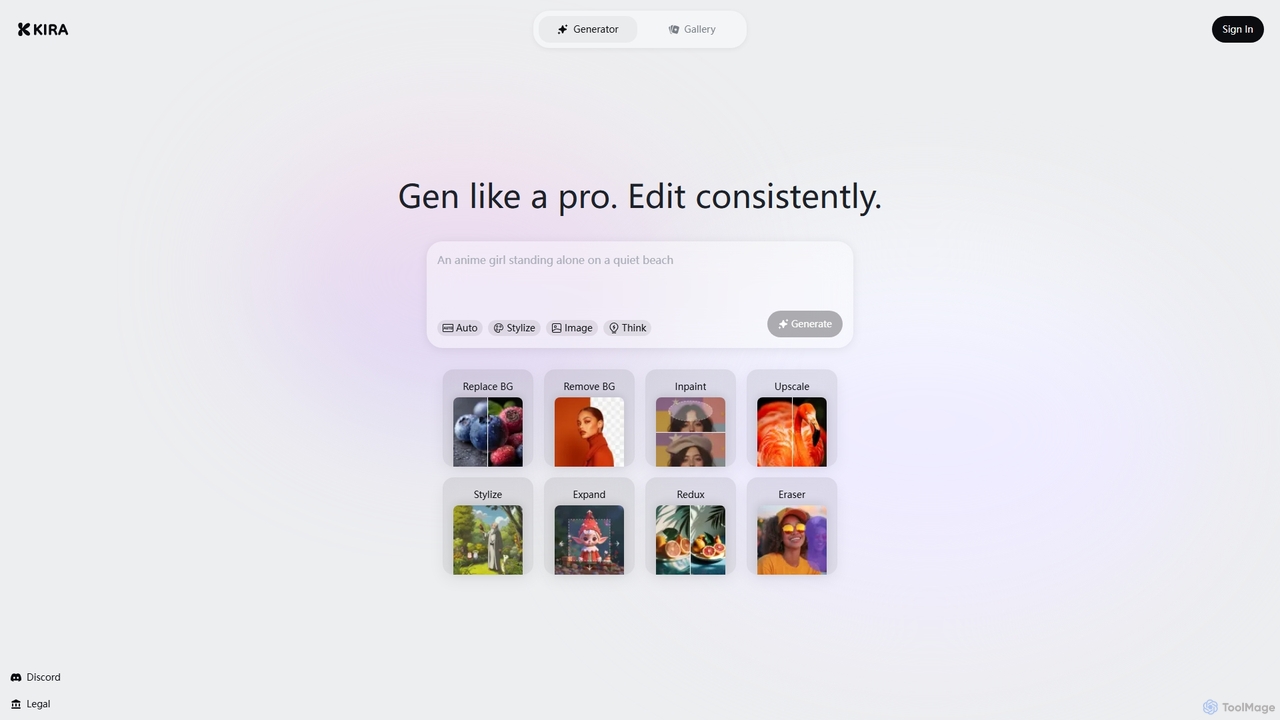
Kira
Kira is a powerful AI-powered platform for professional-grade image generation and editing. It combines a versatile text-to-image generator with a comprehensive suite of editing tools, including background removal, inpainting, upscaling, and stylization. Its key feature is the ability to maintain consistent styles and characters across multiple edits and generations, making it ideal for branding, marketing, and creative projects that require a cohesive visual identity.
Graphic Design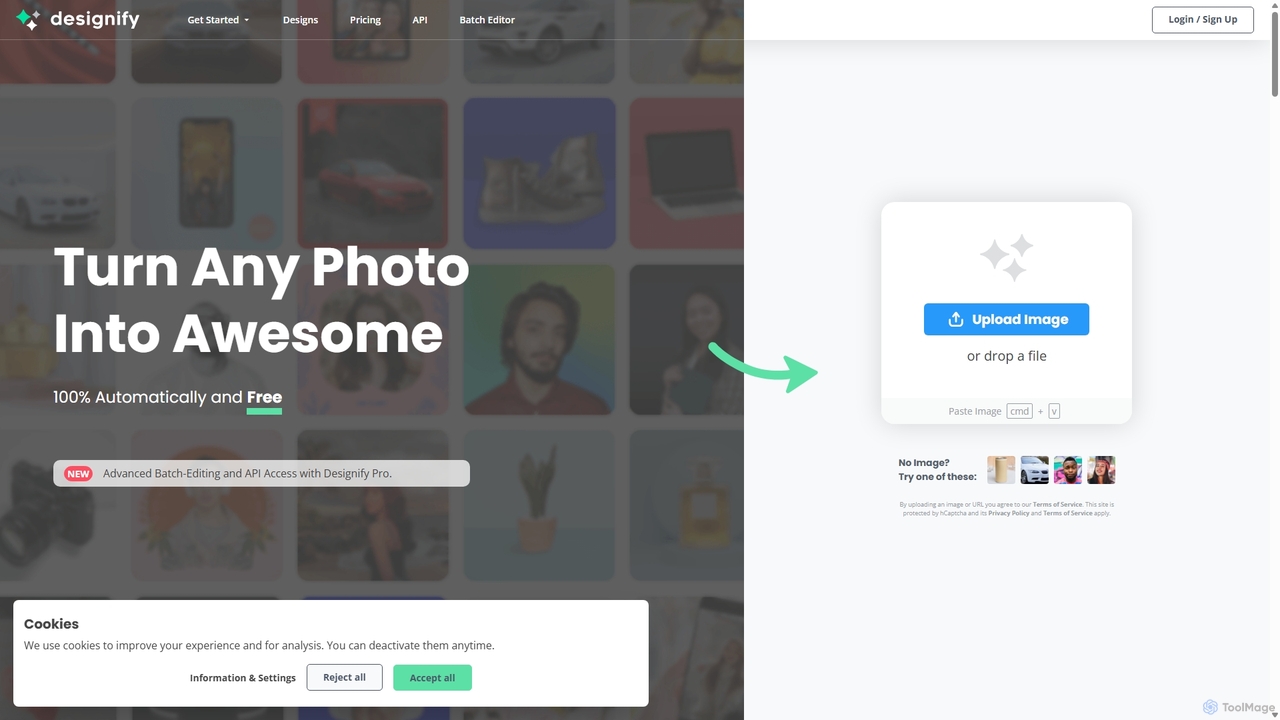
Designify
Designify is an AI-powered tool that automatically transforms any photo into a professional design. It removes backgrounds, enhances colors, and adds smart shadows to create stunning visuals for e-commerce, marketing, and social media in seconds. It also offers batch editing and API access for workflow automation.
3D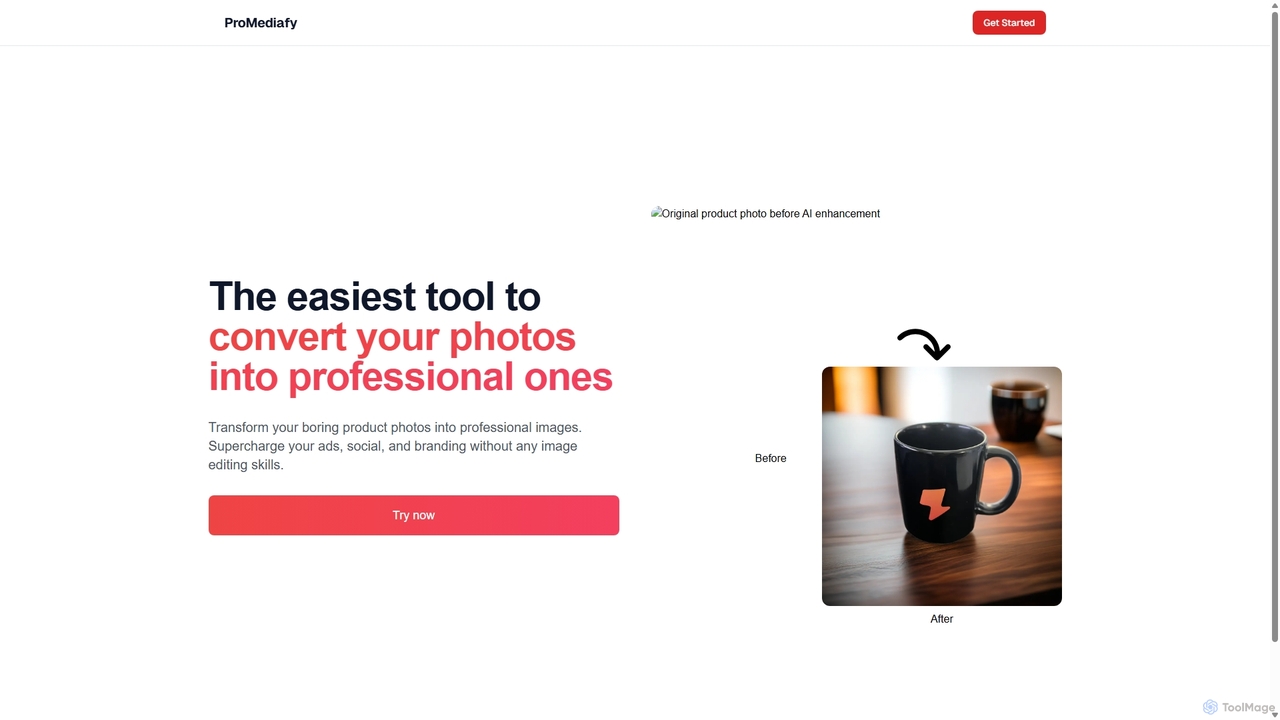
ProMediafy
ProMediafy is an AI-powered tool that effortlessly transforms standard product photos into professional, studio-quality images. It's designed for e-commerce, marketing, and branding, allowing users to generate stunning visuals without any photo editing skills. Simply upload an image, and let the AI create perfect backgrounds, lighting, and shadows to make your products stand out.
Background Generator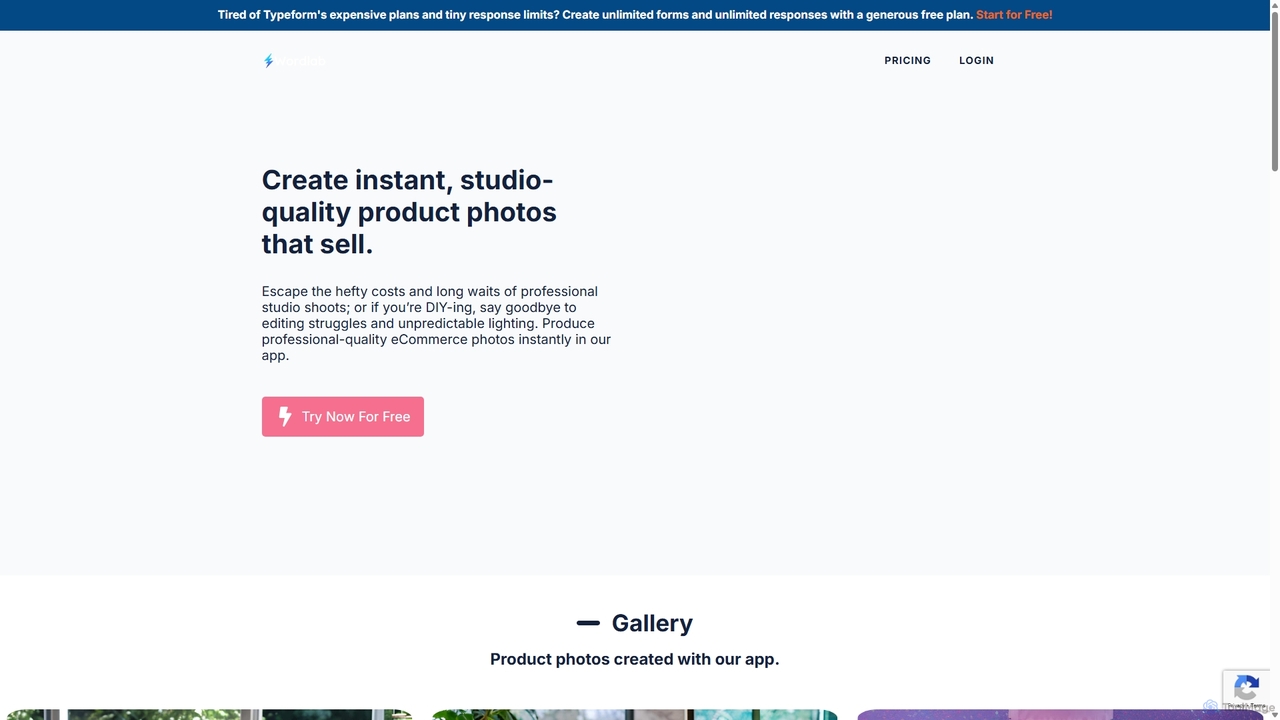
Wordlab
Wordlab is an AI-powered tool designed for eCommerce businesses to instantly create studio-quality product photos. It eliminates the need for expensive photoshoots by allowing users to change or remove backgrounds, generate new scenes from text prompts, and customize visuals effortlessly. This helps brands enhance their product listings, marketing campaigns, and social media presence with professional, eye-catching imagery at a fraction of the cost and time.
3D
Jyek
Jyek is an AI agent platform that understands objectives, creates execution plans, uses tools, and delivers verifiable results for complex, multi-step tasks.
Automation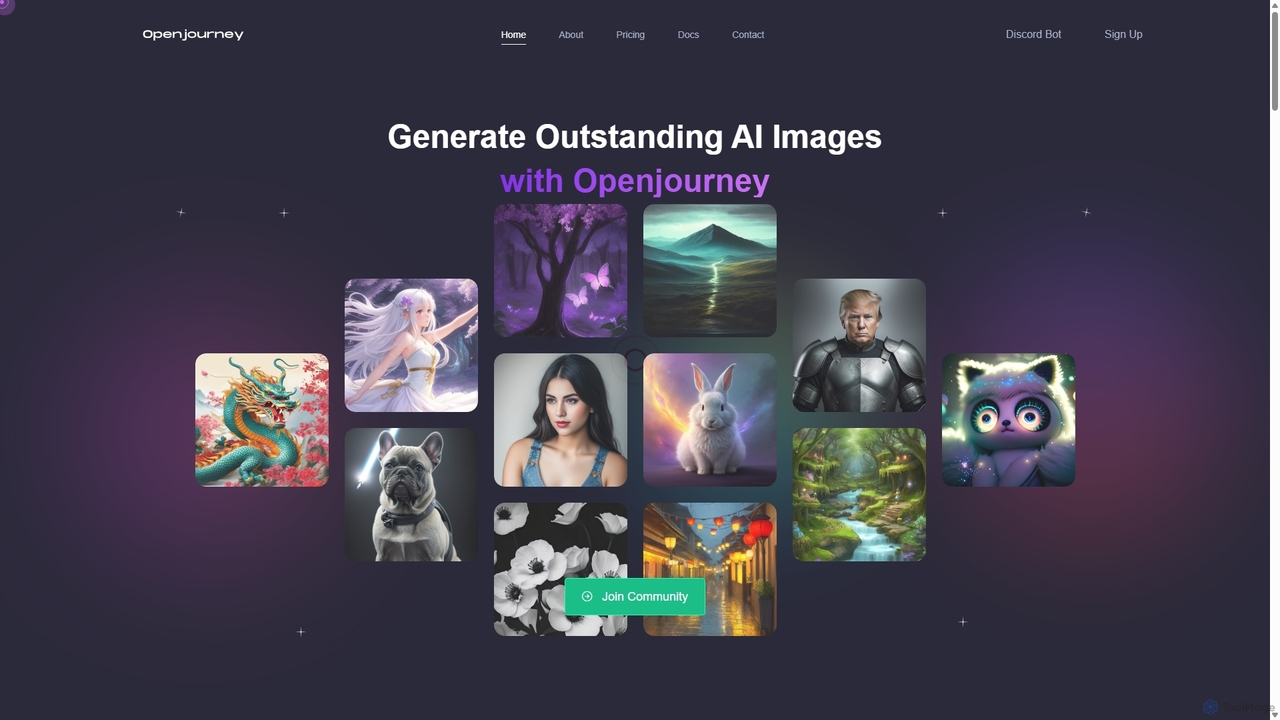
Openjourney
Openjourney is a comprehensive AI creative suite that offers a wide range of generative tools in one place. It excels in generating high-quality images from text prompts but also includes powerful features like face restoration, face swapping, background removal, image upscaling to 4K, an unlimited AI chatbot, and advanced controls like Controlnet. It's designed for creators, marketers, and artists seeking a versatile and powerful AI toolkit.
Generative Art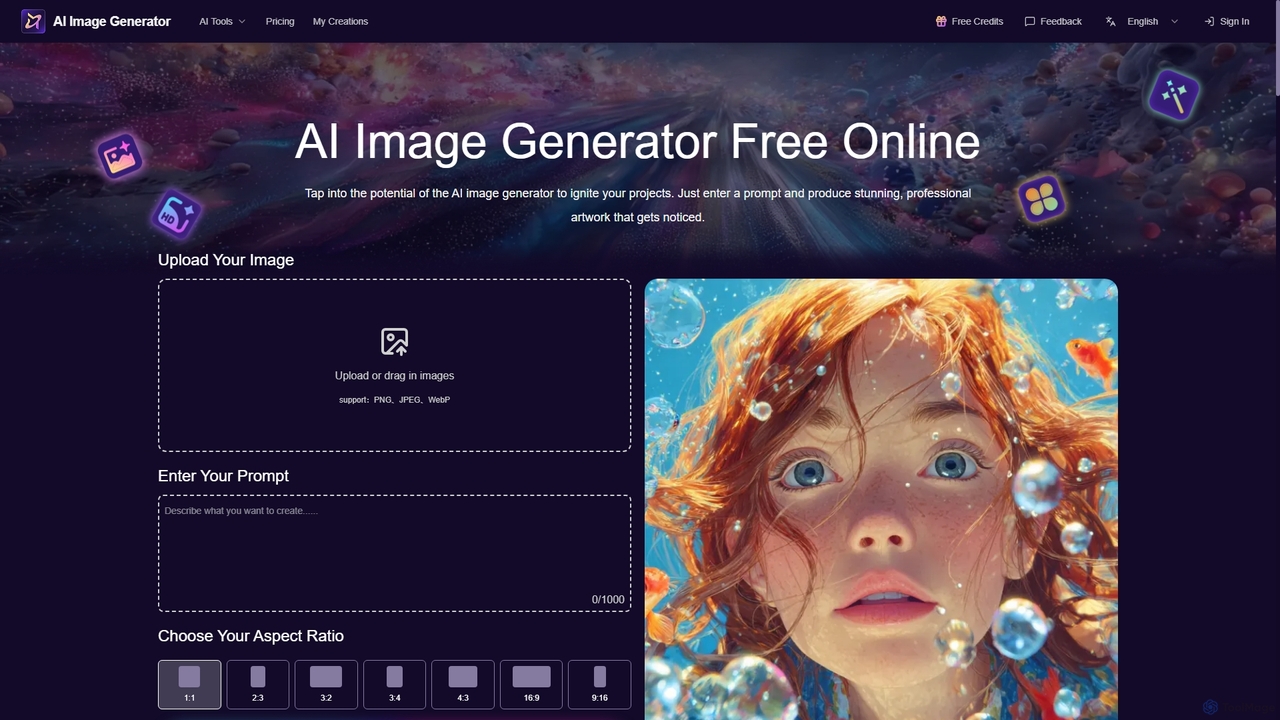
Aiimagegenerator
Aiimagegenerator is a comprehensive AI-powered suite for visual content creation. It features a text-to-image generator, an AI face swapper, a high-resolution image upscaler (up to 6x), and a background remover. The platform is designed for speed and quality, offering tools for both creative and professional projects, with options for commercial use. It operates on a freemium model, providing both free access and premium subscription plans.
Generative Art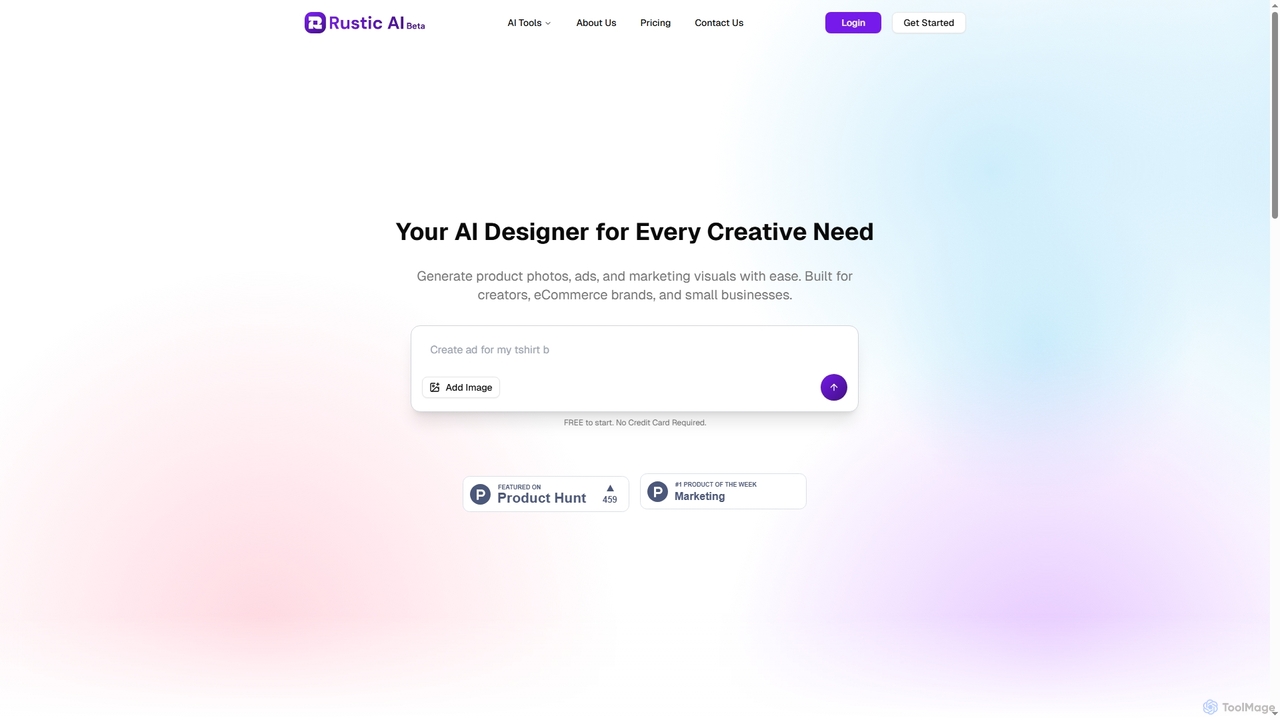
Rustic AI
Rustic AI is an intuitive AI design editor built for creators, e-commerce brands, and small businesses. It simplifies the generation of high-quality product photos, ad creatives, and marketing visuals, transforming ideas into stunning imagery with ease. The platform offers a suite of AI-powered tools to streamline visual content creation.
Graphic Design
Relight AI Comments (0)
Sign in to comment.
Sign inNo comments yet.