ToolMage
Sign in

Best 2 Background Generator for Design

Popular Background Generator in Design include ProMediafy and aestheticbackground, helping you work more efficiently.

ProMediafy
Freemium

ProMediafy

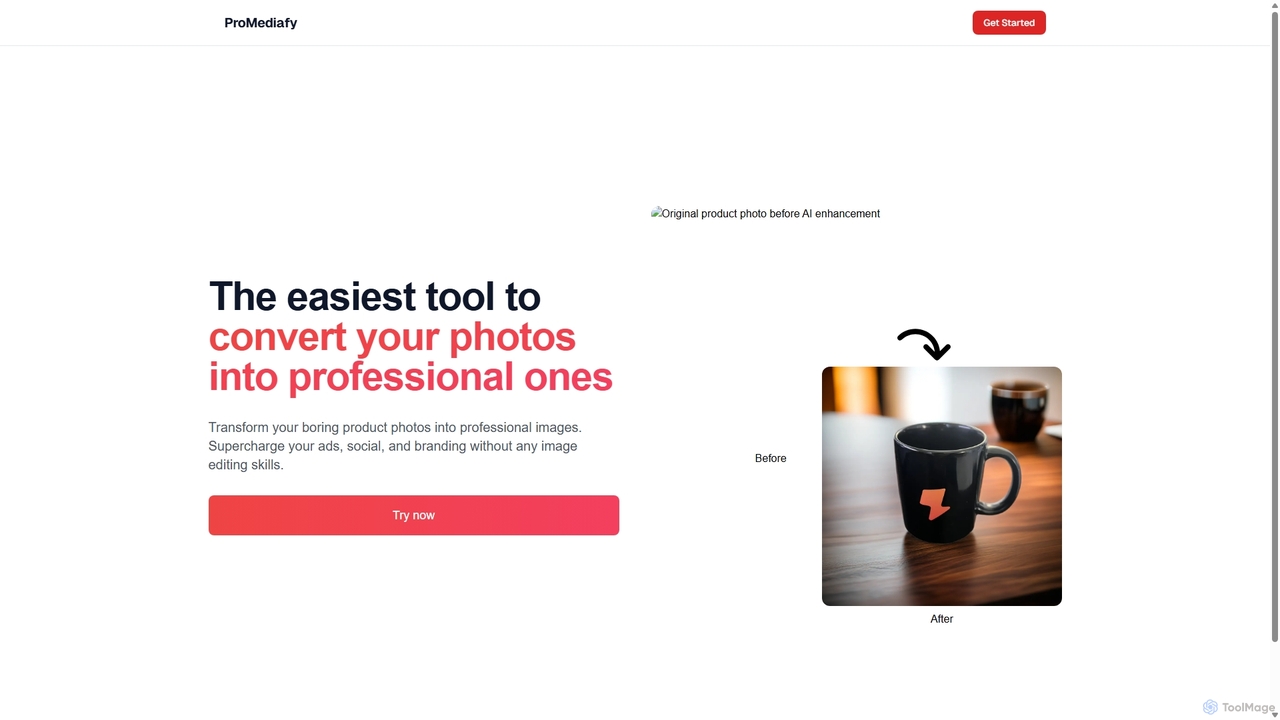
ProMediafy is an AI-powered tool that effortlessly transforms standard product photos into professional, studio-quality images. It's designed for e-commerce, marketing, and branding, allowing users to generate stunning visuals without any photo editing skills. Simply upload an image, and let the AI create perfect backgrounds, lighting, and shadows to make your products stand out.

Background Generator
Visits 3.9KFavorites 93Likes 131
aestheticbackground
Free

aestheticbackground

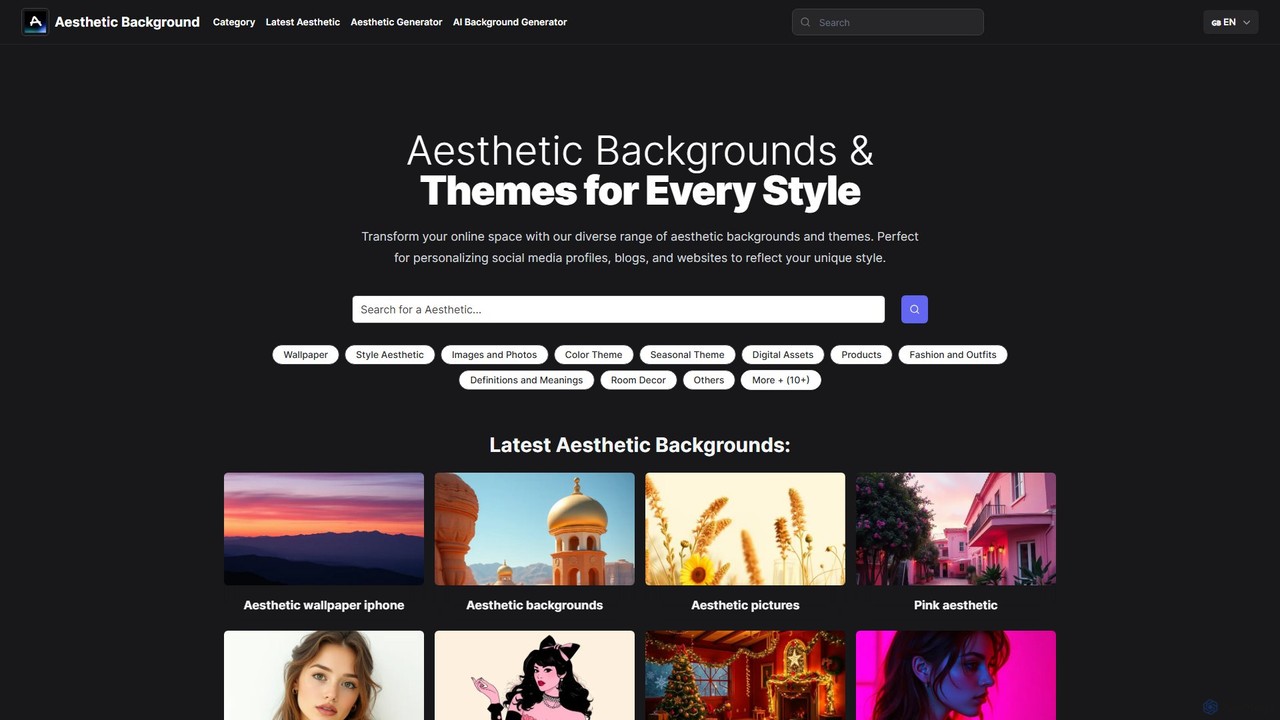
An AI-powered tool for generating unique aesthetic backgrounds and themes. Simply describe your desired style, and the AI creates high-resolution visuals for social media, wallpapers, and websites. It also features a vast gallery of pre-made aesthetic images.

Background Generator
Visits 3.8KFavorites 120Likes 121

About Background Generator

AI Background Generators are tools that use generative artificial intelligence to create unique, high-quality background images from text descriptions or style inputs. These tools leverage advanced models like diffusion or GANs to produce visuals that can range from photorealistic scenes to abstract patterns. They provide a rapid and cost-effective solution for designers, marketers, and content creators to generate custom backgrounds without needing photography skills or stock image licenses. This technology enables the creation of perfectly tailored visuals that match specific branding, themes, or moods in seconds.

Core Features

  • Text-to-Background Generation: Creates detailed backgrounds from simple text prompts, describing scenes, styles, or colors.
  • Style Customization: Offers a wide range of artistic styles, such as photorealistic, cartoon, abstract, or fantasy, to match any project's aesthetic.
  • Aspect Ratio Control: Provides presets for various formats, including social media posts, desktop wallpapers, or vertical video, ensuring a perfect fit.
  • Seamless Pattern Generation: Produces tileable patterns and textures that can be repeated infinitely without visible seams, ideal for web design and 3D models.
  • Image-Based Generation: Allows users to upload an existing image (e.g., a product photo) and generates a new, context-aware background that complements the subject.

Use Cases

These tools are widely used in e-commerce for creating professional product imagery with consistent branding. Content creators and marketers use them to design unique visuals for social media, presentations, and advertisements. Additionally, web and app developers utilize them to produce custom hero images and UI textures, while individuals use them to create personalized virtual meeting backgrounds or desktop wallpapers.

How to Choose

When selecting an AI Background Generator, consider the quality and realism of the generated images. Evaluate the range of available styles and the level of customization offered. Check the supported output resolutions and formats to ensure they meet your project's requirements. Finally, compare pricing models—whether subscription-based, credit-based, or free—and consider the tool's generation speed and ease of use.

Featured tool rankings

Background Generator use cases

1

E-commerce Product Photography Backgrounds

An e-commerce store owner needs to create clean, consistent, and appealing backgrounds for hundreds of product listings. Instead of costly and time-consuming photoshoots, they use an AI Background Generator. They upload images of their products and input prompts like 'minimalist light grey studio background' or 'product placed on a marble surface with soft lighting'. The tool generates a variety of high-resolution, professional-looking backgrounds that make the products stand out. This process ensures brand consistency across their entire catalog, enhances the perceived value of the products, and can be completed in a fraction of the time and cost of traditional methods.

2

Custom Virtual Backgrounds for Online Meetings

A corporate professional frequently participates in video calls with clients and internal teams. To maintain a professional and branded appearance, they use an AI Background Generator to create custom virtual backgrounds. They can input prompts like 'modern office interior with company logo on the wall' or 'subtle abstract blue and white pattern'. This allows them to generate unique, high-quality backgrounds that are more professional than standard templates and avoid showing a distracting home environment. It helps reinforce brand identity in client-facing calls and presents a polished image, regardless of their physical location.

3

Unique Backgrounds for Social Media Content

A social media manager needs a constant stream of fresh, eye-catching visuals for posts on Instagram, Facebook, and Twitter. To avoid using repetitive stock photos, they turn to an AI Background Generator. For a new product launch, they can generate a series of backgrounds with a consistent theme, such as 'vibrant tropical leaves pattern' or 'futuristic neon cityscape'. This allows them to create a cohesive and visually striking campaign. The ability to quickly generate dozens of variations helps them A/B test different visuals to see what resonates most with their audience, ultimately boosting engagement and brand recognition.

4

Engaging Backgrounds for Presentations and Slides

A consultant is preparing a crucial client presentation and wants to move beyond generic slide templates. Using an AI Background Generator, they create a set of custom, on-brand backgrounds. They input prompts related to the presentation's theme, such as 'abstract network of light connecting nodes for a tech presentation' or 'serene landscape with mountains for a wellness industry report'. The result is a visually cohesive and professional-looking slide deck that captures the audience's attention and reinforces the key messages. This approach elevates the presentation from a simple report to a compelling visual story, making the content more memorable and impactful.

5

Website and App UI Backgrounds

A UI/UX designer is building a new mobile application and needs a unique background for the login screen and main dashboard. They use an AI Background Generator to create subtle, non-distracting patterns and gradients. By providing prompts like 'soft, abstract wave pattern in pastel colors' or 'dark mode background with subtle geometric texture', they can generate dozens of options quickly. This allows them to find the perfect visual that enhances the user interface without competing with the content. The generated assets can be seamlessly tiled, ensuring they look great on any screen size and maintain a high-quality, custom feel for the application.

6

Concept Art for Game and Animation Backgrounds

An indie game developer is in the early stages of creating a new fantasy game and needs to quickly visualize different environments. They use an AI Background Generator to rapidly prototype concepts. By entering prompts like 'enchanted forest at twilight with glowing mushrooms' or 'dystopian cyberpunk city in the rain', they can generate a wide array of atmospheric scenes in minutes. This process accelerates the creative workflow, allowing the developer to explore multiple visual directions without spending days on manual illustration. The generated images serve as powerful mood boards and concept art that guide the final asset creation, saving significant time and resources in pre-production.

Background Generator FAQ

What is an AI Background Generator?

An AI Background Generator is a specialized tool that uses generative AI models to create new, original background images from text prompts or other inputs. Unlike a simple editor that modifies existing images, these tools generate visuals from scratch. Key features often include the ability to specify styles (e.g., realistic, abstract, cartoon), control colors and composition, and generate images in various aspect ratios. They are used to quickly create custom visuals for product photos, presentations, virtual meetings, and digital content without needing stock photography or design skills.

How to choose the right AI Background Generator?

To choose the right tool, consider these factors:

  • Image Quality: Evaluate the realism, detail, and artistic quality of the generated backgrounds. Look for examples or try a free trial.
  • Customization and Control: Check how much control you have over the output. Can you specify styles, colors, lighting, and composition effectively?
  • Ease of Use: The tool should have an intuitive interface that allows you to generate and refine backgrounds quickly without a steep learning curve.
  • Speed and Performance: Consider how quickly the tool generates images. Faster generation times improve workflow efficiency.
  • Pricing Model: Compare costs. Some tools are subscription-based, while others use a credit system. Choose one that aligns with your usage frequency and budget.
What's the difference between an AI Background Generator and a stock photo site?

The key difference is creation versus selection. A stock photo site offers a large library of pre-existing photos that you can license and use. You are limited to what has already been created. An AI Background Generator, however, creates entirely new, unique images based on your specific instructions. This means you can generate a background that perfectly matches your vision, brand colors, or specific theme, which may not exist on a stock photo site. AI generators provide originality and infinite customization, while stock sites offer a curated selection of high-quality, human-made photographs.

What kind of backgrounds can I create with these tools?

You can create a virtually unlimited variety of backgrounds. Common types include:

  • Photorealistic Scenes: Such as natural landscapes, cityscapes, or interior environments like offices and studios.
  • Abstract Art: Including colorful gradients, geometric patterns, fluid textures, and artistic brush strokes.
  • Product Backdrops: Minimalist surfaces like marble or wood, studio settings, or lifestyle scenes that complement a product.
  • Patterns and Textures: Seamlessly tileable patterns for web design, 3D models, or fabric prints.
  • Themed and Fictional Worlds: Fantasy landscapes, futuristic sci-fi settings, or cartoon-style environments for creative projects.
Who are AI Background Generators for?

AI Background Generators are valuable for a wide range of users. E-commerce sellers use them to create professional product photos. Marketers and social media managers use them to produce unique and engaging visual content for campaigns. Graphic designers and web developers leverage them for creating custom website headers, UI elements, and textures. Consultants and professionals create branded virtual backgrounds for video calls. Finally, content creators and hobbyists use them for everything from YouTube thumbnails to personal art projects, making them a versatile tool for anyone needing custom visuals quickly.