

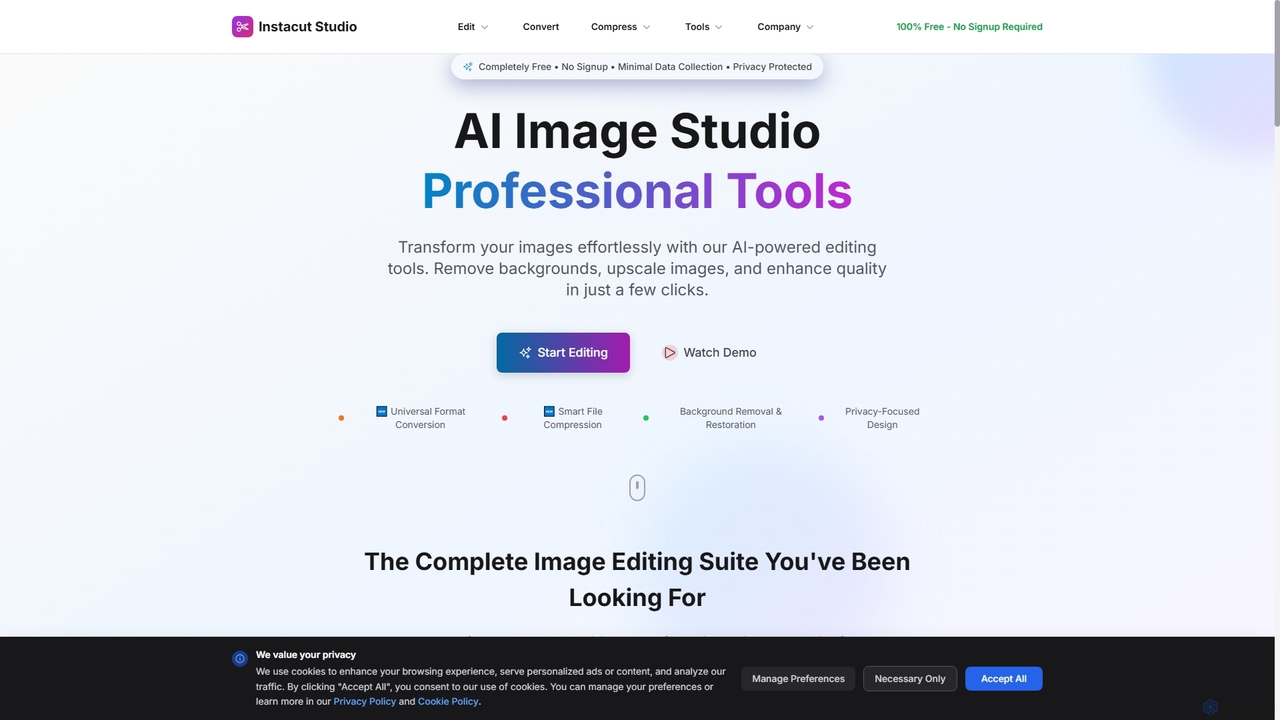
Instacut Overview
Instacut is a powerful, all-in-one AI image editing studio that operates directly in your browser. It provides a complete suite of professional-grade tools for free, with a strong emphasis on user privacy. The platform is designed for accessibility, requiring no account creation, subscriptions, or payments. All tools are engineered to deliver high-quality results in seconds, from precise background removal to high-resolution image upscaling, all while ensuring user files are processed securely and deleted immediately.
How to use Instacut
Using Instacut is straightforward and requires no technical expertise. Simply navigate to the specific tool you need on the Instacut website, such as the Background Remover or Image Upscaler. Upload your image file by dragging and dropping it or browsing your device. The AI will automatically process the image within seconds. Once complete, you can preview the result and download the edited file directly to your computer.
Core Features of Instacut
- AI Background Remover: Instantly removes image backgrounds with high precision and smart edge detection.
- AI Image Upscaler & Restorer: Enhances image resolution up to 4K and repairs old or damaged photos by restoring details and color.
- Universal Format Converter: Converts between 13+ image formats (including JPG, PNG, WebP, HEIC) while preserving quality.
- Smart Image & PDF Compressor: Reduces file sizes significantly (up to 97% for PDFs) without noticeable quality loss.
- Specialized Tools: Includes a Logo Upscaler for sharp vector-quality results and a Background Blur tool for professional portrait effects.
- Privacy-First Design: Operates with no user accounts, no tracking, and a zero data retention policy. All files are deleted immediately after processing.
Use Cases for Instacut
Instacut is ideal for a wide range of users. E-commerce businesses can use the background remover for clean product photos. Social media managers and content creators can quickly resize, enhance, and prepare images for their platforms. Graphic designers and photographers can leverage the upscaler and restoration tools to improve asset quality. It's also suitable for academic professionals preparing documents and personal users looking to enhance their photos without cost or privacy concerns.
Advantages of Instacut
The primary advantage of Instacut is that it offers a full suite of professional-level AI editing tools completely free, forever, with no watermarks or limitations. Its commitment to privacy is a key differentiator, as it requires no signup and does not store user data. The platform is entirely browser-based, making it accessible on any device without software installation. Its speed and ease of use allow users to achieve high-quality results in just a few clicks.
Instacut FAQ
Traffic
Latest traffic
Status
Monthly traffic trend
- 2026-1: 0
- 2026-2: 2.5K
- 2026-3: 3.0K
- 2026-4: 5.3K
- 2026-5: 3.8K
Geography
Top 5 countries / regions
- 🇧🇷Brazil46.5%
- 🇷🇴Romania29.3%
- 🇺🇸United States24.2%
Traffic sources
| Source type | Percentage |
|---|---|
Direct | 100.0% |
Top keywords
| Keyword | Cost per click |
|---|---|
| ai image editor free no sign up unlimited | $0.00 |
| image editor unrestricted free | $0.00 |
| insta cut | $0.00 |
| instacut | $0.20 |
| online private ai photo editor | $0.00 |
Instacut Alternatives
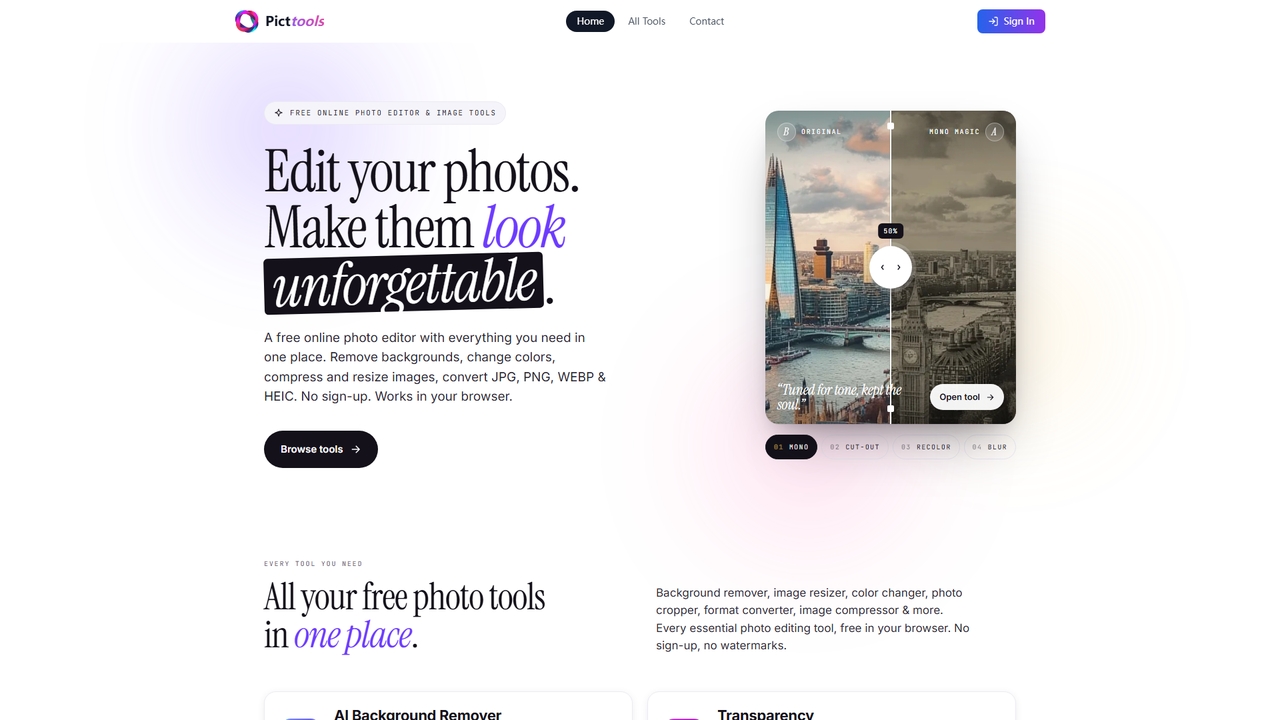
PictTools
Free online photo editor with a suite of essential image tools including background remover, color changer, and format converter. All tools run in your browser with no sign-up or watermarks.
Image Editing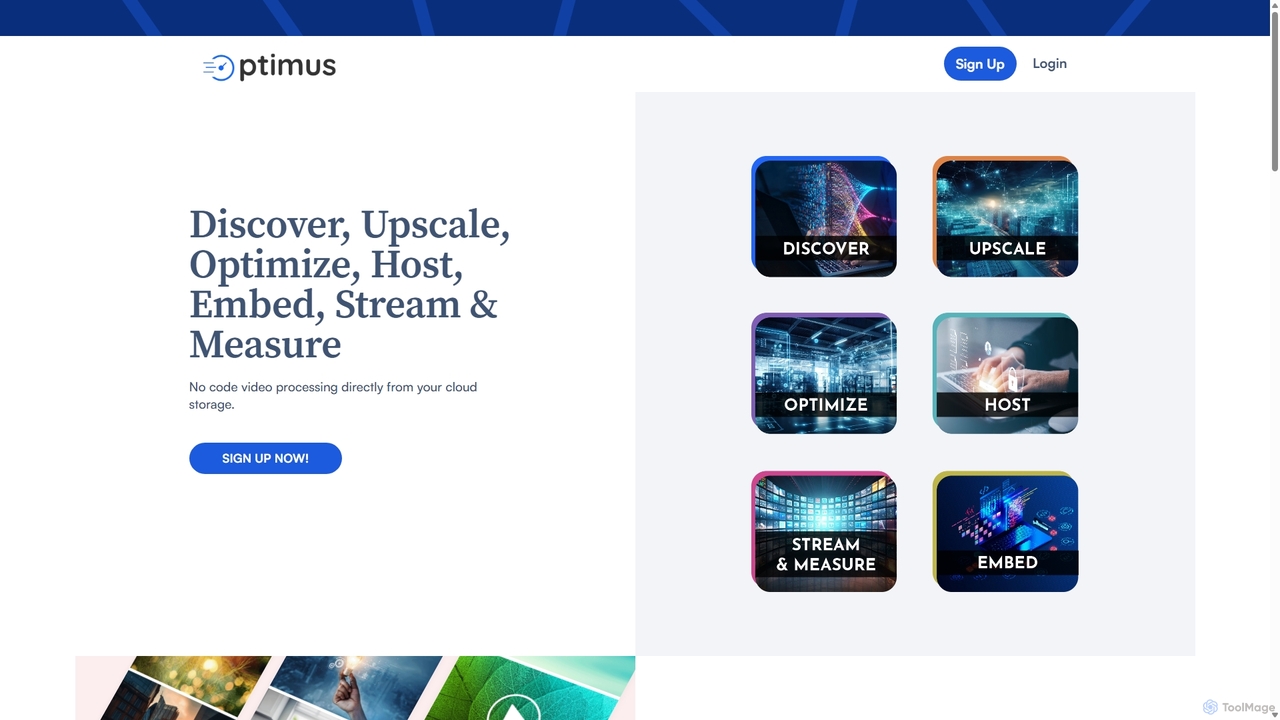
optimusdrive
An AI-powered media processing platform offering a suite of tools for video and image optimization. It specializes in high-quality compression, resolution upscaling to 4K, and advanced facial enhancement to transform your media assets for web and streaming.
Image Enhancement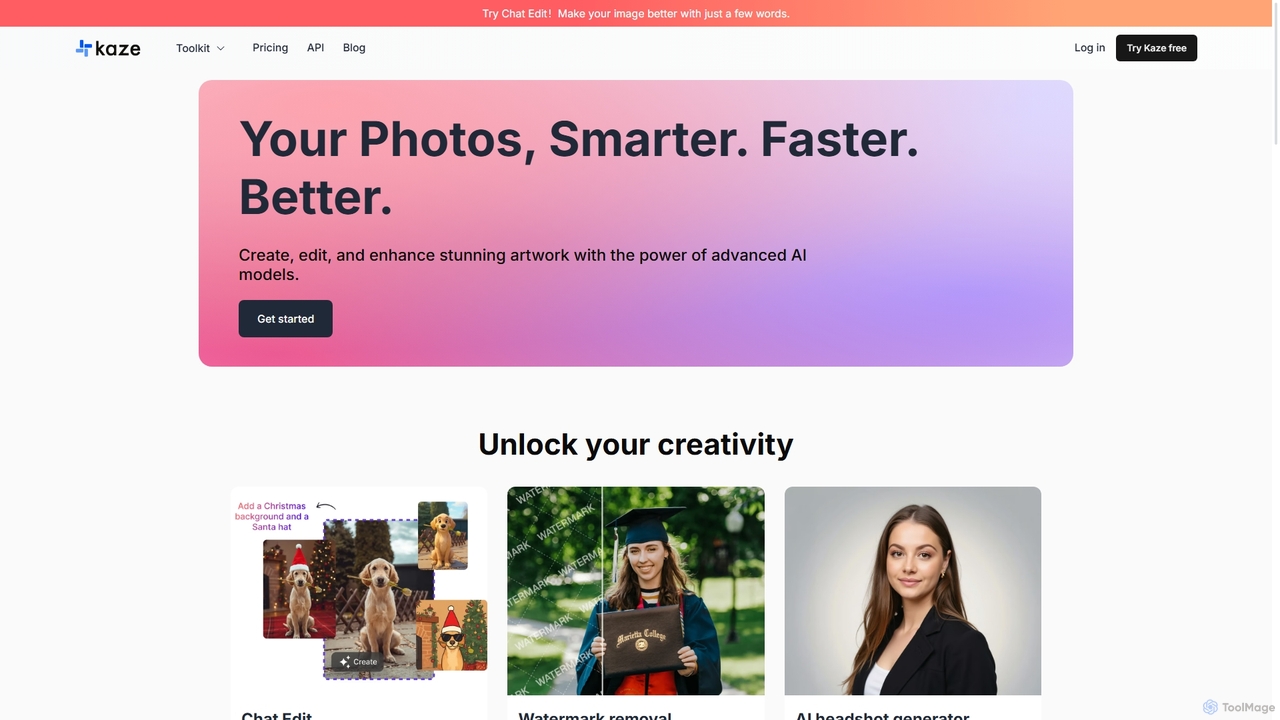
Kaze
Kaze is a comprehensive AI-powered image editing suite designed to create, edit, and enhance photos effortlessly. It offers a wide range of tools including one-click watermark and object removal, photo restoration, image upscaling, background removal, and an AI headshot generator. With its user-friendly interface and advanced AI models, Kaze delivers professional, studio-quality results in seconds, catering to creators, marketers, and photographers.
3D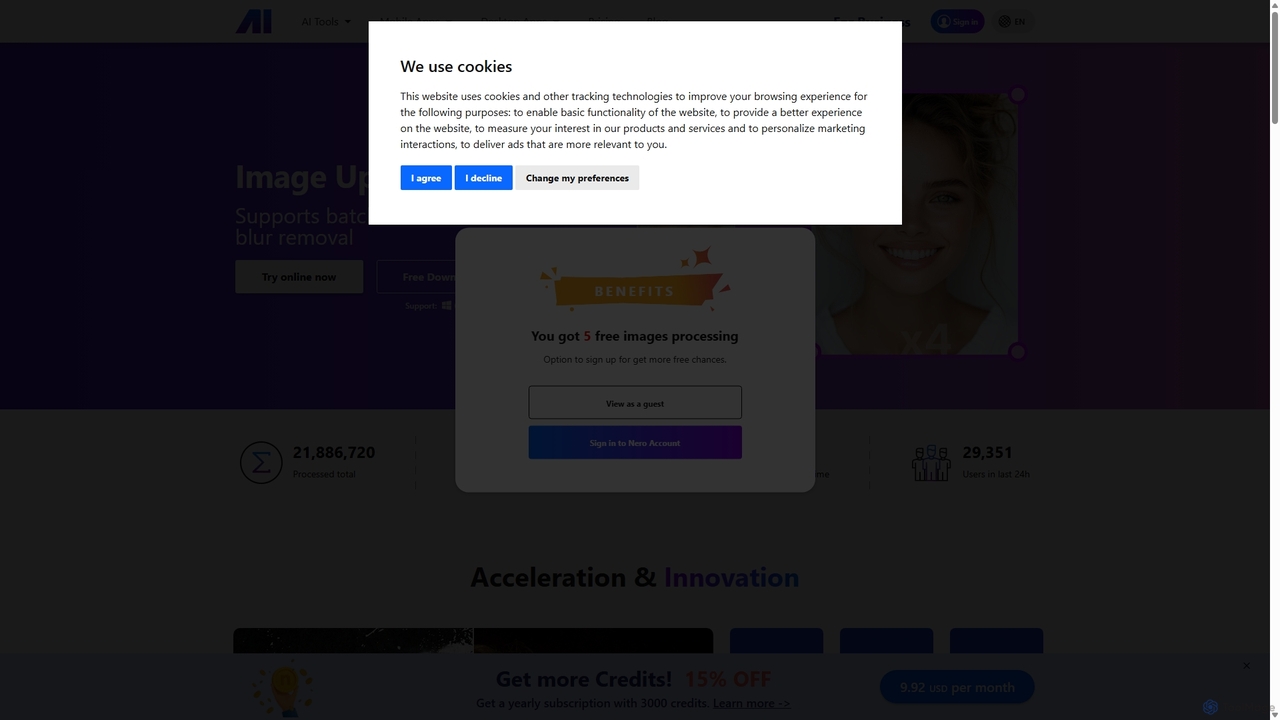
Nero AI
Nero AI is a comprehensive suite of AI-powered tools for image and video enhancement. It offers features like image and video upscaling, photo restoration, background and object removal, face animation, and creative stylization. Designed for creators, marketers, and designers, it provides easy-to-use solutions for both online and desktop platforms to elevate visual content quality.
Graphic Design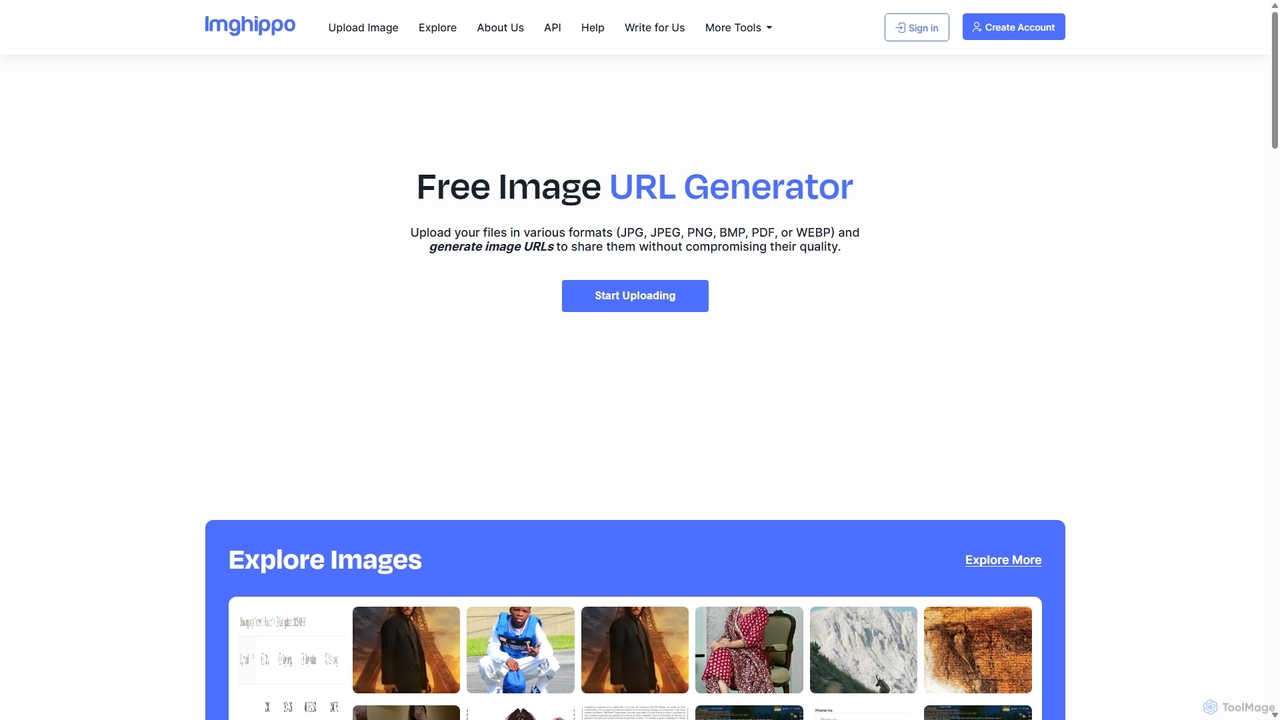
Imghippo
Imghippo is a free, all-in-one image utility suite offering unlimited image hosting, URL generation, and a variety of powerful editing tools. It allows users to upload, share, compress, convert, and optimize images without quality loss. Its AI-powered background removal feature and user-friendly interface make it ideal for content creators, marketers, and developers.
ApiInstacut Categories
Instacut Jobs
Instacut Embed Widget
Copy this embed code to place the badge on your blog, article, or product site and send readers directly to this ToolMage detail page.

Related AI tools
Kaze
Kaze is a comprehensive AI-powered image editing suite designed to create, edit, and enhance photos effortlessly. It offers a wide range of tools including one-click watermark and object removal, photo restoration, image upscaling, background removal, and an AI headshot generator. With its user-friendly interface and advanced AI models, Kaze delivers professional, studio-quality results in seconds, catering to creators, marketers, and photographers.
3DNero AI
Nero AI is a comprehensive suite of AI-powered tools for image and video enhancement. It offers features like image and video upscaling, photo restoration, background and object removal, face animation, and creative stylization. Designed for creators, marketers, and designers, it provides easy-to-use solutions for both online and desktop platforms to elevate visual content quality.
Graphic Design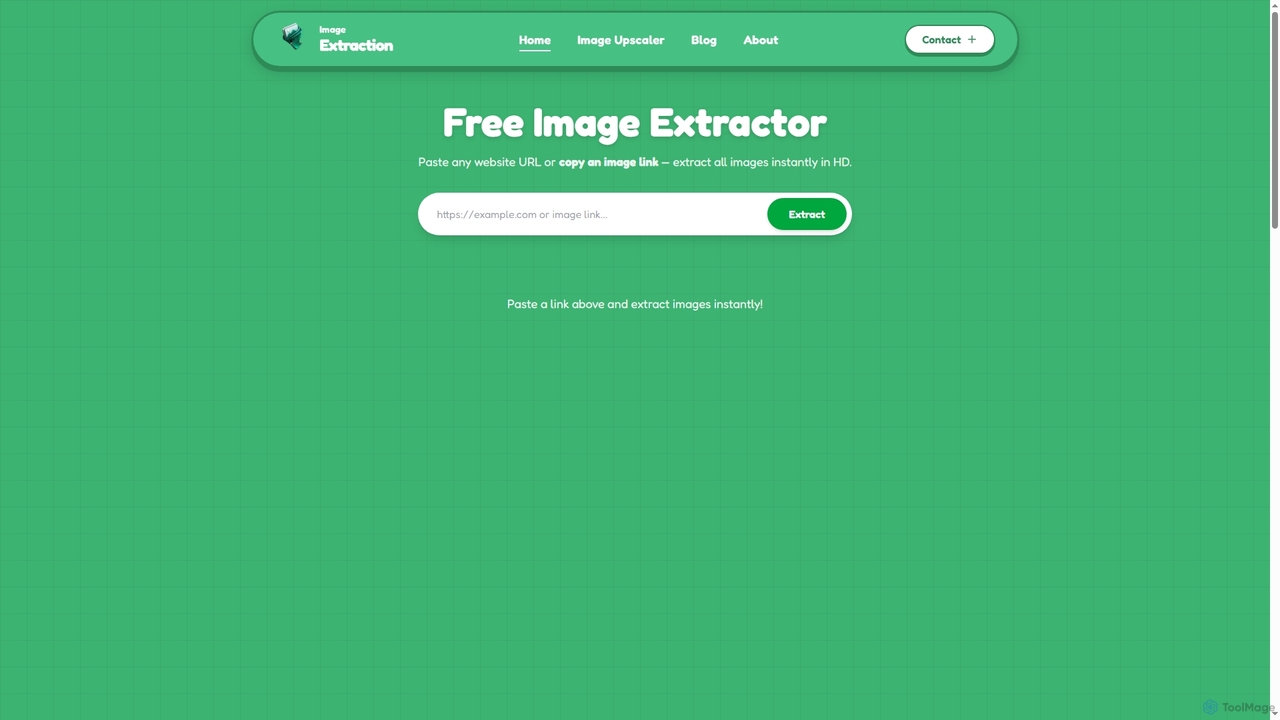
Image Extraction
Image Extraction is a free online platform offering powerful AI-powered tools for image management. It includes an Image Extractor to quickly download high-resolution images from any public website and an AI Image Upscaler to enhance low-quality images into stunning HD visuals for various professional and creative needs.
Graphic Assets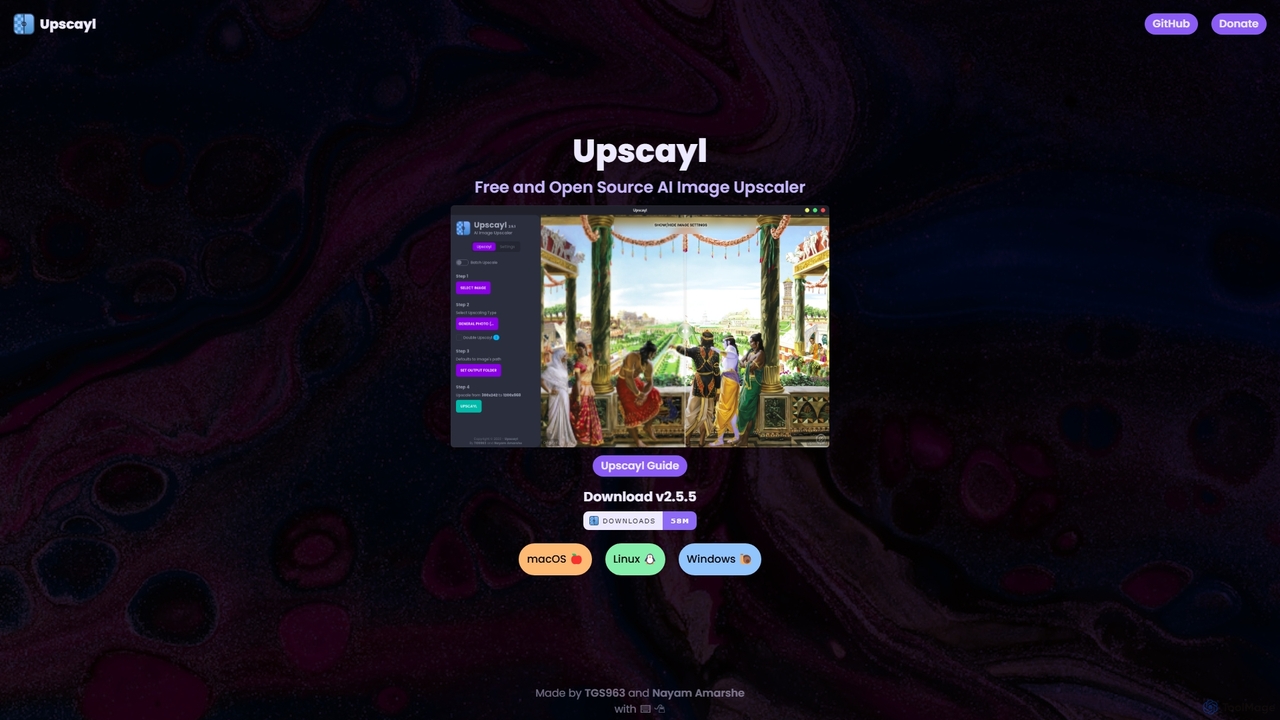
Upscayl
Upscayl is a free and open-source AI image upscaler for Windows, macOS, and Linux. It enhances low-resolution images using advanced AI models, processing everything locally on your device to ensure complete privacy. Ideal for photographers, designers, and AI artists.
Graphics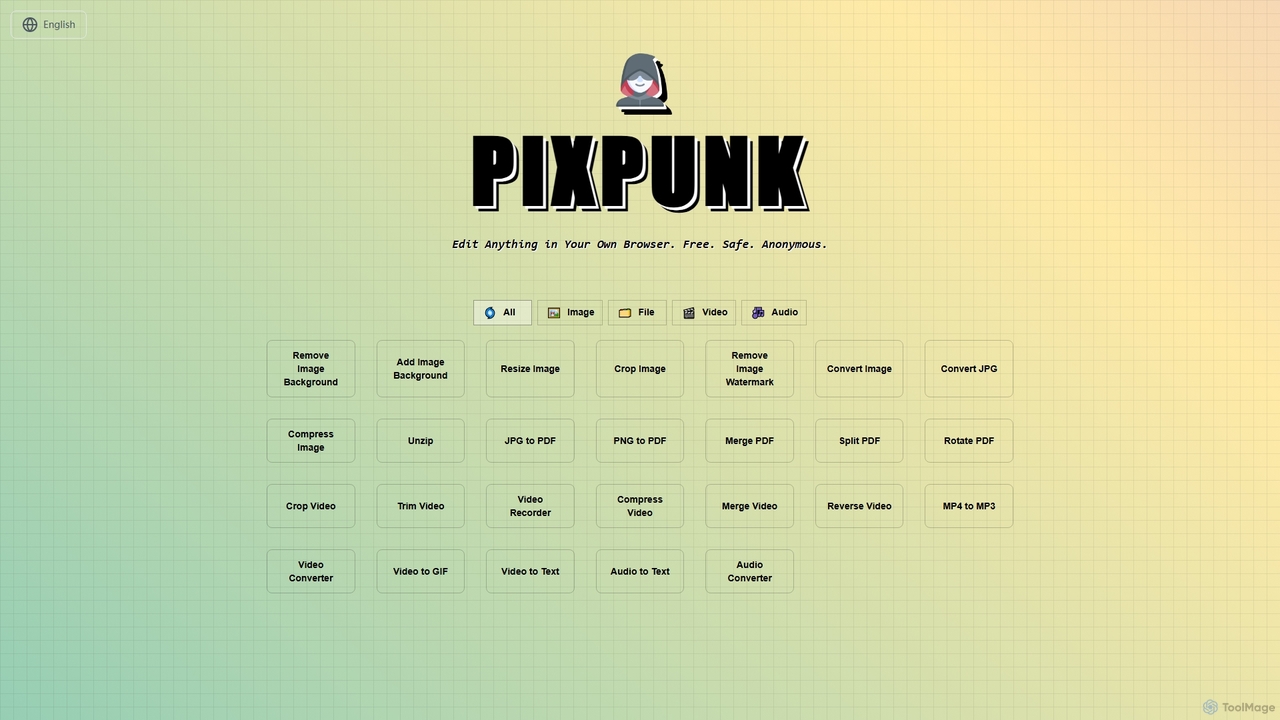
PixPunk
PixPunk is a free, safe, and anonymous online tool that allows users to edit images, convert files, and process videos and audio directly in their browser. It offers a suite of functionalities including background removal, image resizing, cropping, and format conversion, all without uploads or watermarks, ensuring maximum privacy.
Audio ConverterPictTools
Free online photo editor with a suite of essential image tools including background remover, color changer, and format converter. All tools run in your browser with no sign-up or watermarks.
Image Editing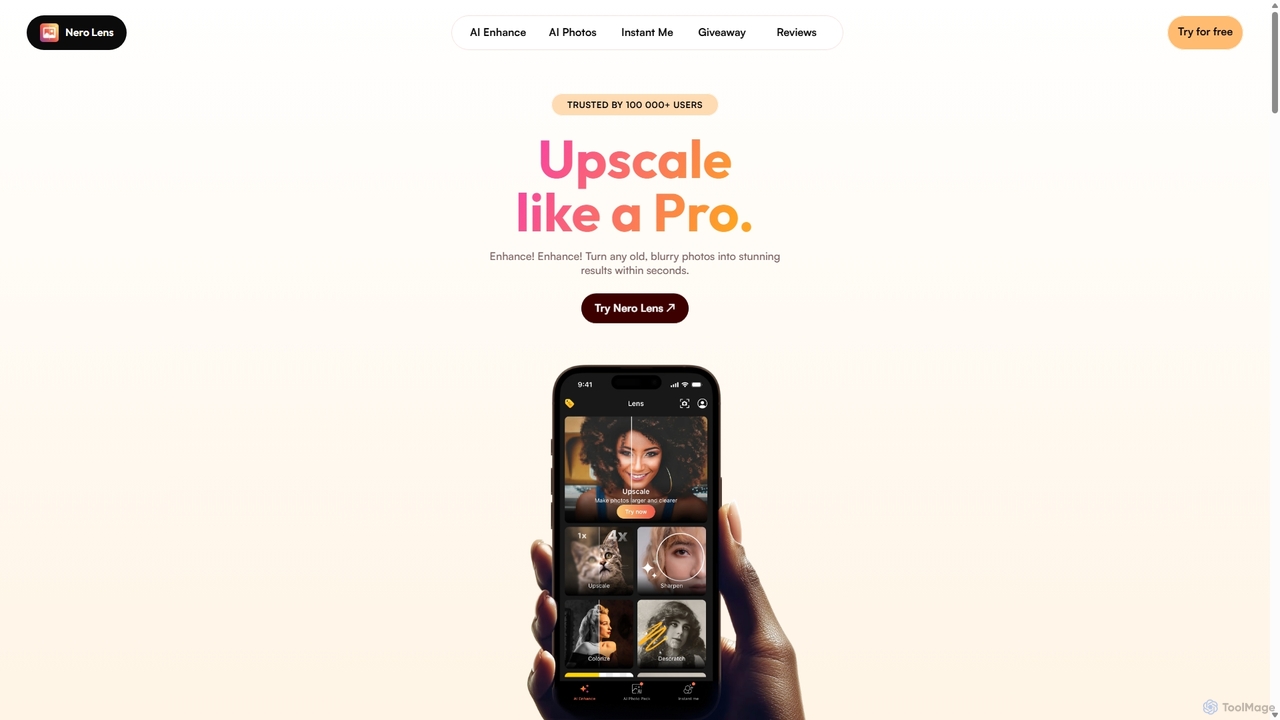
Nero Lens
Nero Lens is an all-in-one AI-powered photo enhancer app that instantly upscales, restores, colorizes, and denoises images. It also features an AI avatar and headshot generator, turning your selfies into stunning, stylized photos for social media, dating profiles, or professional use.
Ai Avatar Generator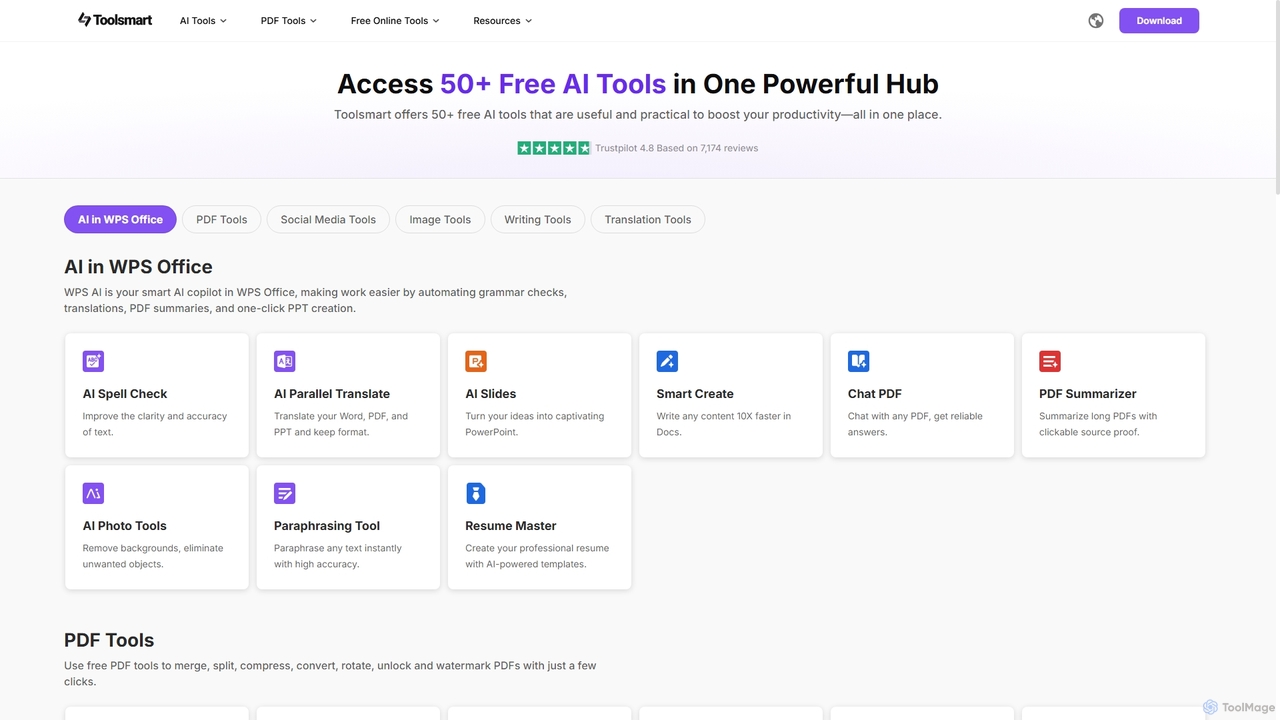
Toolsmart
Toolsmart is a comprehensive suite of over 50 free AI-powered tools designed to boost productivity. It offers a wide range of utilities in one convenient hub, including PDF converters and editors, social media video downloaders, advanced image editing tools like background and watermark removers, and a variety of AI writing assistants for paraphrasing, summarizing, and humanizing text. No sign-up is required for most tools, providing a fast, accessible, and ad-free user experience for creators, marketers, and professionals.
Pdf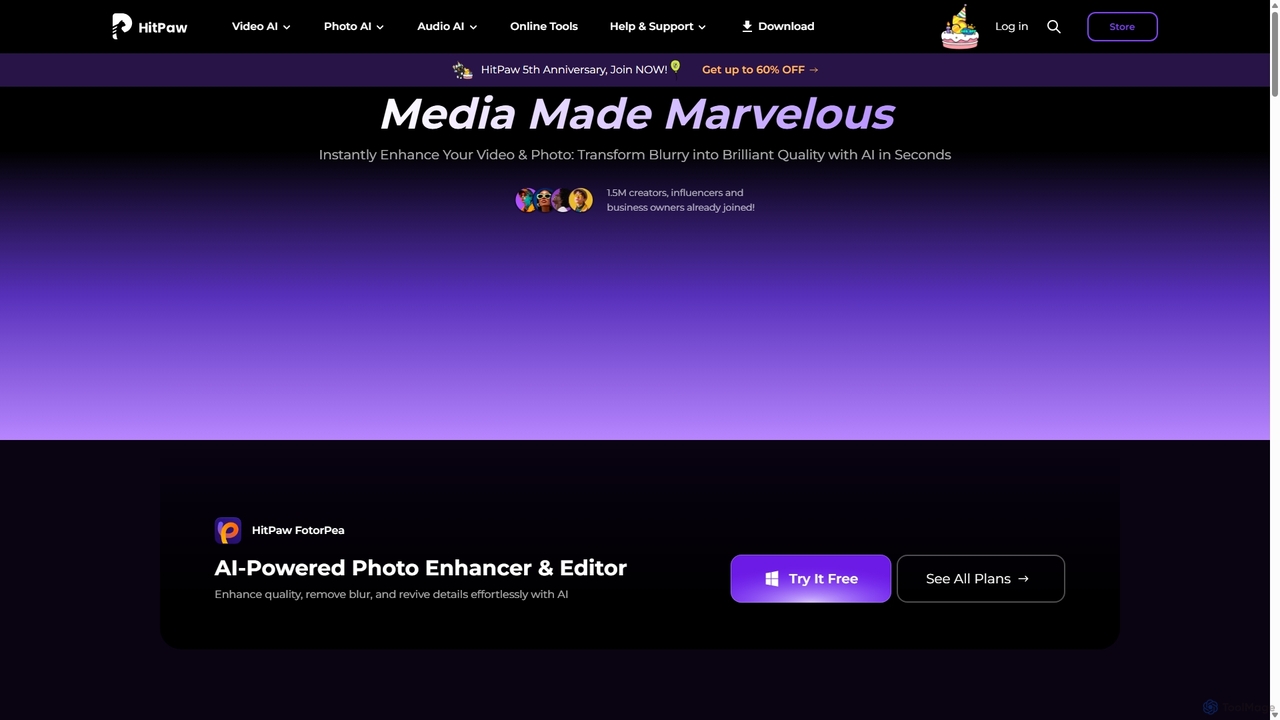
HitPaw
HitPaw is a comprehensive AI-powered multimedia software suite designed for video, photo, and audio enhancement. It offers a range of tools for upscaling video to 8K, restoring old photos, changing voices in real-time, converting file formats, and more, catering to creators, professionals, and enthusiasts.
Voice Modulation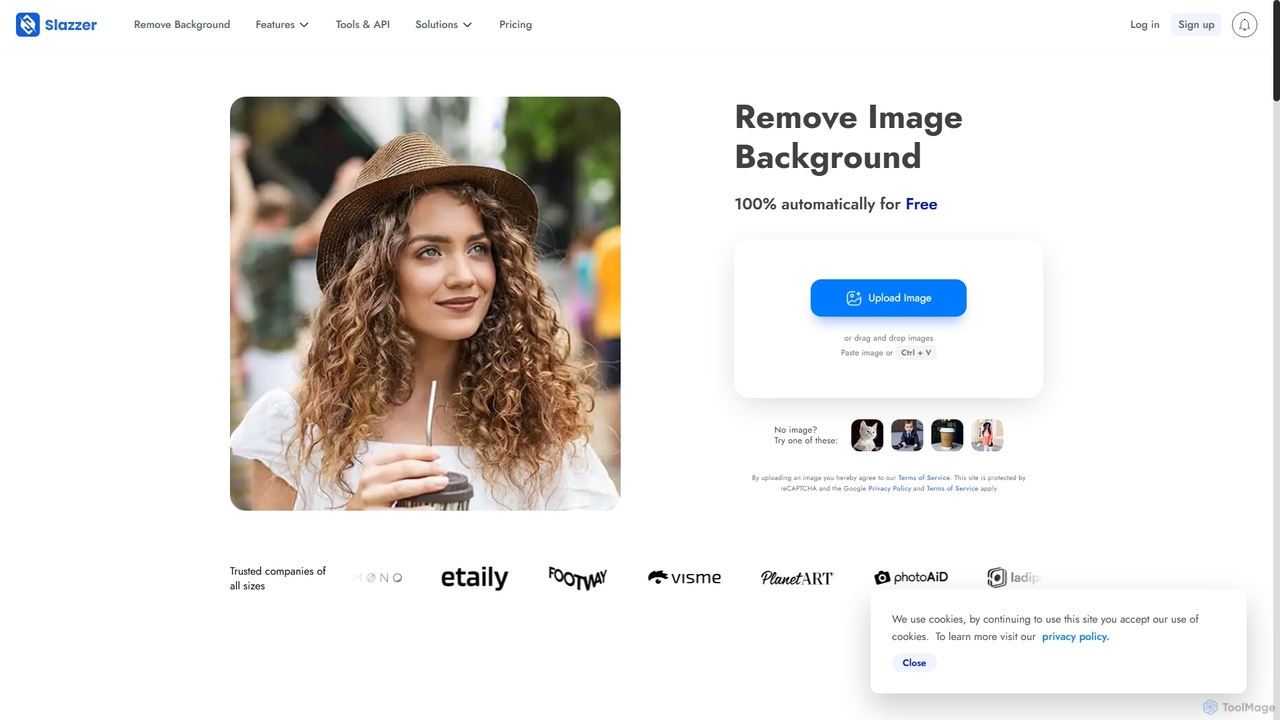
Slazzer
Slazzer is an AI-powered visual editing platform that automatically removes image backgrounds in seconds. It offers a suite of tools including AI background generation, image enhancement, upscaling, and shadow creation. Designed for efficiency, it serves e-commerce, photographers, marketers, and developers with web-based tools, desktop apps, and API integration for bulk processing.
Api
BgSub
BgSub is a free, AI-powered tool for instantly removing and replacing image backgrounds. It prioritizes user privacy by processing images directly in the browser without any uploads. Features include high-precision cutouts, background replacement with colors, gradients, or images, and AI-driven color correction.
Image Editing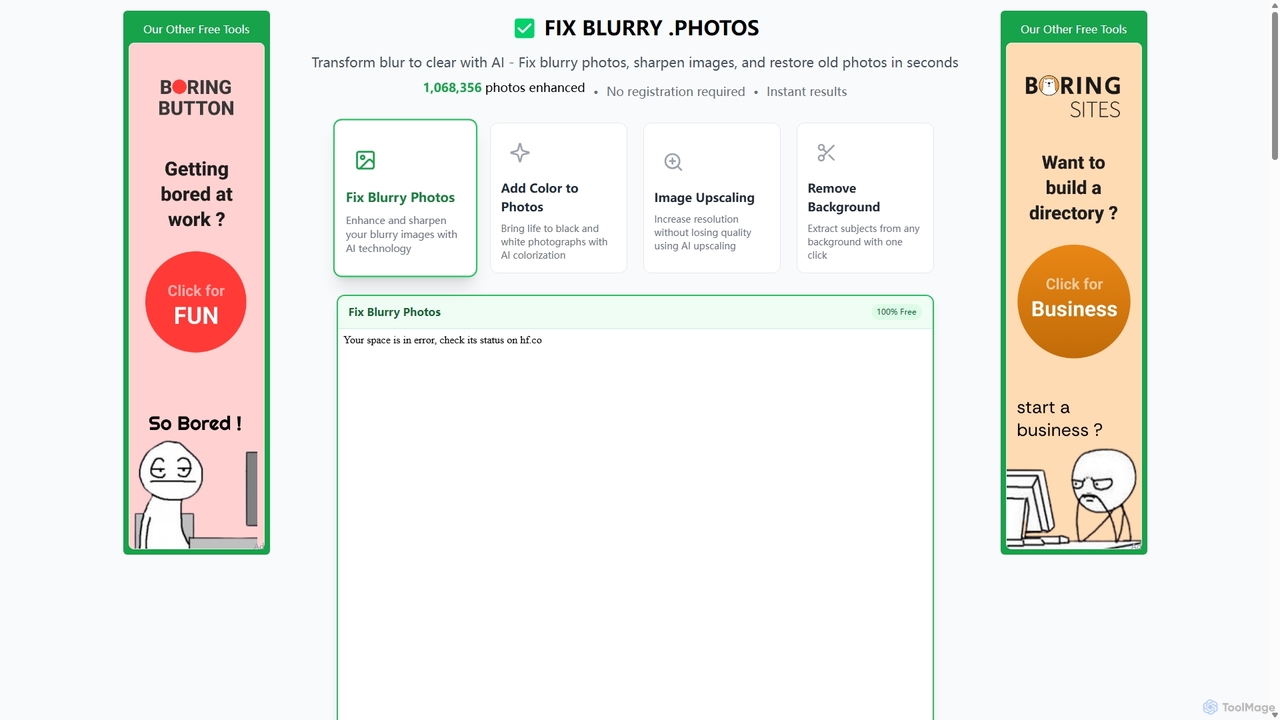
Fixblurry
fixblurry is a free, AI-powered online tool suite designed to enhance your images instantly. It specializes in unblurring and sharpening photos, restoring old or faded pictures, upscaling low-resolution images without quality loss, colorizing black-and-white photos, and removing backgrounds with a single click. No registration or software installation is required, offering professional-grade results for everyone.
Image Editing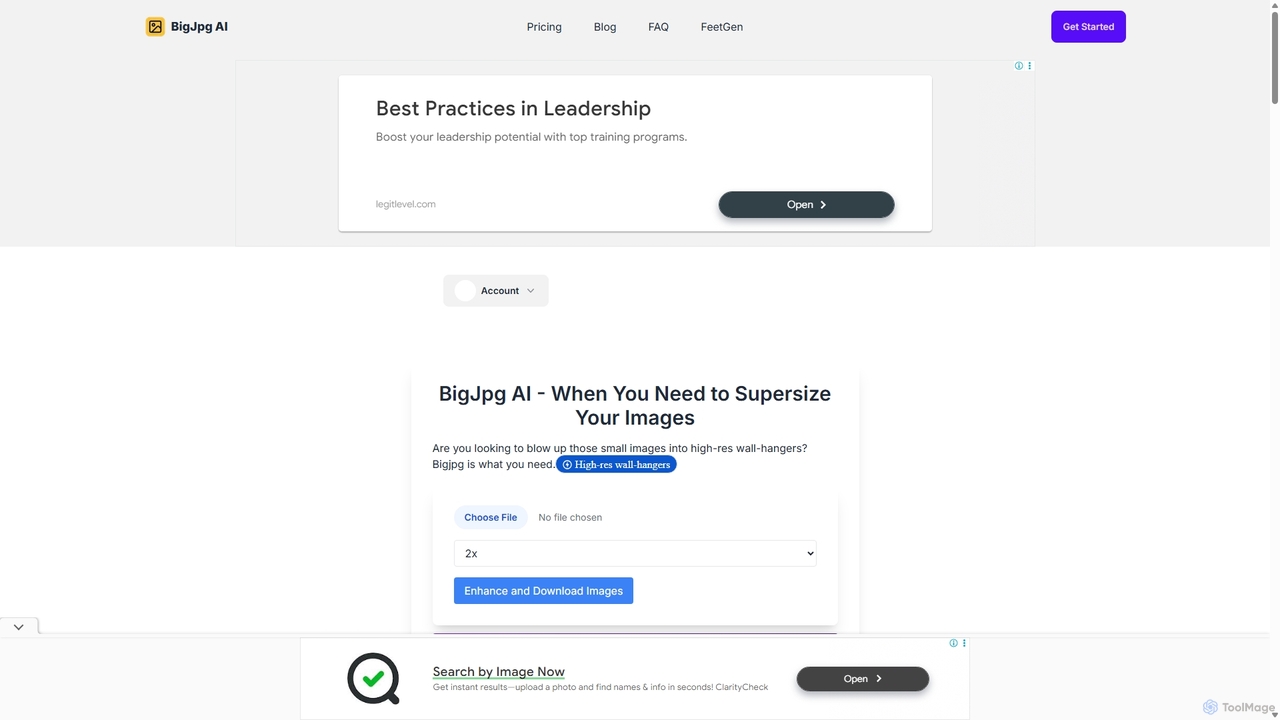
BigJpg AI
BigJpg AI is an advanced AI-powered image upscaler that enlarges images up to 16x their original size without losing quality. It intelligently analyzes and enhances image details, making it perfect for creating high-resolution prints, web graphics, and detailed visuals from small source files. Ideal for photographers, designers, and marketers.
Image Editing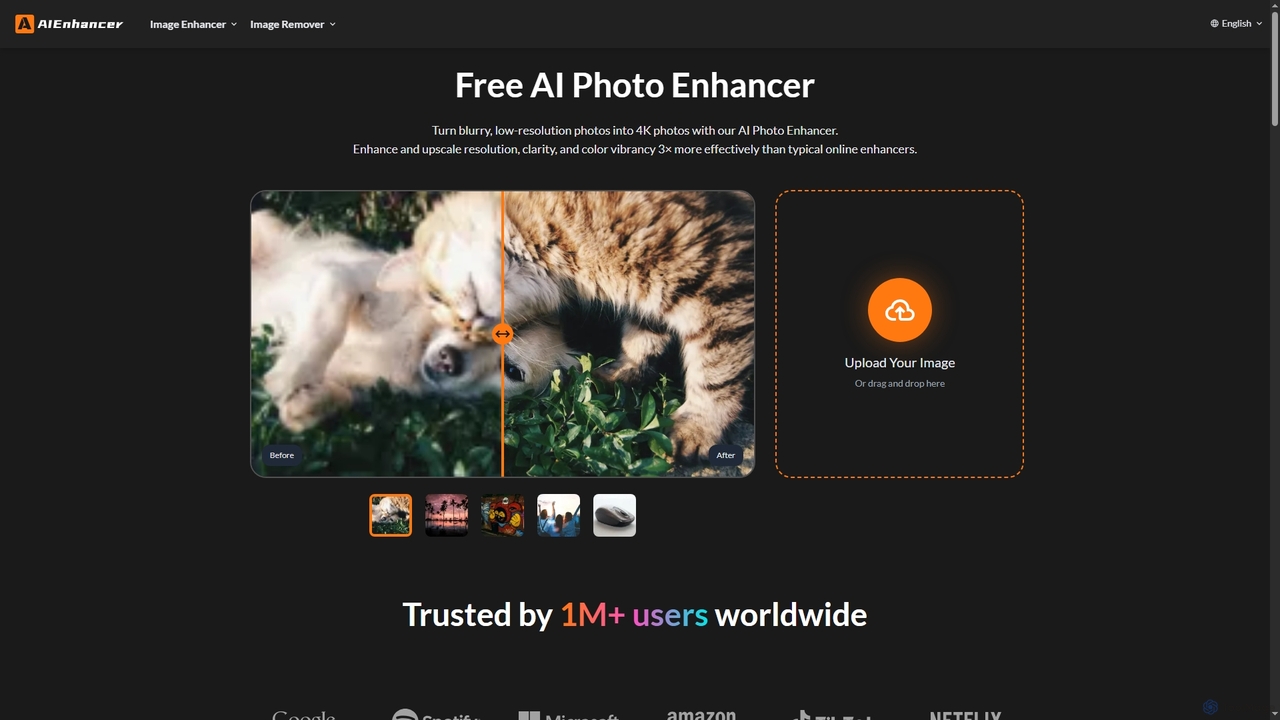
AIEnhancer
AIEnhancer is a powerful online AI tool that transforms and perfects images. It enhances resolution, restores old photos, removes blur and noise, sharpens details, converts to HD, and precisely removes backgrounds, making professional-grade photo editing accessible and effortless for everyone.
Background Removal
Jyek
Jyek is an AI agent platform that understands objectives, creates execution plans, uses tools, and delivers verifiable results for complex, multi-step tasks.
Automation
Instacut Comments (0)
Sign in to comment.
Sign inNo comments yet.