ToolMage
Sign in

Best 2 Graphic Assets AI tools for Design

Popular Graphic Assets AI tools in Design include Image Extraction and Heresthepromptforthat, helping you work more efficiently.

Heresthepromptforthat
Free

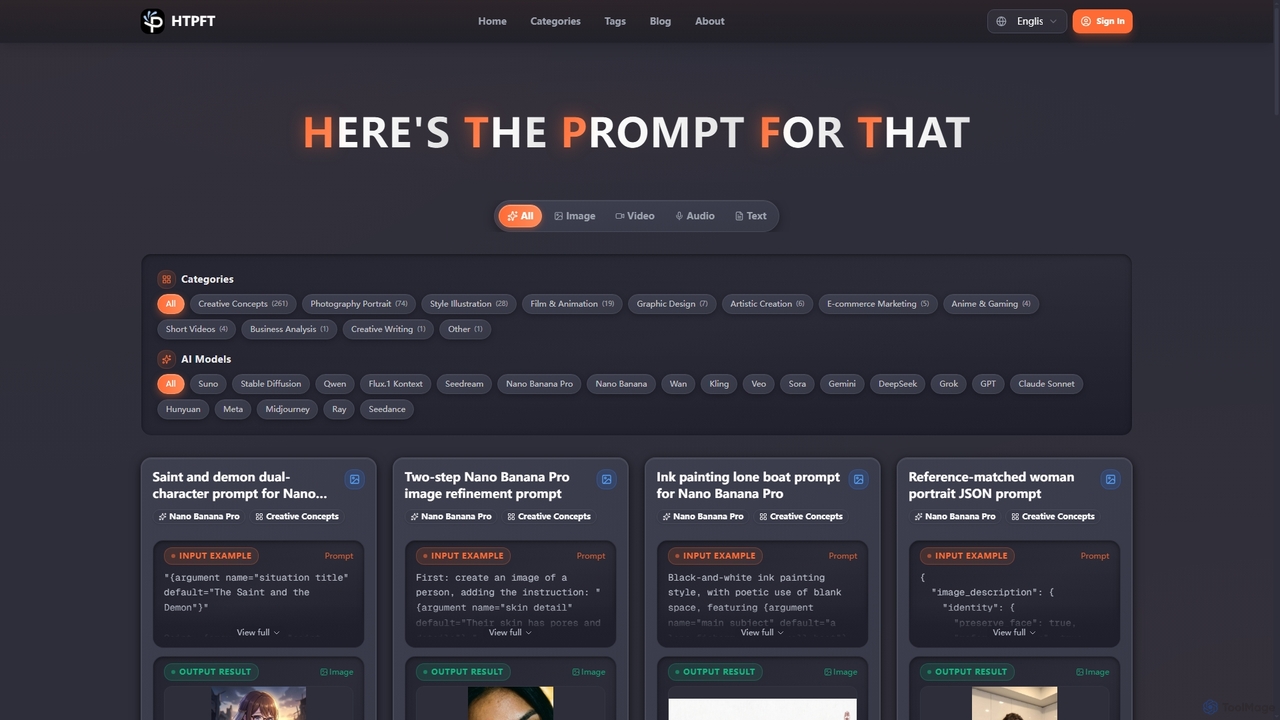
Heresthepromptforthat

Heresthepromptforthat (HTPFT) is a professional, free AI prompt library platform offering a vast collection of carefully curated prompts for various AI models like ChatGPT, Midjourney, and Stable Diffusion. It helps users, from beginners to professionals, unlock AI's full potential for content creation, visual design, business analysis, and more.

Digital Art Prompts
Visits 5.5KFavorites 101Likes 116
Image Extraction
Free

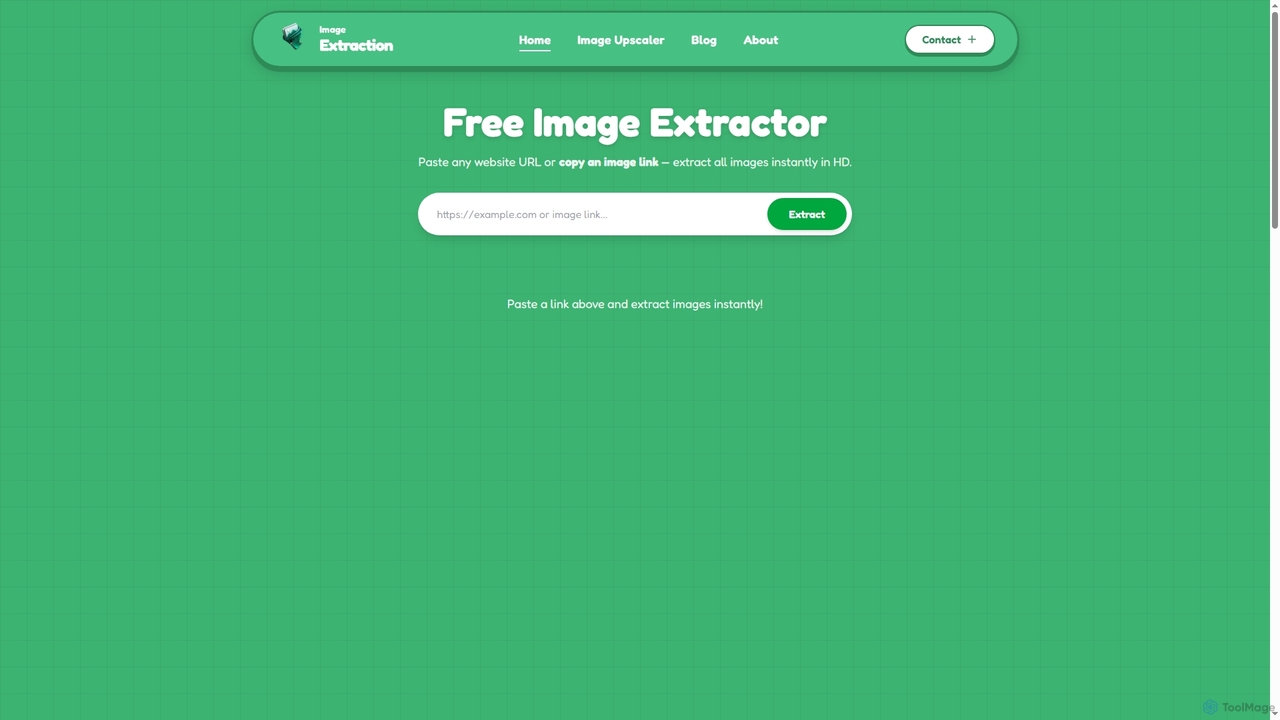
Image Extraction

Image Extraction is a free online platform offering powerful AI-powered tools for image management. It includes an Image Extractor to quickly download high-resolution images from any public website and an AI Image Upscaler to enhance low-quality images into stunning HD visuals for various professional and creative needs.

Graphic Assets
Visits 9.5KFavorites 150Likes 140

About Graphic Assets

AI Graphic Assets tools are a specialized category of design software that uses artificial intelligence to generate specific design elements. These tools leverage generative models to create unique icons, illustrations, seamless patterns, textures, and even 3D models from text prompts or style inputs. Their primary value lies in rapidly producing custom, royalty-free assets, accelerating the creative workflow for designers, marketers, and developers. Many of these tools provide outputs in editable vector formats like SVG, offering superior flexibility compared to static raster images.

Core Features

  • On-Demand Asset Generation: Create specific elements like icons, illustrations, or logos from simple text descriptions.
  • Pattern and Texture Synthesis: Generate seamless and tileable patterns or realistic textures for backgrounds and surfaces.
  • 3D Model Creation: Produce basic 3D models and assets from text or 2D images, ideal for prototyping and visualization.
  • Style Consistency Control: Maintain a consistent visual style across a whole set of generated assets, such as an icon pack.
  • Vector Format Output: Export assets as scalable vector graphics (SVG) for lossless resizing and full editability in design software.

Use Cases

These tools are widely used by UI/UX designers for creating custom icon sets for applications, graphic designers for producing unique illustrations for branding materials, and game developers for rapidly prototyping 3D props. Marketers also use them to generate consistent visual elements for social media campaigns and presentations, ensuring brand alignment without relying on generic stock assets.

How to Choose

When selecting an AI Graphic Assets tool, first consider the specific asset type you need (e.g., icons, patterns, 3D models). Evaluate the available output formats, prioritizing tools that offer vector (SVG) for professional design work. Assess the level of customization and style control to ensure the results align with your brand identity. Finally, review the licensing terms carefully to confirm the assets can be used for commercial purposes.

Graphic Assets use cases

1

Creating a Custom Icon Set for a Mobile App

A UI/UX designer is tasked with creating a unique set of 30 icons for a new productivity app. Instead of spending days illustrating each icon manually or settling for a generic stock icon pack, they use an AI Graphic Assets tool. By inputting prompts like 'minimalist line art icon for task list' and 'flat design icon for calendar schedule', the designer generates a complete, stylistically consistent icon set in under an hour. The ability to export in SVG format allows for easy color adjustments and tweaks to match the app's branding perfectly, significantly accelerating the design phase.

2

Generating Seamless Background Patterns for a Website

A web designer is building a landing page for an eco-friendly brand and needs a unique, organic-looking background. Using a generic stock pattern would compromise the brand's unique identity. They turn to an AI pattern generator, inputting 'seamless watercolor pattern with subtle green leaves and earth tones'. The tool produces multiple high-resolution, tileable options instantly. The designer selects the best fit, applies it as the site's background, and creates a visually appealing and on-brand experience that reinforces the company's natural aesthetic without any repetitive seams.

3

Prototyping 3D Assets for a New Game

An indie game developer is in the early stages of creating a fantasy RPG. They need a variety of 3D props like 'ancient magical sword', 'glowing health potion bottle', and 'wooden treasure chest' for the prototype. Hiring a 3D artist at this stage is costly. Instead, they use an AI 3D model generator. By providing text descriptions, the tool generates low-poly, textured models that can be immediately imported into the game engine. This allows the developer to visualize the game world and test mechanics quickly, saving significant time and budget during the crucial prototyping phase.

4

Designing Illustrations for Social Media Campaigns

A marketing team needs a series of unique illustrations for a new product launch campaign on Instagram. The desired style is 'colorful flat design with diverse characters'. Hiring an illustrator for a dozen custom images would be slow and expensive. Using an AI illustration generator, the team inputs detailed prompts and generates multiple visual concepts in minutes. They can quickly create variations for A/B testing different ad creatives, ensuring all visuals maintain a consistent brand style. This approach allows for a more agile and data-driven creative process, improving campaign performance.

5

Enhancing Slides with Custom Presentation Graphics

A consultant is preparing a critical client presentation and wants to avoid generic, overused clipart and icons from PowerPoint. To make the presentation more impactful and professional, they use an AI icon generator. They create a set of custom icons that match the client's brand colors and the presentation's theme, using prompts like 'blue and grey icon of data analytics chart'. This results in a polished, cohesive visual narrative that enhances comprehension and makes the key messages more memorable, setting their presentation apart from the competition.

6

Creating Textures for Product Mockups

A product designer is developing a new line of electronic devices and needs to create realistic mockups for a stakeholder presentation. Instead of searching for generic texture images, they use an AI texture generator to create specific material finishes. By inputting prompts like 'seamless brushed aluminum texture with a matte finish' or 'high-resolution carbon fiber weave pattern', they generate custom textures that can be applied directly to their 3D models. This allows for highly realistic and accurate product visualizations, helping stakeholders better understand the final product's look and feel.

Graphic Assets FAQ

What are AI Graphic Assets tools?

AI Graphic Assets tools are specialized applications that use artificial intelligence to generate specific design components like icons, illustrations, patterns, and 3D models. Unlike general AI image generators that create entire scenes, these tools focus on producing isolated, often editable elements. They work by interpreting text prompts (e.g., 'a minimalist icon of a house') to create unique, ready-to-use assets, frequently providing them in scalable vector formats (SVG) for professional design workflows.

How do AI Graphic Assets tools differ from stock asset libraries?

The key difference is creation versus collection. Stock libraries offer a finite collection of pre-made assets that anyone can license. AI Graphic Assets tools, on the other hand, generate new, unique assets on demand based on your specific input. This provides several advantages:

  • Uniqueness: Assets are created for you, reducing the chance of seeing the same graphic on a competitor's site.
  • Customization: You have direct control over the style, content, and color of the generated asset.
  • Efficiency: You can generate exactly what you need instantly, instead of searching through thousands of existing options.
How do I choose the right AI Graphic Asset generator?

To choose the right tool, consider these factors:

  • Asset Type: Identify what you need most. Some tools excel at icons and logos, others specialize in seamless patterns, and some focus on 3D models.
  • Output Format: For professional design, prioritize tools that export in a vector format like SVG. This ensures scalability and editability. For web or mockups, PNG might be sufficient.
  • Style Control: Evaluate how much control the tool gives you over the final look. Can you specify art styles, color palettes, and level of detail?
  • Commercial Licensing: Always check the terms of service. Ensure the license allows you to use the generated assets for your intended commercial projects without restrictions.
What are the main advantages of using AI for graphic assets?

Using AI for graphic assets offers significant benefits for creative workflows. The primary advantage is speed, allowing for the creation of custom assets in minutes instead of hours or days. Another key benefit is uniqueness; AI generates novel graphics, helping brands avoid the generic look of common stock assets. It also promotes cost-efficiency by reducing the need to hire specialist illustrators or 3D modelers for every small task. Finally, AI provides scalability, making it easy to generate hundreds of variations of an icon or pattern for testing or diverse applications.

Can I edit the assets generated by these AI tools?

Yes, editability largely depends on the output format provided by the tool. Many professional-grade AI Graphic Asset tools offer export options in vector formats like SVG (Scalable Vector Graphics). Assets saved as SVG are fully editable in design software such as Adobe Illustrator, Figma, or Inkscape. This allows you to change colors, adjust shapes, and integrate the asset seamlessly into larger design projects. Tools that only output raster formats like PNG or JPG offer limited editability, typically restricted to color adjustments or resizing.