ToolMage
Sign in

Best 5 Image Editing AI tools for Image & Video

Popular Image Editing AI tools in Image & Video include GigaBody, Extrapolate, Instacut, myperfecthairstyle, and facesymmetrytest, helping you work more efficiently.

Instacut
Free

Instacut

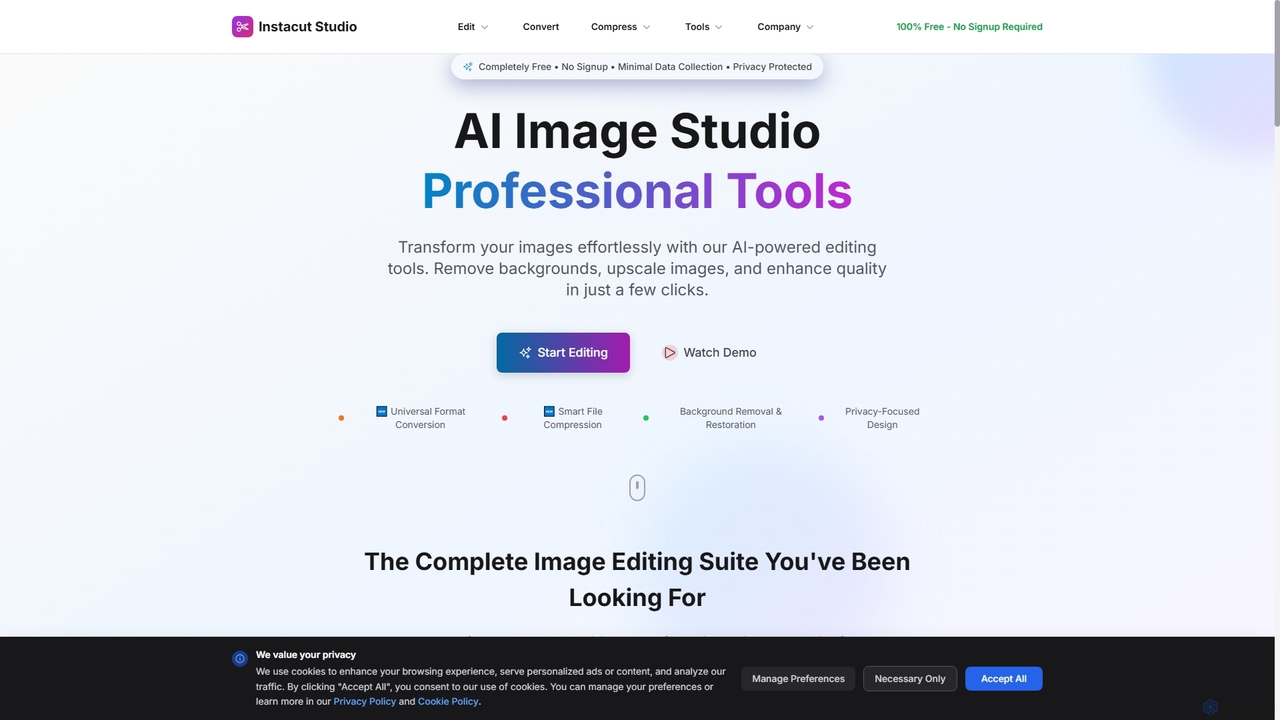
Instacut is a comprehensive, privacy-first suite of AI-powered image editing tools available online for free. It requires no signup and offers features like background removal, image upscaling, photo restoration, format conversion, and file compression, ensuring user data is never stored.

Graphics
Visits 8.1KFavorites 94Likes 96
myperfecthairstyle
Free

myperfecthairstyle

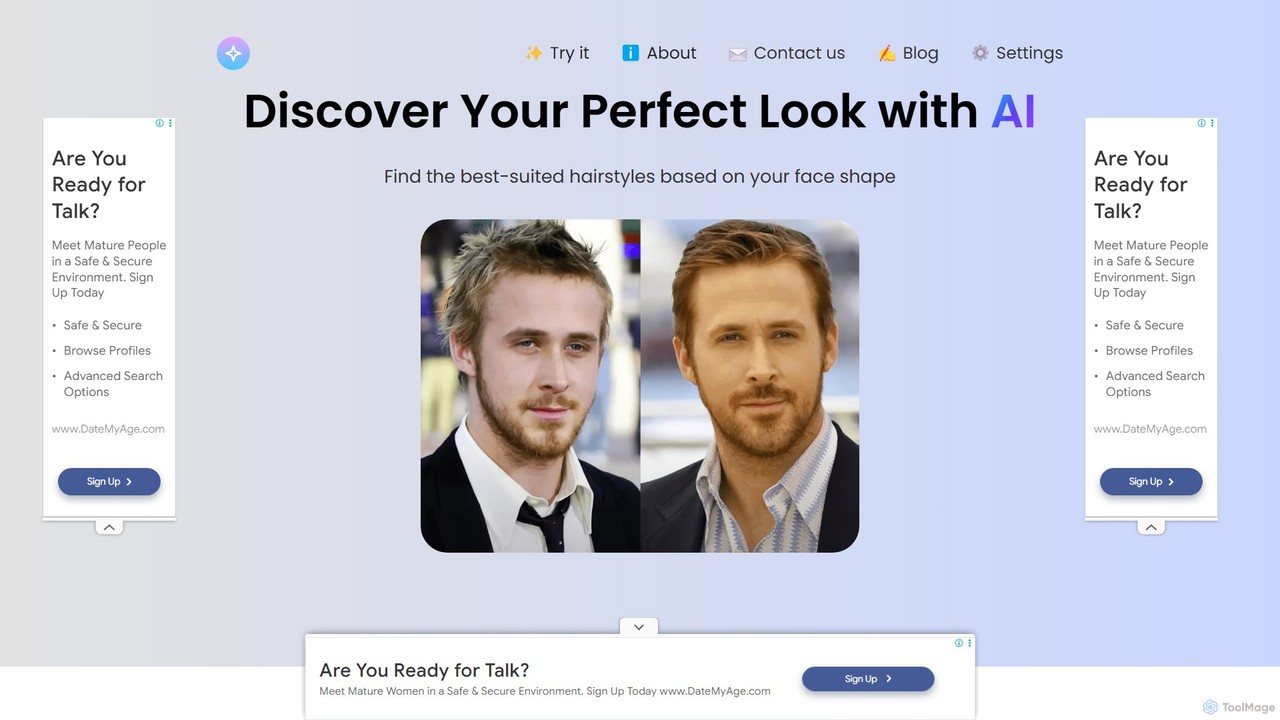
Discover your ideal look with myperfecthairstyle, an AI-powered tool that analyzes your face shape to provide personalized hairstyle recommendations. Upload your photo to virtually try on various hairstyles for both men and women, taking the guesswork out of your next haircut and boosting your confidence.

Generators
Visits 7.4KFavorites 118Likes 99
facesymmetrytest
Freemium

facesymmetrytest

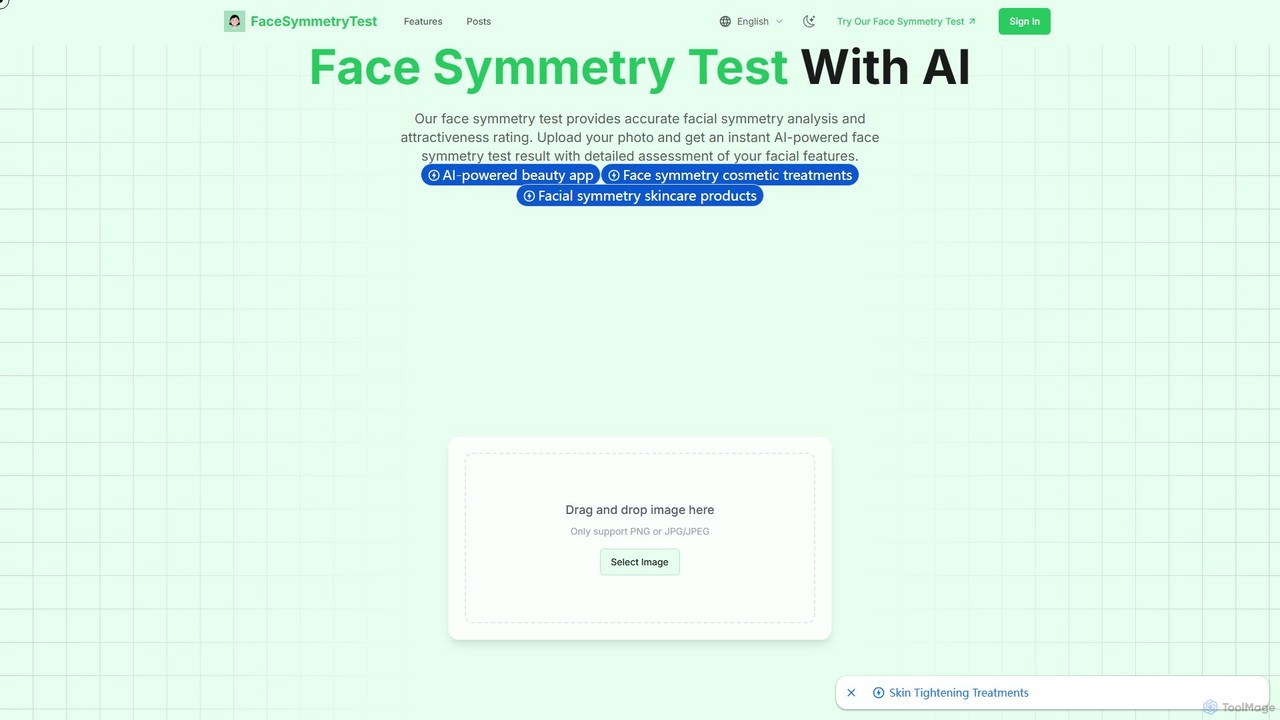
facesymmetrytest is an AI-powered tool that provides a professional facial symmetry analysis. Simply upload a front-facing photo to receive an instant, detailed report on your facial harmony, including a symmetry score and attractiveness rating. The tool uses advanced algorithms and multi-point analysis to evaluate features based on metrics like the golden ratio. It's designed for individuals curious about their features, as well as professionals in beauty, photography, and cosmetic surgery.

Analysis
Visits 5.3KFavorites 124Likes 125
GigaBody
Freemium

GigaBody

GigaBody is an AI-powered mobile app that transforms your photos with a hyper-realistic muscle filter. It provides professional-grade body composition analysis and visualizes your future fitness potential. Ideal for individuals, fitness trainers, and gym owners, it helps set clear goals, track progress, and motivate users by showing them what's achievable with scientific precision, all from their smartphone.

Workout & Training
Visits 9.4KFavorites 105Likes 93
Extrapolate
Freemium

Extrapolate

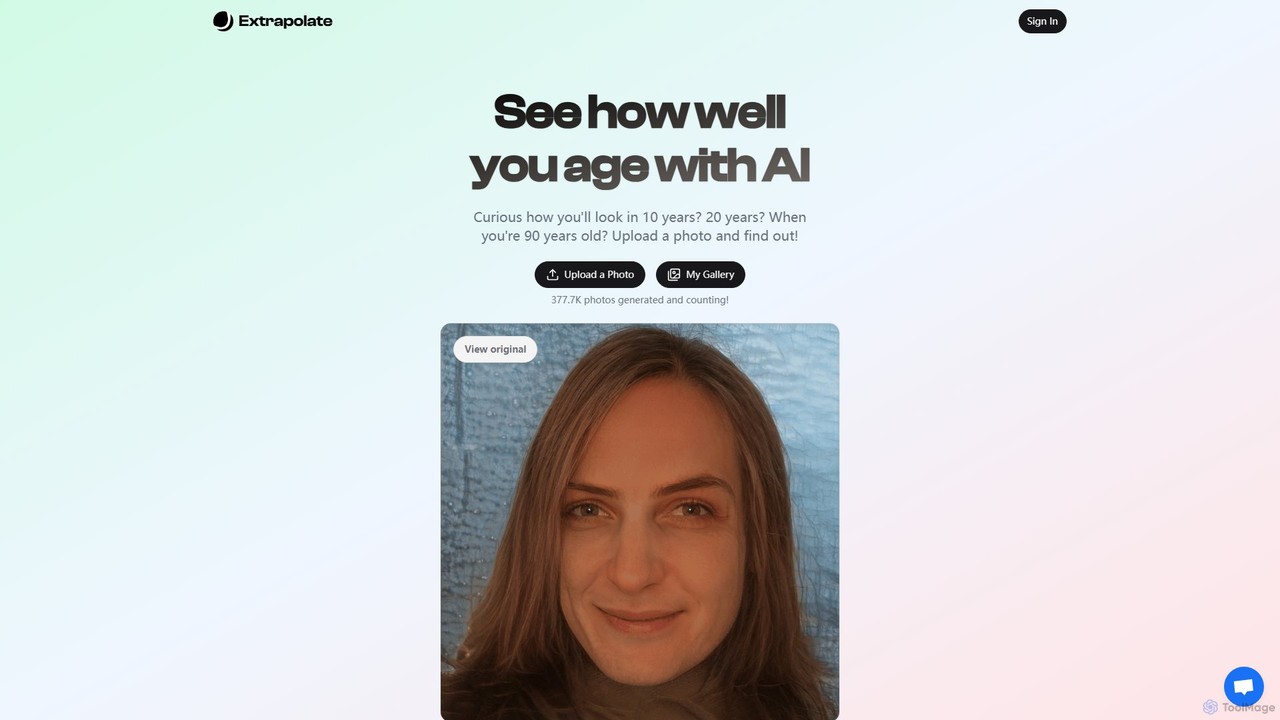
Extrapolate is an AI-powered web application that allows you to see how your face will age over time. By simply uploading a photo, you can generate realistic images of yourself at various future ages, such as 10, 20, or even up to 90 years old. It's a fun and fascinating tool for personal curiosity, social media sharing, and exploring the power of generative AI.

Photo & Video
Visits 9.1KFavorites 138Likes 159

About Image Editing

AI Image Editing tools are applications that use artificial intelligence to intelligently modify, enhance, and manipulate existing digital images. They leverage deep learning algorithms for tasks like object removal, background replacement, and smart adjustments, automating complex edits that traditionally required manual expertise. These tools are invaluable for photographers, marketers, and designers, enabling them to streamline post-production workflows and achieve professional-quality results with greater speed and precision. Unlike image generators that create new visuals from prompts, these editors focus on refining and perfecting existing ones.

Core Features

  • Smart Object Removal: Intelligently erases unwanted objects, people, or text from photos, seamlessly filling in the background with context-aware content.
  • AI Background Replacement: Automatically detects subjects and precisely removes or replaces the background with a single click, ideal for product photos.
  • Intelligent Enhancement & Retouching: Automatically adjusts lighting, color balance, sharpness, and performs portrait retouching to fix blemishes and smooth skin.
  • Generative Fill & Outpainting: Expands image canvases or fills selected areas with AI-generated content that matches the original style and lighting.
  • Style Transfer & Filters: Applies artistic styles from famous paintings or creates unique visual effects using advanced neural networks.

Use Cases

AI Image Editing tools are widely used in e-commerce for batch processing product photos, social media marketing for creating engaging visuals quickly, and professional photography for advanced, time-saving retouching. They also serve graphic designers in adapting creative assets and hobbyists looking to improve personal photos without a steep learning curve.

How to Choose

When selecting an AI Image Editing tool, consider the specificity of its features; some excel at background removal while others focus on generative fill. Evaluate its integration capabilities, such as plugins for Photoshop. Also, assess the processing speed, output quality, and the pricing model—whether it's a subscription or a credit-based system for processing images.

Featured tool rankings

Image Editing use cases

1

E-commerce Product Photo Cleanup

An e-commerce manager needs to prepare hundreds of new product photos for an online store. Instead of manually tracing each product to remove the background, they use an AI Image Editing tool. They upload the entire batch of photos, and the AI automatically detects the product in each image, removing the background and replacing it with a clean, white one. This process reduces the time spent on photo editing by over 90%, ensures a consistent and professional look across the entire product catalog, and allows the team to launch new products faster.

2

Real Estate Photo Enhancement

A real estate agent wants to make property listings more appealing. Using an AI Image Editor, they can perform several enhancements quickly. They use the 'sky replacement' feature to turn a dull, overcast sky into a bright, sunny one. With the 'object removal' tool, they can erase distracting items like trash cans or garden hoses from exterior shots. For interior photos, the AI can automatically adjust lighting and color to make rooms look brighter and more spacious. These edits, which take only minutes, significantly increase the visual appeal of the listings and can attract more potential buyers.

3

Adapting Marketing Visuals with Generative Fill

A marketing team has a high-performing landscape-oriented ad image but needs to adapt it for vertical formats like Instagram Stories. Instead of cropping the image and losing context, they use an AI editor's 'Generative Fill' or 'Outpainting' feature. They extend the canvas vertically, and the AI analyzes the existing image to generate new content that seamlessly extends the background and foreground elements. This allows them to create perfectly formatted assets for different platforms in minutes, maintaining brand consistency and visual integrity without needing a new photoshoot.

4

Quick Social Media Photo Fixes

A social media manager takes a great photo for a post but notices an unwanted person in the background. Using an AI Image Editor on their phone, they simply draw a circle around the person, and the tool instantly removes them, filling the space realistically. They then apply an AI-powered 'enhance' filter that automatically balances the colors and sharpens the details. The entire process takes less than a minute, allowing them to post a high-quality, polished image on the go without needing access to complex desktop software.

5

Restoring Old and Damaged Photographs

A user wants to restore a precious, faded family photograph from the 1950s that has scratches and a color cast. They scan the photo and upload it to an AI Image Editor specializing in photo restoration. The tool's AI algorithms automatically detect and repair scratches, tears, and creases. Another feature colorizes the black-and-white photo or corrects the faded colors, bringing them back to a vibrant, natural state. The final result is a restored, high-definition version of the memory, achieved in a few clicks instead of hours of meticulous manual restoration work.

6

Creative Brainstorming with Style Transfer

A graphic designer is looking for a unique visual style for a new campaign. They upload a standard stock photo into an AI Image Editor and experiment with the 'Style Transfer' feature. They apply the style of various artists, from Van Gogh to modern abstract painters, to the photo. The AI re-imagines the image in each artistic style, generating dozens of unique visual concepts in minutes. This process serves as a powerful brainstorming tool, helping the designer discover new creative directions and present multiple compelling options to the client without creating each one from scratch.

Image Editing FAQ

What are AI Image Editing tools?

AI Image Editing tools are software applications that use artificial intelligence to automate and simplify complex photo modifications. Instead of manual adjustments, these tools use algorithms to perform tasks like removing objects, replacing backgrounds, enhancing colors, and retouching portraits with just a few clicks. Their primary purpose is to make professional-level photo editing accessible to everyone and to significantly speed up the workflow for professionals like photographers and designers.

How do AI Image Editors differ from AI Image Generators?

The key difference lies in their starting point and purpose. AI Image Editors work with an existing image to modify, enhance, or repair it. Their goal is refinement. In contrast, AI Image Generators create a new image from scratch based on a text prompt or another input image. Their goal is creation. For example, you would use an editor to remove a person from a photo you took, but you would use a generator to create a picture of 'an astronaut riding a horse on Mars'.

How to choose the right AI Image Editing tool?

To choose the right tool, consider these factors:

  • Primary Need: Identify your most frequent task. Do you need excellent background removal for e-commerce, or powerful generative fill for creative work? Choose a tool that specializes in your primary use case.
  • Ease of Use: Evaluate the user interface. Some tools are designed for beginners with one-click solutions, while others offer more advanced controls for professionals.
  • Integration: If you use software like Photoshop or Figma, check if the tool offers a plugin. This can significantly streamline your workflow.
  • Pricing Model: Compare subscription costs versus pay-per-use credit systems. A subscription may be better for high-volume users, while credits are suitable for occasional use.
What are the key features of an AI Image Editor?

Most AI Image Editors share a set of core features powered by machine learning. These typically include:

  • Object Removal: Intelligently deleting unwanted elements from a photo.
  • Background Removal/Replacement: Automatically isolating a subject from its background.
  • Image Upscaling: Increasing the resolution of an image without losing quality.
  • Auto-Enhancement: One-click adjustments for color, brightness, and sharpness.
  • Generative Fill: Using AI to add or replace parts of an image with new, context-aware content.
  • Photo Restoration: Repairing old photos by fixing scratches, noise, and color issues.
Who can benefit from using AI Image Editing tools?

A wide range of users can benefit from AI Image Editing tools. E-commerce businesses use them to quickly prepare professional product photos. Marketers and social media managers create eye-catching visuals for campaigns without needing advanced design skills. Professional photographers can significantly speed up their retouching and editing workflow. Real estate agents enhance property photos to attract more buyers. Finally, casual users and hobbyists can easily improve their personal photos, restore old family pictures, or create fun images without learning complex software like Photoshop.