ToolMage
Sign in

Best 1 3D Conversion AI tools for Image & Video

Popular 3D Conversion AI tools in Image & Video include Leia Inc., helping you work more efficiently.

Leia Inc.

Leia Inc.

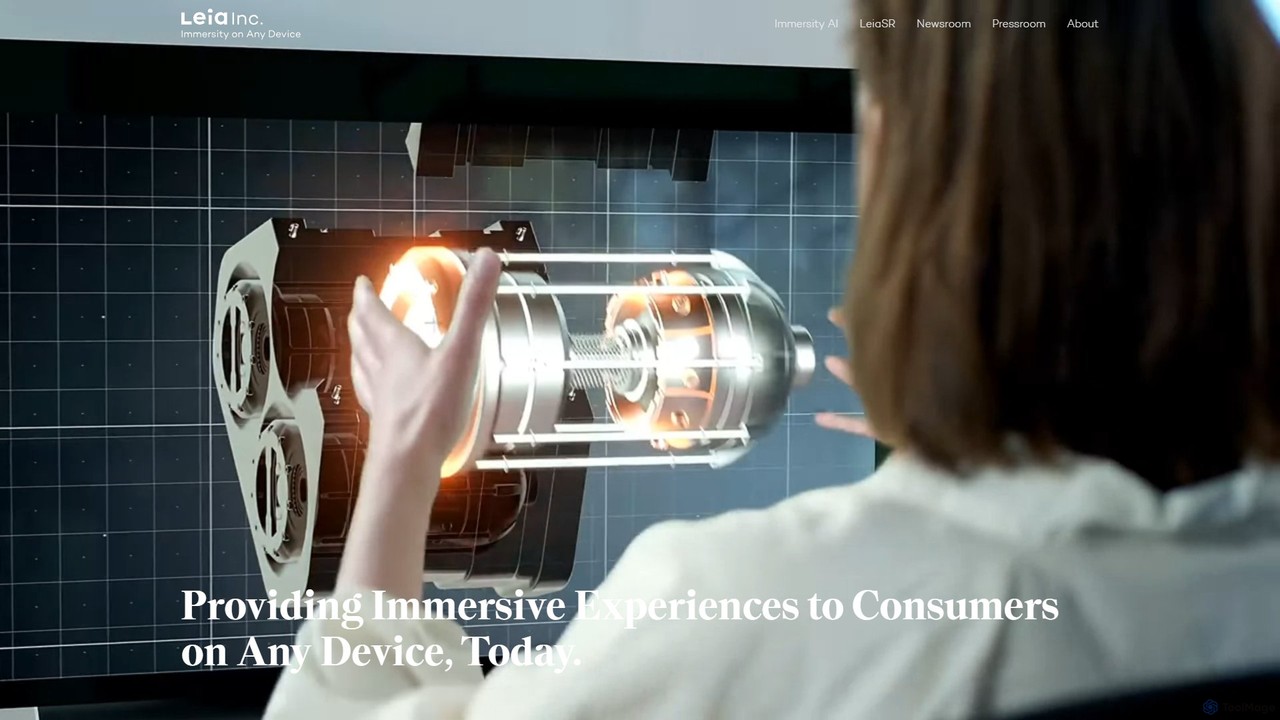
Leia Inc. provides LeiaSR™, an AI-powered technology platform that converts standard 2D displays into immersive, glasses-free 3D experiences. It combines advanced optics, AI face tracking, and real-time content conversion to bring depth and presence to any device, from smartphones to automotive displays.

Sdk & Api
Visits 4.6KFavorites 97Likes 103

About 3D Conversion

3D Conversion tools are AI-powered applications designed to transform 2D data, such as images, videos, or text, into three-dimensional models or scenes. Leveraging advanced computer vision and deep learning algorithms, these tools automate the complex process of generating realistic or stylized 3D assets. They significantly reduce the manual effort and specialized skills traditionally required for 3D modeling, enabling faster content creation and broader accessibility to 3D design across various industries.

Core Features

  • 2D Image to 3D Model: Automatically generates a 3D mesh and texture from a single 2D image or multiple views.
  • Video to 3D Scene/Object: Extracts 3D information from video footage to reconstruct environments or moving objects.
  • Text to 3D Asset: Creates 3D models based on textual descriptions, often integrating with generative AI.
  • Point Cloud to Mesh: Converts raw point cloud data (e.g., from LiDAR scans) into usable 3D polygonal models.
  • Format Conversion & Optimization: Transforms 3D models between various file formats and optimizes them for different platforms.

Applicable Scenarios

These tools are invaluable for game developers needing rapid asset creation, AR/VR content creators building immersive experiences, and product designers visualizing prototypes. They also assist architects in converting blueprints to 3D models and marketing professionals in generating interactive product showcases.

How to Choose

When selecting a 3D Conversion tool, consider the accuracy and realism of the output, the range of supported input (images, video, text, point clouds) and output formats (OBJ, FBX, GLB), processing speed, and ease of integration with existing 3D workflows. Evaluate the level of customization offered and the pricing model based on your project scale and budget.

3D Conversion use cases

1

Rapid Game Asset Creation

Game developers can quickly convert concept art or real-world object photos into game-ready 3D models, significantly accelerating the asset pipeline for environments, props, and characters. This reduces the need for extensive manual modeling, allowing for more iterative design and faster deployment of new game content.

2

AR/VR Environment Generation

AR/VR content creators utilize 3D conversion to transform panoramic images or video footage into immersive 3D environments. This enables the rapid prototyping and deployment of virtual tours, interactive training simulations, or augmented reality experiences by converting real-world captures into digital spaces.

3

Product Visualization for E-commerce

E-commerce businesses can convert 2D product photos into interactive 3D models. Customers can then view products from all angles, zoom in, and even place them in their own environment using AR, enhancing the online shopping experience and potentially reducing returns.

4

Architectural Model Generation from Blueprints

Architects and interior designers can convert 2D floor plans and elevation drawings into detailed 3D architectural models. This streamlines the visualization process for clients, facilitates design reviews, and integrates seamlessly with building information modeling (BIM) workflows.

5

Historical Object Digitalization

Museums and cultural heritage institutions use 3D conversion to create digital replicas of artifacts from photographs or scans. These 3D models can be used for virtual exhibitions, research, preservation, and educational purposes, making historical objects accessible globally without physical handling.

6

Marketing & Advertising Content

Marketing teams can transform existing 2D brand assets or product images into dynamic 3D animations or interactive experiences for campaigns. This allows for more engaging advertisements on social media, websites, or interactive kiosks, capturing audience attention with novel visual content.

3D Conversion FAQ

What are 3D Conversion tools?

3D Conversion tools are AI-powered applications that automatically transform 2D inputs, such as images, videos, or text, into three-dimensional digital models or scenes. They leverage machine learning to interpret visual data or textual descriptions and generate corresponding 3D geometry and textures, simplifying complex 3D modeling tasks.

How do AI 3D Conversion tools work?

AI 3D Conversion tools typically employ deep learning models, particularly neural networks trained on vast datasets of 2D images and their corresponding 3D models. When given a 2D input, the AI analyzes features like depth, shape, and texture to infer the 3D structure, then generates a mesh and applies textures to create the final 3D asset. Some tools also use photogrammetry principles enhanced by AI.

What are the main benefits of using AI for 3D Conversion?

The primary benefits include significant time and cost savings by automating labor-intensive manual modeling. AI tools also lower the technical barrier for 3D content creation, allowing users without extensive 3D design skills to generate assets. They enable rapid prototyping, iterative design, and the scaling of 3D asset production for various applications like gaming, AR/VR, and e-commerce.

What's the difference between 3D Conversion and traditional 3D Modeling?

Traditional 3D Modeling involves manual creation of 3D objects using specialized software, requiring significant artistic skill and time. 3D Conversion, especially AI-powered, automates this process by generating 3D models from existing 2D data or descriptions. While traditional modeling offers precise control, 3D conversion prioritizes speed and efficiency, making it ideal for generating initial drafts or large volumes of assets.

Who can benefit most from 3D Conversion tools?

A wide range of professionals can benefit, including game developers, AR/VR content creators, product designers, architects, marketing specialists, and e-commerce businesses. Anyone needing to quickly generate 3D assets from existing 2D content, visualize products, or create immersive digital experiences without extensive manual 3D modeling expertise will find these tools highly valuable.