ToolMage
Sign in

Best 2 Image Editor AI tools for Image & Video

Popular Image Editor AI tools in Image & Video include CumshotBox and My Fake Snap, helping you work more efficiently.

CumshotBox
Free

CumshotBox

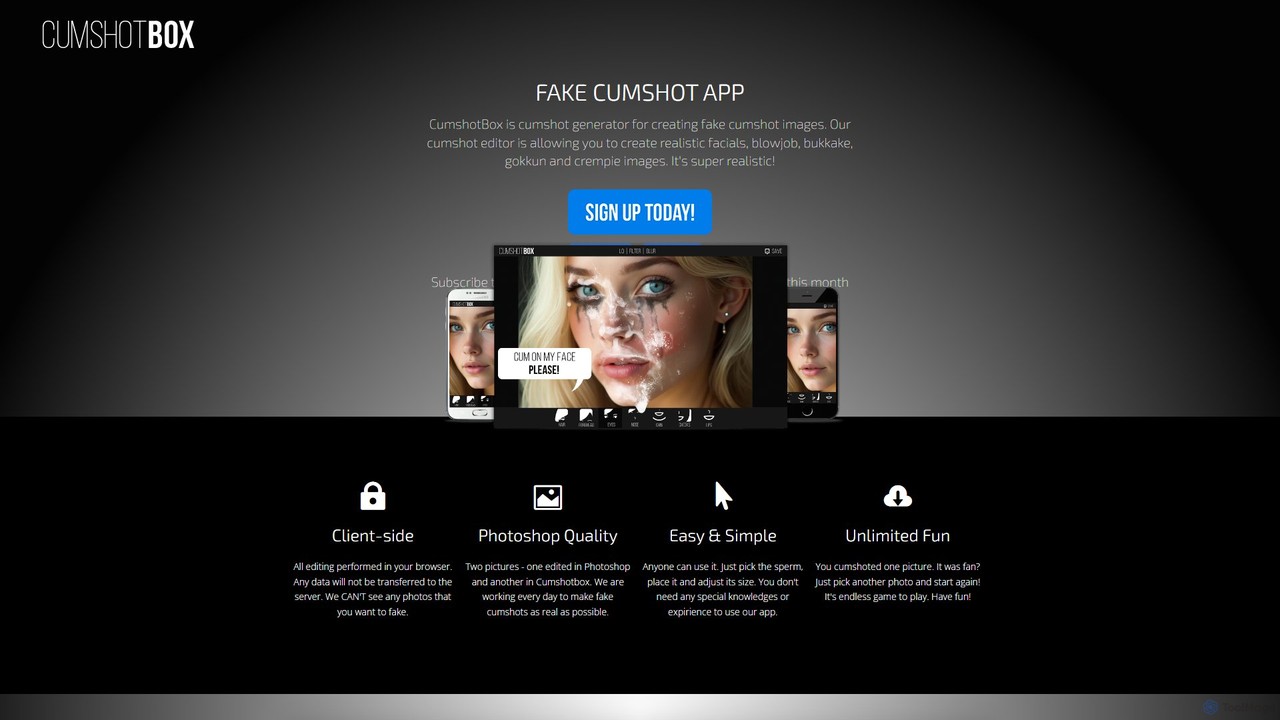
CumshotBox is a free, client-side web application for entertainment purposes, allowing users to add realistic fake cumshot effects to photos. It prioritizes user privacy by processing all images directly in the browser, ensuring no data is uploaded to servers. With a focus on simplicity and high-quality, Photoshop-like results, anyone can create humorous or prank images in seconds without any technical skills.

Meme Generator
Visits 4.5KFavorites 139Likes 157
My Fake Snap
Free

My Fake Snap

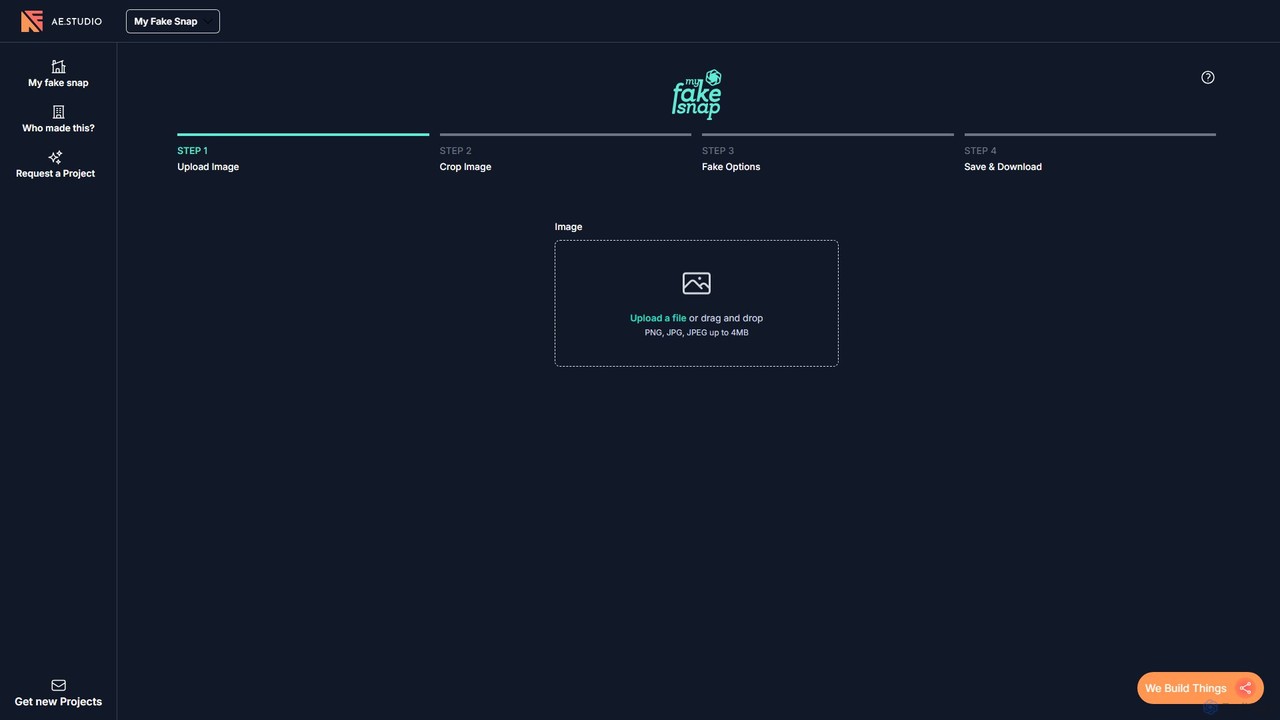
A fun and free AI-assisted tool to create realistic fake Snapchat images instantly. Upload a photo, crop it, add a Snapchat-style UI element, and download the result to prank your friends or create unique social media content.

Prank Generator
Visits 4.3KFavorites 149Likes 139

About Image Editor

AI Image Editors are advanced tools that leverage artificial intelligence to enhance, modify, and transform digital images with unprecedented efficiency and precision. These tools utilize machine learning algorithms for tasks ranging from automated background removal and object manipulation to intelligent color correction and style transfer. They empower designers, marketers, and content creators to achieve professional-grade results faster, streamlining complex editing workflows and opening new creative possibilities.

Core Features

  • Automated Background Removal: Instantly isolates subjects from their backgrounds, enabling quick compositing or transparent image creation.
  • Object Selection & Manipulation: Precisely selects, removes, or repositions elements within an image, often with smart fill capabilities.
  • Intelligent Retouching: Automatically corrects imperfections, smooths skin, or enhances features while maintaining natural appearance.
  • Style Transfer & Filters: Applies artistic styles from one image to another or generates unique visual effects.
  • Upscaling & Enhancement: Increases image resolution and detail without significant loss of quality, improving clarity for various outputs.

Use Cases

AI Image Editors are indispensable for professionals across various sectors. Graphic designers use them to rapidly iterate on concepts and prepare assets for campaigns. E-commerce businesses rely on these tools for consistent product photography editing, ensuring high-quality visuals for online listings. Social media managers leverage AI for quick content creation, adapting images for different platforms and engaging audiences with visually appealing posts.

How to Choose

When selecting an AI Image Editor, consider its core functionalities, such as the accuracy of object detection and the range of available enhancement features. Evaluate its integration capabilities with existing design software or content management systems. Assess the pricing model, whether subscription-based or pay-per-use, and ensure it aligns with your budget. Finally, consider the user interface's intuitiveness and the learning curve for your team.

Featured tool rankings

Image Editor use cases

1

Streamlining E-commerce Product Photo Editing

E-commerce store owners and marketing teams frequently need to process hundreds of product images. AI Image Editors allow them to automatically remove backgrounds, adjust lighting, and standardize product shots across their entire catalog. This significantly reduces manual editing time, ensures visual consistency, and helps products stand out on online marketplaces, leading to improved conversion rates.

2

Rapid Social Media Content Creation

Social media managers and content creators are under constant pressure to produce engaging visuals. AI Image Editors enable them to quickly resize images for different platforms, apply trending filters, or generate variations of a single image. This accelerates content production, maintains brand aesthetics, and allows for more frequent and diverse posts, keeping audiences engaged.

3

Enhancing Real Estate Photography

Real estate agents and photographers can utilize AI Image Editors to dramatically improve property photos. Tools can automatically correct lens distortions, brighten interiors, remove unwanted objects (like power lines or trash bins), and even virtually stage empty rooms. This results in more appealing listings, attracting more potential buyers and speeding up property sales.

4

Professional Portrait Retouching for Photographers

Professional photographers often spend hours on portrait retouching. AI Image Editors can automate tasks like skin smoothing, blemish removal, teeth whitening, and eye enhancement while preserving natural textures. This frees up significant post-production time, allowing photographers to focus on shooting and delivering high-quality, polished images to clients more efficiently.

5

Creating Marketing Materials with Brand Consistency

Marketing professionals need to ensure brand consistency across all visual assets. AI Image Editors can apply specific color palettes, fonts, and graphic elements to various images, or even generate new visuals that adhere to brand guidelines. This ensures a cohesive brand identity across campaigns, from digital ads to print brochures, reinforcing brand recognition.

6

Restoring and Colorizing Old Photographs

Individuals and archivists can use AI Image Editors to breathe new life into old, damaged, or black-and-white photographs. AI algorithms can intelligently repair scratches, remove dust, enhance faded details, and accurately colorize monochrome images. This preserves historical memories, makes old photos more vibrant, and allows for digital archiving and sharing.

Image Editor FAQ

What are AI Image Editors?

AI Image Editors are software tools that use artificial intelligence, particularly machine learning and computer vision, to automate and enhance various image manipulation tasks. Unlike traditional editors, they can intelligently understand image content, perform complex edits with minimal user input, and generate new visual elements, significantly speeding up the editing process.

How do AI Image Editors differ from traditional image editing software?

The primary difference lies in automation and intelligence. Traditional software requires manual input for most tasks, while AI Image Editors automate complex processes like background removal, object selection, and content-aware filling. AI tools can also learn from data to suggest enhancements or generate variations, offering a more intuitive and efficient workflow compared to purely manual methods.

What are the key benefits of using an AI Image Editor?

Key benefits include significant time savings through automation of repetitive tasks, enhanced precision in complex edits, and access to advanced features like intelligent retouching and style transfer that would be difficult or impossible manually. They also lower the technical barrier for users, allowing those without extensive design skills to achieve professional-looking results.

Who can benefit most from using AI Image Editors?

A wide range of users can benefit. This includes graphic designers seeking to accelerate their workflow, e-commerce businesses needing to process product photos efficiently, social media managers creating engaging content, photographers looking to streamline post-production, and marketers aiming for consistent brand visuals. Essentially, anyone who regularly works with digital images can find value.

What should I consider when choosing an AI Image Editor?

When choosing an AI Image Editor, consider the specific features you need, such as background removal accuracy, retouching capabilities, or upscaling quality. Evaluate its ease of use and integration with your existing tools. Check the pricing model and ensure it fits your budget. Finally, look for user reviews and support resources to ensure a reliable and effective solution.